Simplifying TikTok Captions Online
Adding captions to TikTok videos shouldn't be a chore. Utilize our tool for swift, straightforward caption generation, translation, and editing. Expand your reach and elevate your content.
Elevate Your TikTok Videos with AI-Powered Captions
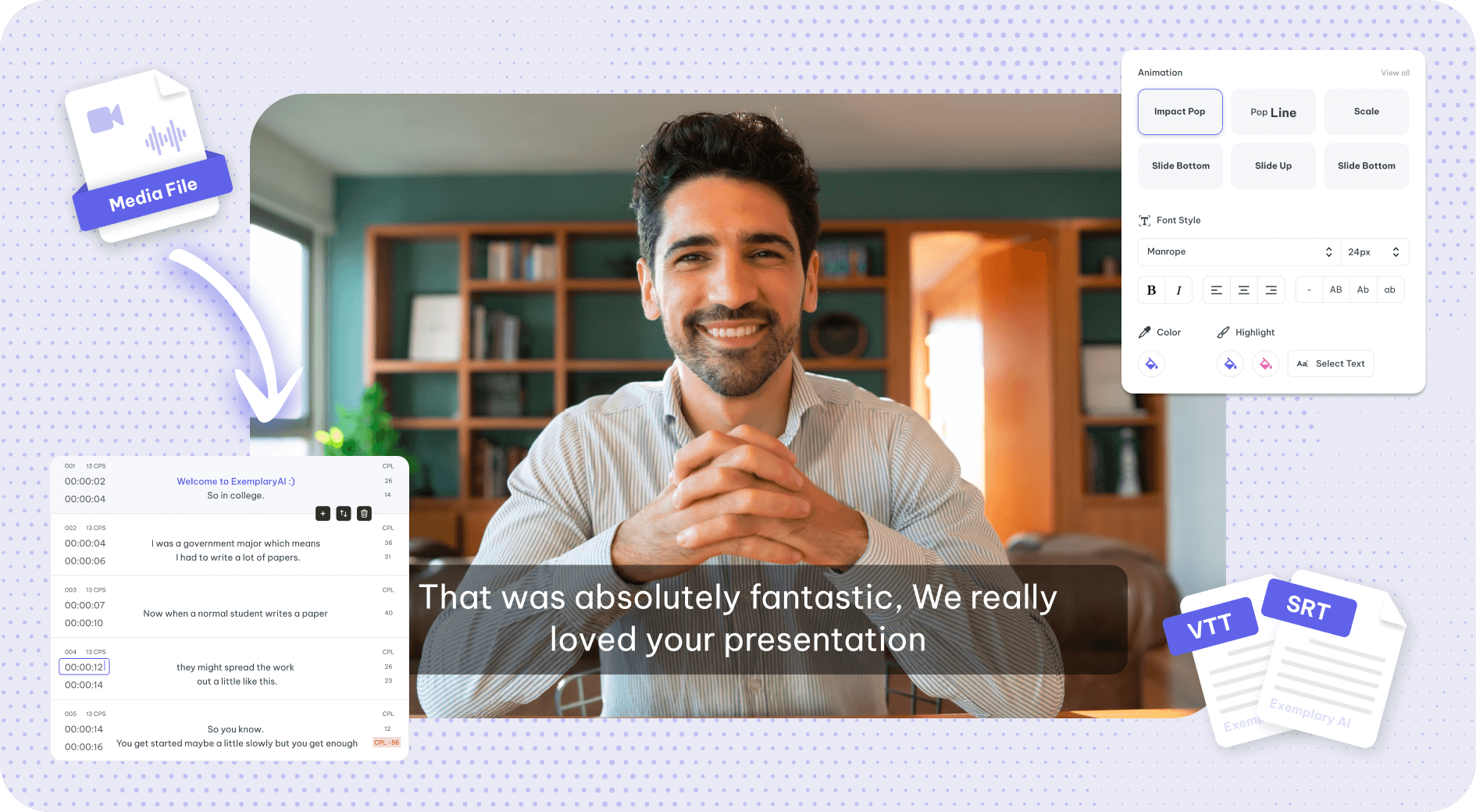
Our platform enhances your TikTok videos with quick captioning, transcription, and seamless sync. Enjoy easy editing, support for various formats, and multi-track capabilities to cater to diverse audiences.
Instant TikTok Captions with AI
Instantly boost your TikTok videos with AI-generated captions. Engage your audience with easy-to-read subtitles, customized through a user-friendly editor.
Advanced Caption Editor
Elevate your captions with our Advanced Editor. Tailor your message with precision, ensuring your TikTok videos stand out.
Engage with Animated Captions
Make your TikTok videos pop with animated captions. Capture attention and enhance viewer engagement with dynamic text animations.
How to generate TikTok Video subtitles
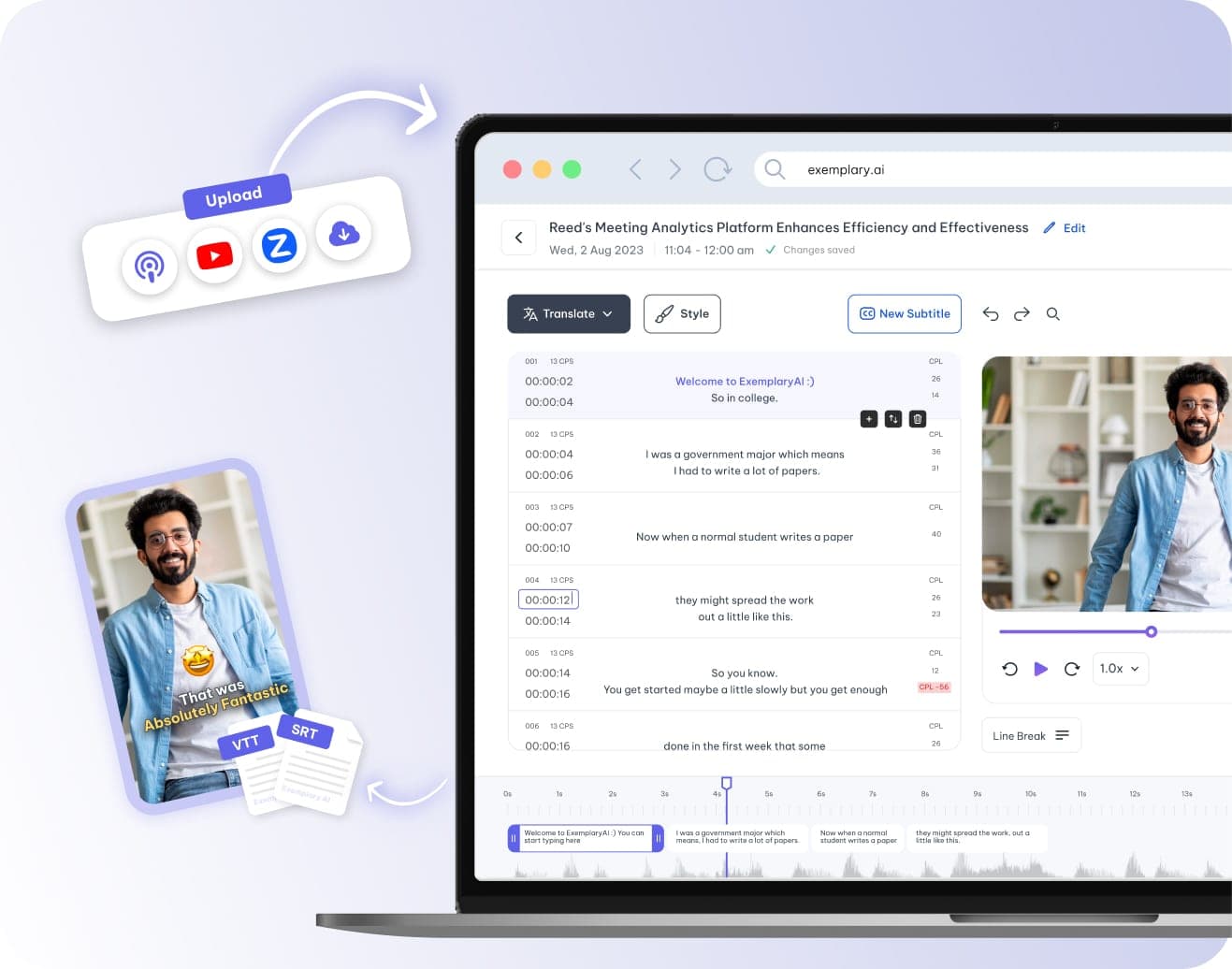
Upload or link your video
Start by uploading or linking your video for TikTok Video subtitles. Our platform supports files from YouTube, Vimeo, Zoom, TikTok, and more.
Choose your language and accent
Select TikTok Video as your video's language. Specify any unique accent or jargon in your content, then click Process to continue.
Edit and customise
After receiving the AI-generated transcript, edit your captions for text and timing. Customise with various fonts and colours, or choose from our pre-designed templates to suit your TikTok Video content.
Share your finished video
In just minutes, download and share your video, now complete with stylish, burned-in TikTok Video captions. Your video is ready to engage your audience on any platform.
See it in action
Tools that work on the same file
You have already uploaded it. These run on the same transcript, so there is nothing to redo.
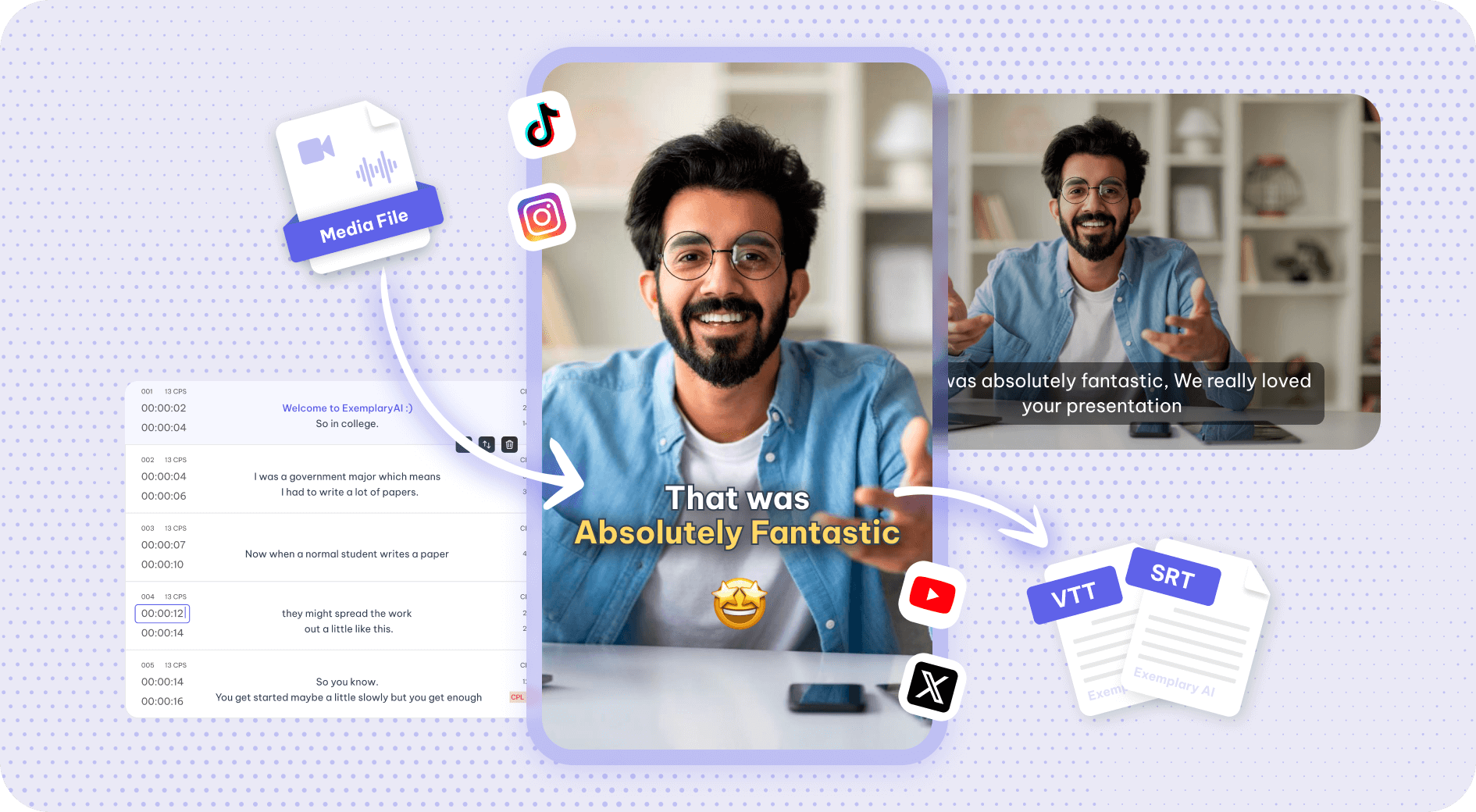
Auto subtitle generator
Automatic subtitle generator: AI transcribes your video into timed subtitles you can edit,…
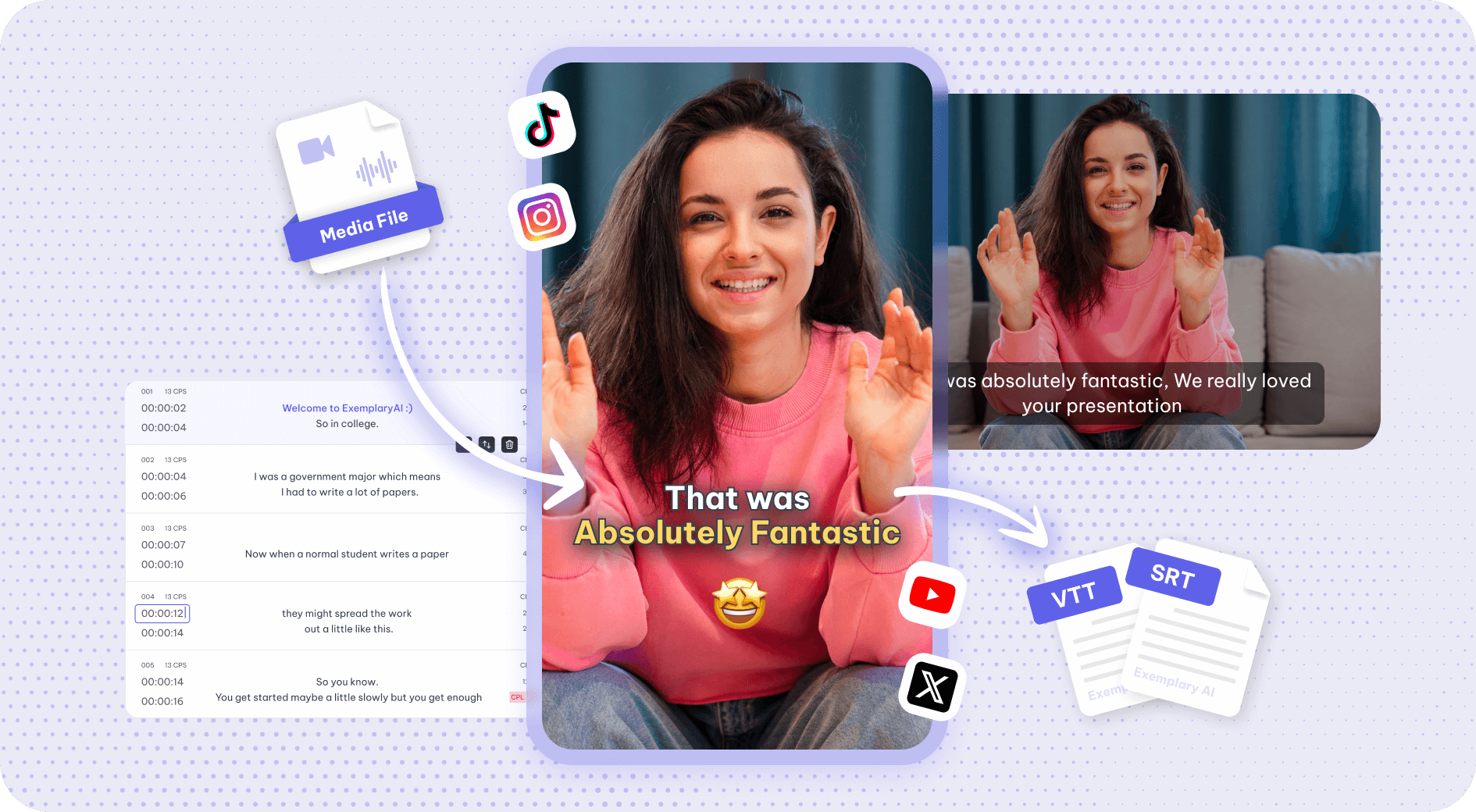
Video caption generator
Generate AI captions from your video's speech; fix any word or timing, style them and burn them…
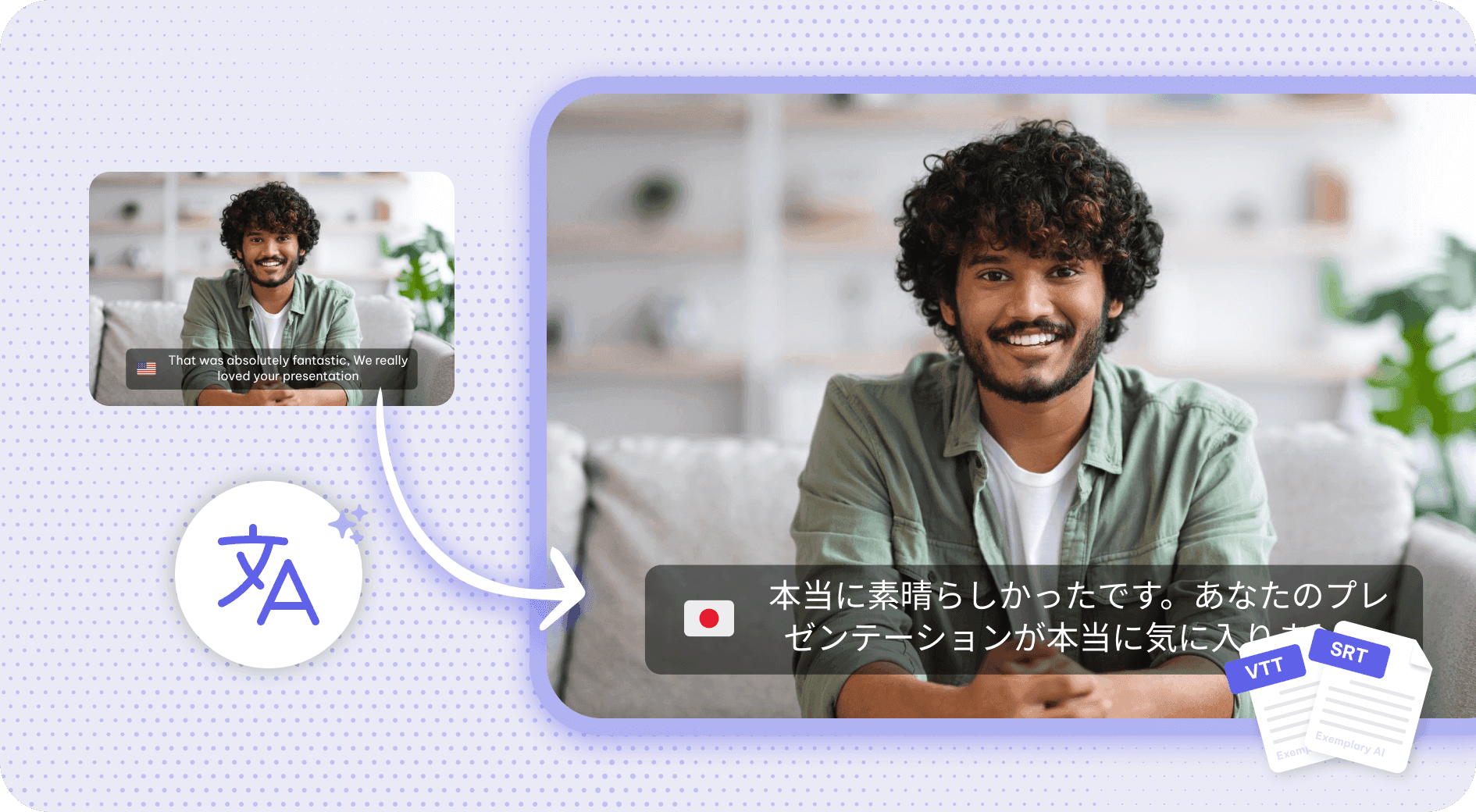
Subtitle translator
Get your subtitles translated in just a few clicks.
Subtitle editor
Refine your video subtitle to perfection with Subtitle Editor.
One TikTok Video in, every format out
The TikTok Video only has to be uploaded once. Everything below is produced from the transcript it yields, with no second conversion step.
Upload the TikTok Video as it is
No re-encoding and no separate audio extraction — the TikTok Video goes in the way it came off the recorder.
Caption and translate
Burned-in captions or subtitle files, in the spoken language or translated with the timings kept intact.
Every other export from the same file
Clips, chapters, show notes and written copy all come off the one TikTok Video.
Discover more Subtitles & Captions
- Auto subtitle generator
- Video caption generator
- Subtitle translator
- Subtitle editor
- Animated subtitles
- Burn subtitles into video
- SRT generator
- SRT to VTT converter
- Caption styles
- Add subtitles in DaVinci Resolve
- Add subtitles in Premiere Pro
- Add subtitles in Final Cut Pro
- Add subtitles in Canva
- Captions vs subtitles
- TXT to SRT converter
- SRT to TXT converter
- Add subtitles to Video
- Add subtitles to Instagram Reels
- Tamil Subtitle Generator
- Hindi Subtitle Generator
- Arabic Subtitle Generator
- German Subtitle Generator
- Chinese Subtitle Generator
- Indonesian Subtitle Generator
- Persian Subtitle Generator
- Hebrew Subtitle Generator
- Thai Subtitle Generator
- Greek Subtitle Generator
- Malay Subtitle Generator
- Bengali Subtitle Generator
- Tagalog Subtitle Generator
- Urdu Subtitle Generator
- Zulu Subtitle Generator
- Albanian Subtitle Generator
- Uzbek Subtitle Generator
- Mongolian Subtitle Generator
- Nepali Subtitle Generator
- Sinhala Subtitle Generator
- Pashto Subtitle Generator
- Amharic Subtitle Generator
- Tigrinya Subtitle Generator
- Somali Subtitle Generator
- Yoruba Subtitle Generator
- Hausa Subtitle Generator
- Igbo Subtitle Generator
- Samoan Subtitle Generator
One upload. Every format you need.
Drop in a recording and work from the transcript — clips, captions, chapters, show notes and posts all come from the same file.