Add Subtitles to a Canva Video
Canva doesn't import SRT or VTT files. Burn styled captions into your video with Exemplary AI, then upload the MP4 to Canva and design around it.
Free to start — no credit card required.
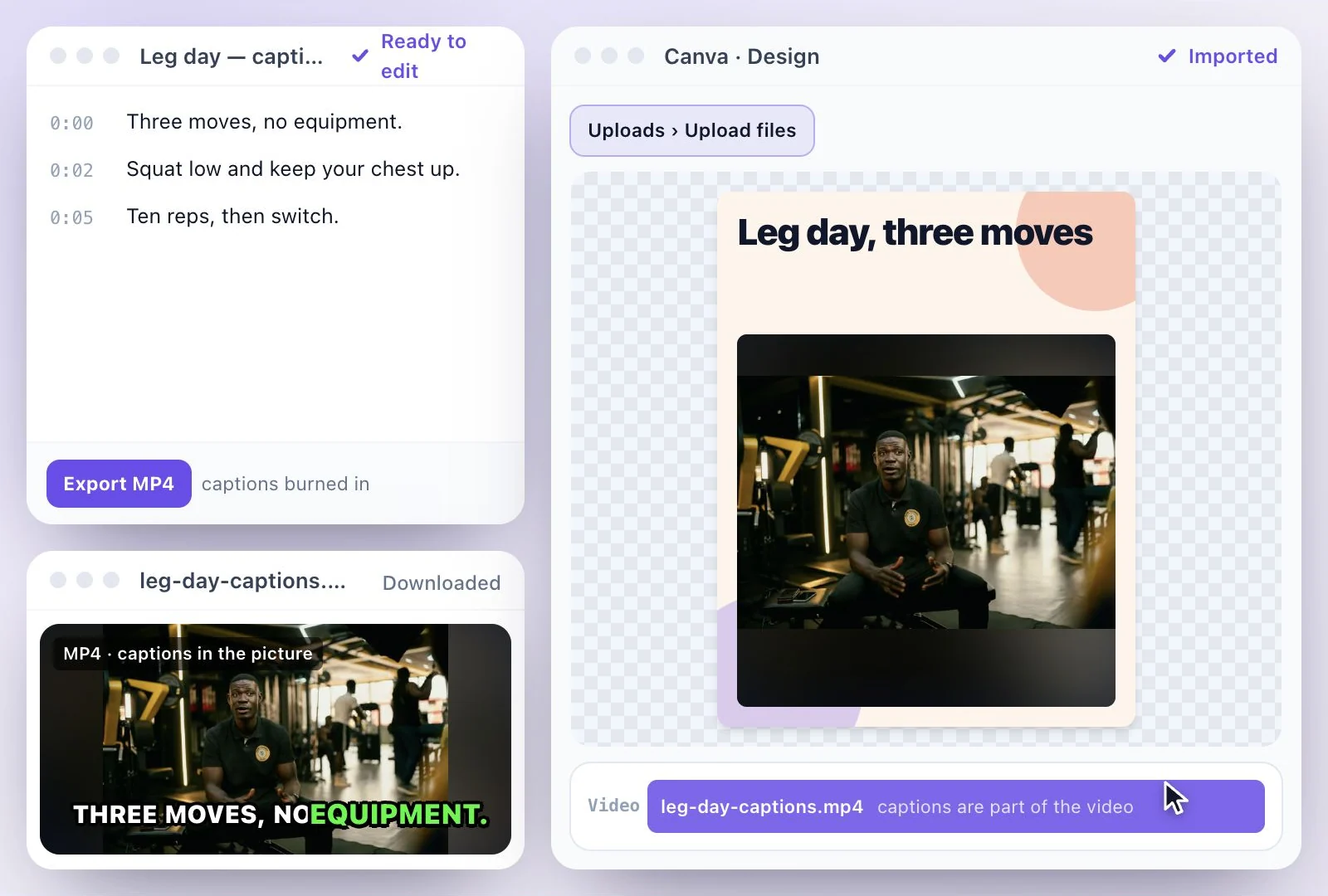
Canva can't import an SRT or VTT file: subtitle files aren't among the formats it uploads.
So there are two ways to get subtitles into a Canva design. Use Canva's own captions, which it generates from the speech (Text > Dynamic text > Captions, or the Captions app), or burn the captions into the video first with Exemplary AI: upload the video, correct the transcript, pick a caption style and export an MP4 (H.264) with the captions in the picture, then upload that MP4 to Canva. Free plan: 500 one-time credits; files up to 500 MB and 30 min long; 720p video exports with a watermark.
Subtitles in Canva at a glance
Facts checked .
- SRT or VTT import
- Not supported: subtitle files aren't among Canva's upload formats
- Canva's own captions
- Generated from the speech, editable on their own layer, burned in when you download an MP4
- Caption files out of Canva
- No SRT or VTT export in Canva’s help
- With Exemplary AI
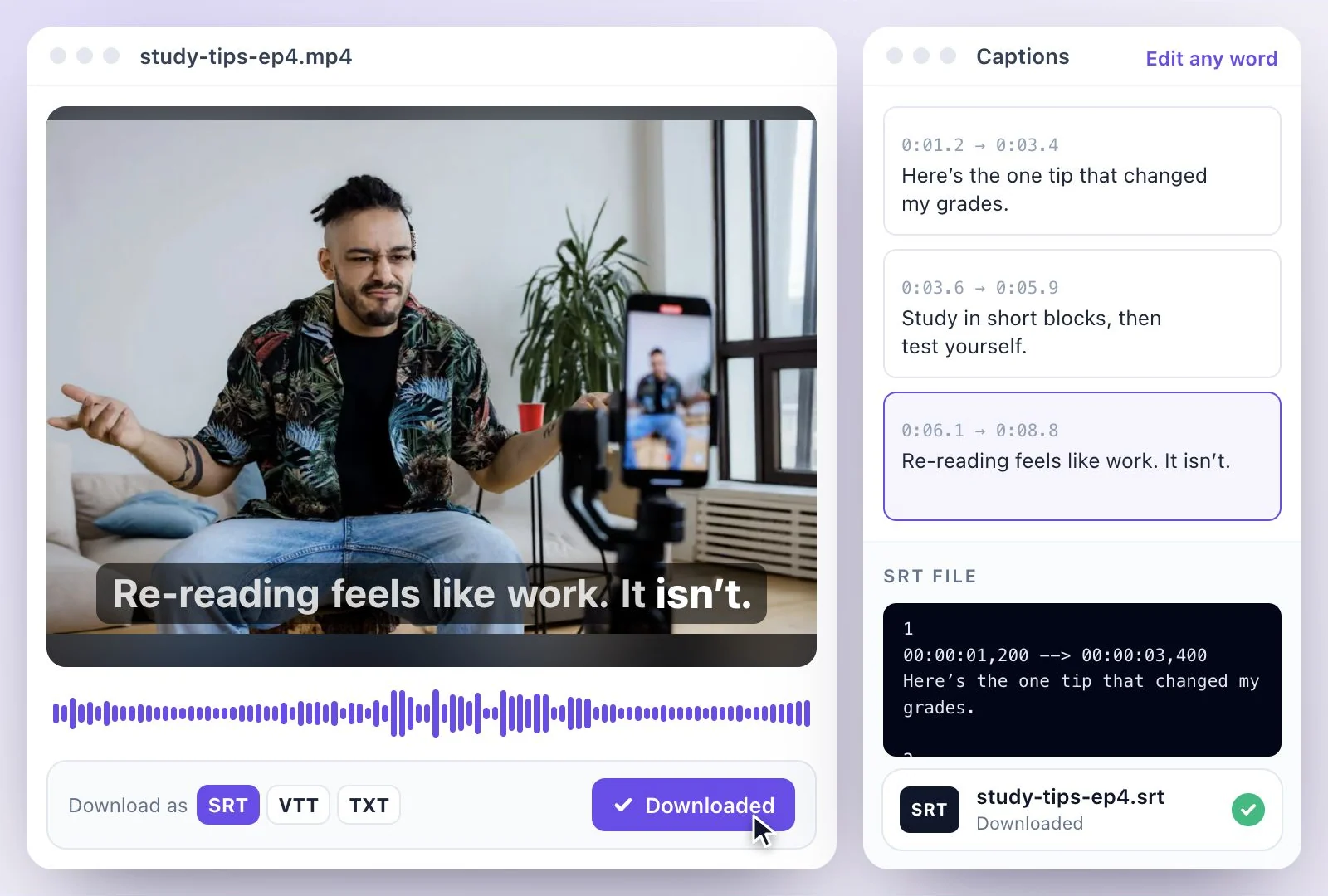
- An MP4 (H.264) with styled captions burned in, plus the transcript as SRT, VTT or TXT files if you need them elsewhere
- Caption styles
- 26 caption styles
- Free plan
- 500 one-time credits; files up to 500 MB and 30 min long; 720p video exports with a watermark
How to add burned-in subtitles to a Canva video
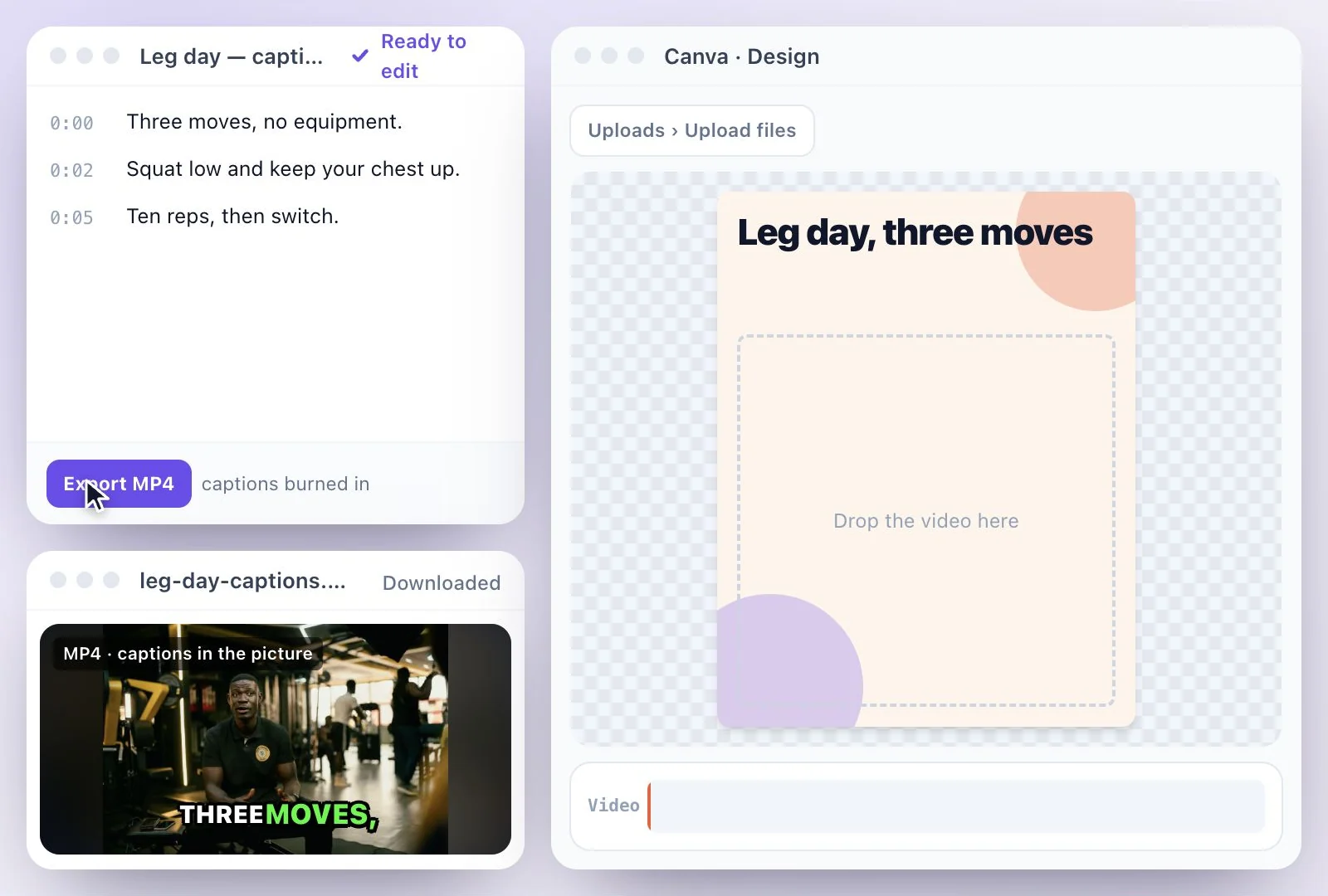
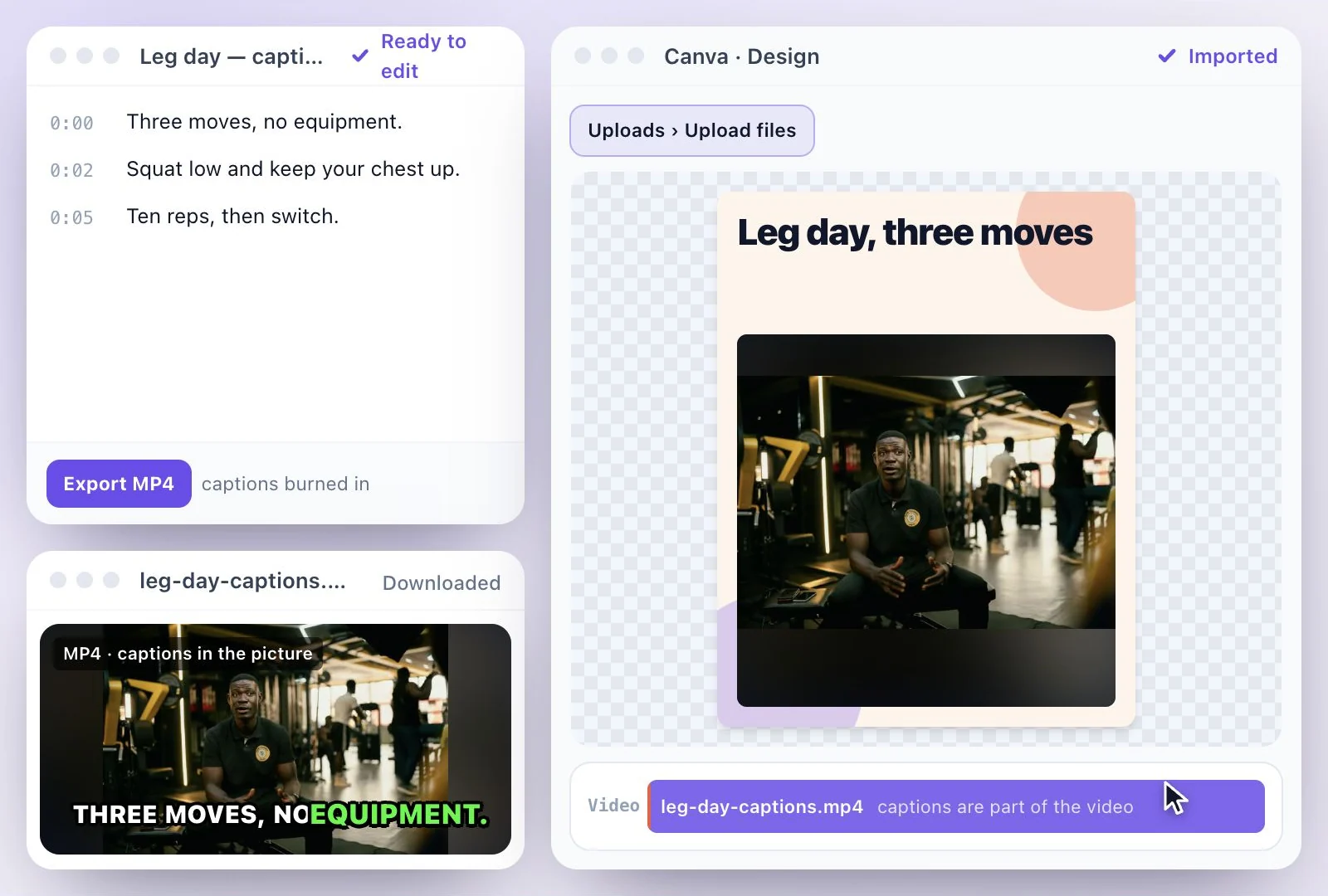
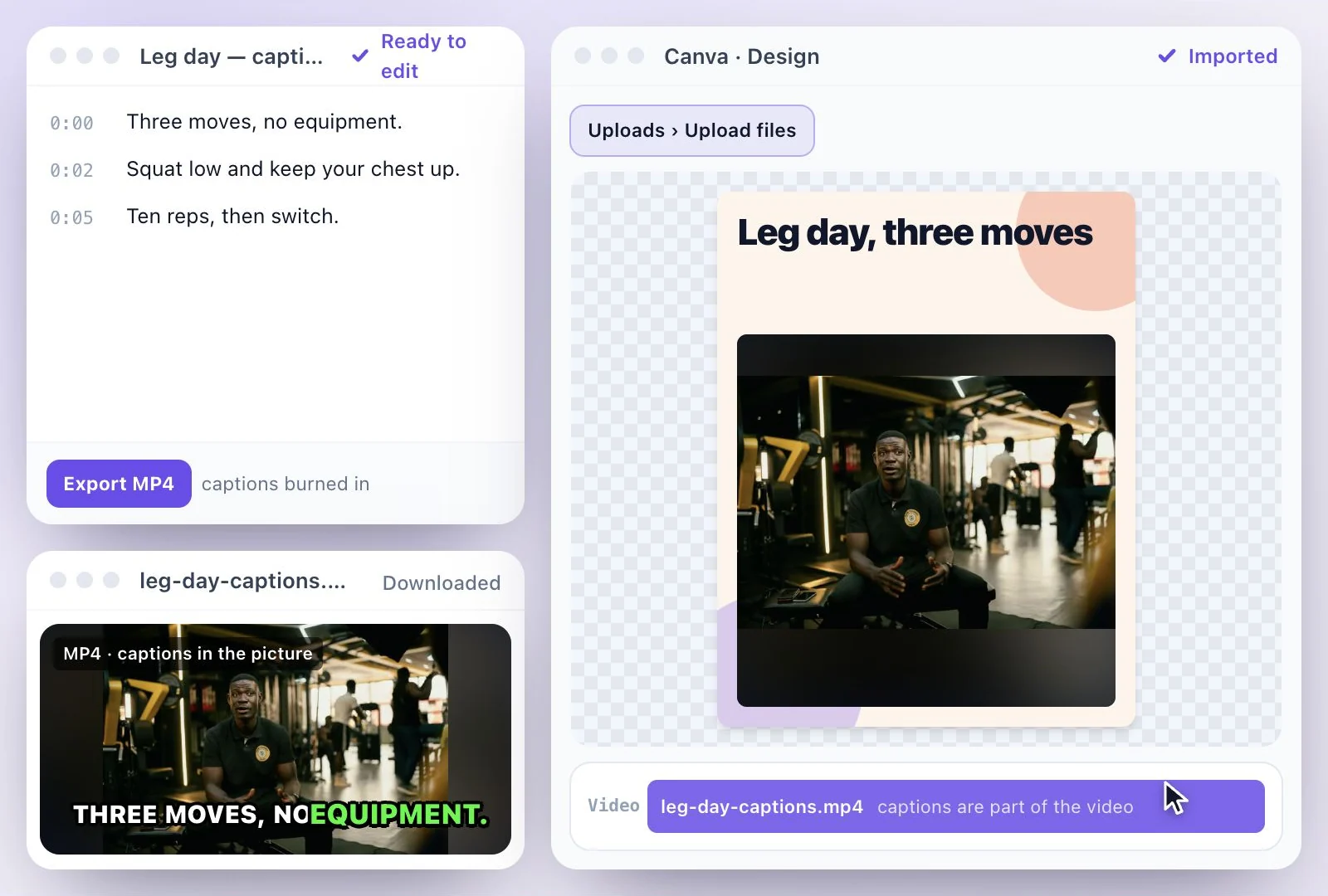
Canva's captions or captions burned in first?
Canva's own captions are the quick route inside Canva: generate them from the speech (Text > Dynamic text > Captions, or search the Apps panel for Captions), edit the words and timing on their own layer, pick a style pack, and they're burned in when you download the design as an MP4. Canva's help lists dozens of spoken languages and detects the language automatically, and its feature page calls the auto caption generator free.
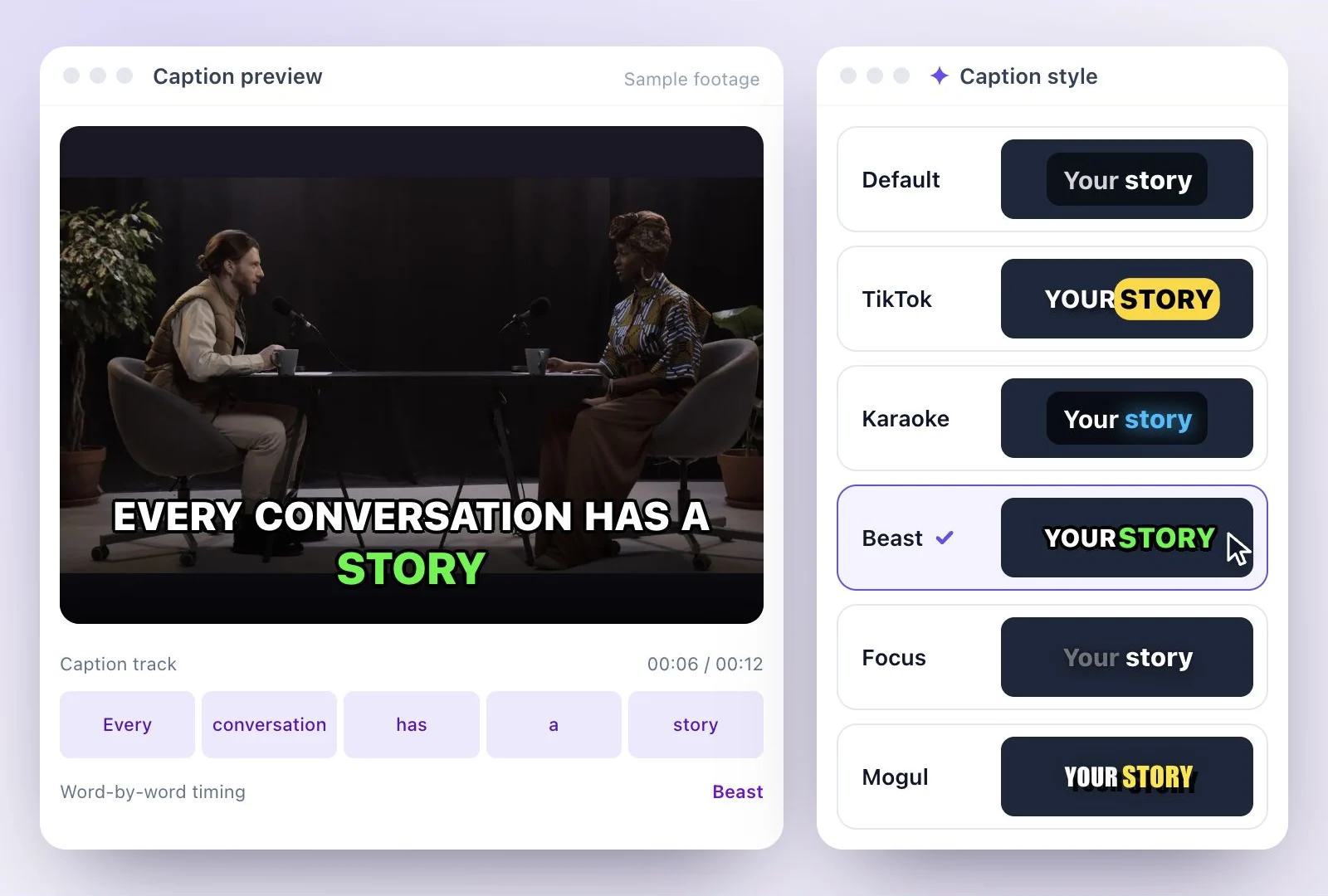
Burning the captions in with Exemplary AI first suits a few cases: you want a look from the Exemplary AI caption library (Default, TikTok, Karaoke, Beast, Focus and Mogul and more), you need the same video captioned in other languages (translate the transcript into any of 116 languages and export a version for each), or you also need an SRT file for YouTube from the same transcript.
Canva also has view-only accessibility captions (File > Accessibility > Show view-only captions on media). Those are generated for you, can't be edited, show only inside Canva and can't be downloaded, so they won't be in the video you export.
More on burned-in captions: burn subtitles into video, the caption styles, and captions vs subtitles. Editing in a video editor instead? See CapCut or Premiere Pro.
Captions Canva Keeps
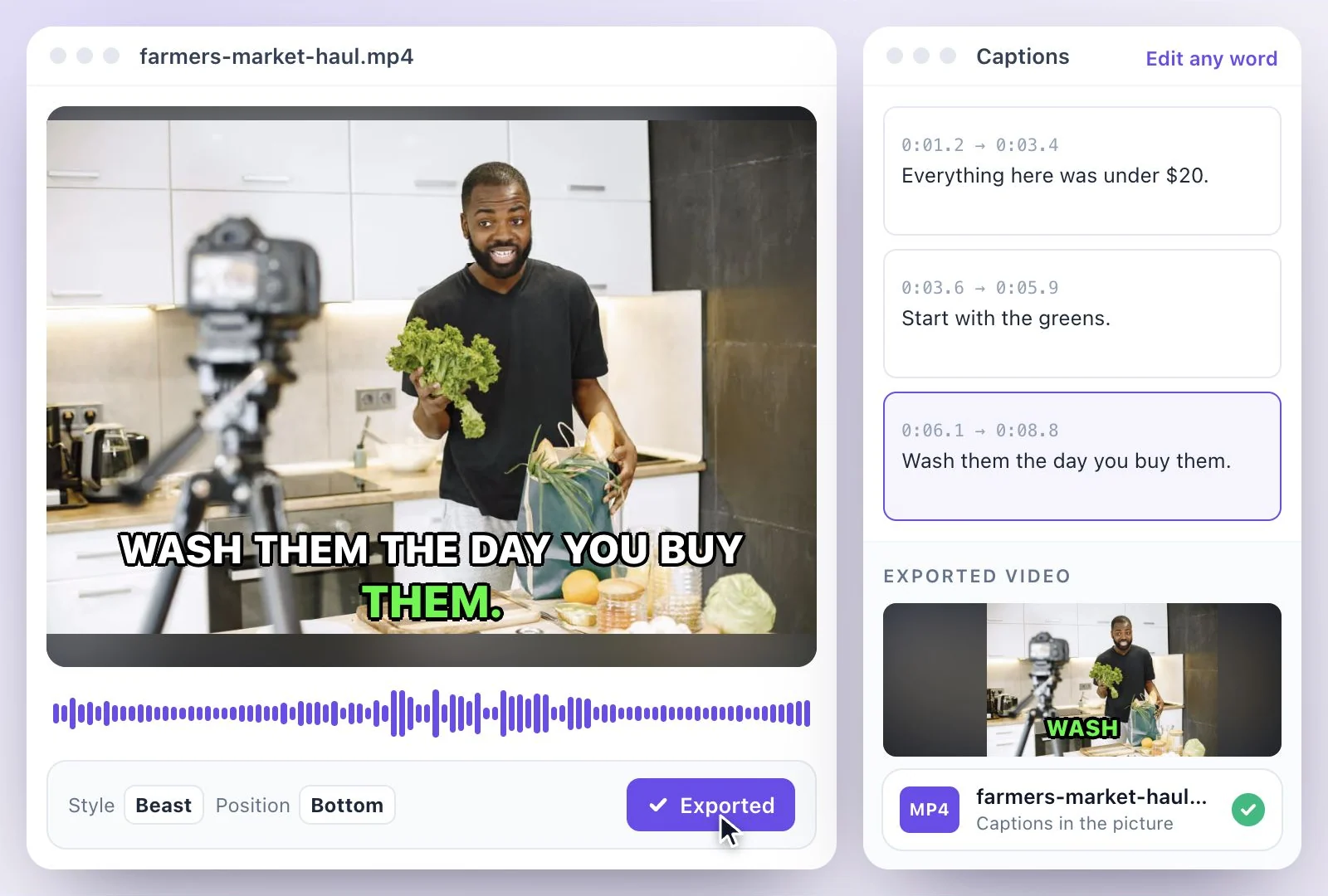
Burned into the MP4 before it reaches Canva, so they survive any design and any download.
Part of the picture
The captions are drawn into the video, so Canva treats it like any other clip and they can't get lost.
Caption looks from the library
Pick from 26 caption styles, with the spoken word highlighted, and set them at the top, center or bottom of the frame.
A version per language
Translate the transcript into any of 116 languages and export a captioned MP4 for each language.
An SRT too
The same transcript downloads as SRT, VTT or TXT, for YouTube or a player that takes subtitle files.
Common questions
Can you upload an SRT file to Canva?
How do I add subtitles to a video in Canva?
Are Canva captions free?
Can I download captions from Canva as an SRT?
Will burned-in captions stay when I download from Canva?
Is there a watermark on the Free plan?
Discover more Subtitles & Captions
- Auto subtitle generator
- Video caption generator
- Subtitle translator
- Subtitle editor
- Animated subtitles
- Burn subtitles into video
- SRT generator
- SRT to VTT converter
- Caption styles
- Add subtitles in DaVinci Resolve
- Add subtitles in Premiere Pro
- Add subtitles in Final Cut Pro
- Captions vs subtitles
- TXT to SRT converter
- SRT to TXT converter
- Add subtitles to Video
- Add subtitles to TikTok Video
- Add subtitles to Instagram Reels
- Tamil Subtitle Generator
- Hindi Subtitle Generator
- Arabic Subtitle Generator
- German Subtitle Generator
- Chinese Subtitle Generator
- Indonesian Subtitle Generator
- Persian Subtitle Generator
- Hebrew Subtitle Generator
- Thai Subtitle Generator
- Greek Subtitle Generator
- Malay Subtitle Generator
- Bengali Subtitle Generator
- Tagalog Subtitle Generator
- Urdu Subtitle Generator
- Zulu Subtitle Generator
- Albanian Subtitle Generator
- Uzbek Subtitle Generator
- Mongolian Subtitle Generator
- Nepali Subtitle Generator
- Sinhala Subtitle Generator
- Pashto Subtitle Generator
- Amharic Subtitle Generator
- Tigrinya Subtitle Generator
- Somali Subtitle Generator
- Yoruba Subtitle Generator
- Hausa Subtitle Generator
- Igbo Subtitle Generator
- Samoan Subtitle Generator
Give your words a place on screen
Upload a video to review its transcript, adjust the captions, and export the finished result.