Add Subtitles in DaVinci Resolve
The free version of DaVinci Resolve can't write subtitles from the audio, but it imports them. Make the SRT from your video in Exemplary AI, then import it into Resolve, style it and export.
Free to start — no credit card required.
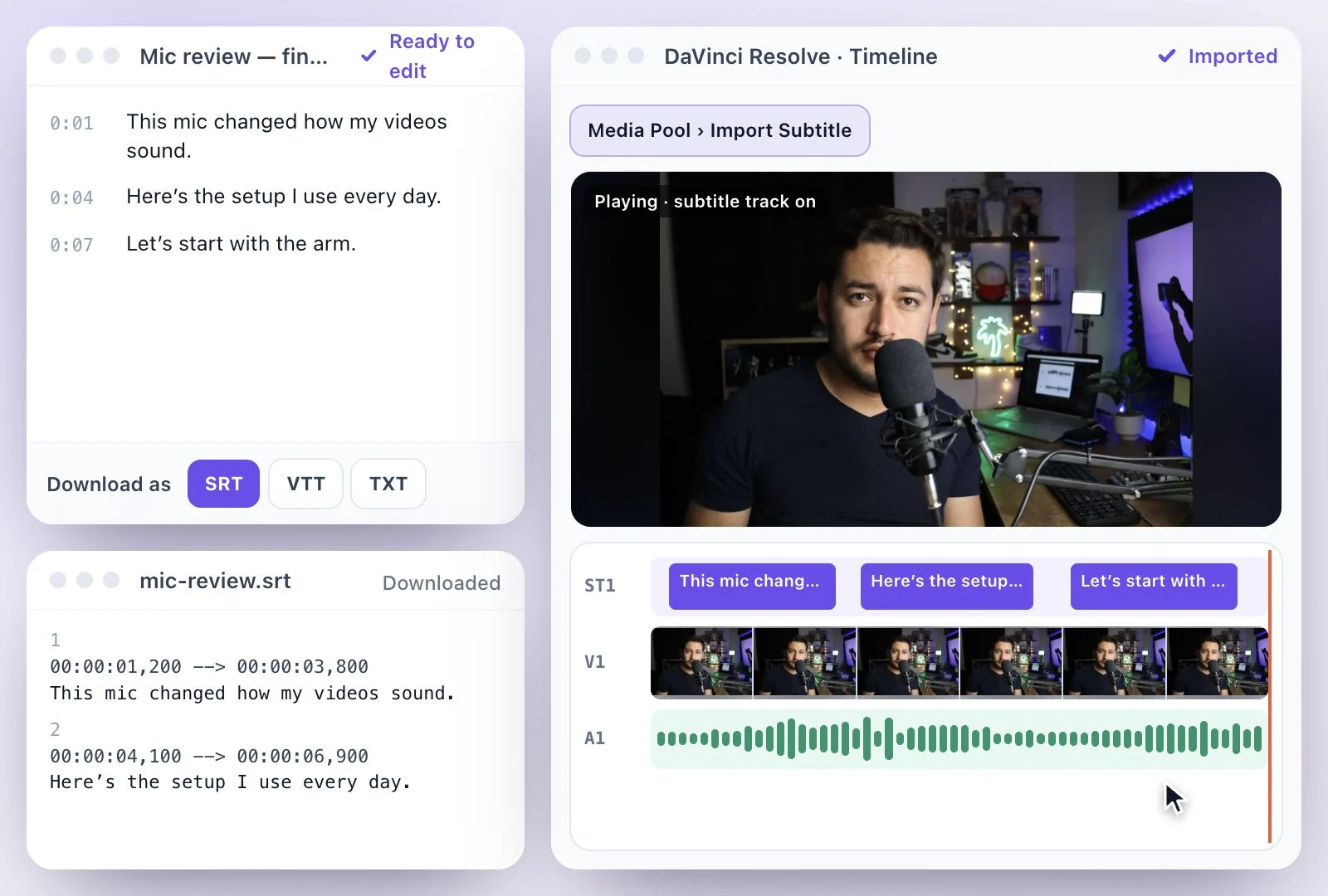
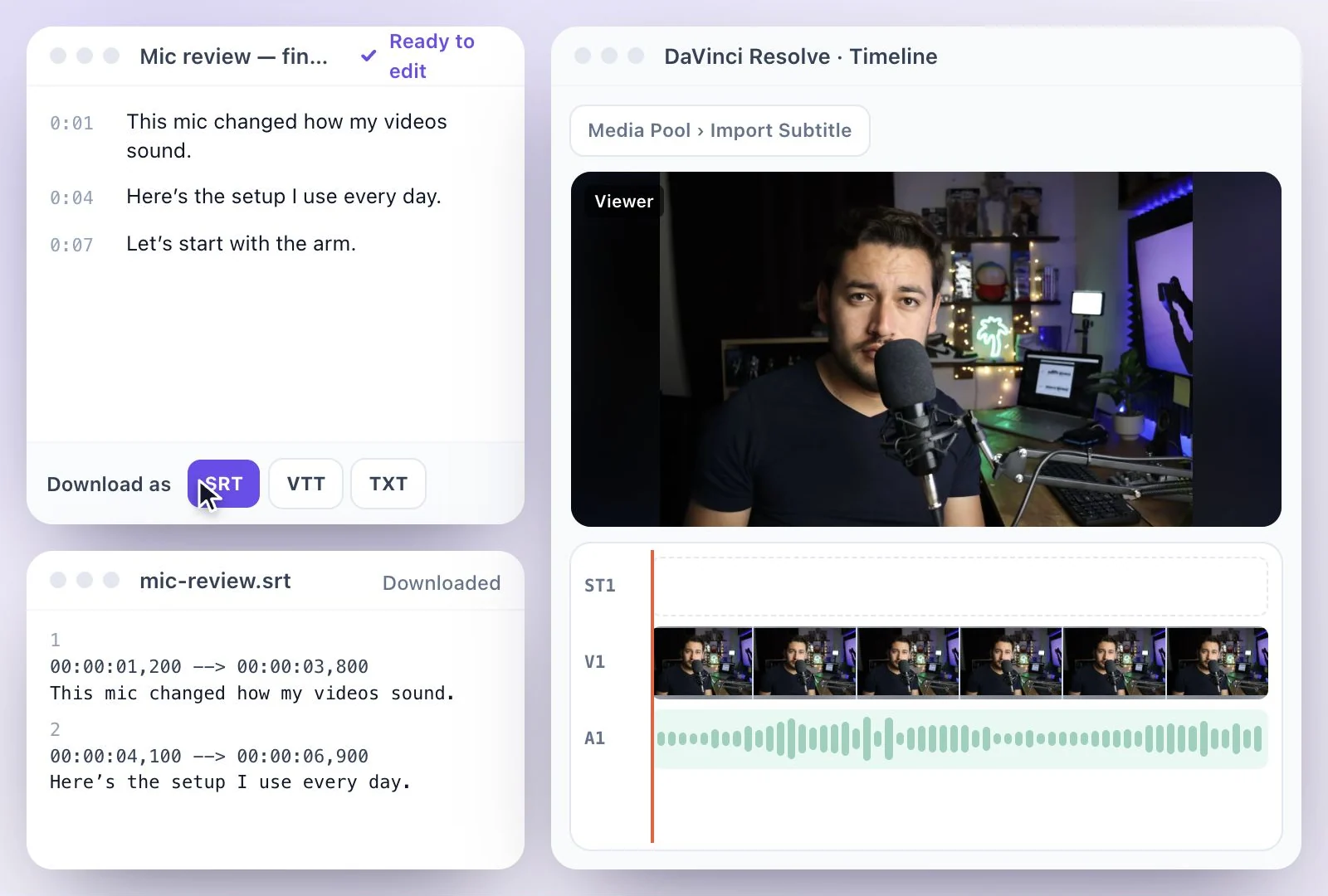
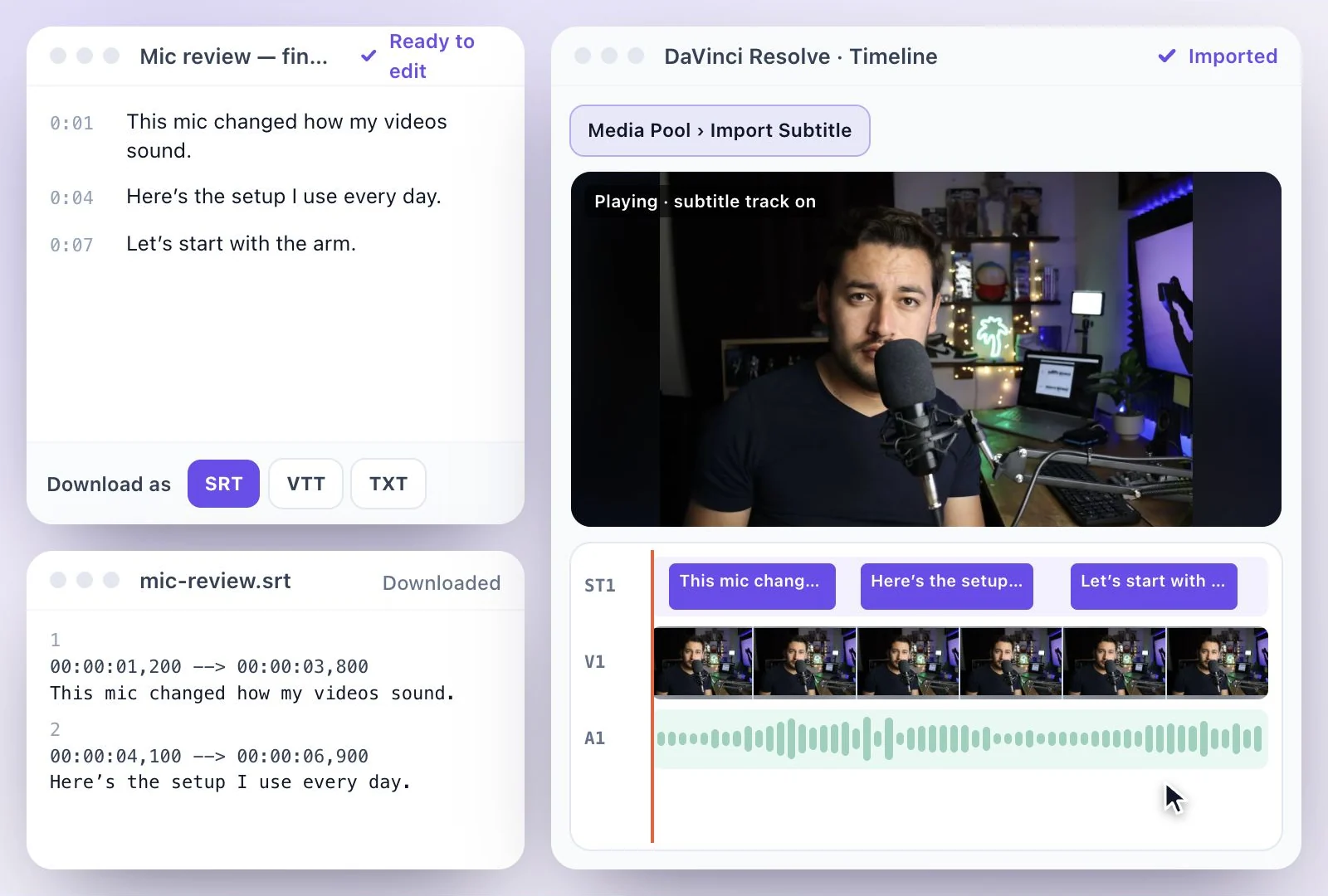
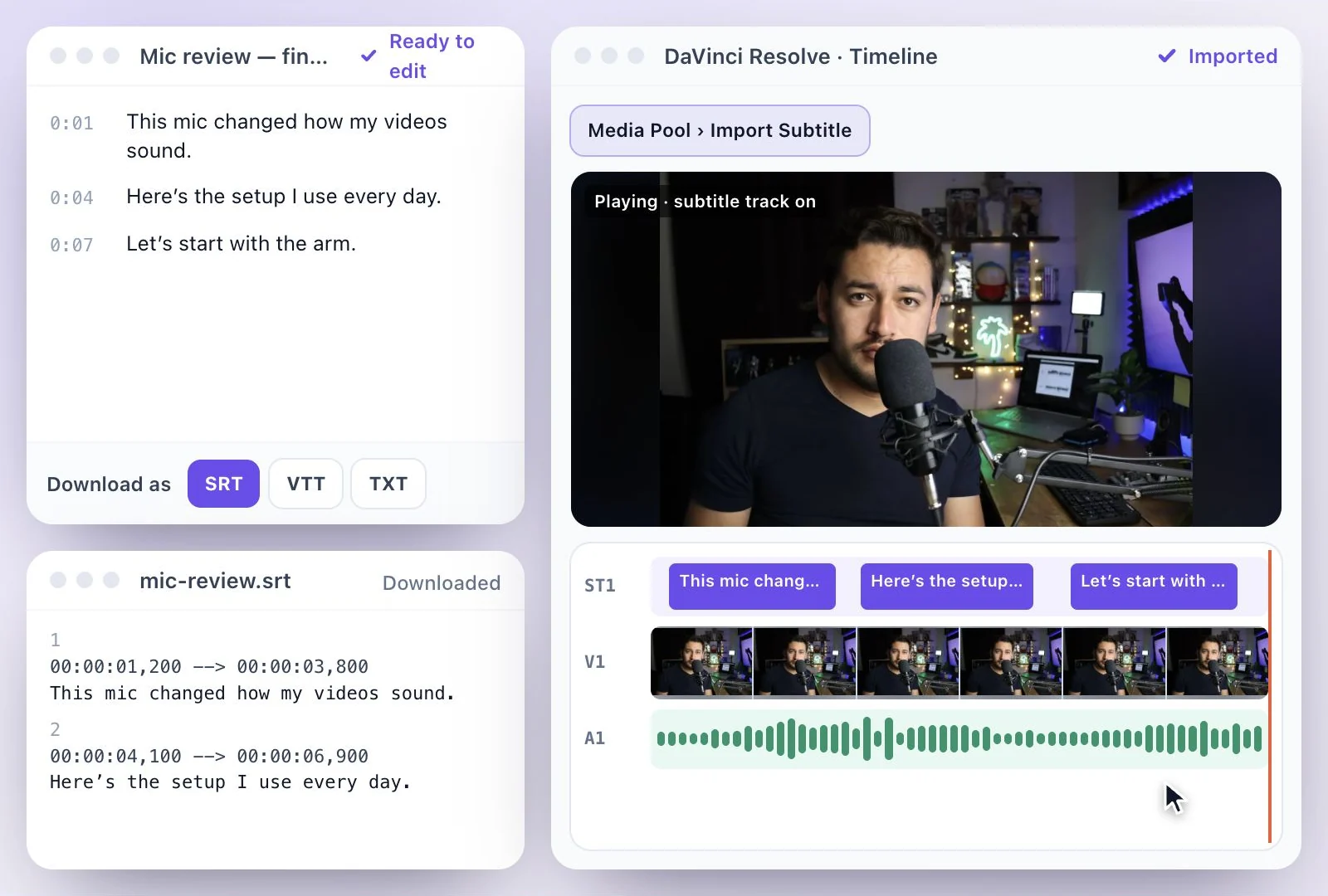
To add subtitles in DaVinci Resolve, import a subtitle file: right-click in the Media Pool and choose Import Subtitle (or use File > Import), pick the .srt, and drag the subtitle clip above your video tracks, where Resolve puts it on a subtitle track.
Writing subtitles from the audio (Create Subtitles from Audio) is a DaVinci Resolve Studio feature, so in the free version the SRT has to come from somewhere else. Exemplary AI makes it from your video: upload it, correct the transcript and download the SRT. Free plan: 500 one-time credits; files up to 500 MB and 30 min long; 720p video exports with a watermark.
Subtitles in DaVinci Resolve at a glance
Facts checked .
- Files it imports
- .srt, .srtx, .vtt, .xml and .ttml, as subtitle clips
- Subtitles from audio
- Create Subtitles from Audio (Timeline > AI Tools): DaVinci Resolve Studio only
- Styling
- Inspector > Track for the whole track; Customize Caption for one caption
- Export
- Burned into the video, as a separate SRT or WebVTT file, or embedded in QuickTime or MXF
- From Exemplary AI
- An SRT (or VTT or TXT), translated into any of 116 languages if you need other languages
- Free plan
- 500 one-time credits; files up to 500 MB and 30 min long; 720p video exports with a watermark
How to add subtitles in DaVinci Resolve
Free DaVinci Resolve vs Studio for subtitles
DaVinci Resolve Studio writes subtitles itself: Create Subtitles from Audio (Timeline > AI Tools on the Edit page) asks for a language, a caption preset, characters per line and one or two lines, then fills a subtitle track. Blackmagic's manual lists Chinese (Simplified Mandarin), Danish, Dutch, English, French, German, Italian, Japanese, Korean, Norwegian, Portuguese, Russian, Spanish and Swedish, with more through an extra transcription download. Animated subtitles are Studio-only too.
The free version imports subtitles, styles them and exports them; it just doesn't write them. That is where an SRT from Exemplary AI fits, with the spoken language detected for you, a transcript you correct like a document before it reaches the timeline, speaker names in the file if you want them, and translation into any of 116 languages, each language as its own SRT. Resolve shows one subtitle track at a time, so import each language as its own track and switch between them.
Resolve flags subtitles that break its limits, set in Project Settings > Subtitles (by default 60 characters per line, 30 characters per second and a 3-second minimum). Split a flagged caption in Resolve, or fix it in the transcript and download the SRT again. The menu names here follow Blackmagic’s DaVinci Resolve 21 manual; a newer release may label them slightly differently.
More on the file itself: the SRT generator, and SRT vs VTT for which format a player wants. Using another editor? See Premiere Pro, Final Cut Pro or CapCut.
An SRT for DaVinci Resolve, Made from Your Video
Exemplary AI writes the subtitle file; Resolve styles it and puts it on your timeline.
Subtitles for free Resolve
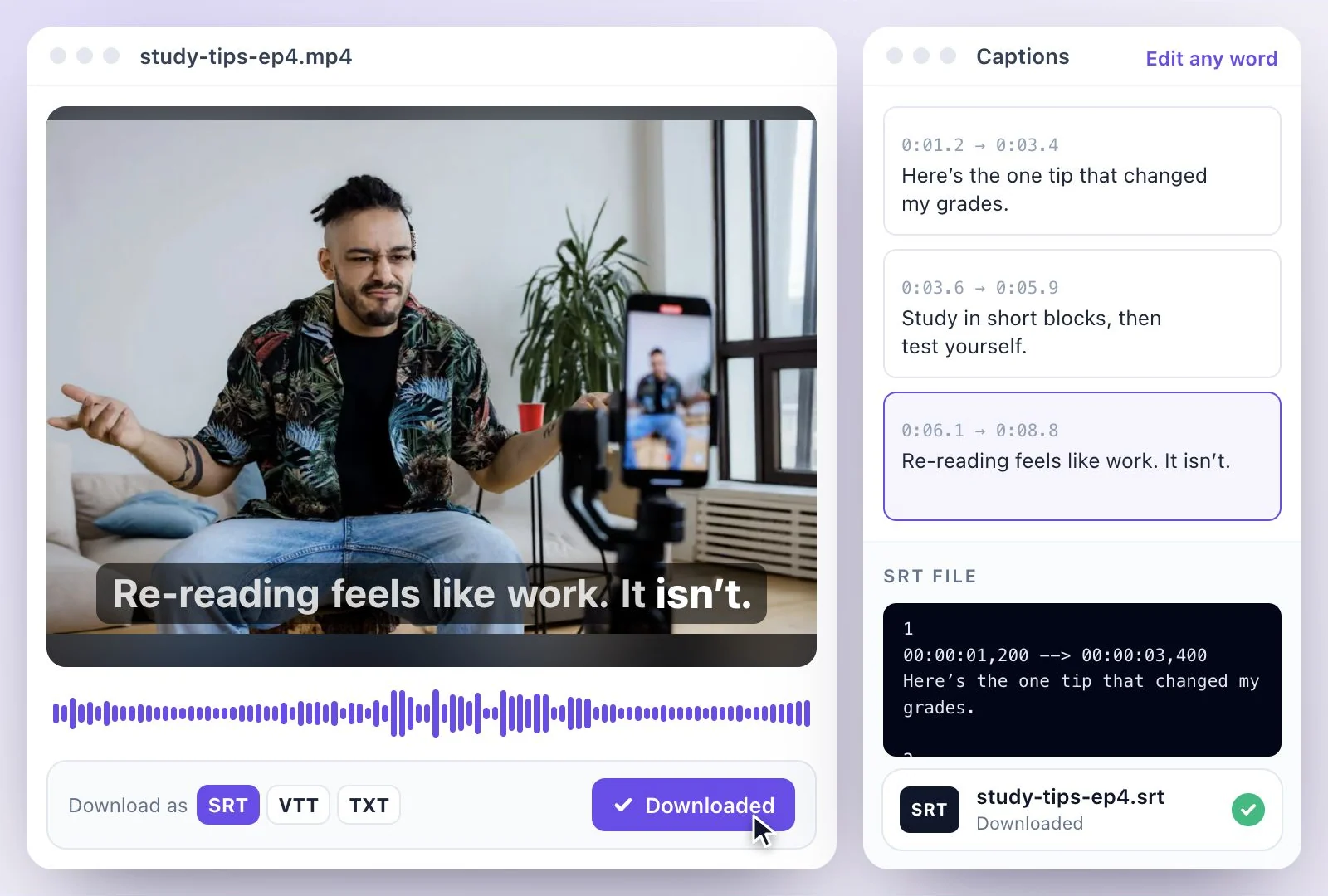
Free DaVinci Resolve imports subtitle files but can't write them from the audio. Exemplary AI makes the SRT from your video.
Language detected for you
Upload the video and the spoken language is detected, including languages outside the list Resolve Studio transcribes.
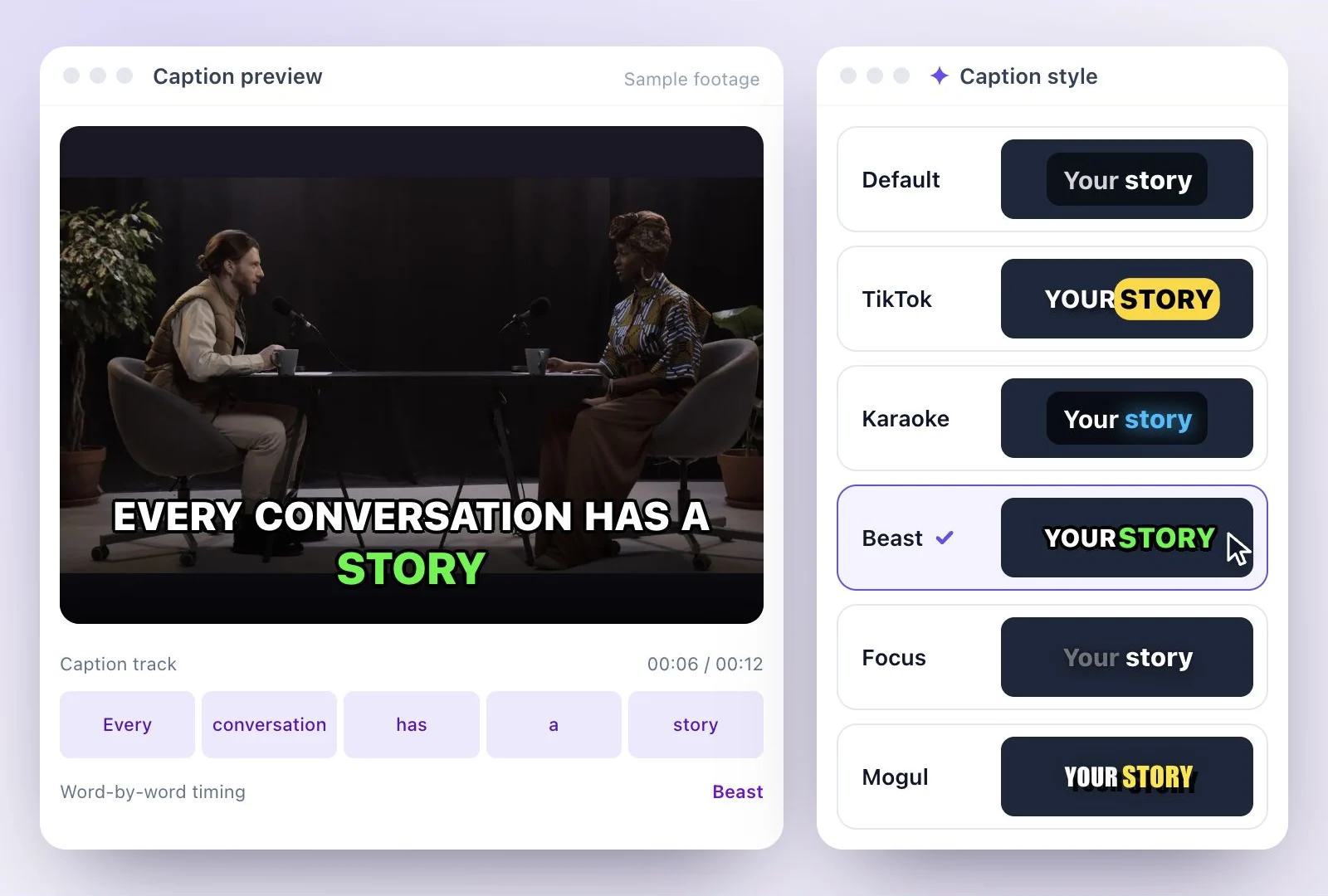
Corrected before it reaches Resolve
Fix names and jargon in the transcript like a document. The SRT is built from your corrected text, so the subtitle track arrives clean.
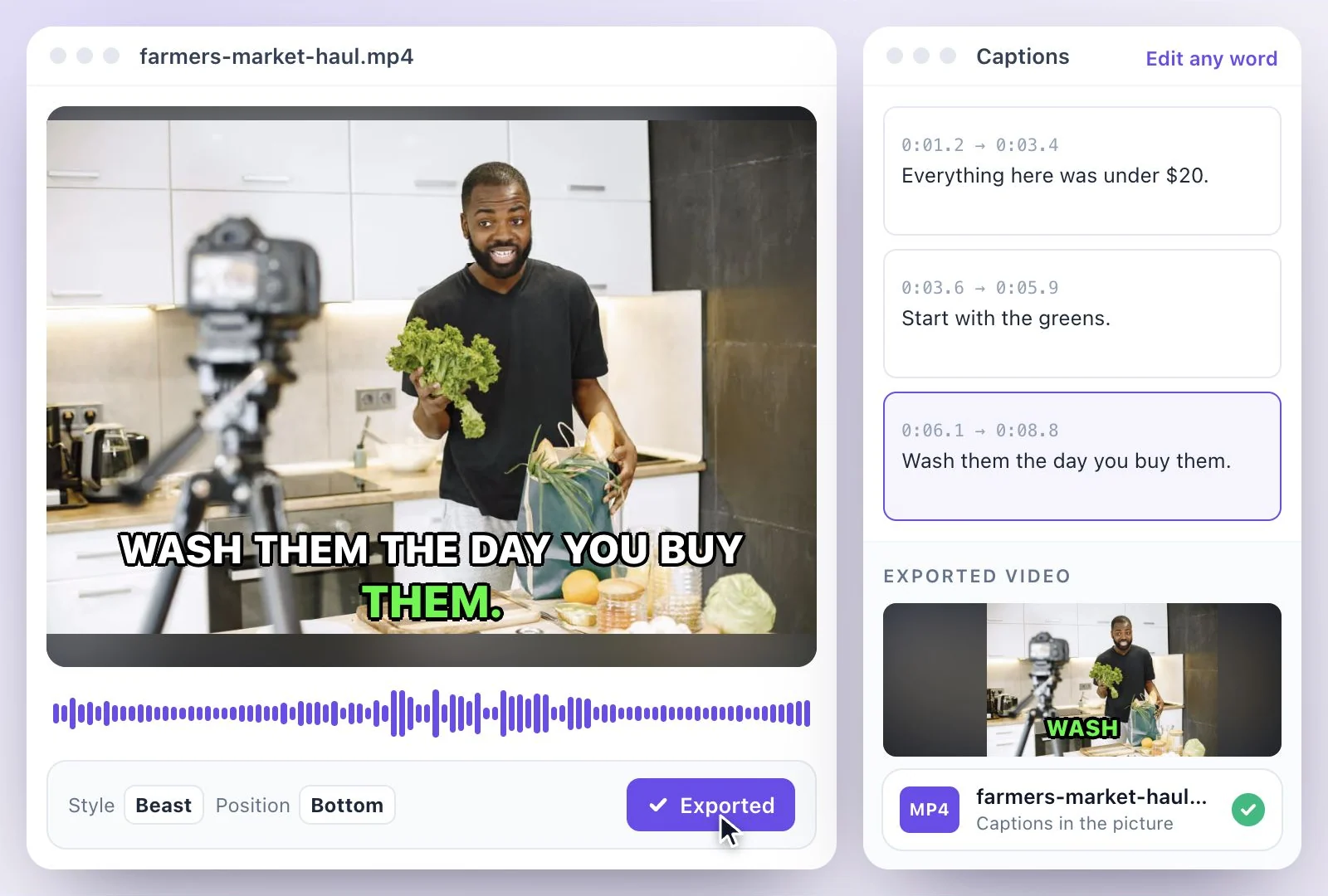
A subtitle track per language
Translate the transcript into any of 116 languages and download each as its own SRT: one subtitle track per language in Resolve.
Common questions
Can you add subtitles in DaVinci Resolve for free?
How do I import an SRT file into DaVinci Resolve?
How do I burn subtitles into a video in DaVinci Resolve?
Can I export an SRT file from DaVinci Resolve?
Why does Resolve flag some of my subtitles?
How do I add subtitles in two languages in Resolve?
Is it free to make the SRT for DaVinci Resolve?
Discover more Subtitles & Captions
- Auto subtitle generator
- Video caption generator
- Subtitle translator
- Subtitle editor
- Animated subtitles
- Burn subtitles into video
- SRT generator
- SRT to VTT converter
- Caption styles
- Add subtitles in Premiere Pro
- Add subtitles in Final Cut Pro
- Add subtitles in Canva
- Captions vs subtitles
- TXT to SRT converter
- SRT to TXT converter
- Add subtitles to Video
- Add subtitles to TikTok Video
- Add subtitles to Instagram Reels
- Tamil Subtitle Generator
- Hindi Subtitle Generator
- Arabic Subtitle Generator
- German Subtitle Generator
- Chinese Subtitle Generator
- Indonesian Subtitle Generator
- Persian Subtitle Generator
- Hebrew Subtitle Generator
- Thai Subtitle Generator
- Greek Subtitle Generator
- Malay Subtitle Generator
- Bengali Subtitle Generator
- Tagalog Subtitle Generator
- Urdu Subtitle Generator
- Zulu Subtitle Generator
- Albanian Subtitle Generator
- Uzbek Subtitle Generator
- Mongolian Subtitle Generator
- Nepali Subtitle Generator
- Sinhala Subtitle Generator
- Pashto Subtitle Generator
- Amharic Subtitle Generator
- Tigrinya Subtitle Generator
- Somali Subtitle Generator
- Yoruba Subtitle Generator
- Hausa Subtitle Generator
- Igbo Subtitle Generator
- Samoan Subtitle Generator
Give your words a place on screen
Upload a video to review its transcript, adjust the captions, and export the finished result.