AI Podcast Clips Generator
Cut a podcast episode into short, captioned clips to promote it on social media.
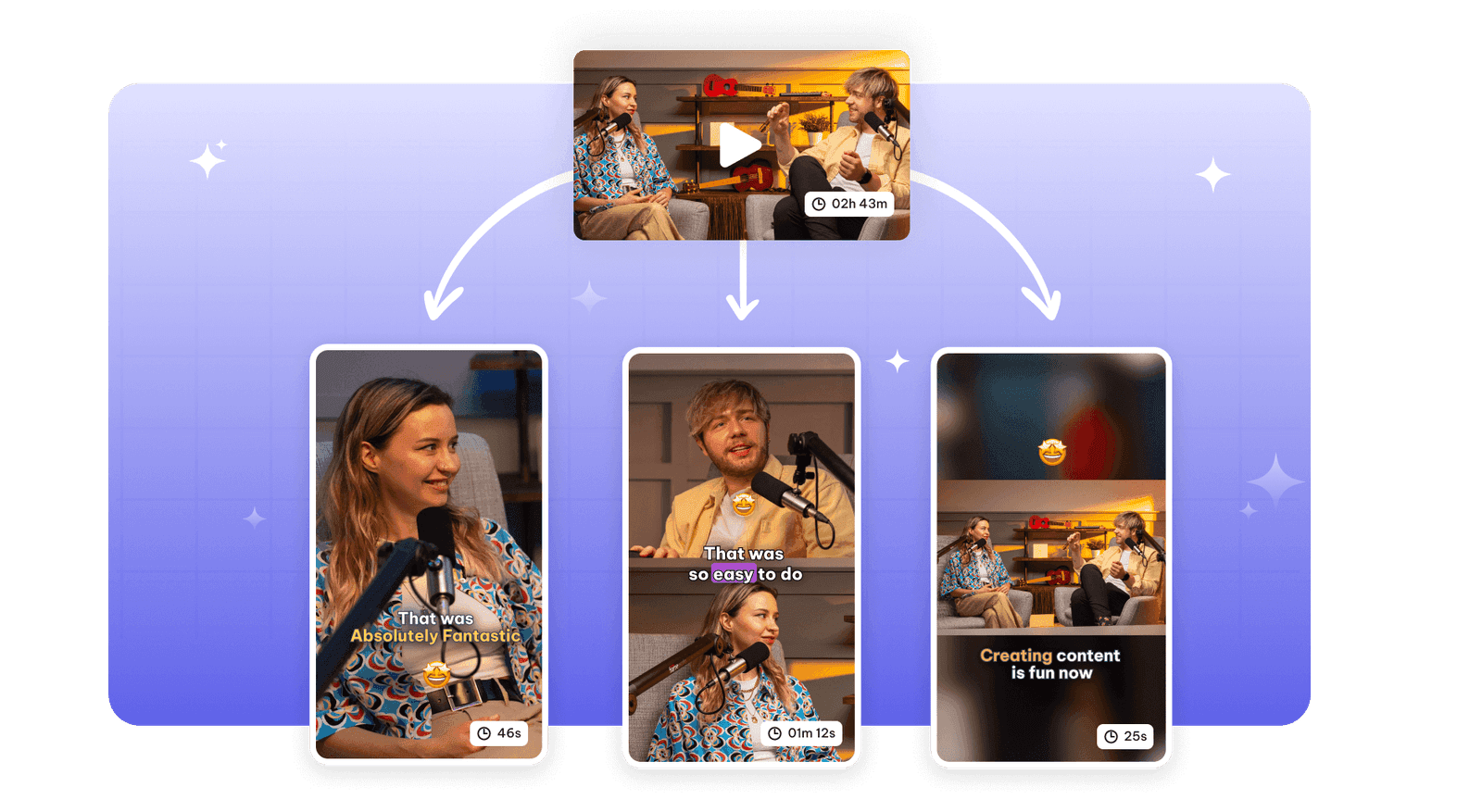
Exemplary AI turns a podcast episode into short clips for social media.
Upload the episode (10 minutes or longer) or paste a YouTube, TikTok, Vimeo or X link, choose the "Podcast" category, and AI Clips picks the moments that stand on their own. Video episodes become framed, captioned clips; audio-only episodes become audiograms, with a waveform, captions and a background.
How to make clips from a podcast
- Upload the episode (MP3, WAV, M4A, MP4, WEBM, MOV or MKV) or paste a YouTube, TikTok, Vimeo or X link.
- Set the language, a clip duration and the "Podcast" video category, and add keywords for the topics you want clipped.
- Review the clips by virality score. For a two-person video podcast, try the split layout so both hosts are on screen.
- Export each clip as an MP4 and post it where your audience is.
Podcast clips at a glance
Facts checked .
- Episode length
- At least 10 minutes. Free: files up to 500 MB and 30 min long; Pro: files up to 2 GB and 4 hours long; Creator: files up to 4 GB and 8 hours long; Studio: files up to 10 GB and Unlimited long
- Video podcasts
- Fill, Fit, Split, 3 Split and 4 Split layouts with speaker framing
- Audio podcasts
- Audiograms: 10 waveform styles, placed at the top, center or bottom, over a colour or image background
- Clip length
- <30s, 30-45s, 45-60s, 60-90s, 90-3min, 3-5min or 5-10min; longer choices need a source of at least 15 minutes
- Aspect ratios
- 9:16 (portrait), 1:1 (square) and 16:9 (landscape)
- Captions
- 5 animations, in 99 languages
- Free plan
- Yes. The Free plan includes 200 one-time credits; files up to 500 MB and 30 min long; 720p video exports with a watermark. AI Clips and audiogram tasks use credits, so the amount you can create depends on the tasks you run.
Why Use Exemplary's AI Podcast Clip Generator?
One episode becomes a set of promo clips: the best moments picked, captioned and sized for each platform.
Moments picked from the conversation
AI reads the transcript and picks passages that make sense on their own, then gives each clip a virality score.
Layouts for one host or several
Speaker framing follows whoever is talking; split layouts show two, three or four people at once.
Audiograms for audio-only shows
No video? Clips become audiograms with a waveform, captions and your background image or colour.
Tools that work on the same file
You have already uploaded it. These run on the same transcript, so there is nothing to redo.
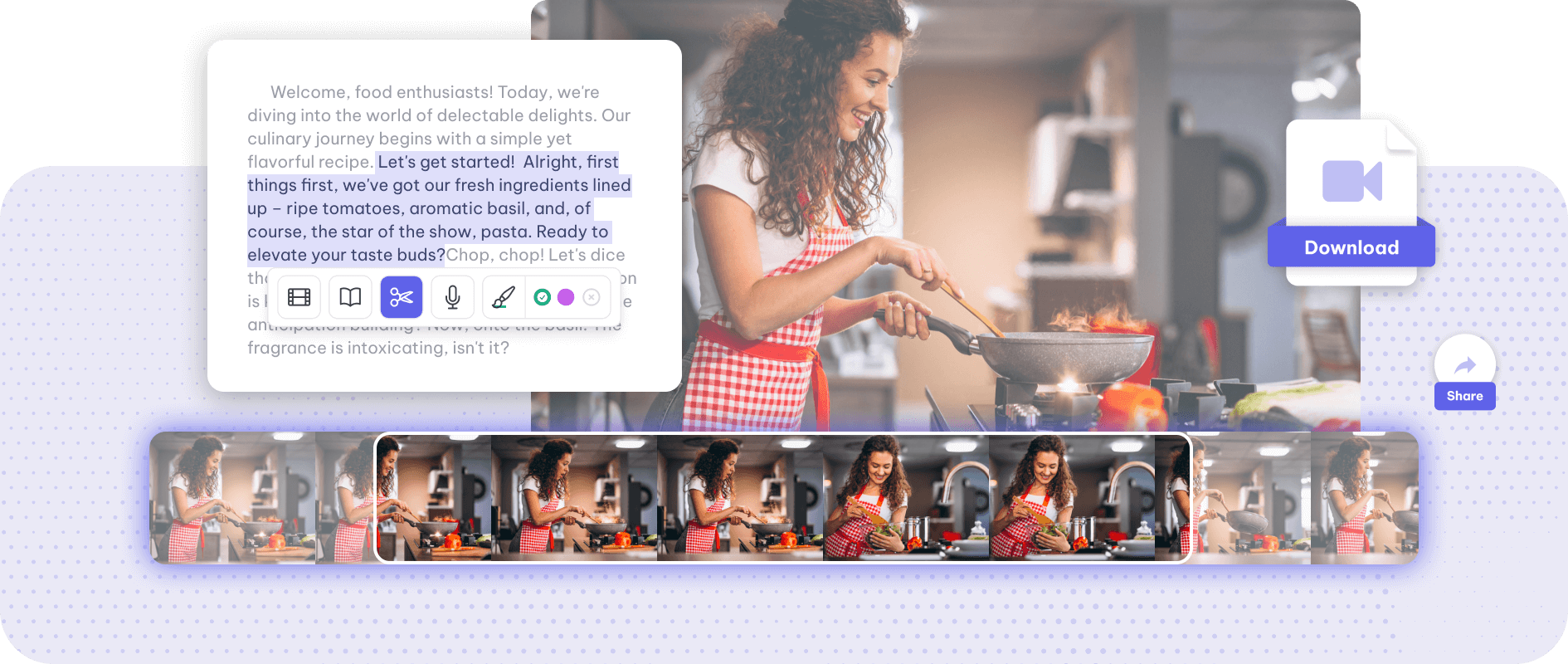
Video trimmer
Trim a video by its words: Exemplary AI transcribes it, you select the part of the transcript…
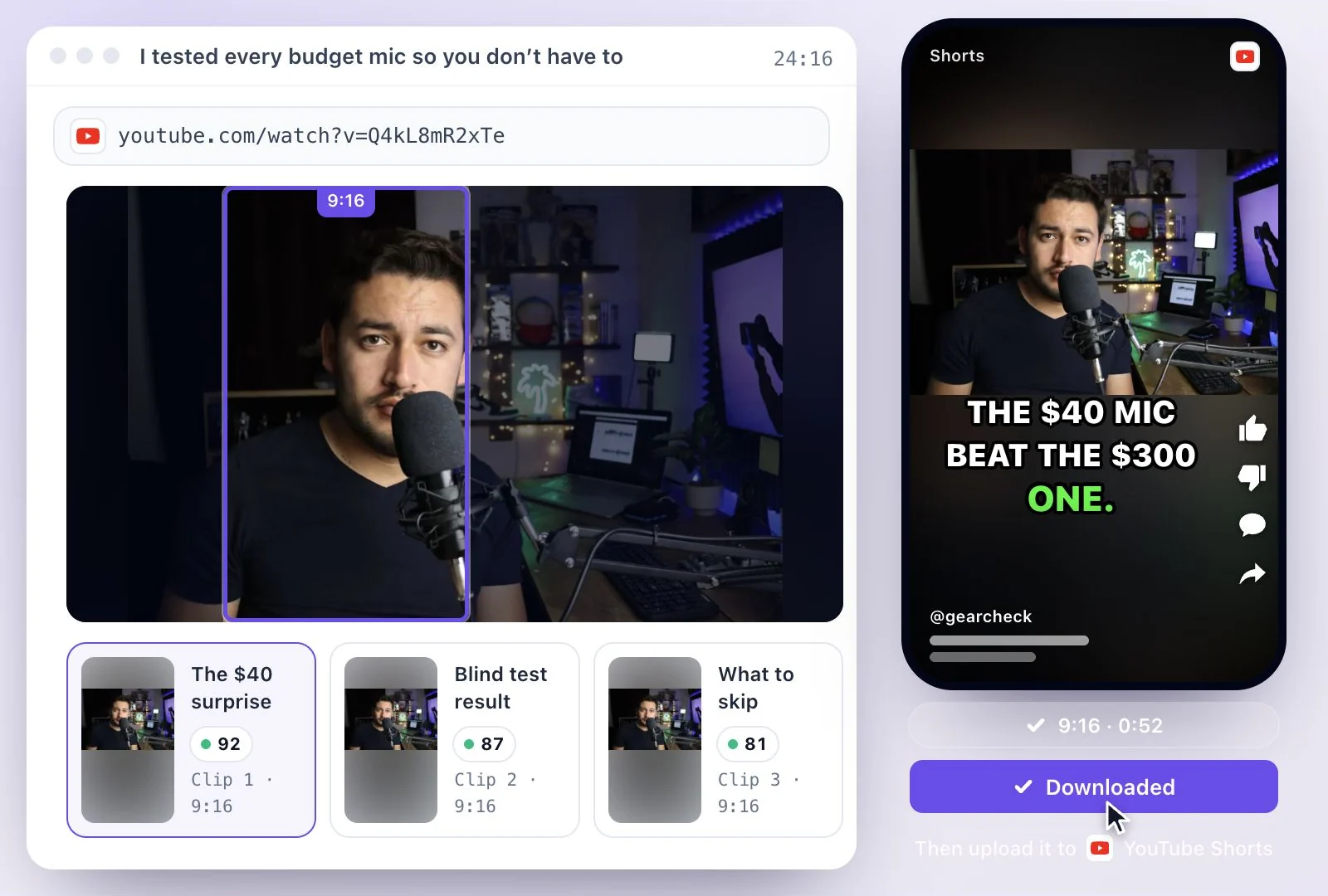
YouTube Shorts Maker
Cut a long video or YouTube link into vertical 9:16 Shorts with animated captions.
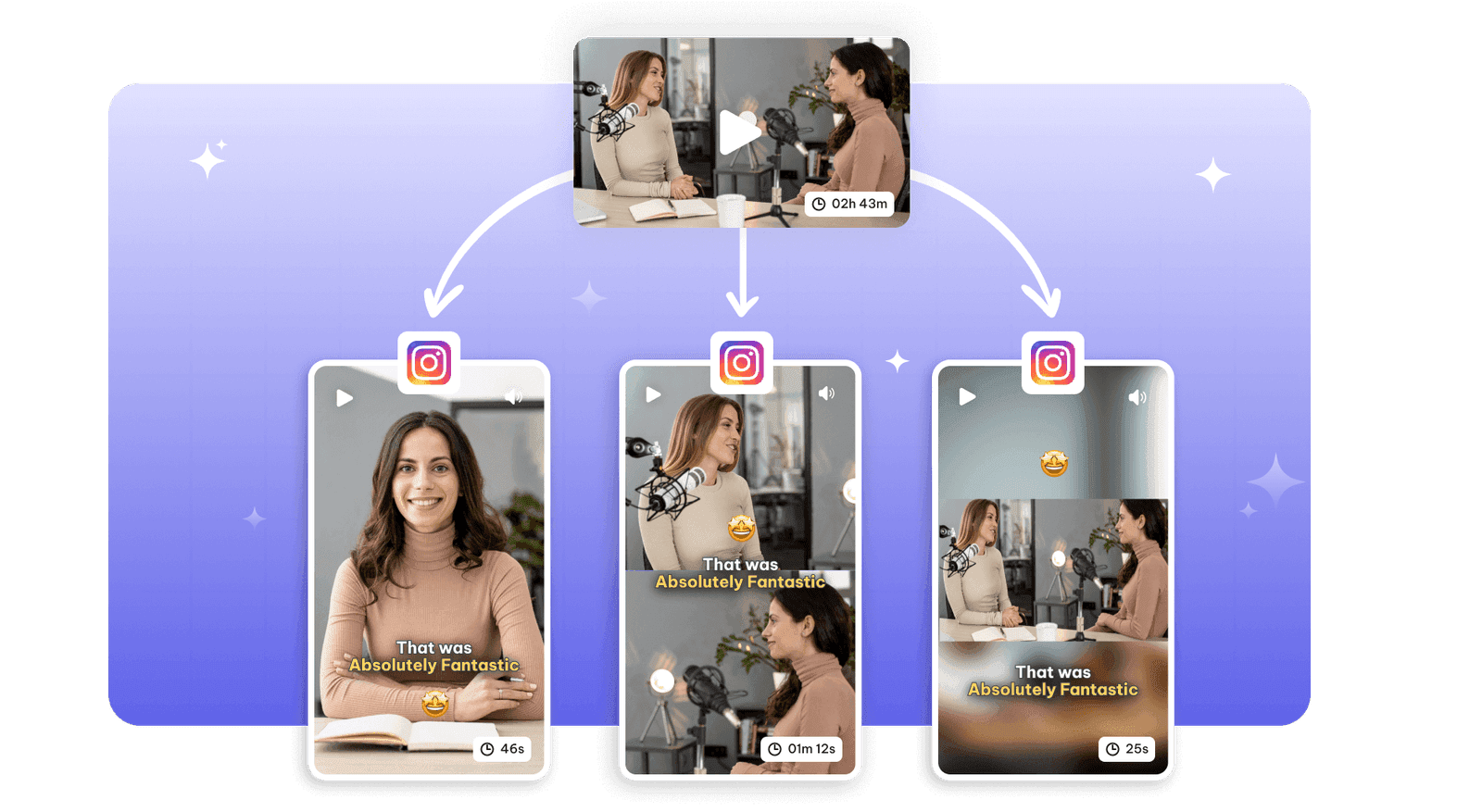
Instagram reel maker
Turn a long video into Instagram Reels with AI: vertical 9:16 clips with animated captions and…
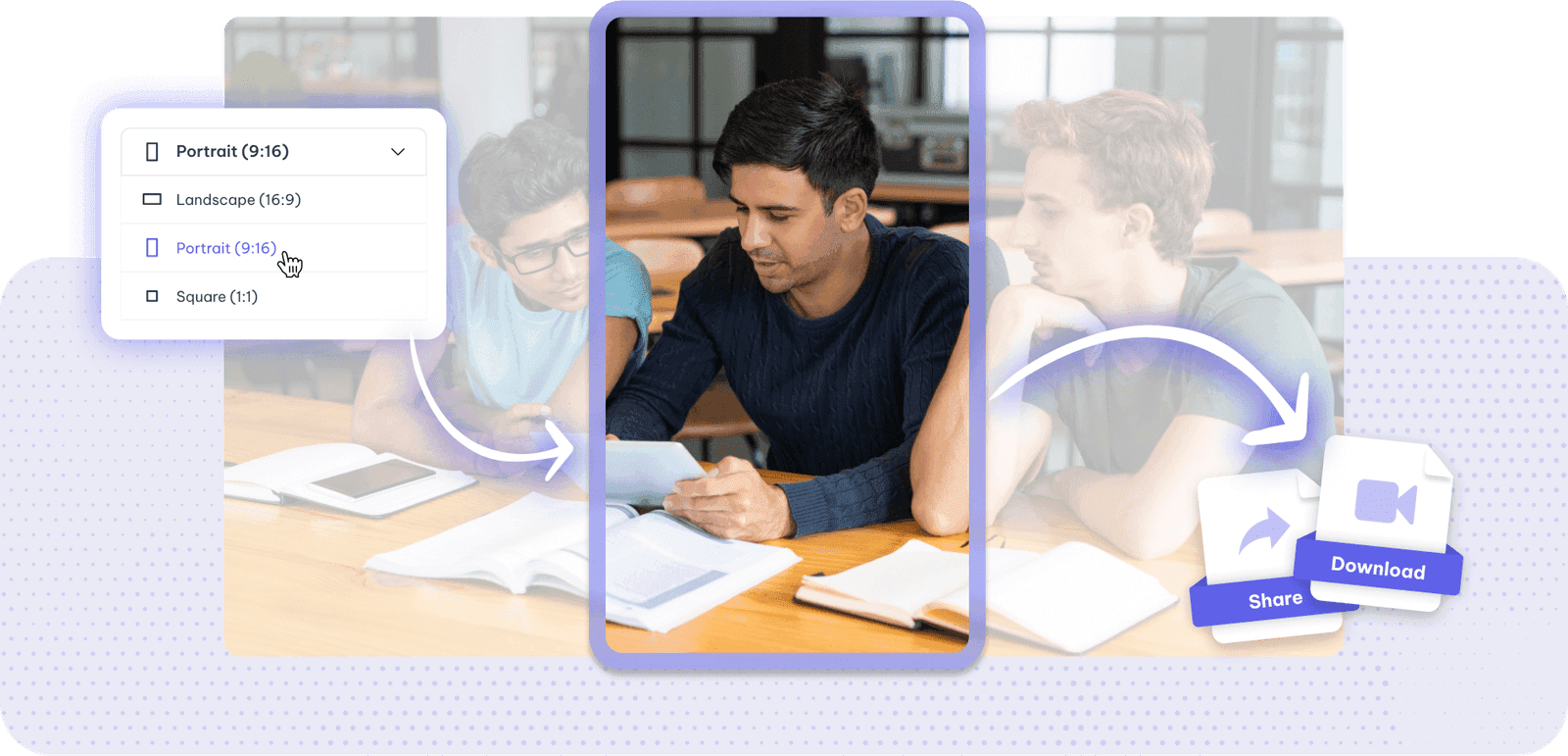
Resize videos
Save your time by cropping the size of the videos with Exemplary AI.
AI podcast clips generator is one part of one workspace
AI podcast clips generator is one door into the same workspace. Whatever you came here to make, the rest is already available from the file you just uploaded.
Upload once
The same recording feeds every tool on the site. Nothing needs uploading twice to get a second format out of it.
Caption and translate
Burned-in captions or subtitle files, in the spoken language or translated with the timings kept intact.
Repurpose without re-editing
Clips, chapters, show notes, blog drafts and social posts all come off the one transcript.
Common questions
Can I make clips from an audio-only podcast?
How long does a podcast episode have to be?
How do I show both hosts in a podcast clip?
How are podcast moments chosen?
Which sizes can I export podcast clips in?
Is the AI podcast clips generator free?
Discover more Clips & Shorts
- Video trimmer
- YouTube Shorts Maker
- Instagram reel maker
- Resize videos
- Auto video editor
- Crop video
- Add image to video
- Add text to video
- Remove filler words
- Add emoji to subtitle
- Silence remover
- Add watermark to video
- Add b-rolls
- Word highlight in subtitle
- AI video editor
- Long video to short video
- Twitch clip maker
- YouTube to TikTok
- Sermon clips
- Horizontal to vertical video
- Screen and webcam recorder
- Online screen recorder
- Kick clip maker
- Viral clip finder
- YouTube Shorts size
- TikTok video size
- Instagram Reels size
- LinkedIn video specs
One upload. Every format you need.
Drop in a recording and work from the transcript — clips, captions, chapters, show notes and posts all come from the same file.