Coming December 2026
AI Product Video Generator
Turn a product photo or link into a spin, demo or ad. Pick a template, keep your brand, see the price, then render.
Preview reel
Product videos, previewed before they exist
A first look at the kind of product video we are building toward.
- AI preview · coming December 2026

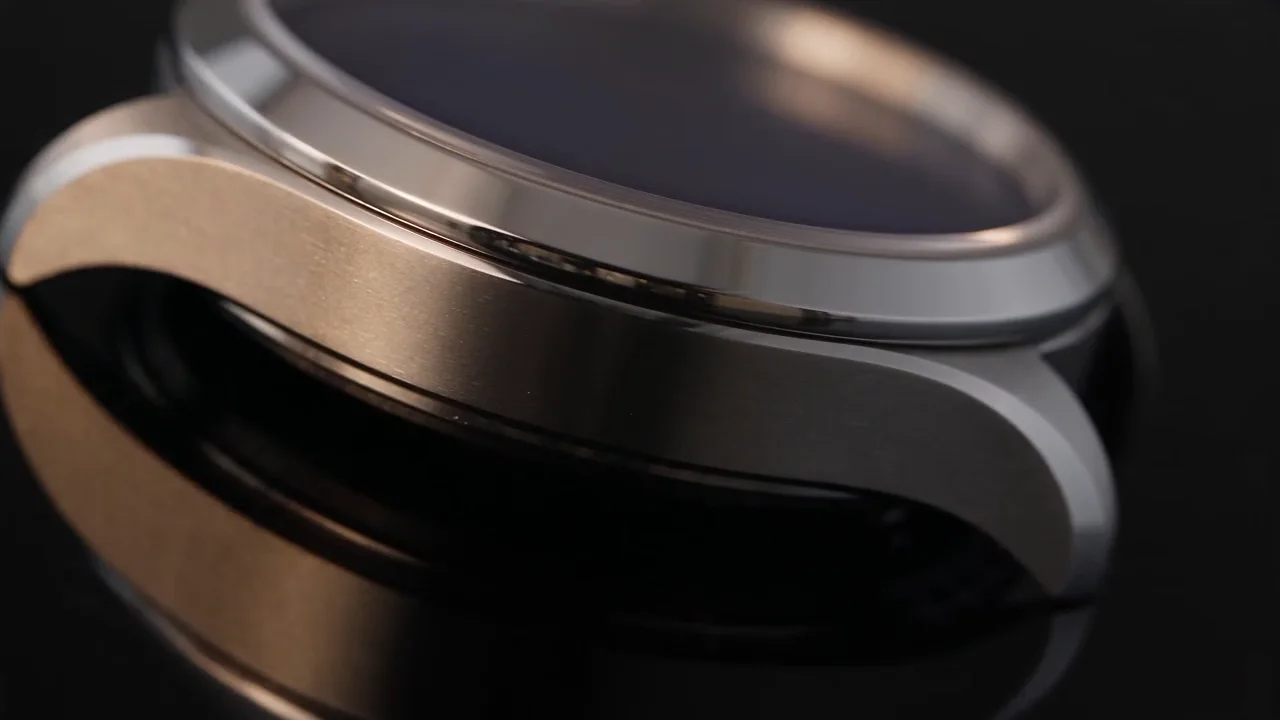
360 spin. Preview clip for a 360 product spin. Generated with an AI video model. - AI preview · coming December 2026
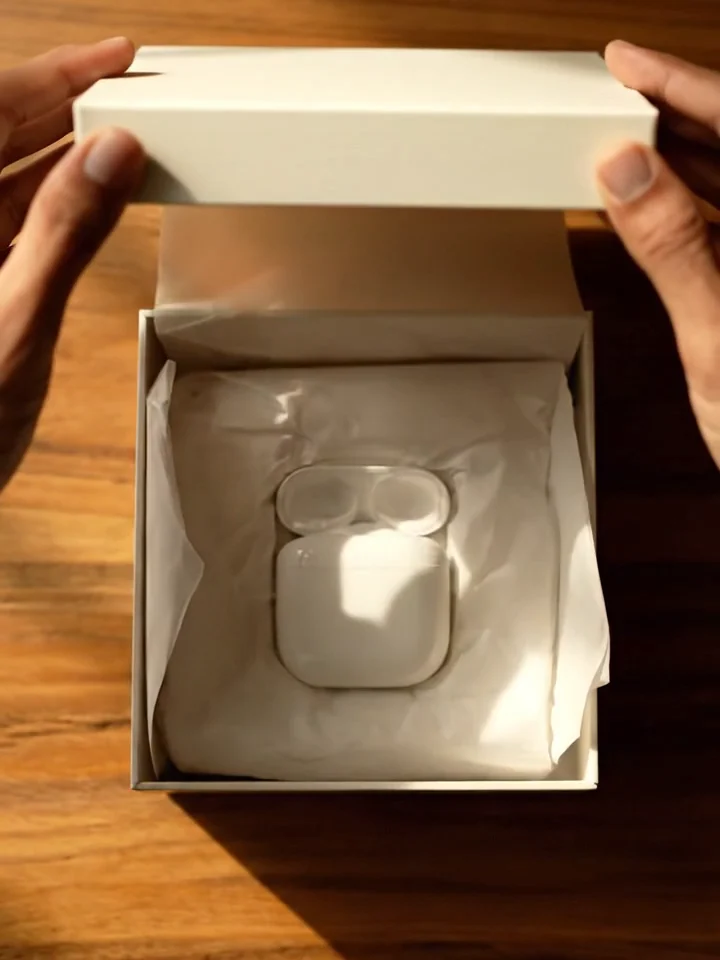
Unboxing. Preview clip for an unboxing video. Generated with an AI video model. - AI preview · coming December 2026

Fragrance launch. Preview clip for a fragrance product ad. Generated with an AI video model. - AI preview · coming December 2026

Lifestyle. Preview clip for a lifestyle product scene. Generated with an AI video model. - AI preview · coming December 2026

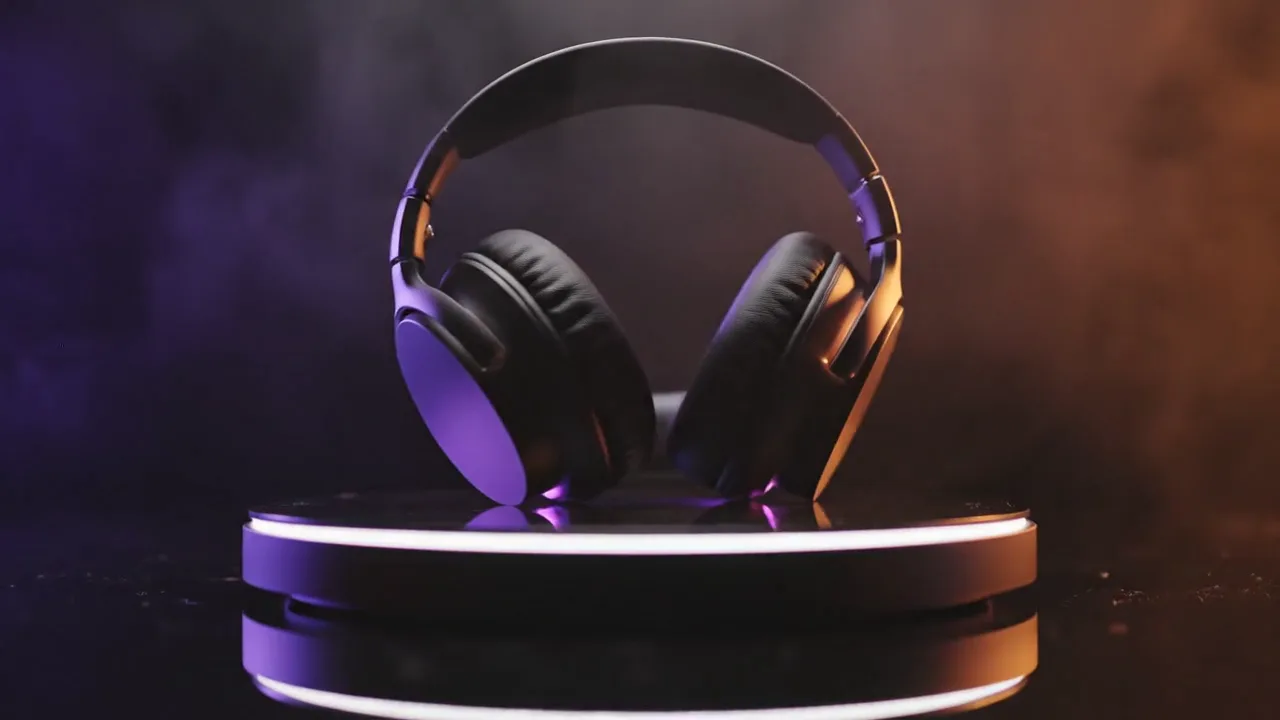
Drinks ad. Preview clip for a drinks product ad. Generated with an AI video model.
All previews are generated with AI image and video models. The generator opens December 2026.
How it works for products
From photo to product film
Start from a photo, a spin or a scene. Your real product stays the reference every time.

From a product photo or a link to a finished video
Upload one clean product photo or paste its page link, and review the plan first.
- Keep the product as photographed; change the setting
- Read the shot list, on-screen text and captions as words
- The price appears beside the render button

360 spins and product demos that show the whole thing
Show shoppers the whole product with a smooth spin and a feature walkthrough.
- Spin built from your photos; real photography stays the reference
- Demo callouts follow one point at a time
- Export a short listing clip and a longer page video
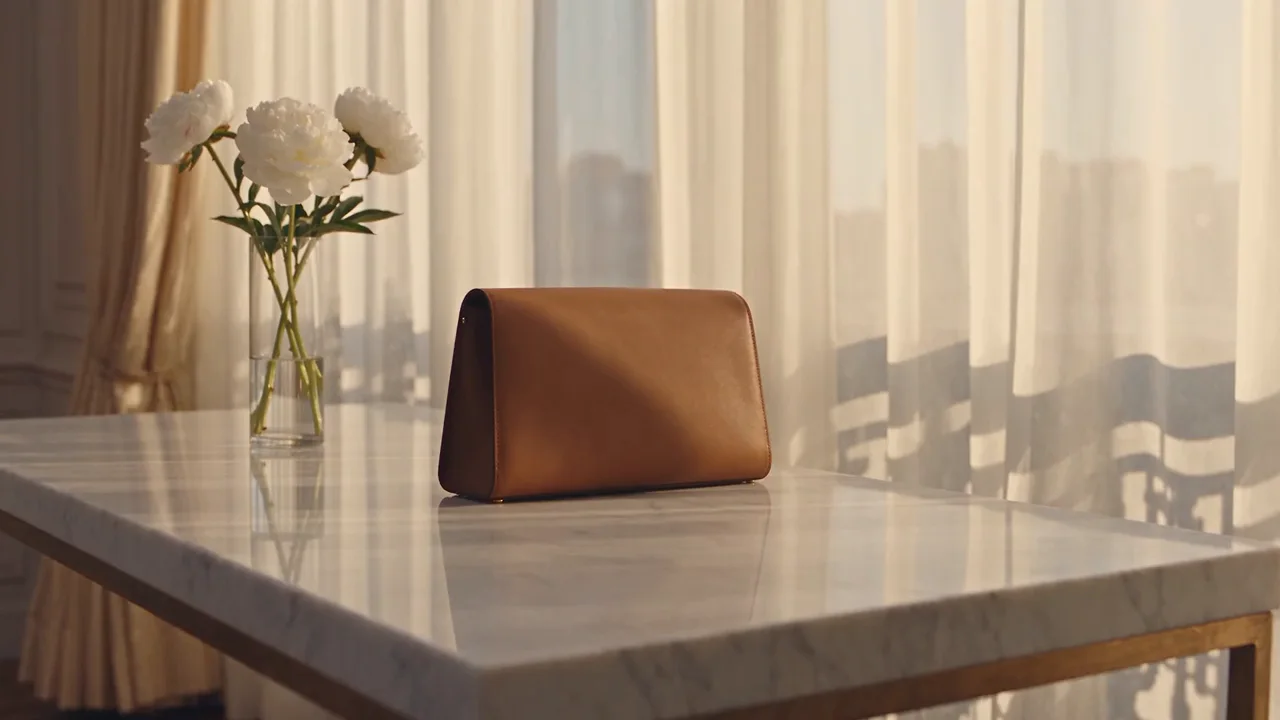
Lifestyle scenes that stay on brand
Place your product in a believable setting without arranging a shoot for each one.
- Describe scenes: a sunlit kitchen, a trail at dawn
- Colours, fonts and logo placement stay fixed across videos
- Swap a background or try three moods side by side
Everything in one place
What the product video generator will do
Twelve things we are building for people who sell things. Auto captions already work today and carry a tag. The rest arrive with the generator in December 2026.
Live todayComing December 2026
- AI preview · coming December 2026

Image to video
Bring a product photo to life with gentle, controlled motion, and keep the product itself unchanged so the shopper sees what they will receive.
Product ad maker
Turn one photo and a few lines of copy into a short ad with a hook, a payoff and a call to action, written so you can edit every line before it renders.
Product demo
Walk through the features you list, one callout at a time, with motion that follows the point.
Lifestyle scenes
Place your product in a believable setting you describe, instead of arranging a shoot for each one.
Background swap
Change what sits behind the product, from clean studio to a kitchen counter, without a re-shoot, and keep the product itself untouched.
- AI preview · coming December 2026
360 spin
Build a smooth turntable view from your photos, so a shopper can see every side before buying, and use it on a listing or an ad.
Spokesperson avatar
A presenter who talks through your product, with a voiceover you can edit line by line, clearly labelled as generated when it is not a real person.
- Live today
Auto captions
Accurate, styled captions for muted autoplay, in the look you pick, with word highlights if you want them, and a fix for any word in one click.
Try it now Resize and reframe
Turn one video into square, vertical and wide versions for listings, feeds and ads, keeping the product in frame.
Batch variations
Make several cuts of one ad with different hooks and lengths, so you can test which one your shoppers prefer.
Brand kit
Save your colours, fonts and logo once, and every product video uses them, whoever on the team makes it, for as many products as you list.
Price before render
See what a video will cost before you press render, never afterwards, while you can still change it.
How to make a product video with AI
1. Upload your product
Add a clean photo, a few angles or a product page link, and write the one thing a shopper should remember. Your real photography stays the reference for colour, shape and labels.
2. Direct the shot
Describe the setting, the motion and the mood in plain words. Enhance adds the detail a good prompt needs, such as lighting and camera movement, and you can edit every word.
3. Export for every channel
Check the price, render, then download or redo a scene. Resize for listings, feeds and ads, and add captions in the same workspace so each version is ready to post.
Product video templates, planned for launch
A template will set the framing, the motion, the caption style and the pacing for one kind of product video, so a listing, an ad and a launch post each start from a structure that fits. These six are the first we plan to build.
Why product videos belong next to your clips and captions
A product video is never one file. It is a square cut for the listing, a vertical cut for the feed, a version with captions for muted autoplay and another for a second market. Exemplary AI is built so all of those stay in one workspace, with your brand and your footage carried through each of them.
- AI preview · coming December 2026
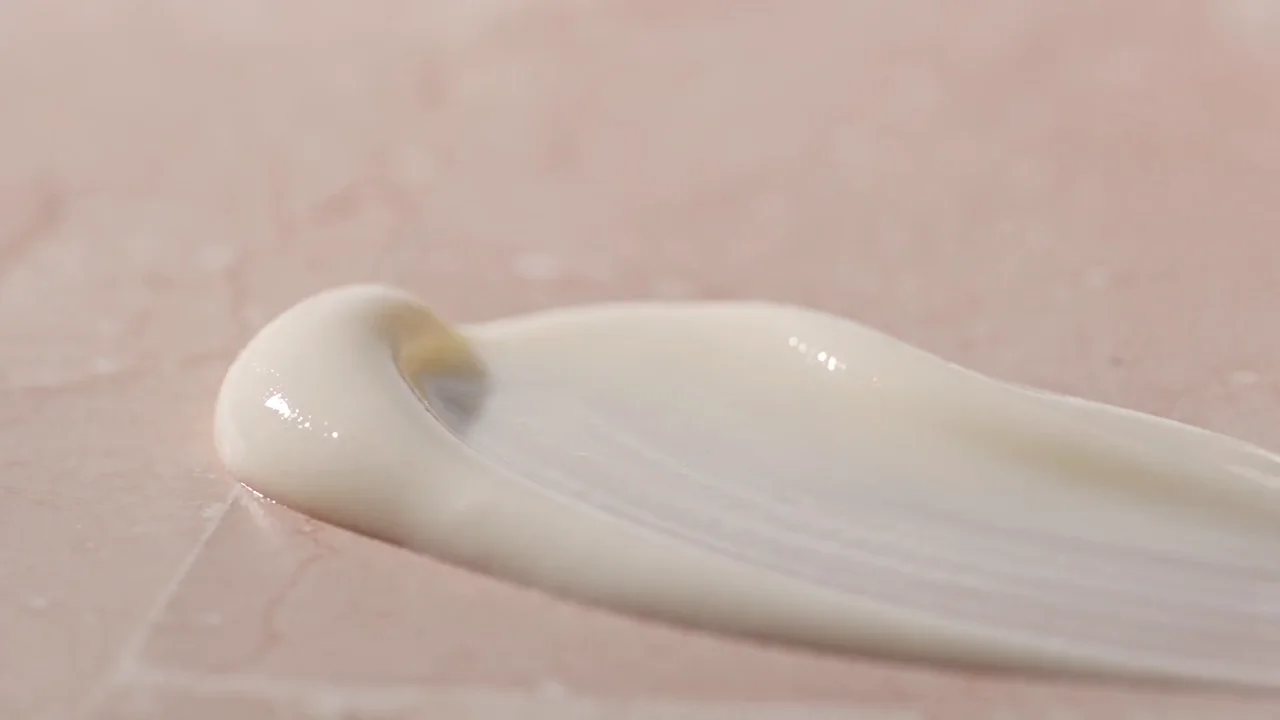
For DTC brands
You own the product page, the ads and the inbox, and every one of them wants fresh video. The generator will turn your existing photography into spins, demos and lifestyle scenes, apply your brand kit and hand you a cut for each channel. Launching a new colour or a seasonal bundle stops meaning a new shoot. You keep the look that customers already recognise, and you spend your time on the offer and the message instead of on exports and file names.
- AI preview · coming December 2026
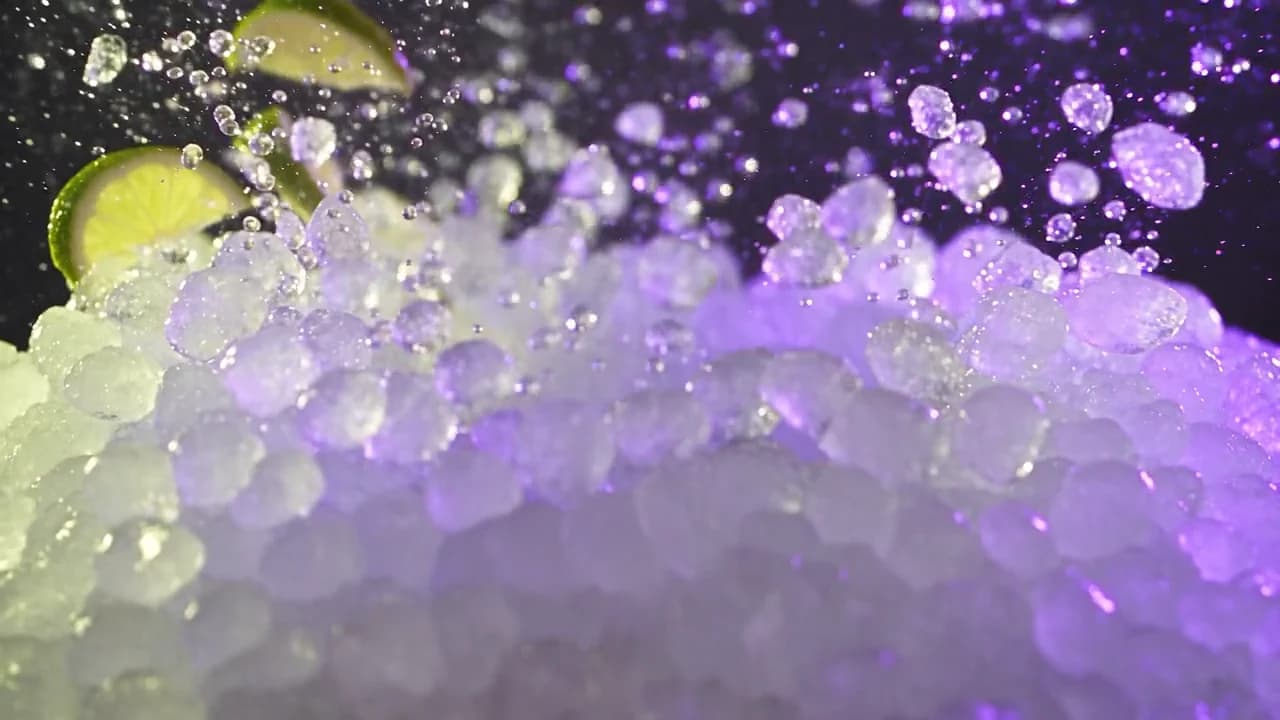
For marketplace sellers
A listing with a short video explains what a photo cannot: size, motion and how a thing is used. The generator will make a clean spin and a feature demo from the pictures you already have, in the square or vertical shape each marketplace asks for, with captions for shoppers who browse on mute. Add a short voiceover for the detail that matters. Because the price is shown before each render, you can plan a whole catalogue without surprises.
- AI preview · coming December 2026

For agencies
Every client has a different logo, palette and tone, and every client wants variations by Friday. The generator will keep a brand kit per client, so a new ad starts on brand instead of from a blank page. Batch several hooks of one idea, review the plan as plain text, and share the result without a chain of exports. Clips cut from a client interview or a launch event join the same project, so the story and the product stay together.
- AI preview · coming December 2026

For teams already using Exemplary
If you cut clips, caption videos or translate subtitles in Exemplary AI today, none of that changes. The product video generator joins the same workspace, so a generated spin can sit beside a clip from your own launch recording, share the same caption style and export in the same formats. Your projects, brand settings and history are already there. There is no new account to learn and no files to move between tools.
Four tools you can use for product video today
Waiting for December is optional. These run now, in the workspace the product video generator will join, and they are free to try.
- Live todayAI clipsCut a product launch or a demo recording into short clips with the strongest moments found for you, ready to caption and post to your feed.
- Live todayCaptionsAdd accurate, styled captions so your product videos work with the sound off, which is how many people watch in a feed or on a listing.
- Live todayTranscriptionTurn customer calls, interviews and review videos into text you can search, quote and reuse in product pages and emails.
- Live todaySubtitle translationTranslate subtitles to reach shoppers in other languages, and keep one product video working in every market you sell to without re-recording.
Product video questions, answered
Can I make product videos with it today?
Not yet. The AI product video generator will launch in December 2026. Join the waitlist on this page and we will email you once, on the day it opens. Meanwhile you can already cut clips from your own footage, add captions, transcribe audio and translate subtitles, and all of that is free to start.
What do I need to start a product video?
One clean photo of the product is enough, and a few angles help. You can also paste the link to a product page. You will add a line about what a shopper should remember, pick a template and a format, and read the plan before anything is rendered.
Will the product look the same as in my photos?
That is the aim. Your photography stays the reference for shape, colour and labels, and the generator builds motion and setting around it. Generated video can still drift, so you will review each result and redo a scene that gets a detail wrong before you post it.
Can it make a 360 spin of my product?
A turntable-style spin is one of the first templates we plan to build. It will work from your photos and aim for a smooth, even rotation. How many angles a good result needs is something we are still testing, so we will say so plainly before launch.
Can I put my product in a lifestyle scene?
Yes, that is planned. You will describe a setting in plain words, such as a kitchen counter or a trail at dawn, and the product is placed into it. You can also swap just the background and keep everything else the same, and try a few moods side by side.
Will there be an avatar that presents the product?
A spokesperson avatar is on the list for the generator, and it is coming, not live. It will talk through your product with a voiceover you edit line by line. Any presenter that is not a real person will be clearly labelled as generated.
How do I keep every video on brand?
You will save a brand kit once, with your colours, fonts, logo and caption style. Templates apply it to every new video, and changing the kit changes what you render next. Captions already follow your chosen style today, so you can set that part up now.
Can I make several versions to test?
Yes. Batch variations are planned: one idea, several hooks and lengths, rendered together so you can compare them. The price of the batch is shown before you render, so you can trim the number of versions to fit what you want to spend.
Which formats and shapes will it export?
Vertical 9:16, square 1:1, portrait 4:5 and landscape 16:9 are planned for launch, which covers feeds, marketplace listings, product pages and ads. Resize and reframe will make several shapes from one video and keep the product in frame.
Do I need to label generated product videos?
Often, yes. Platforms and advertising rules increasingly ask for generated media to be labelled, and some ask for it in ads in particular. We label every generated preview on this site as one. Check the rules of each channel you post on before you publish.
Will I know what a product video costs before I render it?
Yes. Showing the price of a video before you render it is a design rule for the generator. For a catalogue, you will see the cost of the whole batch up front, so you can change lengths or formats before you commit to anything.
Is there anything in it for people on the waitlist?
Everyone on the list gets 3 free videos at launch, plus a personal link to share. Any reward for referrals will be announced before it applies. There is nothing to pay to join, and telling us what you sell helps us decide which product templates come first.
Product video and marketing reading
Practical guides from the team behind Exemplary AI on shoppable clips, video layouts and marketing with AI video, written for people who sell products and need video that works in a feed, on a page and in an ad.
Read our blog
AI Tools
The Best AI Video Generation Models in October 2026: What Changed and Which to Use
Marketing
TikTok Shop Video: Turn Product Demos Into Shoppable Clips
Marketing
Video Marketing 101: Why Its Essential for Brand Success

AI Tools
8 Best AI Video Generators, Plus One We Are Building
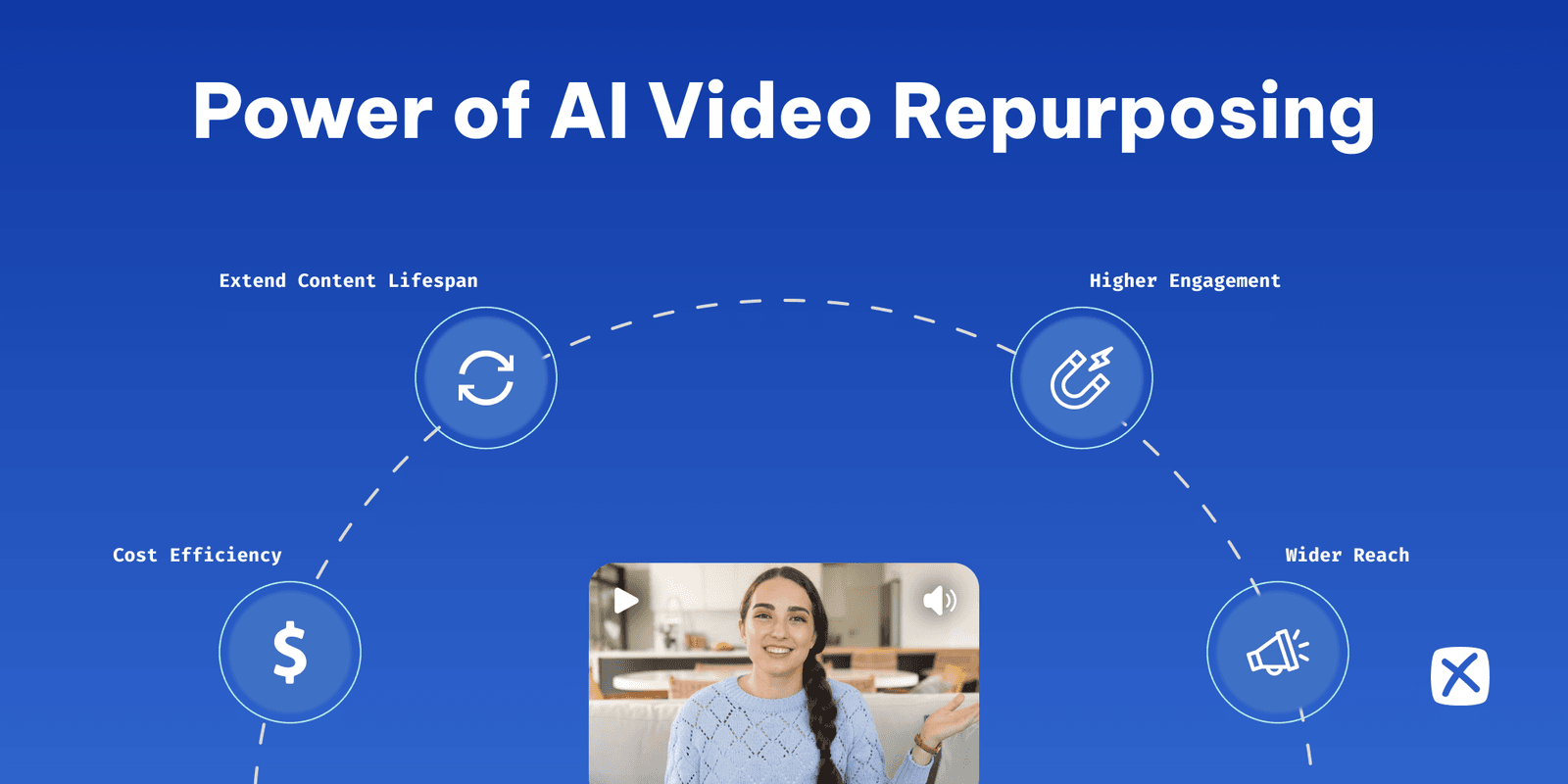
Repurposing
AI video repurposing for your marketing strategy
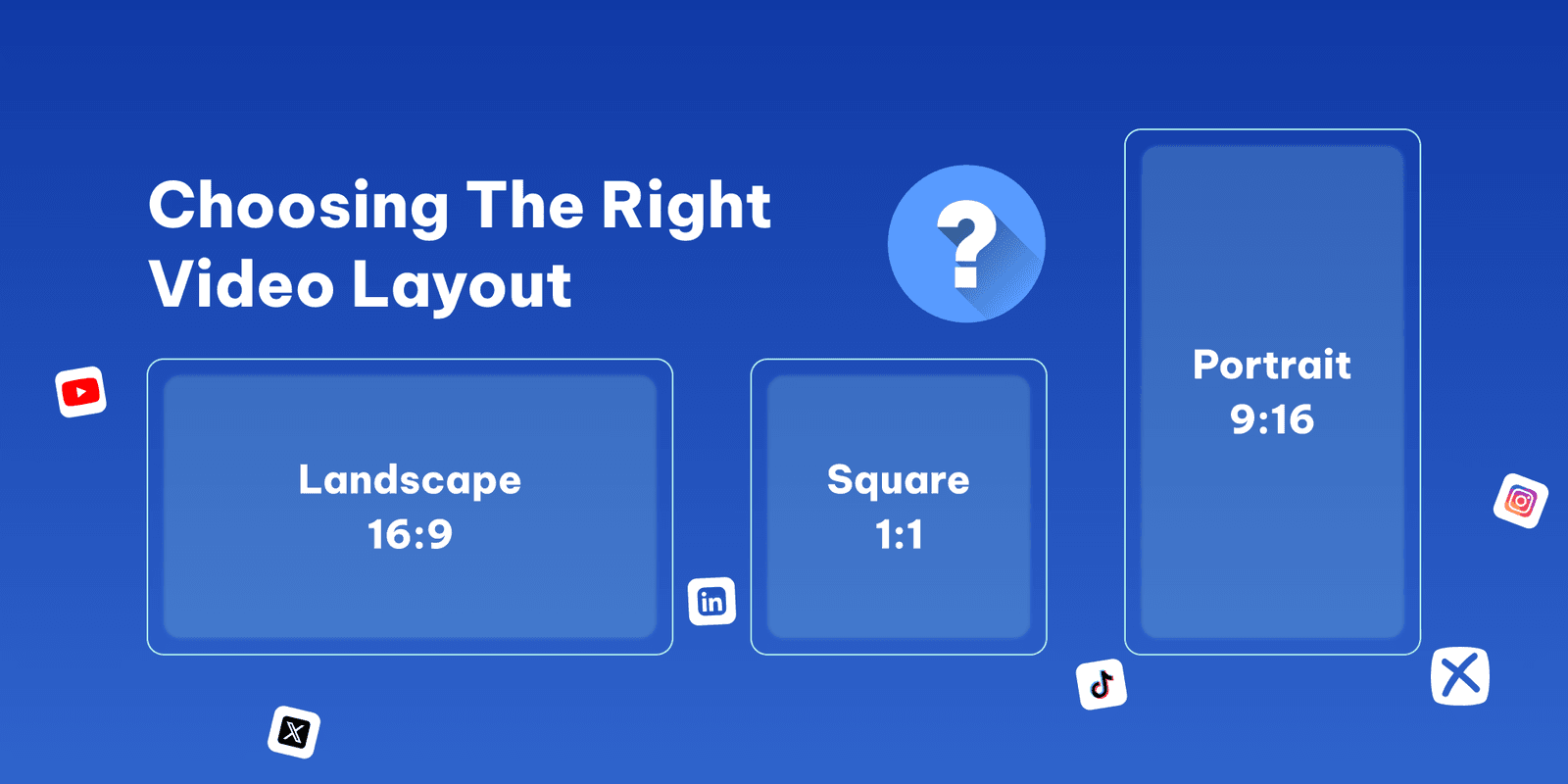
Content Creation
Guide to Choosing the Right Video Layout for Your Content
Get your products moving in December
Leave your email and we will write once, on the day the AI product video generator opens. Tell us what you sell and you will help decide which templates we build first.
Explore more AI tools
For marketing
For creators and side projects
- YouTube Shorts maker
- Twitch clip maker
- Instagram Reel maker
- Kick clip maker
- Viral clip finder
- YouTube to TikTok
- Long video to short video
- Horizontal to vertical video
- AI video editor
- Auto video editor
- YouTube title generator
- YouTube description generator
- Hashtag generator
- YouTube video summarizer
- Animated subtitles
- Silence remover
For faceless channels
- Auto subtitle generator
- Audiogram maker
- Audio to video
- Video translator
- Music visualizer
- Sound wave generator
- Audio waveform generator
- Transcribe a YouTube video
- Video caption generator
- Burn subtitles into video
- Word highlight in subtitles
- Add emoji to subtitles
- Add B-rolls
- Audio to text
- Podcast transcript generator
- Audio translator