Can Teams transcribe meetings without recording?
Yes. In a Teams meeting, open More actions, then Record and transcribe, and choose Start transcription. It transcribes without recording video, if your organization’s policy allows transcription.
Sources1Facts checked .
After the meeting
The transcript is in the meeting chat’s Recap, where organizers can download it as .docx or .vtt by default. Live transcription works in the desktop app.
If you have the recording
Organizers can download the MP4 recording and upload it for an editable transcript with speaker names and summaries: see transcribe a Teams meeting.
Or send a notetaker to the call
Exemplary AI’s AI Notetaker joins a Zoom, Google Meet, Microsoft Teams or Webex call from its link and records and transcribes it, with notes, whether or not the organizer turns on Teams’ own transcription. It joins as a visible participant, so the meeting sees it; you send it per meeting, and it does not join from your calendar.
Sources
- 1Microsoft Support: View live transcription in Microsoft Teams meetings · Updated 2026-09-10
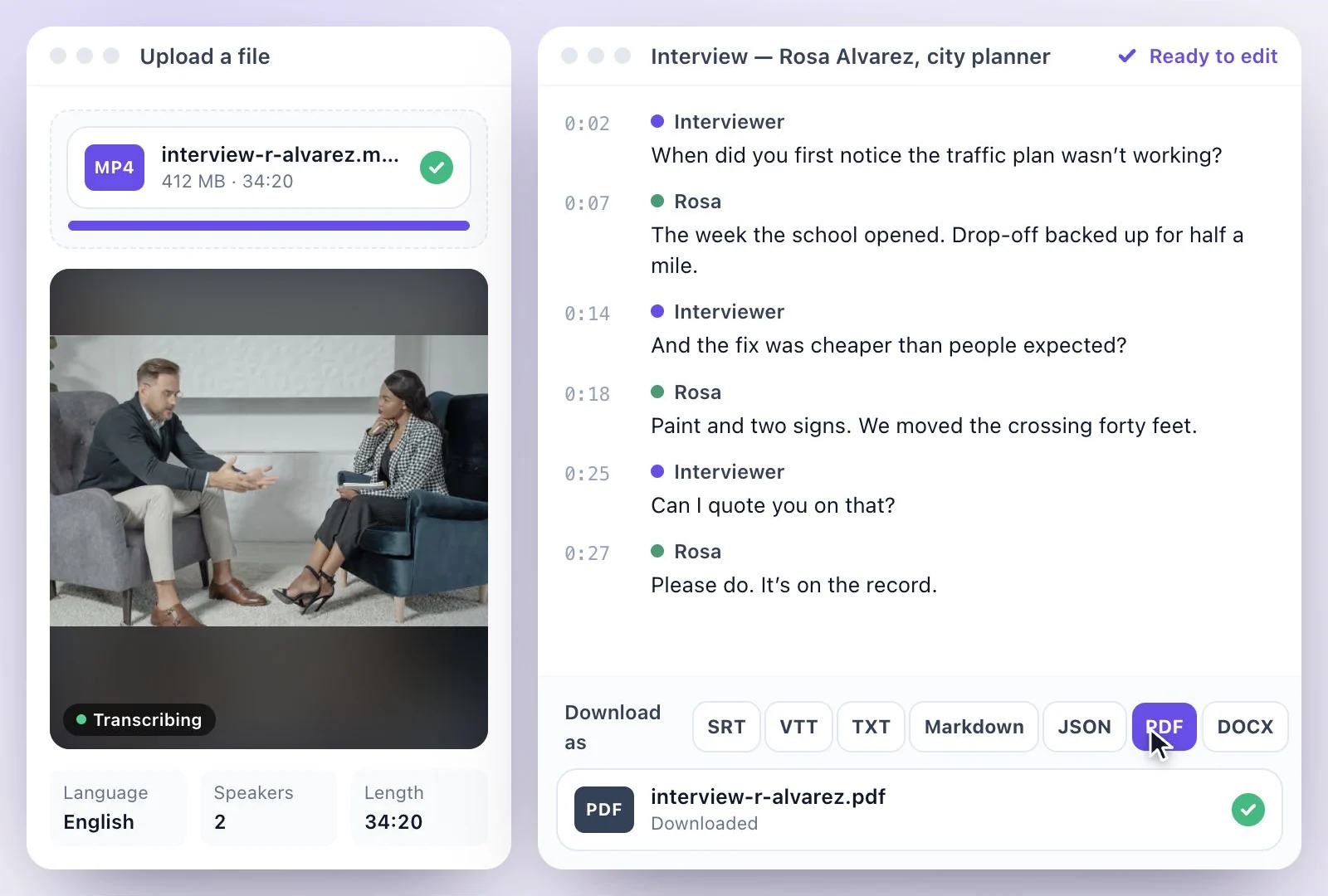
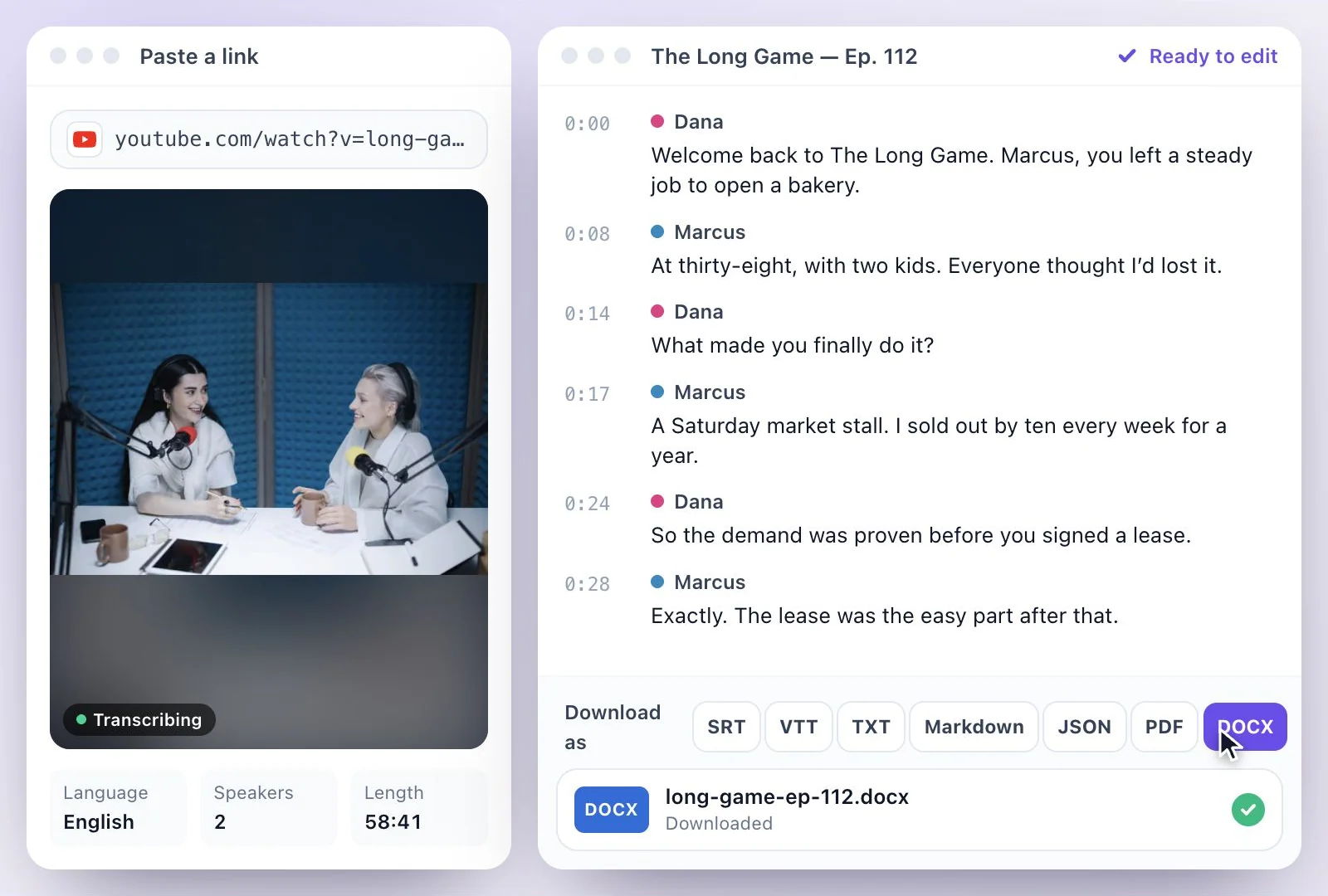
One upload. Every format you need.
Drop in a recording and work from the transcript — clips, captions, chapters, show notes and posts all come from the same file.