Can you add captions to a TikTok after posting?
You can edit the auto captions TikTok generated: open the video, tap the subtitles, then Edit subtitles. Burned-in captions are part of the picture, so they have to be added before you post; otherwise, delete and repost.
Sources1Facts checked .
TikTok’s own captions
Auto captions are turned on in the editing page before you post, and the text can be corrected afterwards. Viewers can switch them off from the share panel.
Captions that always show
To make sure captions show for everyone, burn them in before uploading. Burn subtitles into a video exports an MP4 with the captions in the picture.

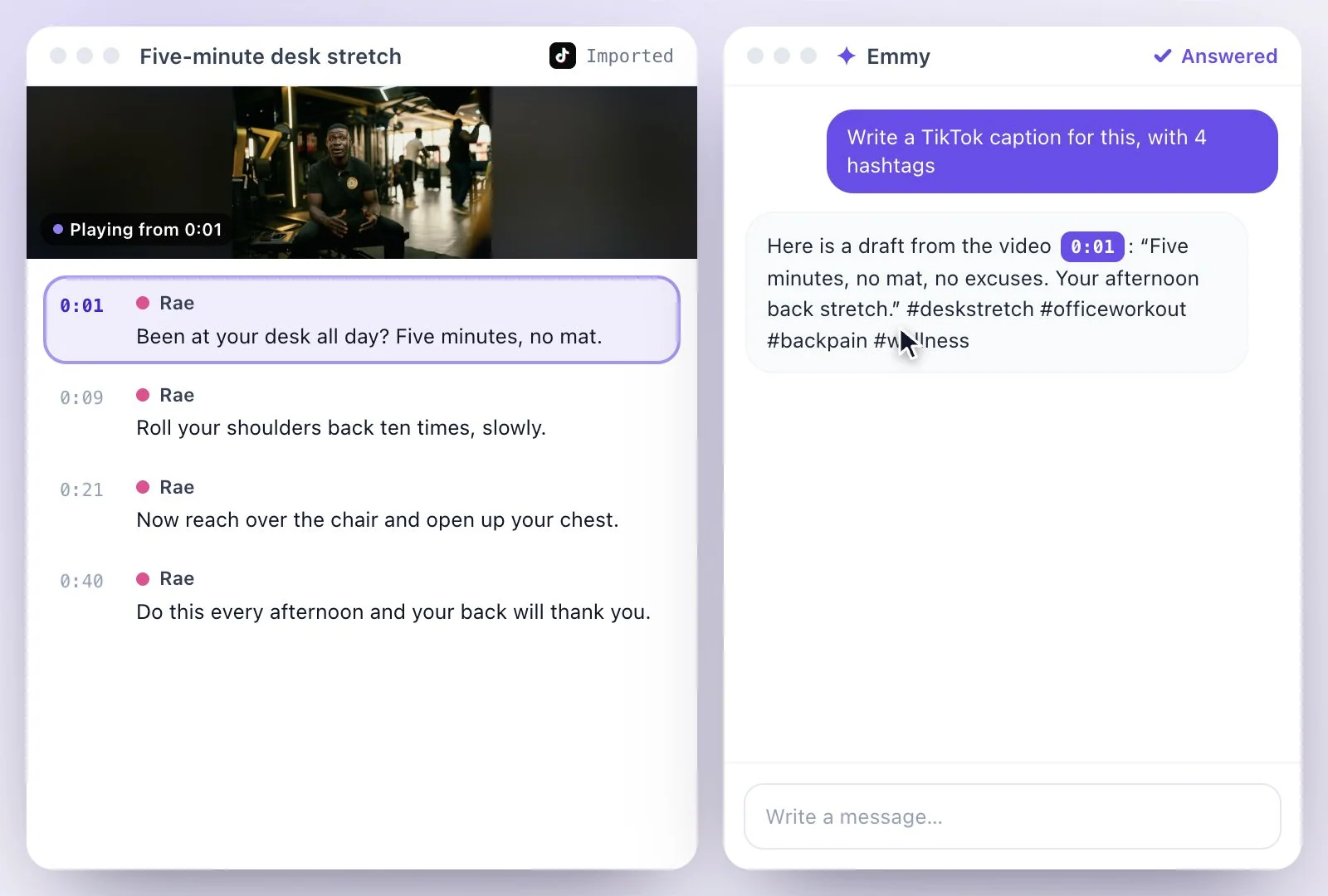
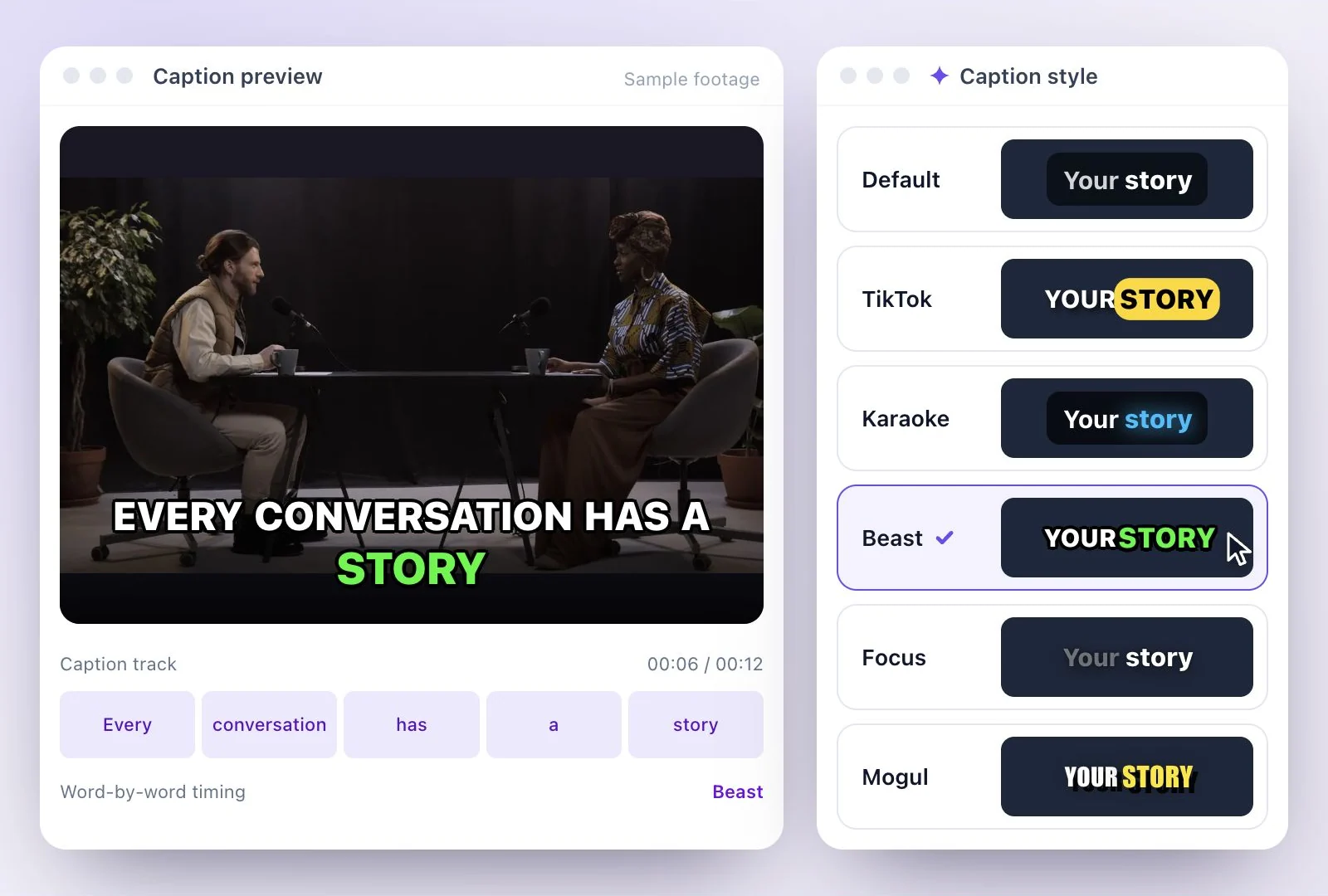
One upload. Every format you need.
Drop in a recording and work from the transcript — clips, captions, chapters, show notes and posts all come from the same file.