Can Zoom transcribe a recorded meeting?
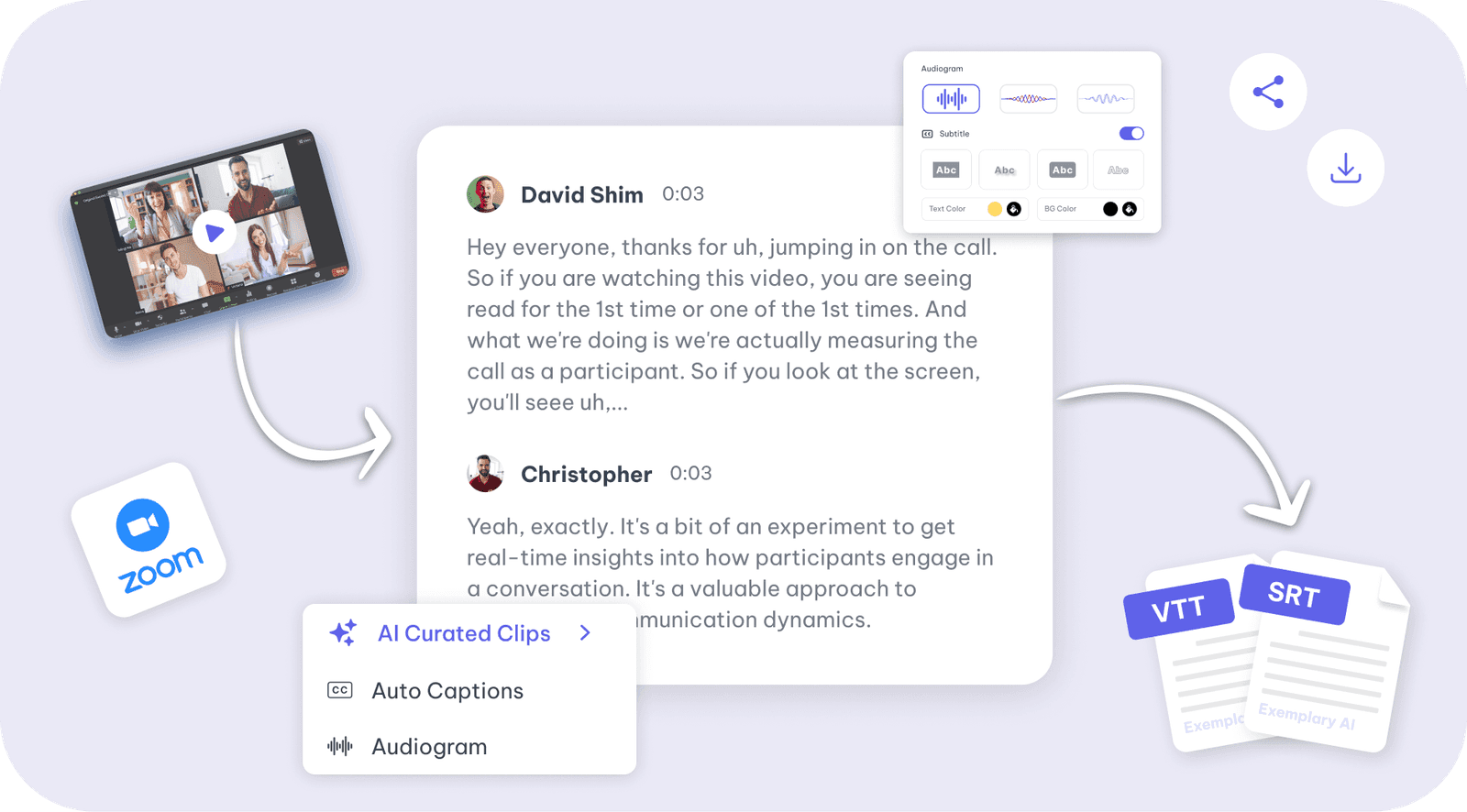
Yes, for cloud recordings: on a Pro, Business, Education or Enterprise account with the audio transcript setting on, Zoom adds a VTT transcript to the recording. Recordings saved to your computer aren’t transcribed.
Sources1Facts checked .
Turning it on
In the Zoom web portal, under Settings, Recording, check that cloud recording is on and select Create audio transcript. The transcript appears with the recording once it is processed.
For local recordings
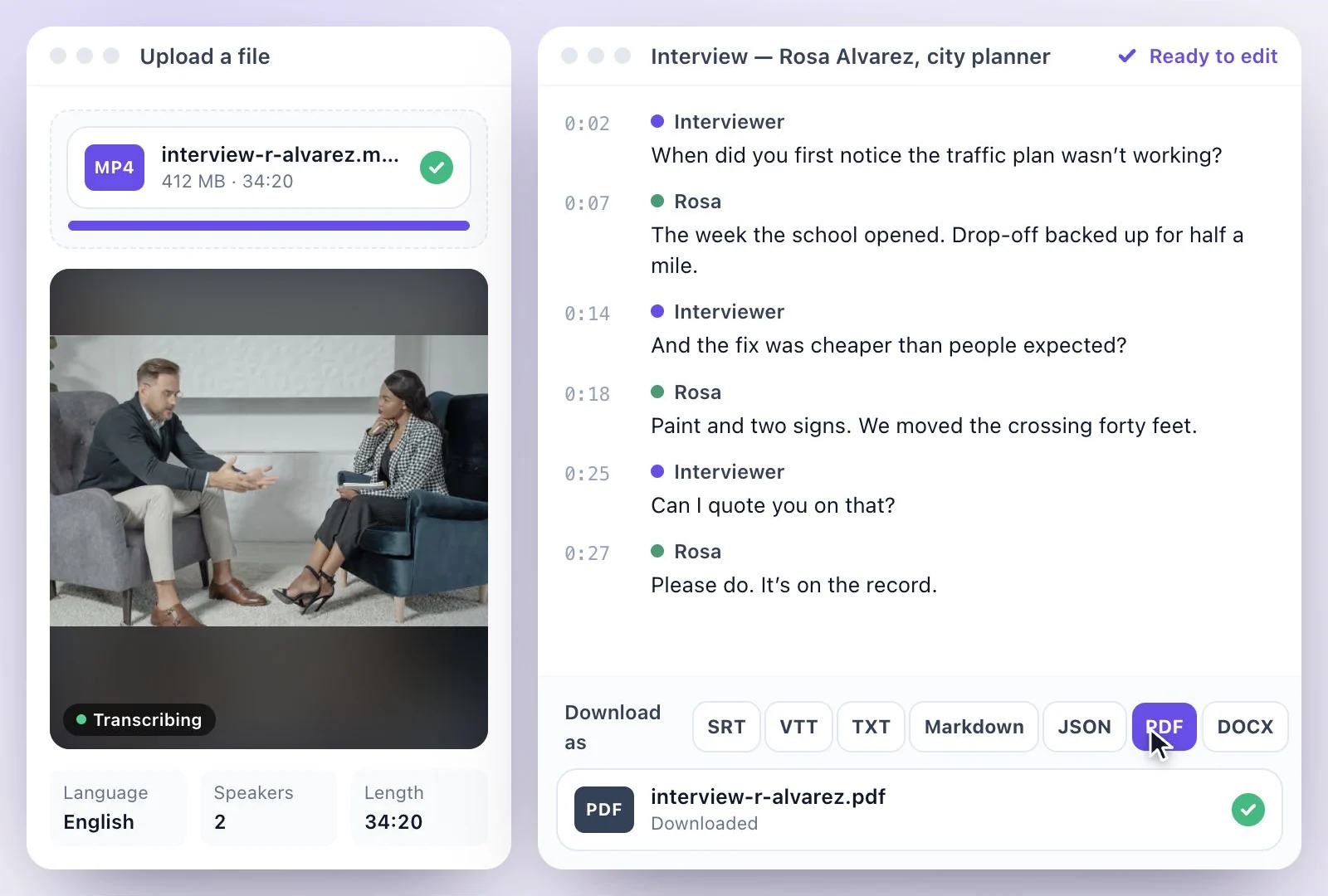
A meeting recorded to your computer is an MP4 file you can upload to a transcriber. Transcribe a Zoom recording covers that route, with speaker names.
Or send a notetaker to the call
Exemplary AI’s AI Notetaker joins a Zoom, Google Meet, Microsoft Teams or Webex call from its link (Send notetaker, then Join now or Schedule), records it and files the meeting with a transcript and notes, so nobody has to remember to start Zoom’s own recording. You schedule it per meeting; it does not join from your calendar.
For every way to do it, from cloud recording transcripts to uploading a local recording, see our guide to transcribing a Zoom meeting.
Do it with Exemplary AI

One upload. Every format you need.
Drop in a recording and work from the transcript — clips, captions, chapters, show notes and posts all come from the same file.