How do I get a transcript of a YouTube video?
To read it, open the video’s description and click Show transcript. To keep it as a file you can edit, paste the link into a transcription tool and download the transcript.
Sources1Facts checked .
On YouTube
Show transcript appears in the description of videos that have captions, and works on computer, Android and iPhone. You can copy text from it, but it is not an editable document.
As a file
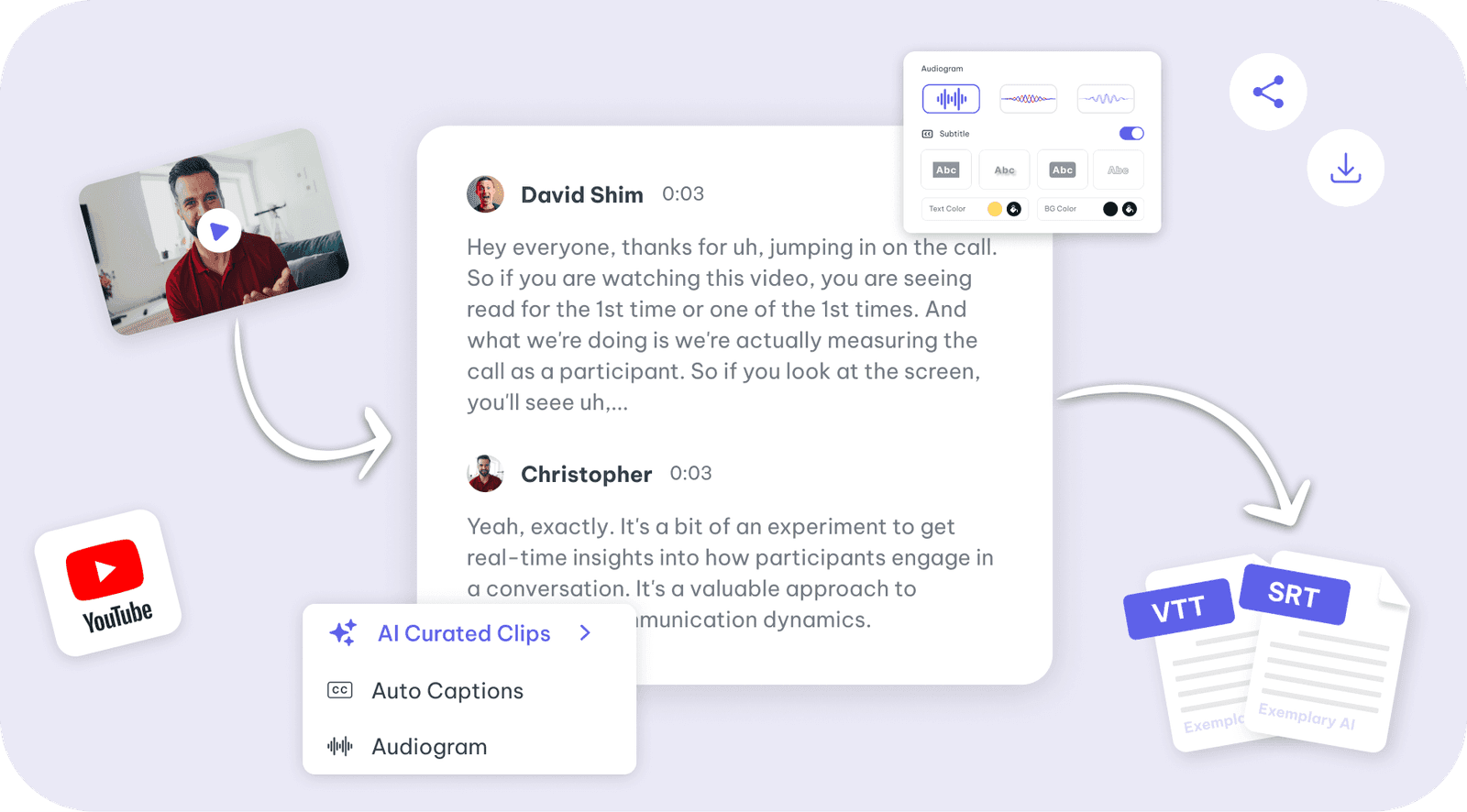
Paste a YouTube, TikTok, Instagram, Facebook, Vimeo or X link into Exemplary AI, correct any word, name the speakers and download PDF, SRT, VTT, TXT, Markdown, JSON or DOCX. The Free plan includes 200 one-time credits; files up to 500 MB and 30 min long; 720p video exports with a watermark.
Our step-by-step guide, how to get the transcript of a YouTube video, shows where the Show transcript button is and why it is sometimes missing.
One upload. Every format you need.
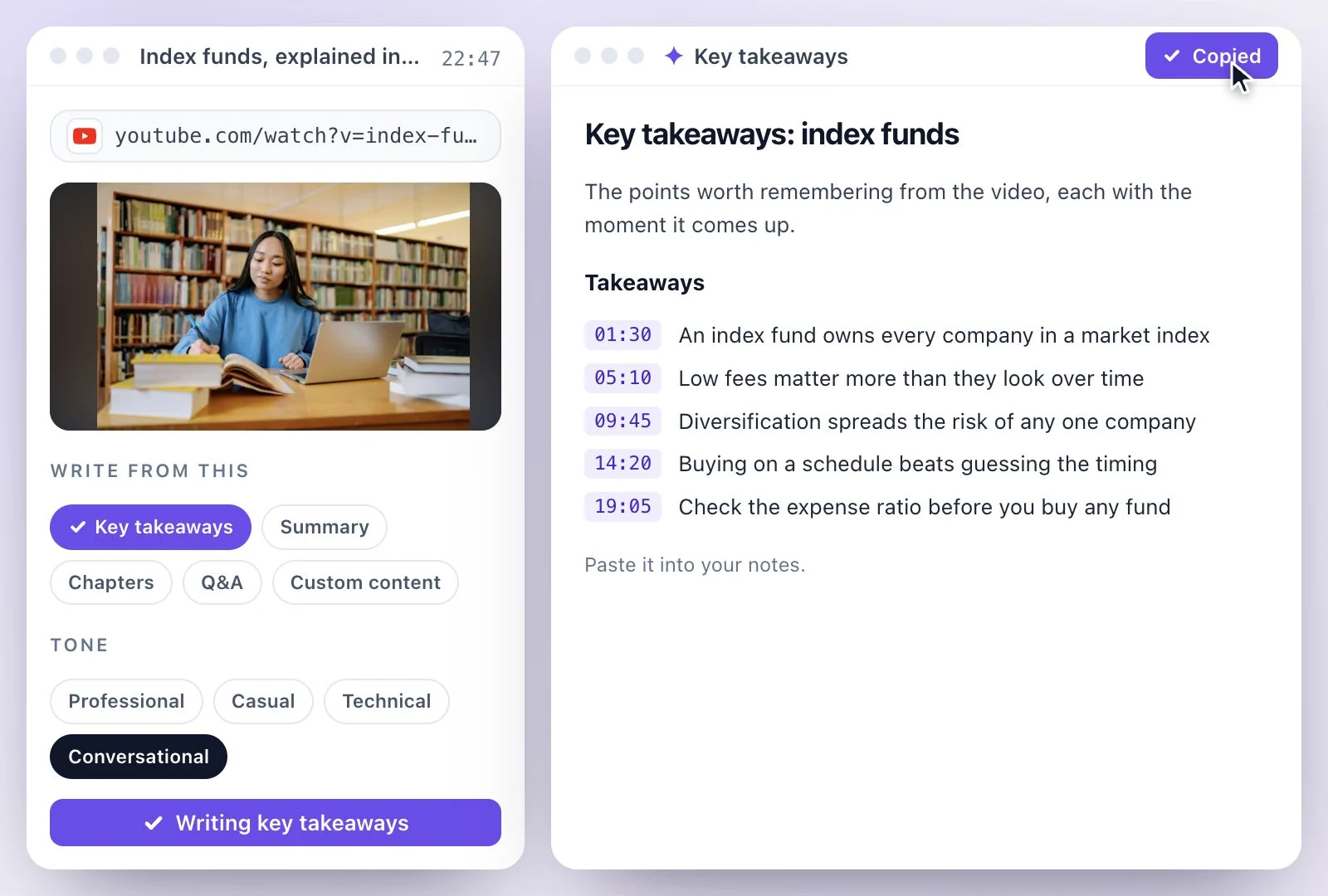
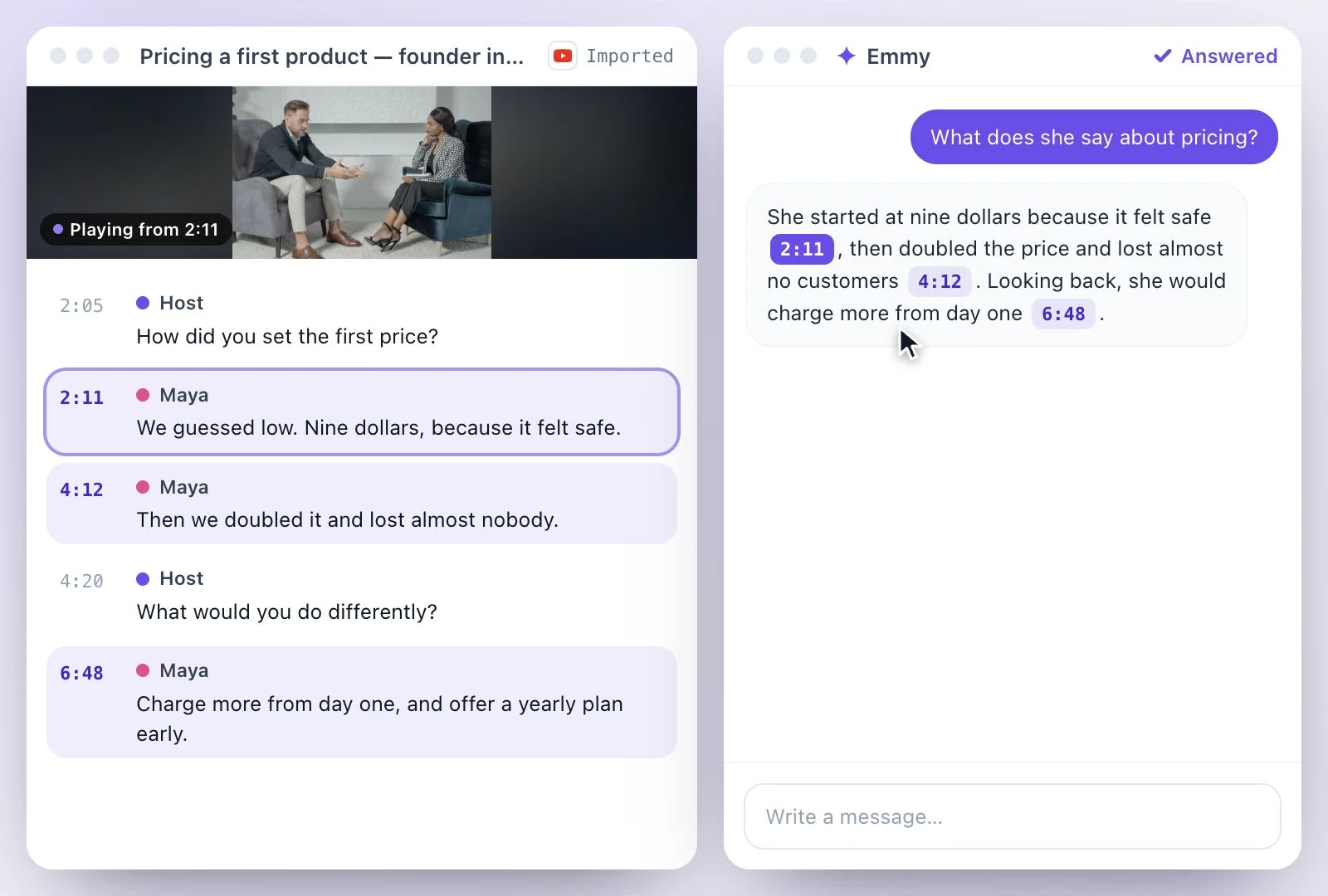
Drop in a recording and work from the transcript — clips, captions, chapters, show notes and posts all come from the same file.