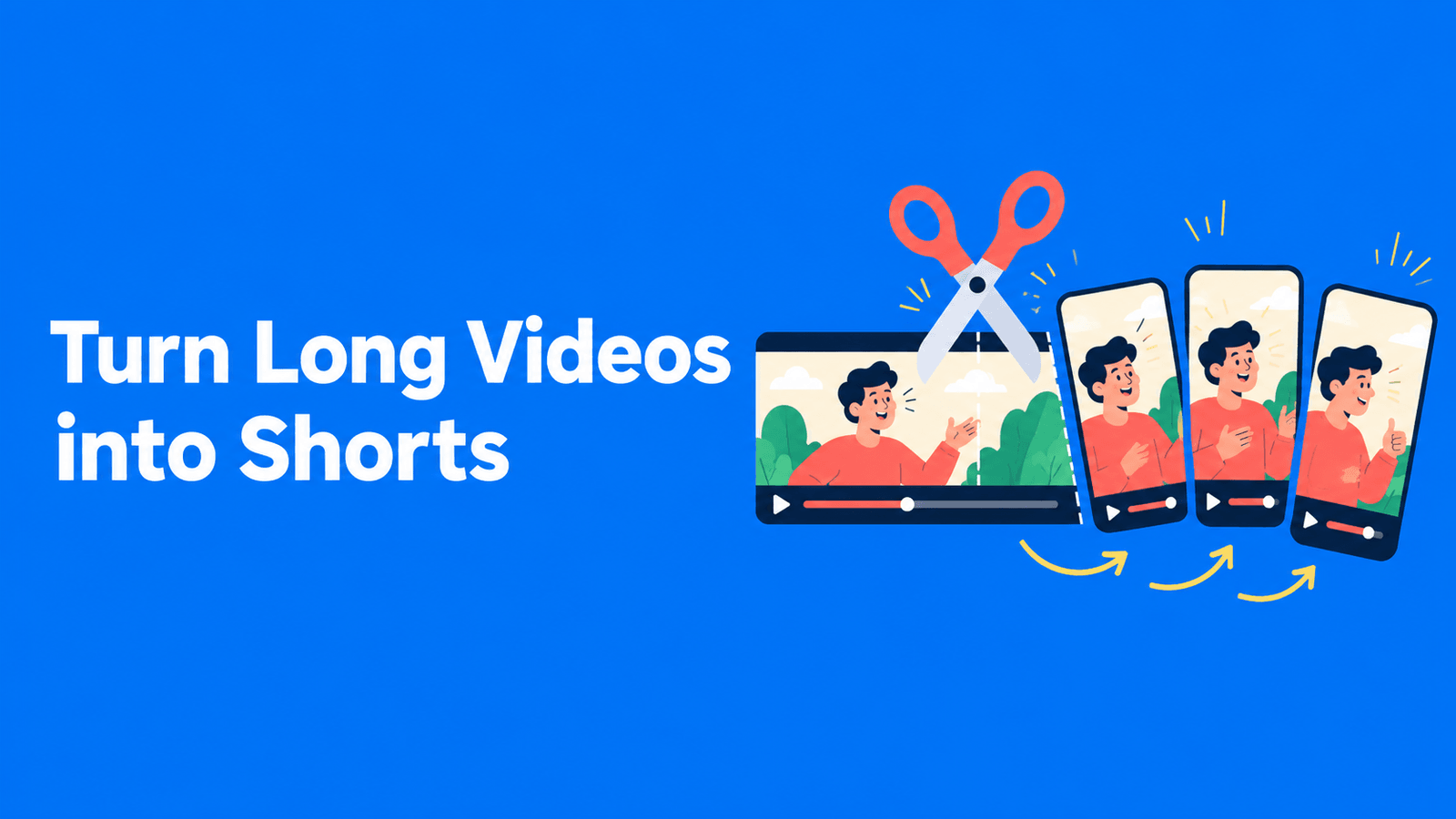
Best AI Shorts Generators: Clips or New Videos?
Choose an AI Shorts generator for existing footage by source fit, selection quality, framing controls and final export restrictions.

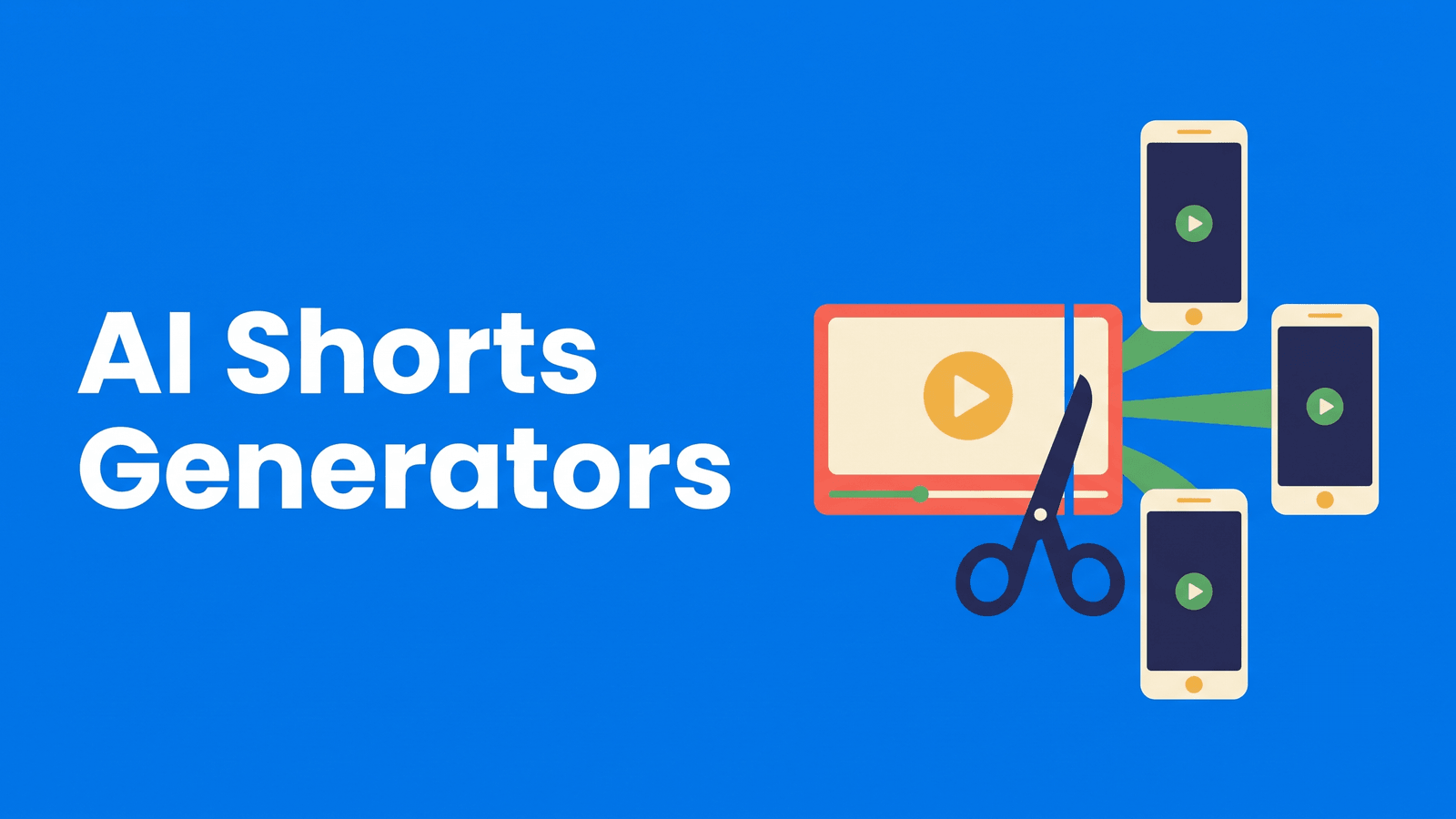
An AI Shorts generator can mean software that extracts moments from a recording or software that creates a new video from a prompt. Those are different starting points. If you have a podcast or tutorial, a clipper is usually the relevant category. If you need new footage, check the separate AI video generator guide.
This article focuses on generating Shorts from footage you own. It compares where to begin and what to review, using documented capabilities rather than a claim that we tested every system against the same benchmark.
Compare the options
| Tool | Start here when you need | Free or paid qualification |
|---|---|---|
| OpusClip | First-pass Shorts from long speech | Watermarked free plan |
| Klap | A clean initial Shorts batch | One free source video |
| 2short.ai | Spoken YouTube material with captions | Limited free analysis |
| Vizard | Reviewable candidates in an editor | Watermarked free plan |
| Descript | Transcript-led Shorts assembly | Free exports watermarked |
What to compare
Choose a complete short story. A useful Short has a setup or question, a payoff and an ending. A moment that sounds interesting halfway through a long recording may not work alone.
Examine the reframe. Faces, diagrams and demonstrations compete for limited vertical space. A centered speaker is not always the subject viewers need to see.
Include finishing in the decision. You may need captions, a better opening, a different end frame or a correction to the transcript. Compare those steps alongside the initial generation, and check whether free export includes branding.
The shortlist
OpusClip: first-pass Shorts from long speech
Long-video highlight selection and captions; free clips carry a watermark. Vendor documentation
Choose a dedicated clipping service when discovery is your main bottleneck. Judge its candidates by whether a new viewer understands them without the original episode. Keep the source open during review to detect missing qualifications. The most dramatic sentence should not automatically become the opening if it misrepresents what the speaker explains afterward.
Klap: a clean initial Shorts batch
Clipping existing footage with a one-video free allowance and clean exports. Vendor documentation
Klap is a practical sample route when you need to evaluate the finished file rather than a watermarked preview. Use one representative source and watch every selected cut through to its end. The free-source offer makes evaluation easier but should not be confused with a repeatable weekly production allowance.
2short.ai: spoken YouTube material with captions
Speech-led YouTube clipping, captions and watermark-free exports; captions are required on the source. Vendor documentation
This option is most relevant when your YouTube source already has captions and the valuable content is spoken. Check that prerequisite before expecting a result from a montage or silent demonstration. Compare how well a candidate preserves the explanation, and verify the free analysis allowance inside the account because the vendor page has conflicting figures.
Vizard: reviewable candidates in an editor
AI clipping with an editor; its free tier has watermarked exports and short retention. Vendor documentation
Consider Vizard when generation is only the start of a revision process. Try a recording with changes in speaker position and references to off-screen material. The point of the evaluation is to discover whether the correction path is fast enough for your schedule. Check file retention so unfinished review does not outlast the free project window.
Descript: transcript-led Shorts assembly
Transcript-based audio/video editing, captions and AI tools; watermark-free video export requires a paid plan. Vendor documentation
A transcript editor is a useful alternative when you want to make the short by selecting the words yourself. It can suit a structured lesson where automatic highlight scoring is less helpful than a deliberate explanation. Review any removal of pauses or filler in context; a tighter edit still needs a natural spoken rhythm and a clean ending.
A practical evaluation workflow
Mark the question answered by each proposed Short. Remove any candidate whose meaning depends on an unseen slide or an earlier joke. For the remaining candidates, add only the context needed for a new viewer, then repair framing and captions. Avoid changing the speaker’s claim to make the hook stronger.
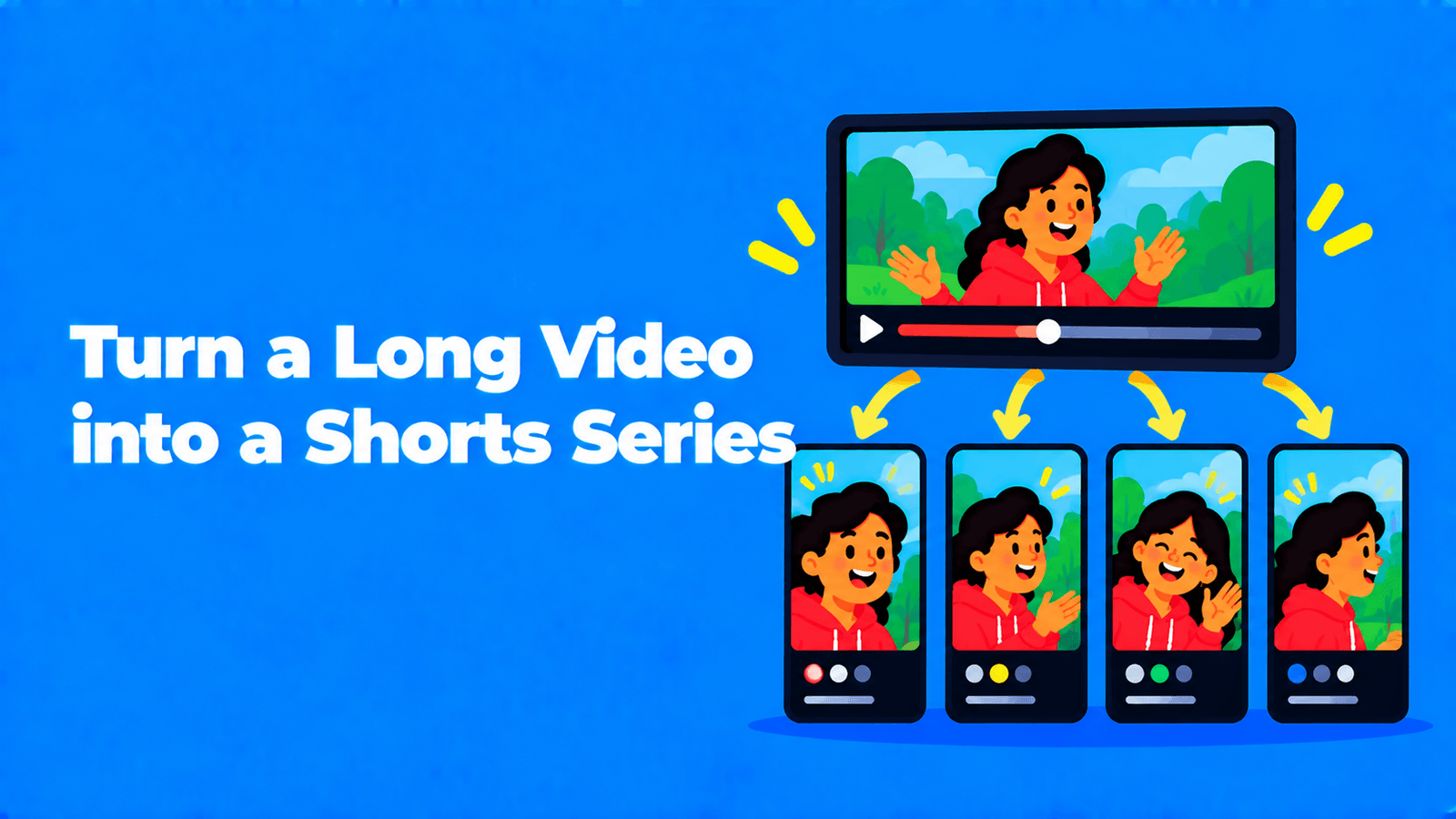
Watch the output as a standalone video before deciding where it belongs. Keep different topics separate, and link viewers to the longer source when appropriate. Our Shorts series guide explains how to arrange related excerpts without making every episode an incomplete teaser.
FAQ
Can I generate a Short from text alone?
Some video-generation products start from a script or prompt, but that is outside this clipping shortlist. Choose that category when you need new footage rather than an excerpt from your own recording. Check stock licensing and generated-media terms separately; clipping features do not establish those rights.
Should I publish every generated clip?
No. Treat generation as a supply of candidates for review. Reject repeats, incomplete arguments and clips that show the wrong visual detail. A smaller set of coherent Shorts is easier to maintain than a queue of excerpts that need viewers to reconstruct missing context.
Which option to choose
Use a clipper when the story already exists inside your footage, and a transcript editor when selecting the story is the main creative job. For clips, transcripts and reusable written material together, consider Exemplary AI and its current allowances. The shortlist becomes easier to judge once you decide whether the product is finding, assembling or inventing the source video.