Best AI Video Editors for Social Media
Compare social video editors for discovery, transcript-led cuts and caption styling, with a practical workflow for revisions and clean output.


Social editing is often a versioning problem. One recording needs a clear vertical clip, a readable caption treatment and a clean master for another destination. The editor that finds a moment automatically may not be the one that makes revisions easiest once a colleague changes the opening or a caption needs correction.
This guide focuses on short social outputs and the handoff between discovery, correction and export. It complements our AI video editor comparison rather than treating long-form channel production and a weekly social batch as identical tasks.
Compare the options
| Tool | Start here when you need | Free or paid qualification |
|---|---|---|
| OpusClip | Discovering social moments in long videos | Watermarked free plan |
| Vizard | Clipping with an editor handoff | Watermarked free plan |
| Descript | Editing social excerpts through text | Free exports watermarked |
| Submagic | Presentation for a selected short | Check trial and paid plan |
| Edits | Phone-first social creation | Mobile editing; check availability |
| Clipchamp | Simple clean exports with manual selection | Free; premium assets gated |
What to compare
Identify the slow step. If finding moments takes the most time, compare clippers. If the excerpt is already selected, evaluate transcript editing or presentation tools. If you create directly on a phone, adding a desktop handoff may increase the work.
Plan for revisions. A clip approved today can need a wording correction tomorrow. Keep the source, editable project and clean output organized so the revision does not depend on downloading a compressed published post.
Compare delivery requirements. Correct proportions, readable captions and an unbranded export matter more than a long feature list. Check how the chosen plan handles export, project retention and any premium assets you use.
The shortlist
OpusClip: discovering social moments in long videos
Long-video highlight selection and captions; free clips carry a watermark. Vendor documentation
Choose a dedicated clipper when a long interview or presentation is the input and selecting candidates is the bottleneck. Review each suggested opening against the whole answer, particularly for strong claims. Use an actual batch to decide whether automatic selection saves producer effort after corrections. Its branded free exports can help evaluate selection, but a recurring clean publishing workflow requires attention to the paid offer.
Vizard: clipping with an editor handoff
AI clipping with an editor; its free tier has watermarked exports and short retention. Vendor documentation
Vizard is a candidate when automatic selection and the follow-up editing step both matter. Give the reviewer an excerpt with speaker movement or a screen demonstration. Assess whether the editor supports the repair work you repeatedly need. Its free retention restriction also affects scheduling: a service is a poor fit for a slow client review if the required project expires first.
Descript: editing social excerpts through text
Transcript-based audio/video editing, captions and AI tools; watermark-free video export requires a paid plan. Vendor documentation
Use transcript editing when the idea is already chosen but the wording and pacing still need work. A text selection should become a natural-sounding excerpt, so listen after removing filler or shortening an answer. Keep the original quotation available for review. Descript’s paid clean-export qualification belongs in the comparison even if your initial transcript work starts on the free plan.
Submagic: presentation for a selected short
Animated captions and short-video editing; the documented plans gate allowances and caption translation. Vendor documentation
A caption-focused short editor is worth evaluating when selection happens elsewhere and the finishing style is the main decision. Choose a readable treatment before adding emphasis or animation. Preview the whole clip on a small screen and check names and punctuation. Confirm the paid allowance and language features you intend to use rather than inferring that every template or translation option belongs to every plan.
Edits: phone-first social creation
Meta’s mobile video editor exports without added watermarks and includes caption styling tools. Vendor documentation
Edits offers a native mobile route with documented exports that do not add a watermark. It is relevant when footage, editing and review already happen on the phone. Compare the caption and finishing experience on your own device; do not assume that every announced language feature has shipped in every region. Keep an exported master so a later distribution change does not force you to rebuild the project.
Clipchamp: simple clean exports with manual selection
Free video editing and watermark-free export, with automatic captions and downloadable SRT subtitles. Vendor documentation
Choose Clipchamp when you can select the moment yourself and want a straightforward browser edit with captions. It is a useful baseline against the cost of automatic discovery. Avoid premium project assets if the free route is required, and save the caption file where possible. A repeatable manual workflow can be enough for a small social schedule without adding another monthly clip allowance.
A practical evaluation workflow
Create a small production brief before processing the source: the audience, the point the clip should make and the destinations that need a version. Select a complete moment, correct the transcript and check the crop before experimenting with styles.
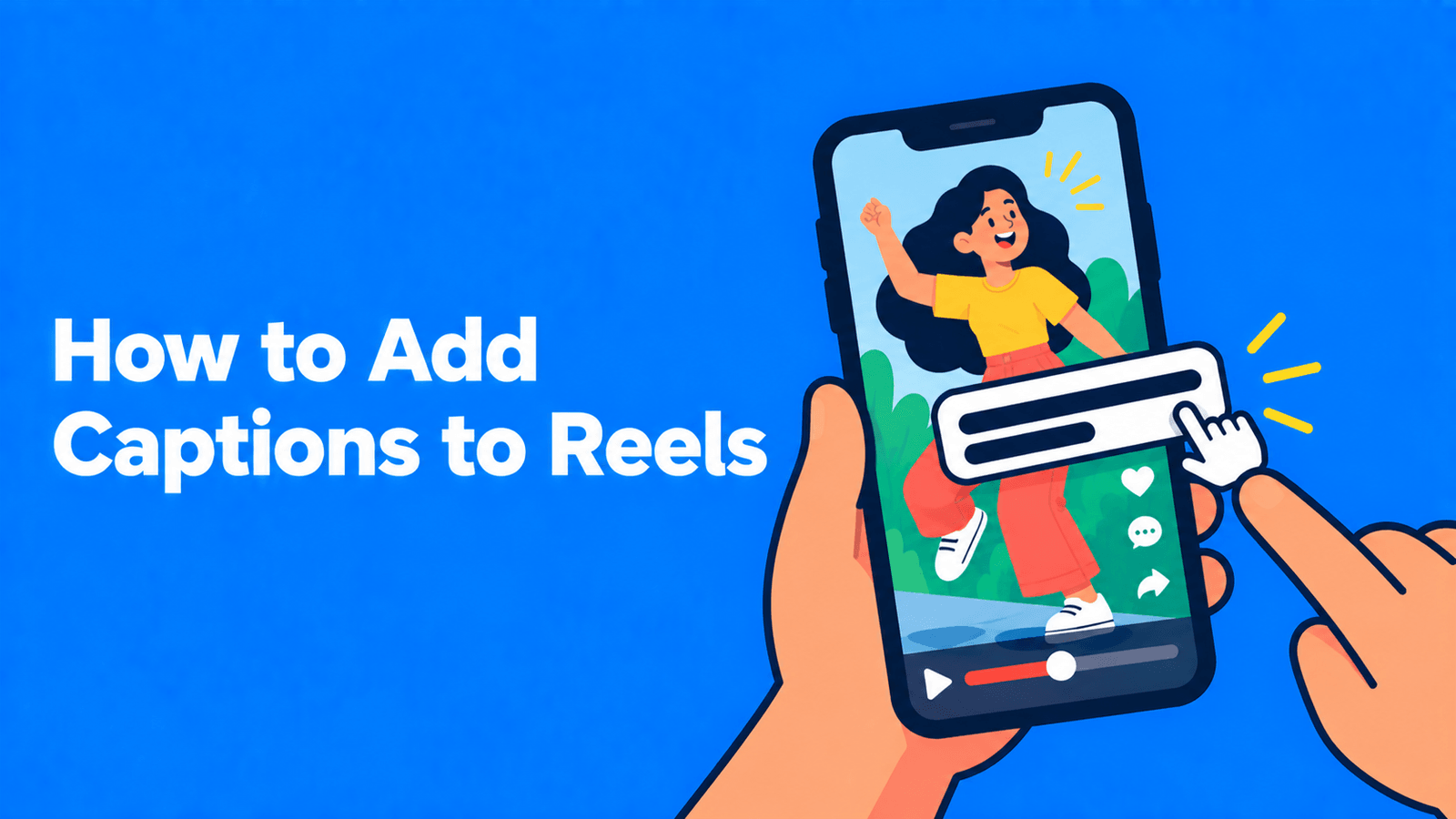
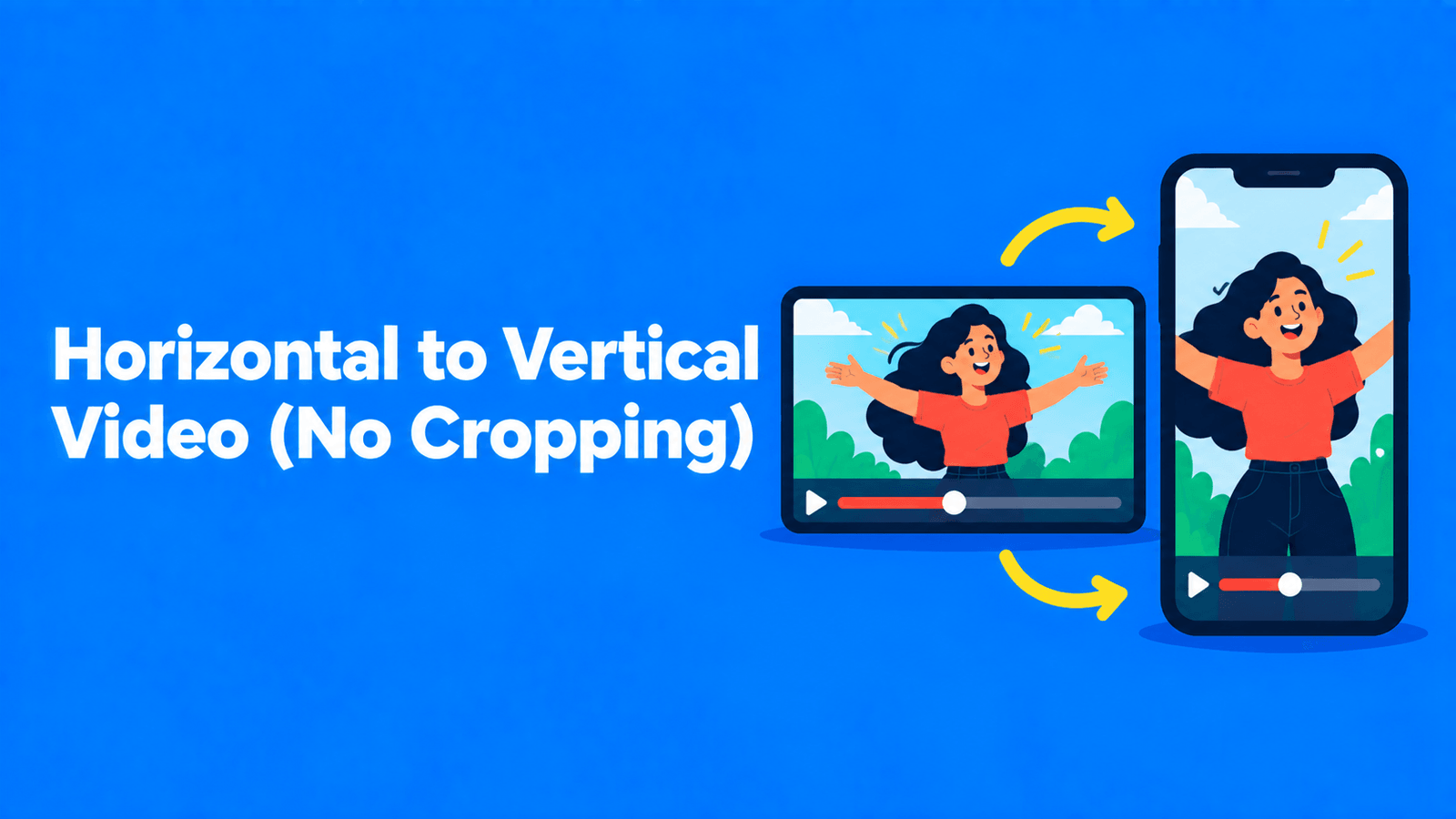
Review the file in the context in which it will be watched. Watch muted for readability, then listen without captions to identify unnatural edits. Keep captions clear of important faces, demonstrations and destination controls. Save the approved master and its source timestamp together. Our Reels caption guide and vertical conversion guide cover those finishing decisions in more detail.
FAQ
Is a free social video editor enough?
It can be when you can choose the excerpt manually and the included caption and export features meet the brief. Clean output does not require automatic discovery in every project. Compare a native mobile editor or Clipchamp with a paid clipper using the full revision process, not just the time taken to create a first preview.
Should I choose the tool with the most animated captions?
Choose a treatment that makes the message easier to follow. Dense animation can distract from a demonstration or serious answer. Correct text and sensible line breaks come first, with emphasis used deliberately. The relevant question is whether the tool lets your team maintain a readable style and correct it efficiently.
Which option to choose
Choose a clipper for discovery, Descript for deliberate text-led selection, Submagic for short-video styling and Edits or Clipchamp for an accessible editing route. When the source also needs a transcript and written posts, Exemplary AI is our own option, with allowances listed in pricing. Evaluate the combination that keeps your social versions consistent and easy to revise.