Best AI Voice Recorders and Transcribers
Compare AI voice recording workflows across included phone apps, cloud notes and purchased hardware, with replay and plan limits explained.

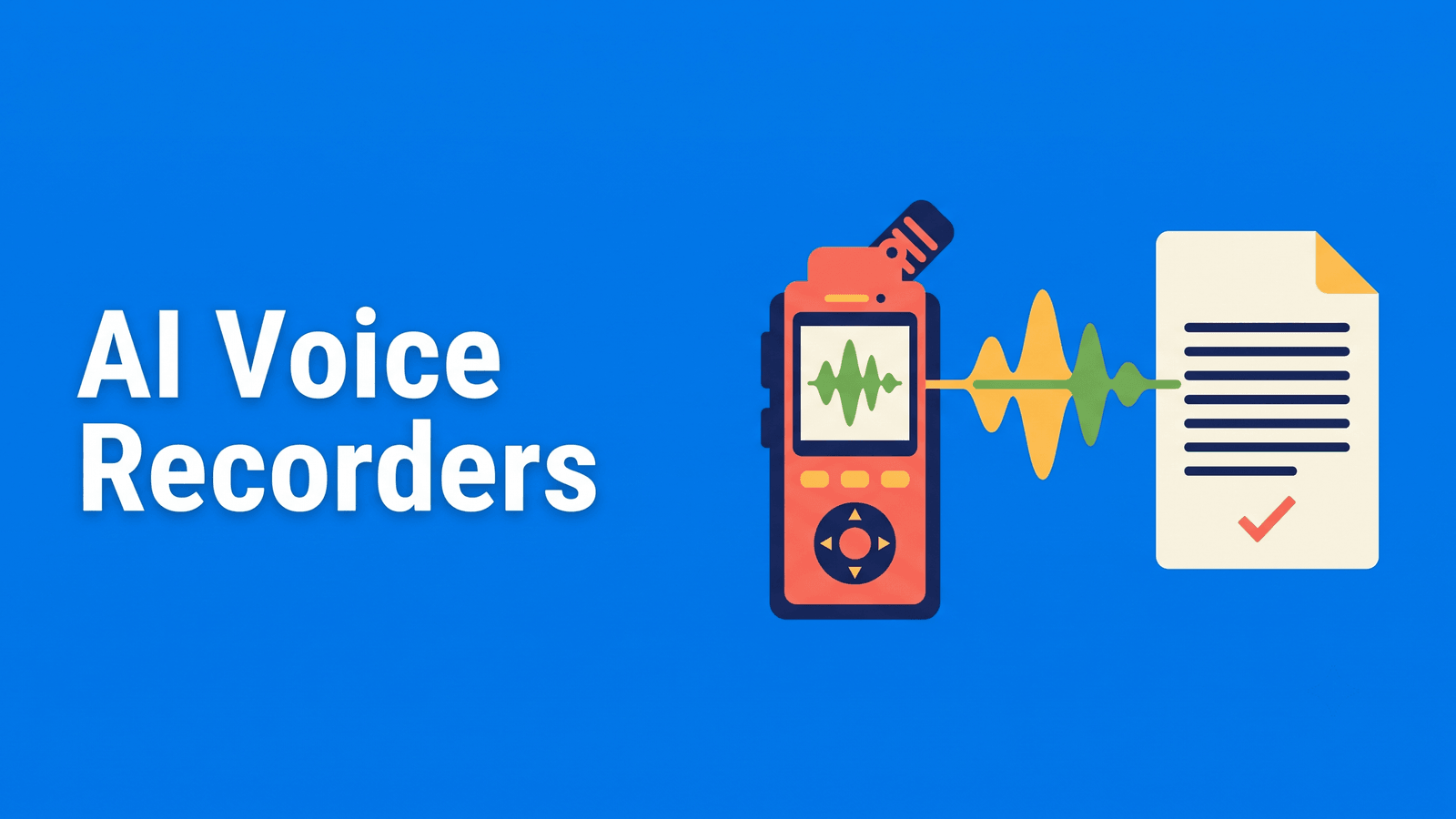
An AI voice recorder combines capture with some kind of transcript or summary workflow. It can be a phone app, a dedicated device or a desktop note-taking tool. The useful comparison is not simply which product has AI in its name: it is whether you can capture the conversation reliably, retain the source you need and turn the result into usable text.
This shortlist separates included phone software, cloud apps and purchased hardware. Recommendations are based on documented workflows, without an invented comparison of microphone quality or recording accuracy.
Compare the options
| Tool | Start here when you need | Free or paid qualification |
|---|---|---|
| Voice Memos | An included iPhone recorder | Included; hardware/language limits |
| Apple Notes | Audio and personal observations together | Included; device/language limits |
| Otter.ai | A cloud app for recorded conversations | Free conversation/import limits |
| Plaud | Dedicated recording hardware | Paid hardware; plan allowance |
| Granola | Notes when stored replay is unnecessary | Basic history limited |
What to compare
Count hardware and software separately. A recorder can include a transcription allowance while still requiring a hardware purchase. Check both costs and how the allowance repeats before deciding that an AI recorder is free.
Decide whether the source must be replayable. Some note-taking workflows retain text rather than a recording. That can be appropriate for notes, but it is a different record from the original audio.
Evaluate the capture environment. The microphone’s position and room conditions affect the result before any recognition engine starts. Use a realistic sample and check the actual source recording, not only the polished summary.
The shortlist
Voice Memos: an included iPhone recorder
Apple’s recorder offers searchable transcripts on compatible iPhones in supported languages. Vendor documentation
Start with the phone you already carry if the task is clear personal audio on a compatible device. Native transcription can reduce the need for a second service, but device, language and region restrictions still apply. Test placement when another person is speaking. An included app is useful only if the source is audible and the transcript can be moved into your next step.
Apple Notes: audio and personal observations together
Native iPhone audio recording with transcription and text copying on compatible devices. Vendor documentation
Notes suits a recording that should remain attached to what you wrote during the conversation. It can help keep your observations separate from the speaker’s words while retaining both in one note. Save any required output before deleting audio, because the associated transcript is tied to it. Native note capture is a different job from assembling a team-wide meeting archive.
Otter.ai: a cloud app for recorded conversations
Live conversations and file imports with a limited free plan and native mobile apps. Vendor documentation
Choose a mobile transcription app when you need the recording and text available beyond a single native note. Check conversation-length and export terms for the chosen plan. In the evaluation, include a change of speaker and a passage with specific names. Correct attribution and wording before forwarding a summary as if it were a verified record.
Plaud: dedicated recording hardware
Dedicated recording devices with a bundled, capped transcription allowance; hardware must be purchased. Vendor documentation
Plaud is a candidate when a separate physical recorder is the workflow you want. The device includes a capped Starter transcription allowance, but the hardware itself must be bought. Verify the device’s intended capture mode and current plan terms before purchasing. Avoid treating a wearable recorder, a phone-call recorder and a mobile app as interchangeable just because their transcripts share a dashboard.
Granola: notes when stored replay is unnecessary
Bot-free meeting notes; it retains text rather than a replayable meeting recording. Vendor documentation
Granola is included as a different category rather than a conventional recorder. Its documentation says it retains transcripts and notes instead of stored meeting audio. Choose it only when that matches the record you need. A bot-free notes workflow can be convenient, but it should not be sold as a replay archive for later quotation checking or interview evidence.
A practical evaluation workflow
Define the source record you need to keep: audio, transcript, summary or all three. Use a normal conversation to check microphone placement, audible speaker turns and the correction process. Then verify what remains available after the session and how you export it.
For hardware, compare the capture routine and transfer step alongside the subscription allowance. For apps, check whether the text can leave the app in the required format. Our voice-memo guide is a useful native baseline, and interview transcription explains when a fuller source archive matters.
FAQ
Are AI voice recorders free to use?
Some phone recording apps are included, while cloud services may have free limits. Purchased hardware can bundle an allowance without being free hardware. Check capture cost, recurring transcription entitlement and export rights independently. A free signup or a Starter plan does not establish the total cost of the recorder workflow.
Is a summary enough to replace the recording?
Only when that is the record your task requires. A summary can omit examples, qualifications and exact wording. Interviews, quotation review and detailed demonstrations may need retained source audio. Choose a text-only note-taking product deliberately rather than discovering after the session that replay was never part of its design.
Which option to choose
Start with a native recorder for everyday notes, a cloud app for a broader transcript workflow and dedicated hardware when its capture routine is valuable enough to buy. For files you already hold, Exemplary AI is our transcription and repurposing route, with plan terms checked separately. Keeping the right source record is more important than choosing the most elaborate summary feature.