Best Otter.ai Alternatives: Meetings and Uploaded Audio
Compare Otter.ai alternatives for meeting recordings, text-only notes and uploaded audio, with history, export and free access qualifications.

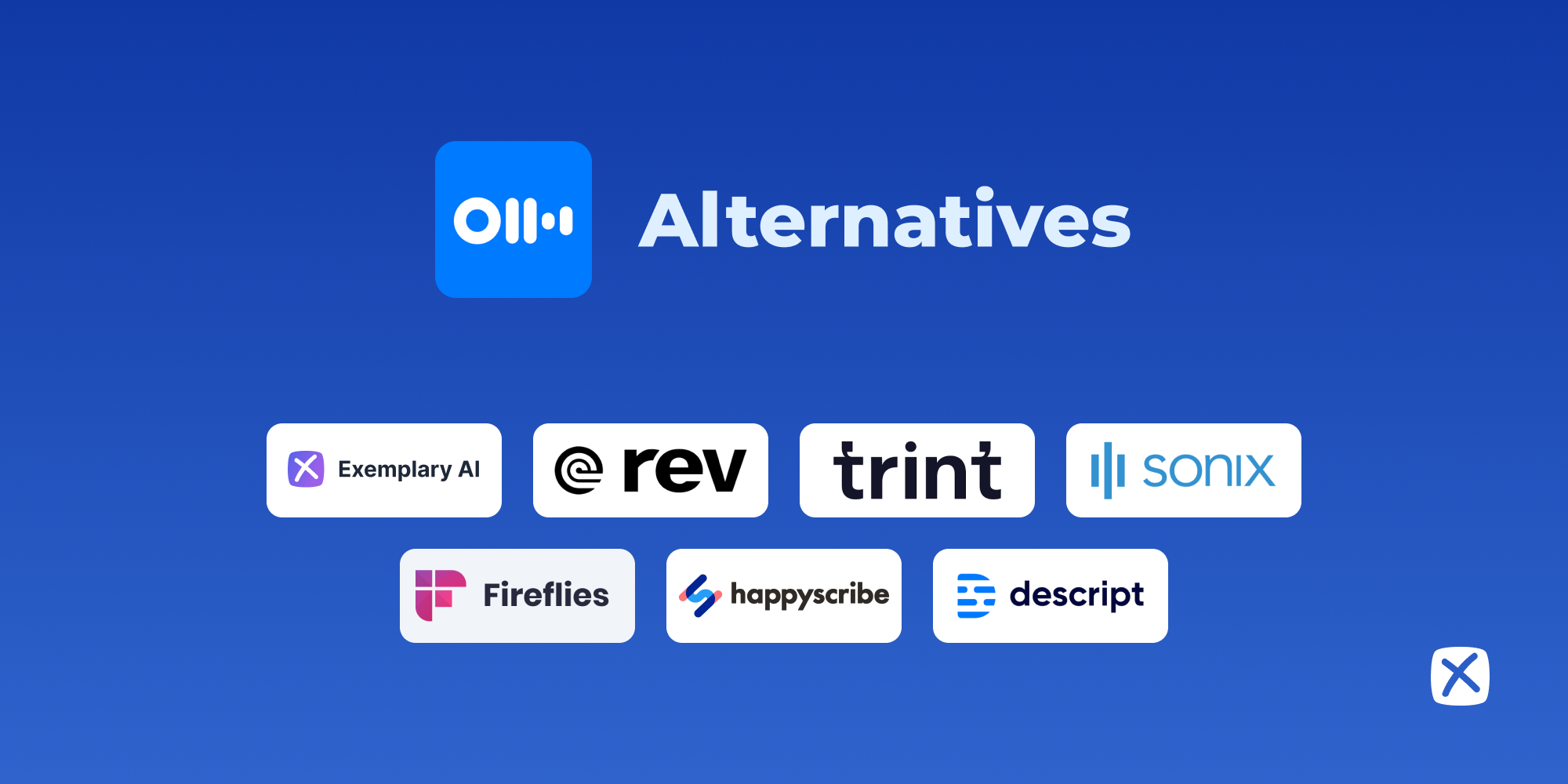
An Otter.ai alternative might be a meeting recorder, a text-only note taker or a service for transcribing files. Those categories overlap, but they do not retain the same source record. Switching because of a summary feature can create a new problem if you later discover that replay, mobile capture or a complete file export works differently.
This shortlist starts with the reason for switching and uses documented capabilities and limits. It does not invent an accuracy benchmark or treat a free trial as a permanent replacement for an ongoing meeting workflow.
Compare the options
| Tool | Start here when you need | Free or paid qualification |
|---|---|---|
| Fathom | Individual meeting recording and notes | Free individual; paid upgrades |
| Granola | Bot-free notes without a replay archive | Basic history limited |
| Fireflies.ai | Meeting notes with broader workflow options | Free storage/credit limits |
| Notta | Mobile capture and imported recordings | Short free transcript access |
| Sonix | Transcribing an uploaded audio archive | Trial; ongoing use paid |
| Rev | Separately purchased human transcription | AI and human fees differ |
What to compare
Decide which record you need. Audio replay, video replay, a corrected transcript and a summary are different outputs. A text-only meeting tool is a valid choice when it matches your task, but it should be chosen deliberately.
Separate meetings from file archives. A product designed to join calendar calls can be a poor fit for a folder of long interviews. Check the input method and ordinary source length before evaluating integrations.
Compare access after the session. History limits, storage, AI credits and export rights can affect what your team actually retains. Check the chosen plan using a normal meeting and a real download or sharing step.
The shortlist
Fathom: individual meeting recording and notes
Meeting recording and transcription with a free individual plan; advanced/team features are separate. Vendor documentation
Fathom is worth evaluating when your primary task is meeting recording and transcription with an individual free plan. Advanced and team features are separate, so check the collaboration you actually need rather than extrapolating from the free recording offer. Review a meeting with a decision and an ambiguous follow-up. Confirm that the draft notes keep those two kinds of statements distinct before sending them to participants.
Granola: bot-free notes without a replay archive
Bot-free meeting notes; it retains text rather than a replayable meeting recording. Vendor documentation
Choose Granola when you want a note-taking workflow and do not require stored meeting audio afterward. Its security documentation says it retains transcripts and notes rather than replayable recordings. That is a material distinction from a conventional recorder. Check the current history access for your plan and verify that the transcript contains enough detail for the way you review decisions and personal observations.
Fireflies.ai: meeting notes with broader workflow options
Meeting transcription and notes; free storage and AI usage limits still matter. Vendor documentation
Fireflies is a candidate for teams comparing meeting capture with downstream note workflows. Its free storage and AI restrictions should be treated separately: a transcript entitlement does not mean every summary or export operation is unlimited. Run the actual meeting, review the note and attempt the required sharing or download. Confirm the current account rules before committing a team’s archive to the free tier.
Notta: mobile capture and imported recordings
Recording and uploaded-file transcription; its free tier caps how much of each transcript is accessible. Vendor documentation
Notta is relevant when the alternative must handle more than calendar meetings. Its documented mobile and file workflows can serve users moving between conversations and uploaded sources. The free transcript-access restriction matters for a normal interview, so verify complete output rather than evaluating only the visible opening. Check language support and the actual export path before moving an existing recording collection.
Sonix: transcribing an uploaded audio archive
File transcription, editing and translation with subscription or usage-based paid options. Vendor documentation
Choose a file-focused service when the main task is turning existing recordings into corrected text. Sonix’s editing and language workflow is a different purchase from a meeting assistant that automatically joins a call. Test a passage with names and technical terms, then export the required format. The trial helps evaluate that process, while ongoing archive work should be budgeted under the paid usage or subscription offer.
Rev: separately purchased human transcription
AI transcription and separately purchased human transcription/caption services. Vendor documentation
Rev belongs on this list when the reason to leave an automated workflow is a requirement for a specific human transcription service. Confirm the service specification and delivery format before ordering, and keep a reference list of names available. AI and human fees should not be conflated. The service choice does not remove the owner’s responsibility to check contextual details that a transcriber cannot infer from the recording alone.
A practical evaluation workflow
Write down the feature that your current Otter workflow lacks and the outputs you must retain. If replay is essential, remove text-only candidates before comparing their summaries. If uploaded interviews are the main input, prioritize a service that handles those files rather than a meeting dashboard.
Evaluate one ordinary source and check the entire handoff: capture or upload, correction, source access and final sharing. Look closely at an action item that was only proposed, because fluent notes can mistakenly make it sound agreed. Our meeting note-taker comparison covers live-call choices, while interview transcription software focuses on source review and file delivery.
FAQ
Which Otter.ai alternative is free?
Fathom has a documented free individual meeting plan, and other services offer limited free access or trials. Compare retained history, storage, AI usage and export separately. A free meeting summary is not the same as an unlimited transcript archive. Use a realistic session and inspect what remains accessible on the plan you will actually keep.
Should I choose bot-free meeting notes?
Choose the capture model that fits the meeting and the record you need. Bot-free describes how a product participates; it does not by itself establish replay, complete transcripts or export permissions. Granola’s text-only retention is a concrete example of why the source record must be checked alongside the joining experience.
Which option to choose
Compare Fathom and Fireflies for meeting workflows, Granola for deliberate text-only notes, Notta for mobile and imported sources, and Sonix or Rev for file-based requirements. For authorized recordings that also need written repurposing, Exemplary AI is our own option with plan limits. Choose the replacement that solves the actual missing step while retaining the outputs your team needs.