Best Podcast Clip Makers: AI and Free Limits
Choose podcast clip software for video episodes, transcript-led edits or audio promotion, with review steps and free limits explained.

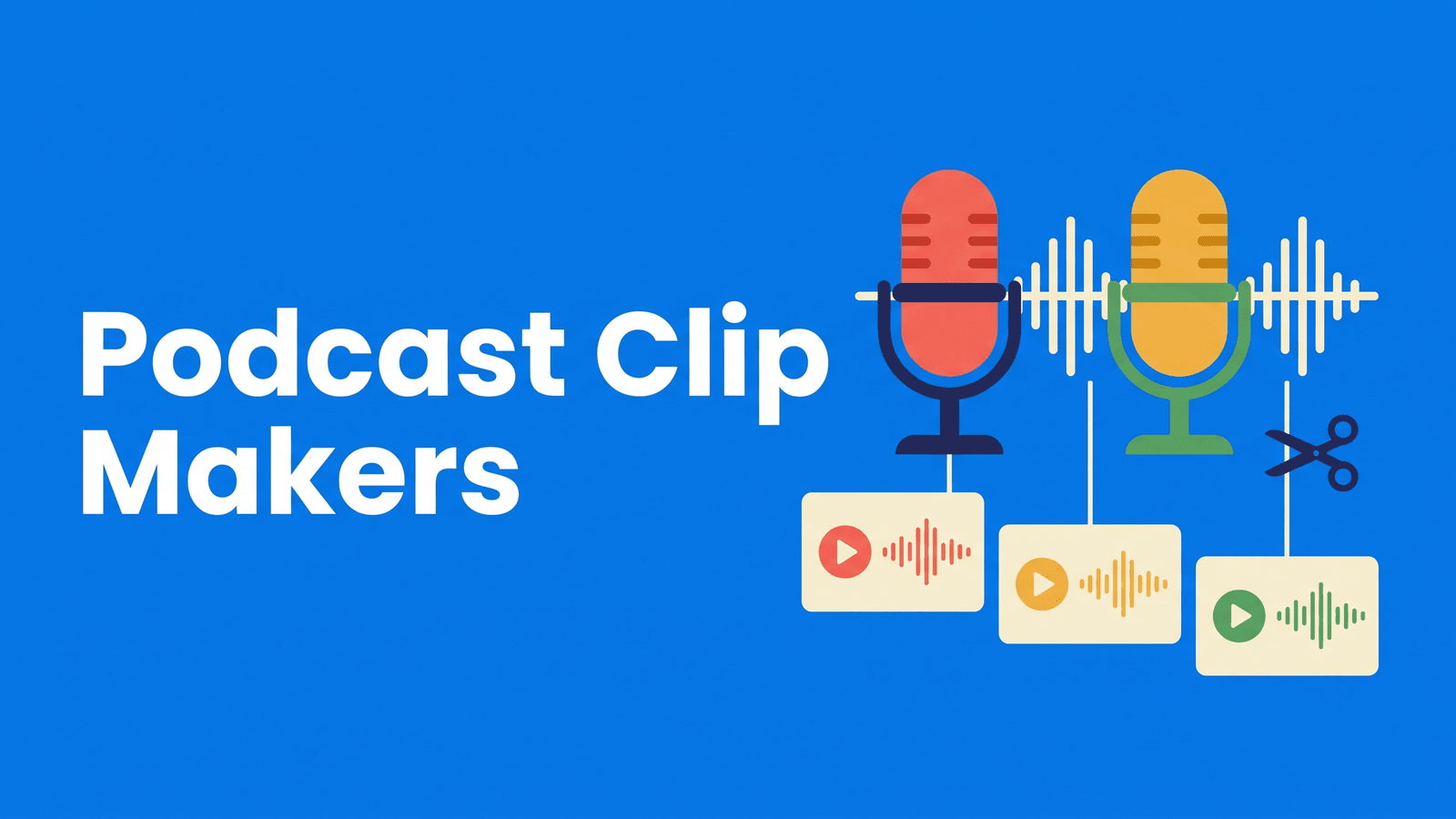
A podcast clip needs to preserve the conversation, not just isolate a memorable sentence. A guest’s answer may depend on the host’s question, and laughter can be meaningless without the setup. The best workflow helps you identify those moments, retain enough context and deliver a clip that works for someone who has never heard the show.
This shortlist separates recording-platform convenience, automatic highlight discovery, transcript editing and audio-only promotion. Free-plan limits are part of the recommendation rather than a footnote after the tool list.
Compare the options
| Tool | Start here when you need | Free or paid qualification |
|---|---|---|
| Riverside | Shows recorded in Riverside | Watermarked free recording |
| OpusClip | Highlight discovery in long episodes | Watermarked free plan |
| Descript | Choosing excerpts by transcript | Free exports watermarked |
| Headliner | Audio-only podcast promotion | Audiogram and clip terms differ |
| Klap | A clean sample from a video episode | One free source video |
What to compare
Keep the speakers’ roles clear. A two-person discussion can become confusing when the cut removes the question or shows only the person listening. Choose framing and captions that preserve the exchange.
Decide whether you have video. An audio-only episode needs an audiogram or visual design, not the same crop as a camera recording. Check whether the tool serves the media you actually publish.
Make review part of production. Save the selected source timestamp and verify any strong claim against the whole answer. A short promotional excerpt should not make a guest appear to say the opposite of what they meant.
The shortlist
Riverside: shows recorded in Riverside
Remote recording, separate tracks and Magic Clips; the free plan exports with Riverside branding. Vendor documentation
For a podcast already recorded here, evaluate Magic Clips before adding another upload step. The question is whether the handoff keeps your production organized, not whether every episode needs a second platform. Review an exchange with overlapping speech and verify the final framing. Separate the recording allowance from the watermark rules of the exported promotional video.
OpusClip: highlight discovery in long episodes
Long-video highlight selection and captions; free clips carry a watermark. Vendor documentation
A dedicated clipper can help when finding candidates is the slowest part of the episode workflow. Give the reviewer the original question and answer along with the generated short. Reject cuts that remove a qualification or depend on a joke made much earlier. Evaluate the paid clean export if the free branding does not fit your show.
Descript: choosing excerpts by transcript
Transcript-based audio/video editing, captions and AI tools; watermark-free video export requires a paid plan. Vendor documentation
Use transcript editing when the producer knows the argument or story they want to extract. Selecting words can be easier than scrubbing a long timeline, but the edit still needs a listening pass. Retain breaths and transitions where they help the exchange feel natural. A precise conversational excerpt can be more useful than an aggressively tightened one.
Headliner: audio-only podcast promotion
Podcast audiograms, captioned clips and transcript editing, with free and paid export rules. Vendor documentation
An audiogram route makes sense when the source is audio and you need a visual social asset. Confirm whether your project falls under the audiogram terms or the captioned-video terms; the vendor’s allowances differ. Pair the excerpt with an accurate episode title and restrained design so the visual packaging does not imply footage you never recorded.
Klap: a clean sample from a video episode
Clipping existing footage with a one-video free allowance and clean exports. Vendor documentation
Klap offers a useful way to evaluate an unbranded batch from one source. Spend the allowance on a normal episode with real conversation changes. Ask whether a listener unfamiliar with the show can follow each clip without an introduction. Regular production needs a separate allowance decision after that first source has been processed.
A practical evaluation workflow
Create a producer’s list of candidate moments with the speaker, timestamp and reason for sharing. Choose a complete exchange rather than a sentence taken only because it sounds provocative. Correct names and technical terms, then watch the crop whenever the active speaker changes.
For an audio-only show, check whether the chosen excerpt works without relying on a missing visual demonstration. Deliver the promotional file alongside the source timestamp so it remains traceable. Our podcast clips guide offers a more detailed editing sequence for social destinations.
FAQ
Is there a genuinely free podcast clip maker?
There are limited free routes, but they solve different jobs. Klap documents a first-source clean export, while Headliner distinguishes audiogram and captioned-video allowances. Riverside and OpusClip have branding on free video exports. Check the final asset type and the repeatability of the offer before planning a weekly show around it.
Should I use AI scores to choose podcast clips?
Use any score as a candidate-sorting aid rather than proof of listener interest. The producer still needs to judge context, guest intent and relevance to the show. Keep the source timestamp, review the whole answer and reject excerpts that create a misleading impression.
Which option to choose
Choose the recorder’s clip tool for a simple handoff, a dedicated clipper for discovery, a transcript editor for deliberate selection and an audiogram specialist for audio-only shows. For transcripts and written repurposing from the same episode, evaluate Exemplary AI and its plan terms. Podcast promotion works better when the excerpt feels like a complete piece of the actual conversation.