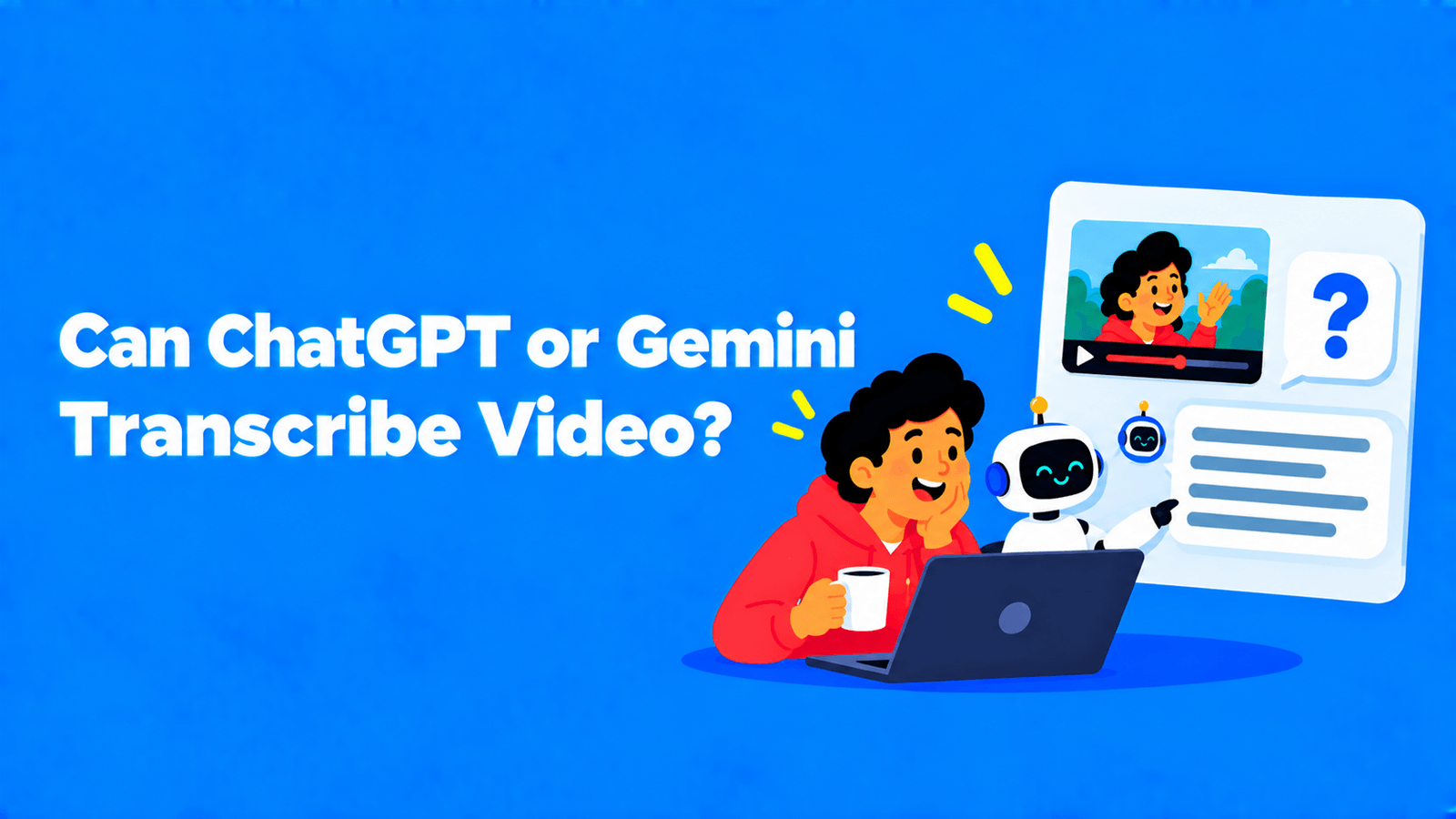
Can ChatGPT or Gemini Transcribe a Video?
Gemini transcribes uploaded videos (5 min free, 1 hour on paid plans). What ChatGPT can and can't do, the limits, and when a transcription tool is better.

Gemini can. Upload a video file in the Gemini app and ask for a transcript. Free accounts can upload up to 5 minutes of video in total, or 10 minutes of audio. Google AI Pro and Ultra raise that to 1 hour of video, or 3 hours of audio, and each video file can be up to 2 GB (Gemini Apps Help). ChatGPT is less clear-cut. OpenAI's documented ways to get a transcript are Record mode in the ChatGPT Mac app, which transcribes live audio such as a meeting, and OpenAI's transcription API, which accepts MP4 and WebM files up to 25 MB. We couldn't confirm from OpenAI's documentation that the ChatGPT app transcribes an uploaded video file. For a long video, or when you need speaker labels, timestamps and a subtitle file, a dedicated transcription tool is the more reliable choice.
Quick answer: which option does what
| Option | Video file | Length limit | Timestamps | Speaker labels | Subtitle file (SRT/VTT) |
|---|---|---|---|---|---|
| Gemini app | Yes | 5 min video free; 1 hour on AI Pro/Ultra | Ask for them in your prompt | Ask for them in your prompt | No; you'd have to reformat the text |
| Gemini API | Yes, plus public YouTube URLs | Up to 3 hours of video at default resolution; 9.5 hours of audio per prompt | Yes | Yes (diarization) | Not built in |
| ChatGPT app | Not confirmed for transcription | n/a | n/a | n/a | No |
| ChatGPT Record mode (Mac) | No: records live audio | Not stated in the sources we checked | Not stated | Not stated | No |
| OpenAI transcription API | Yes: MP4, WebM and audio formats | 25 MB per file | Yes, with the whisper-1 model | Yes, with a diarization model | Yes, with whisper-1 |
| Dedicated transcription tool | Yes | Depends on plan | Yes | Yes | Yes |
Sources: Gemini Apps Help, Google's Gemini API docs for video and audio, OpenAI's speech-to-text guide and 9to5Mac on Record mode. Limits checked in September 2026.
How to transcribe a video with Gemini
- Open the Gemini app or gemini.google.com.
- Upload the video file (up to 2 GB; within your plan's total length).
- Ask for exactly what you need, for example: "Transcribe this video word for word. Add a timestamp at the start of each paragraph and label each speaker. Don't summarise or correct the wording."
- Read the transcript against the video, especially names, numbers and technical terms.
- Copy it into a document. If you need captions, you'll still have to turn the text into an SRT or VTT file.
Why the prompt matters: a vague request like "what does this video say?" can get you a summary instead of a transcript. Ask for word-for-word text and say you don't want it tidied up.
For developers, the Gemini API goes further. Google lists "transcription and translation (speech to text)" and "speaker diarization (identifying different speakers)" among its audio capabilities (Google AI for Developers). You can also pass public YouTube URLs to the API directly; on the free tier you can't upload more than 8 hours of YouTube video a day, and private or unlisted videos aren't supported (Google AI for Developers).
Can ChatGPT transcribe a video?
Here's what we could confirm:
- Record mode (ChatGPT for Mac). It listens through your Mac, transcribes the conversation and turns it into notes with summaries, key points and action items. It first came to Team, Enterprise and Edu users and reached ChatGPT Plus on July 16, 2025 (9to5Mac). It's built for meetings and live audio, not for a video file sitting on your drive.
- OpenAI's transcription API. It accepts mp3, mp4, mpeg, mpga, m4a, wav and webm files up to 25 MB. It includes models for timestamps and subtitle formats (whisper-1) and for speaker identification (OpenAI). That's a developer tool, not the chat app.
What we couldn't confirm is that uploading a video file into a ChatGPT conversation gives you a reliable transcript. OpenAI's help centre wasn't accessible for us to check, and the other OpenAI documentation we reviewed doesn't describe it. If you try it, test with a short clip and check the output against the audio.
If your goal is a summary rather than a transcript, see our older guide on summarizing a YouTube video with ChatGPT. For OpenAI's open-source model, see our Whisper explainer.
Where chatbots fall short for transcription
- Length caps. Five minutes of video on Gemini's free plan covers a clip, not a podcast episode or a meeting.
- No subtitle files. Chat apps return text. Captions need timed SRT or VTT files, which means extra formatting work.
- Paraphrasing. A chat assistant may tidy up speech unless you tell it not to, and a transcript that quietly rewords someone is worse than one with visible errors.
- Speaker labels. They need checking, and matching them to real names is manual.
- Re-checking long output. Reviewing a long chatbot transcript against the video can take nearly as long as the recording itself.
When to use a dedicated transcription tool
Use a chatbot for a short clip or a quick quote. Use a transcription tool when you need:
- long recordings (podcasts, webinars, lectures, meetings);
- word-level timestamps and speaker labels;
- subtitles to download as SRT or VTT;
- an editor to fix mistakes while you play the video.
Exemplary AI (our product) does all four: upload a video or paste a link, get a transcript with speakers and timestamps, fix it in the editor, and export DOCX, TXT, SRT or VTT. You can start with the video to text converter. For free and paid options side by side, see our best transcription software guide. If your video is on YouTube, how to get the transcript of a YouTube video shows the built-in route, and how to transcribe a YouTube video for free covers the rest.
FAQ
Can Gemini transcribe a video?
Yes. Upload the video in the Gemini app and ask for a word-for-word transcript. Free accounts can upload up to 5 minutes of video in total. Google AI Pro and Ultra allow up to 1 hour.
Can ChatGPT transcribe a video?
Not in a way we could confirm from OpenAI's documentation. ChatGPT's Record mode on Mac transcribes live audio such as meetings, and OpenAI's transcription API accepts MP4 files up to 25 MB, but that API is for developers.
Can Gemini transcribe a YouTube video?
The Gemini API accepts public YouTube URLs. The Gemini app's help page on uploads doesn't cover YouTube links, so for the app, uploading the video file is the documented route.
How long a video can Gemini transcribe?
In the Gemini app, 5 minutes of video on the free plan and 1 hour on Google AI Pro or Ultra, with each file up to 2 GB. Audio-only files can be longer: 10 minutes free, 3 hours on paid plans.
Is a chatbot transcript accurate enough for subtitles?
Only after you check it and convert it into a timed SRT or VTT file. For subtitles, a transcription tool that exports those formats directly saves the conversion step.