How to Clip YouTube Videos for TikTok
Clip a YouTube video for TikTok: get the source file, cut, reframe to 9:16, caption and upload. Plus what YouTube's terms and TikTok's copyright rules allow.

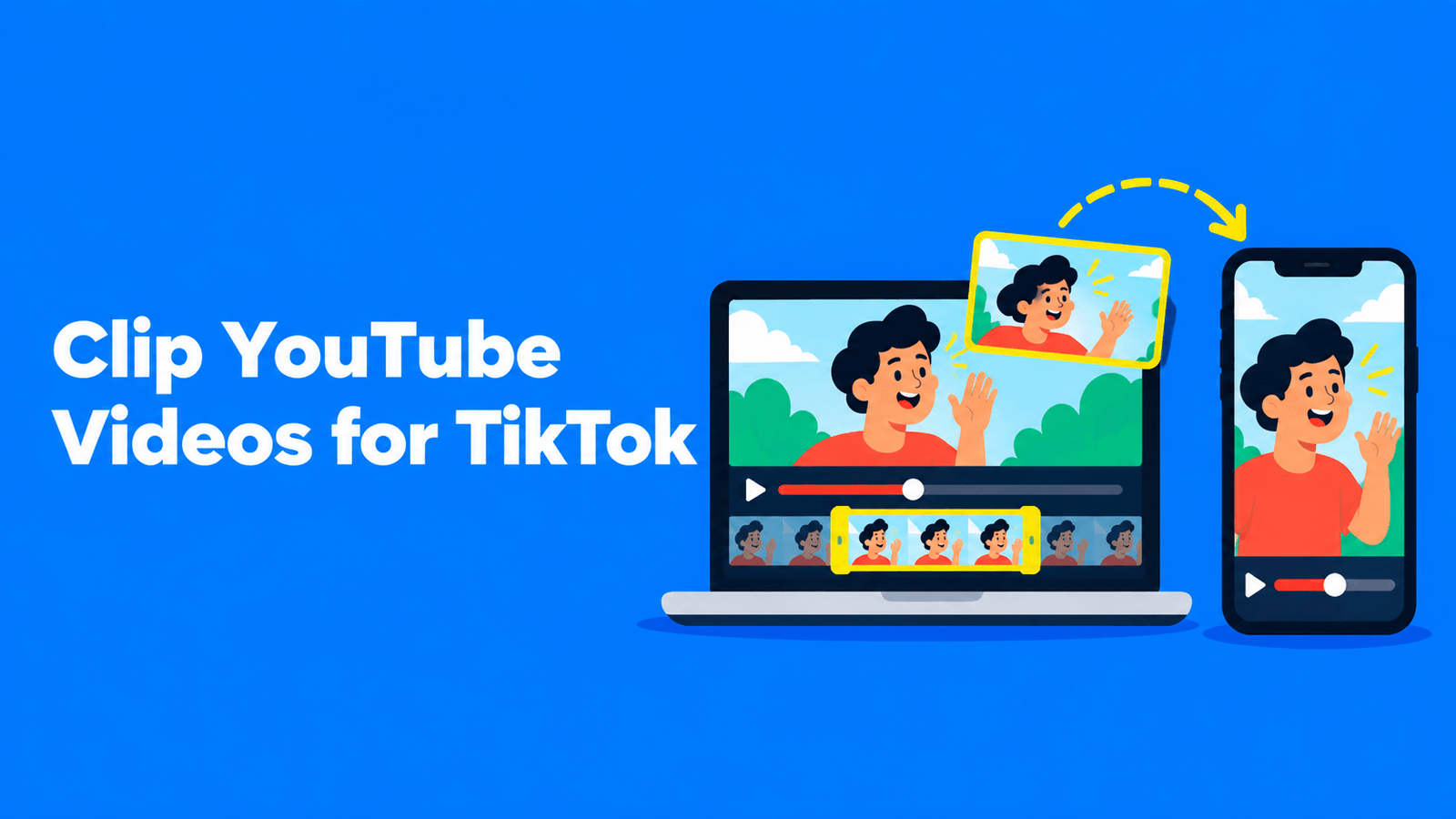
To clip a YouTube video for TikTok, start from a file you have the right to use: your own original export, or your own upload downloaded from YouTube Studio (Content > Menu > Download, which gives an MP4 in 720p or 360p) (YouTube Help). Cut the moment you want, reframe it to vertical 9:16, add captions, export an MP4 and upload it in the TikTok app or your browser. If the video isn't yours, get the owner's permission first. YouTube's Terms of Service don't allow downloading or reusing content unless YouTube expressly authorizes it or you have prior written permission from YouTube and, where applicable, the rights holders (YouTube Terms of Service). TikTok removes content that infringes copyright and bans repeat infringers (TikTok Intellectual Property Policy).
Step 0: Check that you can use the video
| Whose video? | Can you clip it for TikTok? |
|---|---|
| Your own channel | Yes. Use your original file, or download it from YouTube Studio. |
| Someone else's, with their written permission | Yes, within the terms they agreed to. Keep the permission (an email is fine) in case the clip is reported. |
| Someone else's, without permission | Only if a legal exception such as fair use (US) or a similar local exception applies. That's a narrow, case-by-case test, not a default. |
Two points people often get wrong:
- Credit isn't a license. YouTube's fair use guide says giving credit won't by itself turn a non-transformative copy into fair use. Writing "no copyright infringement intended" doesn't protect you either. What matters is the four factors, and transformation (adding new expression, meaning or message) is usually key (YouTube Help).
- TikTok recognizes the same exceptions, and enforces the rest. Its policy names fair use in the US, fair dealing in the EU and equivalent local exceptions. It also says content that infringes copyright may be removed, and accounts that repeatedly infringe can be banned (TikTok Intellectual Property Policy).
If you want to clip other creators' videos regularly, the sustainable route is an agreement with them. See how to become a clipper.
What about YouTube's Clip button?
YouTube's own Clip feature lets you select 5 to 60 seconds of a video and share it. The clip is public and can be watched by anyone who can watch the original video (YouTube Help). It's a way to share a moment on YouTube. The help page doesn't offer a way to download the clip as a video file for TikTok. For more ways to cut a YouTube video on phone and desktop, see how to clip a YouTube video.
Step 1: Get the best source file
Use the highest-quality file you have:
- Your original export or camera file. This is the best option: full resolution and no extra compression.
- A YouTube Studio download of your own video. Sign in to YouTube Studio, select Content in the left panel, select the video, then Menu > Download. YouTube gives you an MP4 in 720p or 360p, depending on the video's size. You can download each video up to five times a day. Downloads aren't available for removed videos, videos with a copyright or Community Guidelines strike, or videos that use a preapproved audio track (YouTube Help). To download everything at once, YouTube points to Google Takeout.
- A file the owner sends you. If you're clipping with permission, ask for the original rather than ripping the upload.
Note that YouTube Studio caps downloads at 720p. If your original is in 4K or 1080p, the original will give you a sharper vertical crop.
Step 2: Pick moments that work on their own
A TikTok viewer has no context from the long video. Good clip candidates have:
- A clear opening line that tells the viewer what they're about to get.
- One idea, finished within the clip.
- A payoff: the answer, the result, the punchline.
If the video is yours, YouTube Studio's audience retention graph shows where viewers rewatch or stay. Those spots are good candidates.
Step 3: Cut the clip
Trim to the moment, then cut any slow opening. Most clips from a long video only need a short slice. On length, TikTok's developer documentation says all creators can post 3-minute videos and some have access to 5- or 10-minute videos (TikTok for Developers). A single idea rarely needs anywhere near that.
Step 4: Reframe it to vertical
YouTube videos are usually 16:9. TikTok is a full-screen vertical feed. TikTok's own ad specs recommend vertical 9:16 video at 540 x 960 or larger, while also accepting 16:9 and 1:1 (TikTok Ads Help). For a regular post, export at 1080 x 1920, the full-HD size for 9:16.
Three ways to get from 16:9 to 9:16:
| Layout | What it does | Best for |
|---|---|---|
| Crop (fill) | Zooms in on part of the frame, usually the person speaking | Talking heads, interviews |
| Fit | Shows the whole 16:9 frame with space above and below | Screen recordings, wide shots, slides |
| Split | Stacks two parts of the frame, such as two speakers | Podcasts, reactions, gameplay with a facecam |
Cropping loses the edges of the frame, so keyframe the crop if the speaker moves. For the full walkthrough, including how to avoid cropping, see how to convert horizontal video to vertical.
Step 5: Add captions
Captions let people follow the clip with the sound off, and TikTok notes they help people who are deaf or hard of hearing (TikTok Support). You can let TikTok generate captions after upload and fix them in the app, or burn styled captions into the clip before you upload. Both are covered in how to add captions to TikTok.
Step 6: Export and upload
- Format: TikTok's developer docs list MP4 as the recommended format and H.264 as the recommended codec, with frame rates between 23 and 60 fps (TikTok for Developers).
- In the app: tap Add post (+), tap Upload, pick the clip, then add a description and post (TikTok Support).
- In a browser: click Upload, then Select video to upload (or Select file). TikTok notes the whole video is uploaded from a browser; to trim it on TikTok, upload in the app instead (TikTok Support).
In the description, say where the clip comes from and link or name the full video. That's good practice and helps viewers find the source. It doesn't replace permission.
Doing it faster with an AI clipping tool
Cutting one clip by hand is quick. Cutting ten a week from a podcast or a long YouTube video isn't. AI clipping tools transcribe the video, suggest moments that stand on their own, reframe them to vertical and add captions.
Exemplary AI (our product) does this with AI Clips. Paste a YouTube link, or upload the file, for a video of 10 minutes or more that you own or have permission to use. Pick a clip duration, and you get clips ranked by a virality score. Each clip can use a fill, fit or split layout with automatic speaker framing, and one of five caption animations (Karaoke, Pop word, Box spotlight, Highlight word or Bazooka). You fix any word in the captions, export each clip as an MP4 and upload it to TikTok yourself. Free plan exports carry a watermark; see pricing. Opus Clip, Vizard and others do similar jobs; we compare them in Opus Clip alternatives.
Whatever tool you use, watch every suggested clip before posting. A moment that reads well in a transcript can still start mid-sentence or depend on something said earlier.
Checklist before you post
- You own the video, have written permission, or have a clear legal basis for using it.
- The source is the best-quality file available (original over a 720p Studio download).
- The clip makes sense without the rest of the video.
- The frame is 9:16 and the speaker or subject stays in view.
- Captions are checked for names, numbers and jargon.
- The description credits and names the original video.
FAQ
Is it legal to post YouTube clips on TikTok?
It is if the video is yours, if you have the owner's permission, or if a legal exception such as fair use applies to your specific use. YouTube's terms don't allow downloading or reusing content without authorization or permission. TikTok removes infringing content and bans repeat infringers.
Can I download a YouTube video to post on TikTok?
Only your own. YouTube Studio lets you download videos you uploaded as MP4 files in 720p or 360p, and YouTube says you can't download other users' videos this way. For anyone else's video, ask the owner for the file.
Does giving credit make it OK to repost someone's YouTube video?
No. YouTube's fair use guide says credit alone doesn't turn a copy into fair use. Credit the source anyway, but get permission.
How long can a TikTok clip be?
TikTok's developer documentation says all creators can post 3-minute videos and some can post 5- or 10-minute videos. Clips cut from a longer YouTube video are usually much shorter than that.
What size should a TikTok clip be?
Vertical 9:16. Exporting at 1080 x 1920 in MP4 (H.264) is a safe default.
Can I use YouTube's Clip button to share to TikTok?
YouTube's Clip feature makes a 5 to 60 second clip for sharing on YouTube. The help page doesn't describe downloading it as a file, so for TikTok you need to cut the clip from the source file yourself.