How Long Can YouTube Shorts Be? (2026)
Shorts can be up to 3 minutes. The limit by upload method, the 60-second Edit into a Short cap, music limits and the September 2026 Content ID change.

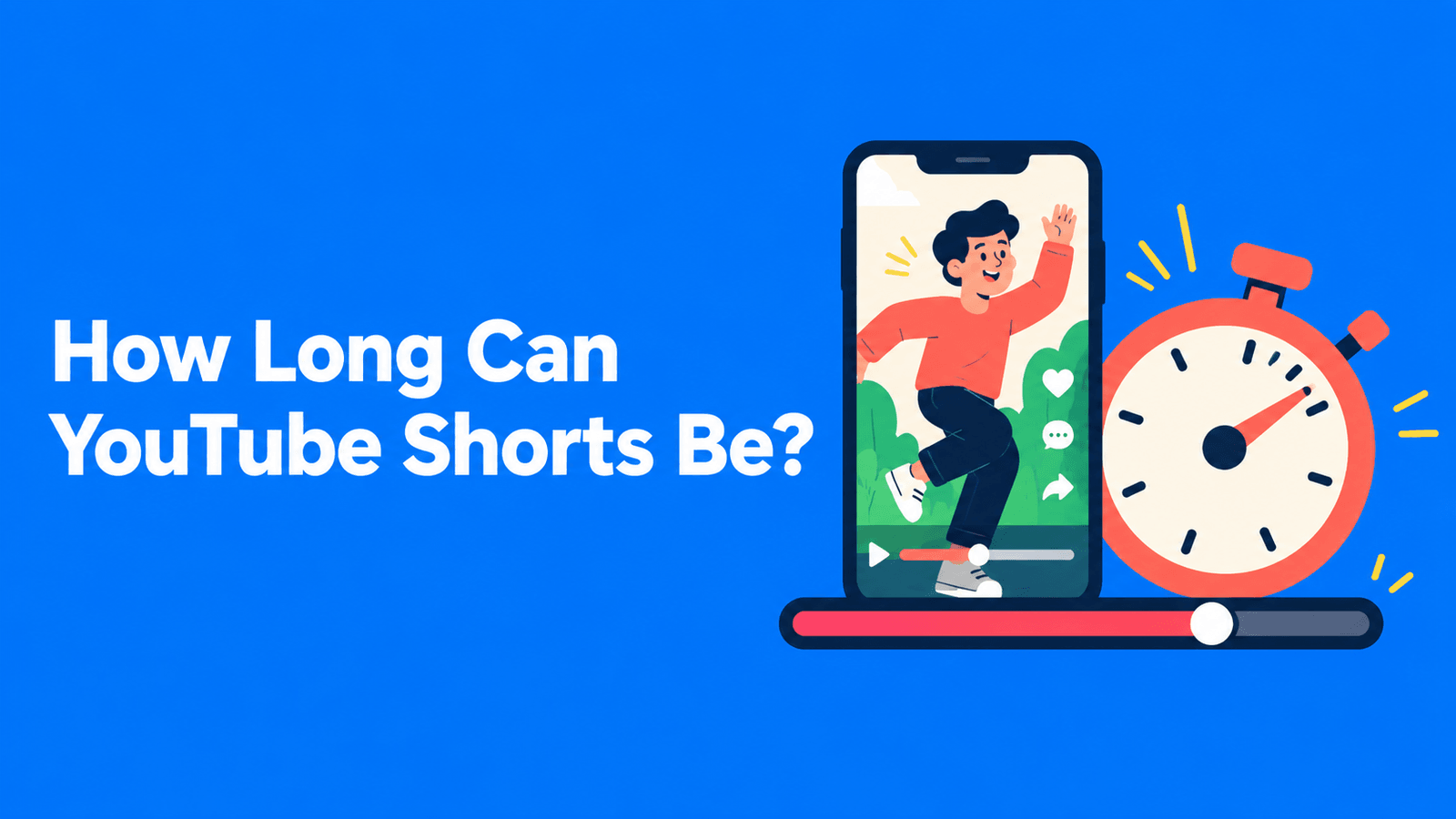
A YouTube Short can be up to 3 minutes (180 seconds) long. Any video uploaded on or after October 15, 2024 with a square or vertical aspect ratio and a length of three minutes or less is categorized as a Short. Anything longer, or wider (such as 16:9), is a regular long-form video (YouTube Help). YouTube doesn't publish a minimum length. Some tools inside YouTube still cap you at 60 seconds, and the music and copyright rules change once a Short passes one minute. The details are below.
Rules quoted from YouTube Help pages as of September 30, 2026.
YouTube Shorts length limits at a glance
| How you make the Short | Maximum length | Source |
|---|---|---|
| Upload from YouTube Studio or the YouTube app | 3 minutes, square or vertical | Upload YouTube Shorts |
| Record with the Shorts camera in the app | 3 minutes (you set the duration in the upper-right corner) | Get started creating Shorts |
| Remix > Edit into a Short (from your own long video, in the app) | Up to 60 seconds in total, from the video plus anything you record | Create Shorts from your videos |
| A song from the Shorts audio library | Most songs up to 90 seconds; some tracks 60 or 30 seconds | Understand three-minute Shorts |
Two more limits apply to every Short: the maximum resolution is 1080p, and the title can be up to 100 characters (YouTube Help).
What counts as a Short
YouTube decides from two things: length and shape. The upload page lists only two requirements, a duration of up to 3 minutes and a square or vertical aspect ratio (YouTube Help). You don't need #Shorts in the title for a vertical video to count.
The upload date matters too:
- Uploaded on or after October 15, 2024: a square or vertical video of up to three minutes is a Short and is monetized under the Shorts revenue-sharing model.
- Uploaded before October 15, 2024: the video stays long-form, even if it's vertical and between one and three minutes long. It keeps earning under the long-form model on the watch page.
- Official Artist Channels have a later cut-off: December 8, 2025. Their square or vertical uploads of up to three minutes from that date are Shorts. Earlier ones stay long-form (YouTube Help).
If you want a short vertical video treated as a normal video instead, YouTube's advice is to use a wider aspect ratio such as 16:9.
What changes after one minute
The 3-minute limit came in as an extension of the old 60-second one, and two rules still treat the first minute differently.
Copyright claims (Content ID)
Until recently, any Short over one minute with an active Content ID claim of any type was blocked globally. That meant it couldn't be played or recommended and couldn't earn money.
YouTube's help page now says that starting September 24, 2026, new Shorts longer than one minute (but under three minutes) with an active Content ID claim "will no longer be automatically blocked and may remain playable on YouTube" (YouTube Help, UK English). When we checked on September 30, the US-English version of the same page still showed the older blocking rule. So if a 1–3 minute Short that uses someone else's content matters to you, check the claim in YouTube Studio after you upload it.
Two things haven't changed. Shorts under one minute have no new limits. A Short that is blocked globally isn't eligible for monetization. If a Short is blocked, you can remove the claimed content or dispute the claim, and it becomes viewable once the claim is resolved.
Music
You can use most songs from the Shorts audio library for up to 90 seconds in a 3-minute Short, but some tracks are limited to 60 or 30 seconds. Royalty-free music from the YouTube Audio Library (in YouTube Studio) won't get a Content ID claim (YouTube Help). For why a Short gets blocked, see music rules for 1–3 minute Shorts.
The 60-second tool: Edit into a Short
On the watch page of one of your own videos in the YouTube app, Remix > Edit into a Short opens the Shorts editor with that video loaded. You can select up to 60 seconds of it. If you select less, you can record extra segments with the Shorts camera, up to 60 seconds in total. YouTube's example is 45 seconds from the video plus 15 seconds recorded (YouTube Help).
Other limits of this tool:
- It only works on public long-form videos you uploaded. Private and unlisted videos can't be used, and neither can videos with third-party copyright claims.
- You can't add music or other sounds from the Audio Library to Shorts made this way.
For a longer Short from your own video, use Clips and Shorts in YouTube Studio on a computer. You pick the segment from the transcript or the timeline, and YouTube links the Short back to the source video (YouTube Help). The help page for that tool doesn't list a separate length cap, so the 3-minute Shorts limit applies. We walk through it in how to make YouTube Shorts from long videos.
How long should a Short be?
Three minutes is the limit, not a target. YouTube doesn't publish an ideal length, so use your own numbers:
- In YouTube Studio, open Analytics > Content and select the Shorts chip.
- Check How many chose to view, which YouTube defines as the percentage of times viewers watched your Short instead of swiping away (YouTube Help).
- Compare Shorts of different lengths on the same topic. If the longer ones lose people, cut tighter.
A few practical points:
- Give each Short one idea. If a clip needs three minutes because it covers two points, it's two Shorts.
- Watch the one-minute mark if the Short uses claimed music or clips from other creators, because the copyright rules above only kick in after one minute.
- Check the final running time. An edit that's meant to be under 3:00 and ends up at 3:02 isn't a Short.
That last point matters with clipping tools too. In Exemplary AI's AI Clips (our product), you pick a target duration for the clips it cuts from a long video, and the choices that suit a Short run from under 30 seconds to 90 seconds–3 minutes. These are targets, not hard caps, so check each clip is 3:00 or shorter before you upload it as a Short.
FAQ
Can a YouTube Short be longer than 3 minutes?
No. A square or vertical video longer than three minutes is uploaded as a regular long-form video, not a Short (YouTube Help).
Are Shorts still limited to 60 seconds?
Not in general. The limit has been 3 minutes since October 15, 2024. The 60-second cap now applies only to the app's Edit into a Short tool.
Is there a minimum length for a YouTube Short?
YouTube's help pages don't set one.
Why isn't my 2-minute vertical video showing as a Short?
Check the upload date and the shape. Vertical videos between one and three minutes uploaded before October 15, 2024 stay long-form (December 8, 2025 for Official Artist Channels). A video wider than square, such as 16:9, is never a Short.
What happens to a 1–3 minute Short with copyrighted music?
YouTube's updated help page says new Shorts in that range with an active Content ID claim are no longer automatically blocked from September 24, 2026, and may stay playable. A Short that is blocked globally still can't be monetized (YouTube Help).
What resolution should a Short be?
Vertical 1080 x 1920. YouTube's maximum resolution for Shorts is 1080p (YouTube Help). For Instagram's limits, see our Instagram Reels length limit guide.