Instagram Trial Reels: How to Test Clips on Non-Followers
Trial reels show a reel to non-followers first. Who can use them, how to post one, how to read the results, and how to test clip variants.

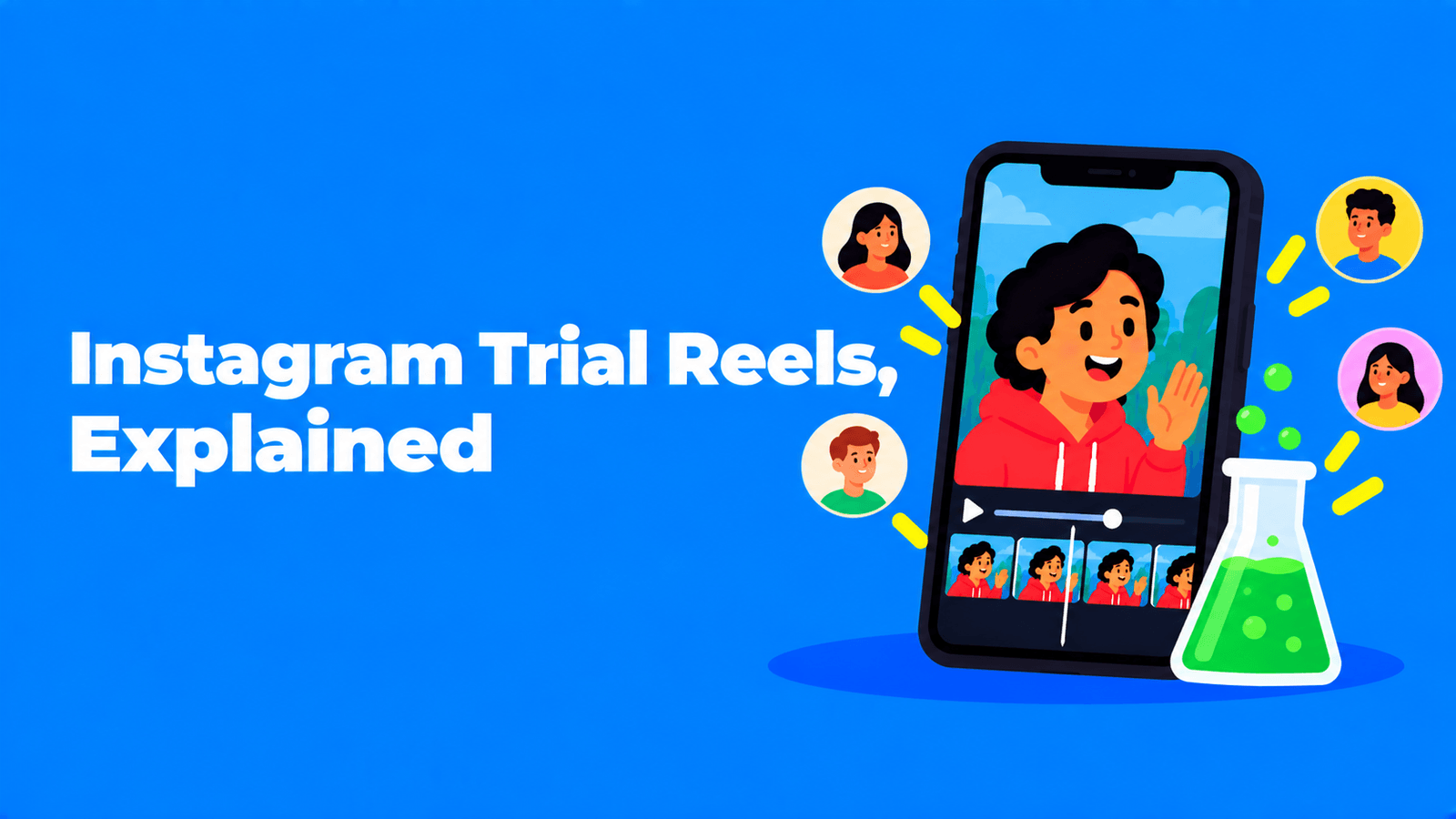
Instagram trial reels let you post a reel that is shown to people who don't follow you first. Your followers don't see it in feed or Reels, and it stays off your profile. About 24 hours after posting you get views, likes, comments and shares for that reel, and then you decide whether to share it with everyone or let Instagram do it automatically when it performs well (Instagram Help Center). To use it, your account must be public: professional accounts need at least 200 followers and personal accounts at least 1,000, according to the Help Center when we checked it on September 30, 2026. For anyone who cuts clips from longer videos, it's the cheapest way to test a new hook or format without showing a weak version to your followers.
What trial reels are, and what has changed since launch
Instagram launched trial reels on December 10, 2024, pitching them as a way to try "a new genre, storytelling format or topic" before your followers see it (Instagram for Creators). The feature has widened since then:
| When | What changed | Source |
|---|---|---|
| December 10, 2024 | Trial reels start rolling out to eligible creators, with a global rollout "in the coming weeks" | Meta Newsroom |
| June 2025 | Instagram says that after trying trial reels, "40% of creators started posting reels more often and of those who did, 80% saw an increase in reels reach from non-followers" | Social Media Today |
| July 2025 | Adam Mosseri opens trial reels to public accounts with at least 1,000 followers | Social Samosa |
| April 2026 | Mosseri announces that trial reels can be scheduled ahead of time | Social Media Today |
| Now | Help Center lists 200 followers for professional accounts and 1,000 for personal accounts | Instagram Help Center |
Trial reels also work outside the app. Meta's Instagram API has a trial_params option for reels, with two ways to "graduate" a trial to your followers: MANUAL, where you share it yourself in the app, and SS_PERFORMANCE, where it is shared automatically "if the trial reel performs well" (Meta for Developers). That is how scheduling tools can publish trial reels for you.
Who can use trial reels
Per the Help Center, as of September 30, 2026:
- Your account must be public.
- Professional (business or creator) accounts need at least 200 followers.
- Personal accounts need at least 1,000 followers.
- Your account must be eligible for recommendations. "If your public account is ineligible to appear in recommendations, you will also lose access to trial reels" (Instagram Help Center).
If you don't see the Trial option, check those four things first. Recommendation eligibility is the one people miss. Instagram can make a whole account temporarily ineligible if it repeatedly posts content that goes against its Recommendation Guidelines, and you can check your status under Settings > Account > Account Status (Instagram for Creators).
How to post a trial reel
- Record or create a reel as usual.
- Before you share it, tap Trial.
- Tap Next, then Share.
Those are Instagram's own steps. On the same screen you can turn on Share to everyone automatically if you want Instagram to make the call for you (more on that below).
Make the trial reel a genuinely new upload. The Help Center warns: "Make sure to create a new reel. Your trial reel may get limited reach if Instagram detects that you've previously shared the same content." Re-uploading a reel that's already on your profile as a "trial" is exactly what it discourages.
How to read the results and share to everyone
Insights appear within about 24 hours. You'll see views, likes, comments and shares, and Instagram also tells you "how the trial is performing compared to previous trials you've shared" (Instagram for Creators).
To share a trial reel with your followers yourself:
- Go to your profile and open your reels.
- Tap the trial reel.
- Tap View insights.
- Tap Share to everyone.
If you turned on Share to everyone automatically, Instagram shares the reel for you "if it's performing well soon after you publish it, based on signals like views and engagement" (Instagram Help Center). At launch, Instagram described this window as the first 72 hours.
Two things to keep in mind when you judge the numbers:
- Trials start slower. "Trial reels may take longer to get views because they're being shown to people who don't follow you."
- A trial doesn't drag down your other reels. Instagram says trial reels "are evaluated independently" and "don't impact the performance or ranking of your standard reels content."
What followers can still see
A trial reel isn't fully hidden from followers. Someone might still see it "if it's shared with them in a direct message, on a page that shows reels with the same audio, or in the results of search engines" (Instagram Help Center). Don't post anything as a trial that you'd be unhappy for a follower to find.
How to use trial reels to test clips from a longer video
Trial reels are most useful when you have more than one good version of the same idea, which is the normal situation when you clip a podcast, webinar or stream. A simple method:
- Pick one moment and cut two or three versions of it. Change one thing per version so the result tells you something:
- The hook. Start on the punchline in one version and on the setup in another.
- The length. Try a tight cut and a longer one that includes the context.
- The captions. Plain captions against word-by-word highlighted captions. Our guide to adding captions to Reels covers the options.
- The framing. A close crop on the speaker against a split layout that shows both people.
- Post each version as a separate trial reel, ideally at a similar time of day so timing isn't the thing you're measuring.
- Compare them at the same point, for example 24 hours after posting. Views tell you whether the opening stopped people scrolling. Shares and comments tell you whether the moment itself landed.
- Share the winner to everyone. Leave the others as trials rather than posting all three to your followers.
- Write down what won. After a few rounds you'll know whether your audience prefers punchline-first openings or longer cuts, and you can stop testing that variable.
Treat small numbers with care. A trial that gets 300 views against another's 250 hasn't proven anything. Look for clear gaps, and look at the pattern across several tests rather than one.
Making three versions of every clip by hand is slow. Exemplary AI (our product) finds clip-worthy moments in a video of 10 minutes or more, puts them on a 9:16 canvas and adds animated captions. You can also cut your own clips by selecting text in the transcript, which makes a second or third version of the same moment quick to export and post as a trial. It doesn't post to Instagram for you; you upload the exports as usual.
Trial reels fit a wider pattern: Instagram keeps favouring new uploads over reposts. See Instagram's 2026 algorithm and original content for what that means for repurposed clips, and how to make podcast clips for TikTok and Instagram for the full clipping workflow.
FAQ
What are trial reels on Instagram?
Reels that Instagram shows to non-followers first. They don't appear in your followers' feed or Reels tab, or on your profile, unless you share them to everyone. You get insights within about 24 hours.
Why don't I have trial reels?
Check that your account is public, has enough followers (200 for professional accounts, 1,000 for personal accounts, per the Help Center in September 2026) and is eligible for recommendations. Then update the app and look for the Trial toggle before you share a reel.
Do trial reels hurt my account's reach?
Instagram says trial reels are evaluated independently and don't affect the performance or ranking of your standard reels. The risk is the opposite one: reposting content you've already shared as a trial can limit the trial's reach.
Can I schedule trial reels?
Yes. Mosseri announced scheduling for trial reels in April 2026, and Meta's API lets third-party scheduling tools publish reels as trials.
How long does a trial reel take to get views?
Longer than a normal reel, because it goes only to people who don't follow you. Instagram shows insights within about 24 hours, and at launch it described the automatic sharing window as the first 72 hours.
Is there a limit on how many trial reels I can post?
Instagram's Help Center doesn't state one. In 2025 some creators reported in-app notices about a trial reel limit (Lindsey Gamble), but Instagram hasn't published a number.
How long can a trial reel be?
A trial reel is a normal reel with a different audience, so the usual Reels length applies. See our Instagram Reels length limit guide.