Patreon Clips: Turn Paid Videos Into Short Promo Clips
Patreon Clips suggests short clips from your Patreon videos to post as Quips or share elsewhere. Who can use it, how it works, and what to do if you can't.

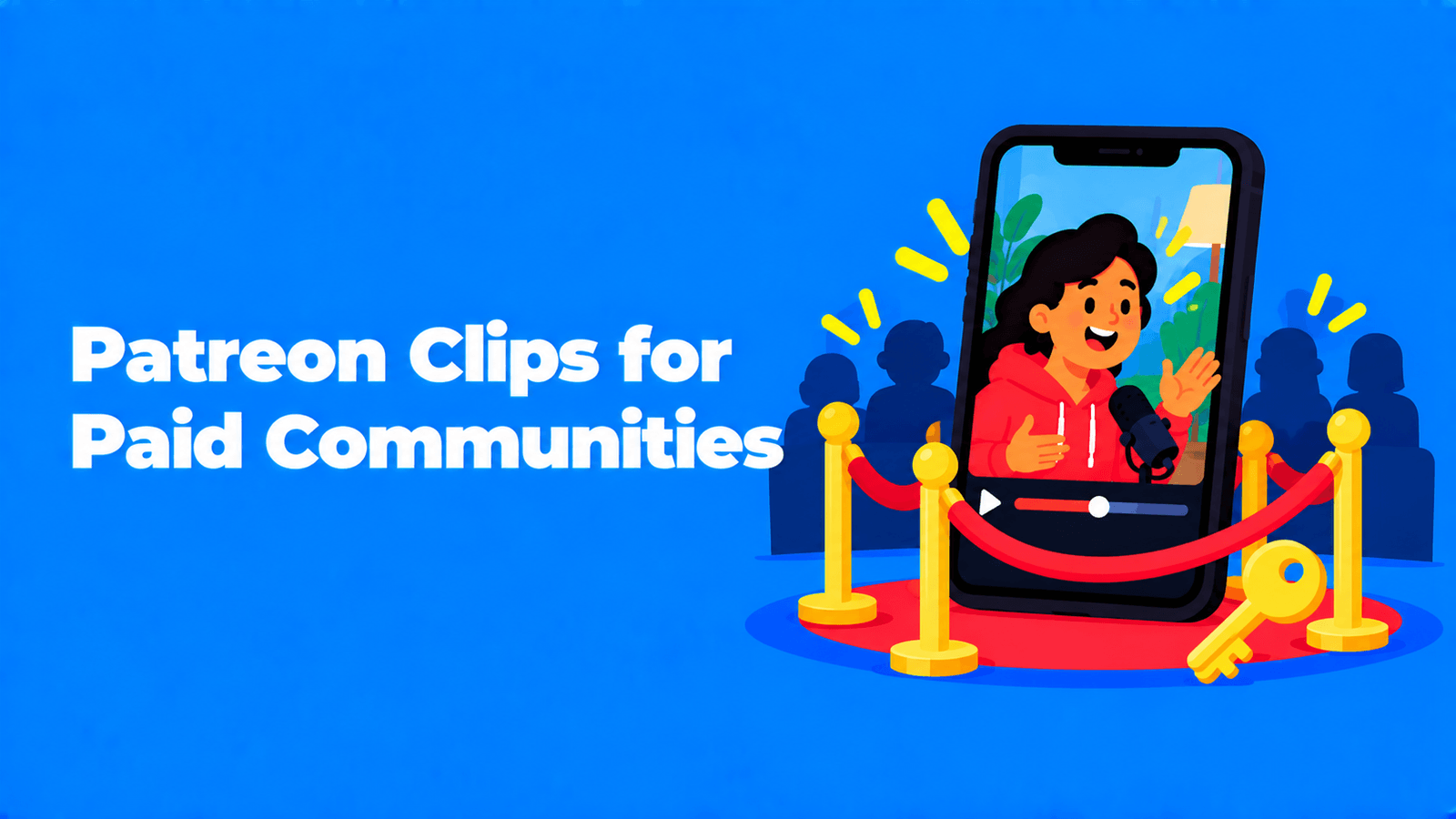
Patreon Clips is an iOS feature that uses AI to suggest short clips from videos you upload to Patreon. You can post a clip as a public Quip or download it and share it on other platforms. Patreon announced it on August 20, 2026 as one of about 30 new creator features and launched it in early access. It works on new Patreon-hosted videos that are at least eight minutes long with English audio. It suggests up to eight clips per video, usually within ten minutes of publishing, and nobody sees a clip until you attach it to a Quip (Patreon Help Center). The point is promotion: showing people who aren't members yet a moment from your paid work, so they want the rest.
What Patreon Clips is
Patreon's help page puts it plainly: "On iOS, Clips suggests shareable moments from videos you upload to Patreon. Use these clips to share your work with fans and promote your paid membership on Patreon using Quips" (Patreon Help Center).
Under the hood, Patreon generates a transcript of your video with AI and uses it to suggest start and end times for each clip. The suggestions are "powered by Google's generative AI." Patreon says it does not use your content to train AI models, and that clips are "never published unless you explicitly attach one to a Quip."
Clips arrived as part of a bigger update. On August 20, 2026, Patreon announced 30 new creator features, including a revamped discovery system and short-form tools, with Clips described as a way to "turn creators' videos into short, shareable clips" (TechCrunch).
Who can use it
Patreon's help page lists these conditions:
| Requirement | What Patreon says |
|---|---|
| Device | Clips is only on iOS. You can still upload the long video on the web. Only the clips are iOS-only. |
| App version | You need the latest version of the Patreon iOS app. |
| Video | Patreon-native video (uploaded to Patreon, not embedded from elsewhere), at least eight minutes long, with English audio. |
| Timing | Clips are generated for new video posts, not old ones. For a specific past video, contact support with the post URL. |
| DRM | Videos with DRM enabled don't get clips. |
| Eligibility | You've used the iOS app in the last 30 days and uploaded an eligible video. |
Clips also depends on Patreon Video itself. You may have access to Patreon Video if your Patreon is published, in the All Audiences category and in good standing (Patreon Help Center).
Occasionally a video gets no suggestions. Patreon says that if a transcript is flagged under Google's Prohibited Use Policy, it can't generate clips for that video. The video itself is unaffected.
How to make a clip on Patreon
- Publish a video post on the web or in the app. When the clips are ready, Patreon sends a push notification. It "typically takes up to ten minutes."
- Open the clip library. Tap the notification, or open the Clip composer in the iOS app and tap the entry point in the bottom-right corner.
- Browse the suggestions. You'll see featured and generated clips, which you can filter by post. Tap a clip to open it, and swipe up to see more.
- Trim it. Tap Trim to move the start and end points, then Save. Tap the thumbs-down to send Patreon feedback on a bad suggestion.
- Post or download it. Tap Add to attach the clip to a Quip, write a caption and share. Or download the clip to post it somewhere else.
What a Quip is, and why it matters here
Clips are the raw material. Quips are where they get seen. Patreon describes Quips as "lightweight, public posts that appear in the Home feed for existing and potential fans" (Patreon Help Center). The details that matter for clips:
- Quips are always public. That's what makes them discoverable to people who don't know you yet.
- Anyone on Patreon can comment by default. You can limit replies to all members, paid members or no one.
- Video Quips run up to 2 minutes. Patreon recommends 9:16 vertical video and a length of 30 to 45 seconds.
- They stay on your page. Older Quips keep living in a Quips tab after they drop out of the feed.
- Members get in-app notifications for Quips, not emails.
So a Quip is the free sample in the feed, and the full video stays behind your paywall.
How to promote a paid membership without giving it away
A clip should make people want the paid post, not replace it. Some ways to do that:
- Clip the setup, keep the payoff paid. Post the question, not the answer. The first step of a tutorial, not the finished piece. The start of the story, not the twist.
- Keep it short. Patreon's own recommendation for Quip videos is 30 to 45 seconds. Use Trim to cut the suggestion down to the part that hooks.
- Say what's behind the paywall. Use the caption to say what the full video covers and who gets it. Quips can include links, so point to the paid post.
- Pick the comment setting on purpose. Public replies help strangers join in, and Patreon calls them "one of the main ways Quips drives engagement." Limit replies to paid members if you'd rather keep the conversation in the community.
- Spread the clips out. With up to eight suggestions per video, one upload can give you several Quips over the following days, not one burst on the same afternoon.
- Take clips off-platform too. Download a clip and post it to YouTube Shorts, TikTok or Instagram Reels with a link to your Patreon. Patreon's help page doesn't say what shape downloaded clips are, so check the framing before you post to a vertical feed.
Patreon is also working on a related tool: suggested video previews, which pull out "the most engaging parts" of paid videos to help would-be members decide (TechCrunch). TechCrunch reported that previews were still in early testing.
If Clips doesn't fit your videos
Clips is built into Patreon, which is its big advantage: no extra app, no export and re-upload. But it won't help if:
- you post from Android or the web only,
- your audio isn't English,
- your videos are under eight minutes, DRM-protected or hosted elsewhere and embedded,
- you want clips from older videos (you'd have to ask support for each one),
- you want captions or reframing for vertical platforms, which Patreon's help page doesn't mention.
In those cases, cut the clips yourself. Any editor will do. Keep them under two minutes if they're going into a Quip. Our guides to turning long videos into Shorts and making podcast clips for TikTok and Instagram walk through the process.
A clipping tool can speed that up. Exemplary AI (our product) makes clips from videos and podcasts of 10 minutes or more with AI Clips. It transcribes 99 languages, picks moments that stand on their own, reframes them to 9:16, 1:1 or 16:9 and adds captions you can edit. You export an MP4 and post it as a Quip or anywhere else. For shorter videos, you can select any passage in the transcript and cut the clip by hand. The trade-off: it's an extra step outside Patreon, but it covers cases Patreon's version doesn't, such as non-English audio, working from a browser, and captions.
If you're weighing where short clips earn money rather than where they find members, see Shorts vs TikTok vs Reels monetization. For podcasters, our guide to repurposing podcast content covers the other formats one episode can feed.
FAQ
What is Patreon Clips?
An iOS feature that suggests short clips from videos you upload to Patreon, using an AI-generated transcript. You can trim a clip, post it as a public Quip or download it to share elsewhere. Patreon launched it in early access in August 2026.
Is Patreon Clips available on Android or the web?
No. Patreon says Clips is only available on iOS. You can upload the full video on the web, but the clips are only in the iOS app.
How long does a video need to be for Patreon Clips?
At least eight minutes, with English audio. It also has to be a Patreon-native video without DRM, and clips are generated for new posts only.
Can anyone see my clips before I post them?
No. According to Patreon, no one else can see a clip unless you attach it to a Quip and post it.
Does Patreon use my videos to train AI?
Patreon says it does not use your content to train AI models. It uses AI to transcribe the video and suggest clip start and end times, and the suggestions are powered by Google's generative AI.
Can I turn Patreon Clips off?
Yes. Patreon asks you to contact support if you want the feature turned off.