SRT vs VTT: Which Caption File to Use
SRT vs VTT compared: file structure, timestamps, styling, which platforms accept each (YouTube, Vimeo, Facebook, LinkedIn, X) and how to convert.

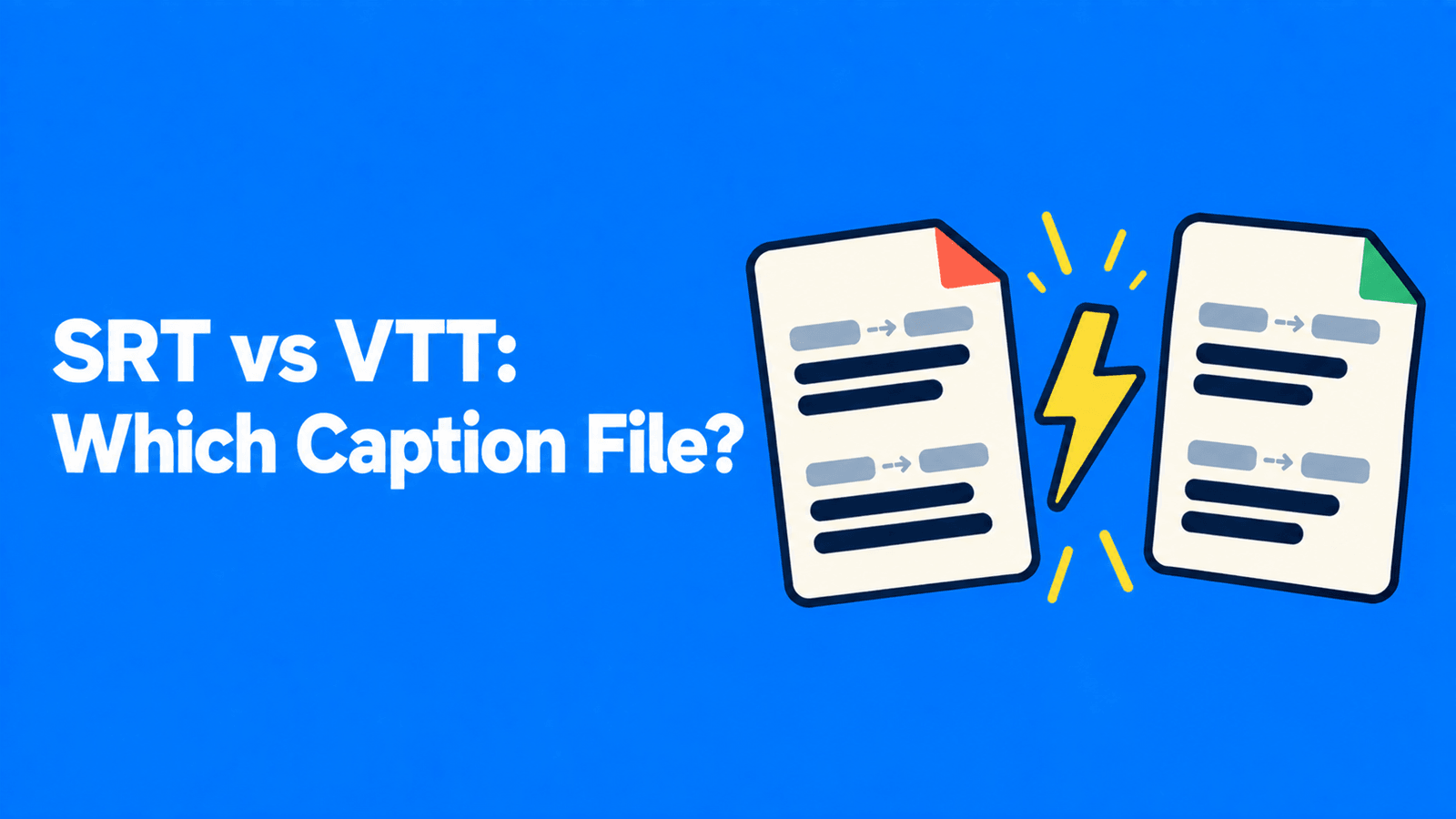
SRT and VTT are both plain-text caption files: numbered or named blocks of text, each with a start and end time. The difference is what they can carry and who accepts them. SRT (SubRip) is the simplest format and the one most social platforms ask for: Facebook, LinkedIn and X all describe caption uploads as .srt files. VTT (WebVTT) is the W3C web standard. It adds a header, comments, positioning and CSS styling, and it's the format web browsers use for the HTML track element and Apple requires for subtitles in HLS streams. YouTube and Vimeo take both. If you're uploading to a social platform, use SRT. If you're captioning a video on your own website or in a web player, use VTT.
SRT vs VTT at a glance
| SRT (SubRip) | VTT (WebVTT) | |
|---|---|---|
| File starts with | The first cue number (1) | The word WEBVTT (required) |
| Timestamp format | 00:00:01,000 (comma before milliseconds, hours always written) | 00:00:01.000 or 00:01.000 (full stop, hours optional) |
| Cue numbers | Numbered in order, starting at 1 | Optional cue identifiers (any label) |
| Positioning | None in the format | Cue settings: line, position, size, align, vertical, region |
| Styling | No formal spec; simple italic tags work in some players, not others | CSS via ::cue and STYLE blocks, plus bold, italic and underline tags |
| Comments | No | NOTE blocks |
| Specification | No formal standard | W3C specification |
| Best for | Uploading captions to social platforms and editors | Web players, HTML5 video and streaming |
Sources: W3C WebVTT specification, MDN: WebVTT format, The National Archives (PRONOM): SubRip.
What an SRT file looks like
An SRT file is a list of blocks. Each block has four parts: a sequence number, the start and end time, one or more lines of text, and a blank line that ends the block (Matroska).
11200:00:01,000 --> 00:00:04,0003Welcome back to the show.4 52600:00:04,500 --> 00:00:07,2507Today: SRT vs VTT.The rules are strict in a few places:
- Numbers start at 1 and go up in order.
- Timestamps use a comma before the milliseconds, in the form
hours:minutes:seconds,milliseconds, with two digits for each unit and three for the fraction, for example00:00:00,000(PRONOM). - A blank line separates one caption from the next.
That's the whole format. SubRip has no formal specification from a standards body, which is both its strength (almost nothing can go wrong) and its limit (there's no agreed way to position or style text). YouTube, for example, says it supports only basic SRT files and that "no style info (markup) is recognized" (YouTube Help).
What a VTT file looks like
A WebVTT file must begin with the string WEBVTT and must be encoded as UTF-8 (W3C). The same captions as above:
1WEBVTT2 3NOTE Episode 12, English captions4 51600:00:01.000 --> 00:00:04.0007Welcome back to the show.8 9intro-21000:00:04.500 --> 00:00:07.250 line:0 align:start11Today: SRT vs VTT.What's different:
- The
WEBVTTheader on the first line. Without it, the file isn't valid WebVTT. - A full stop before the milliseconds, and hours are optional, so
00:04.500is valid (MDN). - Cue identifiers are optional and can be any label (
1,intro-2), not just a number. NOTEblocks hold comments that viewers never see.- Cue settings after the timestamp control placement. The W3C spec defines six:
vertical,line,position,size,alignandregion(W3C). In the example,line:0 align:startmoves the caption to the top left, which is useful when a caption would cover on-screen text. - Styling through CSS: a page can target cues with the
::cuepseudo-element, and a file can carry its ownSTYLEblock.
Not every player honours all of this. YouTube accepts WebVTT and supports its positioning, but limits styling to bold, italic and underline tags (YouTube Help).
Which platforms accept which format
Checked against each platform's own help pages:
| Platform or tool | SRT | VTT | Notes |
|---|---|---|---|
| YouTube | Yes | Yes | Suggests basic formats such as SRT if you're new to caption files (YouTube Help) |
| Vimeo | Yes | Yes | "We recommend using WebVTT." Files must be UTF-8 (Vimeo Help) |
| Yes | Not listed | Caption uploads use the SubRip (.srt) format (Facebook Help) | |
| Yes | Not listed | An SRT file attached when you post, on desktop only (LinkedIn Help) | |
| X | Yes | Not listed | "Upload caption file (.srt)" below the video (X Help) |
HTML5 track element (your own website) | No | Yes | Tracks are WebVTT (.vtt) files (MDN) |
| HLS streaming on Apple devices | No | Yes | "Subtitles MUST be WebVTT" or IMSC1 in fMP4 (Apple) |
| Final Cut Pro | Yes | Not listed | Apple describes SRT as "a subtitle format supported by Facebook, YouTube, and Vimeo" (Apple Support) |
| DaVinci Resolve | Yes | Not listed | Imports TTML, SRT, XML and embedded MXF/IMF subtitles (Blackmagic Design) |
"Not listed" means the help page names only SRT. It doesn't always mean a VTT upload will fail, but SRT is the safe choice there.
Which one should you use?
- Uploading to Facebook, LinkedIn or X: SRT. It's the only format their help pages mention.
- Uploading to YouTube: either. SRT is the simplest. Use VTT if you want a caption moved away from on-screen text, since YouTube supports VTT positioning.
- Uploading to Vimeo: VTT, which Vimeo recommends.
- A video on your own site (an HTML5
videoelement, most web players, an LMS that plays video in the browser): VTT, because thetrackelement expects it. - Streaming with HLS to Apple devices: VTT (or IMSC1).
- Handing captions to a video editor: SRT, unless they ask for something else. Final Cut Pro and DaVinci Resolve both import it.
- TikTok, Reels and Shorts clips: if the app doesn't take a caption file, burn the captions into the video instead. See how to burn subtitles into a video and open vs closed captions for when to do which.
If you're not sure, keep both. They hold the same text and timings, so producing both costs nothing.
How to convert SRT to VTT (and back)
By hand, in a text editor
SRT to VTT:
- Add
WEBVTTas the first line, followed by a blank line. - Change the comma in every timestamp to a full stop (
00:00:01,000becomes00:00:01.000). Change only the timestamp lines, not commas in the caption text. - Leave the numbers. In WebVTT they're read as cue identifiers, which are allowed.
- Save as UTF-8 with the
.vttextension.
VTT to SRT is the same in reverse, with extra clean-up: delete the WEBVTT header and any NOTE or STYLE blocks, remove cue settings after the timestamps, add hours to any mm:ss.ttt timestamp, and make sure every block starts with a sequence number. Positioning and styling are lost, because SRT has nowhere to put them.
With FFmpeg
The free command-line tool FFmpeg converts in one line:
1ffmpeg -i captions.srt captions.vtt2ffmpeg -i captions.vtt captions.srtWe ran both on a sample file. FFmpeg writes a valid WEBVTT header, switches commas to full stops and back, and renumbers the SRT on the way out. Two things to know: it drops the SRT sequence numbers from the VTT (they're optional there), and it shortens timestamps under an hour to mm:ss.ttt, which is valid WebVTT.
Export both from your subtitle tool
If your caption tool exports both formats, skip the conversion and download the one you need. In Exemplary AI (our product), you generate subtitles from a video or audio file and download them as SRT, VTT or TXT. Transcription covers 99 languages, and you can translate the subtitles into 117 before downloading.
Common problems and how to fix them
- Captions don't load at all (VTT). Check the first line says
WEBVTTand nothing comes before it except an optional byte order mark. - Captions don't load at all (SRT). Look for a missing blank line between blocks, or timestamps with a full stop instead of a comma.
- Accents or non-Latin text show as garbage. Re-save the file as UTF-8. WebVTT requires it, and Vimeo requires it for both formats.
- Italics or colours disappear. The platform ignores the markup. YouTube recognizes no style markup in SRT, and only bold, italic and underline tags in VTT.
- Captions are out of sync by a fixed amount. A common cause is trimming the video after the captions were made. Re-export captions from the final cut, or shift every timestamp by the same offset in your subtitle editor.
- Two captions show at once. An end time runs past the next start time, so the cues overlap. Fix the timing in a subtitle editor.
If you're starting from nothing rather than converting, our guide to how to make an SRT file covers writing one by hand and generating one automatically. For YouTube-specific steps, see our YouTube subtitles guide.
FAQ
Is VTT better than SRT?
It does more, not better. VTT supports positioning, styling and comments, and it's the web standard, so it's the right choice for your own site. SRT is simpler and accepted more widely by social platforms. Pick the one the destination asks for.
Can YouTube use VTT files?
Yes. YouTube lists WebVTT among its supported formats. It supports VTT positioning, but styling is limited to bold, italic and underline (YouTube Help).
Can I just rename .srt to .vtt?
No. A VTT file needs the WEBVTT header, and its timestamps use a full stop instead of a comma. Renaming alone gives you an invalid file. The fix takes a minute by hand or one FFmpeg command.
Does SRT support colours or bold text?
There's no standard for it. Some players read simple HTML-style tags in SRT files, but support varies, and YouTube ignores style markup in SRT completely. If styling matters, use VTT, or burn the styled captions into the video.
What does VTT stand for?
Web Video Text Tracks. It's the format HTML video uses for text tracks, which can be subtitles, captions, descriptions, chapters or metadata (MDN).
Which format do I need for Facebook or LinkedIn?
SRT. Both help centres describe caption uploads with SubRip (.srt) files. LinkedIn only lets you attach one on desktop (LinkedIn Help).