YouTube Video A/B Testing: How to Prep Three Cuts
YouTube will let you test up to three cuts of a video (live globally in 2027). What was announced, how it differs from title tests, and how to prep your cuts.

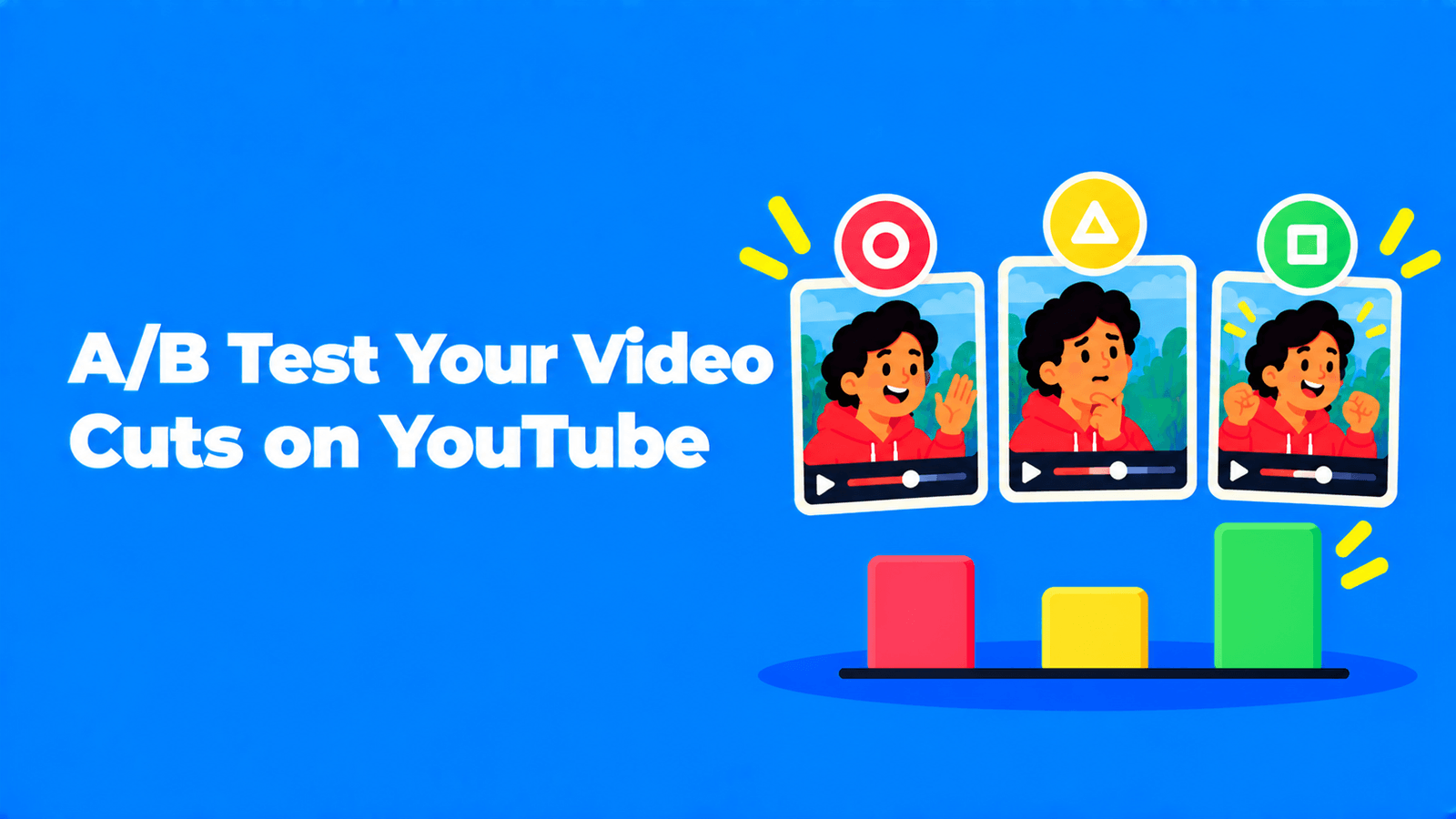
YouTube is adding video A/B testing to YouTube Studio: you'll upload up to three cuts of the same video, and YouTube will show which one holds viewers best. It was announced at Made on YouTube on September 23, 2026, and it isn't available yet. YouTube's blog calls it "coming soon" (YouTube Blog), and its Made On page lists it as "Live globally in 2027" (YouTube Creators). You can get ready now. Decide which part of your video you want to test (usually the hook), make three versions that differ only in that part, and use the title and thumbnail test and the retention report that already exist.
What YouTube announced
YouTube described the feature in a few places on and after September 23. The details vary slightly between them, so here is what each one says.
| Source | What it says |
|---|---|
| YouTube Blog, Aparna Pappu (VP, YouTube) | "Coming soon, you'll also be able to test up to three video cuts to see which hook performs best with the new video A/B testing feature." |
| YouTube Blog, Neal Mohan (CEO) | Creators can "use video A/B testing to try out up to three different cuts for which holds audience attention best." |
| TeamYouTube, YouTube Help Community | "Studio will also help you test different cuts of your video to see which performs best with your audience with video A/B testing." Listed with Studio upgrades "rolling out globally across mobile and desktop starting now through 2027." |
| Creator Insider video, September 25 | "Upload different video cuts for Shorts to test hooks, compare retention curves, and find what holds viewer attention best." |
| YouTube Creators, Made On page | "Test multiple versions of your video and let the data find your next winner. Live globally in 2027." |
Put together:
- Up to three cuts of one video, uploaded in YouTube Studio.
- The goal is attention. YouTube frames it as finding the hook or cut that holds viewers best, not the one that gets the most clicks.
- Shorts are named explicitly. The Creator Insider description says the cuts are "for Shorts". The blog posts just say "video cuts", so it isn't confirmed whether long videos will be included at launch.
- Timing: coming, with a global launch listed for 2027.
What isn't known yet
YouTube hadn't published a help page for video A/B testing when we wrote this. These questions are still open:
- Who can use it. No eligibility rules have been published. The current title and thumbnail test requires advanced features, but YouTube hasn't said whether the video test will require the same.
- How the winner is picked. The existing test ranks options by watch time share. The demo for the video test talks about comparing retention curves, but the scoring method hasn't been published.
- How long a test runs and how traffic is split between cuts.
- What happens after the test, including which cut keeps the comments, likes and views.
Until YouTube publishes a help page, treat any detailed "how it works" guide as a guess.
How it differs from title and thumbnail testing
YouTube already has an A/B test for packaging. Creators have run more than 40 million title and thumbnail experiments since it officially launched in 2024 (YouTube Blog). YouTube also announced a third feature at the same event, dynamic thumbnails. They're easy to confuse, so here they are side by side.
| Title and thumbnail A/B test | Video A/B testing | Dynamic thumbnails | |
|---|---|---|---|
| Status | Available now | Announced, "Live globally in 2027" | Announced, "soon" |
| What changes | Up to 3 titles, thumbnails or both | Up to 3 cuts of the video itself | Up to 3 thumbnails |
| Result | One winner shown to everyone | Pick the best cut (details not yet published) | Different thumbnails shown to different audiences, no single winner |
| Shorts | Not supported | Named for Shorts | Not specified |
The details of the current test come from YouTube's help page (YouTube Help):
- Desktop only. It runs in YouTube Studio on a computer, and you need advanced features turned on.
- Excluded formats. You can't test Shorts, scheduled live streams or Premieres (a Premiere becomes eligible once it ends). You also can't test videos that are made for kids, set for mature audiences or private.
- Winner by watch time. The winner is chosen on "watch time share", not click-through rate. YouTube says it optimizes for overall watch time "over other metrics, like click-through-rate."
- Up to two weeks. Tests usually finish within two weeks. The possible results are Winner, Performed Same or Inconclusive. If nothing wins, the first title or thumbnail you uploaded becomes the default.
Dynamic thumbnails work differently. In YouTube's words, you "upload up to three per video and the system matches them to the right viewers" (YouTube Creators). That's ongoing personalization rather than a test that ends with one winner.
How to prepare three cuts of one video
The feature isn't available yet, but the three versions take time to make and the approach will be the same once it launches. YouTube's own framing is about hooks, so start there.
- Pick one variable. Change the opening and keep everything after it identical. If you change the hook, the pacing and the length all at once, a winning cut won't tell you which change worked.
- Write three different openings, not three wordings of the same one. For example:
- Payoff first. Start with the result or the best moment, then rewind.
- Question. Open on the question the video answers.
- Promise. Say plainly in one sentence what the viewer will get.
- Find the openings in your footage. The strongest cold open is often a line from later in the video. Search the transcript for the moment where the point lands, and cut that in as a first line. With Exemplary AI, you can select that part of the transcript and click Create Clip, or let AI Clips suggest self-contained moments from a video that's at least 10 minutes long. It gives each one a virality score, which is an estimate, not a guarantee.
- Keep the cuts within the format. If you're testing Shorts, each cut has to be a valid Short: vertical or square and up to 3 minutes long (YouTube Help). Our guide to how long YouTube Shorts can be covers the edge cases.
- Name the files clearly, for example
ep12_hookA_payoff.mp4, and write down what each opening is testing. Once results come in, that note is what makes them useful.
Don't try to run the test yourself by publishing three near-identical videos. They would reach different audiences on different days, compete with each other for the same viewers and split your views. The comparison wouldn't be fair.
What you can test today
You don't have to wait until 2027 to learn what works in your openings.
Test titles and thumbnails
In YouTube Studio on desktop, open a video, click A/B Testing in the Title box or under Thumbnail, choose Title only, Thumbnail only or Title and thumbnail, and upload up to three options (YouTube Help). YouTube suggests testing older videos first and making the options clearly different. If they're too similar, the test takes longer and may not produce a winner.
Read the Intro number in the retention report
In a video's Analytics, the audience retention report can highlight key moments. Intro shows what percentage of viewers were still watching after the first 30 seconds. YouTube's own advice for a weak intro is to "modify the first 30 seconds of your video and experiment with different styles" (YouTube Help). Key moments only appear on videos that are at least 60 seconds long and have at least 100 views.
A cheap way to test hooks now is to use a different opening style on each new video and compare Intro percentages across videos of similar length. It's less clean than a real A/B test because the topics differ, but it builds the habit. For more on the reports, see our YouTube analytics guide.
For Shorts, compare engaged views
Shorts views count every time a Short starts to play or replays, with no minimum watch time. YouTube keeps the older metric as "Engaged views" in Analytics, so you can see how many people chose to keep watching (YouTube Help). When you compare different hooks across Shorts, compare engaged views, not views. We explain the difference in views vs engaged views.
FAQ
When will YouTube video A/B testing be available?
YouTube's blog says "coming soon" and its Made On page says "Live globally in 2027". No exact date or eligibility rules had been published when we wrote this.
How many versions can I test?
Up to three cuts of the same video, according to YouTube's announcement.
Can I A/B test Shorts now?
No. The current title and thumbnail test doesn't support Shorts. The announced video test is described as working with Shorts, but it isn't live yet.
How will YouTube pick the winning cut?
YouTube hasn't said. The demo mentions comparing retention curves. The existing title and thumbnail test chooses its winner by watch time share, so attention-based results are likely, but that isn't confirmed for video cuts.
Is video A/B testing the same as dynamic thumbnails?
No. Video A/B testing compares versions of the video itself. Dynamic thumbnails keep showing different thumbnails to different audiences instead of picking one winner.
For the basics of cutting Shorts from long videos, see how to make YouTube Shorts from long videos.