Captions vs Subtitles
Captions are for viewers who can't hear the audio, so they include sounds and who is speaking. Subtitles are for viewers who can hear but need the words. Here is where open, closed and SDH fit.
Free to start — no credit card required.
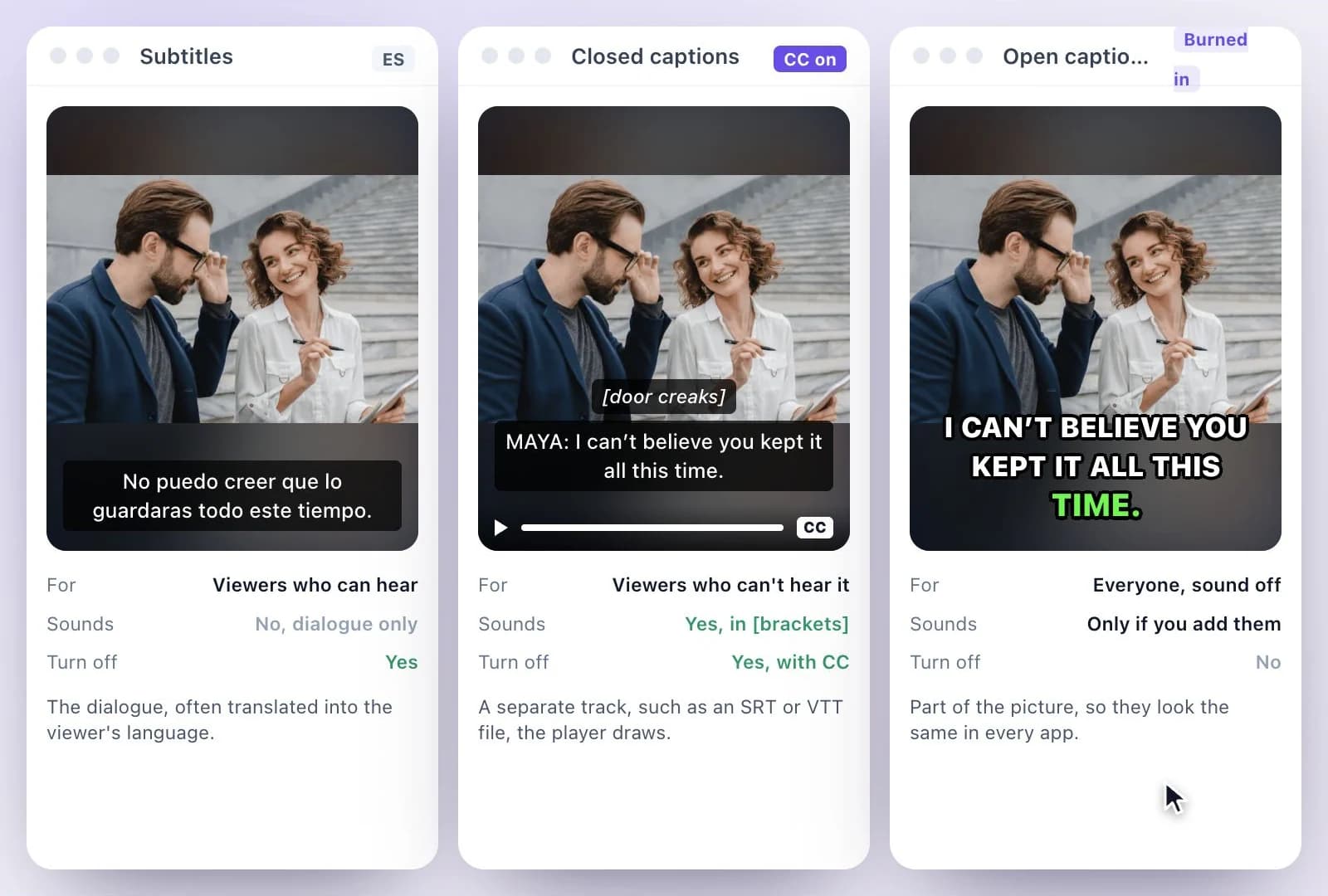
Captions are a text version of a video's audio for viewers who can't hear it, so besides the dialogue they name who is speaking and describe sounds that matter, such as music, laughter or a door slamming.
Subtitles assume the viewer can hear: they carry the dialogue, usually translated into another language. Closed captions are a separate track viewers can turn on and off; open captions are burned into the picture and can't be turned off. SDH (subtitles for the deaf and hard of hearing) are subtitles written like captions, with the sounds and speaker names included.
Captions, subtitles, open, closed and SDH
Facts checked .
- Captions
- The dialogue plus speaker IDs and sound cues, for viewers who can't hear the audio
- Subtitles
- The dialogue, often translated, for viewers who can hear it
- Closed captions
- A separate track viewers turn on or off, such as an SRT or VTT file
- Open captions
- Burned into the picture; they can't be turned off
- SDH
- Subtitles with sound cues and speaker IDs, as close to word for word as possible
- In the UK and elsewhere
- "Subtitles" is often used for captions too
How to choose between captions and subtitles
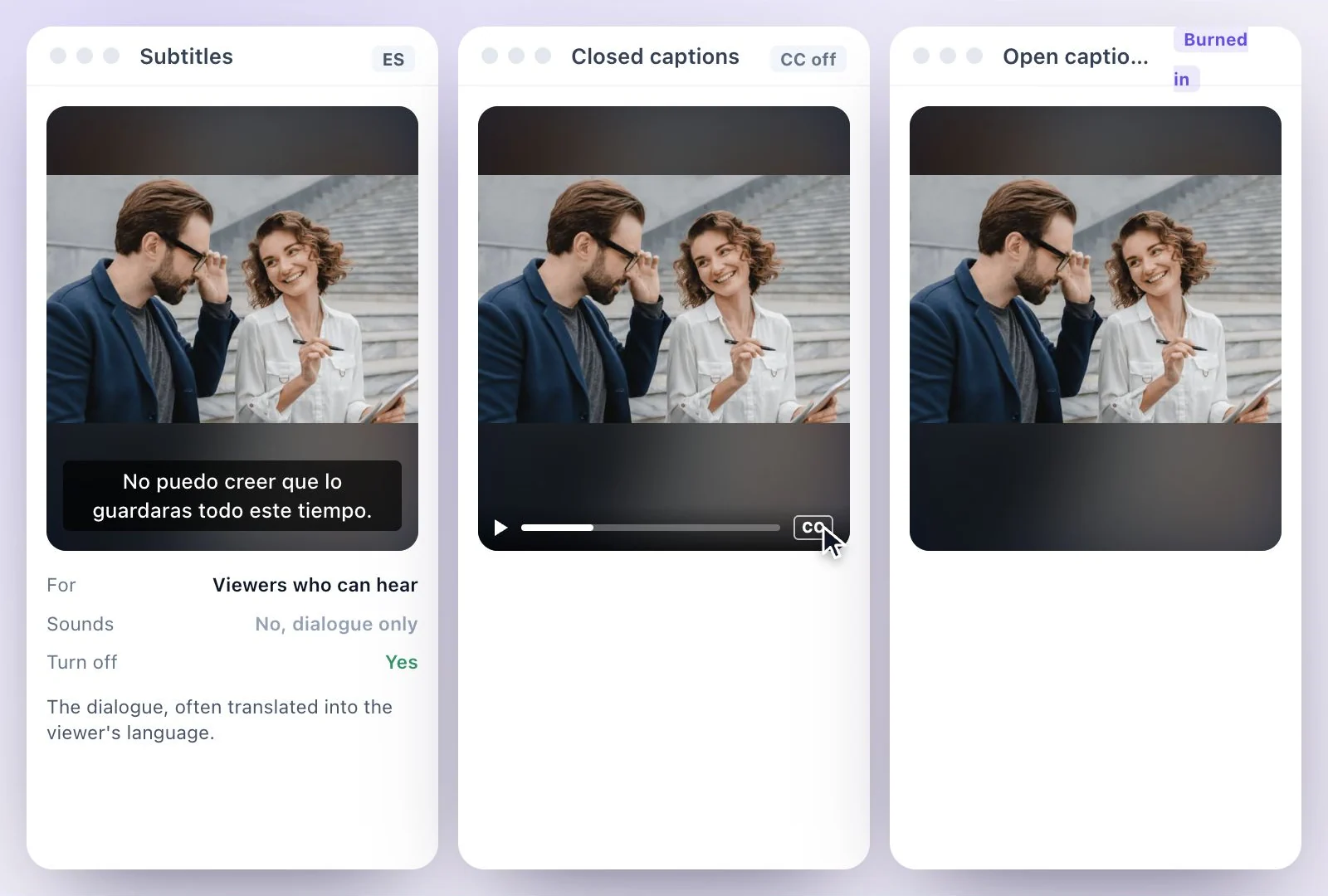
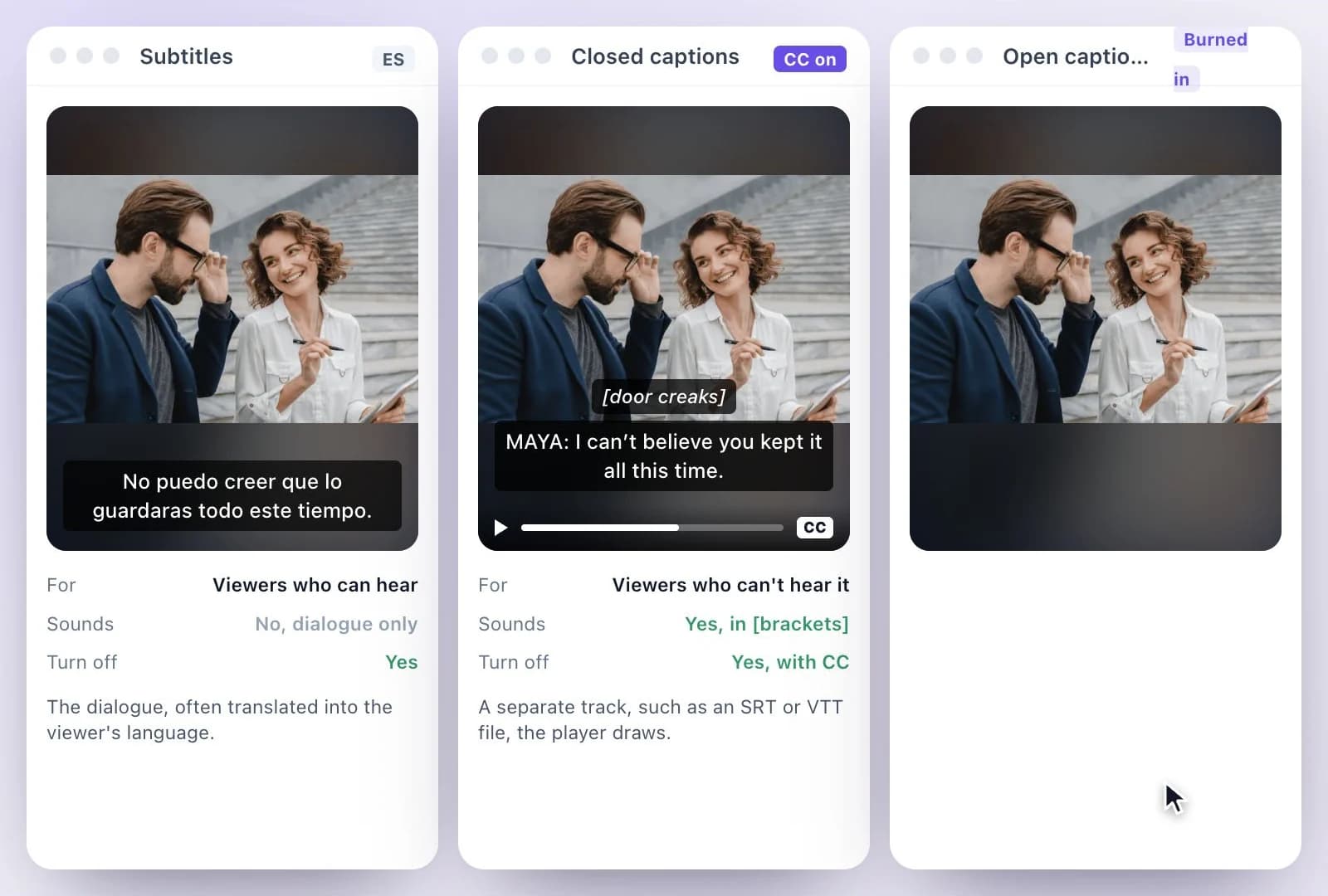
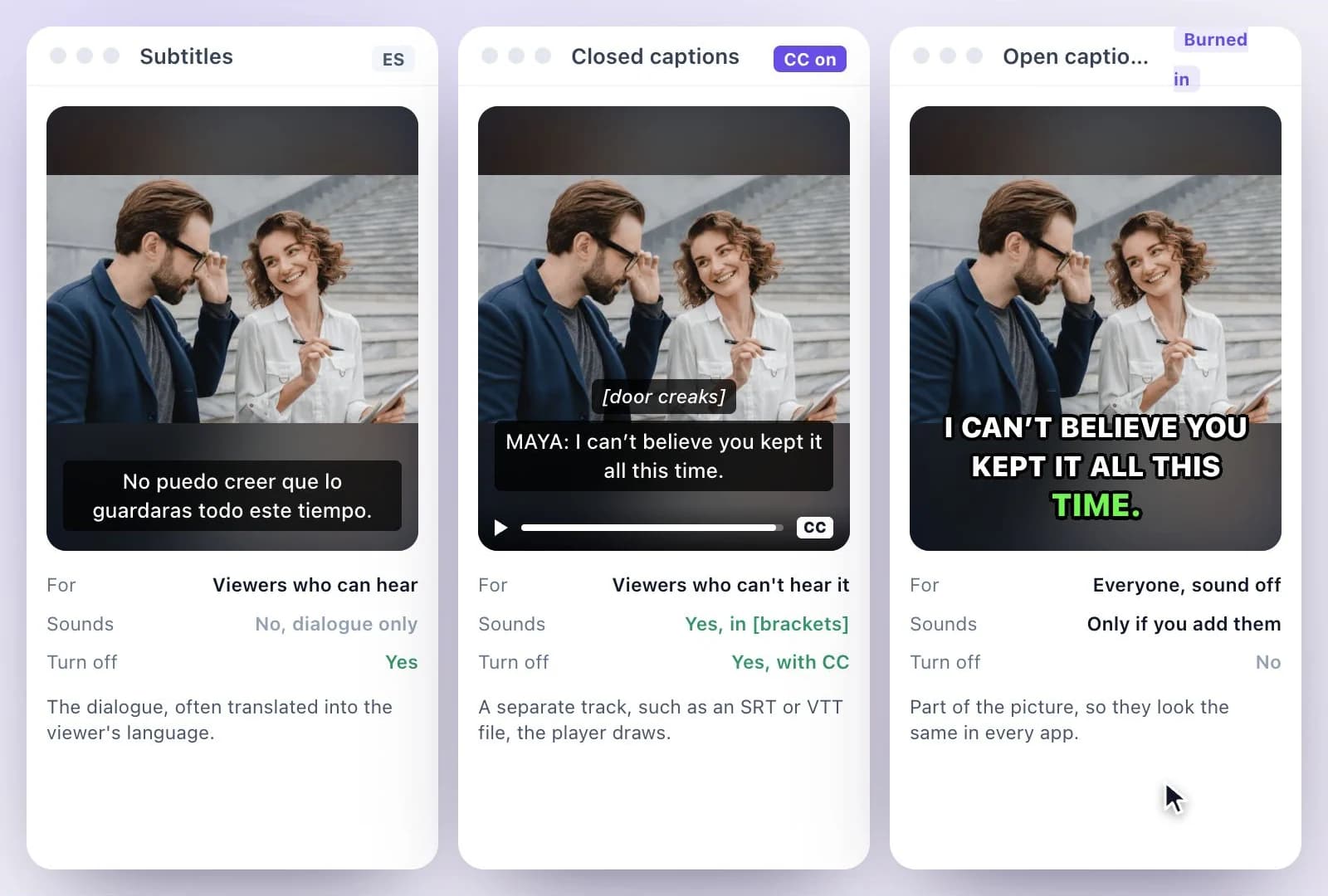
The same moment, three ways
Subtitles (Spanish)
No puedo creer que lo guardaras todo este tiempo.

Closed captions
[door creaks]
MAYA: I can’t believe you kept it all this time.

Open captions (burned in)
I CAN’T BELIEVE YOU KEPT IT ALL THIS TIME.
What the standards say
The W3C’s accessibility guidelines, WCAG 2.2, define captions as a synchronized text alternative for both speech and the non-speech audio needed to understand the content: sound effects, music, laughter, who is speaking and where. They contrast that with dialogue-only subtitles, and note that in some countries captions are simply called subtitles. WCAG asks for captions on prerecorded video with audio (success criterion 1.2.2, Level A) and on live video (1.2.4, Level AA).
WCAG also separates the two delivery methods: closed captions can be turned on and off in the player, open captions can’t, for example text burned into the video. On U.S. television, the FCC’s closed captioning rules ask for captions that are accurate (background noises and other sounds included), synchronous, complete and properly placed; they cover TV programming, not a video you post yourself.
Subtitles in the traditional sense are written for viewers who can hear, usually the dialogue only, often edited, as DCMP describes foreign film subtitles. SDH borrows from both: subtitle files that carry sound effects and speaker identification, as close to verbatim as possible. Netflix’s English (USA) timed text style guide sets SDH at 42 characters per line, up to 20 characters per second for adult programs, with speaker IDs and sound effects in brackets.
What Exemplary AI makes
Exemplary AI writes the dialogue from the speech, with timings and, if you name the speakers, their names. From that one transcript you can download closed captions as SRT, VTT or TXT files, burn open captions into an MP4 (H.264) in one of 26 caption styles, or translate it into any of 116 languages for subtitles.
It doesn’t add sound descriptions on its own. For full captions or SDH, type the sound cues into the transcript yourself, in brackets, before you download or export.
More on the choice: open vs closed captions, burning subtitles into a video, the SRT generator and the subtitle translator.
Captions and Subtitles from One Transcript
Write the words once, correct them, then take them out as whichever kind your viewers need.
Closed captions as SRT or VTT
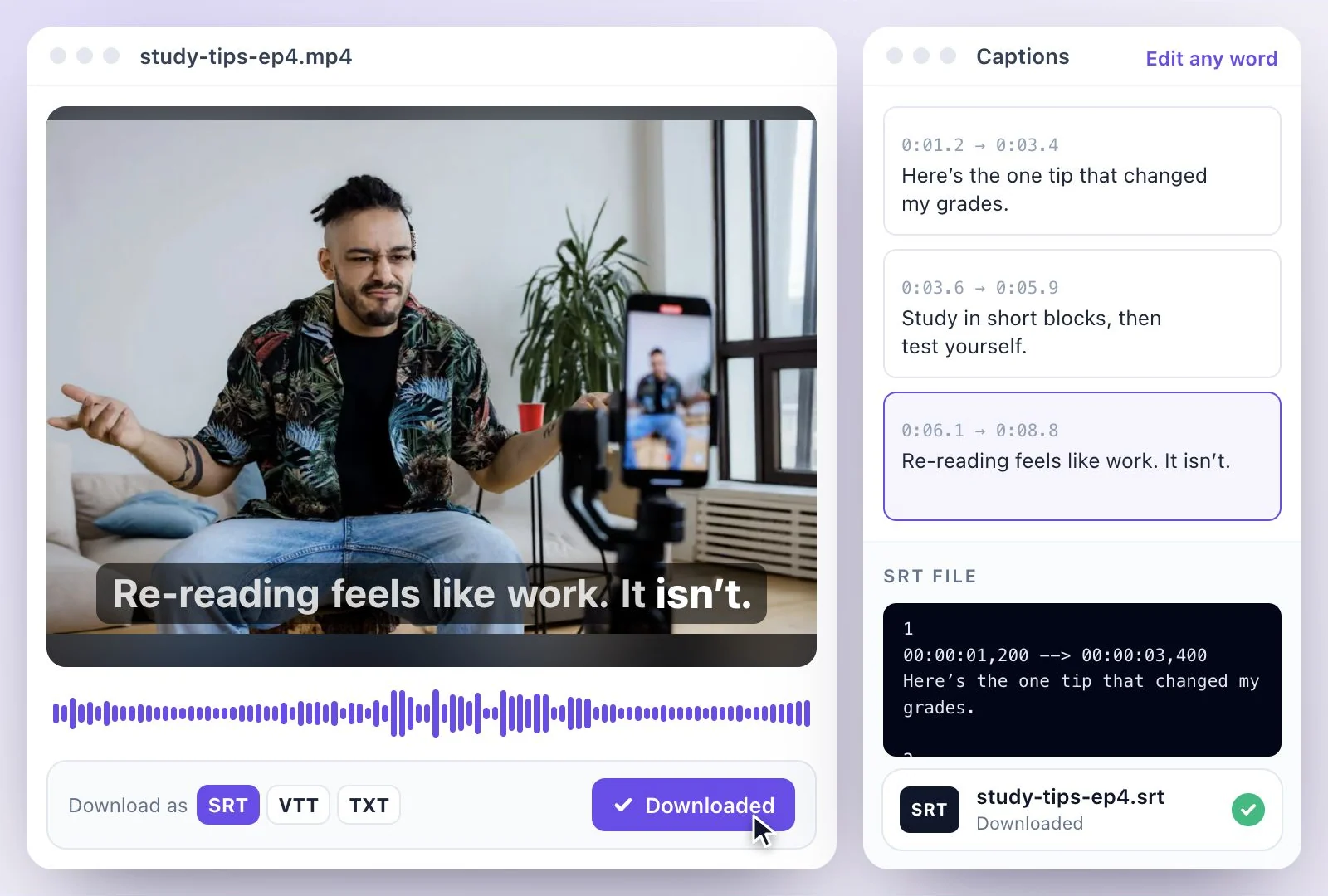
Download the transcript as SRT, VTT or TXT and upload it to YouTube or a player as a track viewers can switch on.
Open captions burned in
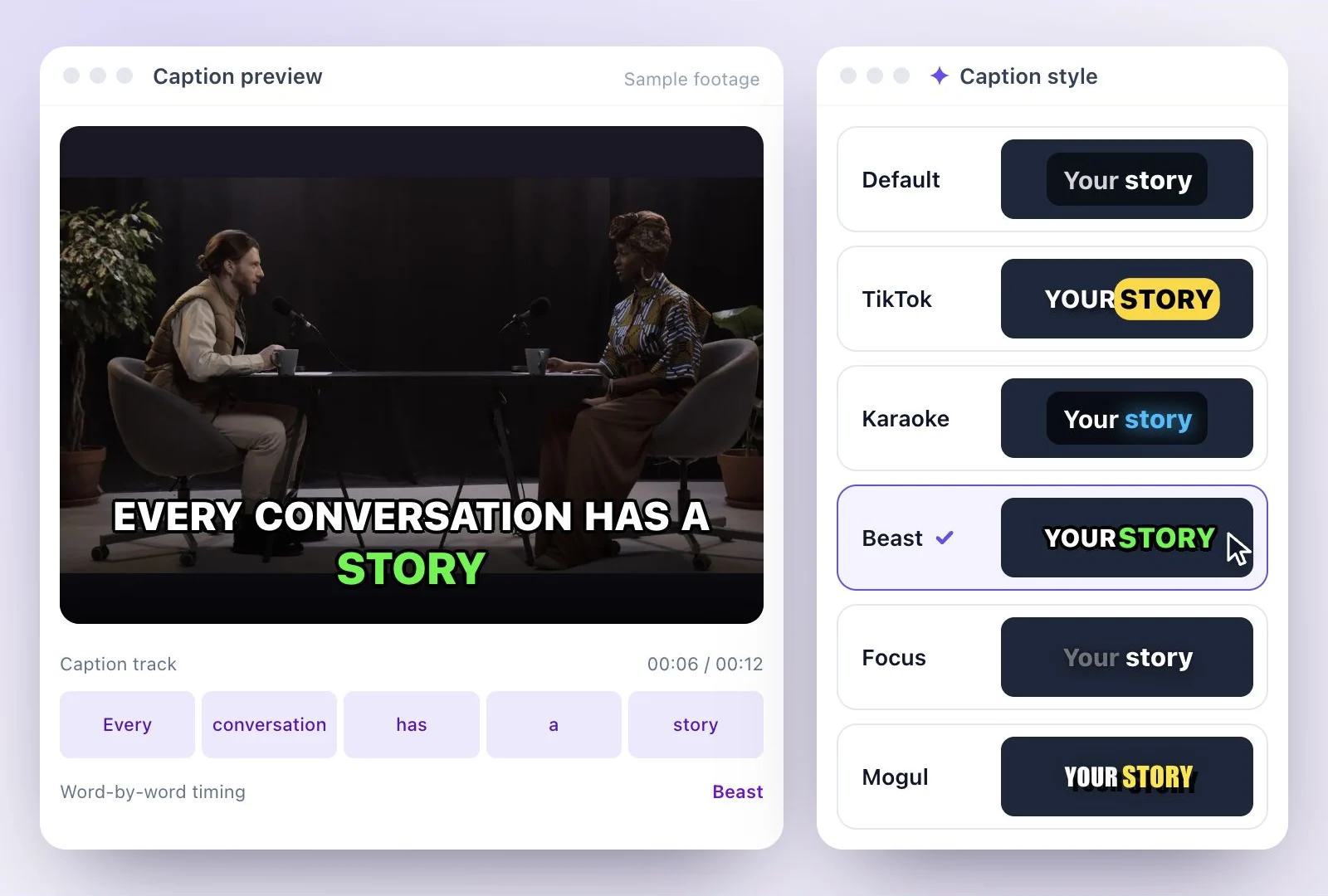
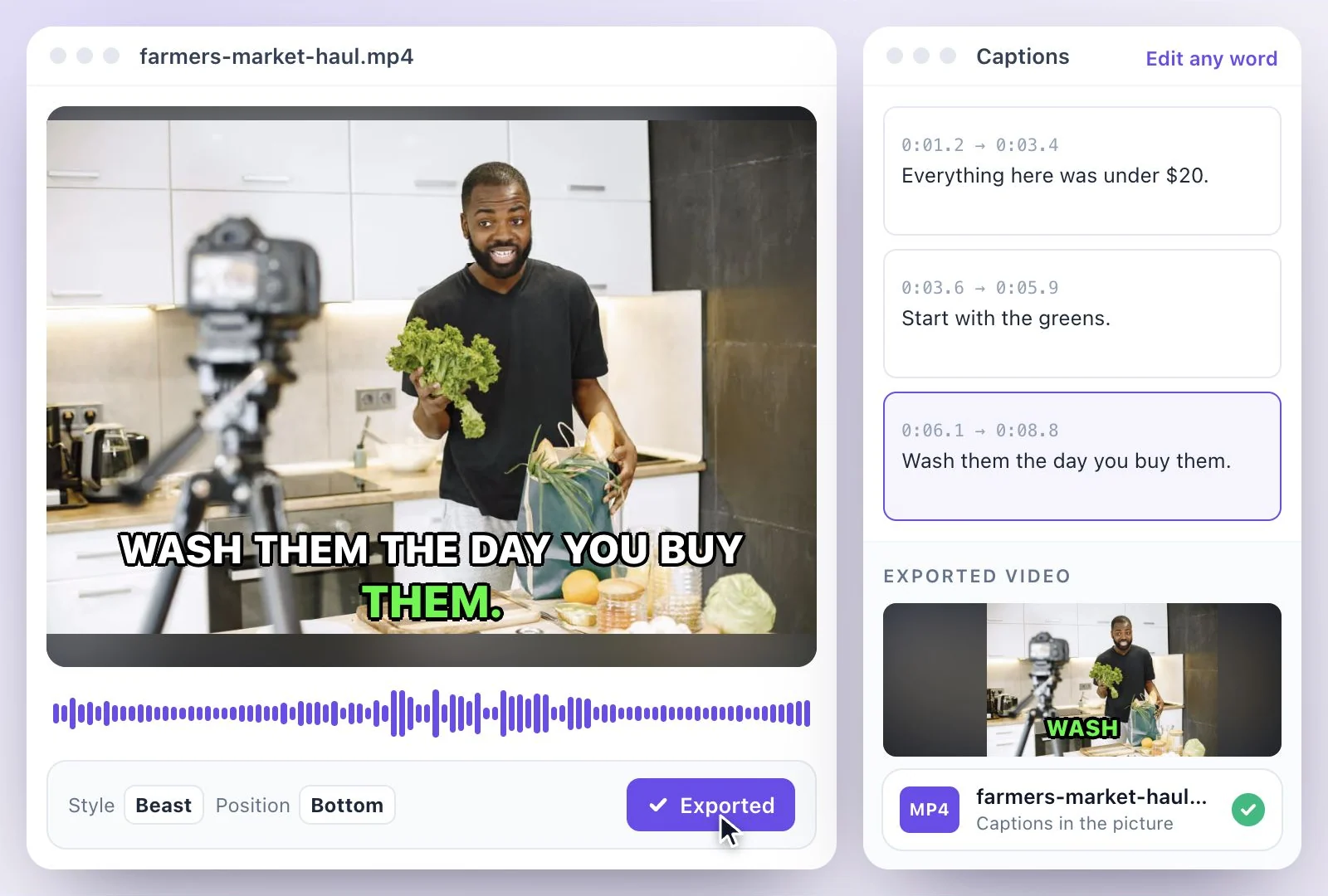
Export an MP4 (H.264) with the captions in the picture, in one of 26 styles, for apps people watch with the sound off.
Subtitles in other languages
Translate the transcript into any of 116 languages and download each language as its own subtitle file.
Speaker names
Name the speakers in the transcript and include their names in the download, the way captions identify who is talking.
Common questions
What is the difference between captions and subtitles?
Are closed captions the same as subtitles?
What does SDH stand for?
What are open captions?
Do I need captions for accessibility?
Does Exemplary AI add sound descriptions?
Can I make captions or subtitles for free with Exemplary AI?
Discover more Subtitles & Captions
- Auto subtitle generator
- Video caption generator
- Subtitle translator
- Subtitle editor
- Animated subtitles
- Burn subtitles into video
- SRT generator
- SRT to VTT converter
- Caption styles
- Add subtitles in DaVinci Resolve
- Add subtitles in Premiere Pro
- Add subtitles in Final Cut Pro
- Add subtitles in Canva
- TXT to SRT converter
- SRT to TXT converter
- Add subtitles to Video
- Add subtitles to TikTok Video
- Add subtitles to Instagram Reels
- Tamil Subtitle Generator
- Hindi Subtitle Generator
- Arabic Subtitle Generator
- German Subtitle Generator
- Chinese Subtitle Generator
- Indonesian Subtitle Generator
- Persian Subtitle Generator
- Hebrew Subtitle Generator
- Thai Subtitle Generator
- Greek Subtitle Generator
- Malay Subtitle Generator
- Bengali Subtitle Generator
- Tagalog Subtitle Generator
- Urdu Subtitle Generator
- Zulu Subtitle Generator
- Albanian Subtitle Generator
- Uzbek Subtitle Generator
- Mongolian Subtitle Generator
- Nepali Subtitle Generator
- Sinhala Subtitle Generator
- Pashto Subtitle Generator
- Amharic Subtitle Generator
- Tigrinya Subtitle Generator
- Somali Subtitle Generator
- Yoruba Subtitle Generator
- Hausa Subtitle Generator
- Igbo Subtitle Generator
- Samoan Subtitle Generator
Give your words a place on screen
Upload a video to review its transcript, adjust the captions, and export the finished result.