Emmy, the AI Assistant for Your Videos
Open a transcript and ask Emmy: it answers with the moment it came from, writes drafts, and edits the video when you ask, with a preview first.
Free to start — no credit card required.
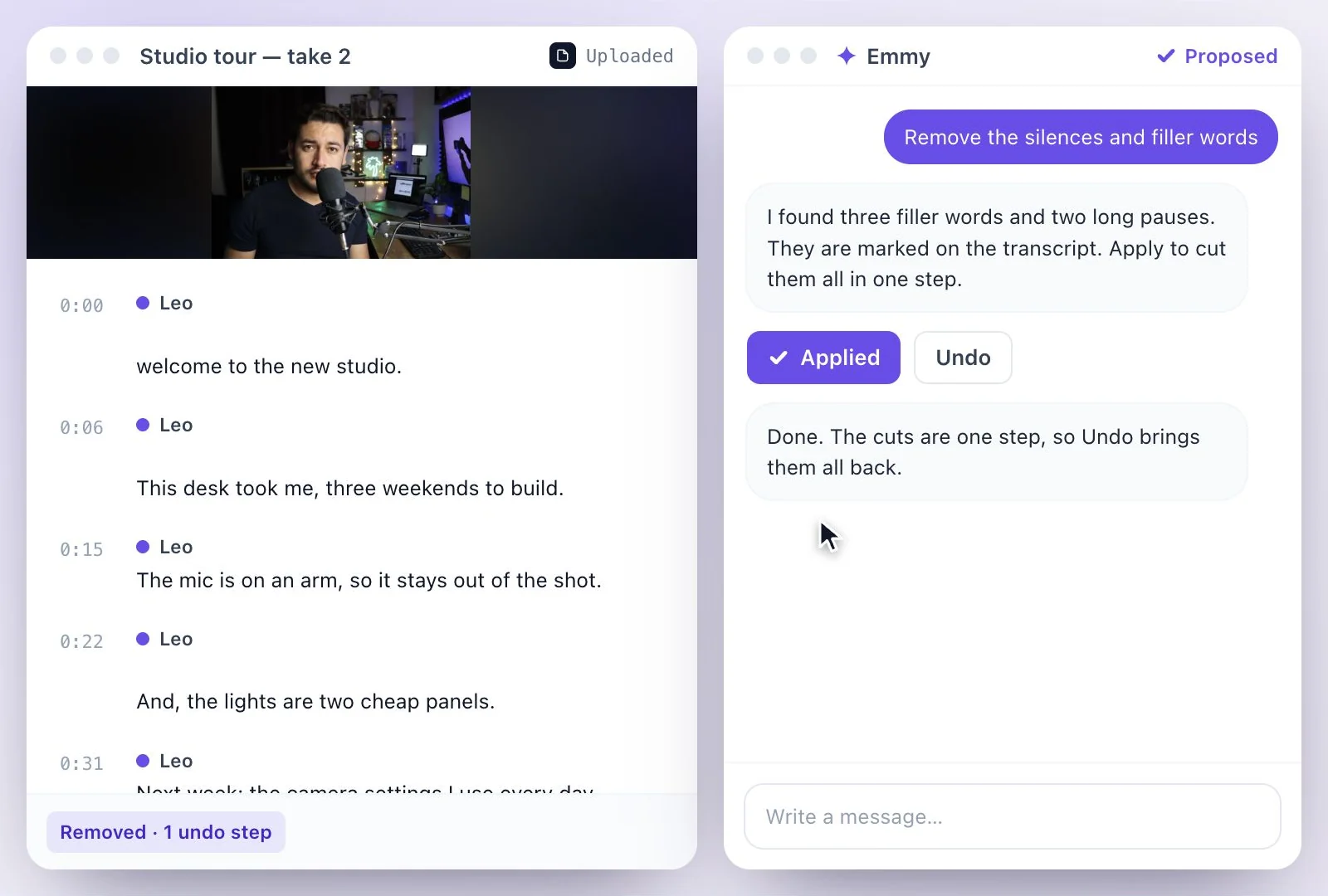
Emmy is the assistant inside Exemplary AI.
Open a recording's transcript and click Ask Emmy (⌘J), or AI Chat in the sidebar. Ask a question and the answer cites the moment it came from; ask for a post, a summary or a script and Emmy drafts it in the chat; ask for an edit and it proposes it first. It removes silences and filler words, adds punch-in zooms, caption emojis, transitions and your own background music, cuts clips and audiograms, translates the transcript and names speakers. It works on the transcript you have open, and each message uses credits. The Free plan includes 500 one-time credits; files up to 500 MB and 30 min long; 720p video exports with a watermark. Credits are used by the tasks you run, rather than a fixed number of generations.
Emmy at a glance
Facts checked .
- Where
- Ask Emmy on a transcript (⌘J), AI Chat in the sidebar, the video editor and AI Writer documents
- Answers
- From the transcript, citing the moment each came from
- Writing
- Drafts in the chat; on an AI Writer document, Polish, Shorten, Expand or Change tone
- Video edits
- Silences and filler words, punch-in zooms, caption emojis, transitions and animations, your own background music
- Makes
- Clips and audiograms from a moment
- Transcript
- Translates it, transcribes it again, detects and renames speakers
- Does not
- Open links, post anywhere, or generate video, voices or music
- Credits
- Each message uses credits
- Free plan
- The Free plan includes 500 one-time credits; files up to 500 MB and 30 min long; 720p video exports with a watermark. Credits are used by the tasks you run, rather than a fixed number of generations.
How to use Emmy
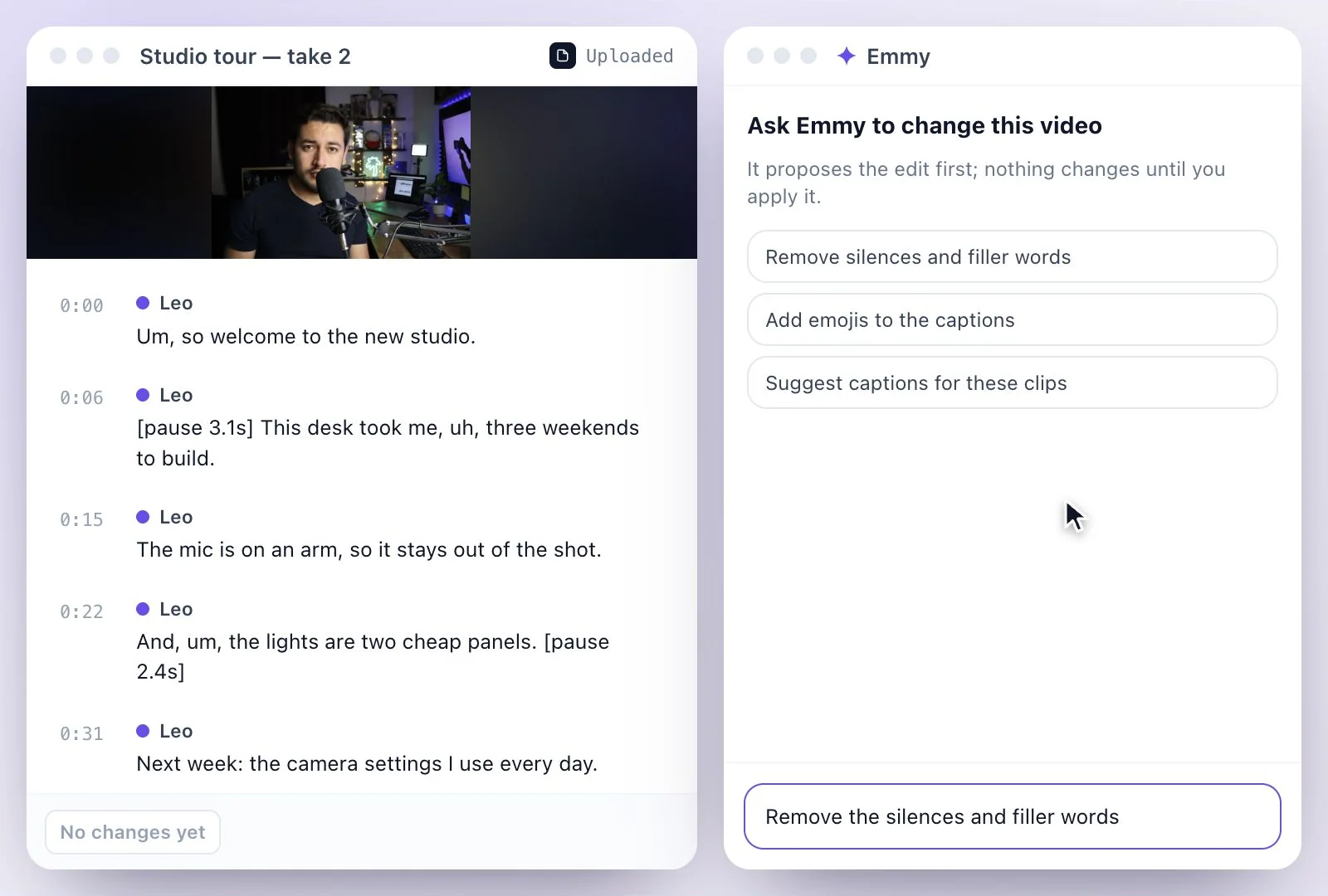
What Emmy needs, and what it leaves to you
Emmy works on a recording you have open, through its transcript. To use a YouTube video, import it by its link first; the chat itself does not open links. Background music has to be a track you upload: Emmy places it under the video with a fade in and out, and does not generate music, voices or video.
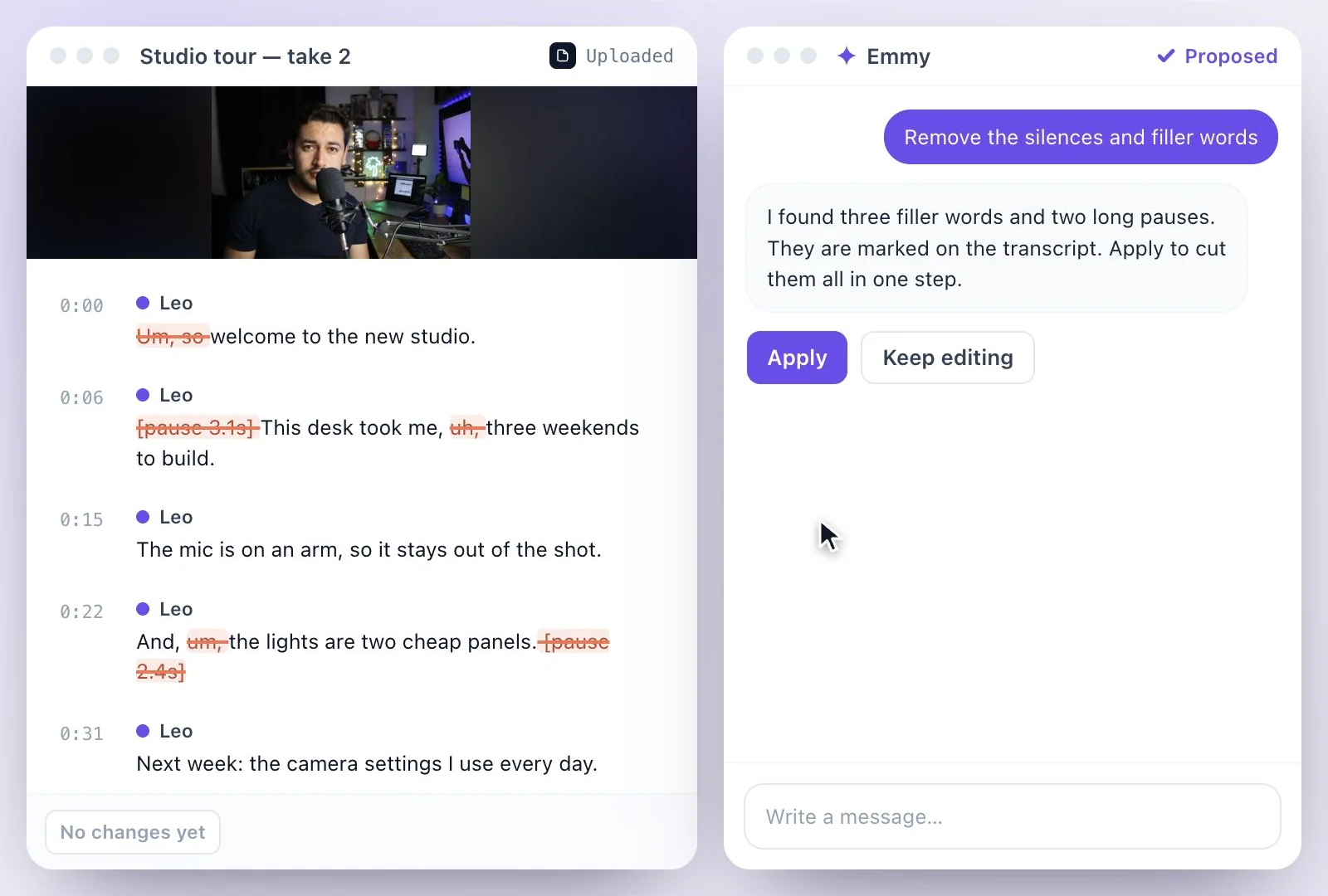
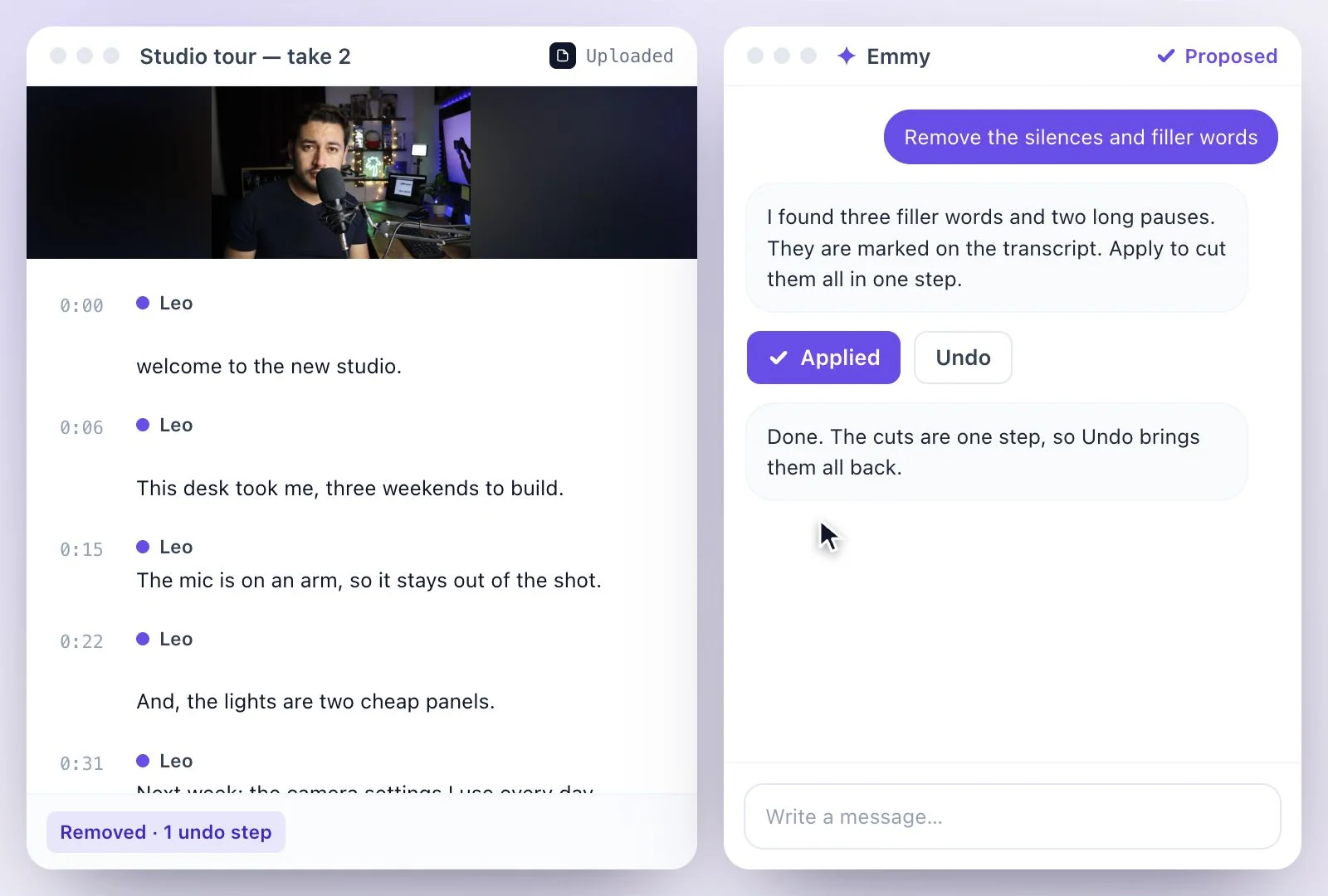
Edits are proposed before they happen and land as one undoable step, so you can try an edit and take it back. When you are done, you download the result; Emmy does not post or schedule anything. See it answer questions on chat with a YouTube video, the feature page for AI Chat, or the clip tools on AI Clips.
Ask, Draft and Edit in One Chat
Emmy sits beside the transcript and works on what you have open.
Answers with sources
Every answer cites the moment it came from; click to jump there in the video.
Drafts you can edit
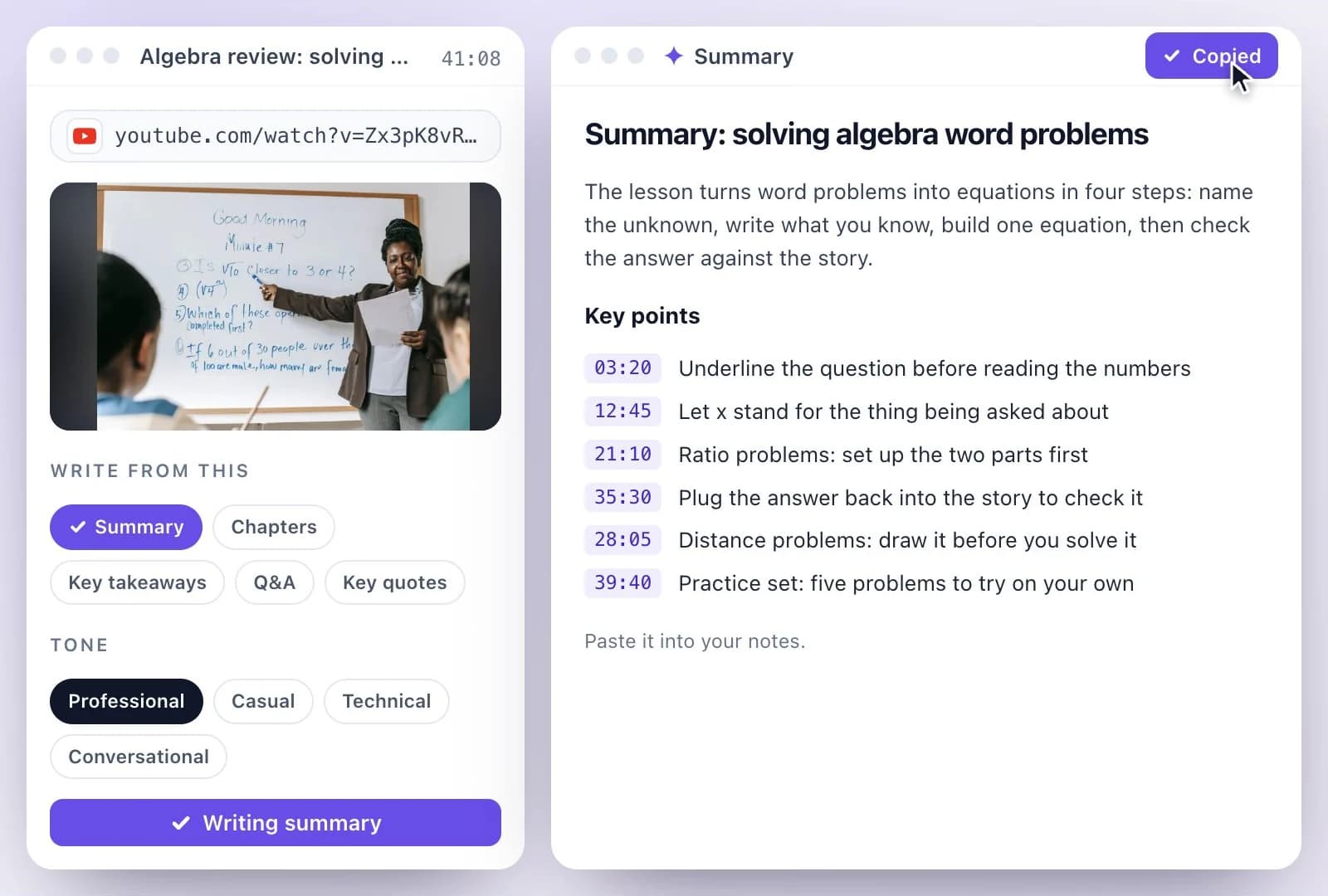
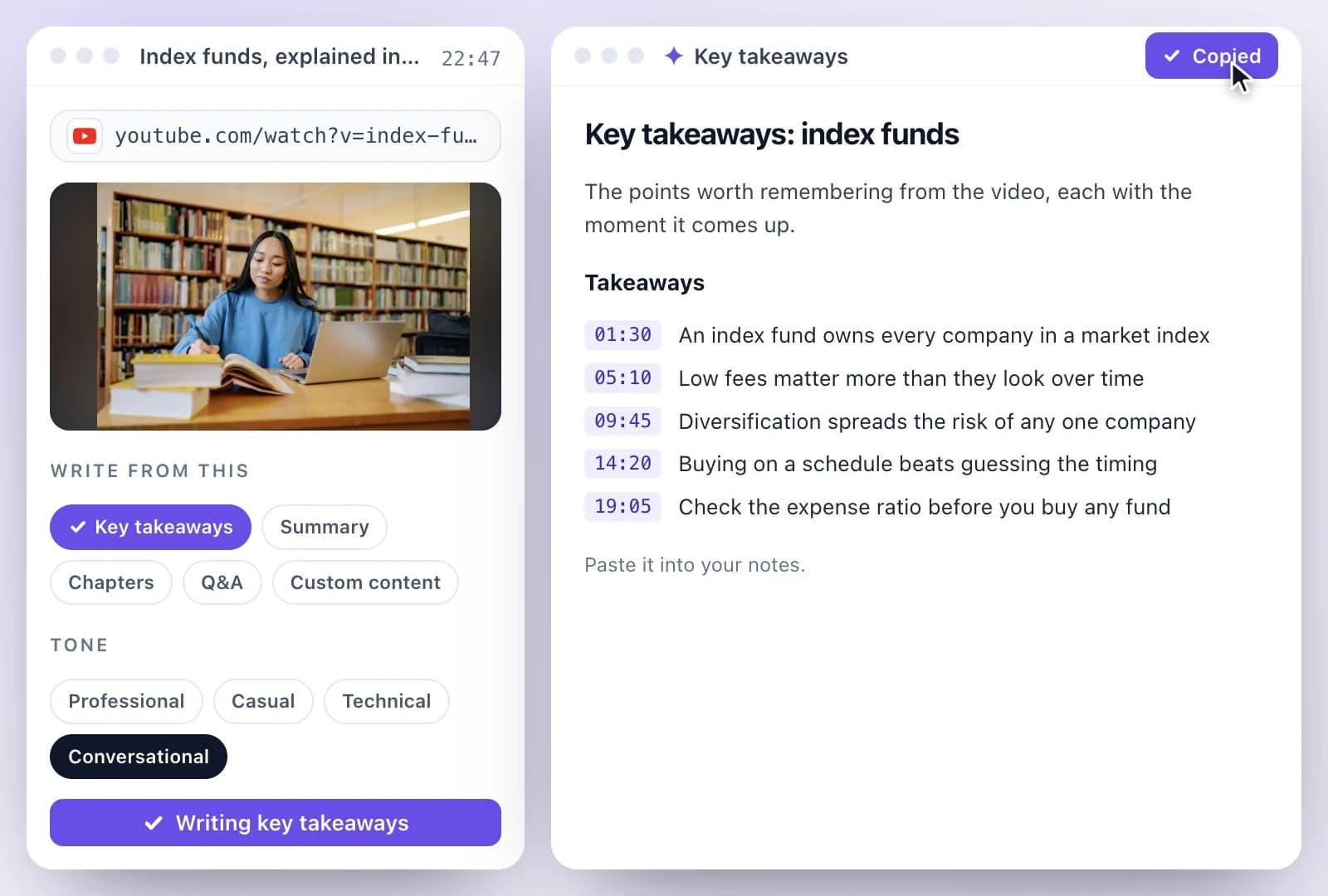
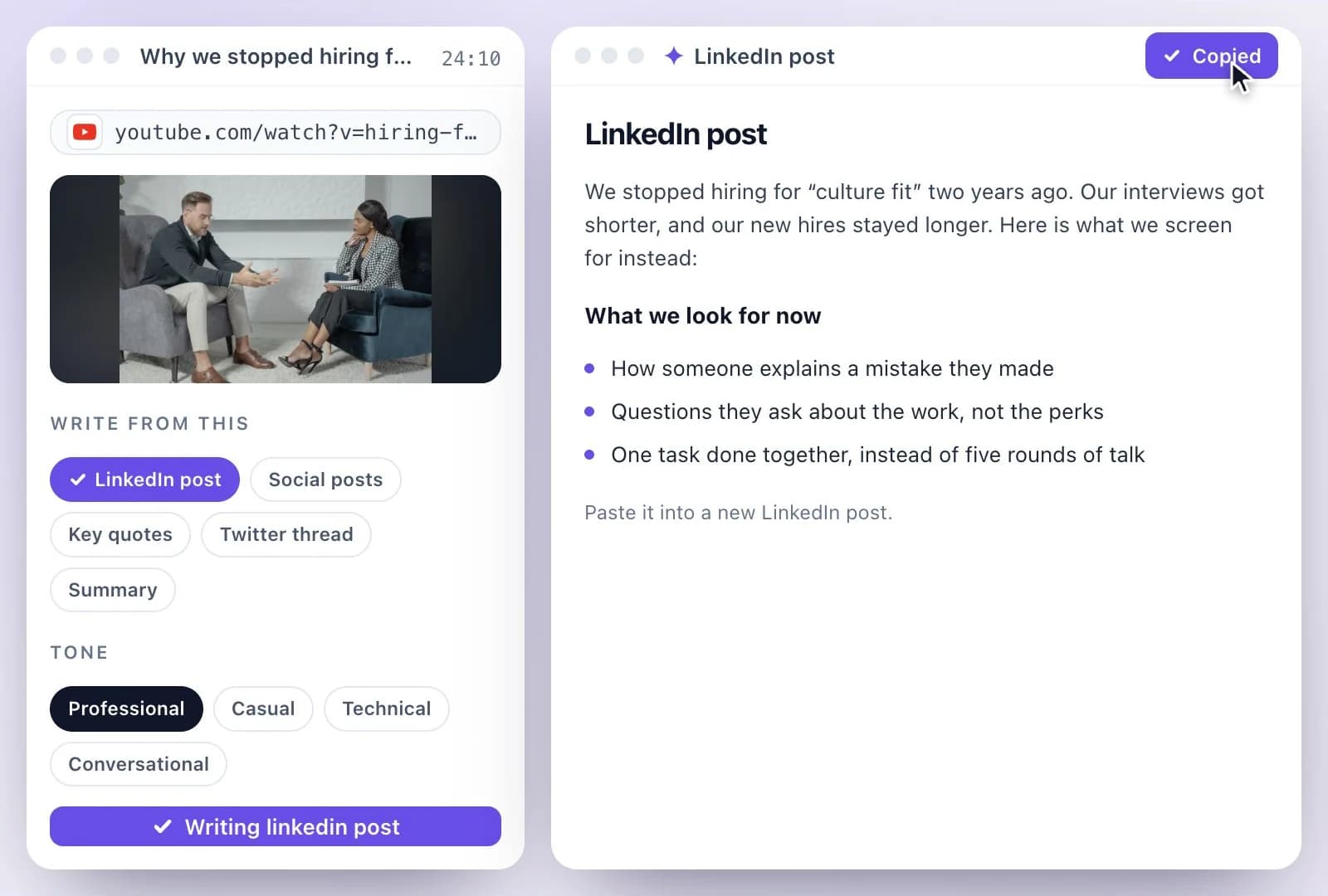
Posts, summaries, scripts and chapters, drafted in the chat from the transcript.
Edits with a preview
Silences and filler words are marked first, then cut in one step you can undo.
Clips from a moment
Ask for a clip or an audiogram of a moment, and Emmy makes it with captions.
Common questions
What is Emmy?
Where do I find Emmy?
Can Emmy edit my video?
Can Emmy work from a YouTube link?
Can Emmy add background music?
Is Emmy free to use?
Discover more AI Content
- Summary Generator
- YouTube Video Summary Generator
- Video Chapter Generator
- Podcast Show Notes Generator
- Lecture to Notes Generator
- YouTube to Notes Generator
- YouTube Tags Generator
- YouTube to LinkedIn Post Generator
- TikTok Caption Generator
- Chat with YouTube Video Generator
- Video Hook Generator
- YouTube Description Generator
- YouTube Timestamp Generator
- YouTube Video Title Generator
- Hashtag Generator
- Social Media Post Generator
- Blog Post Generator
- Meeting Minutes Generator
Turn a recording into your next draft
Start with your source, generate a draft, and review it before you share.