Facebook Video to Text
Paste a public Facebook video link, or upload a video you downloaded, and get an editable transcript of what is said.
Free to start — no credit card required.
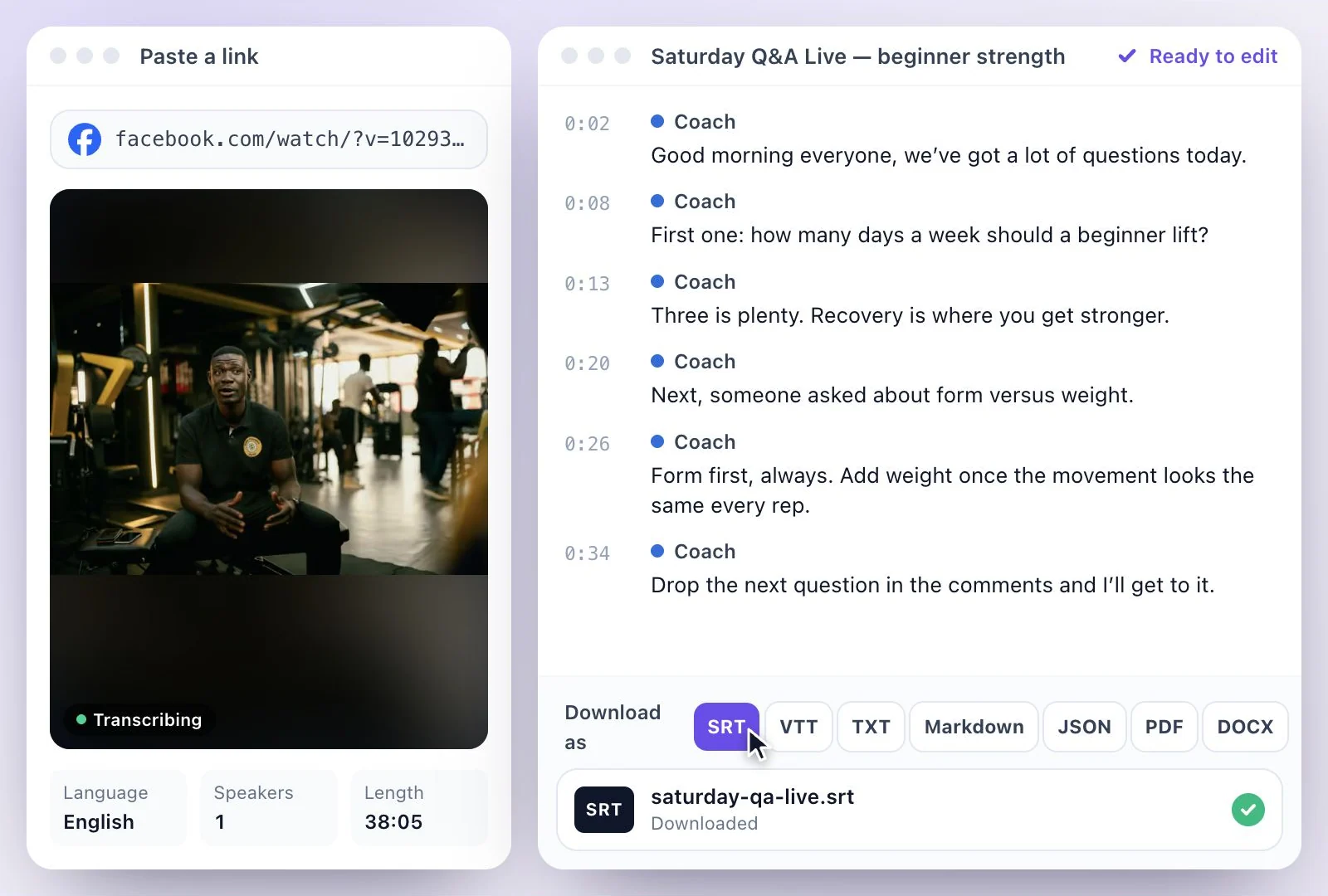
Exemplary AI converts Facebook video to text: paste the link to a public Facebook video or Reel, or upload the video file, and get a transcript you can edit, in any of 99 languages.
The link has to open without logging in to Facebook. For a video in a private group or shared only with friends, download your own copy from Facebook and upload the file. Free plan: 500 one-time credits.
Facebook video transcripts at a glance
Facts checked .
- By link
- Public Facebook videos and Reels that open without logging in
- By upload
- Private, group and friends-only videos: download the video and upload it (MP4, MOV and WEBM)
- Facebook Live
- After the broadcast ends: the link to the saved video if it is public, or the downloaded file
- Transcript downloads
- PDF, SRT, VTT, TXT, Markdown, JSON and DOCX
- Languages
- 99 languages
- Free plan
- 500 one-time credits; files up to 500 MB and 30 min long; 720p video exports with a watermark
How to convert a Facebook video to text
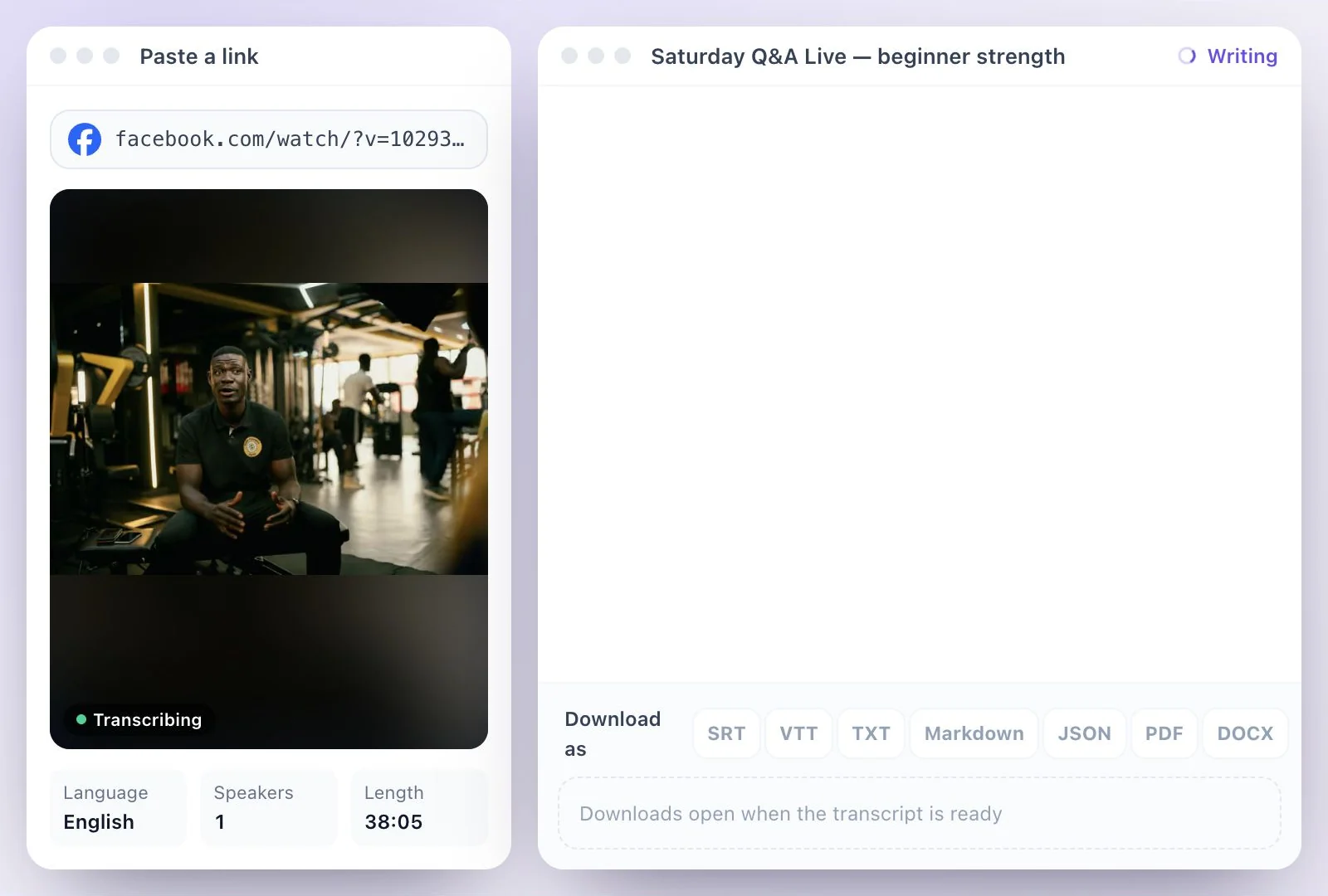
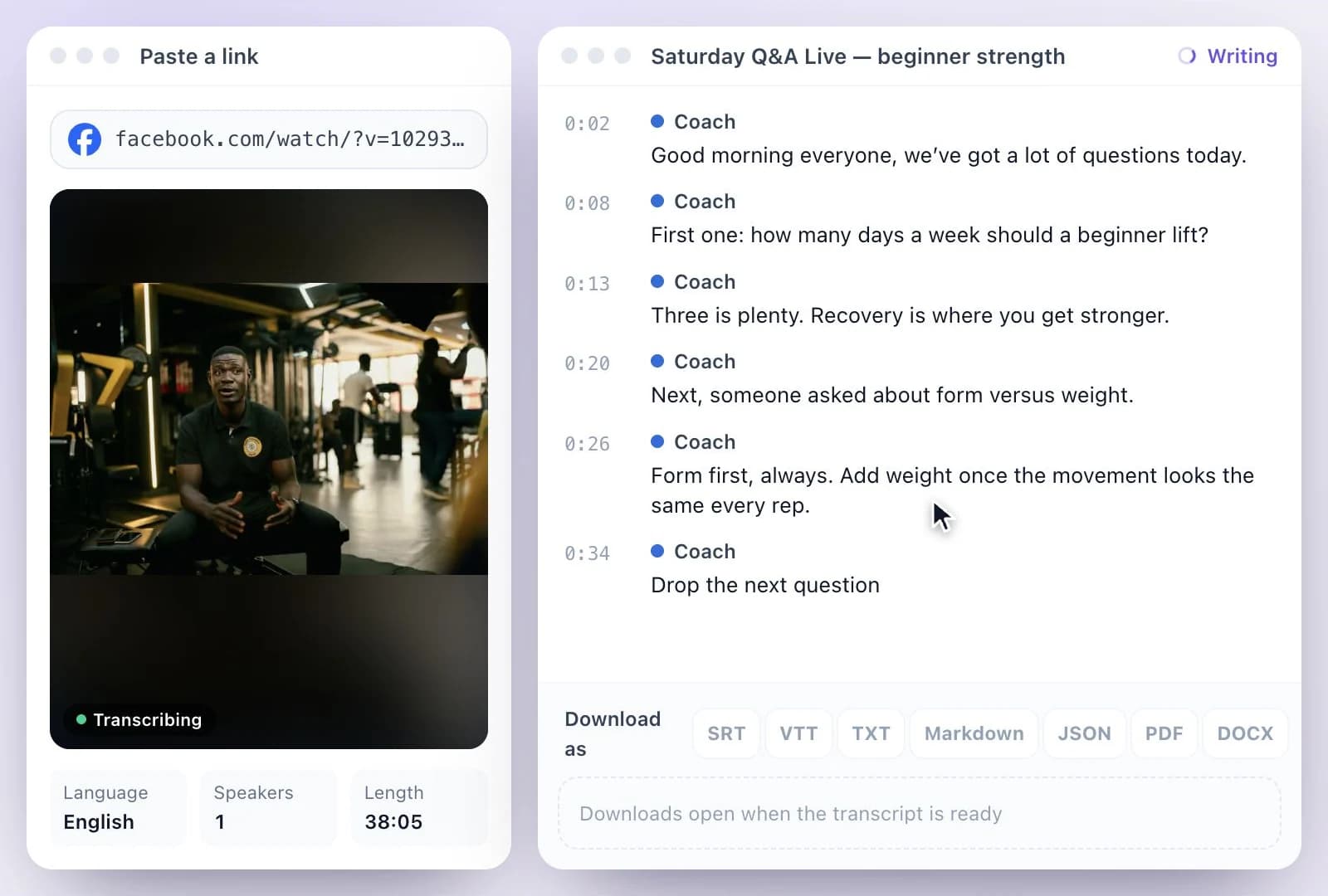
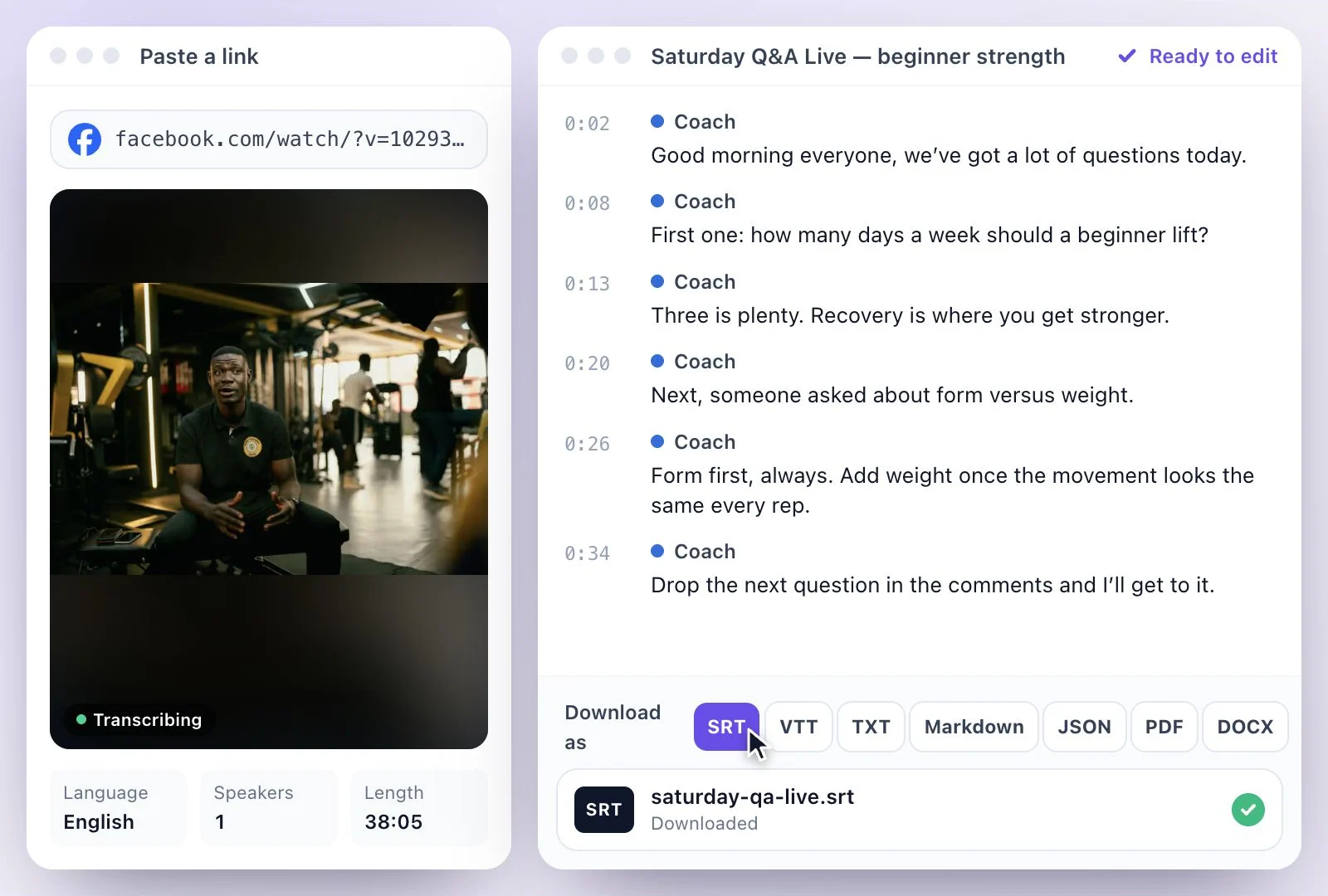
Facebook Live transcripts and captions
Once a Facebook Live has ended and the recording is posted, transcribe it like any other video: paste its link if anyone can watch it, or download the recording and upload the file. The transcript of a sermon, a class or a Q&A session can then be edited into notes, quotes or a recap post.
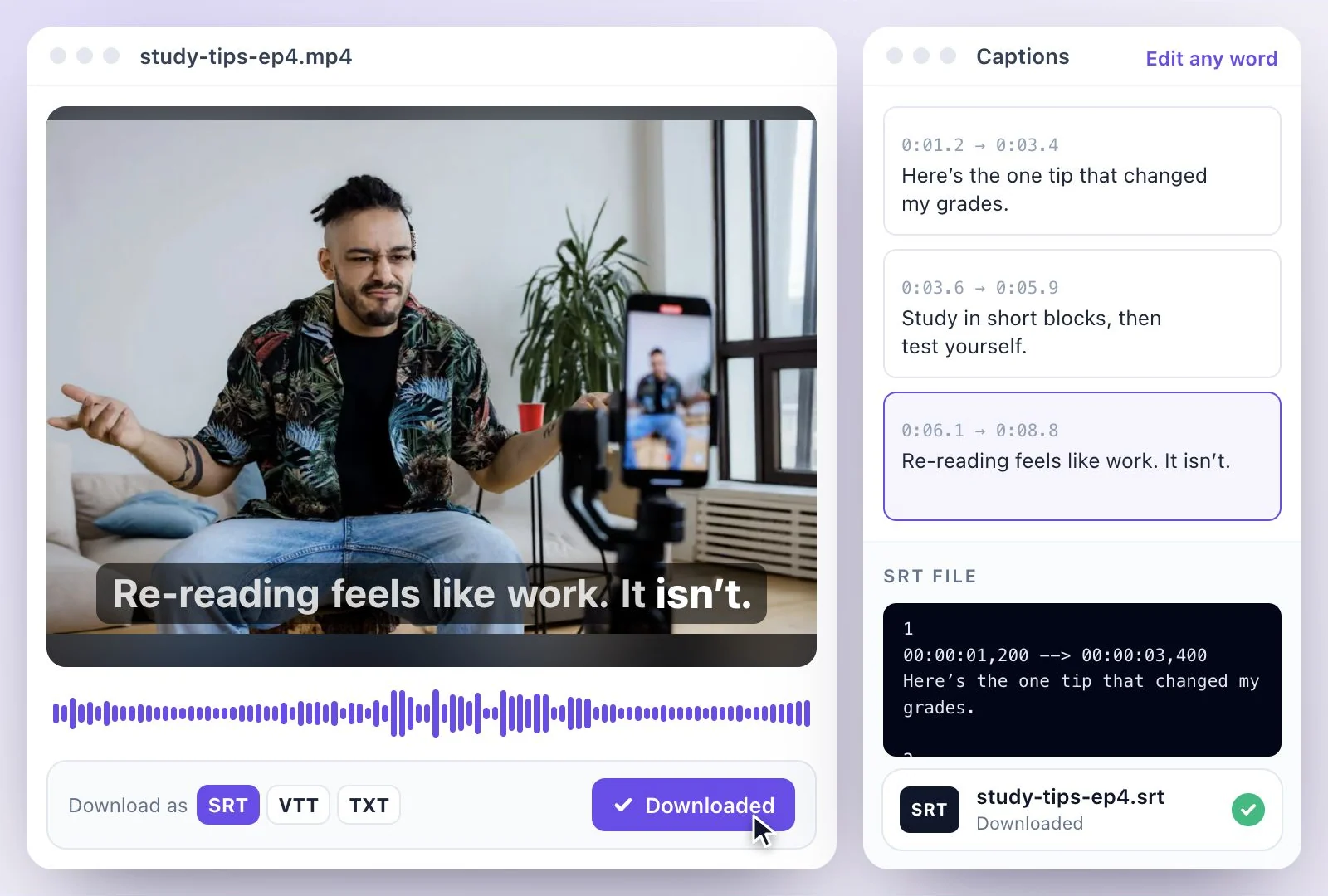
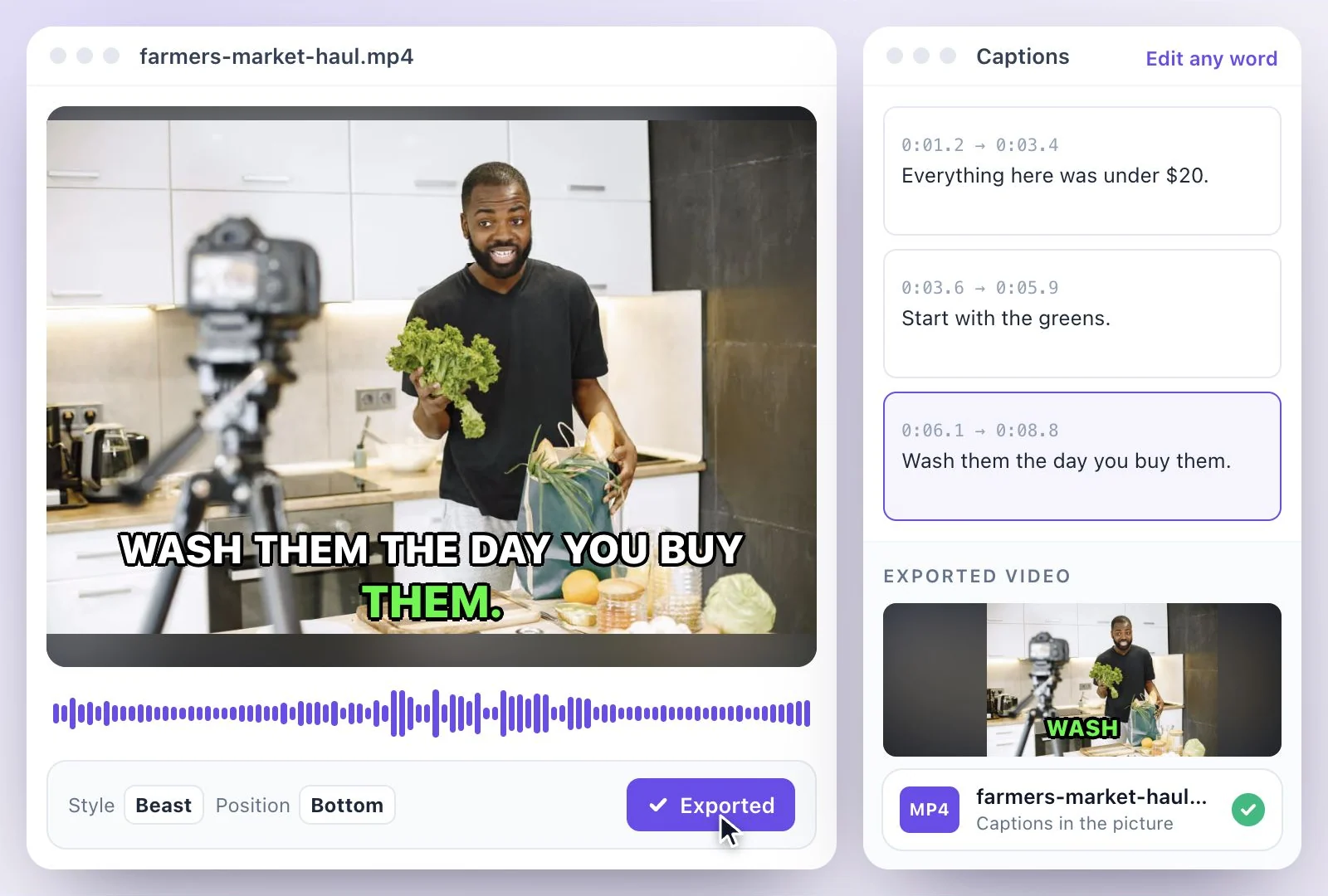
To put captions on the video before you post it again, download SRT and VTT, or burn the captions into the picture with the subtitle generator; SRT vs VTT explains which file to use. For Instagram videos, see Instagram video to text.
What the Facebook video to text tool does
It takes a public Facebook link or a downloaded file and gives you the spoken words as text you can edit and reuse.
Public links or uploaded files
Paste a public video or Reel link. Anything behind a login, such as a private group, uploads as a downloaded file instead.
Transcripts of past Lives
Turn a finished Facebook Live into text for a recap, a blog post or a list of the questions viewers asked.
Edit and name speakers
Correct the transcript like a document and rename the speakers, so a panel or an interview reads clearly.
Captions from the same transcript
Download SRT and VTT caption files, or TXT or Markdown for a document.
Common questions
How do I transcribe a Facebook video?
Can I convert a Facebook video to text for free?
Why won't my Facebook video link import?
Can I get a transcript of a Facebook Live?
Can I transcribe a video from a private Facebook group?
Can I download the transcript as captions for Facebook?
Discover more Transcription
- Video to Text
- Audio to Text
- Audio translator
- Video translator
- Youtube video
- Vimeo video
- Google meet
- Instagram video
- Zoom recording
- MP4 to Text
- MP3 to Text
- TikTok Transcript Generator
- Podcast Transcript Generator
- Interview Transcription
- Sermon Transcription
- WhatsApp Audio to Text
- Transcribe Google Drive Video
- Online voice recorder
- Translate Spanish audio to English
- Translate Japanese audio to English
- Translate Korean audio to English
- Translate Chinese audio to English
- Translate French audio to English
- Translate German audio to English
- Translate Portuguese audio to English
- Translate Russian audio to English
- Translate Arabic audio to English
- Translate Hindi audio to English
- Tamil Transcription
- French Transcription
- Japanese Transcription
- Hindi Transcription
- Spanish Transcription
- Arabic Transcription
- Chinese Transcription
- Turkish Transcription
- Hebrew Transcription
- Greek Transcription
- Bengali Transcription
- Tagalog Transcription
- Urdu Transcription
- Swahili Transcription
- Afrikaans Transcription
- Albanian Transcription
- Georgian Transcription
- Armenian Transcription
- Uzbek Transcription
- Nepali Transcription
- Sinhala Transcription
- Pashto Transcription
- Amharic Transcription
- Somali Transcription
- Yoruba Transcription
- Hausa Transcription
Start with the words in your recording
Upload your audio or video, check the transcript, and choose the output you need.