01 / 03
Upload once
The same recording feeds every tool on the site. Nothing needs uploading twice to get a second format out of it.
Cut a long video into vertical Reels with captions, framed on whoever is speaking.

Exemplary AI turns a long video into Instagram Reels. Upload a video of 10 minutes or more, or paste a YouTube, TikTok, Vimeo or X link, and AI Clips picks the moments that stand on their own, reframes them to vertical 9:16 around the speaker, and adds animated captions. You export each Reel as an MP4 and post it from Instagram.
Facts checked .
An AI reel generator cuts one long video into several Reels for you. AI Clips does this from a video of 10 minutes or more: it picks the moments that stand on their own, reframes each to vertical 9:16 around the speaker, adds animated captions and gives every Reel a virality score. For a shorter video, select part of its transcript and click "Create Clip" to make a Reel yourself.
One long video becomes a set of Reels: the moments picked, reframed to vertical and captioned.
AI picks passages that make sense on their own and gives each one a virality score. Speaker framing keeps the person talking in the shot.
Turn a landscape video into a 9:16 Reel with fill, fit or split layouts, or make a square 1:1 version for the feed.
Cut words from the transcript to cut them from the video, then review the result before exporting.
You have already uploaded it. These run on the same transcript, so there is nothing to redo.
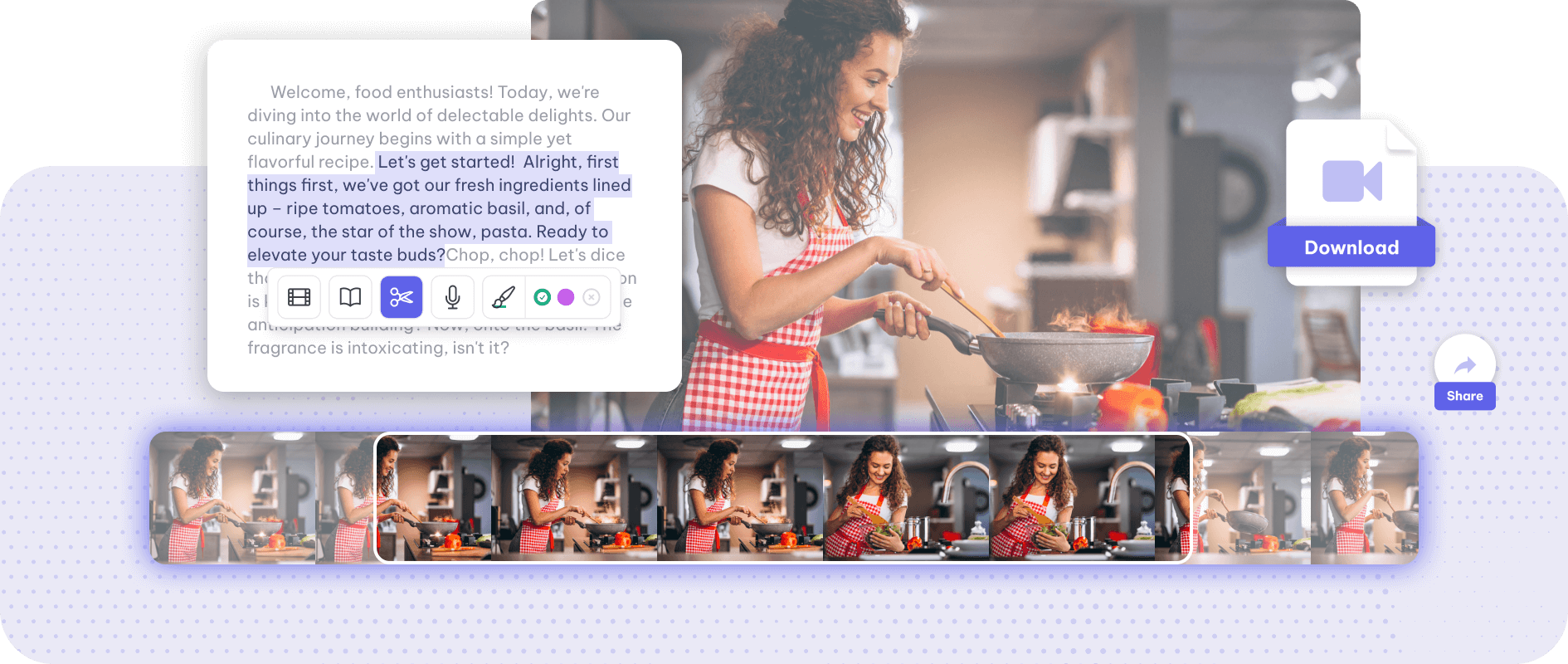
Trim a video by its words: Exemplary AI transcribes it, you select the part of the transcript…
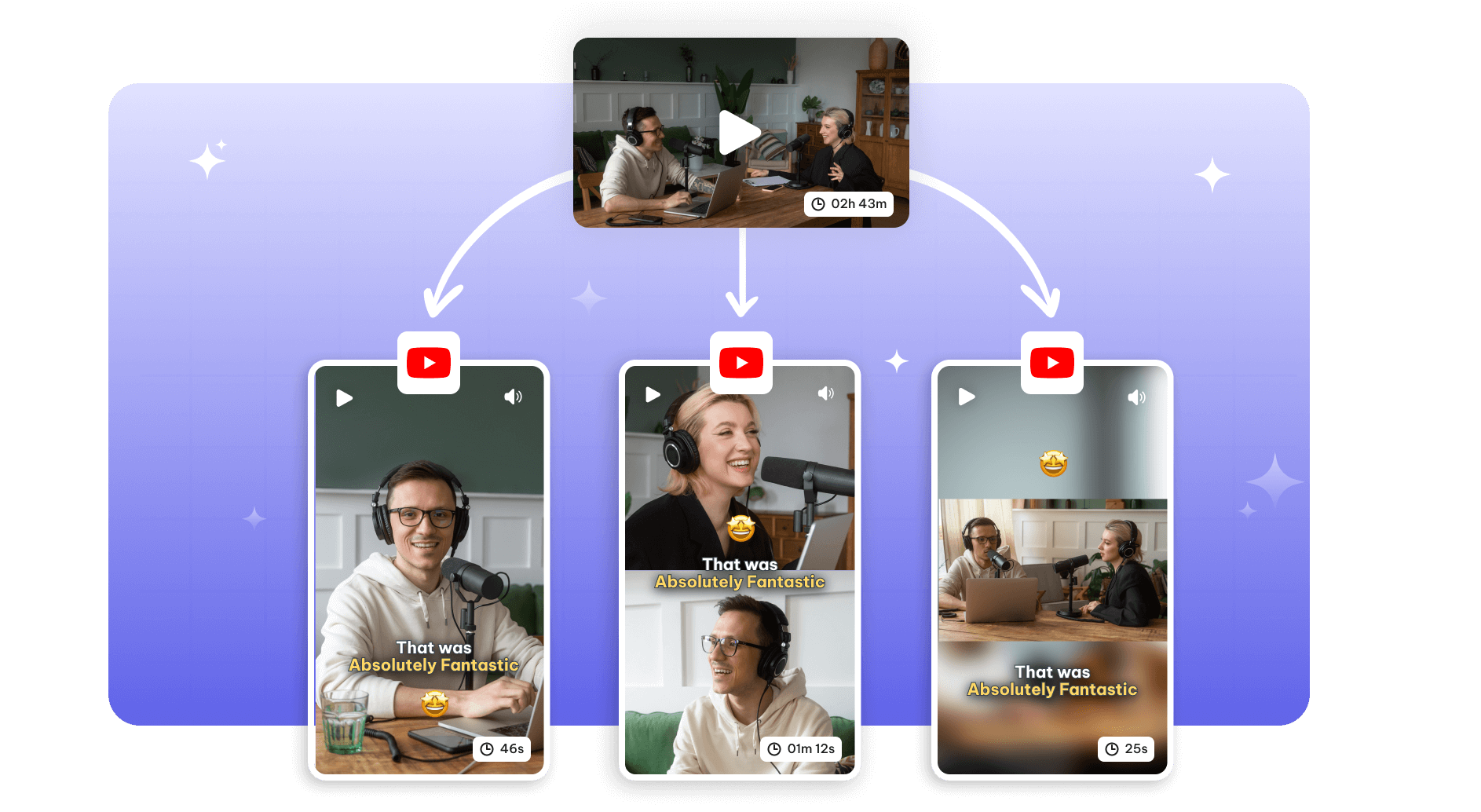
Cut a long video or YouTube link into vertical 9:16 Shorts with animated captions.
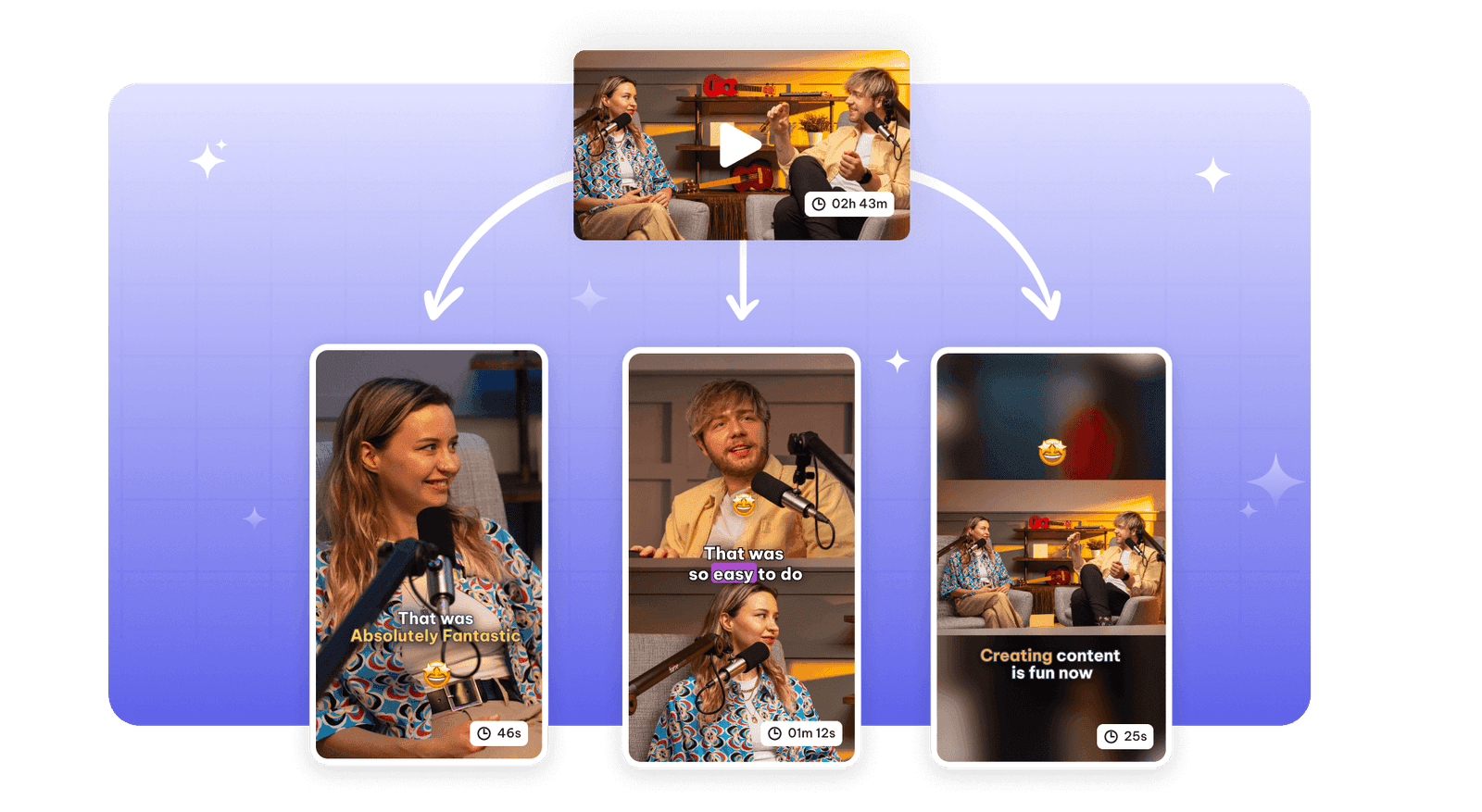
Turn a podcast episode into short clips with AI: speaker framing for video, waveform audiograms…
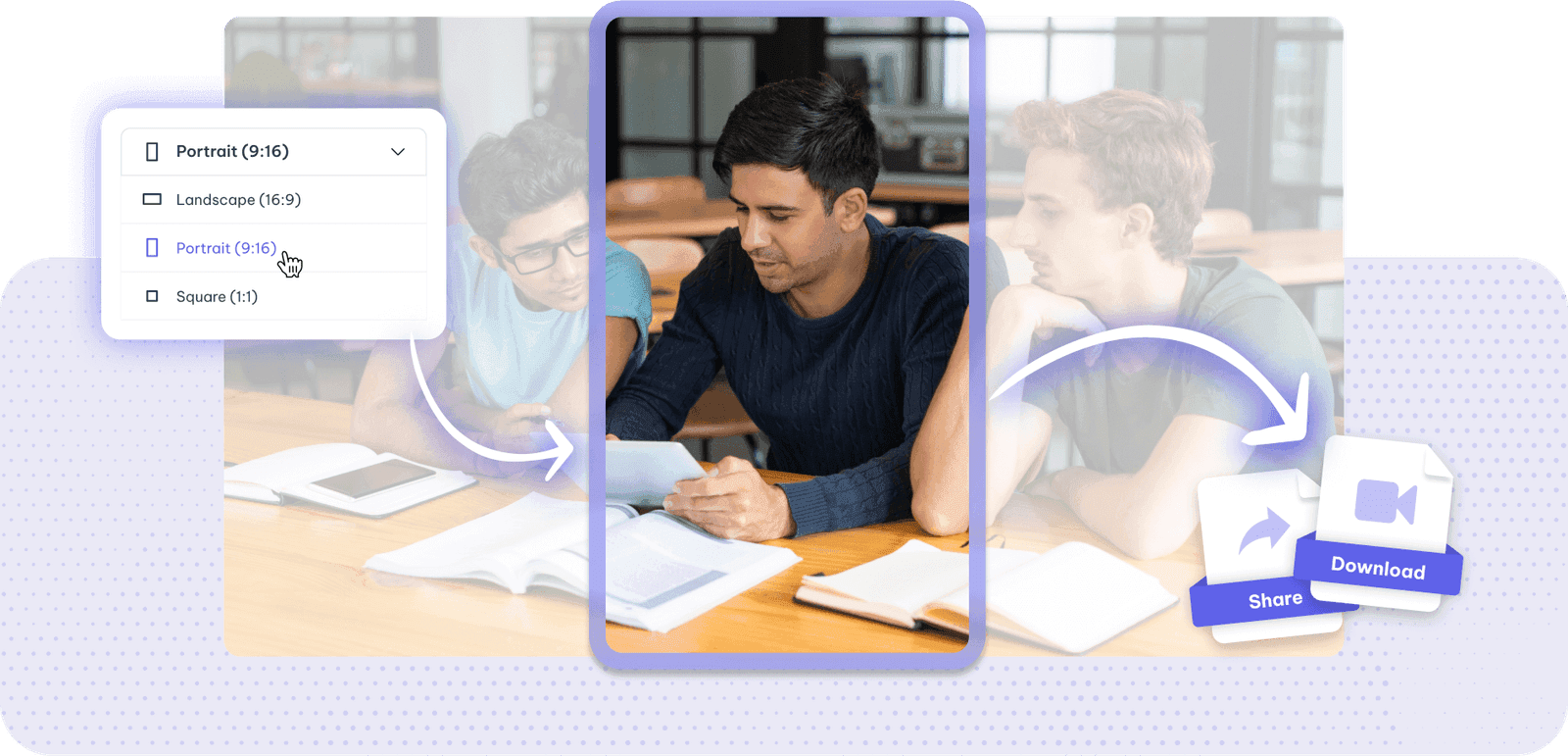
Save your time by cropping the size of the videos with Exemplary AI.
Instagram reel maker is one door into the same workspace. Whatever you came here to make, the rest is already available from the file you just uploaded.
The same recording feeds every tool on the site. Nothing needs uploading twice to get a second format out of it.
Burned-in captions or subtitle files, in the spoken language or translated with the timings kept intact.
Clips, chapters, show notes, blog drafts and social posts all come off the one transcript.
Drop in a recording and work from the transcript — clips, captions, chapters, show notes and posts all come from the same file.