Instagram Reels Size, Dimensions and Safe Zone
Make Reels at 1080 × 1920 px (9:16) and keep text inside the 950 × 979 px safe area. Check a frame of your own video against the overlay, then download it.
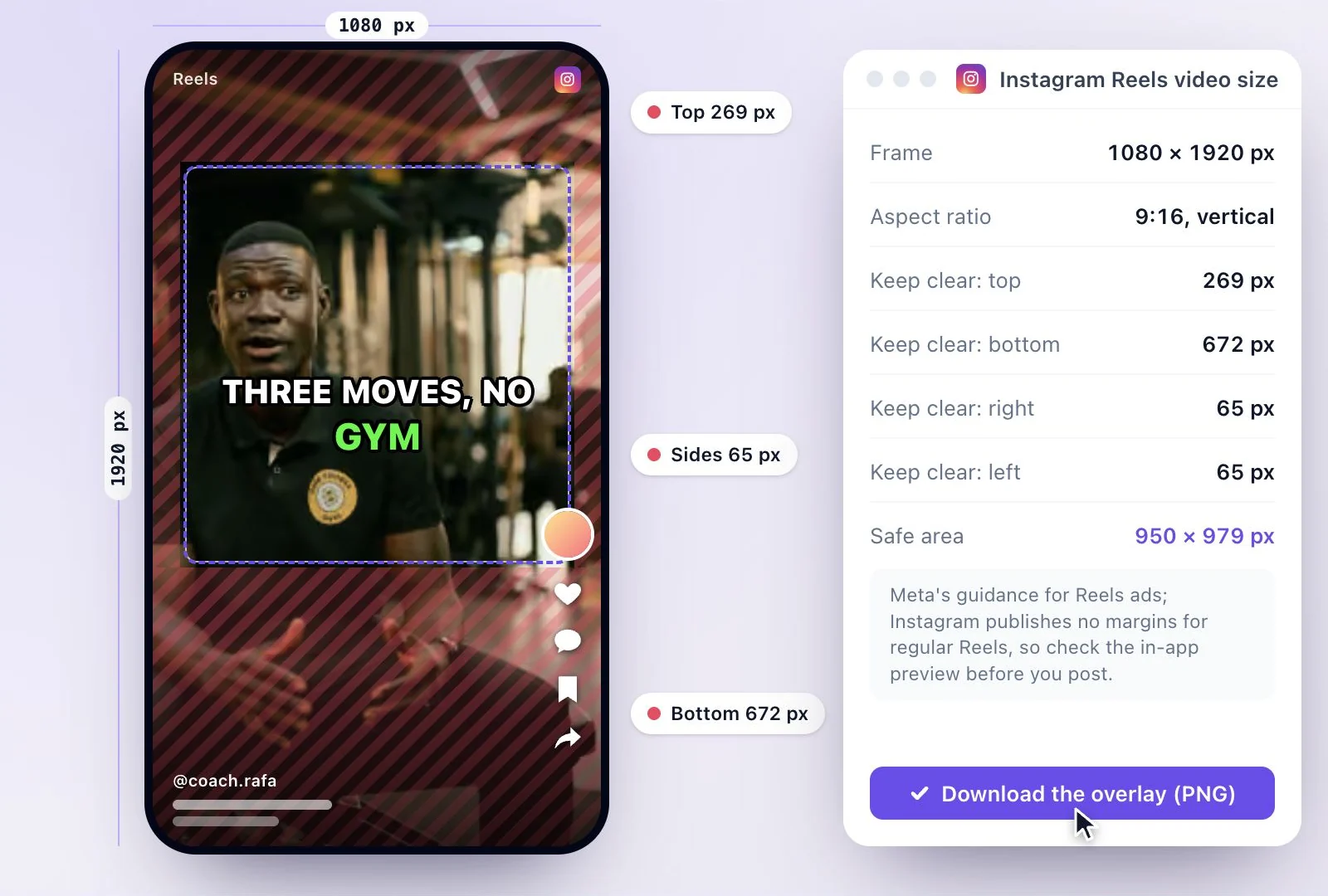
Make Instagram Reels at 1080 × 1920 px, a 9:16 vertical frame that fills the phone screen; Instagram accepts shapes from 1.91:1 to 9:16.
Meta's guidance for Reels ads asks you to keep the top 269 px, the bottom 672 px and 65 px on each side clear of text and logos, where the app's caption, buttons and audio label sit. Reels recorded in the app can run up to 20 minutes, but Instagram doesn't recommend Reels over 3 minutes to new audiences. To make Reels from a long video, Exemplary AI's free plan includes 500 one-time credits.
Instagram Reels dimensions at a glance
Facts checked .
- Resolution
- 1080 × 1920 px
- Aspect ratio
- 9:16 vertical; Instagram accepts 1.91:1 to 9:16
- Length
- Up to 20 minutes recorded in the app; over 3 minutes is not recommended to new audiences
- Cover image
- 420 × 654 px (1:1.55)
- Keep clear: top
- 269 px: the Reels header and camera button
- Keep clear: bottom
- 672 px: the username, caption, audio label and navigation bar
- Keep clear: sides
- 65 px each: the like, comment, share and save buttons on the right
- Safe area
- 950 × 979 px
- Caption and hashtags
- Up to 2,200 characters and 5 hashtags
How to size a video for Instagram Reels
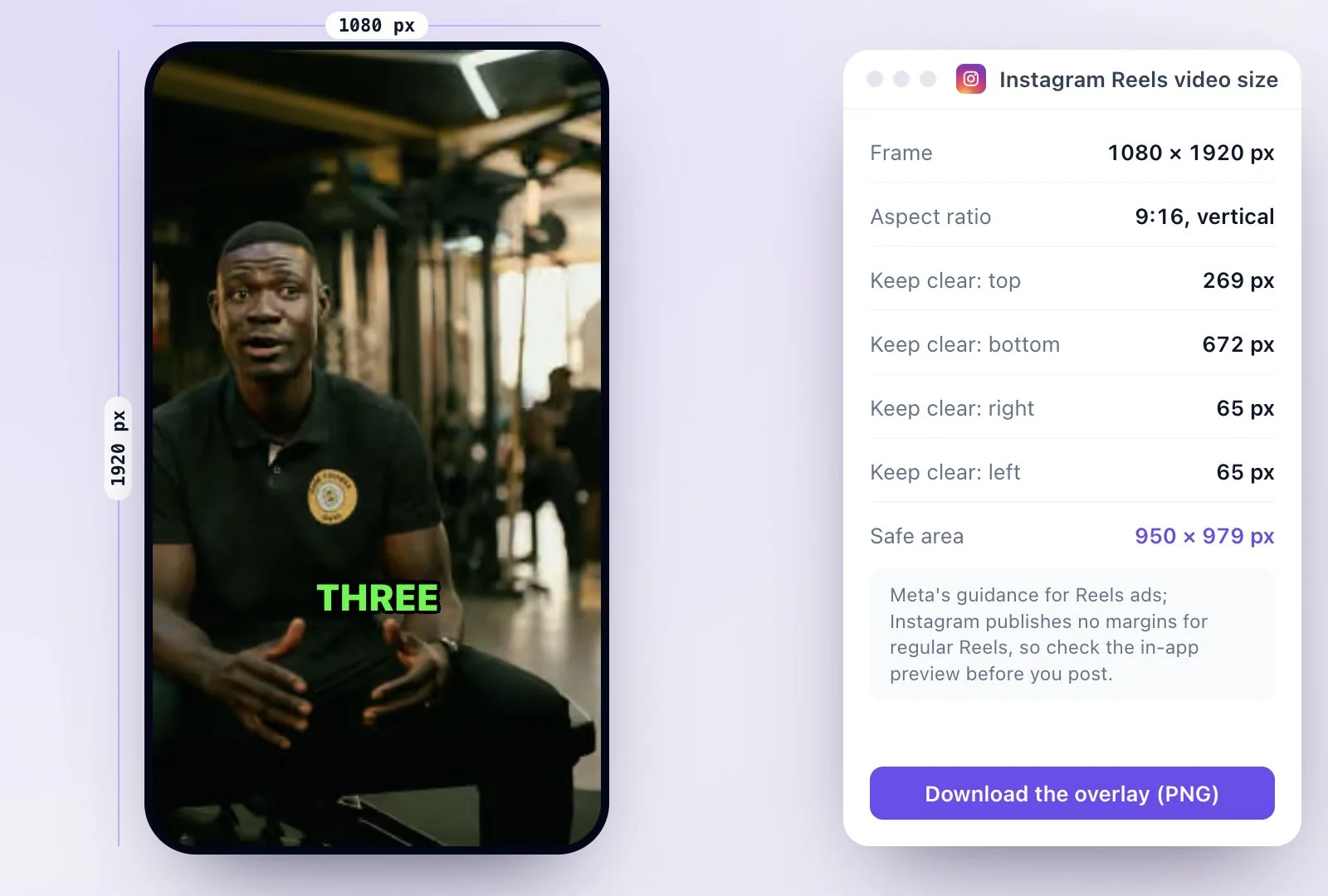
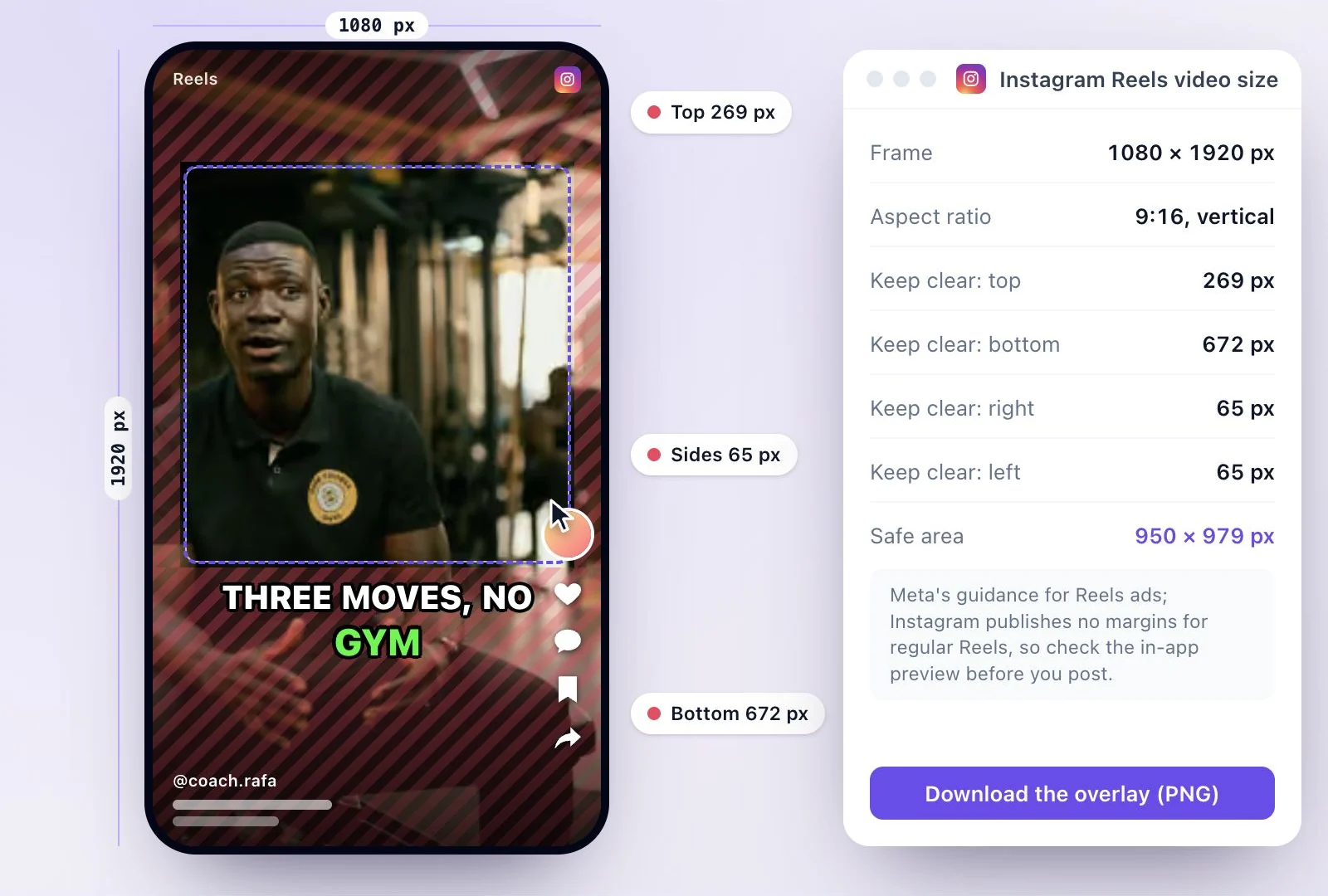
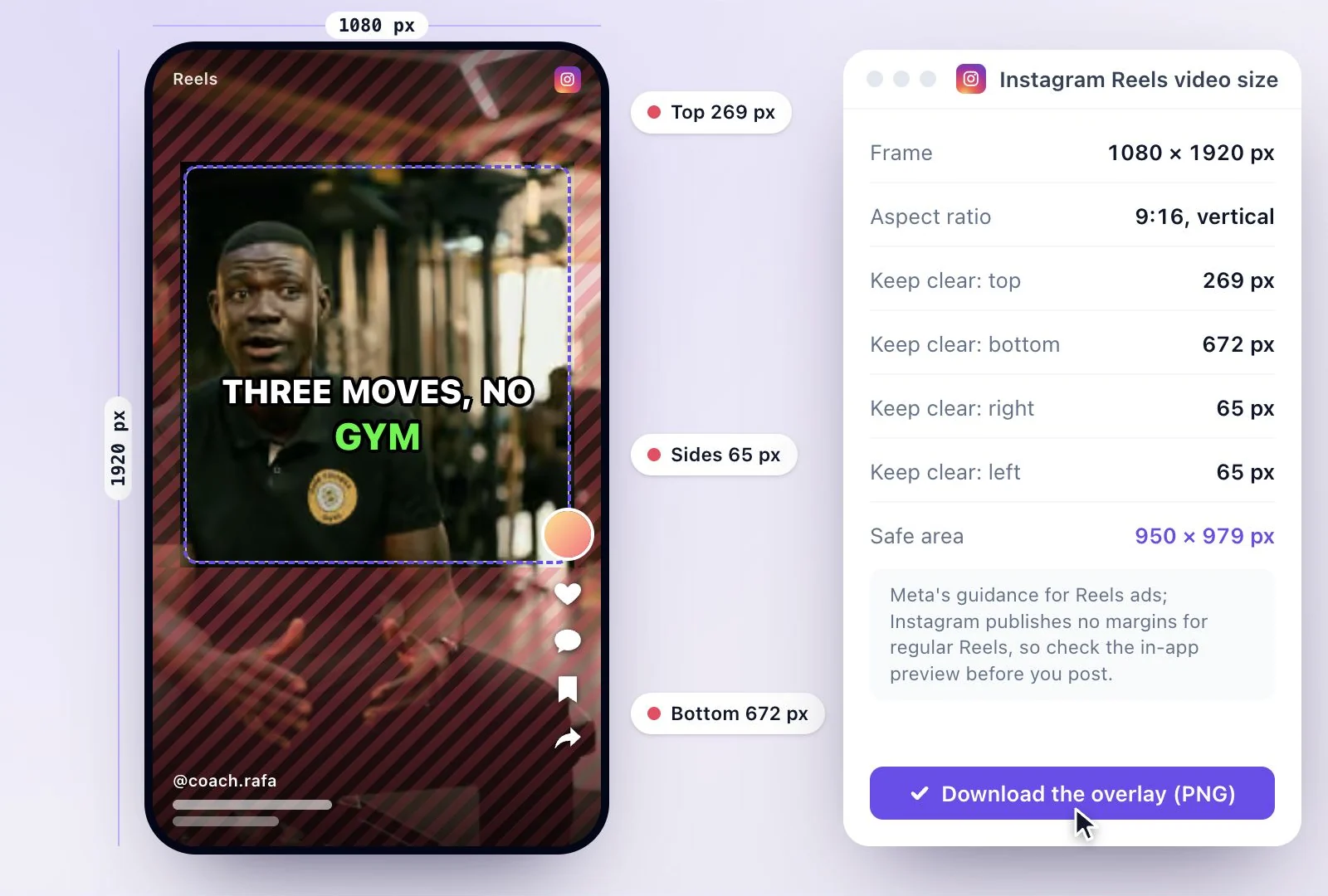
Where the safe-zone numbers come from
Instagram doesn't publish safe margins for regular Reels. These are Meta's guidance for Reels ads, worked out on a 1080 × 1920 px frame; the same caption, buttons and audio label sit over every Reel, so creators use them for posts too. Meta's ads guide recommends 1440 × 2560 px for ads; 1080 × 1920 px is the same 9:16 shape. A long caption reaches higher, so keep important text above it, and check the Reel in the app before you post.
Making Reels from a long video? The Instagram Reels maker cuts a long video into vertical clips with captions, and horizontal to vertical video reframes a wide recording around the speaker. Posting the same clip elsewhere? See the YouTube Shorts and TikTok size guides.
Reels at the right size, with the words where people read them
Start from the frame Instagram fills the screen with and keep your text out from under its interface.
A free safe-zone overlay
A 1080 × 1920 px transparent PNG with the covered margins hatched and the 950 × 979 px safe area outlined.
Check your own frame first
Drop a still from your video into the checker to see which words would sit under the caption or the buttons. It stays on your device.
Vertical clips from a long video
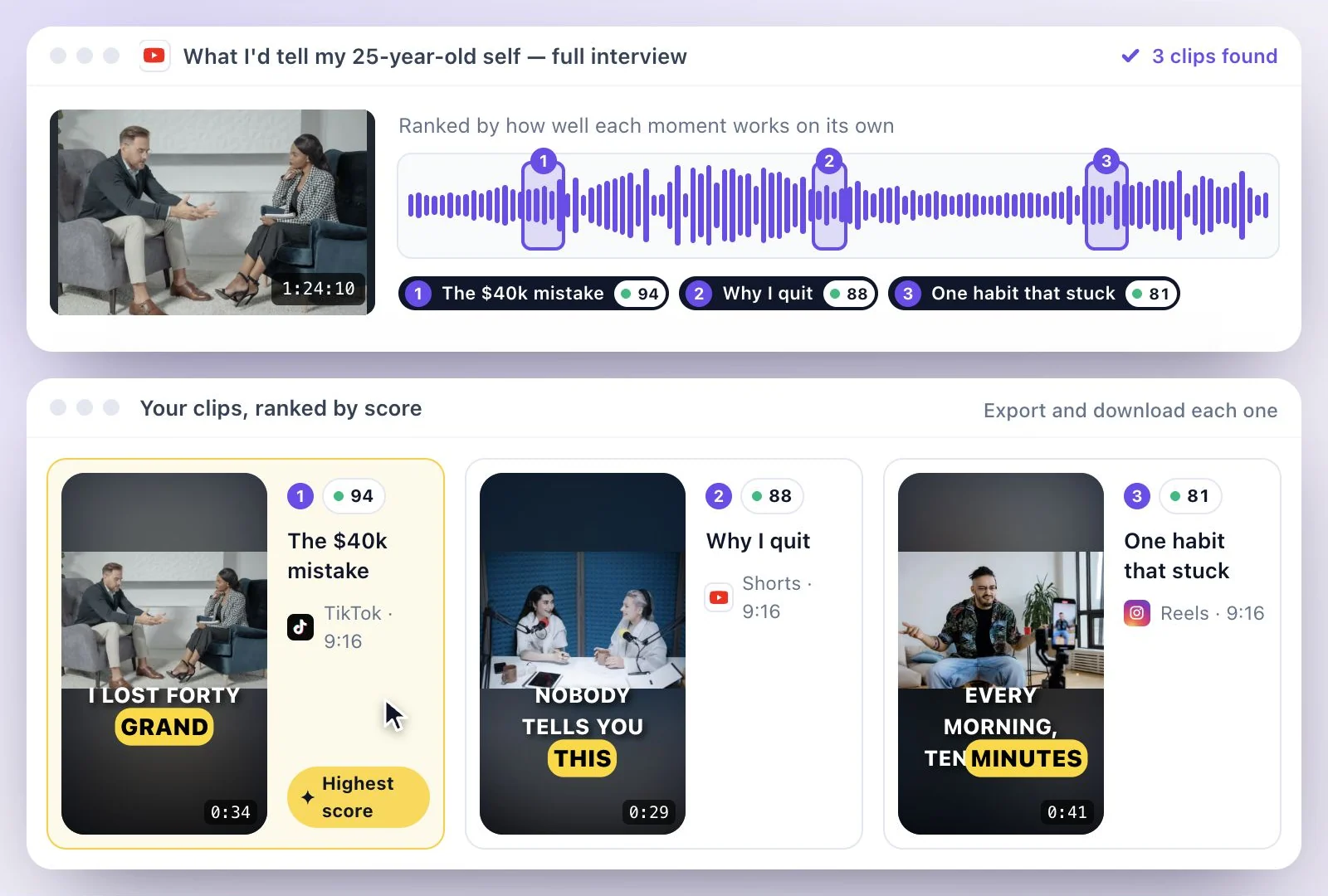
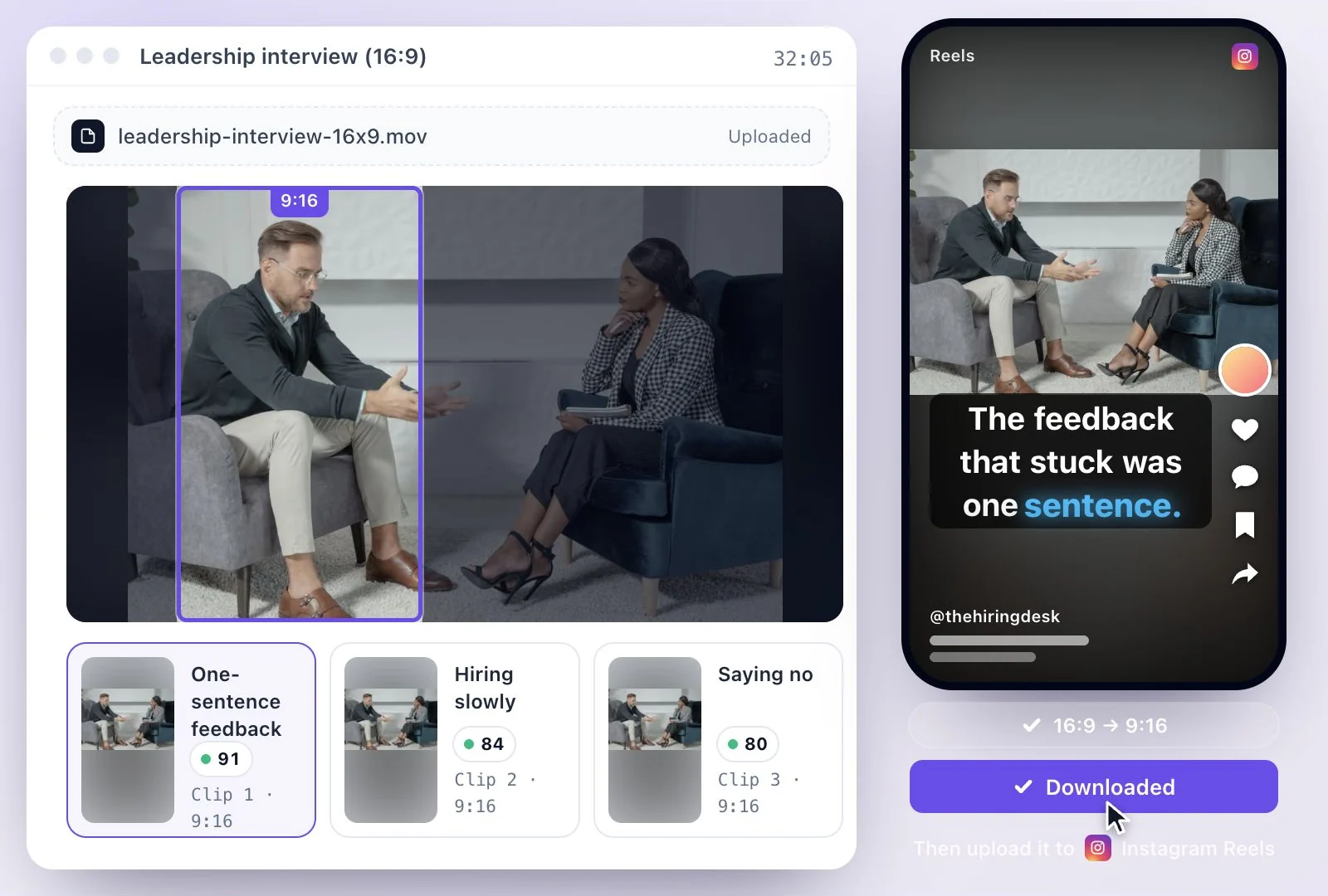
Exemplary AI cuts a long video into clips in 9:16, 16:9, 1:1 and 4:5, with captions burned in, ready to post as Reels.
Captions where the app leaves room
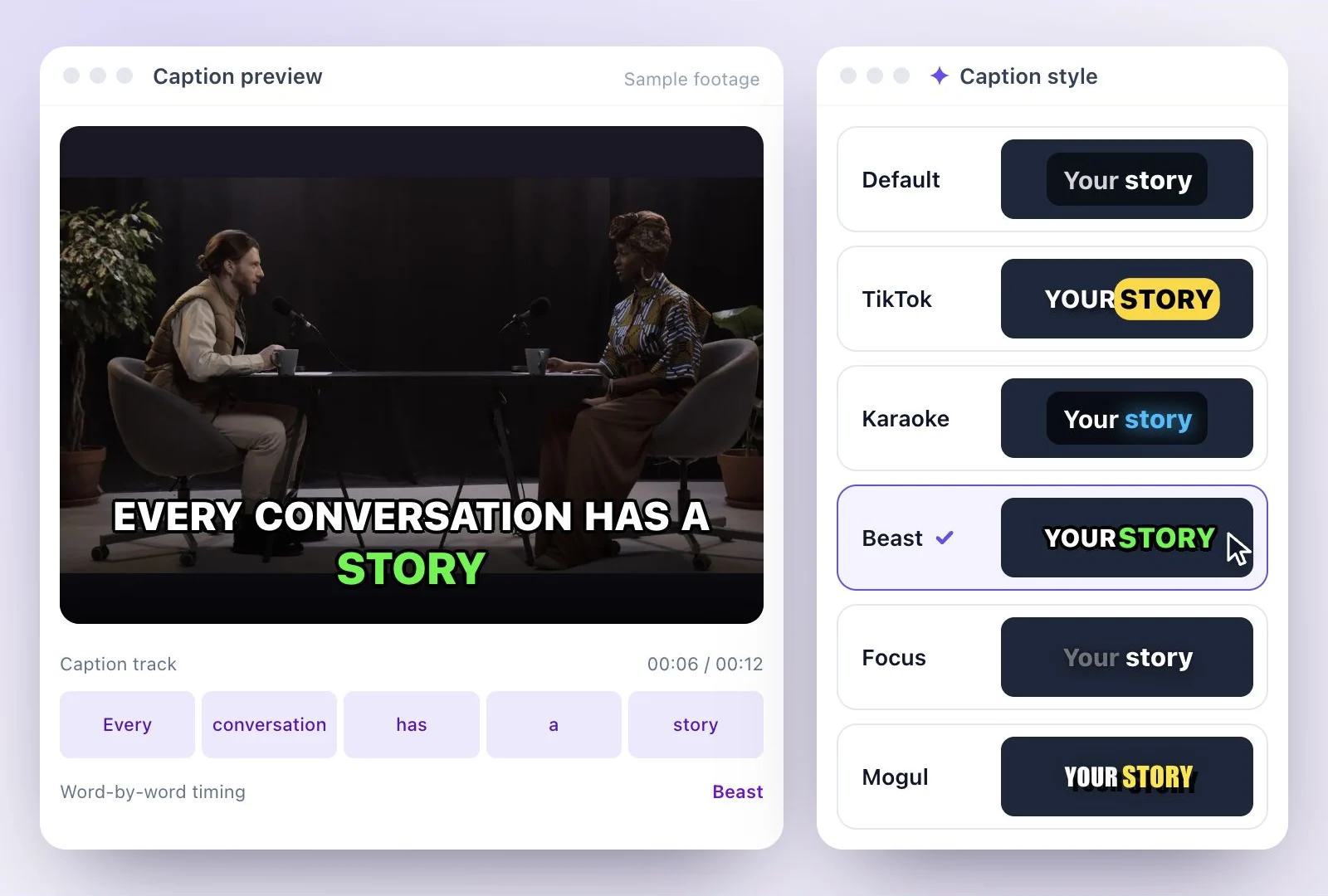
Burned-in captions can sit at the top, center or bottom of the frame; center keeps them clear of the caption and audio label.
Common questions
What size is an Instagram Reel?
What is the Instagram Reels safe zone?
How long can an Instagram Reel be?
What size is an Instagram Reels cover photo?
How many hashtags can I use on an Instagram Reel?
Can Exemplary AI make Instagram Reels at this size for free?
Discover more Clips & Shorts
- Video trimmer
- YouTube Shorts Maker
- AI podcast clips generator
- Instagram reel maker
- Resize videos
- Auto video editor
- Crop video
- Add image to video
- Add text to video
- Remove filler words
- Add emoji to subtitle
- Silence remover
- Add watermark to video
- Add b-rolls
- Word highlight in subtitle
- AI video editor
- Long video to short video
- Twitch clip maker
- YouTube to TikTok
- Sermon clips
- Horizontal to vertical video
- Screen and webcam recorder
- Online screen recorder
- Kick clip maker
- Viral clip finder
- YouTube Shorts size
- TikTok video size
- LinkedIn video specs
Make a Reel that fits the feed
Start with your recording and finish a vertical clip with captions you can place and style.