Interview Transcription
Upload an interview recording and get a transcript that keeps the interviewer and the interviewee apart, with names and timestamps on every line.
Free to start — no credit card required.
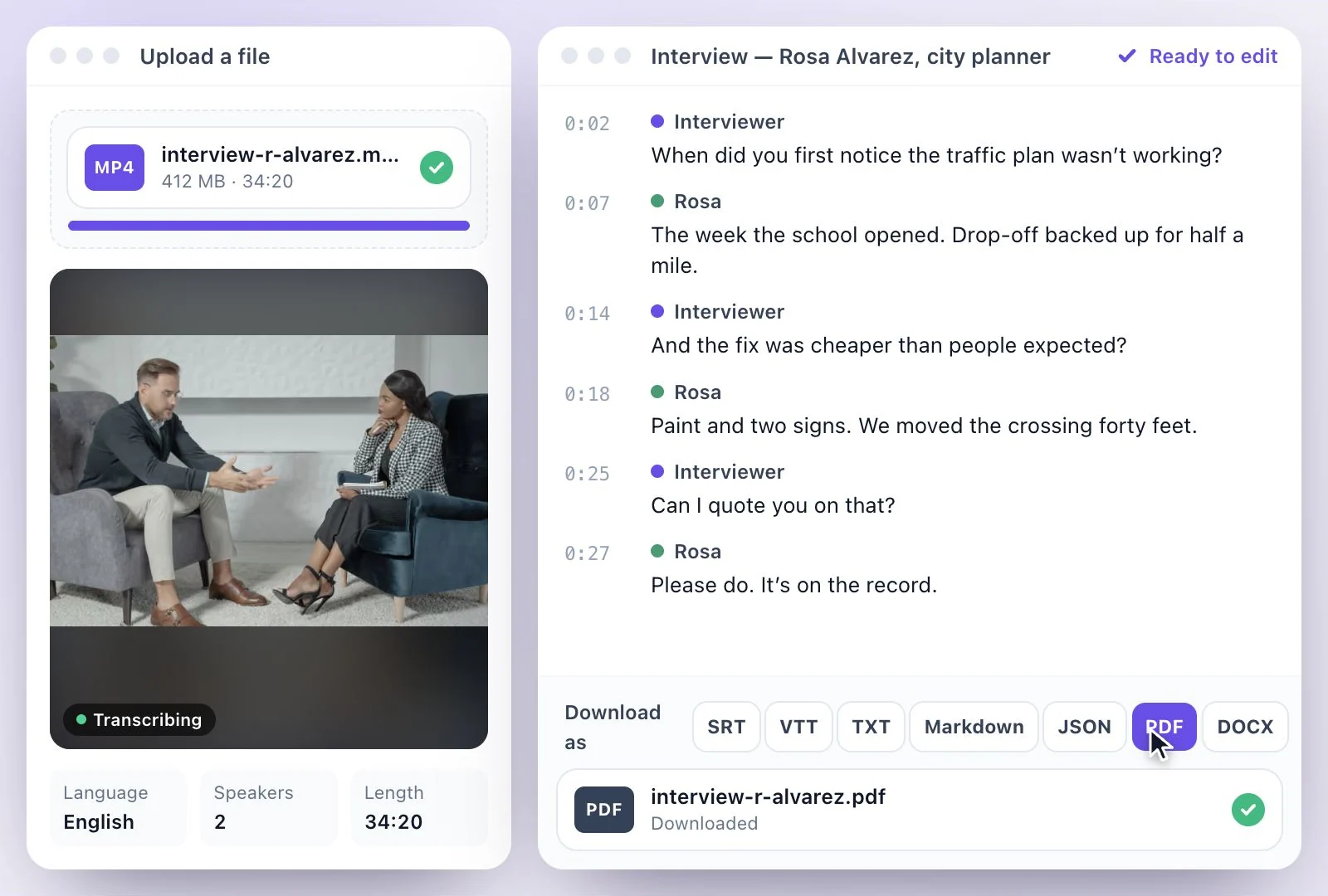
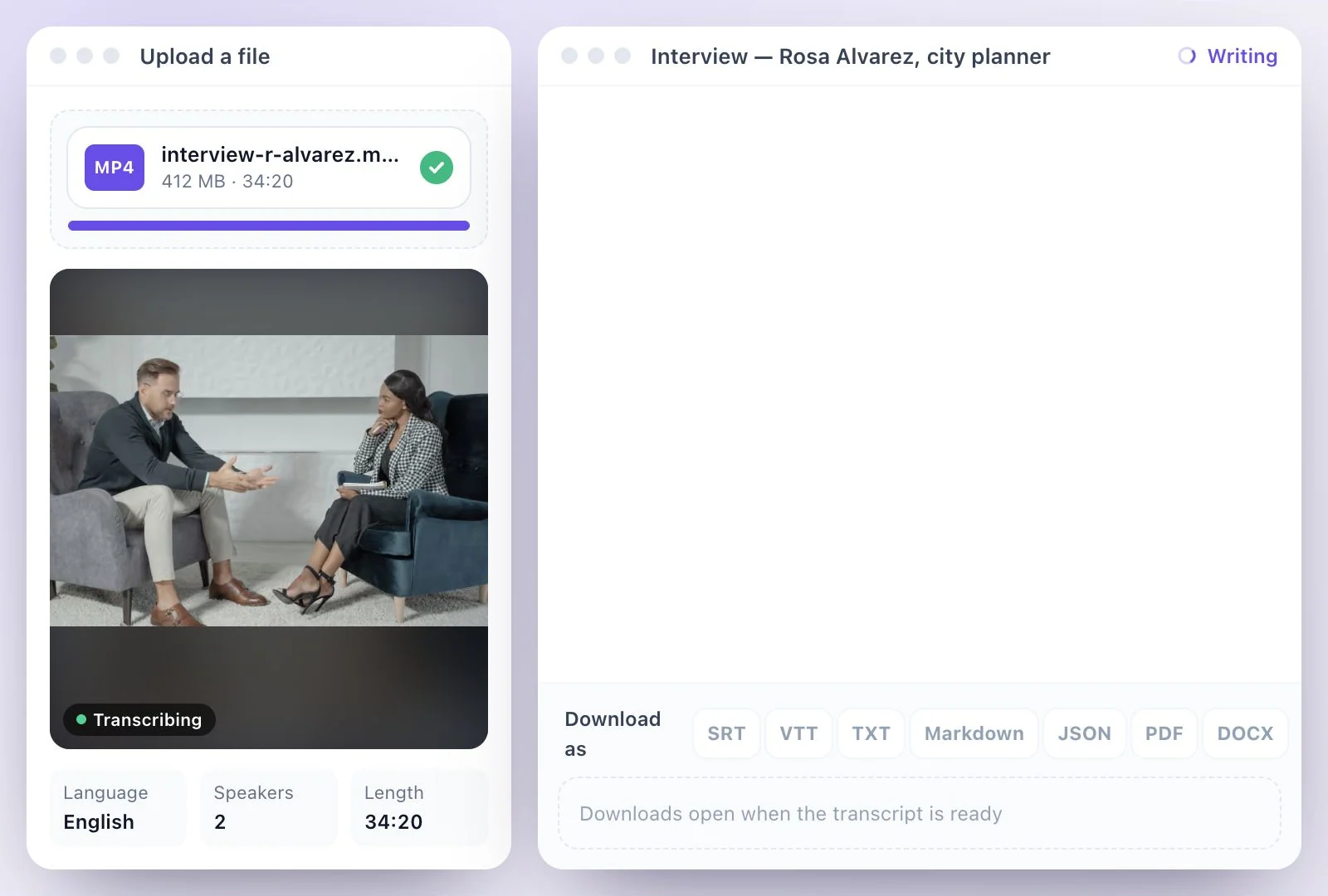
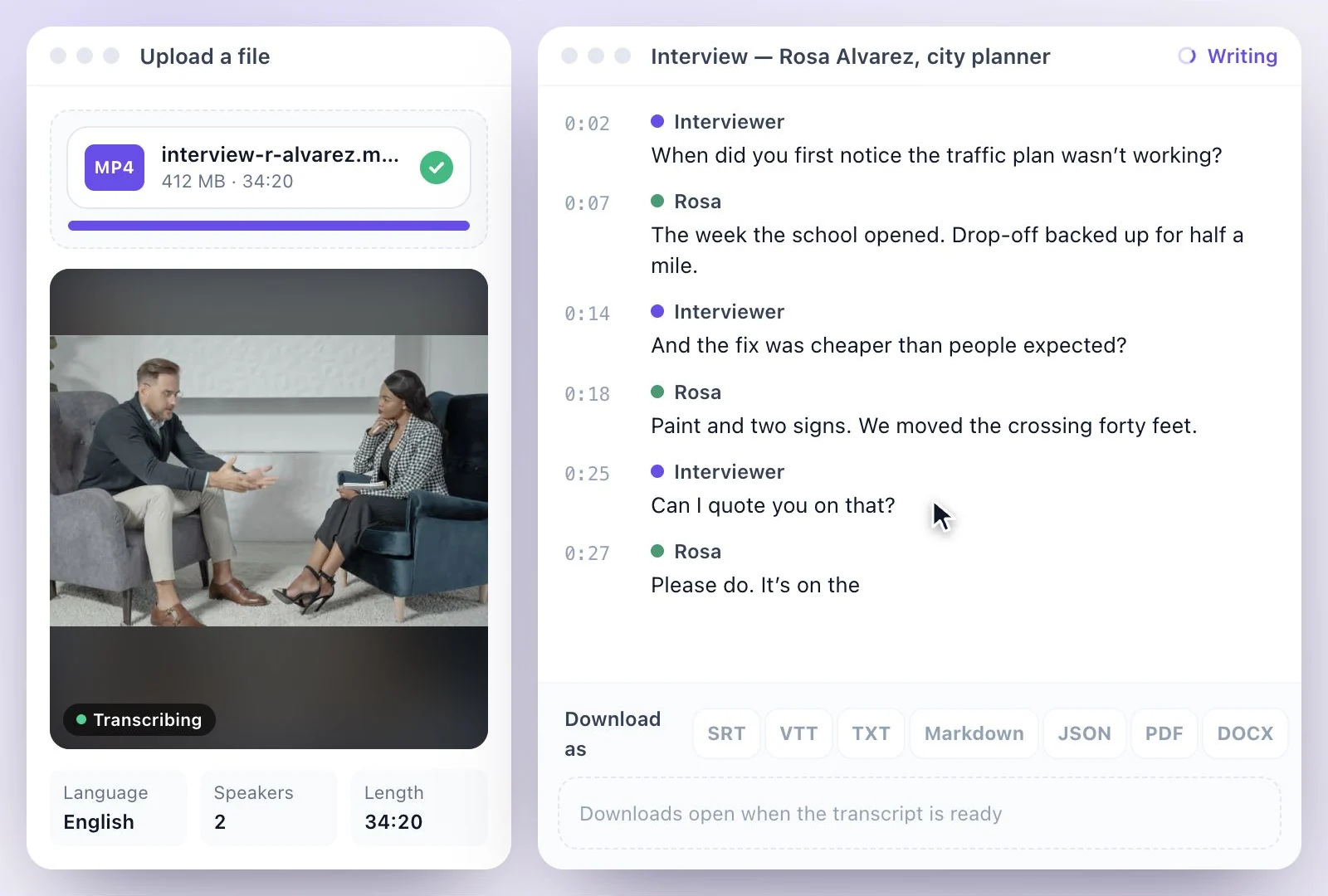
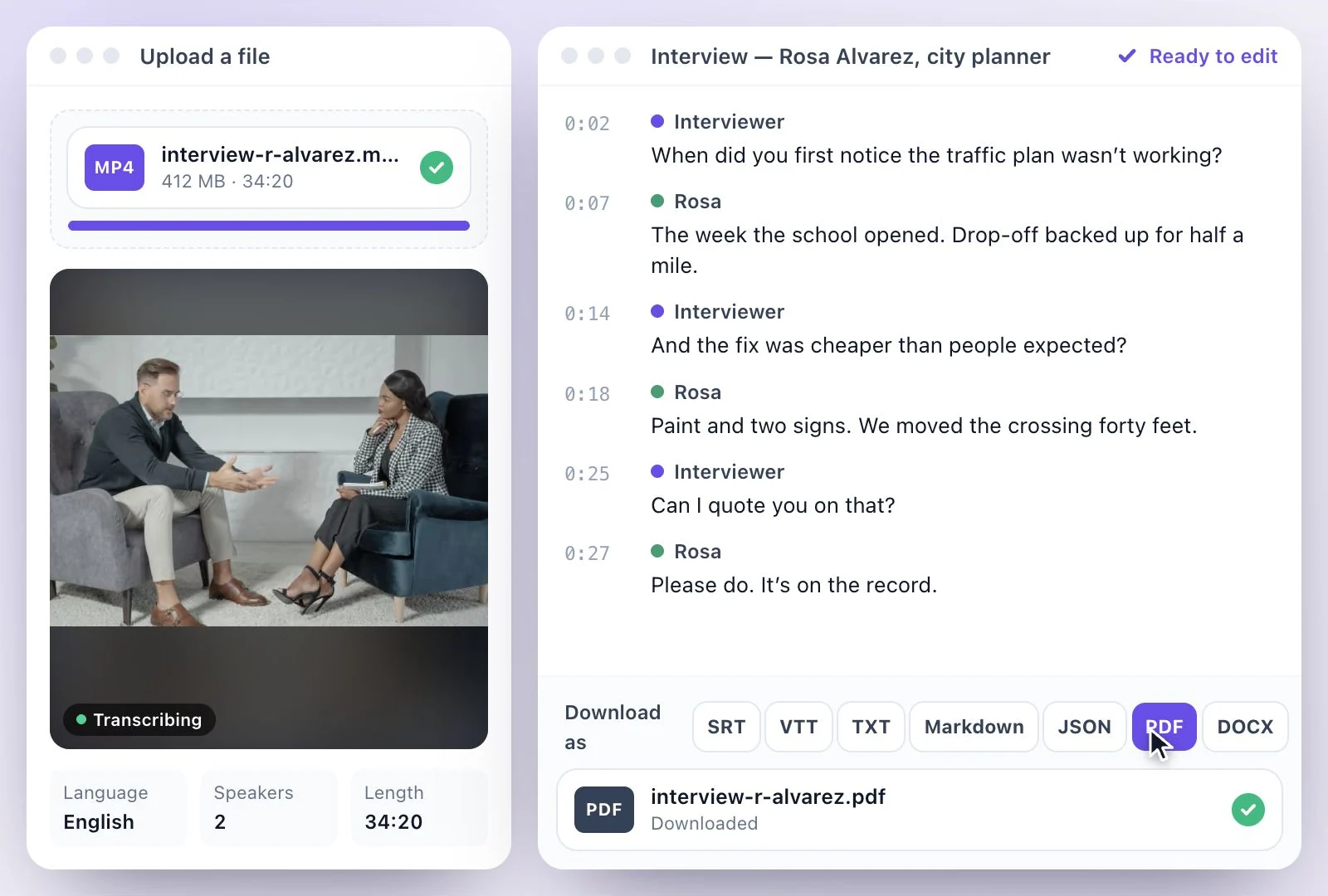
Exemplary AI transcribes interviews with each voice kept apart: upload the recording (MP3, WAV, M4A, AAC, FLAC or OGG audio or MP4, MOV or WEBM video) or paste a YouTube, TikTok, Instagram, Facebook, Vimeo or X link, and the transcript comes back with the speakers separated and every line timestamped. Detect speakers suggests who is who from what is said, and you can rename or add a speaker yourself. Download it as PDF, SRT, VTT, TXT, Markdown, JSON or DOCX, with or without speaker names and timestamps. Free plan: 200 one-time credits; files up to 500 MB and 30 min long; 720p video exports with a watermark.
Interview transcripts at a glance
Facts checked .
- Speakers
- Separated automatically; Detect speakers suggests names; Add speaker and rename by hand
- Timestamps
- On every line; optional in the PDF, SRT, VTT, TXT and DOCX downloads
- Transcript downloads
- PDF, SRT, VTT, TXT, Markdown, JSON and DOCX
- From the same transcript
- Key quotes, Summary, Q&A and Key takeaways
- Translation
- Into any of 116 languages, as subtitles on the player or downloads
- Accuracy
- Transcripts are accurate on clear audio, with an editor to review and fix any errors
- Free plan
- 200 one-time credits; files up to 500 MB and 30 min long; 720p video exports with a watermark
How to transcribe an interview
Interviews for reporting, research and hiring
If the interview was recorded in Zoom or Microsoft Teams, those apps can make a transcript of their own. Bring the recording here when you need the speakers named, the text corrected like a document, the quotes pulled out, or a file in the format your editor, supervisor or hiring team uses.
Our guide to transcribing an interview covers recording and checking quotes, and our comparison of interview transcription tools weighs the options. Recorded on a call? See Zoom recordings and Teams meetings.
Interviewer and Guest, Kept Apart
The transcript reads as a conversation, so quotes are easy to find and to attribute.
Speakers separated and named
Each voice gets its own label. Detect speakers suggests names from the conversation, and you can rename, add or reassign speakers.
Who speaks most
Insights shows how much each person spoke, which is handy for panels and group interviews.
Quotes and summaries
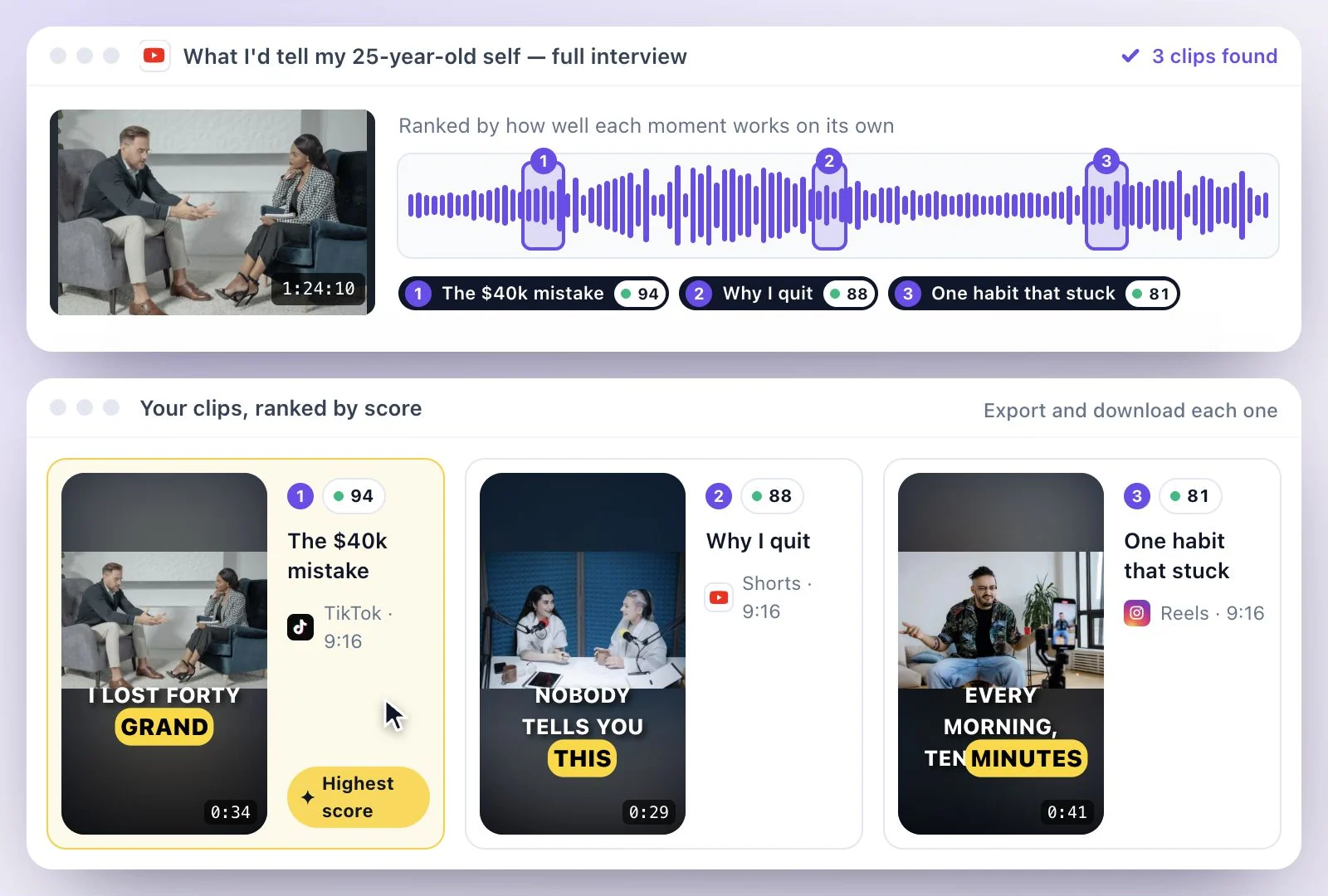
AI Writer pulls Key quotes, Summary and Q&A out of the transcript for a write-up or a report.
Downloads for any workflow
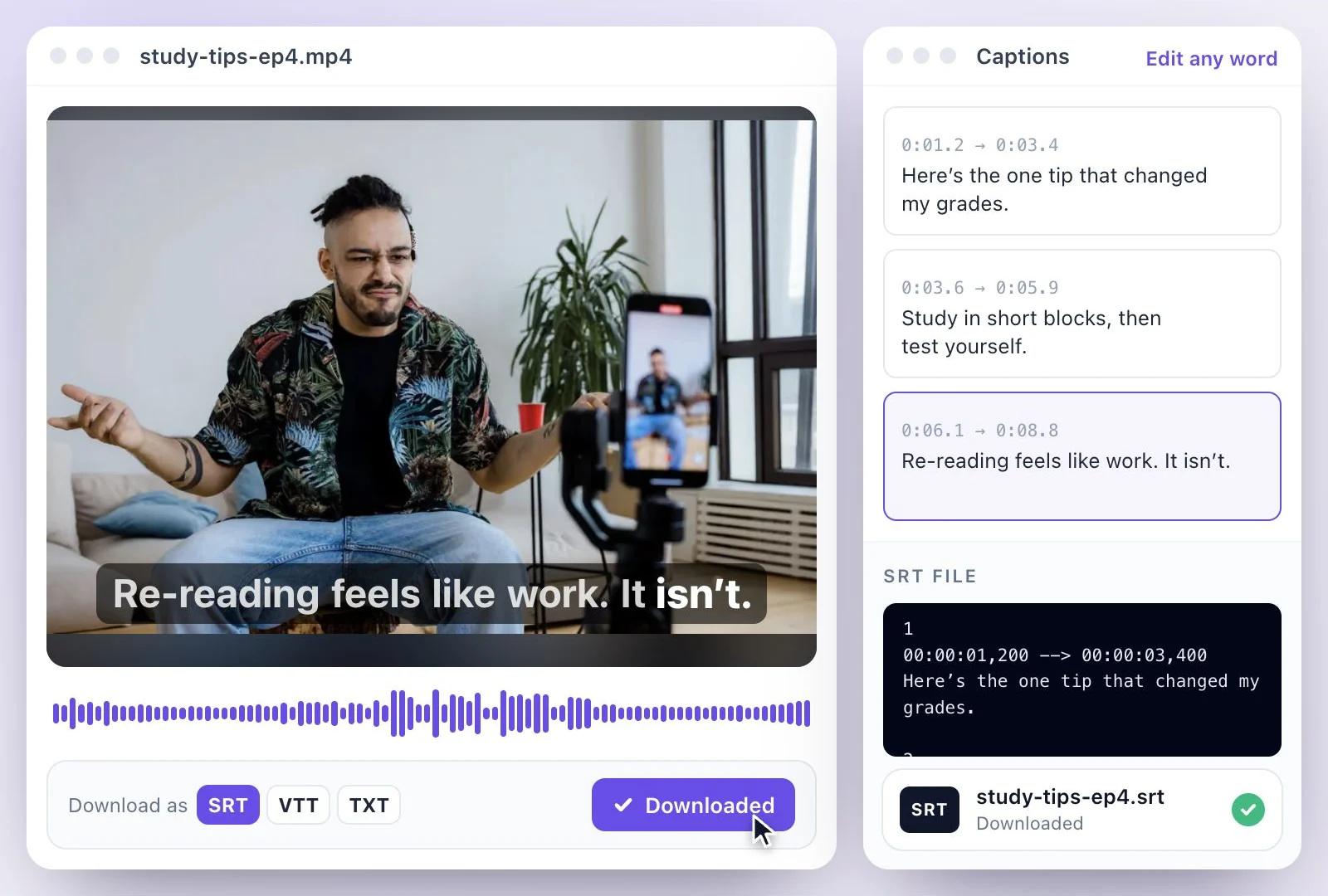
Download PDF, SRT, VTT, TXT, Markdown, JSON and DOCX, with speaker names and timestamps in or out.
Common questions
How do I transcribe an interview?
Can it tell the interviewer from the interviewee?
Can I download the transcript with speaker names and timestamps?
My interview was recorded on Zoom, Teams or a phone. Does that work?
Can I translate an interview transcript?
Is interview transcription free?
Discover more Transcription
- Video to Text
- Audio to Text
- Audio translator
- Video translator
- Youtube video
- Vimeo video
- Google meet
- Instagram video
- Zoom recording
- MP4 to Text
- MP3 to Text
- TikTok Transcript Generator
- Facebook Video to Text
- Podcast Transcript Generator
- Sermon Transcription
- WhatsApp Audio to Text
- Transcribe Google Drive Video
- Online voice recorder
- Translate Spanish audio to English
- Translate Japanese audio to English
- Translate Korean audio to English
- Translate Chinese audio to English
- Translate French audio to English
- Translate German audio to English
- Translate Portuguese audio to English
- Translate Russian audio to English
- Translate Arabic audio to English
- Translate Hindi audio to English
- Tamil Transcription
- French Transcription
- Japanese Transcription
- Hindi Transcription
- Spanish Transcription
- Arabic Transcription
- Chinese Transcription
- Turkish Transcription
- Hebrew Transcription
- Greek Transcription
- Bengali Transcription
- Tagalog Transcription
- Urdu Transcription
- Swahili Transcription
- Afrikaans Transcription
- Albanian Transcription
- Georgian Transcription
- Armenian Transcription
- Uzbek Transcription
- Nepali Transcription
- Sinhala Transcription
- Pashto Transcription
- Amharic Transcription
- Somali Transcription
- Yoruba Transcription
- Hausa Transcription
Start with the words in your recording
Upload your audio or video, check the transcript, and choose the output you need.