Kick Clip Maker for TikTok and Shorts
Download your Kick stream or a clip, upload the file, and get vertical clips of the moments where you were talking, captioned for TikTok, YouTube Shorts and Reels.
Free to start — no credit card required.
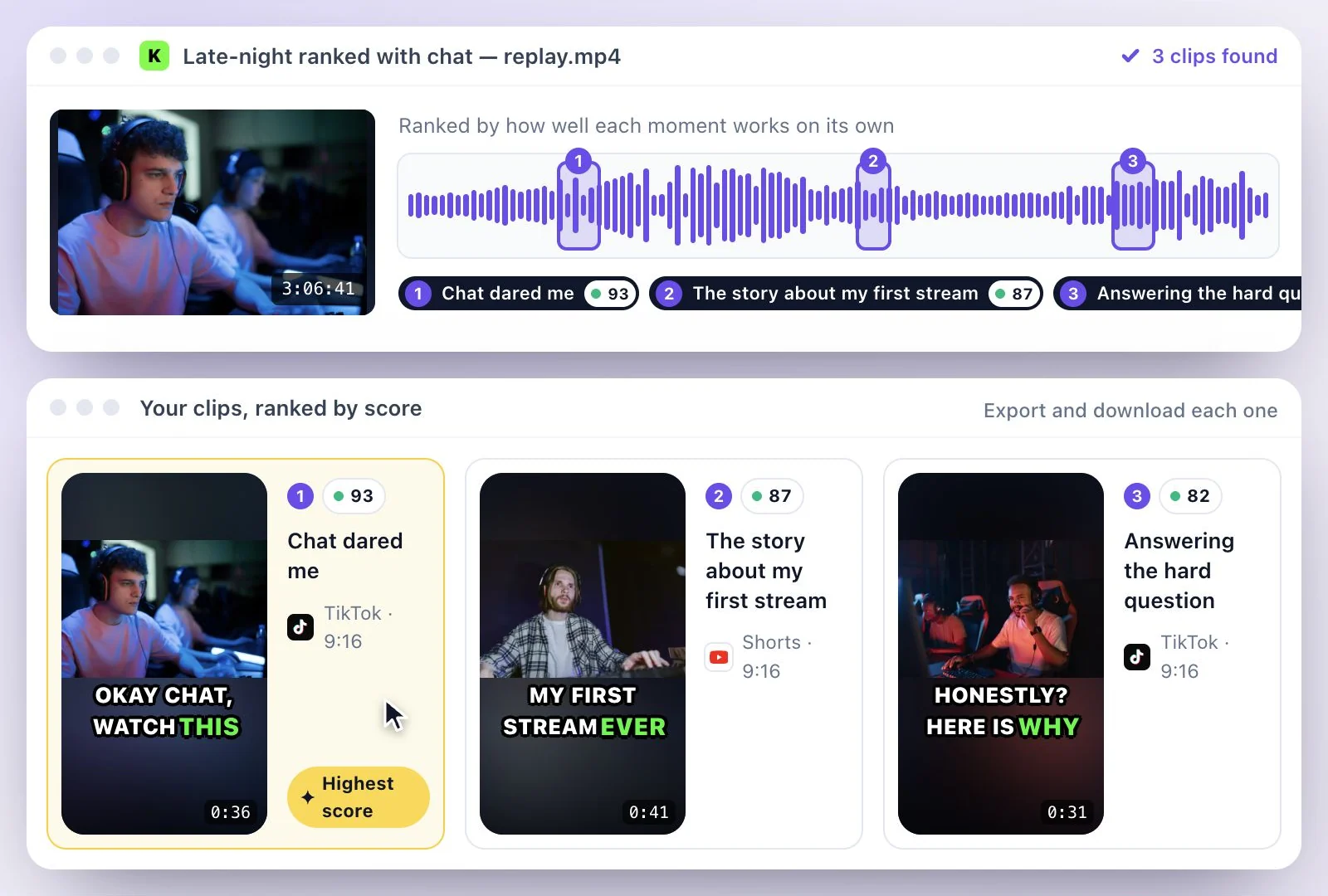
This Kick clip maker works from your stream file, not a Kick link: save the replay (VOD) or a Kick clip as a video file, upload it, and AI Clips cuts vertical 9:16 clips with captions for TikTok, YouTube Shorts and Instagram Reels.
It finds moments in what you say, so commentary, reactions and chat segments give it the most to work with. Free plan: 500 one-time credits; files up to 500 MB and 30 min long; 720p video exports with a watermark; a stream longer than the free file limit has to go up as a shorter section or on a paid plan.
Kick clip maker at a glance
Facts checked .
- Kick links
- Not supported. Save the replay or clip as a file and upload it
- Kick clips
- 10 to 180 seconds long, with a Download button that saves an MP4
- Kick replays
- Kept 7 days on non-verified channels and 30 days on verified ones, unless pinned
- Files
- MP4, MOV or WEBM video
- Free plan file limits
- 500 one-time credits; files up to 500 MB and 30 min long
- What it finds
- Moments you talk through, located in the stream transcript
How to turn a Kick stream into clips
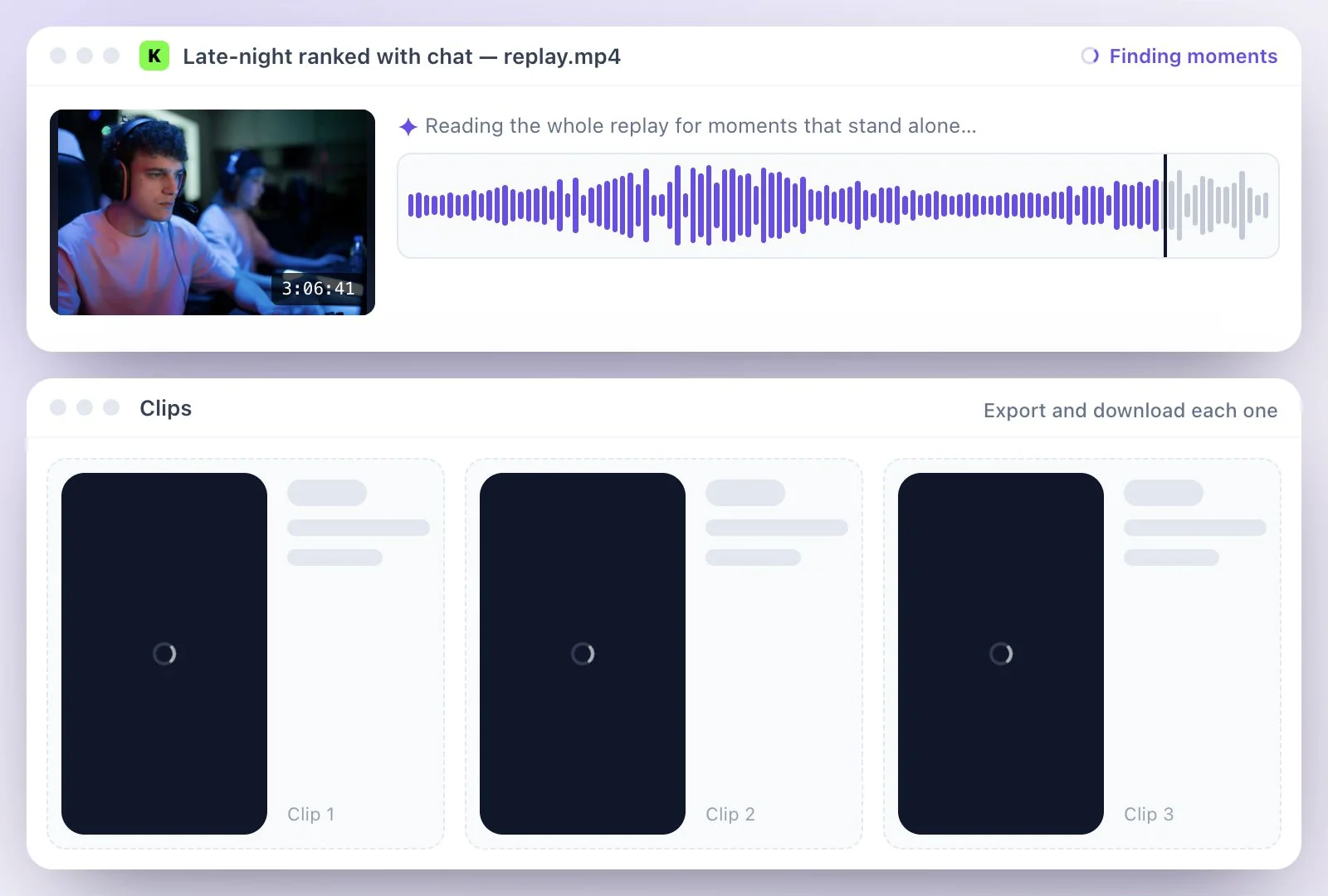
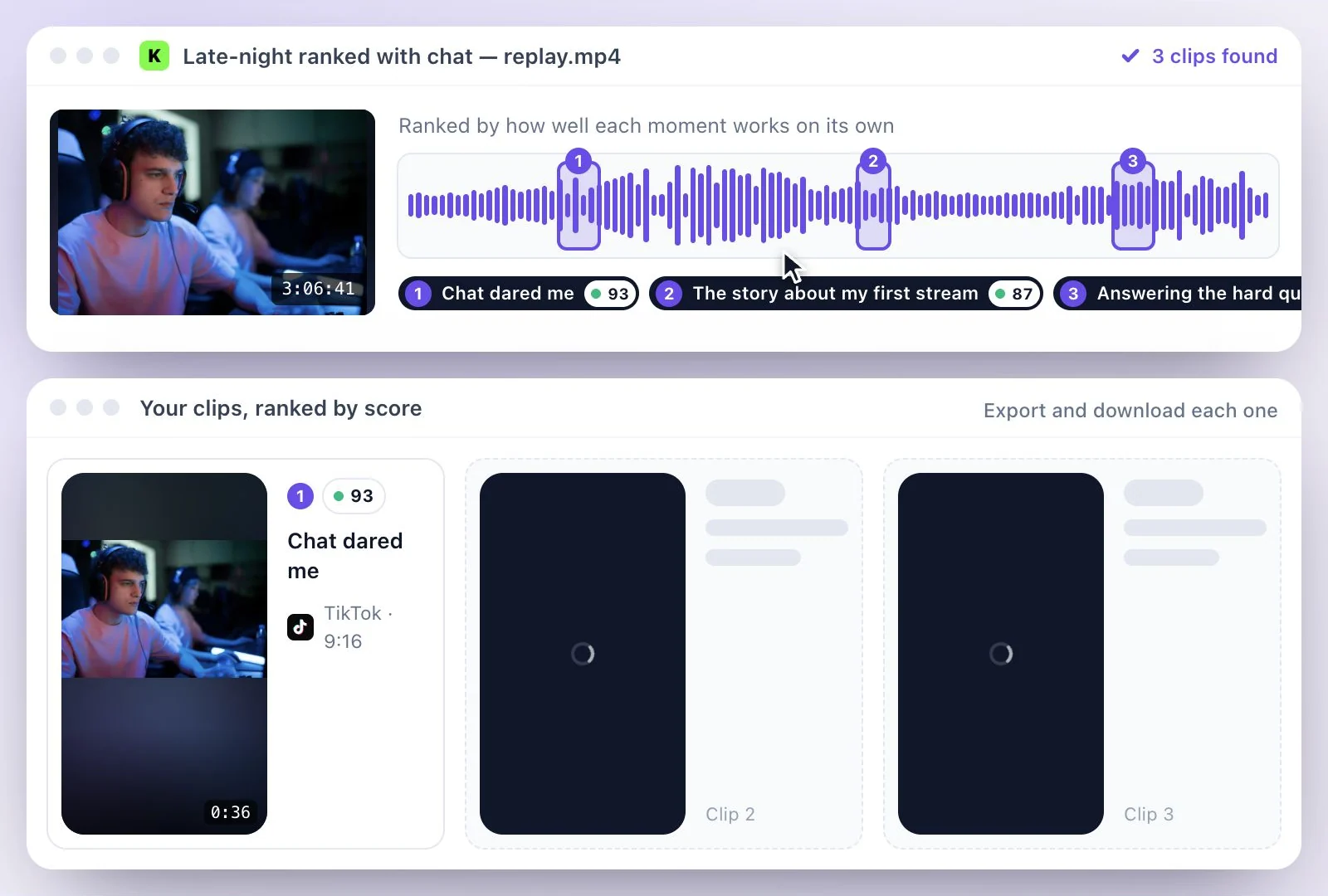
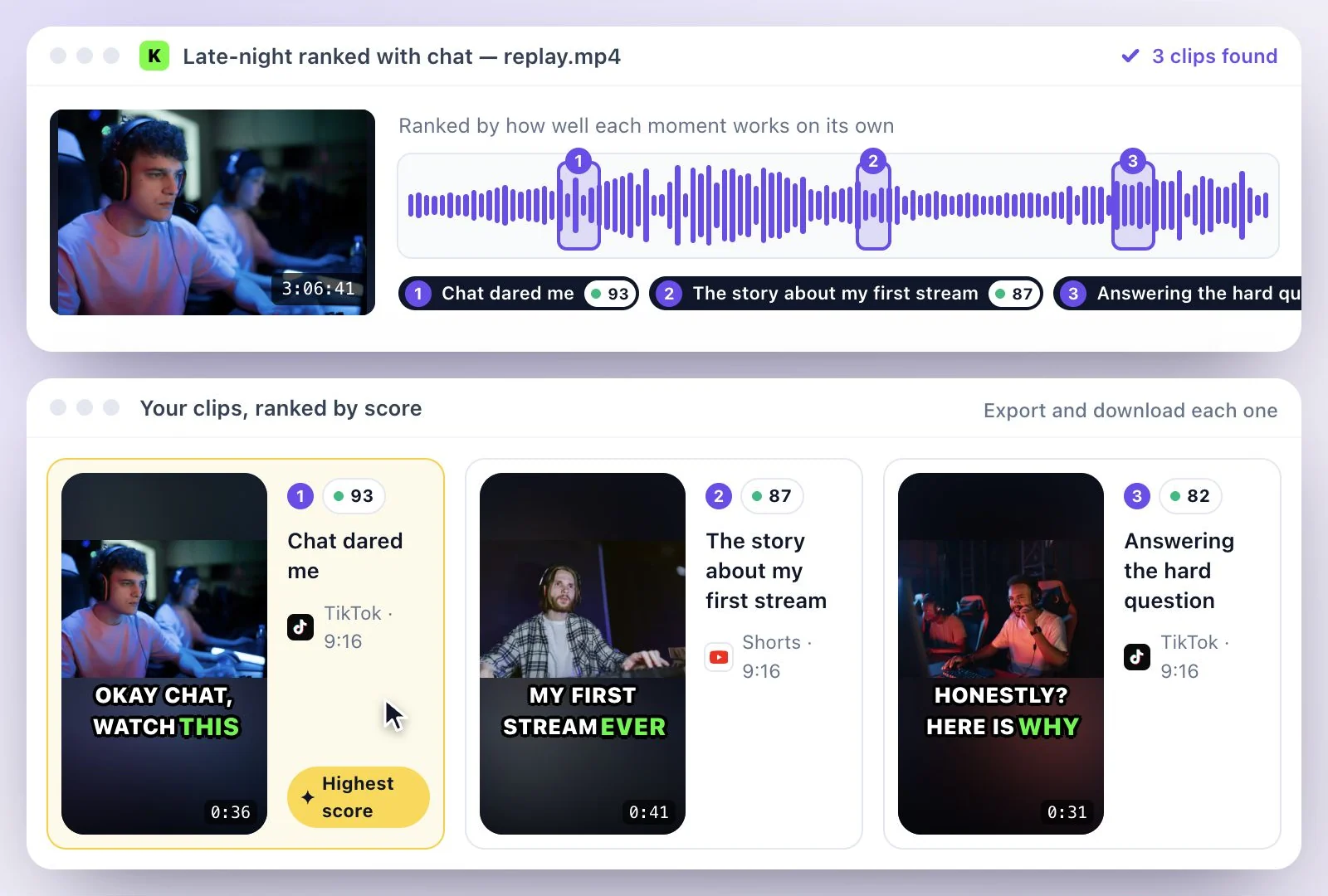
Kick clips or a whole stream?
For one moment you already know, Kick's own clip tool is quicker: clip it, open the clip and press Download. AI Clips earns its place when you want several clips out of a long stream without scrubbing through hours of footage, or when you want a clip vertical and captioned for another app.
Kick keeps replays for a limited time (7 days on non-verified channels, 30 on verified ones, and pinned replays stay), so save the streams you want to clip soon after you go offline. Streaming on Twitch too? The Twitch clip maker covers downloading Twitch VODs, and the viral clip finder explains how each clip is scored.
Built for Streams Where You Talk
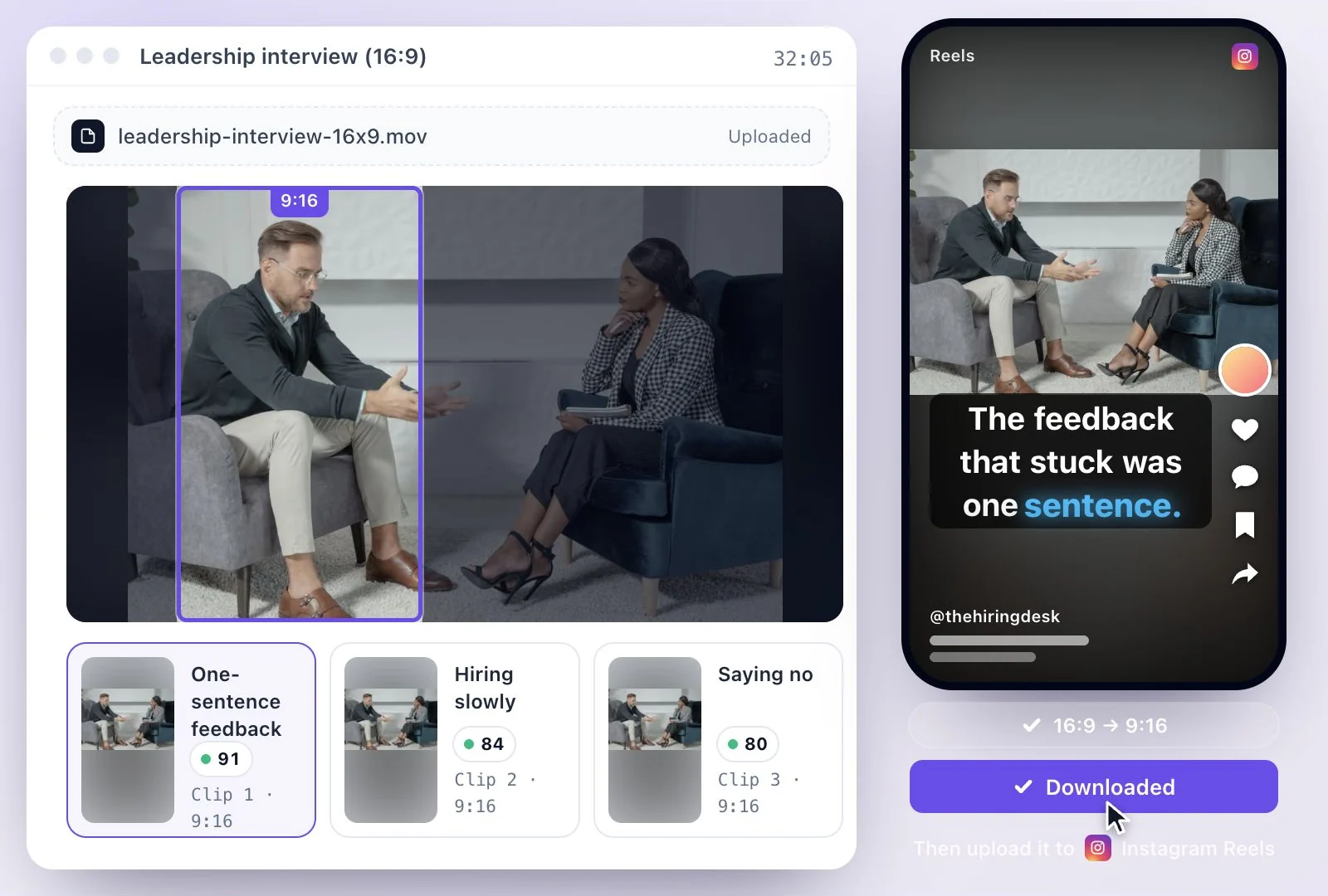
It works from the transcript of your stream, so it finds the reactions, stories and chat answers in hours of footage and turns them into vertical clips.
Finds the moments you talk through
Reactions, stories, hot takes and answers to chat are found in the transcript of the whole stream, and each clip gets a virality score out of 100.
Framing that follows you
The vertical crop follows the people on camera rather than the game, so commentary moments keep you in the shot. To show the whole frame, keep the Original shape.
Captions from your voice
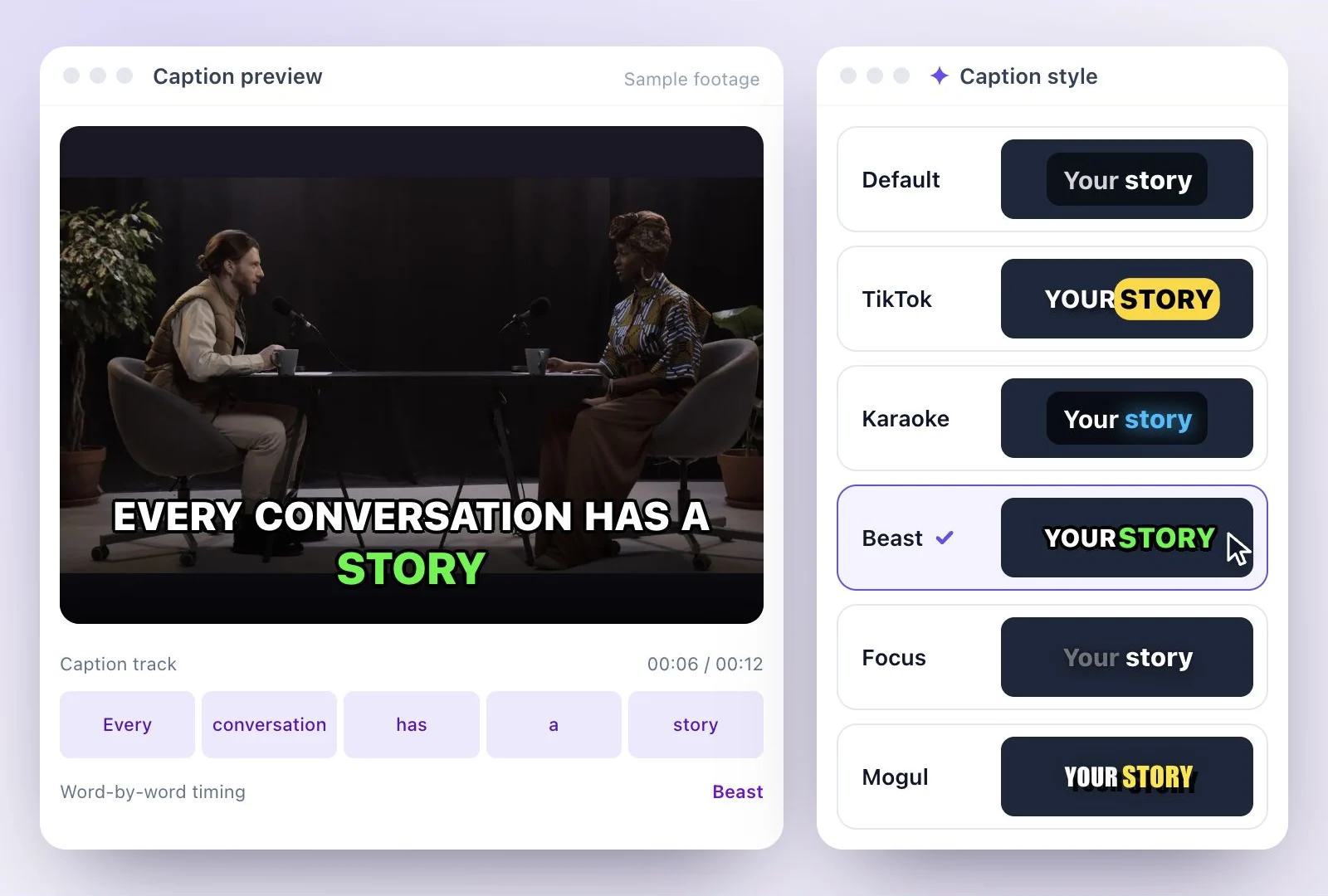
Captions are generated from what you say; pick a style such as TikTok and correct any game term the transcript misheard.
One file for every platform
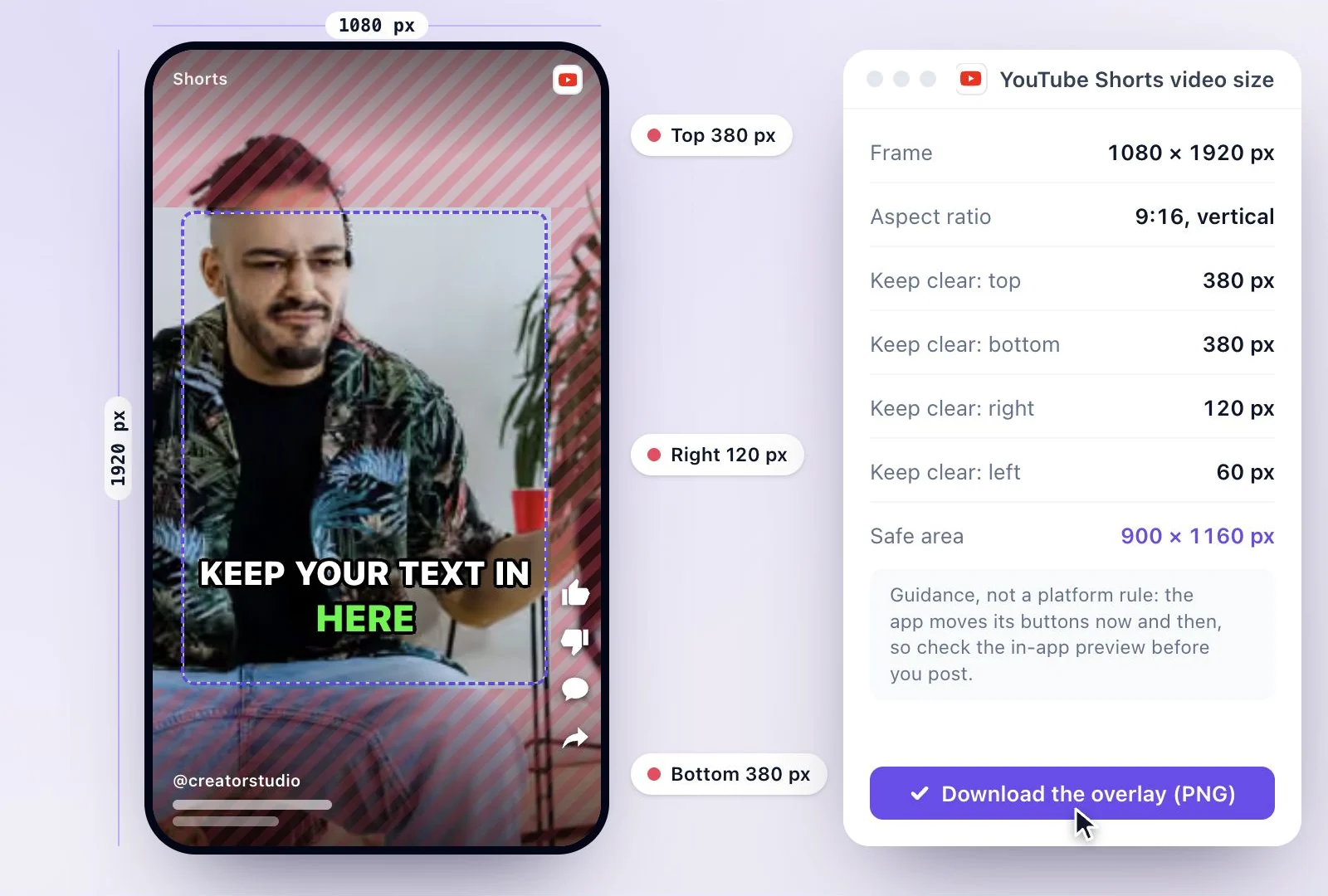
Download one vertical MP4 and upload it to TikTok, YouTube Shorts and Reels yourself.
Common questions
Can I paste a Kick link instead of uploading?
How do I download my Kick stream?
Does the Kick clip maker work for gameplay with no commentary?
Can I upload a whole Kick stream on the Free plan?
Can I turn Kick streams into YouTube Shorts too?
How long can a clip be?
Discover more Clips & Shorts
- Video trimmer
- YouTube Shorts Maker
- AI podcast clips generator
- Instagram reel maker
- Resize videos
- Auto video editor
- Crop video
- Add image to video
- Add text to video
- Remove filler words
- Add emoji to subtitle
- Silence remover
- Add watermark to video
- Add b-rolls
- Word highlight in subtitle
- AI video editor
- Long video to short video
- Twitch clip maker
- YouTube to TikTok
- Sermon clips
- Horizontal to vertical video
- Screen and webcam recorder
- Online screen recorder
- Viral clip finder
- YouTube Shorts size
- TikTok video size
- Instagram Reels size
- LinkedIn video specs
Make something worth watching
Start with a recording, choose the moments to keep, and finish your clip with captions.