Lecture to Notes
Turn a recorded lecture into a summary, key takeaways, chapters with timestamps and practice questions, written from what was said.
Free to start — no credit card required.
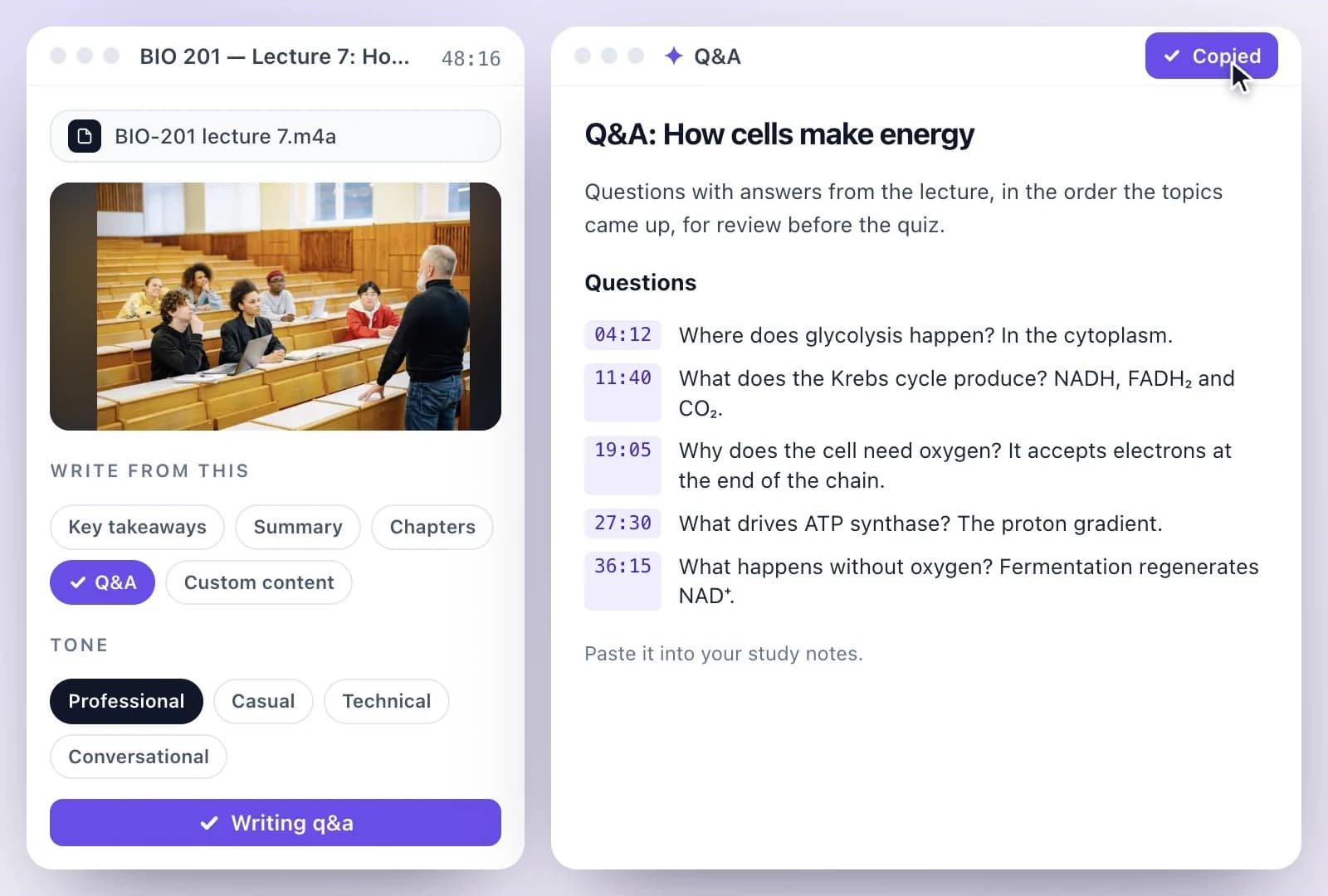
Exemplary AI turns a lecture recording into notes: upload the recording or paste a YouTube, TikTok, Instagram, Facebook, Vimeo or X link, or record the lecture in your browser (Audio only, up to 30 minutes).
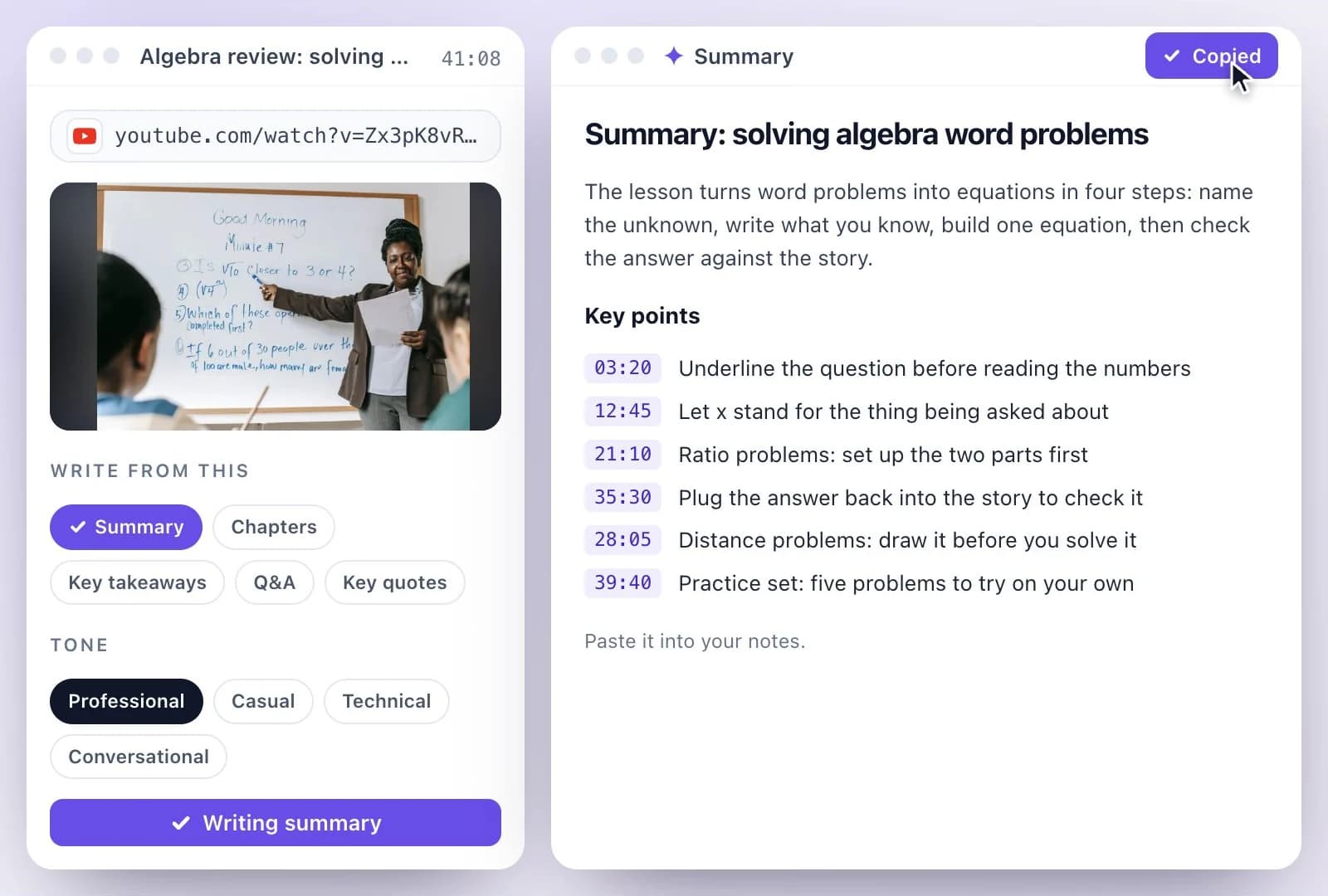
Once it is transcribed, AI Writer writes the notes as Key takeaways, Summary, Chapters and Q&A. For a format of your own, such as Cornell notes, choose Custom content and describe it. The Free plan includes 500 one-time credits; files up to 500 MB and 30 min long; 720p video exports with a watermark. Credits are used by the tasks you run, rather than a fixed number of generations.
Lecture notes at a glance
Facts checked .
- Notes as
- Key takeaways, Summary, Chapters and Q&A
- Your own format
- Custom content, written to your instructions
- Input
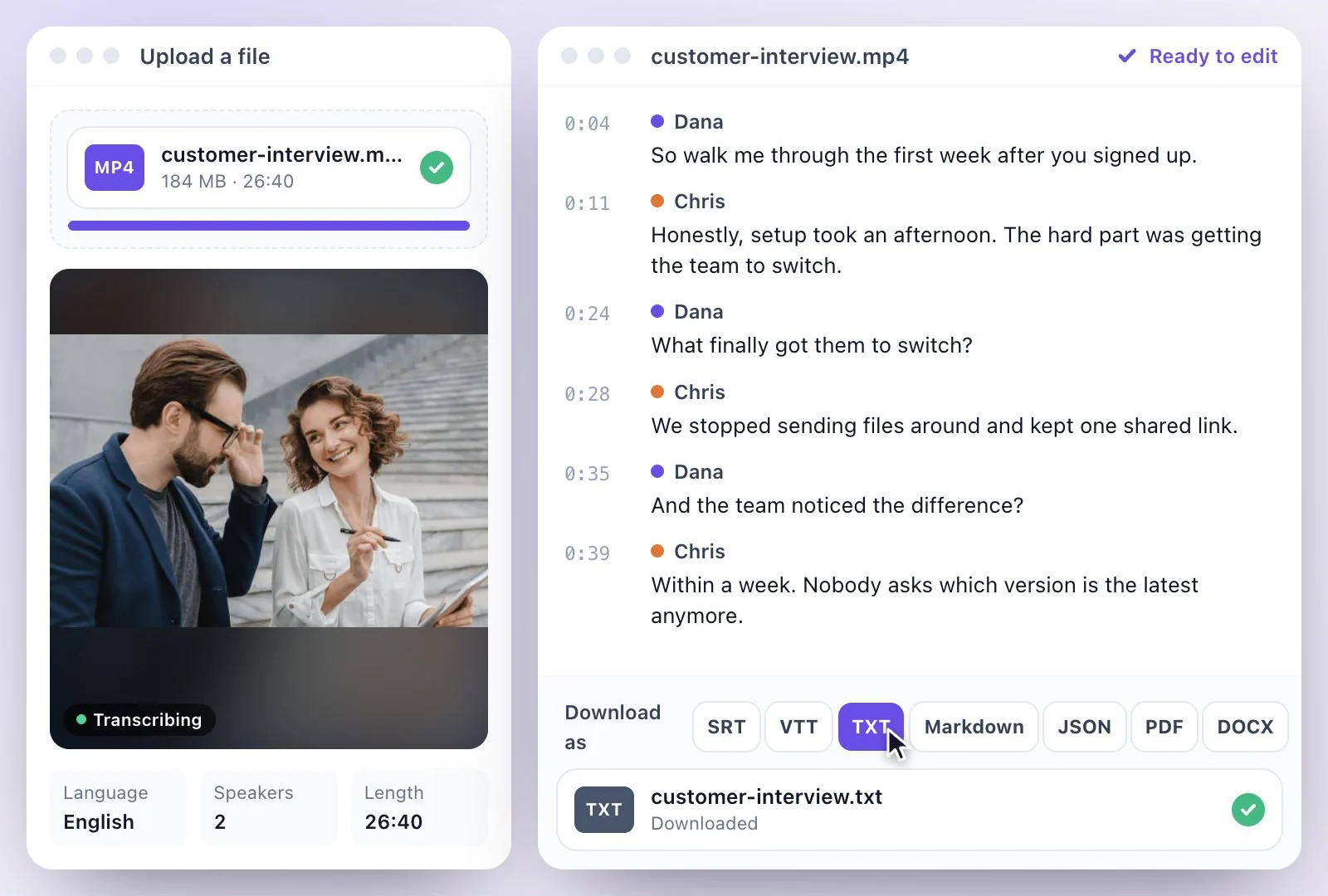
- An audio or video file (MP3, WAV, M4A, AAC, FLAC, OGG, MP4, MOV or WEBM), a YouTube, TikTok, Instagram, Facebook, Vimeo or X link, or a recording made in the browser
- Recording in the browser
- Audio only, up to 30 minutes
- Questions about the lecture
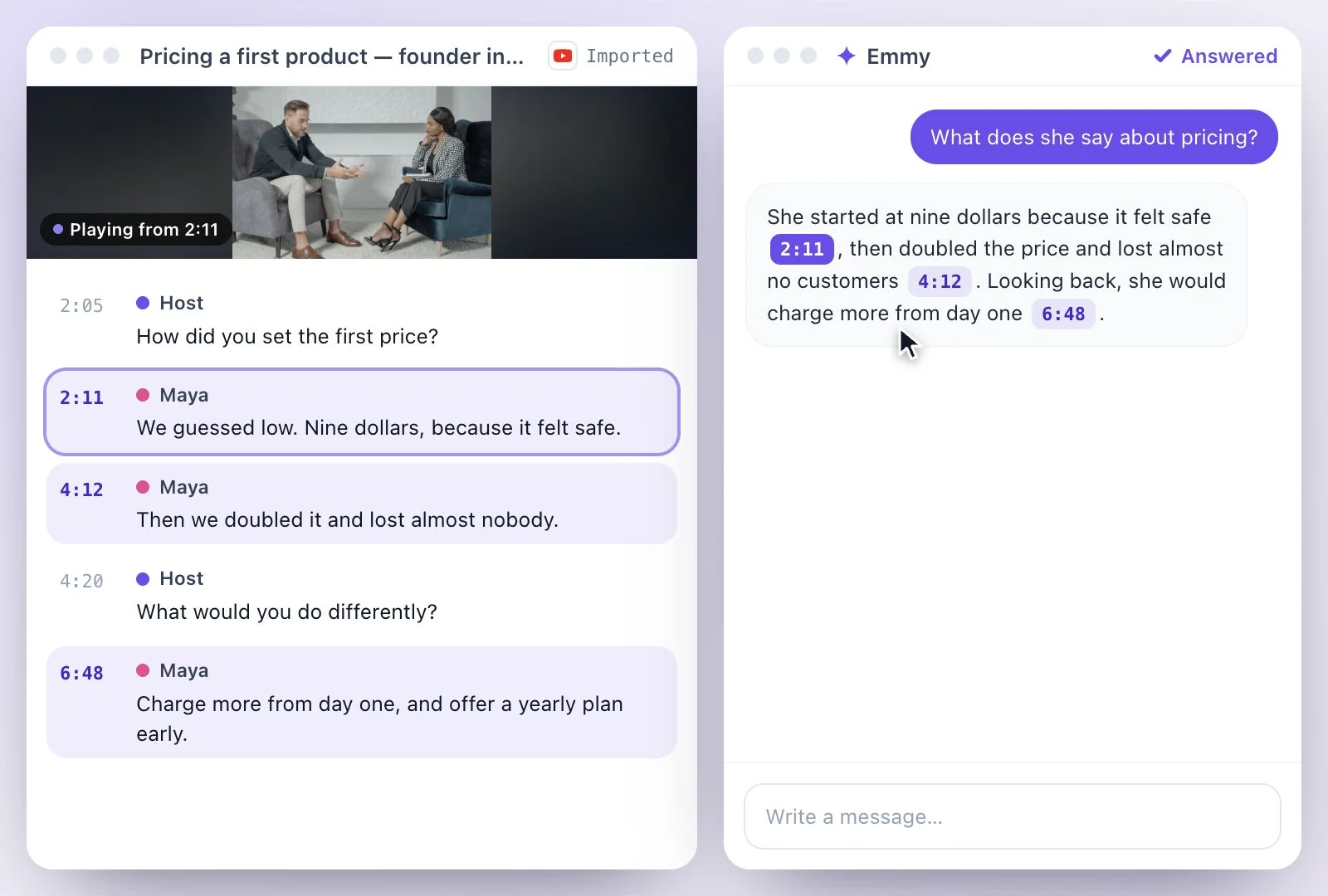
- Ask Emmy; answers cite the moment in the lecture they came from
- Copy and export
- Copy it as Markdown, or download it as Text (.txt), Markdown (.md) or Word (.docx); you can also save it as a PDF from your browser's print dialog
- Free plan
- The Free plan includes 500 one-time credits; files up to 500 MB and 30 min long; 720p video exports with a watermark. Credits are used by the tasks you run, rather than a fixed number of generations.
How to turn a lecture into notes
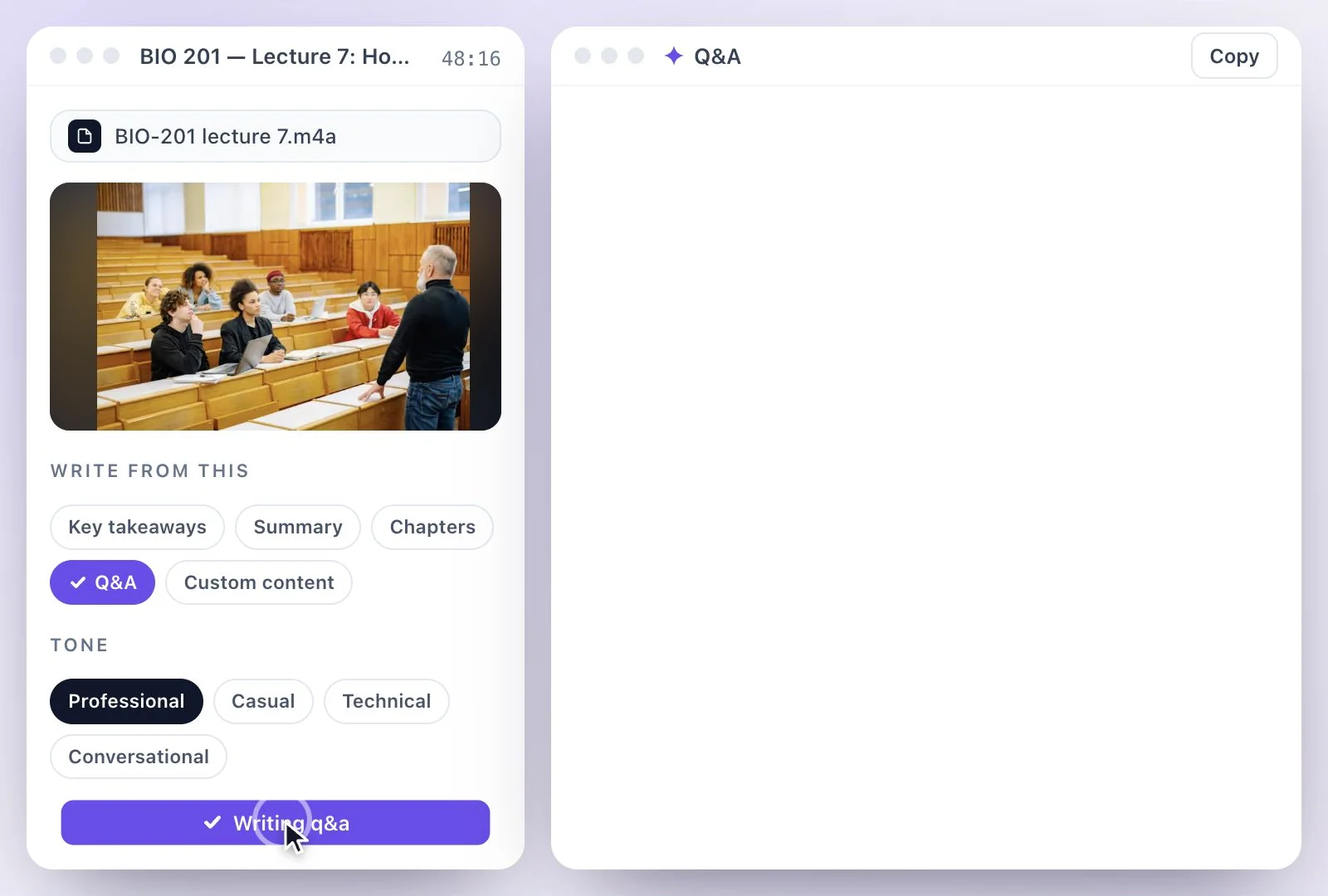
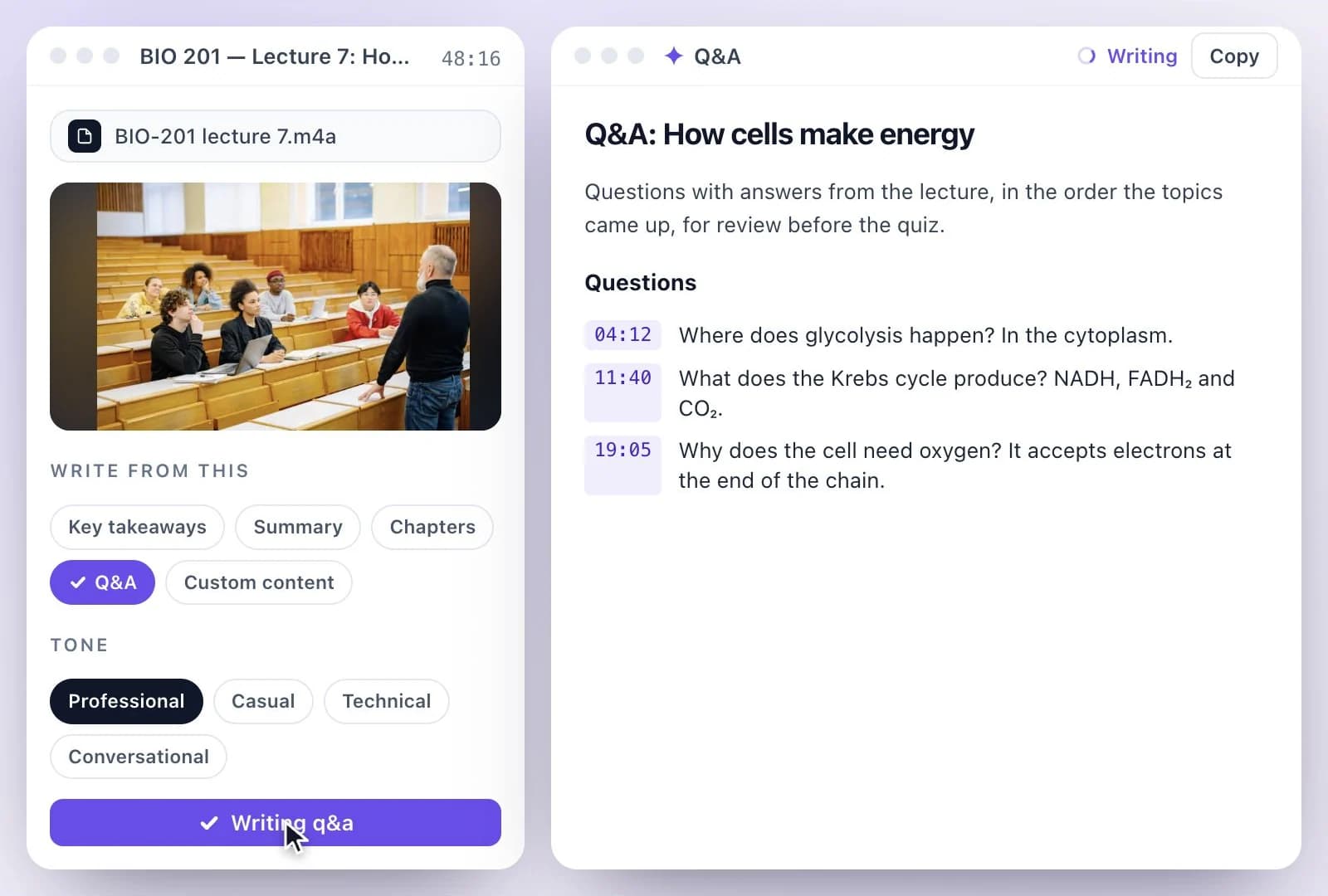
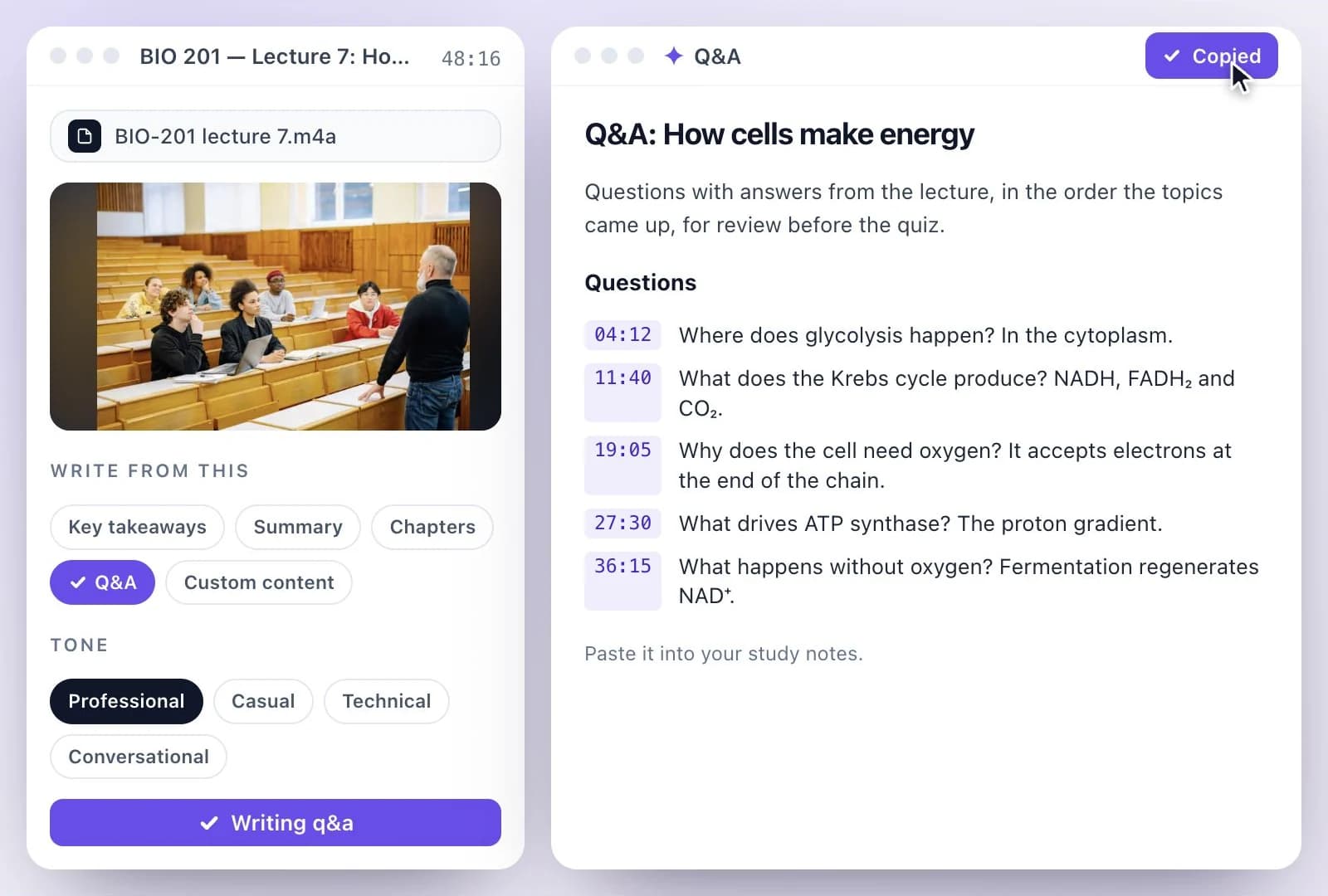
Study from the notes and the transcript
The notes are written from the full transcript, so nothing depends on what you managed to write down in the room. Key takeaways gives you a list to revise from, Chapters lets you jump back to a topic, and Q&A writes questions with their answers for self-testing. When something in the notes is unclear, ask Emmy about the lecture: answers cite the moment they came from, so you can replay it.
Check your school's rules, and ask the lecturer, before you record a class. For a lecture on YouTube, YouTube to notes starts from a link; for a shorter overview, the video summarizer writes a summary and chapters.
Notes Written from the Whole Lecture
AI Writer reads the transcript of the lecture, so the notes cover what was said, not just what you caught.
Key takeaways and a summary
A bullet list of what to remember, and a few paragraphs on what the lecture covered.
Chapters with times
The lecture's topics with their start times, to replay the part you need.
Questions for review
Q&A writes questions with their answers from the lecture, for self-testing before an exam.
Your own note format
Custom content follows your instructions, for Cornell notes, an outline or a glossary of terms.
Common questions
How do I turn a lecture recording into notes?
Can I record the lecture in my browser?
Can it make flashcards or a quiz?
Can I ask questions about the lecture?
How long can the lecture be?
Is lecture to notes free?
Discover more AI Content
- Summary Generator
- YouTube Video Summary Generator
- Video Chapter Generator
- Podcast Show Notes Generator
- YouTube to Notes Generator
- YouTube Tags Generator
- YouTube to LinkedIn Post Generator
- TikTok Caption Generator
- Chat with YouTube Video Generator
- Video Hook Generator
- Emmy Generator
- YouTube Description Generator
- YouTube Timestamp Generator
- YouTube Video Title Generator
- Hashtag Generator
- Social Media Post Generator
- Blog Post Generator
- Meeting Minutes Generator
Turn a recording into your next draft
Start with your source, generate a draft, and review it before you share.