LinkedIn Video Specs and Captions
The formats, sizes, lengths and shapes LinkedIn accepts for a native video post, and how to add captions to it with an SRT file.
Free to start — no credit card required.
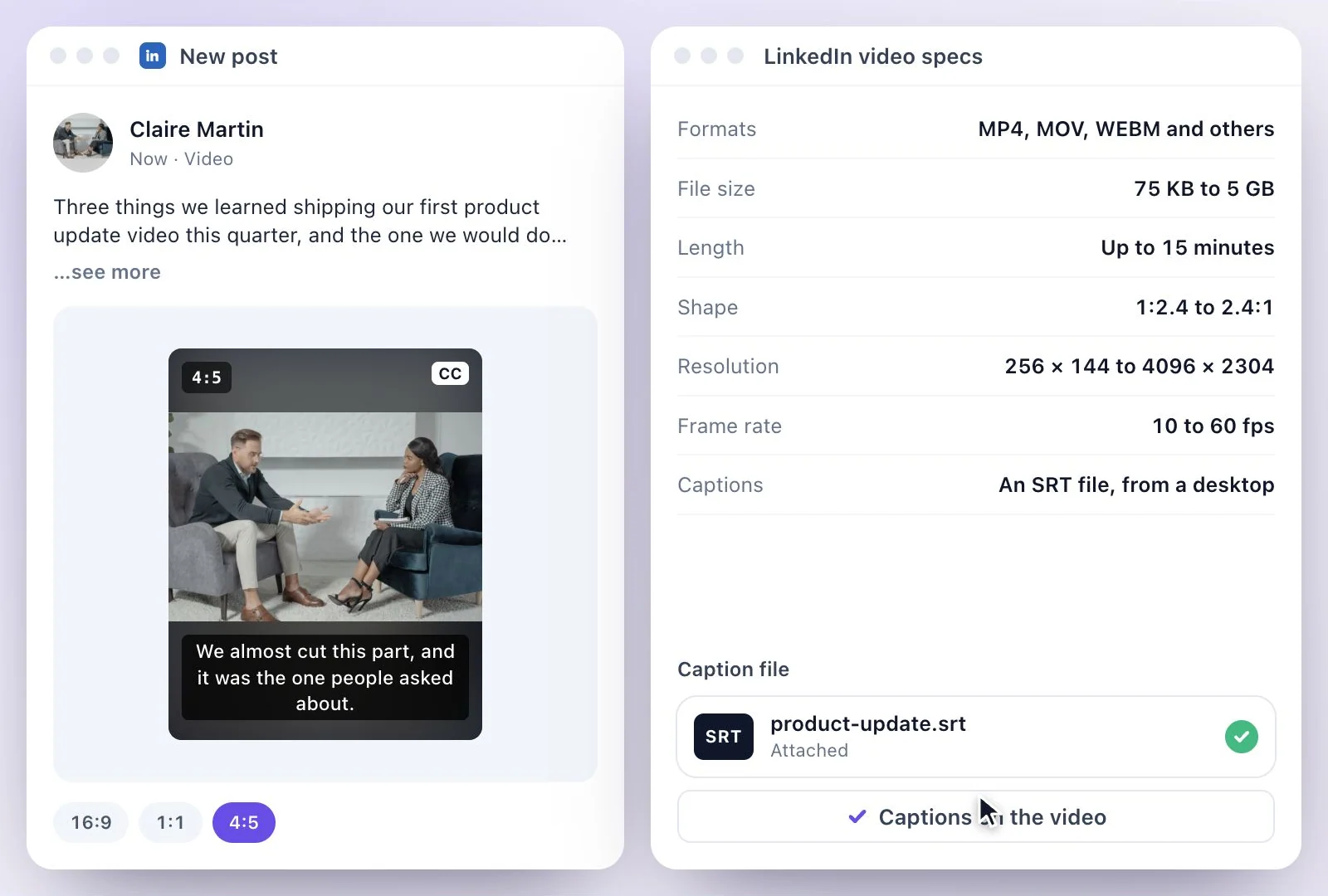
For a native LinkedIn video post, upload a video file (LinkedIn lists MP4, MOV, AVI, WEBM, MKV, WMV and others) of 75 KB to 5 GB, 3 seconds (2 on mobile) to 15 minutes long, in any shape from 1:2.4 (tall) to 2.4:1 (wide), at 10 to 60 fps.
LinkedIn's help pages disagree on length: the video specs say 15 minutes, an older LinkedIn Pages article says 10, so keep a Page video to 10. Captions go on from a desktop as an SRT file. Exemplary AI makes that SRT from your video, and square or vertical versions of it. Free plan: 500 one-time credits; files up to 500 MB and 30 min long; 720p video exports with a watermark.
LinkedIn video specs at a glance
Facts checked .
- Formats
- MP4, MOV, AVI, WEBM, MKV, WMV and others
- File size
- 75 KB to 5 GB
- Length
- 3 seconds (2 on mobile) to 15 minutes; a LinkedIn Pages article says 10 minutes
- Shape
- 1:2.4 (tall) to 2.4:1 (wide)
- Resolution
- 256 × 144 to 4096 × 2304
- Frame rate
- 10 to 60 fps
- Captions
- An SRT file, added from a desktop (Edit, then Select Caption), or LinkedIn's own auto captions
- Post text
- Up to 3,000 characters
How to post a LinkedIn video with captions
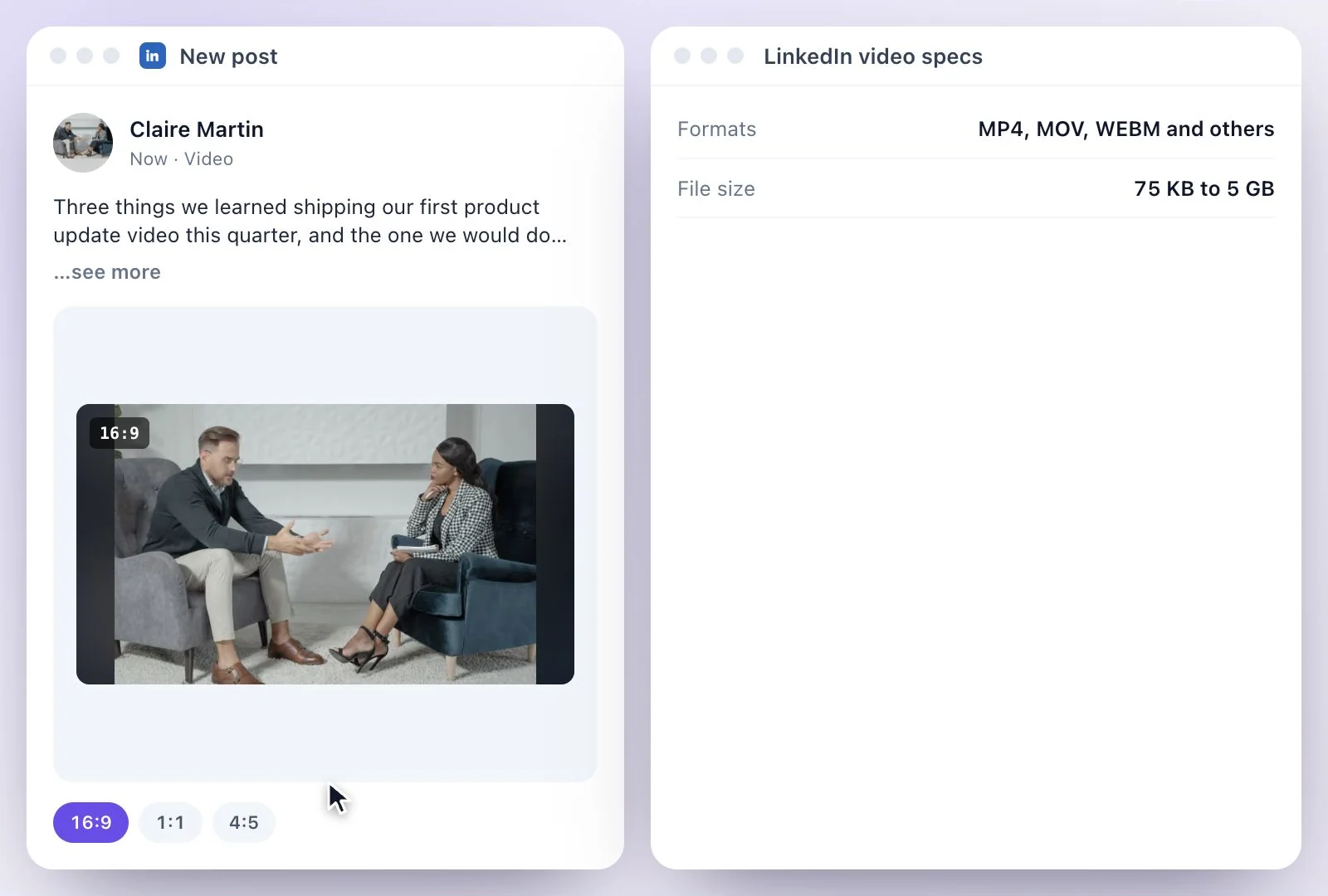
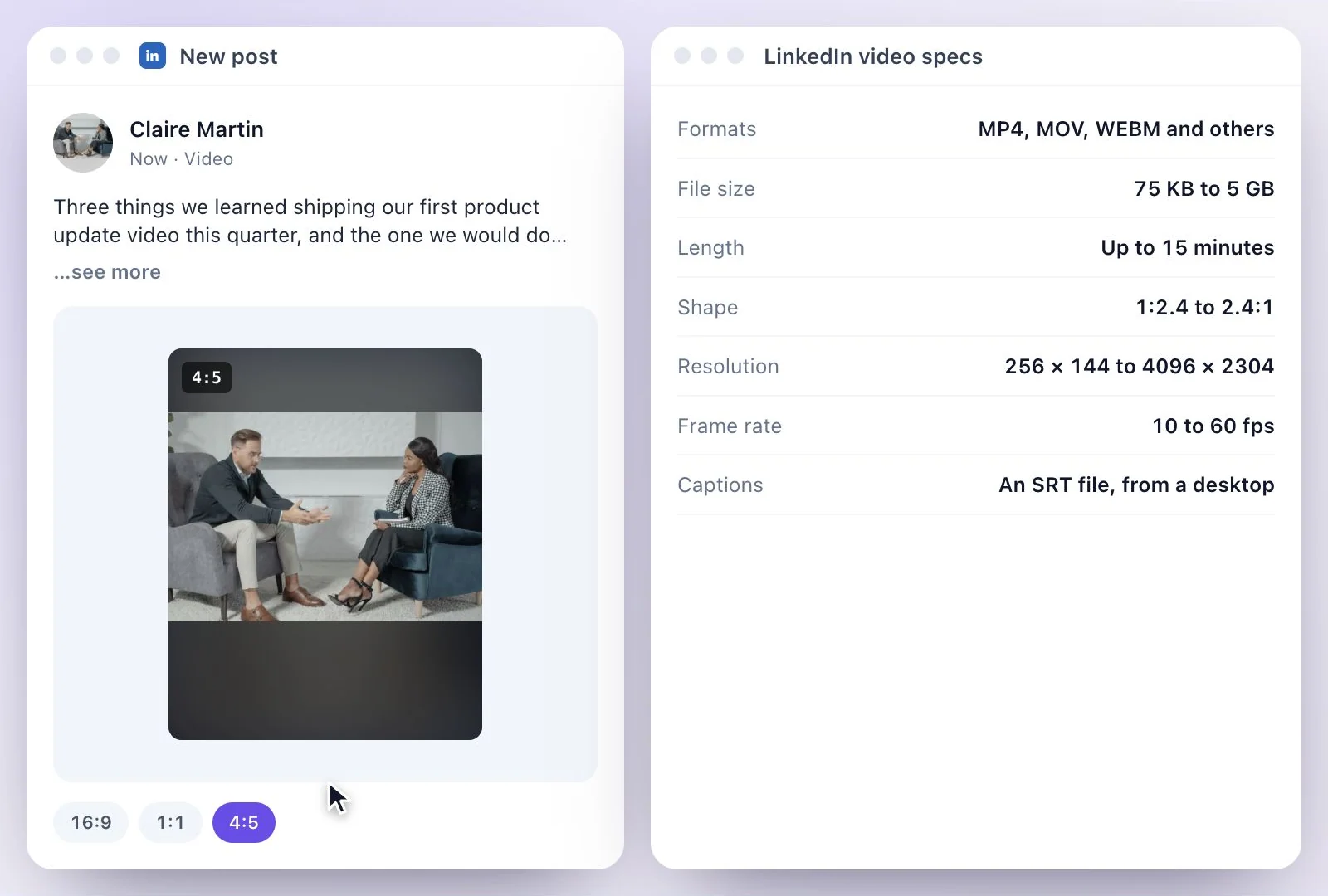
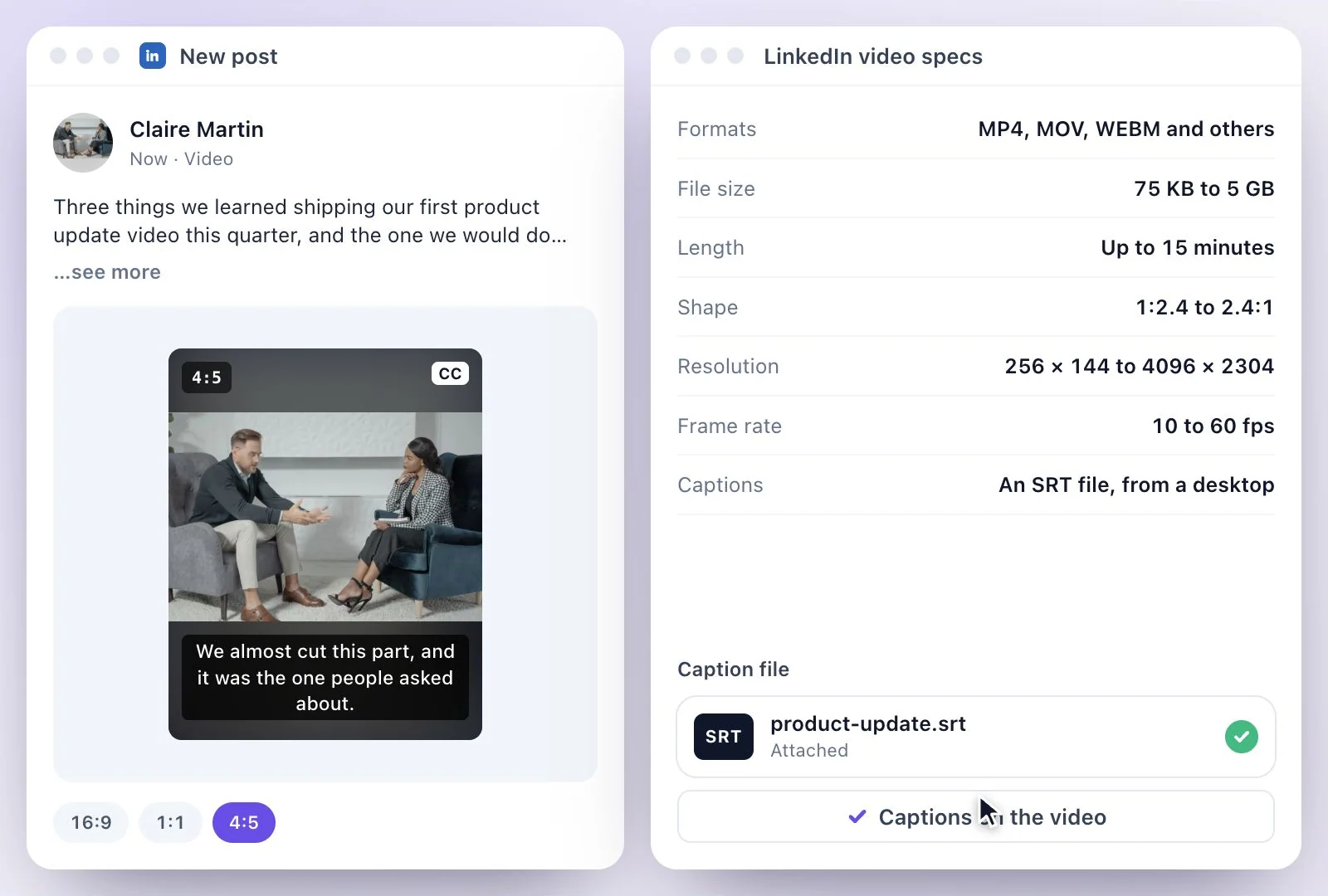
Captions on LinkedIn: LinkedIn's own, or an SRT?
LinkedIn makes auto captions for videos in English, Spanish, Portuguese, French, German, Italian, Indonesian, Turkish, Arabic and Dutch, with a step to review them before viewers see them. An SRT is the better fit when the video is in another language, when you have already corrected names and terms in a transcript, or when you want the same captions on every platform. LinkedIn's article on attaching an SRT is several years old, so if the button has moved, look for captions in the video's edit screen.
For video ads, LinkedIn's ads guide suggests keeping the intro text to about 150 characters to avoid it being cut off; for regular posts LinkedIn documents no cut-off. Need the SRT? The SRT generator makes one from a video, and horizontal to vertical video reframes a wide recording into 9:16, 16:9, 1:1 and 4:5.
Ready for LinkedIn, Captions Included
The file LinkedIn asks for, in the shape that suits the feed, with captions people can read on mute.
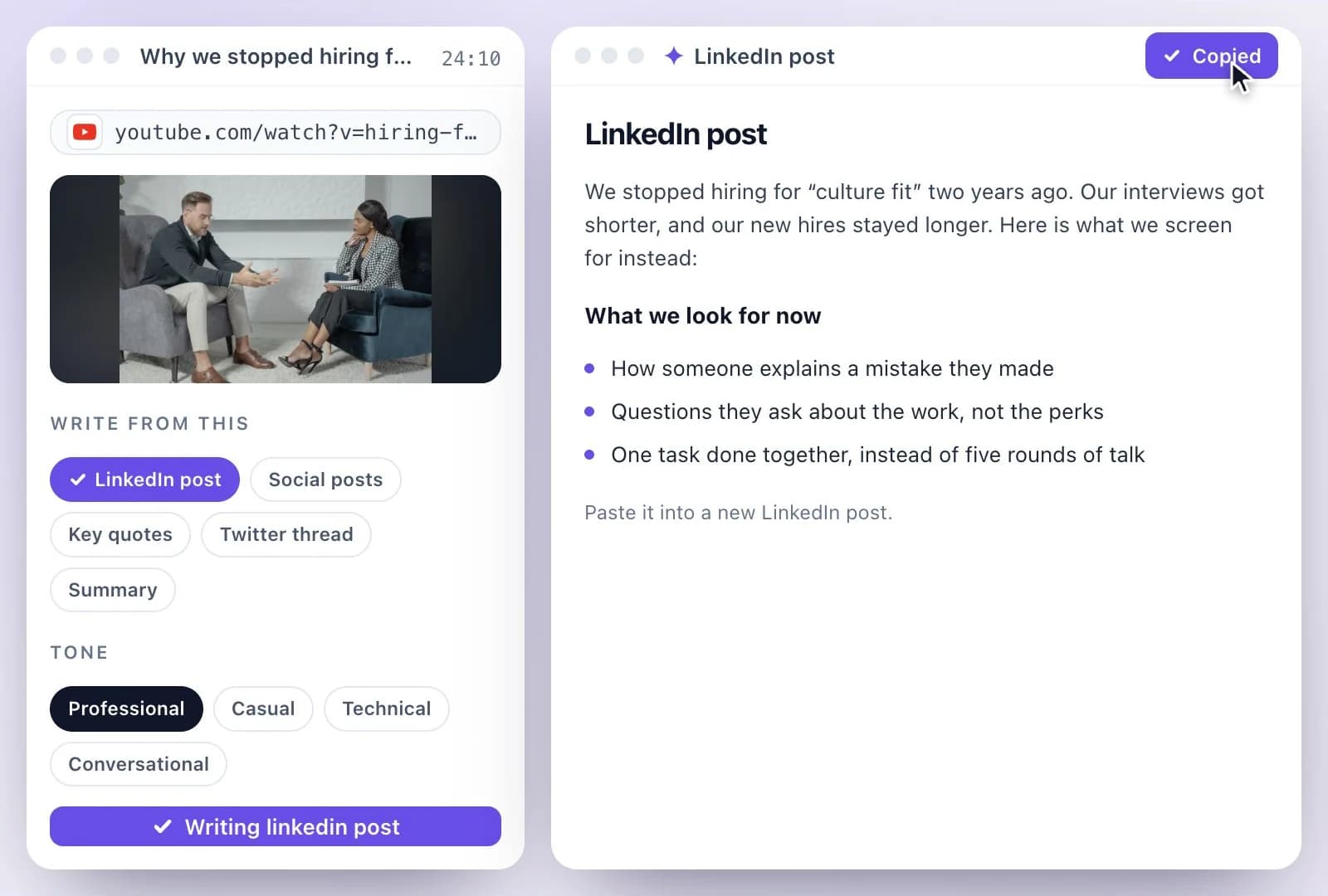
The SRT LinkedIn asks for
Transcribe the video, correct names and terms, and download a standard SRT to attach to the post.
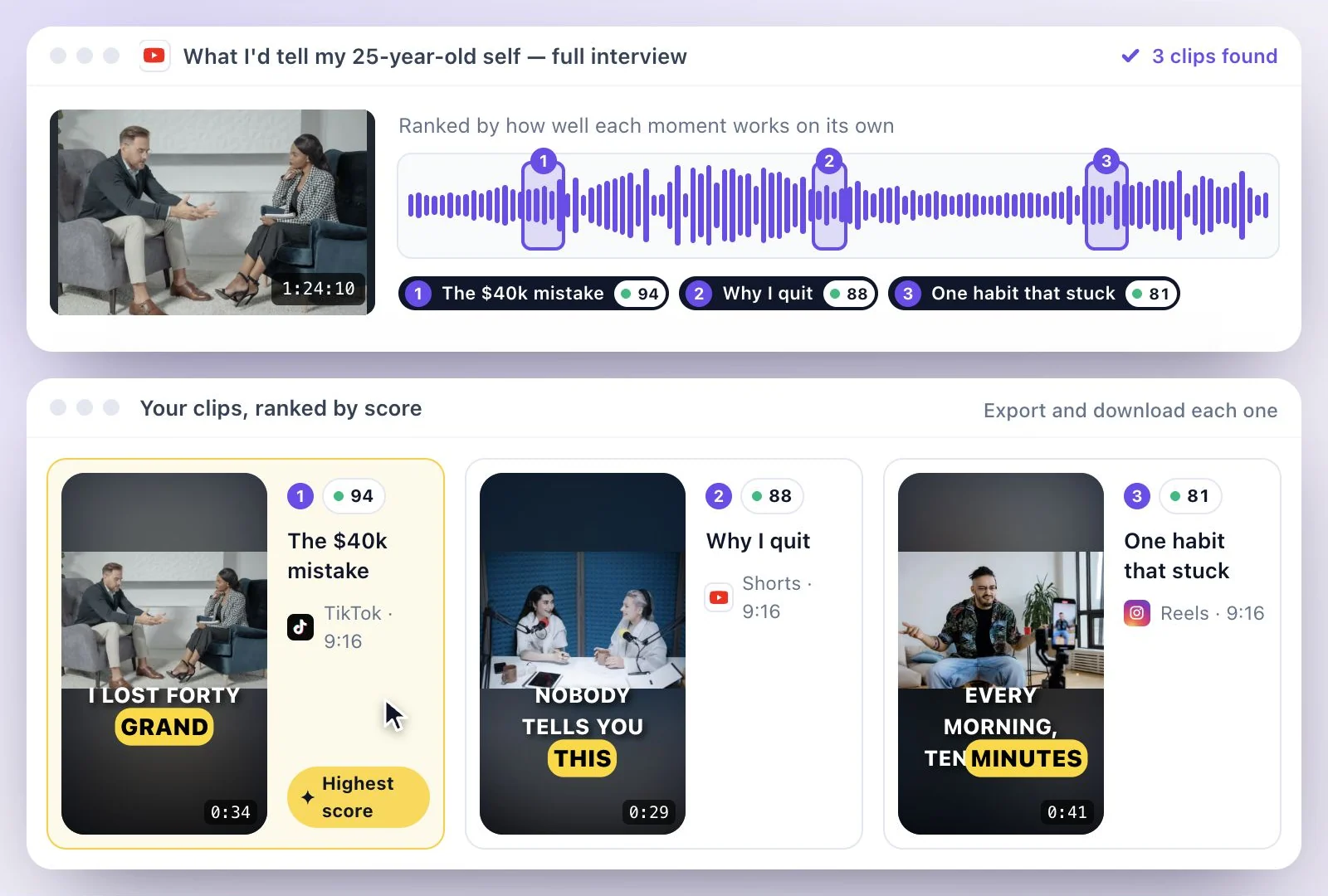
Square and vertical versions
Cut clips or reframe the whole video in 9:16, 16:9, 1:1 and 4:5, with the speaker kept in frame.
Captions in other languages
Translate the transcript into any of 116 languages and download each as its own SRT.
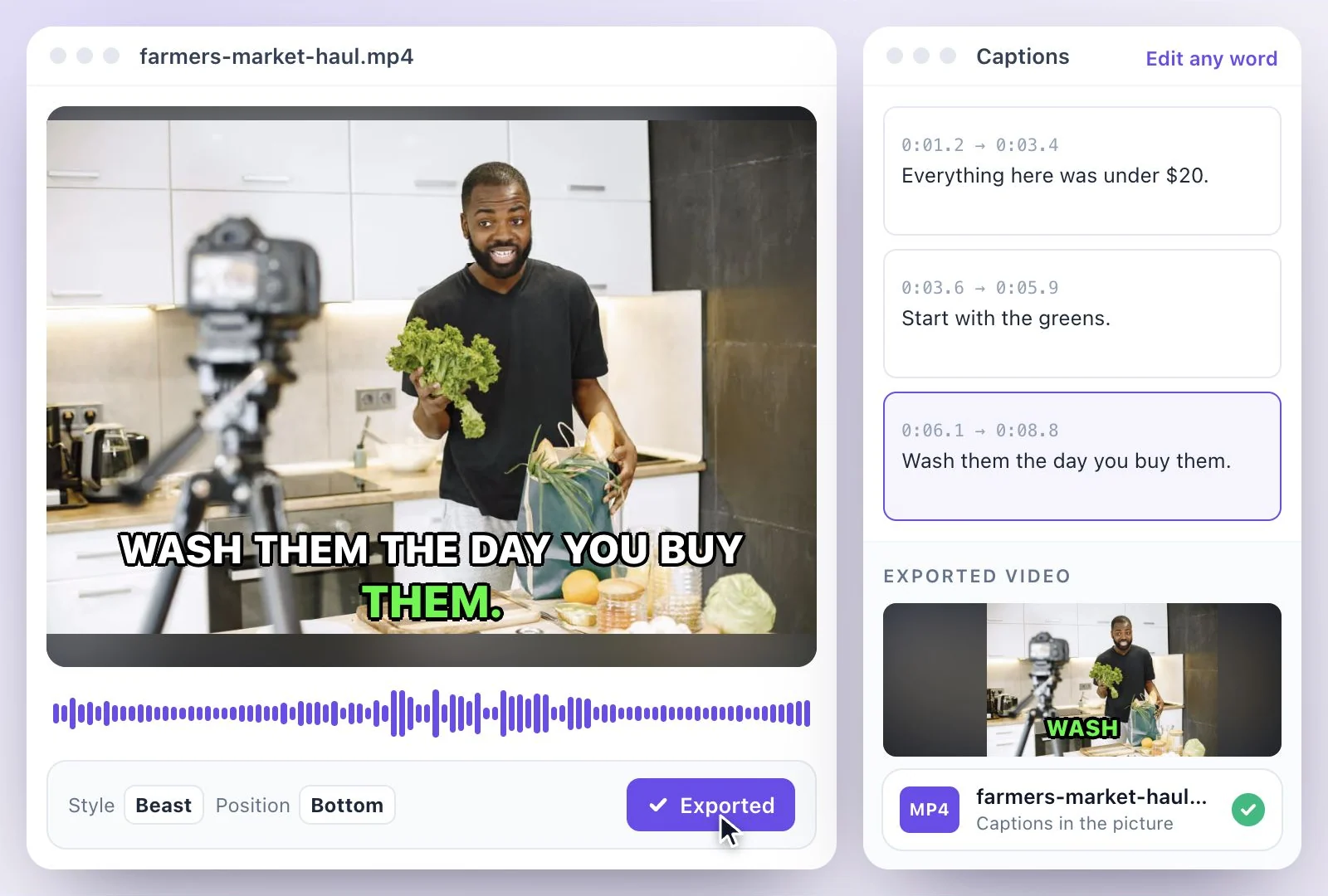
Burned in, if you prefer
Export the MP4 with the captions in the picture, so they show for viewers who never turn captions on.
Common questions
What are the LinkedIn video specs?
How long can a LinkedIn video be?
How do I add captions to a LinkedIn video?
Which aspect ratio should I use for a LinkedIn video?
What is the character limit for a LinkedIn post?
Can Exemplary AI make captions for a LinkedIn video for free?
Discover more Clips & Shorts
- Video trimmer
- YouTube Shorts Maker
- AI podcast clips generator
- Instagram reel maker
- Resize videos
- Auto video editor
- Crop video
- Add image to video
- Add text to video
- Remove filler words
- Add emoji to subtitle
- Silence remover
- Add watermark to video
- Add b-rolls
- Word highlight in subtitle
- AI video editor
- Long video to short video
- Twitch clip maker
- YouTube to TikTok
- Sermon clips
- Horizontal to vertical video
- Screen and webcam recorder
- Online screen recorder
- Kick clip maker
- Viral clip finder
- YouTube Shorts size
- TikTok video size
- Instagram Reels size
Prepare your next LinkedIn video
Turn a recording into a focused clip and review the captions before posting.