Long Video to Short Video with AI
Upload a webinar, podcast, livestream or class recording. AI finds the moments that work on their own and turns each one into a short, captioned clip.
Free to start — no credit card required.
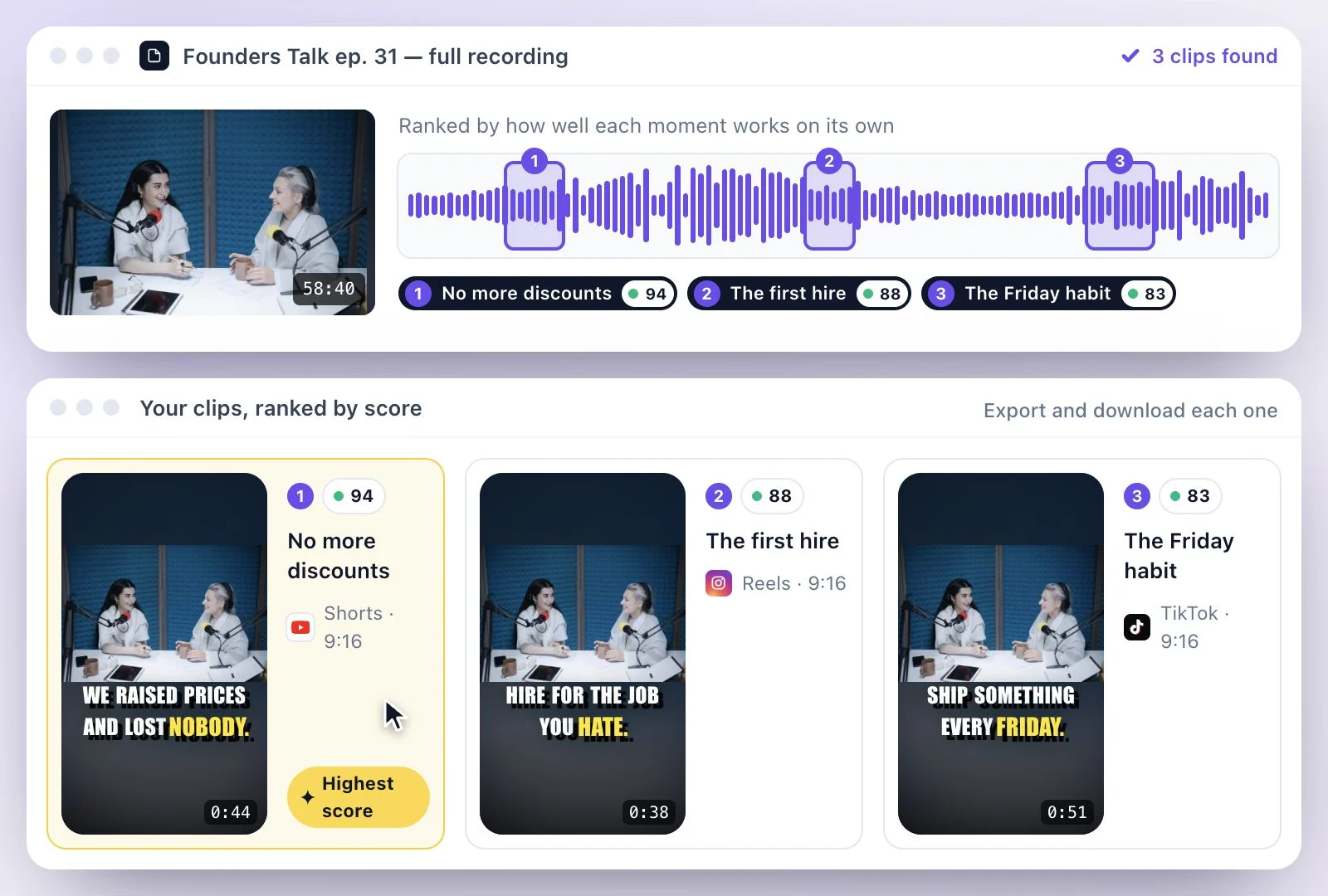
To go from a long video to short video clips, upload the recording (a webinar, podcast, livestream or class) and let AI Clips do the cutting.
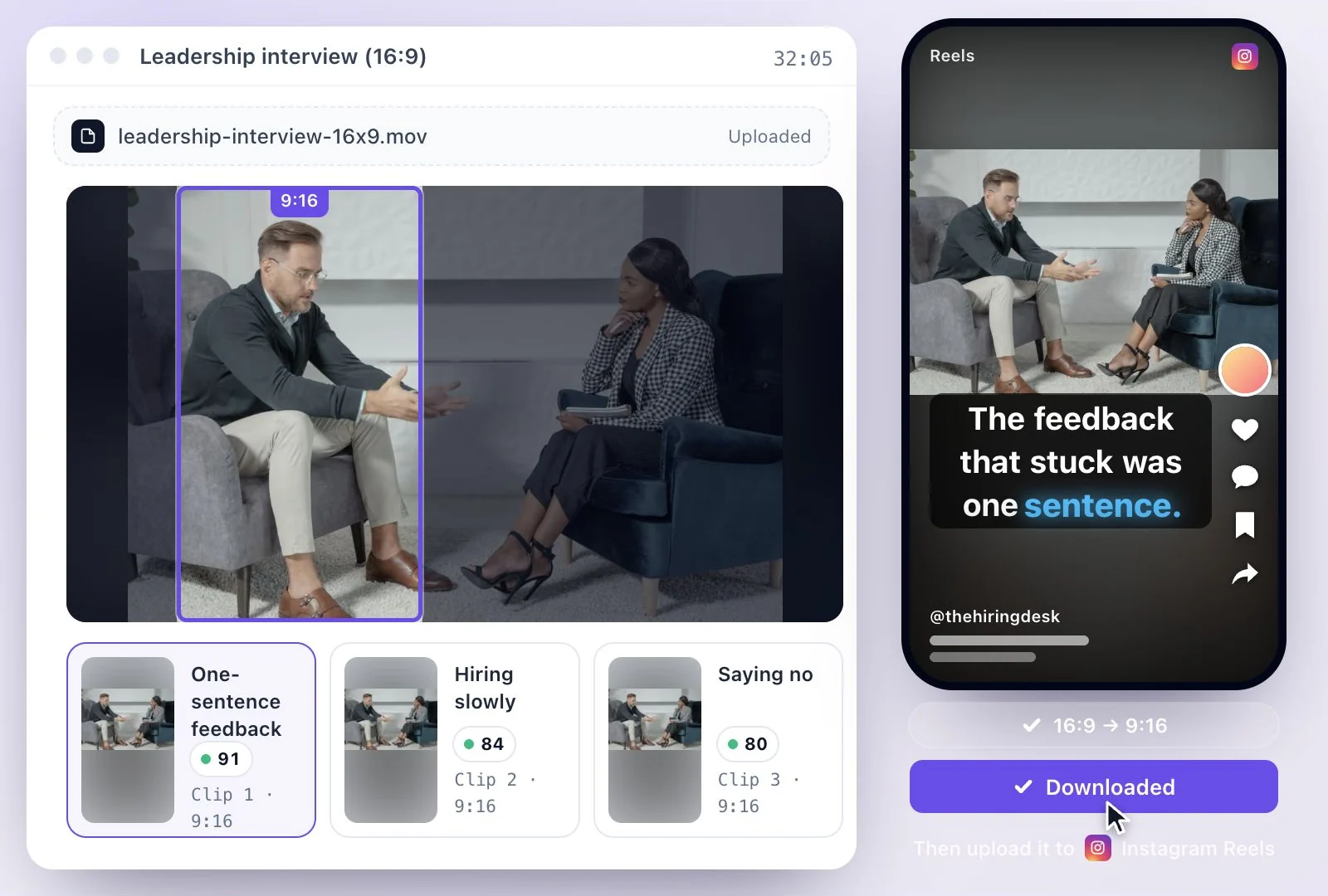
It reads the transcript, picks passages that make sense without the rest, gives each a virality score, reframes it to 9:16 around the speaker and adds captions; you review, adjust and download. Free plan: 500 one-time credits; files up to 500 MB and 30 min long; 720p video exports with a watermark.
Long video to short clips at a glance
Facts checked .
- Works well on
- Recordings where people talk: webinars, podcasts, livestreams with commentary, lectures, interviews and panels
- Clip length
- Targets of 15, 30, 45, 60, 90 or 120 seconds; 30 seconds unless you pick another
- How moments are picked
- From the transcript, each one scored for virality
- Shapes
- 9:16, 16:9, 1:1, 4:5 or Original; Original keeps the source's own shape
- Free plan limits
- 500 one-time credits; files up to 500 MB and 30 min long
How to cut a long video into short clips
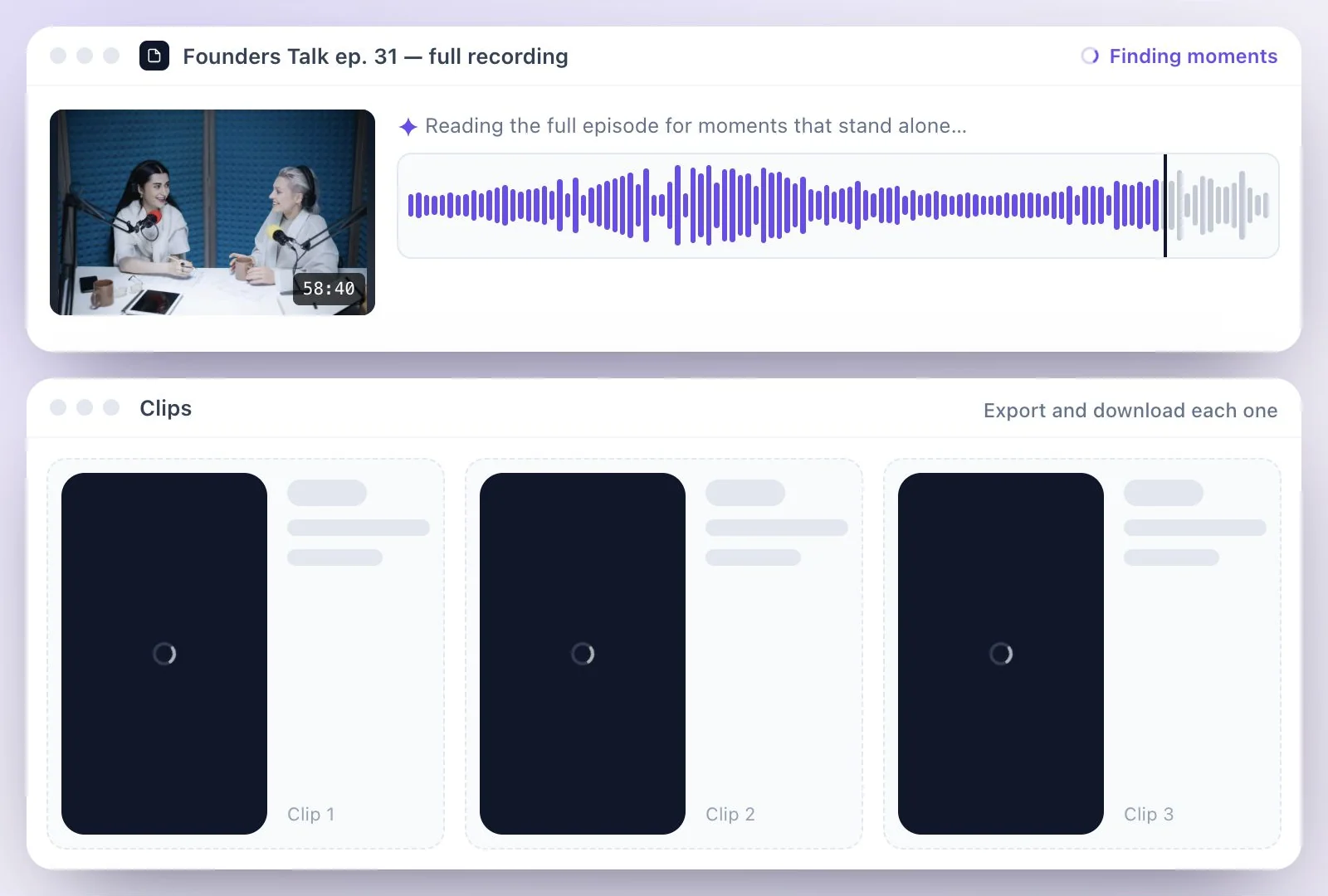
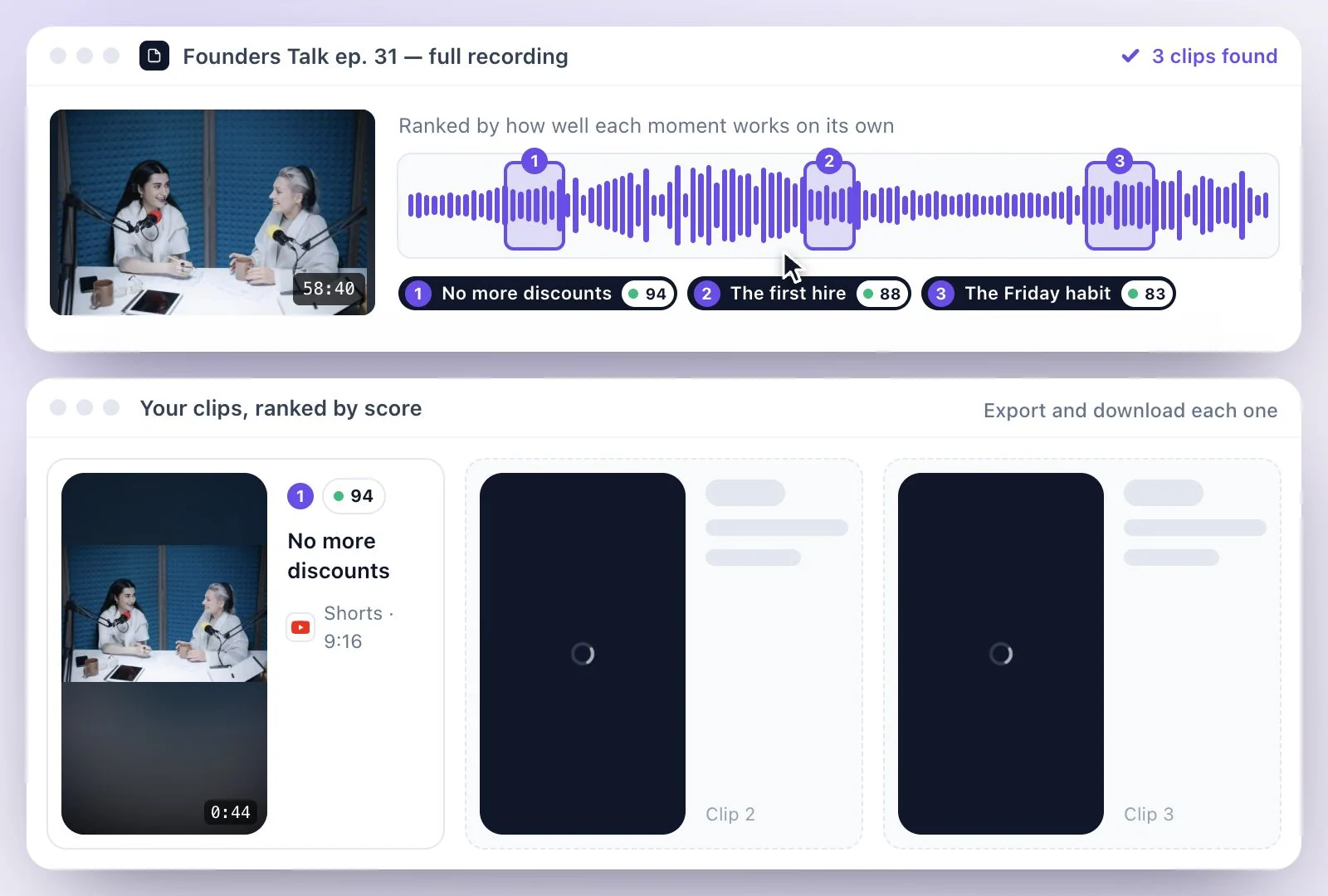
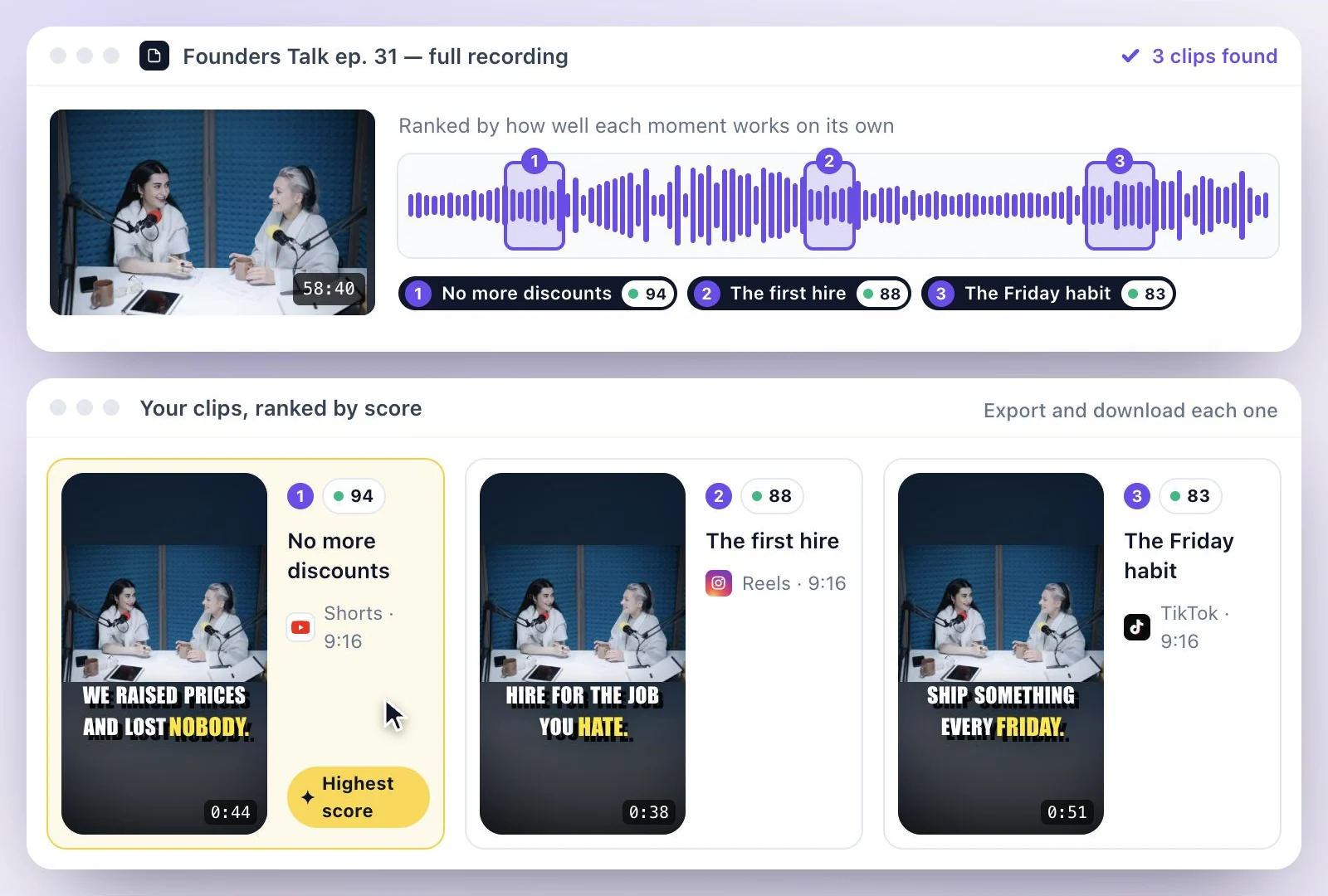
What to feed it, and what to expect
AI Clips chooses moments from what is said, so it does well with talk: a webinar answer, a podcast exchange, a teacher explaining one idea. Footage with little speech, such as silent gameplay or scenic b-roll, gives it little to work with; cut those parts by hand. Our guide to turning long videos into Shorts goes from choosing a source to measuring what you post.
Podcasters can start from the podcast clips generator, which also handles audio-only episodes. If every clip is headed for YouTube, the YouTube Shorts maker covers YouTube's length and shape rules. To get audiograms and written posts from the same video as well, see repurpose one video into many.
An AI Short Video Maker for Long Recordings
Upload once, get a batch of short clips back, and spend your time choosing instead of scrubbing through a timeline.
Moments that stand alone
AI looks for passages that make sense without the rest of the recording, so a viewer who never saw the full video can follow.
A score to sort by
Every clip gets a virality score, so you know which ones to review first.
Vertical without losing the speaker
The crop follows the person talking as a 16:9 recording becomes 9:16; for an interview or a two-person podcast, Split framing gives each speaker a pane.
Trim by editing text
Delete a word or a sentence in the transcript to cut it, and move a clip's start or end on the timeline.
Common questions
Can AI turn a long video to short video clips automatically?
What kinds of long videos make good short clips?
Can I choose the moments myself instead of using AI?
How do I cut a long video into short clips for more than one platform?
What does the virality score on each clip mean?
Is this AI short video maker free?
Discover more Clips & Shorts
- Video trimmer
- YouTube Shorts Maker
- AI podcast clips generator
- Instagram reel maker
- Resize videos
- Auto video editor
- Crop video
- Add image to video
- Add text to video
- Remove filler words
- Add emoji to subtitle
- Silence remover
- Add watermark to video
- Add b-rolls
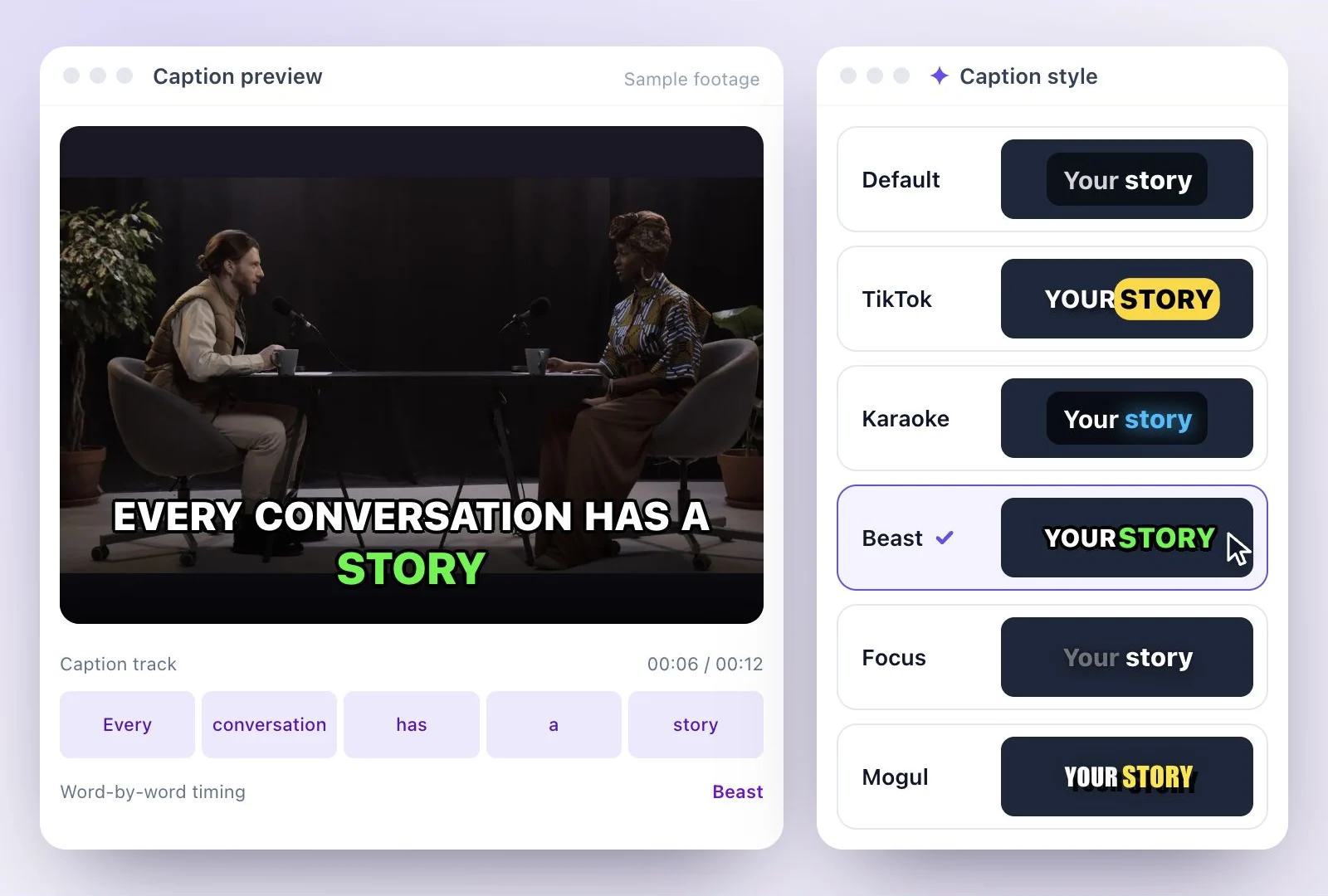
- Word highlight in subtitle
- AI video editor
- Twitch clip maker
- YouTube to TikTok
- Sermon clips
- Horizontal to vertical video
- Screen and webcam recorder
- Online screen recorder
- Kick clip maker
- Viral clip finder
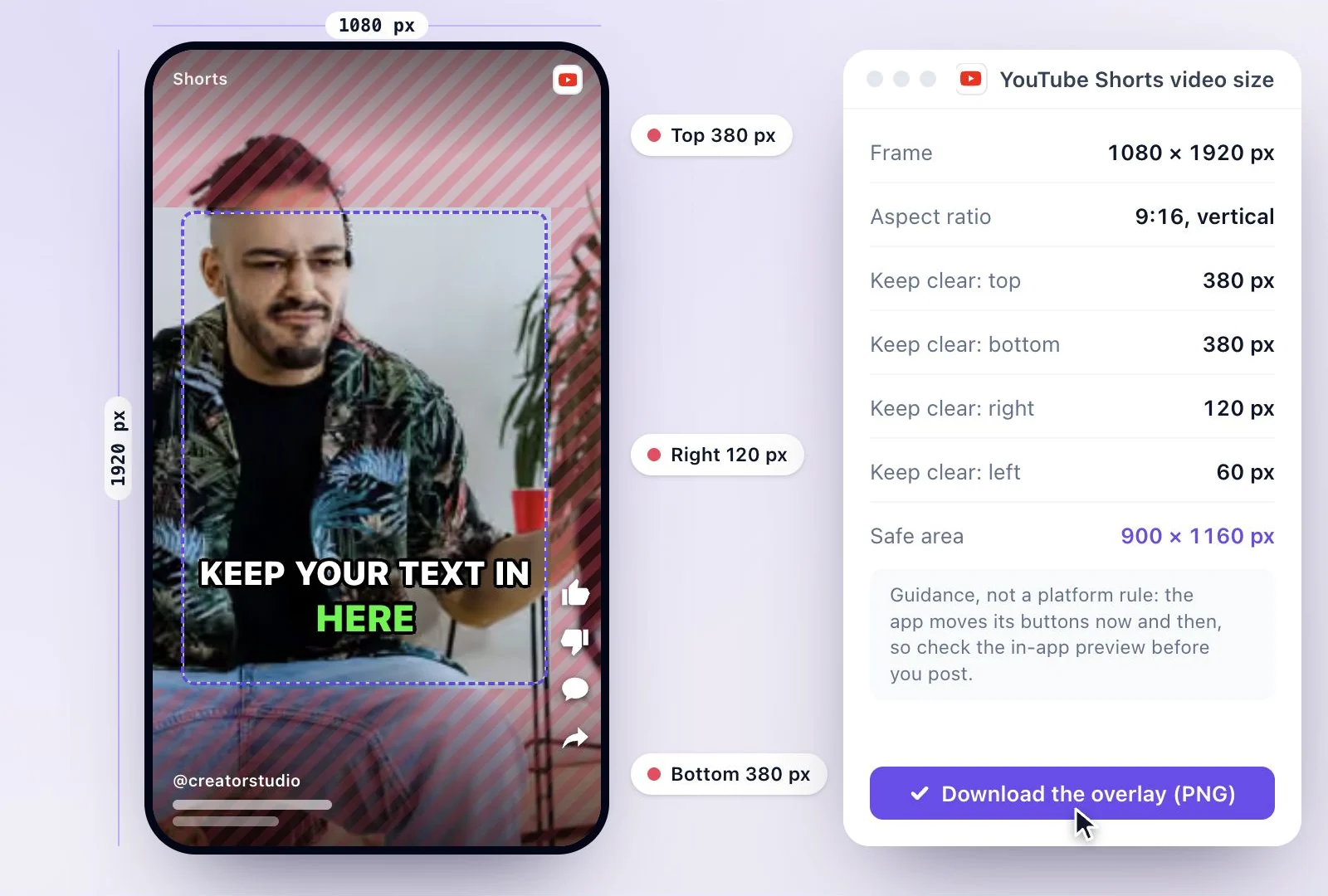
- YouTube Shorts size
- TikTok video size
- Instagram Reels size
- LinkedIn video specs
Make something worth watching
Start with a recording, choose the moments to keep, and finish your clip with captions.