01 / 03
Notes depend on who was paying attention
Whoever volunteered to take minutes was also trying to contribute, so the record is partial in exactly the places that mattered.
Streamline your workload for meetings and conferences with Exemplary AI. Increase communication, generate content and repurpose long meeting videos into short clips for social media.
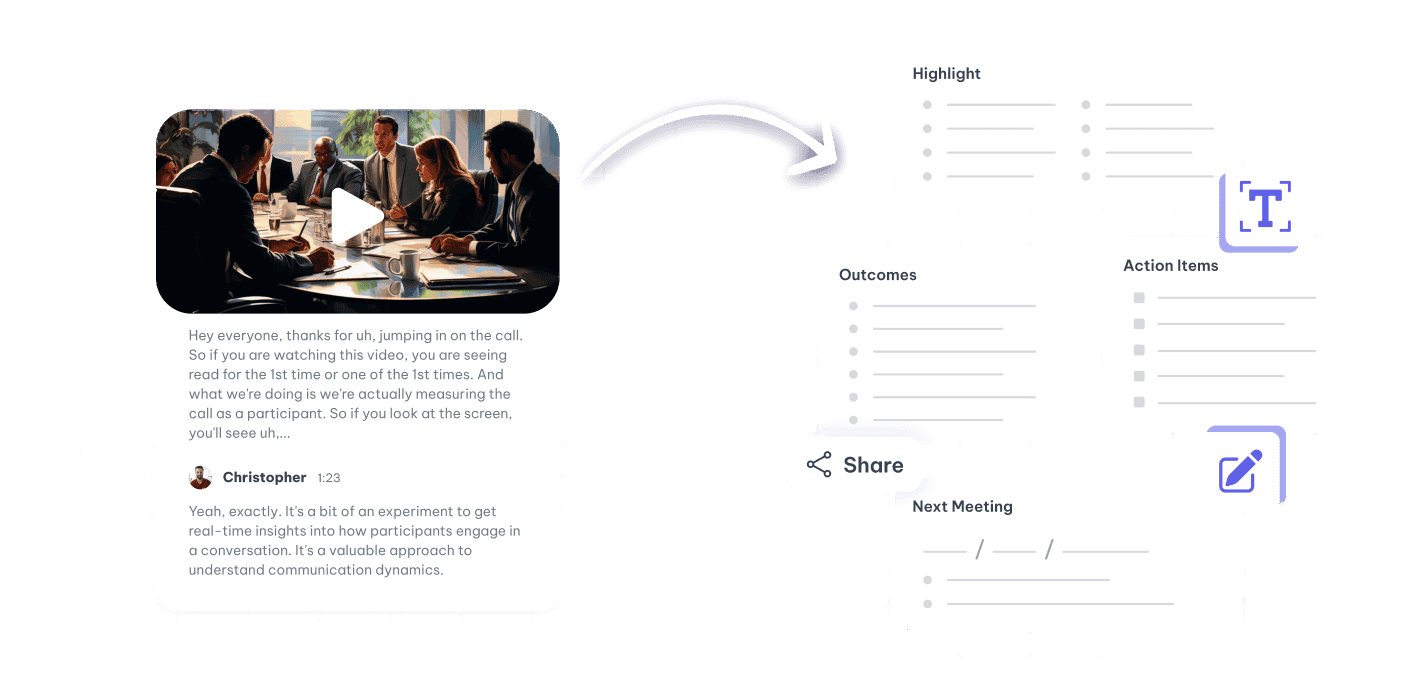
Recordings pile up faster than anyone can watch them, so the value of the meeting expires within about a day.
Whoever volunteered to take minutes was also trying to contribute, so the record is partial in exactly the places that mattered.
A recording is only useful if you already know roughly where the answer is. Otherwise it is an hour you will not spend.
A link to a recording is not a handover. The context stays with the people who were there.
A transcript turns a recording into something searchable, quotable and skimmable.
Transcripts, minutes, highlights and clips from the call you already recorded.
Record and distribute training sessions with ease, ensuring consistent learning across multilingual teams.
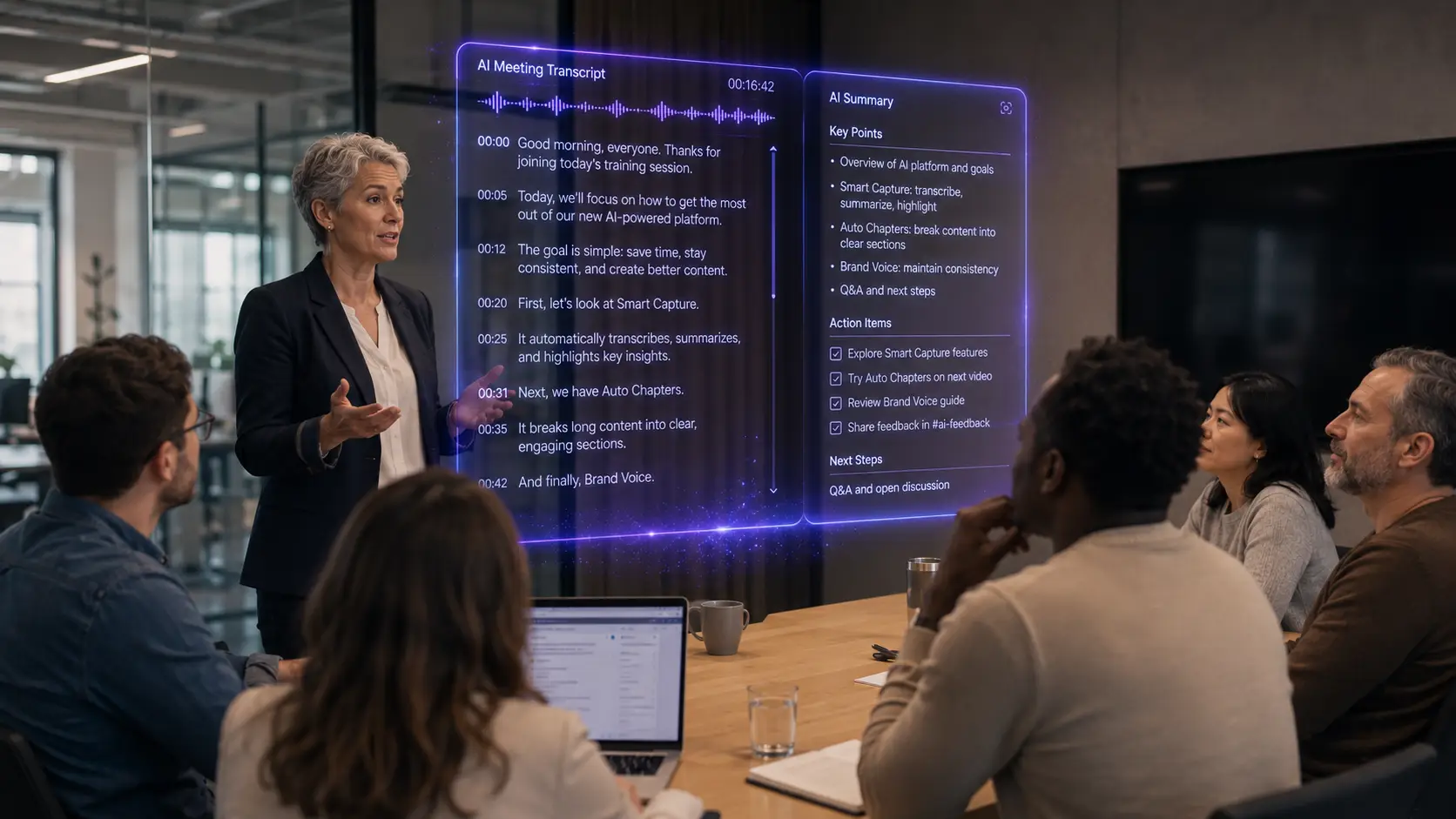
Four steps, none of which need the organiser to rewatch anything.
Upload the file from Zoom, Meet or Teams, or paste the link.
Who said what, timestamped, so a quote can be traced back to the moment it was said.
Decisions, action items and open questions, drawn from the transcript rather than from memory.
Clip the five minutes that matter to the team that missed it, instead of forwarding the whole hour.
Drop in a recording and work from the transcript — clips, captions, chapters, show notes and posts all come from the same file.