Music Visualizer: Animated Waveform Videos
Put your track over an animated waveform and a background, and download a video you can post.
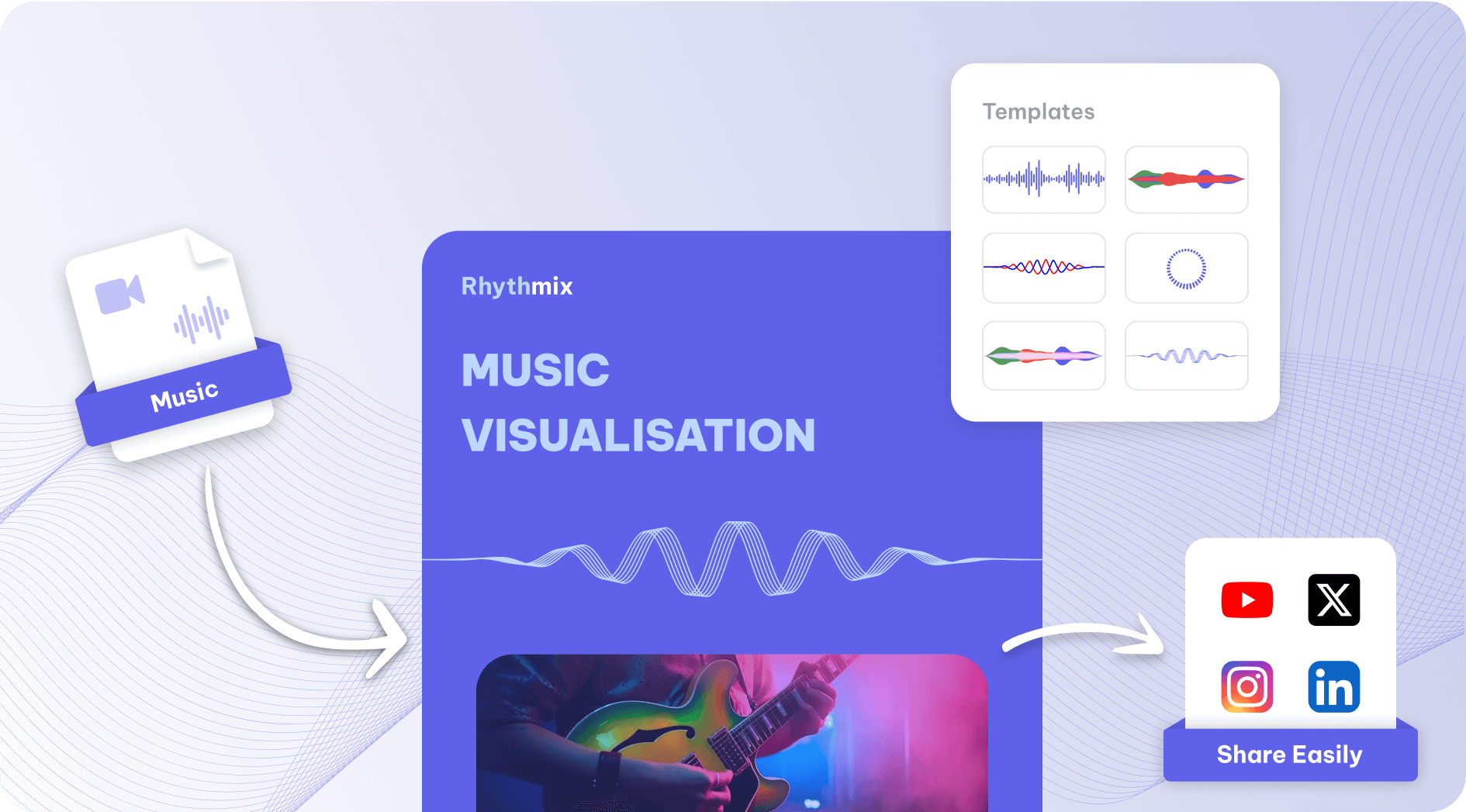
A music visualizer is a video where shapes move with the sound.
Exemplary AI makes one from a track with vocals: pick a waveform from 10 styles, including line, double line, multi-line, circle, hill and bars, put it over a colour or image background, and export an MP4 (H.264) video in 9:16, 1:1 or 16:9. It is the same tool as the audiogram maker, so you can add captions and a title too.
How to make a music visualizer video
- Upload your track (MP3, WAV and M4A).
- Find the part you want by its lyrics in the transcript, select it and click "Create Audiogram", up to 10 minutes.
- Choose a waveform style, its position and colours, and a background colour or image.
- Pick the size (9:16, 1:1 or 16:9) and export the MP4 (H.264) video.
At a glance
Facts checked .
- Input
- MP3, WAV and M4A audio with speech or vocals, since you pick the part from its transcript
- Waveform styles
- 10 styles, including line, double line, multi-line, circle, hill and bars, at the top, center or bottom of the frame
- Background
- A solid colour, or an image up to 1 MB
- Captions
- 5 animations, in 99 languages
- Sizes
- 9:16 (portrait), 1:1 (square) and 16:9 (landscape)
- Length
- Up to 10 minutes per audiogram. AI Clips picks audiograms for you from recordings of 10 minutes or more; for any length, select part of the transcript and click "Create Audiogram".
- Export
- MP4 (H.264) video
- Free plan
- 500 one-time credits; files up to 500 MB and 30 min long; 720p video exports with a watermark
What Exemplary AI's Music Visualizer Does
An animated waveform, your artwork and your track, in one video.
10 waveform styles
line, double line, multi-line, circle, hill and bars waves that move with the audio, at the top, center or bottom of the frame.
Your artwork as the background
Use cover art or any image up to 1 MB, or a solid colour, and add a title.
Vertical, square and wide
Export in 9:16 (portrait), 1:1 (square) and 16:9 (landscape) for Shorts, Reels, TikTok or YouTube. YouTube counts a video as a Short only if it is square or vertical and up to 3 minutes long.
How to Generate a Music Visualizer Video

Upload Your Audio
Upload an MP3, WAV or M4A file.
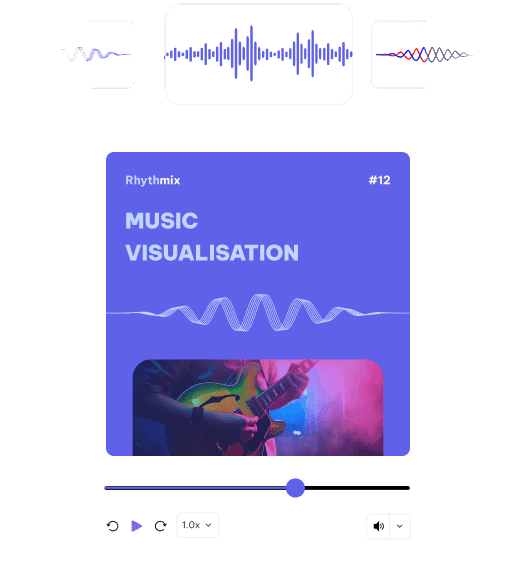
Pick a Style & Customize
Choose a waveform style, colours, a background and a size, and preview it.
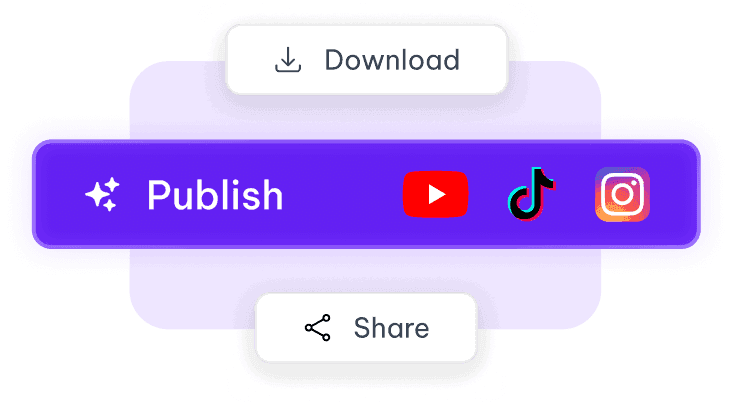
Export & Share
Export an MP4 (H.264) video, ready for YouTube, Instagram or TikTok.
See it in action
Tools that work on the same file
You have already uploaded it. These run on the same transcript, so there is nothing to redo.
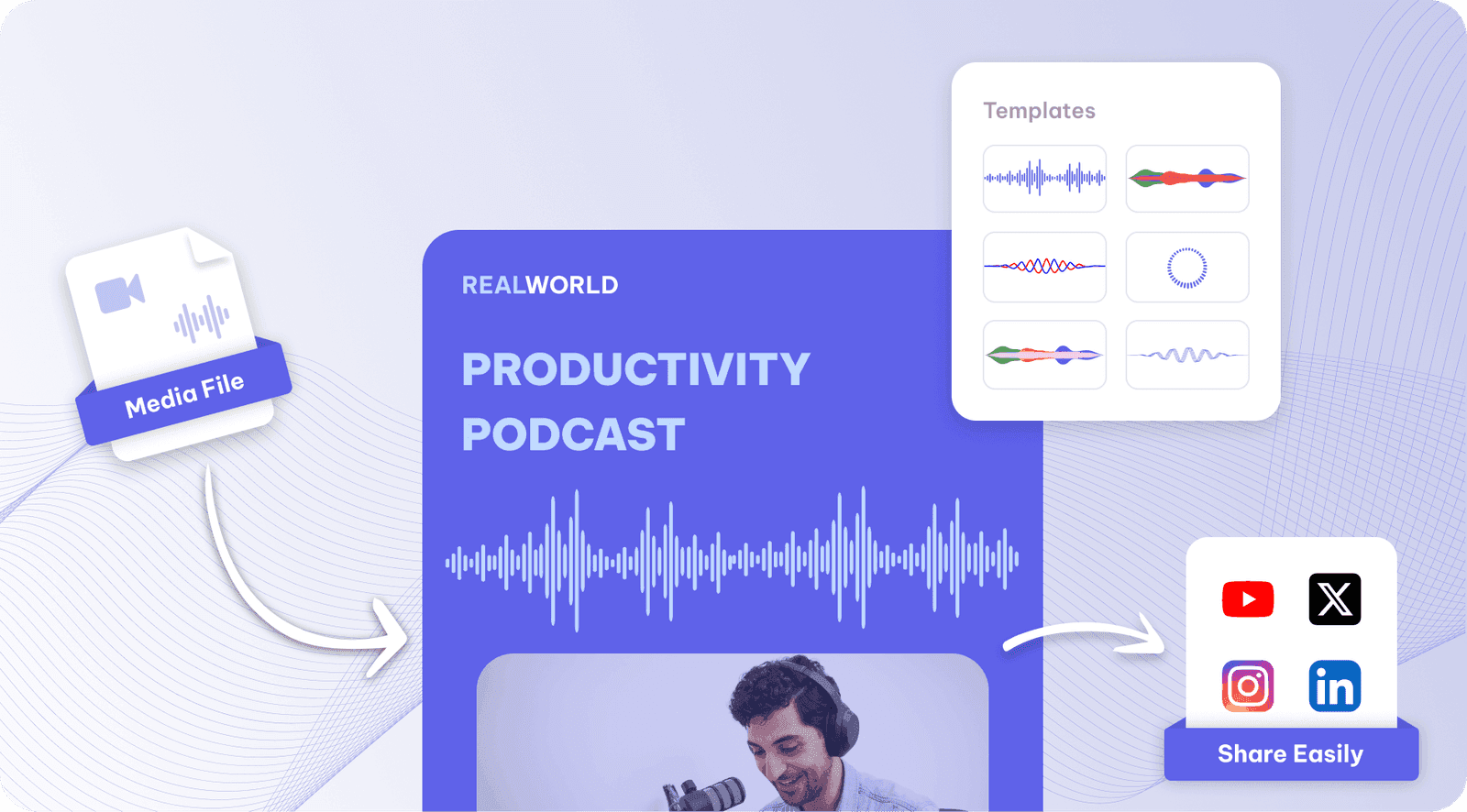
Sound wave generator
Sound wave generator: draw your audio as a moving wave in one of 10 shapes, from a line to a…

Audiogram maker
Make audiograms from podcast or voice audio: an animated waveform, captions and your…

Convert Audio to Video
Convert audio to video online: upload an MP3, WAV or M4A file and get an MP4 with a moving…
Audio Waveform Generator
Generate an animated audio waveform video: 10 wave styles (line, bars, circle and more), your…
Music Visualizer is one part of one workspace
Music Visualizer is one door into the same workspace. Whatever you came here to make, the rest is already available from the file you just uploaded.
Upload once
The same recording feeds every tool on the site. Nothing needs uploading twice to get a second format out of it.
Caption and translate
Burned-in captions or subtitle files, in the spoken language or translated with the timings kept intact.
Repurpose without re-editing
Clips, chapters, show notes, blog drafts and social posts all come off the one transcript.
Common questions
What is a music visualizer?
Which visualizer styles are there?
Does the music visualizer work with instrumental tracks?
Can I use my album art as the background?
How long can a music visualizer video be?
Which file formats does the music visualizer accept and export?
Is the music visualizer free?
Discover more Audiograms
One upload. Every format you need.
Drop in a recording and work from the transcript — clips, captions, chapters, show notes and posts all come from the same file.