Online Screen Recorder
Record a browser tab, one window or your whole screen, and talk over it. When you stop, the recording is transcribed, and the video is in your files to download.
Free to start — no credit card required.
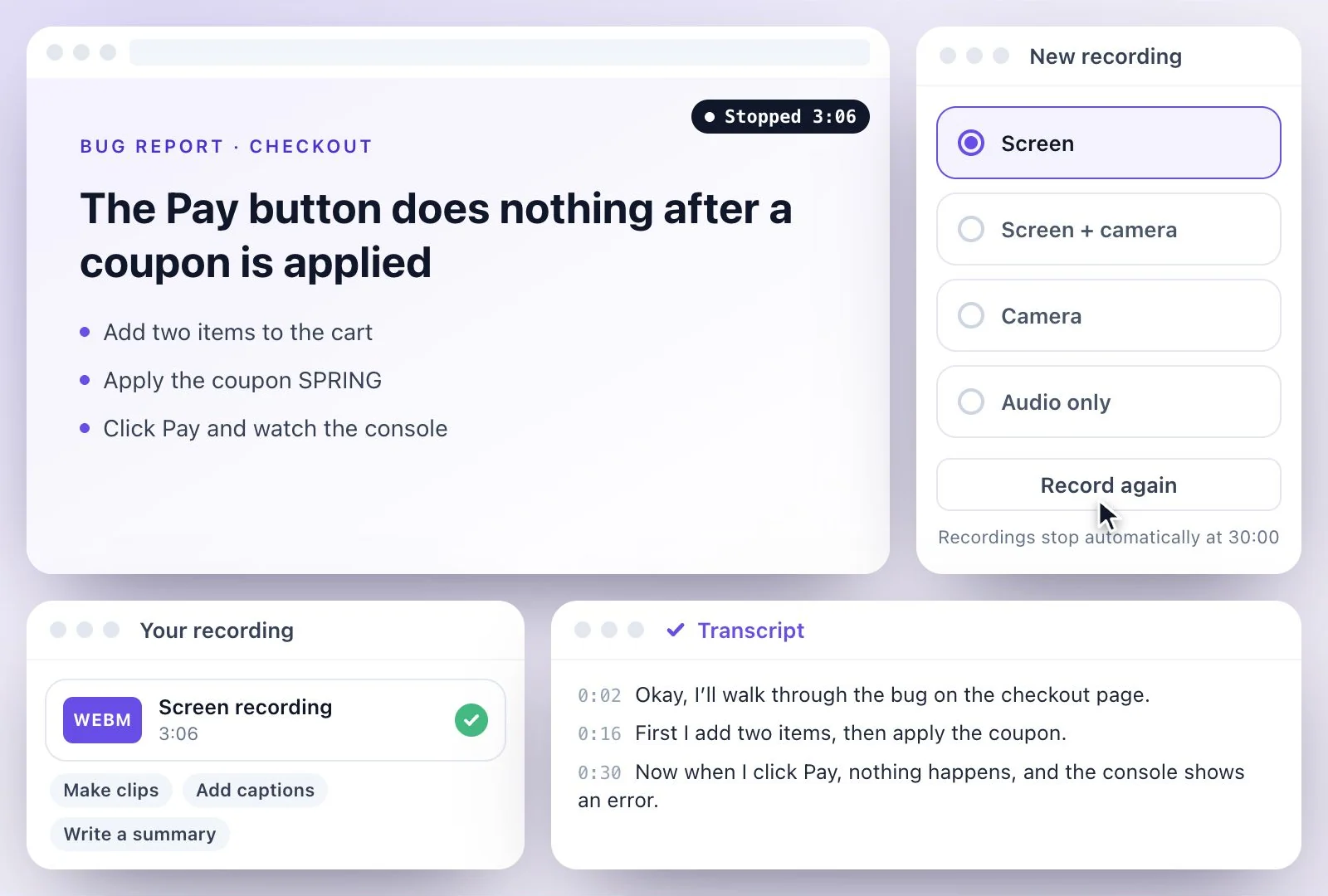
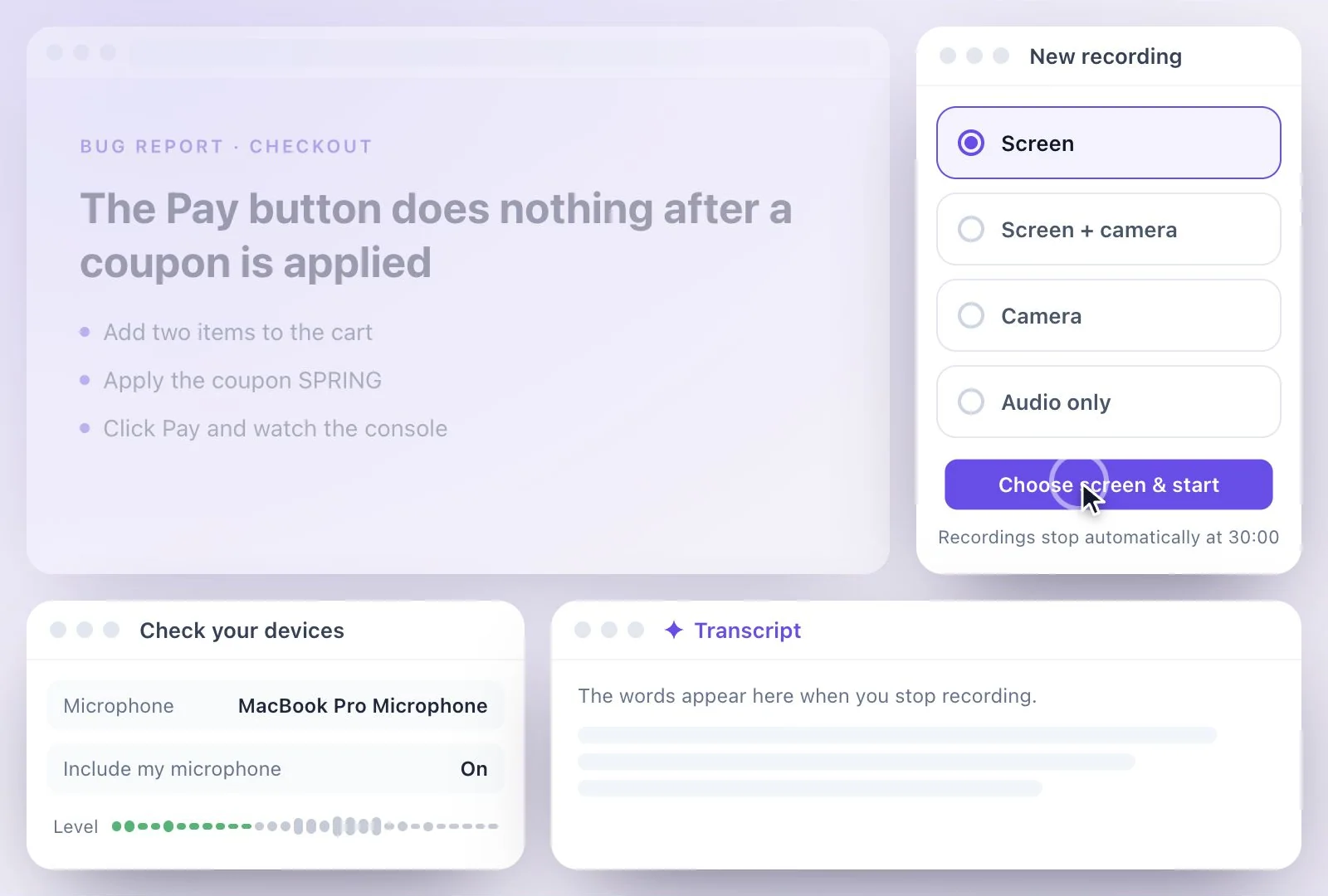
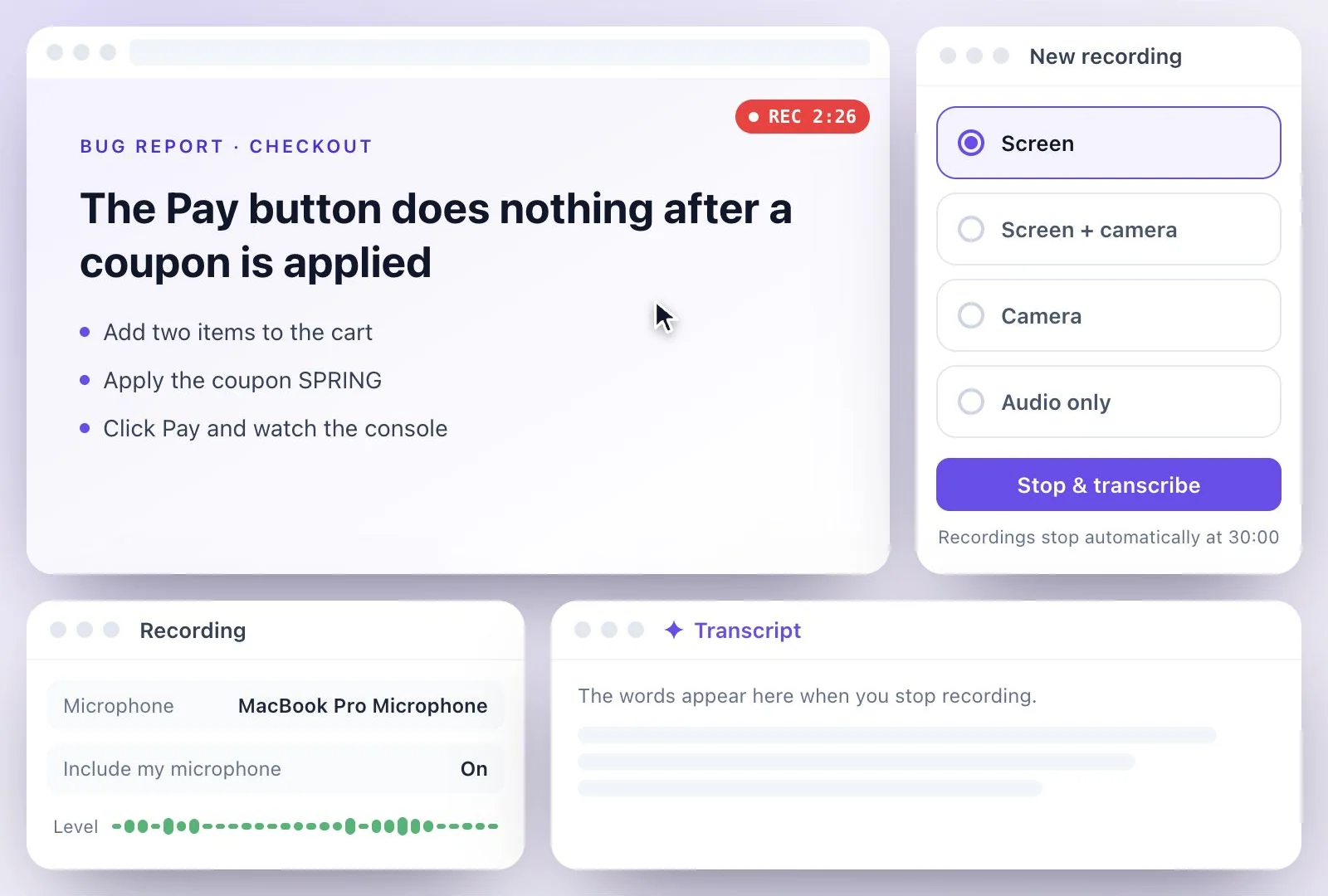
Exemplary AI's online screen recorder runs in the browser: choose Screen, share a tab, a window or your whole screen, and "Include my microphone" mixes your voice in.
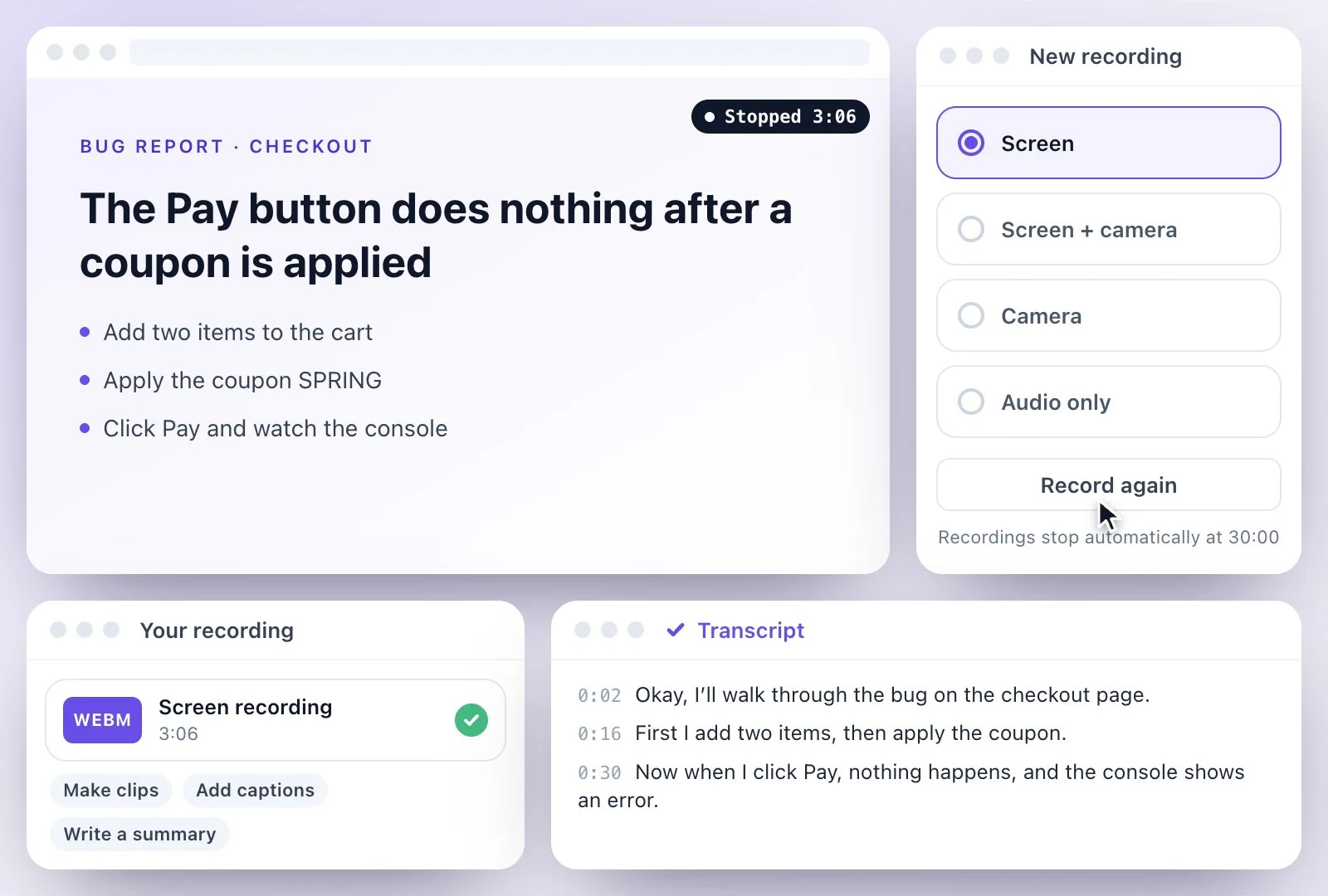
Chrome and Edge can also record a tab's sound; Safari and Firefox share no tab or system sound, so only your microphone is heard. Each recording stops at 30 minutes. Press Stop & transcribe and it uploads and is transcribed, and the video is in Files to download. Free plan: 500 one-time credits; files up to 500 MB and 30 min long; 720p video exports with a watermark.
Online screen recorder at a glance
Facts checked .
- What you can share
- A browser tab, one window or the entire screen
- Your voice
- "Include my microphone" mixes it in; pick the mic in the device check
- Computer sound
- Chrome and Edge: a tab's sound, and on Windows the whole system's when you share the entire screen. Safari and Firefox: none
- Length
- Up to 30 minutes per recording, with pause and resume
- Devices
- Computers: iPhone and iPad browsers cannot record the screen
- After you stop
- Transcribed automatically; the video downloads from Files
- Free plan file limits
- 500 one-time credits; files up to 500 MB and 30 min long
How to record your screen online
An online recorder or your computer's own?
Your computer already records the screen. On a Mac, Shift-Command-5 records the whole screen, a window or a part of it, with a microphone; system sound needs macOS 27 or later. On Windows, the Snipping Tool (Windows-Shift-R) records an area of the screen and, since its 2023 update, your PC's sound and a microphone; the Xbox Game Bar (Windows-Alt-R) records apps and games. Use those for a recording you'll keep on your computer.
Use this recorder when the recording should become something: a transcript you can search, a captioned clip, a summary or a how-to written from it, without moving files around. Want your face in the corner too? The screen and webcam recorder adds a camera bubble. Recording only your voice? Try the online voice recorder.
Record the Screen, Keep the Words
Tutorials, bug reports and walkthroughs, recorded in a browser tab and transcribed when you stop.
A tab, a window or the whole screen
Share only the tab or window you are working in, or the entire screen when you move between apps.
Your voice over the top
Narrate as you go: your microphone is mixed into the recording, and in Chrome or Edge a shared tab can bring its own sound.
Transcribed when you stop
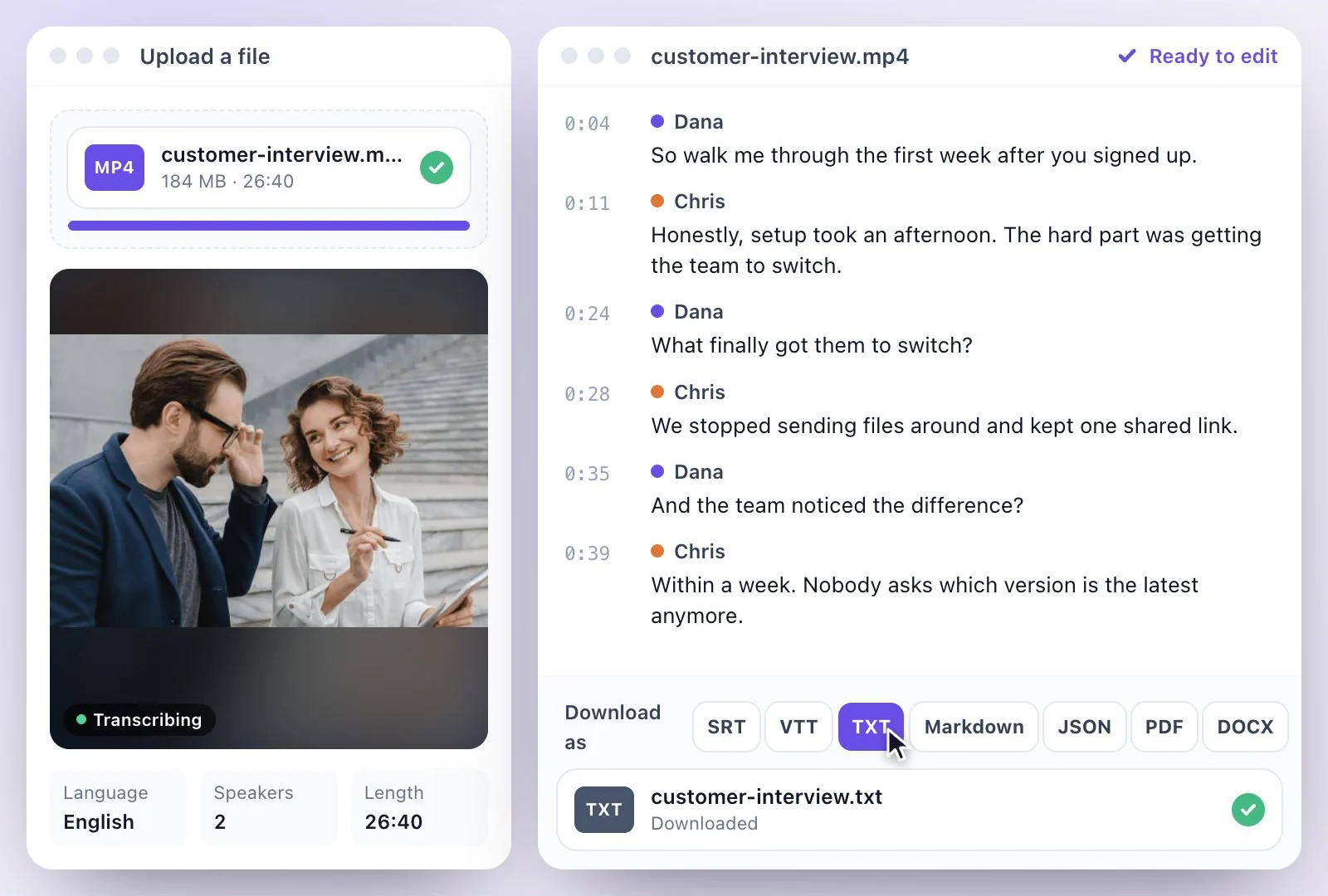
Each recording uploads and is transcribed, so you can search what was said and quote it.
From a recording to clips and notes
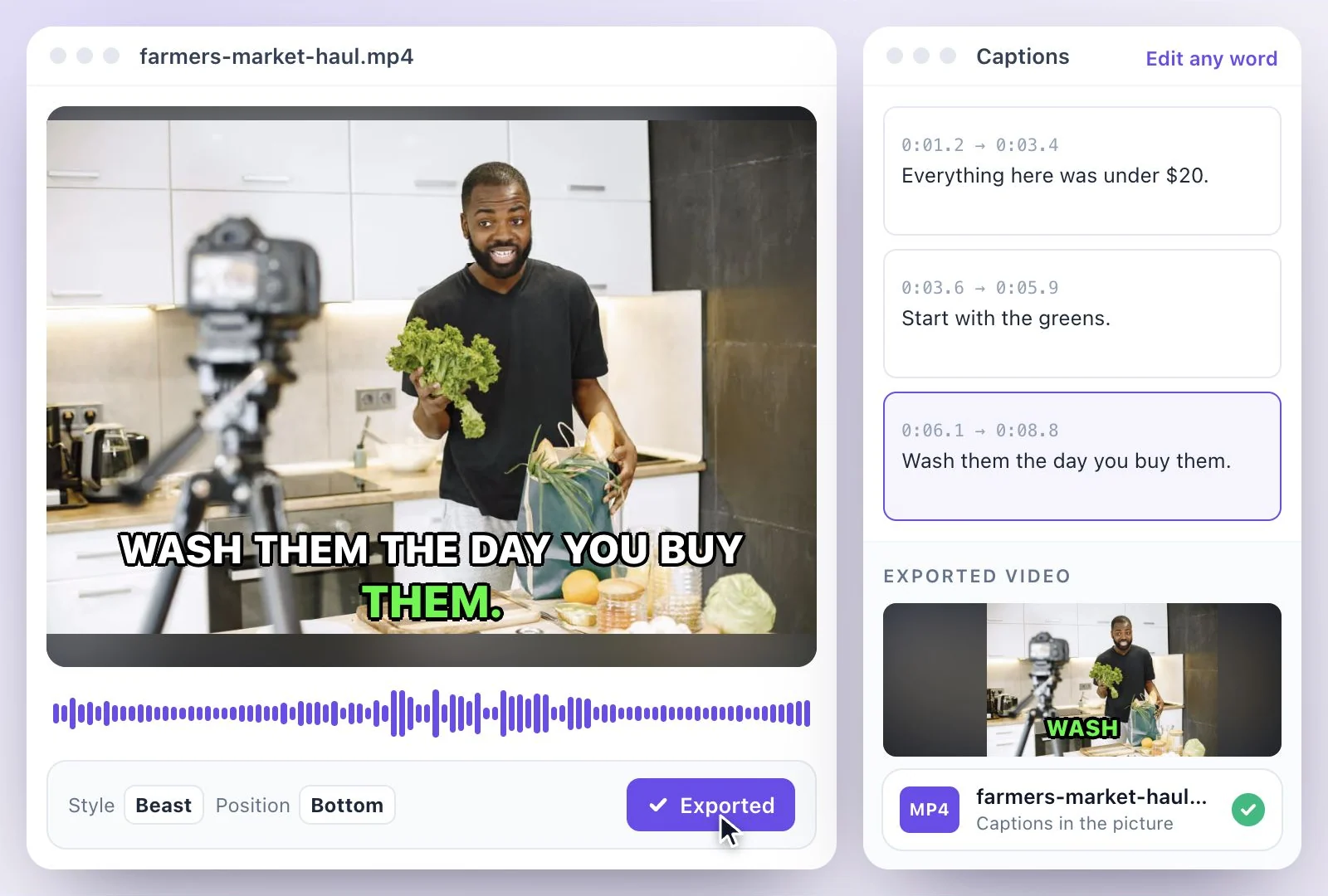
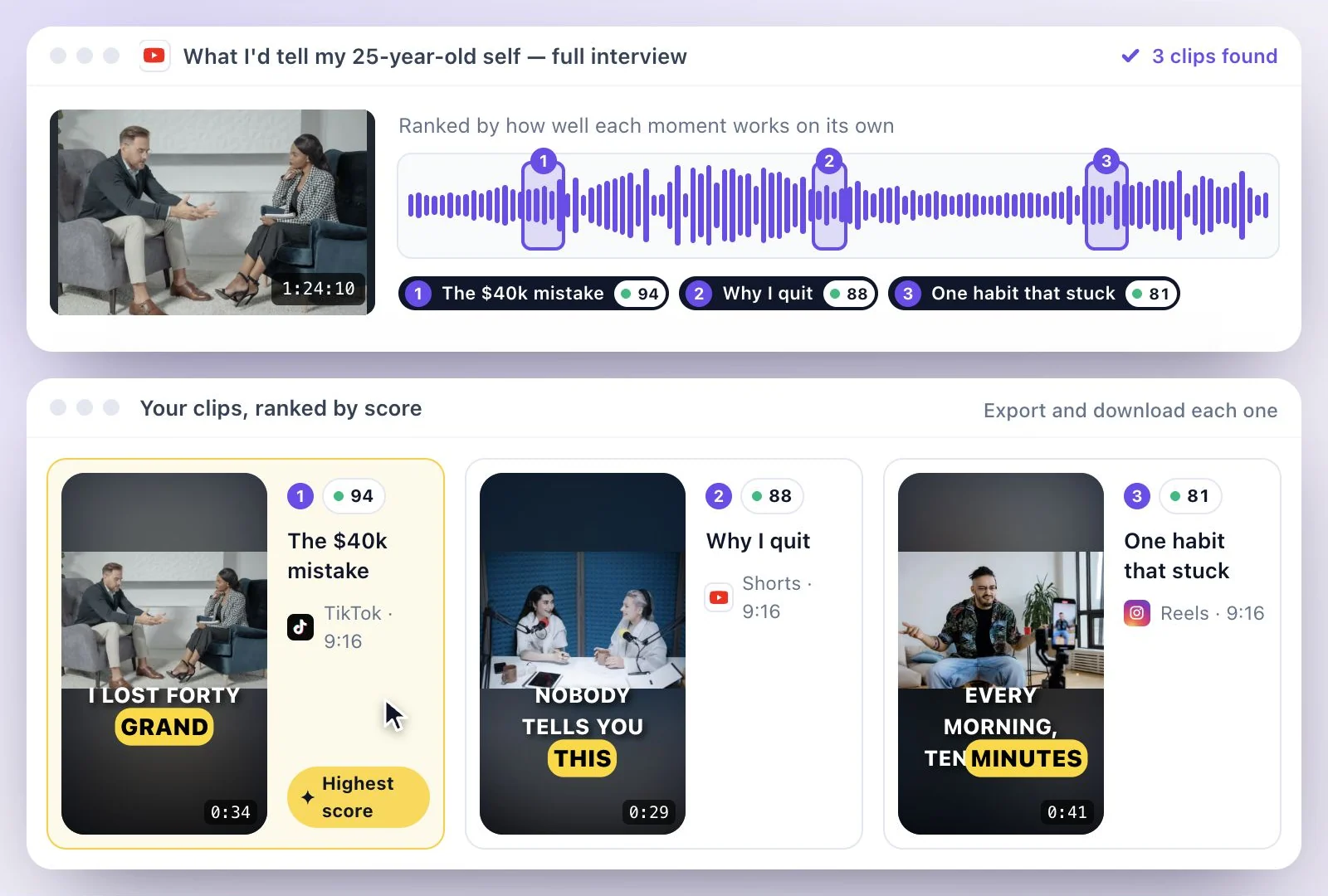
Cut a captioned clip from a demo, or write a summary, steps or a how-to from what you said.
Common questions
How do I record my screen online without installing anything?
Can the online screen recorder capture my computer's sound?
Can I record my screen on an iPhone or iPad with this recorder?
How long can an online screen recording be?
How do I download my screen recording?
Is the online screen recorder free?
Discover more Clips & Shorts
- Video trimmer
- YouTube Shorts Maker
- AI podcast clips generator
- Instagram reel maker
- Resize videos
- Auto video editor
- Crop video
- Add image to video
- Add text to video
- Remove filler words
- Add emoji to subtitle
- Silence remover
- Add watermark to video
- Add b-rolls
- Word highlight in subtitle
- AI video editor
- Long video to short video
- Twitch clip maker
- YouTube to TikTok
- Sermon clips
- Horizontal to vertical video
- Screen and webcam recorder
- Kick clip maker
- Viral clip finder
- YouTube Shorts size
- TikTok video size
- Instagram Reels size
- LinkedIn video specs
Make your next recording useful
Record your idea, then use its transcript to create captions, notes, or clips.