Online Voice Recorder
Record your voice in the browser and get a transcript the moment you stop: a voice note, a dictated draft, an interview answer or a podcast intro.
Free to start — no credit card required.
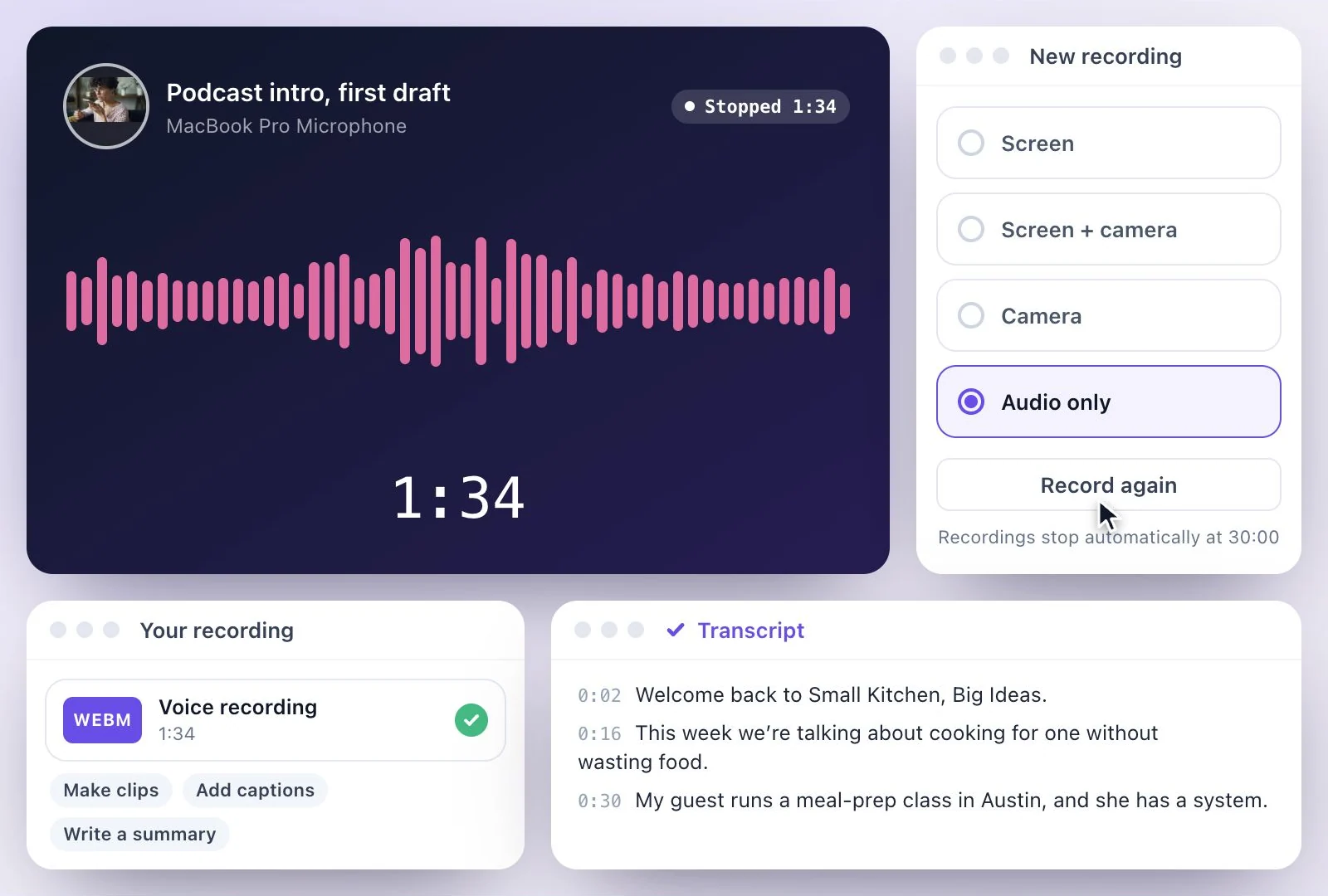
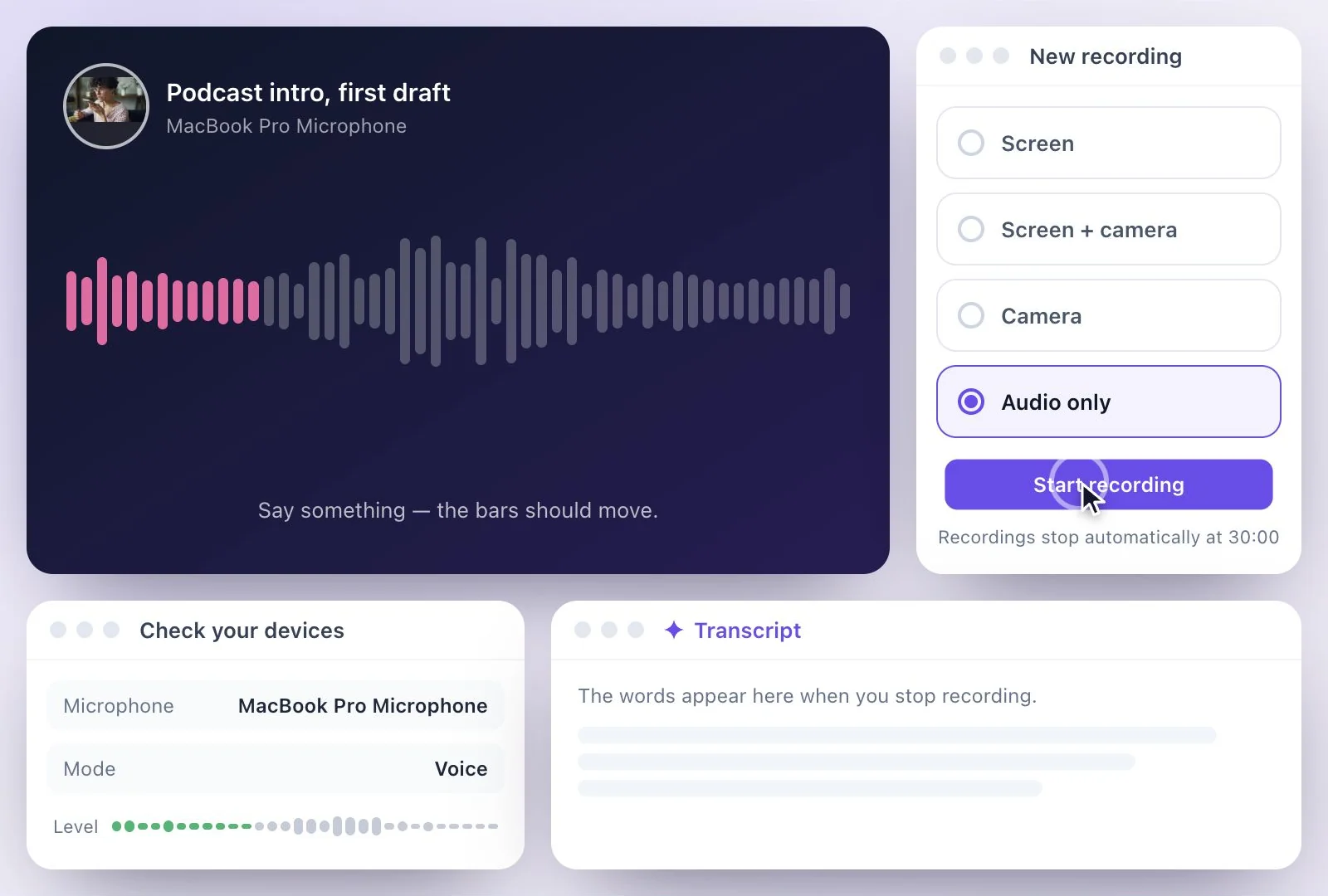
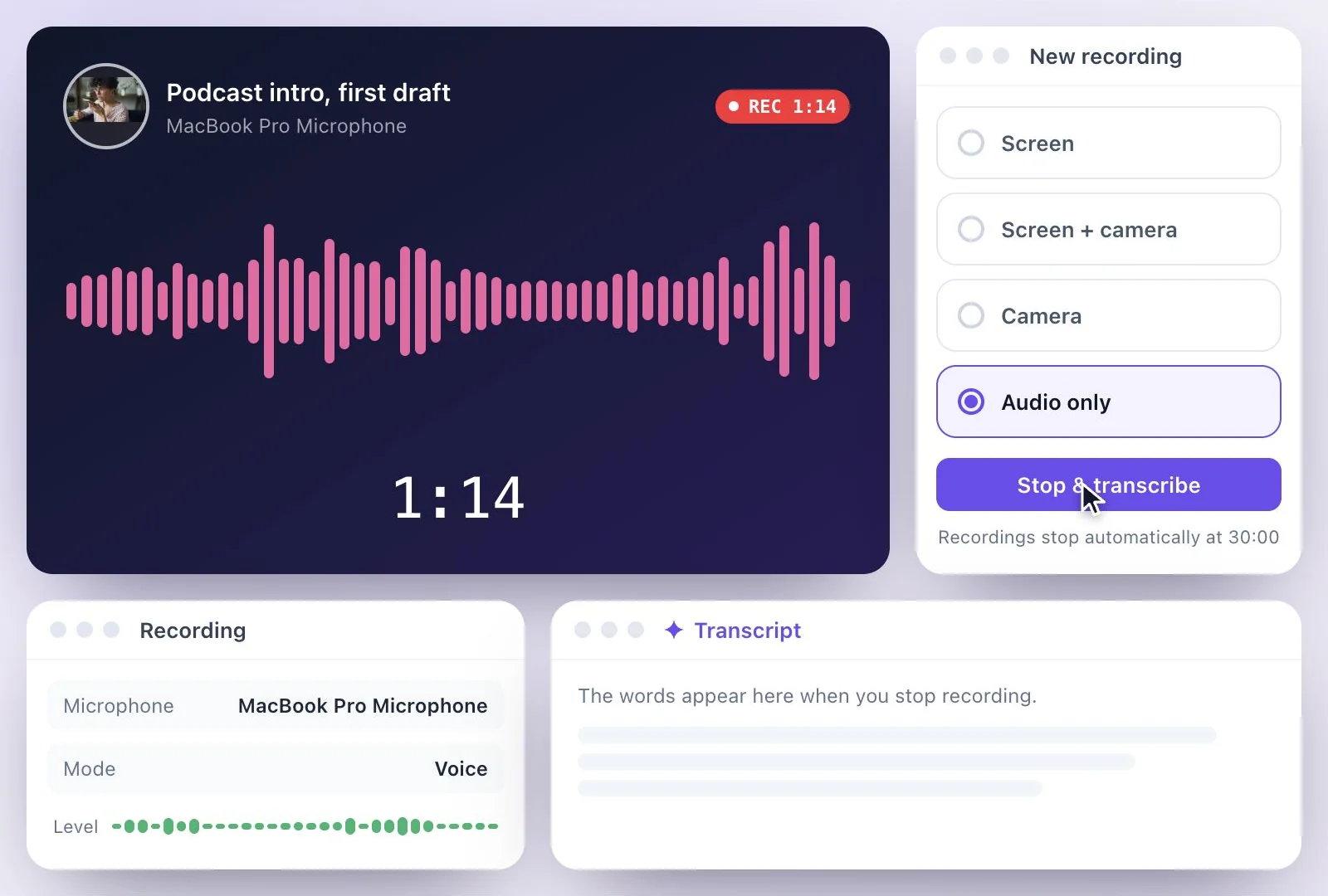
Exemplary AI's online voice recorder is the recorder's Audio only mode, called Voice in the app's menu: pick your microphone, check that the level bars move, and record for up to 30 minutes, pausing when you need to.
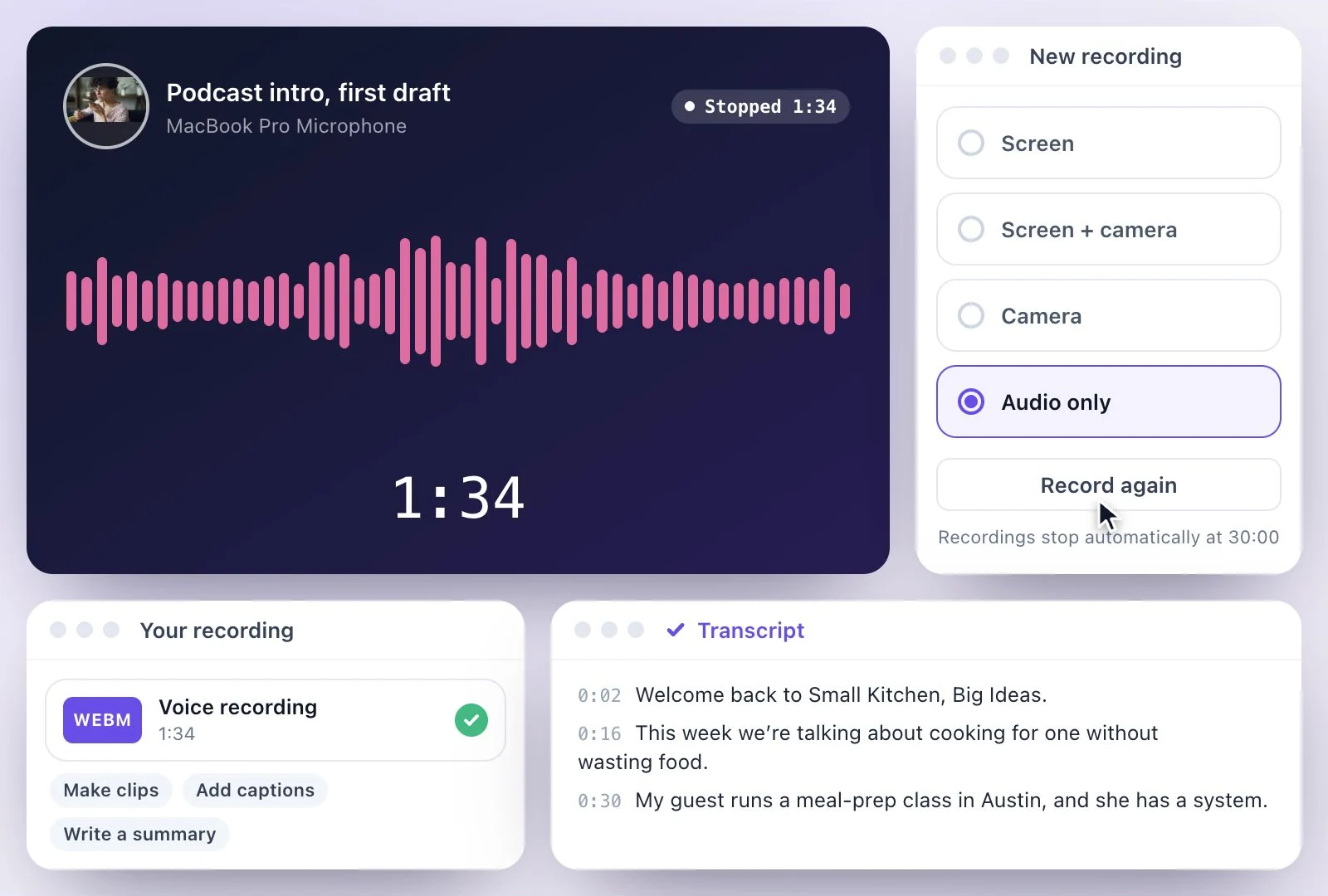
Press Stop & transcribe and the recording uploads and becomes a transcript you can edit and download as PDF, SRT, VTT, TXT, Markdown, JSON or DOCX. It works in Chrome, Edge, Firefox and Safari. Free plan: 500 one-time credits; files up to 500 MB and 30 min long; 720p video exports with a watermark.
Online voice recorder at a glance
Facts checked .
- Mode
- Voice (Audio only)
- Microphone
- Pick any connected mic; live level bars show it is picking you up
- Length
- Up to 30 minutes per recording, with pause and resume
- Browsers
- Chrome, Edge, Firefox and Safari
- The audio file
- WebM, Ogg or MP4 audio, depending on the browser; not MP3
- Transcript
- PDF, SRT, VTT, TXT, Markdown, JSON or DOCX downloads
- Translation
- Into any of 116 languages, as subtitles on the player or downloads
How to record your voice online and transcribe it
Your device's own recorder, or this one?
Most devices record your voice already. Windows Sound Recorder records up to three hours per file, without a transcript. Voice Memos shows a transcript you can read and copy on a Mac with Apple silicon running macOS Sequoia, and on an iPhone 12 or later with iOS 18, in a set of languages. Google's Recorder app on Pixel phones transcribes on the device in a set of languages too. If one of those gives you what you need, use it.
Record here when you want the transcript to keep working: edited in place, with speakers named, downloaded as PDF, SRT, VTT, TXT, Markdown, JSON or DOCX, translated into any of 116 languages, or written up as Summary, Key takeaways or Q&A. Already have the file? See voice memo to text or WhatsApp audio to text.
Record, Then Work From the Words
A voice recorder in a browser tab that hands you a transcript, not just a sound file.
Pick your mic, see the level
Choose the microphone you want and watch the level bars before you start, so a quiet or wrong mic shows up early.
Transcribed when you stop
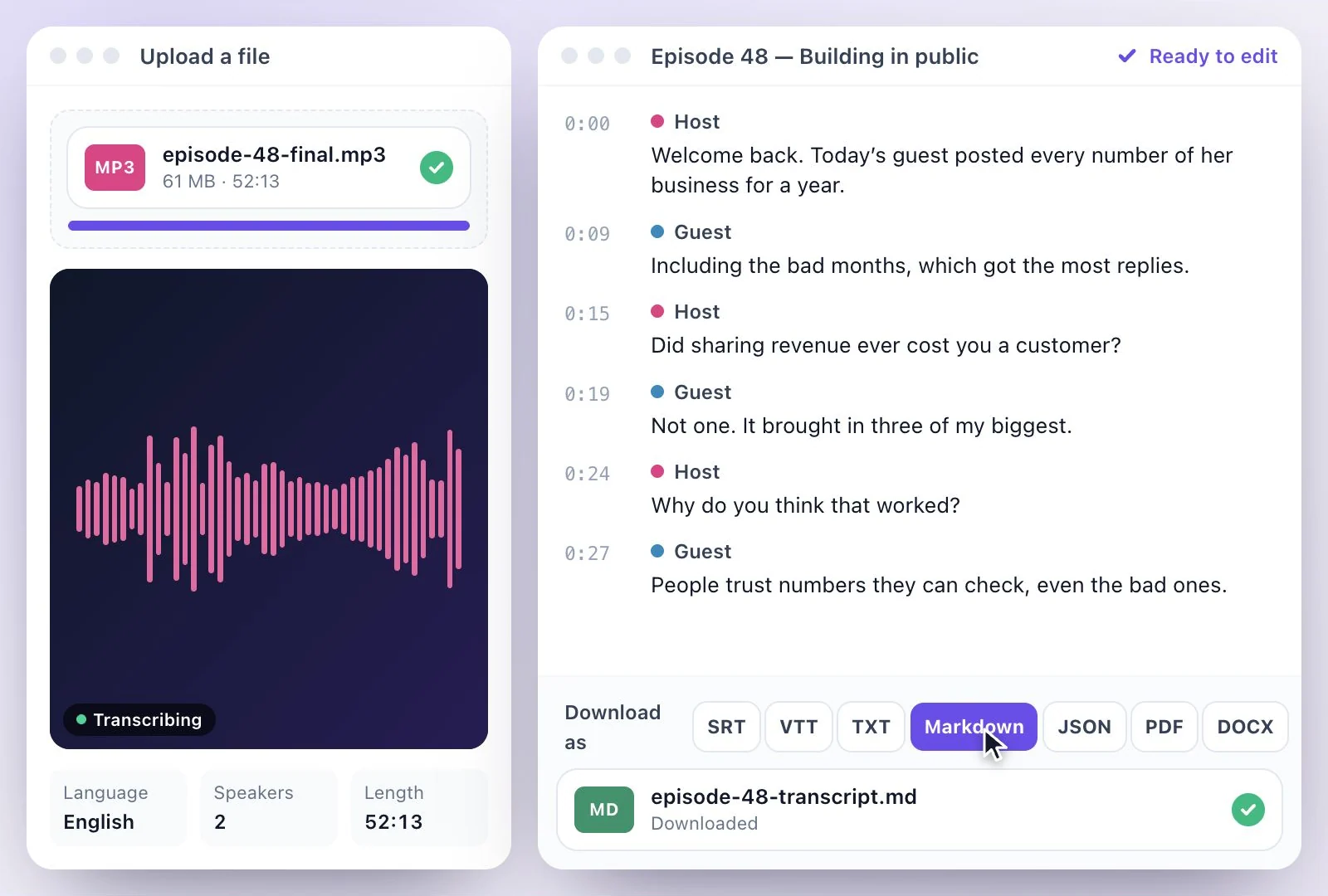
Stop & transcribe uploads the recording and writes out what you said, with timestamps.
Edit, download, translate
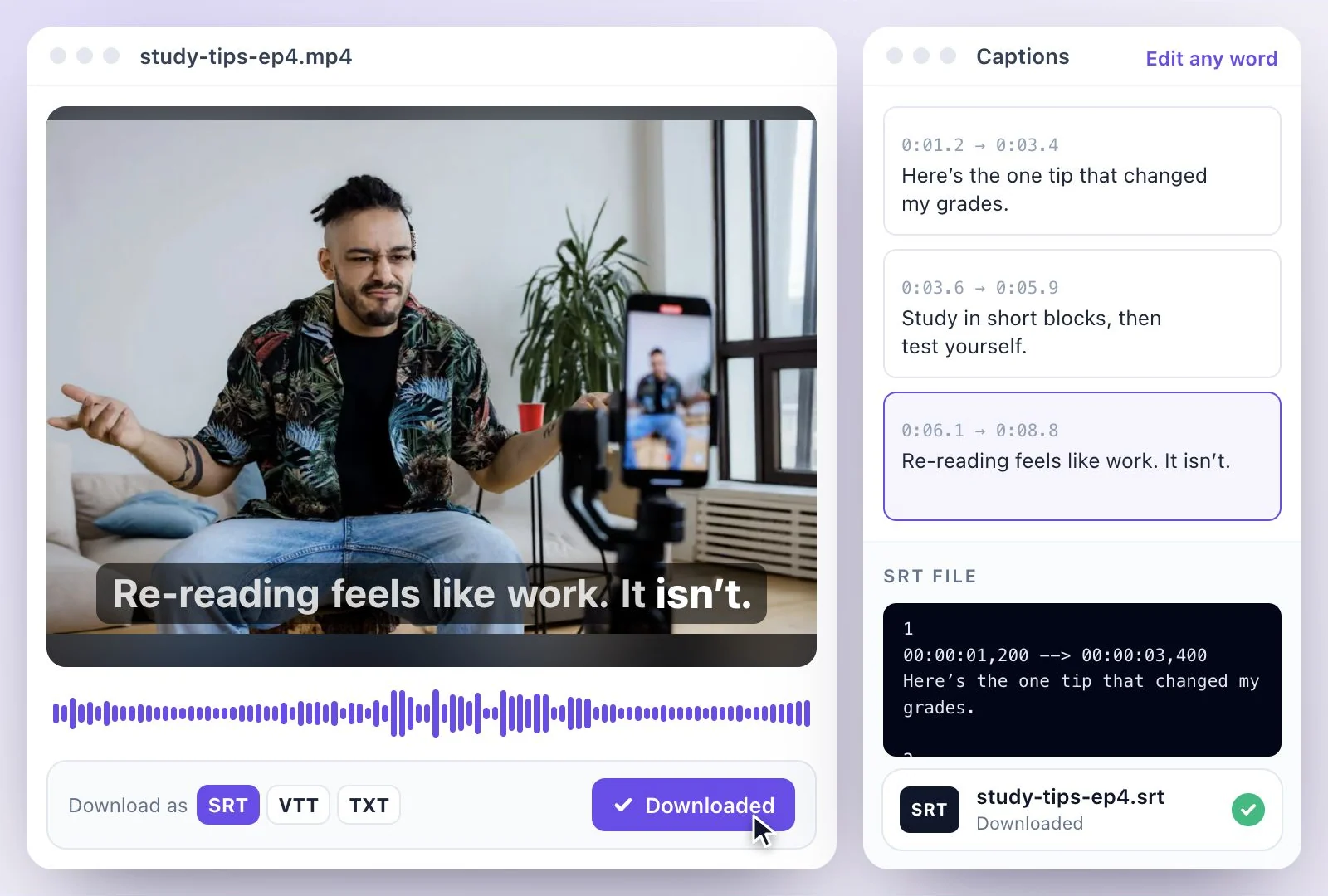
Fix any word in the transcript, download it as PDF, SRT, VTT, TXT, Markdown, JSON or DOCX, or translate it into any of 116 languages.
Notes from your voice
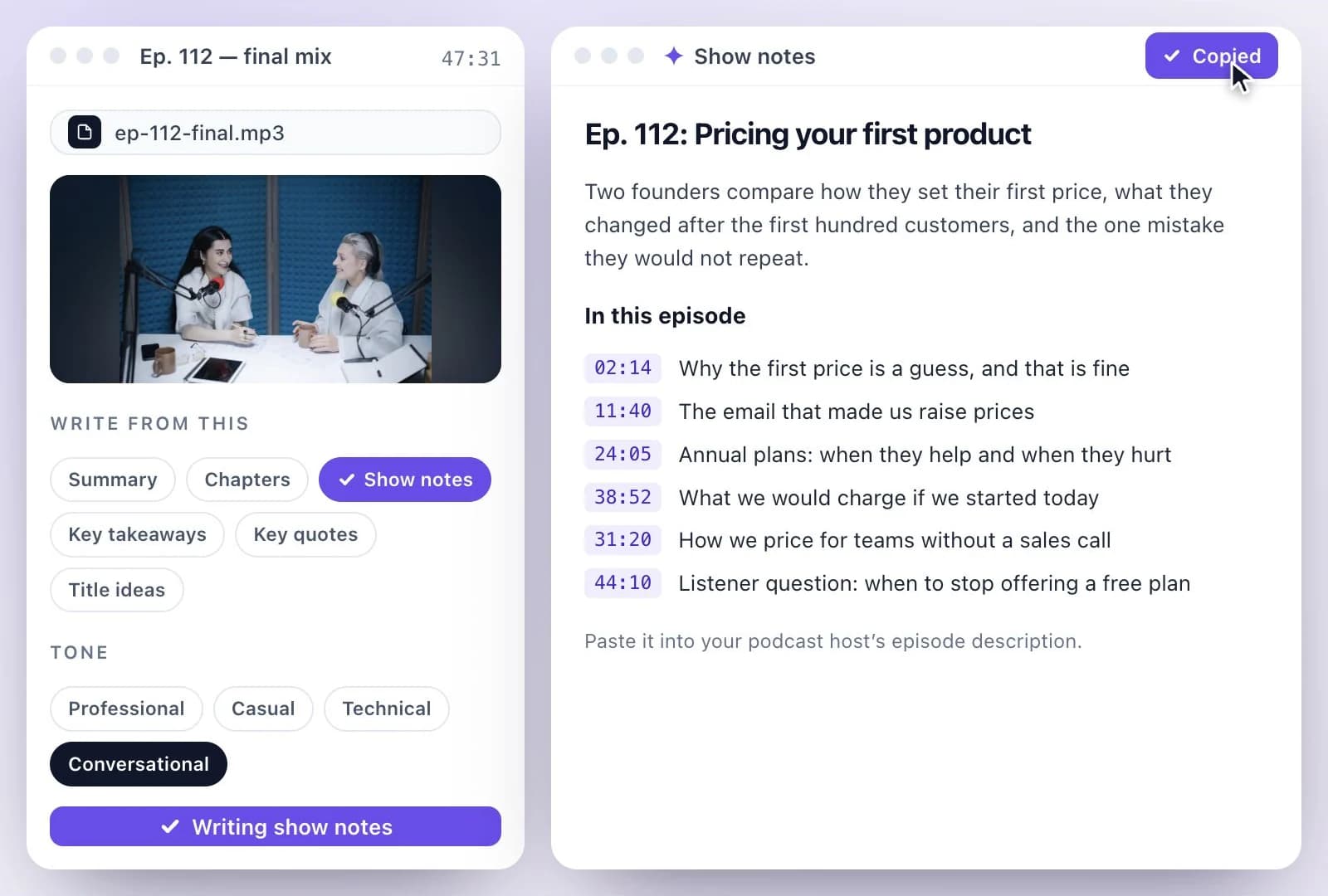
Turn a dictated idea into a Summary, Blog post or LinkedIn post with the AI Writer.
Common questions
How do I record my voice online and get a transcript?
Which browsers does the online voice recorder work in?
What file format does the online voice recorder save?
How long can a voice recording be in the online recorder?
Does the online voice recorder remove background noise?
Is the online voice recorder free?
Discover more Transcription
- Video to Text
- Audio to Text
- Audio translator
- Video translator
- Youtube video
- Vimeo video
- Google meet
- Instagram video
- Zoom recording
- MP4 to Text
- MP3 to Text
- TikTok Transcript Generator
- Facebook Video to Text
- Podcast Transcript Generator
- Interview Transcription
- Sermon Transcription
- WhatsApp Audio to Text
- Transcribe Google Drive Video
- Translate Spanish audio to English
- Translate Japanese audio to English
- Translate Korean audio to English
- Translate Chinese audio to English
- Translate French audio to English
- Translate German audio to English
- Translate Portuguese audio to English
- Translate Russian audio to English
- Translate Arabic audio to English
- Translate Hindi audio to English
- Tamil Transcription
- French Transcription
- Japanese Transcription
- Hindi Transcription
- Spanish Transcription
- Arabic Transcription
- Chinese Transcription
- Turkish Transcription
- Hebrew Transcription
- Greek Transcription
- Bengali Transcription
- Tagalog Transcription
- Urdu Transcription
- Swahili Transcription
- Afrikaans Transcription
- Albanian Transcription
- Georgian Transcription
- Armenian Transcription
- Uzbek Transcription
- Nepali Transcription
- Sinhala Transcription
- Pashto Transcription
- Amharic Transcription
- Somali Transcription
- Yoruba Transcription
- Hausa Transcription
Make your next recording useful
Record your idea, then use its transcript to create captions, notes, or clips.