01 / 03
The mechanical work stops being yours
Filler removal, chapters and timestamps are jobs with a right answer, so they are the ones worth handing over.
Don't stop with podcast alone, engage more with help of AI. Transcribe, repurpose, and share on all social media.
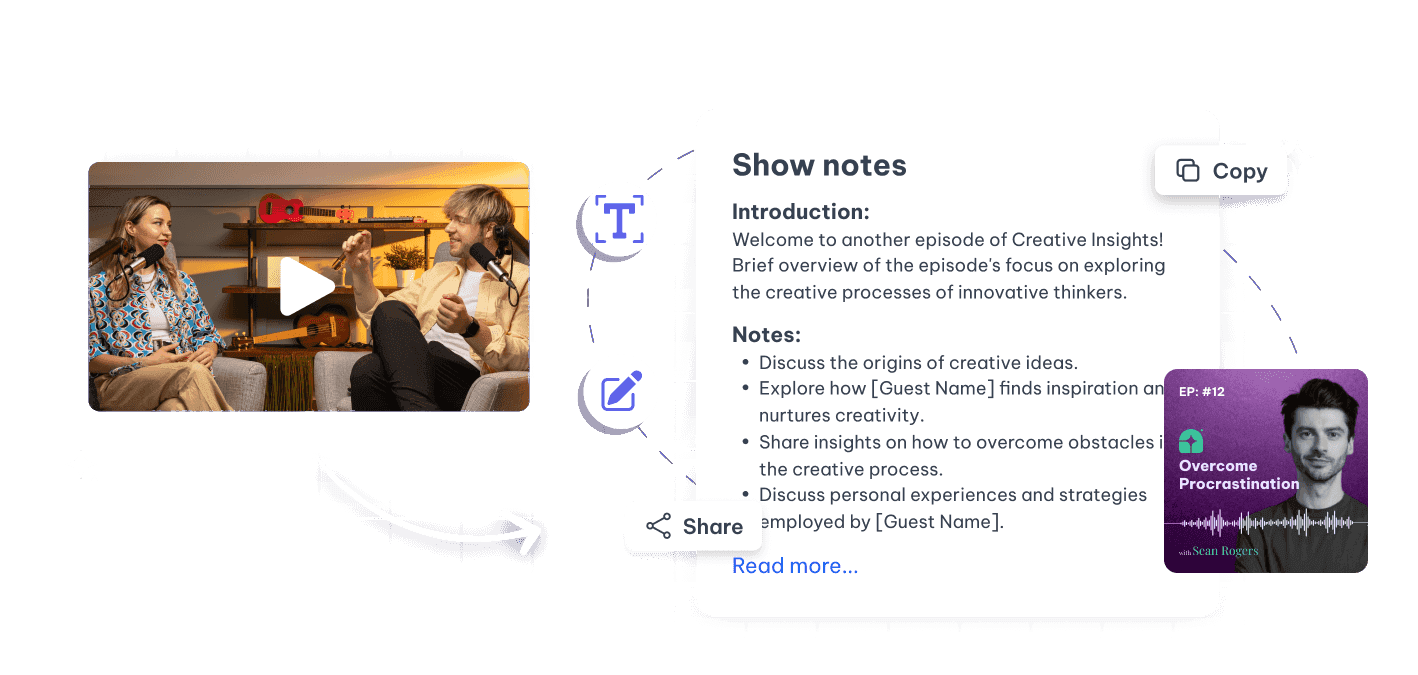
The rest is the edit, the show notes, the clips and the newsletter — every week, on the same deadline.
Cleaning up an hour of conversation is mechanical work that still takes an afternoon.
Chapters, timestamps and links are reconstructed after the fact, usually badly, usually last.
The feeds that would grow the show are video feeds, and an audio file has nothing to post.
One upload turns the episode into a clean cut, a full set of notes and a week of clips.
Create professional content without needing a full team to take care of repurposing and post-production content generation.
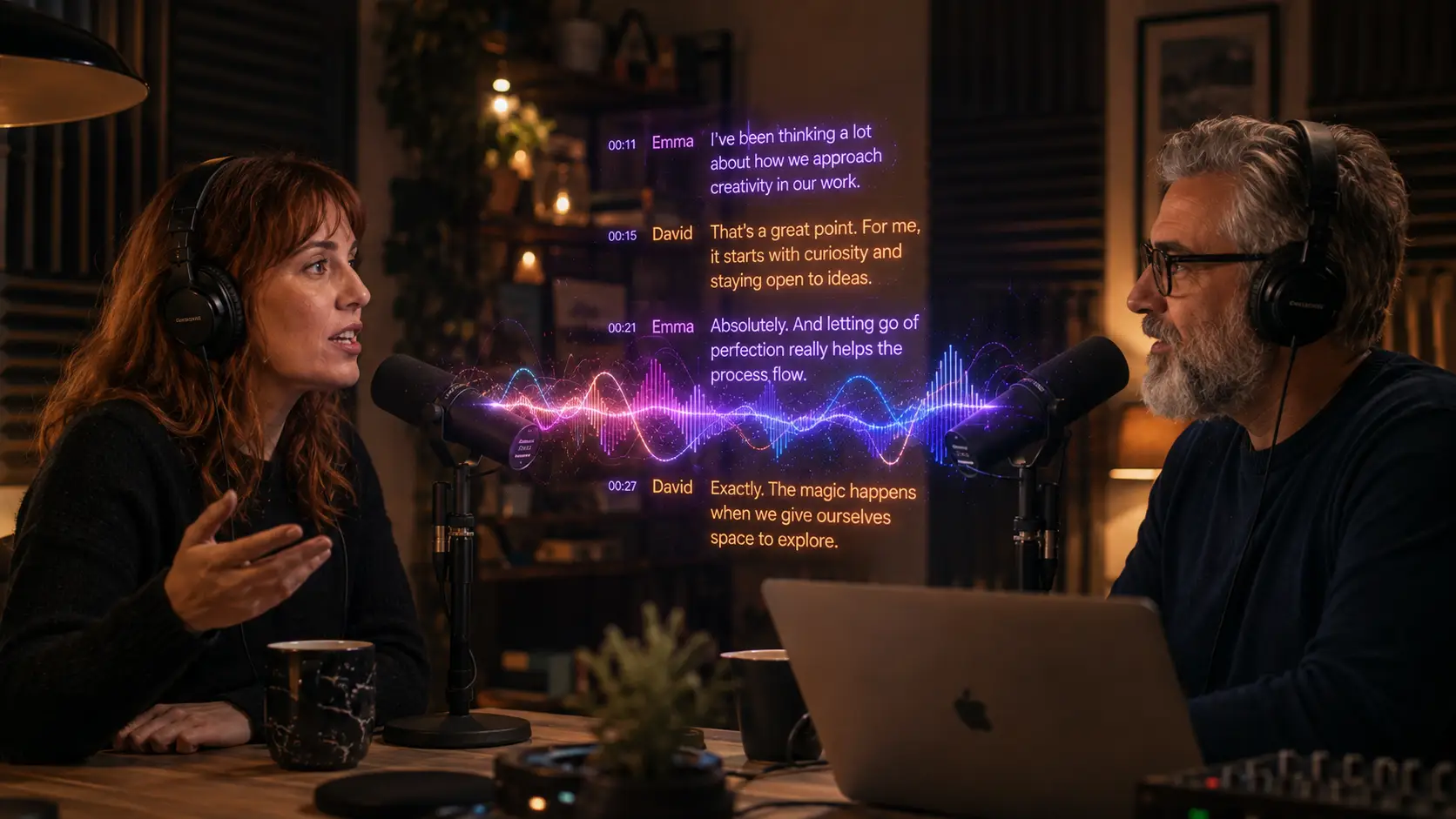
Ensure brand consistency and high production values with Exemplary AI tools.
Reach wider audiences with AI-enhanced content and accessibility features.
Generate accurate transcriptions instantly for greater accessibility and SEO.
Create teasers for your podcast with AI audiogram instantly with personalisation options, generate content for all social media platform and easily share your podcast knowledge with all.
Do not stop with podcasts alone, generate newsletter or any material using AI to reach out more with your podcasts.
The same run every week, without the afternoon.
Audio or video, single track or a remote conversation.
Ums, pauses and false starts come out in one pass, and you can hear the result before committing.
A summary, timestamped chapters and the topics covered, generated from the transcript rather than remembered.
Audiograms with a moving waveform and captions, so the episode has something to show on a video feed.
The strongest few minutes, framed vertical with captions, plus the newsletter draft off the same transcript.
A podcast workflow lives or dies on whether it survives a busy week.
Filler removal, chapters and timestamps are jobs with a right answer, so they are the ones worth handing over.
A waveform, the cover art and burned-in captions turn a clip into something that works in a silent feed.
Every past episode is a transcript, so a listener — or you — can find the episode where something was said.
Drop in a recording and work from the transcript — clips, captions, chapters, show notes and posts all come from the same file.