Remove Filler Words from Audio & Video
Easily clean up your audio or video content by removing filler words with our AI-powered tool. Perfect for creating more polished and professional content.
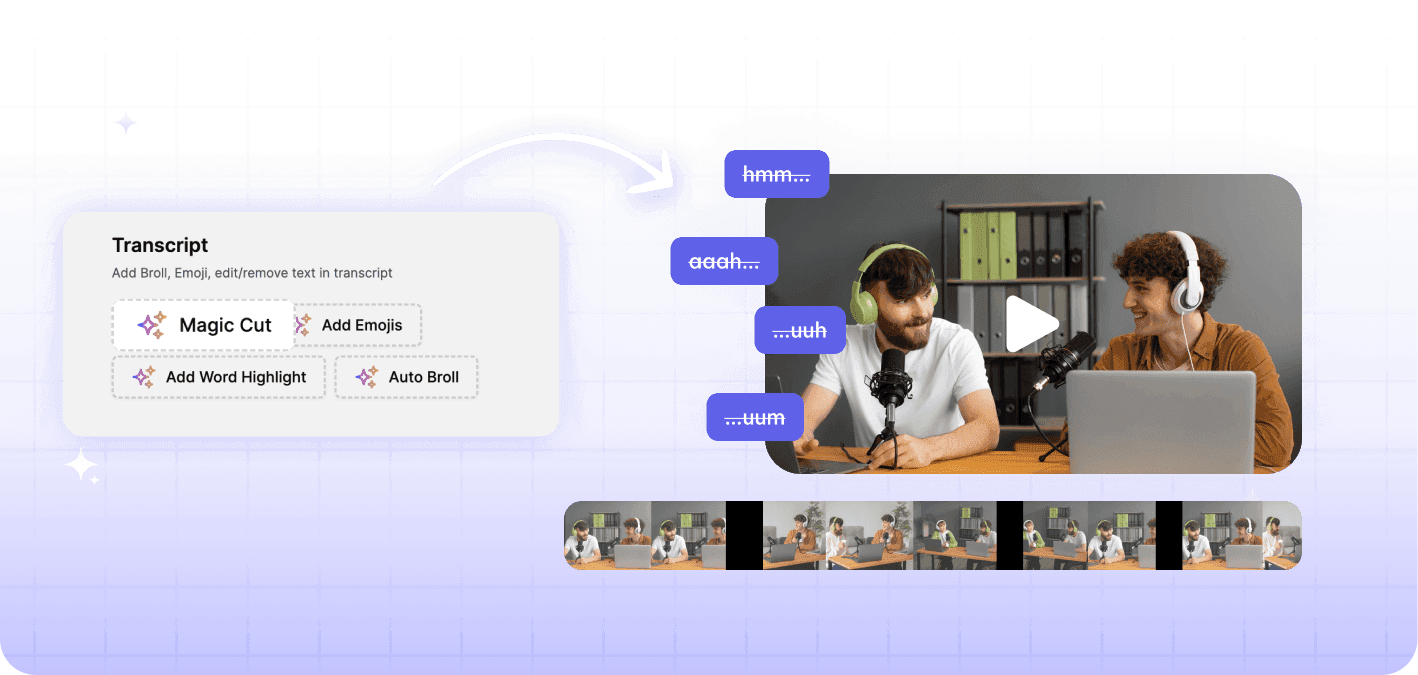
Why Use Exemplary AI's Remove Filler Words Tool?
Exemplary AI helps you create cleaner, more professional content by automatically detecting and removing filler words from your audio or video.
Automatic Filler Word Detection
Our AI tool automatically detects and removes filler words, improving the clarity and flow of your content.
Customizable Settings
Choose which filler words to remove and set sensitivity levels to match your content needs.
High-Quality Exports
Export your cleaned-up audio or video in high resolution, ensuring your content is polished and professional.
How to Remove Filler Words from Your Content?
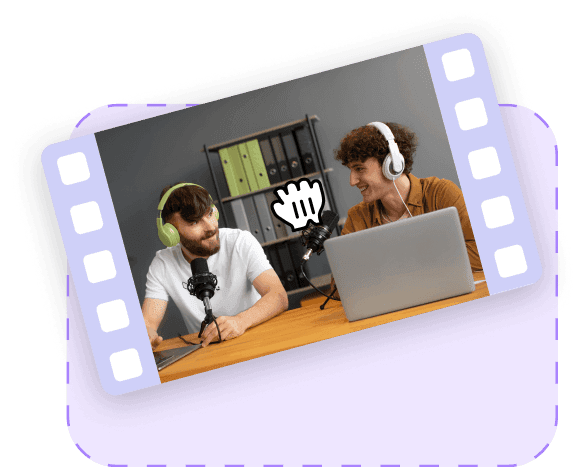
Upload Your Audio or Video File
Start by uploading the audio or video file you want to edit.
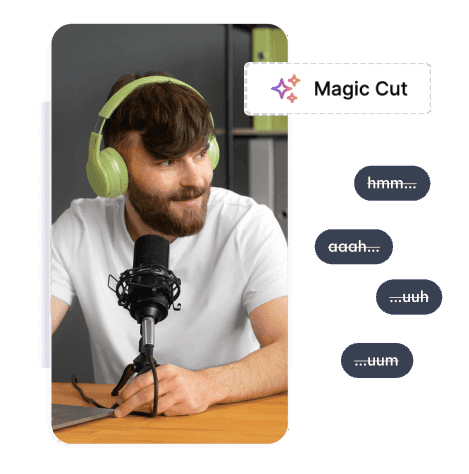
Detect and Remove Filler Words
Our AI tool will automatically detect filler words. Customize which words to remove and adjust settings as needed.
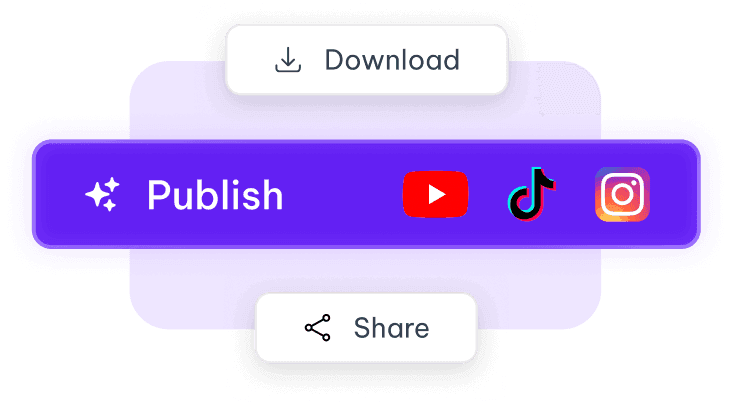
Export and Share
Once satisfied with the result, export your cleaned-up content in high quality and share it with your audience.
Tools that work on the same file
You have already uploaded it. These run on the same transcript, so there is nothing to redo.
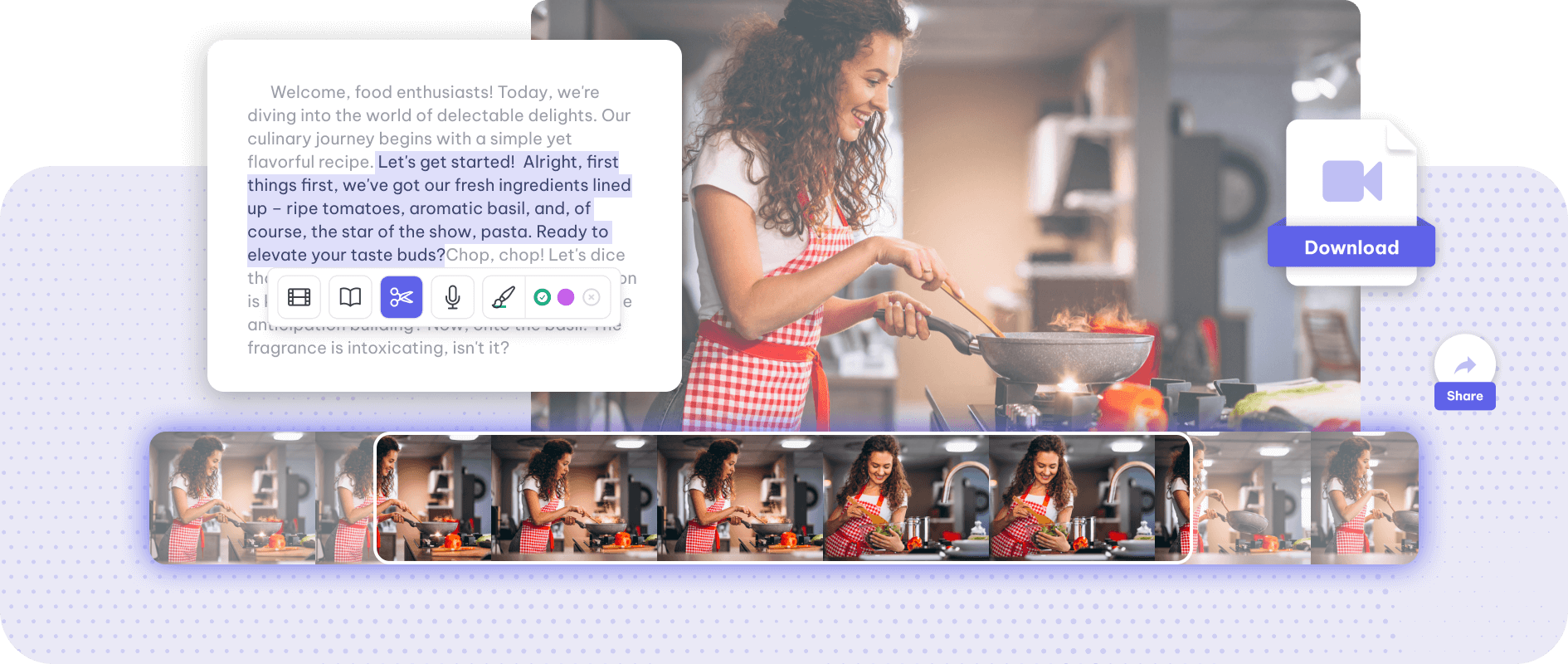
Video trimmer
Trim a video by its words: Exemplary AI transcribes it, you select the part of the transcript…
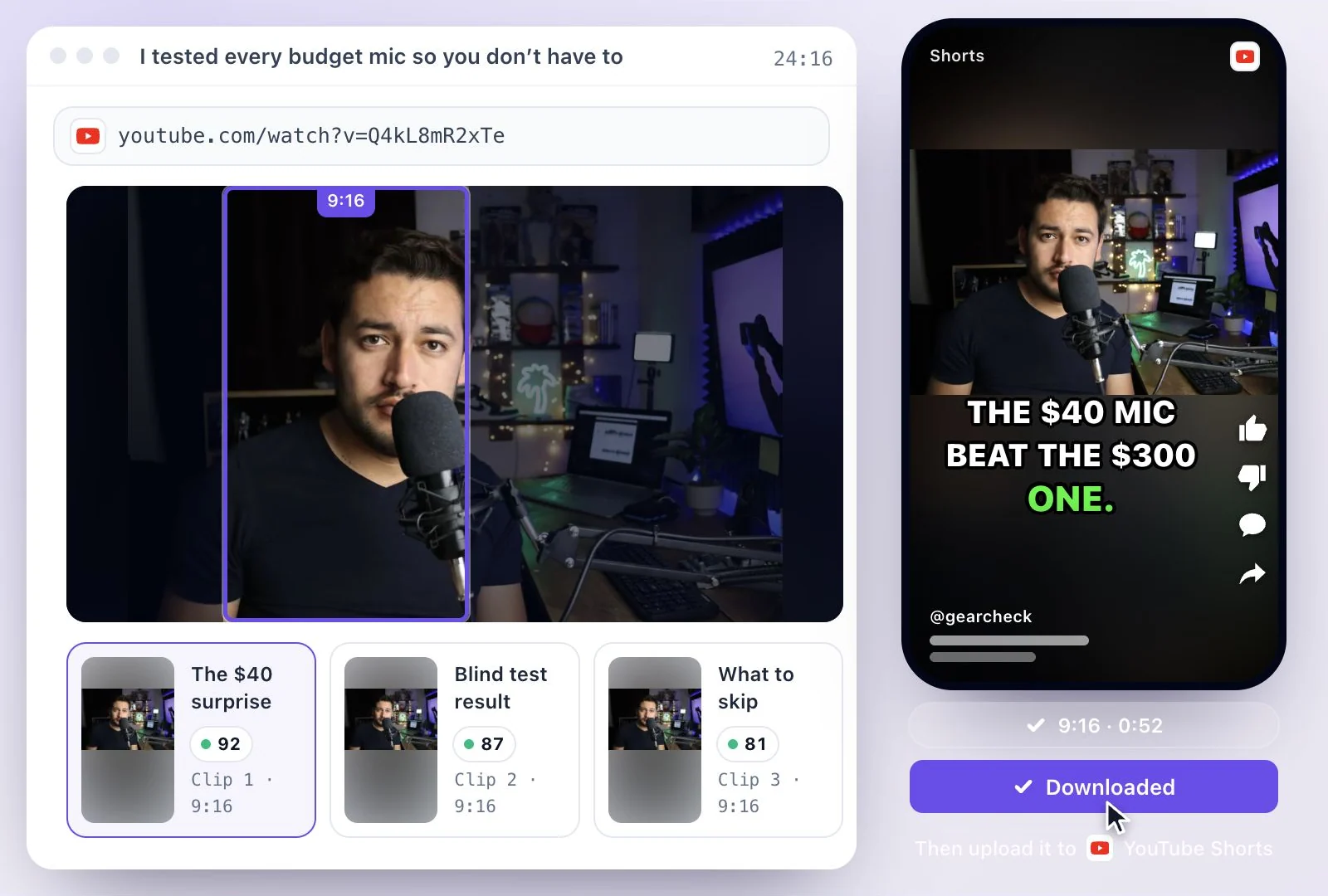
YouTube Shorts Maker
Cut a long video or YouTube link into vertical 9:16 Shorts with animated captions.
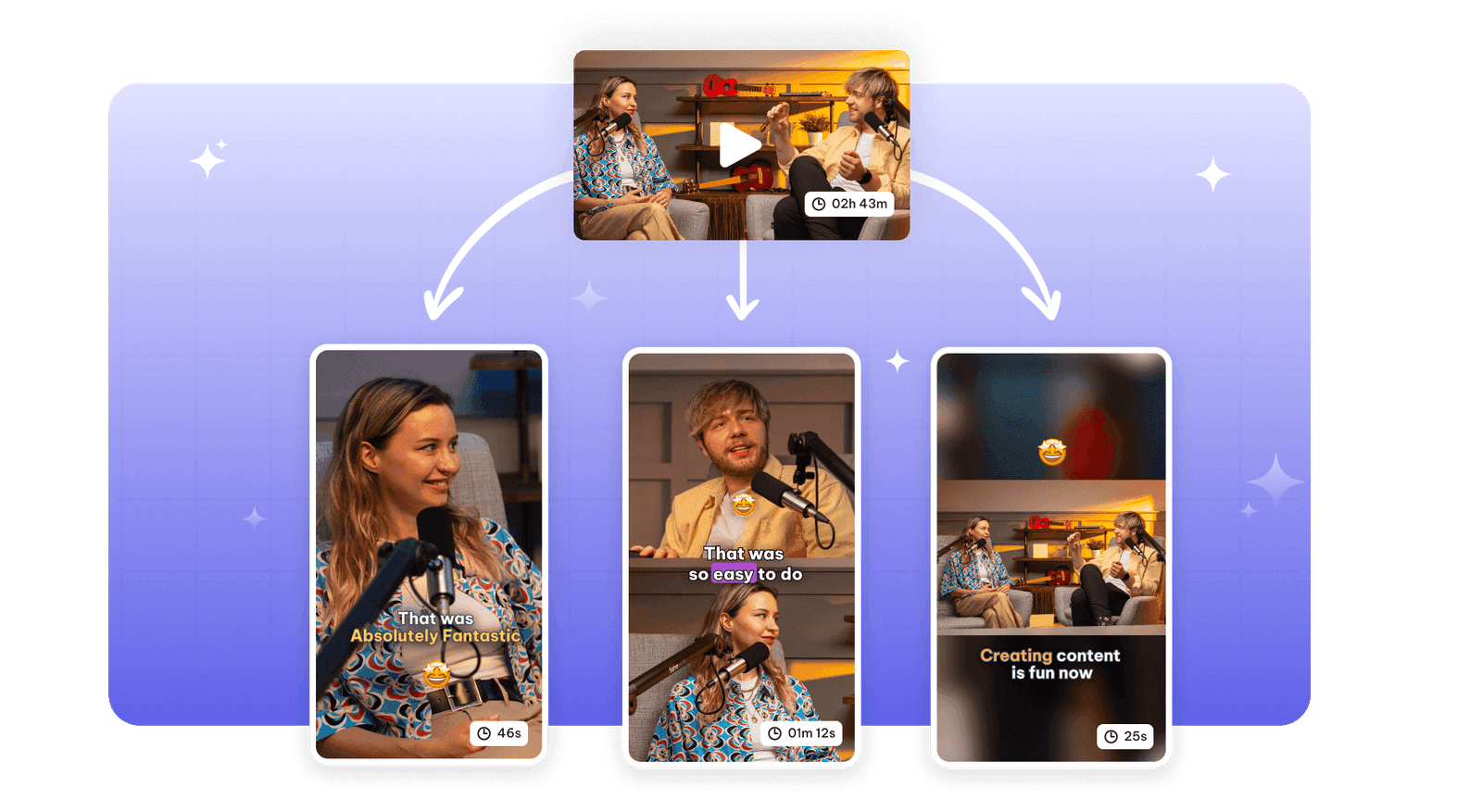
AI podcast clips generator
Turn a podcast episode into short clips with AI: speaker framing for video, waveform audiograms…
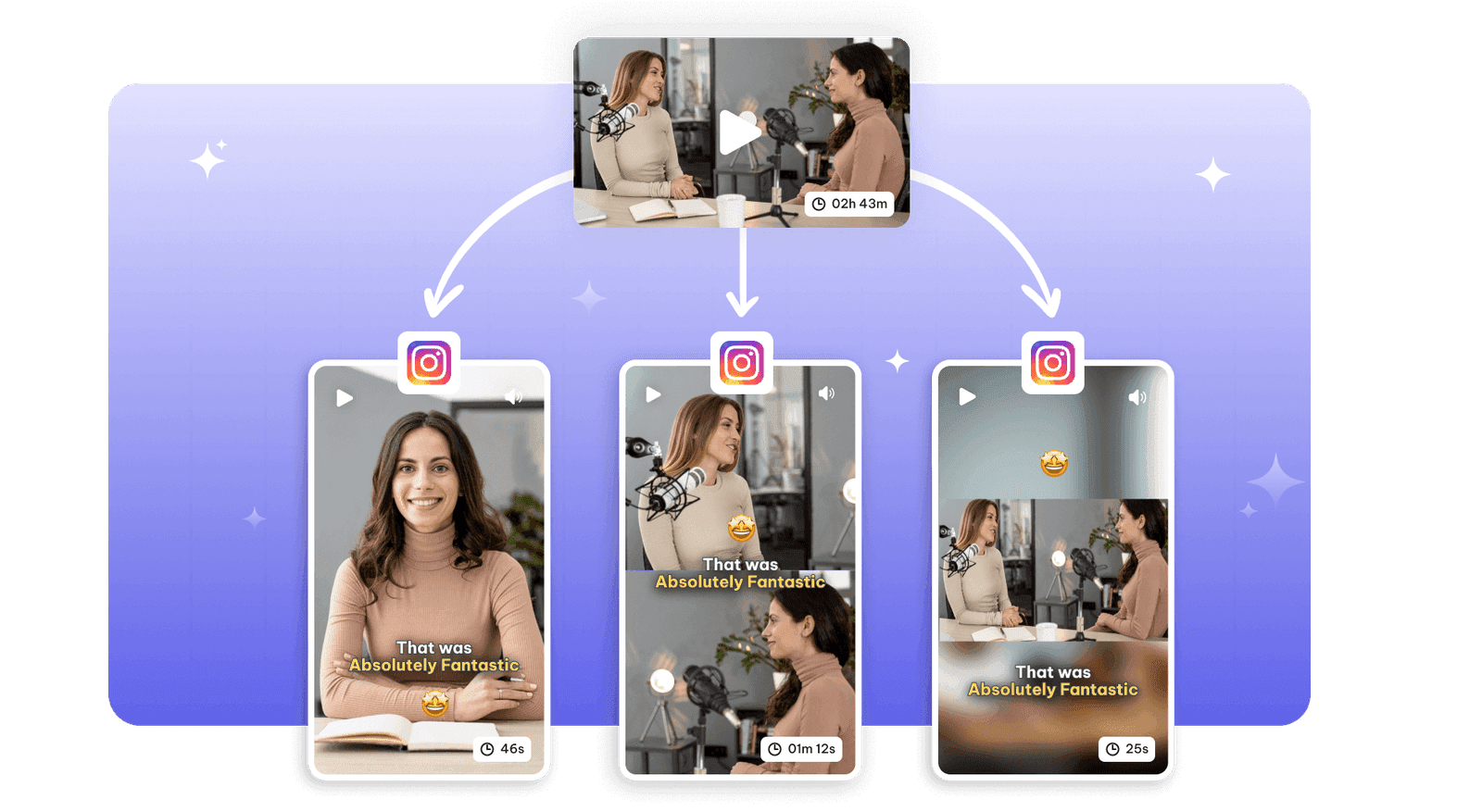
Instagram reel maker
Turn a long video into Instagram Reels with AI: vertical 9:16 clips with animated captions and…
Remove filler words is one part of one workspace
Remove filler words is one door into the same workspace. Whatever you came here to make, the rest is already available from the file you just uploaded.
Upload once
The same recording feeds every tool on the site. Nothing needs uploading twice to get a second format out of it.
Caption and translate
Burned-in captions or subtitle files, in the spoken language or translated with the timings kept intact.
Repurpose without re-editing
Clips, chapters, show notes, blog drafts and social posts all come off the one transcript.
Discover more Clips & Shorts
- Video trimmer
- YouTube Shorts Maker
- AI podcast clips generator
- Instagram reel maker
- Resize videos
- Auto video editor
- Crop video
- Add image to video
- Add text to video
- Add emoji to subtitle
- Silence remover
- Add watermark to video
- Add b-rolls
- Word highlight in subtitle
- AI video editor
- Long video to short video
- Twitch clip maker
- YouTube to TikTok
- Sermon clips
- Horizontal to vertical video
- Screen and webcam recorder
- Online screen recorder
- Kick clip maker
- Viral clip finder
- YouTube Shorts size
- TikTok video size
- Instagram Reels size
- LinkedIn video specs
One upload. Every format you need.
Drop in a recording and work from the transcript — clips, captions, chapters, show notes and posts all come from the same file.