Sermon Clips for Social Media
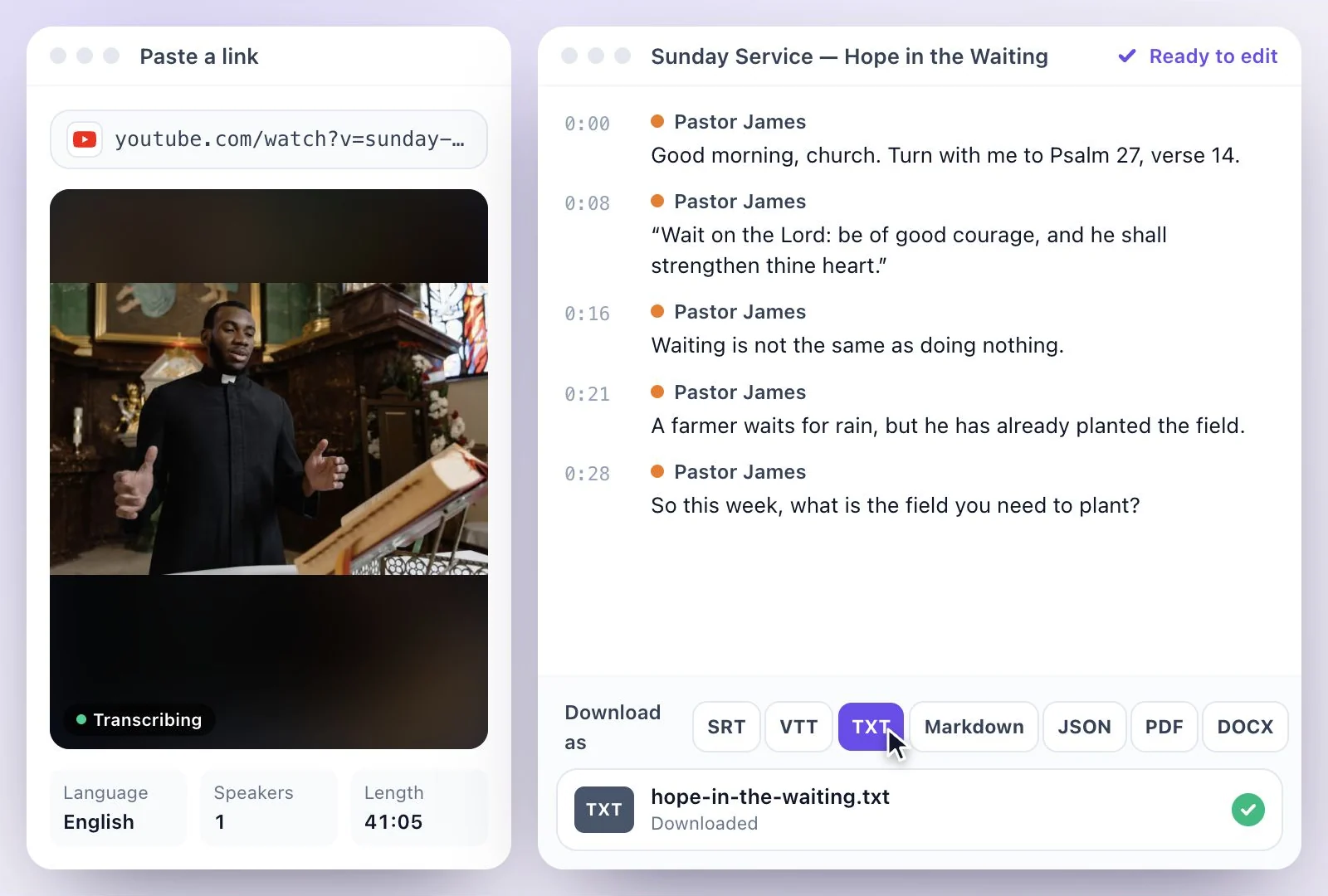
Upload Sunday's service or paste the YouTube livestream link. AI finds the moments that stand on their own and turns them into captioned vertical clips to share during the week.
Free to start — no credit card required.
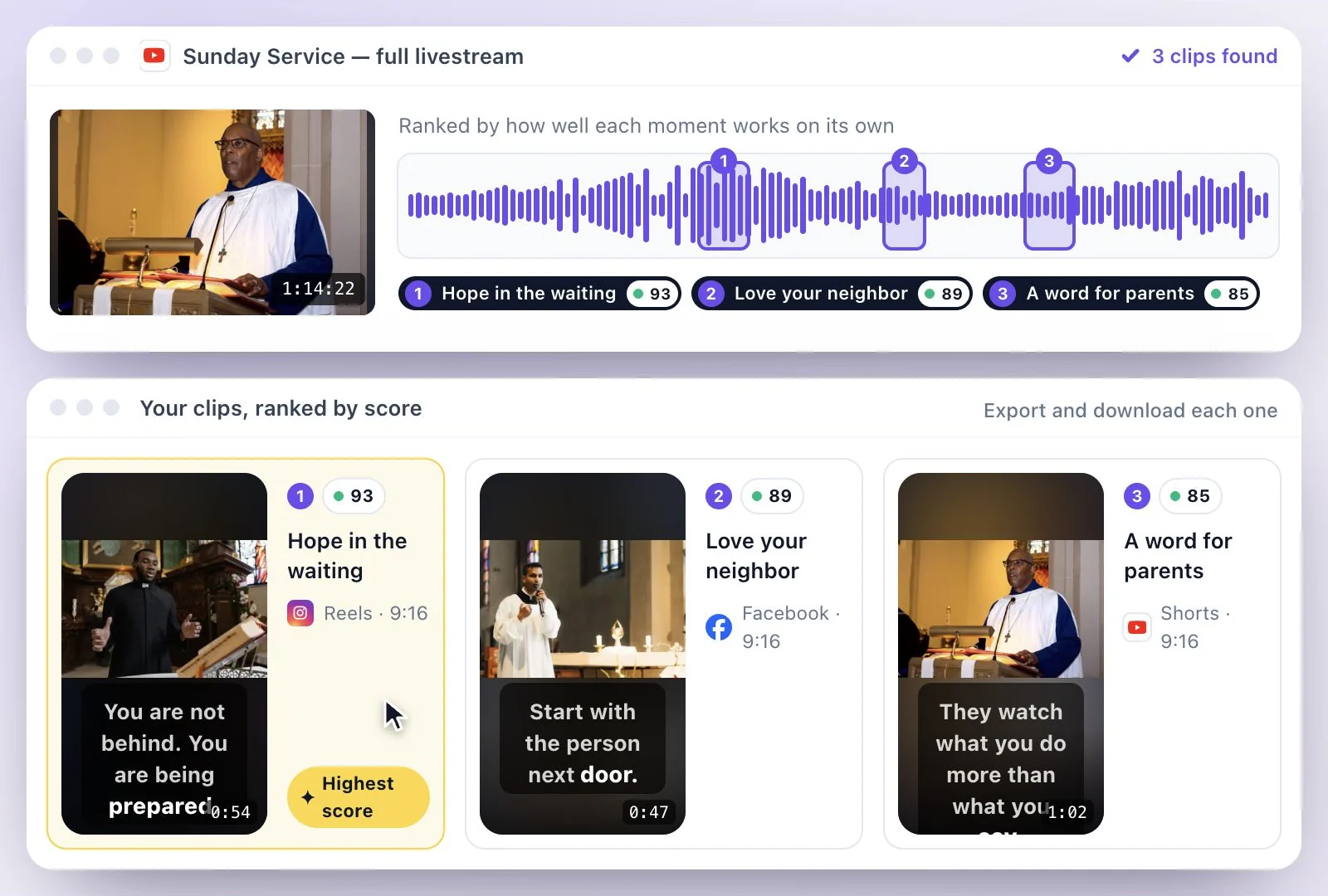
Sermon clips are short passages of a message that make sense on their own, and Exemplary AI cuts them from your recording.
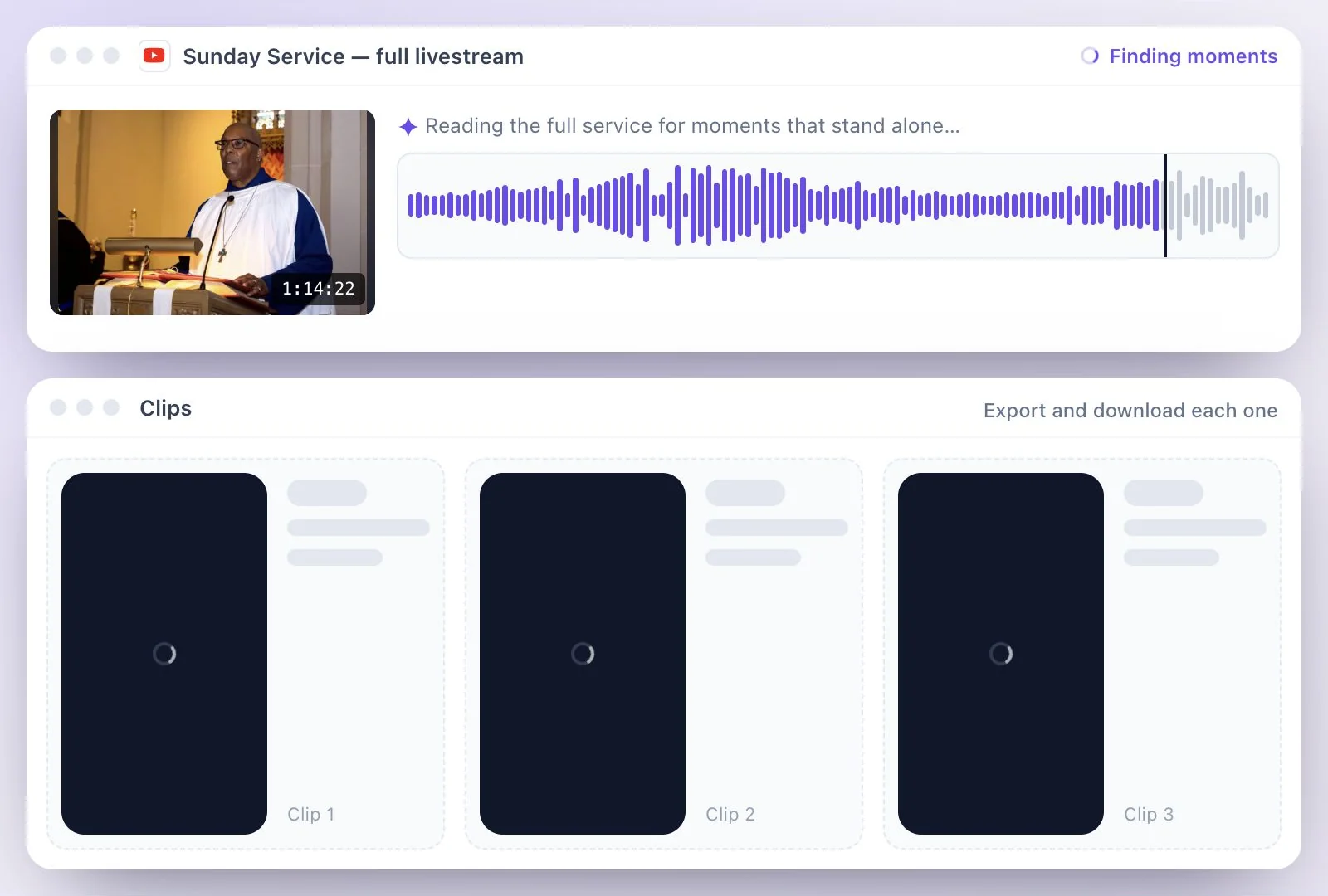
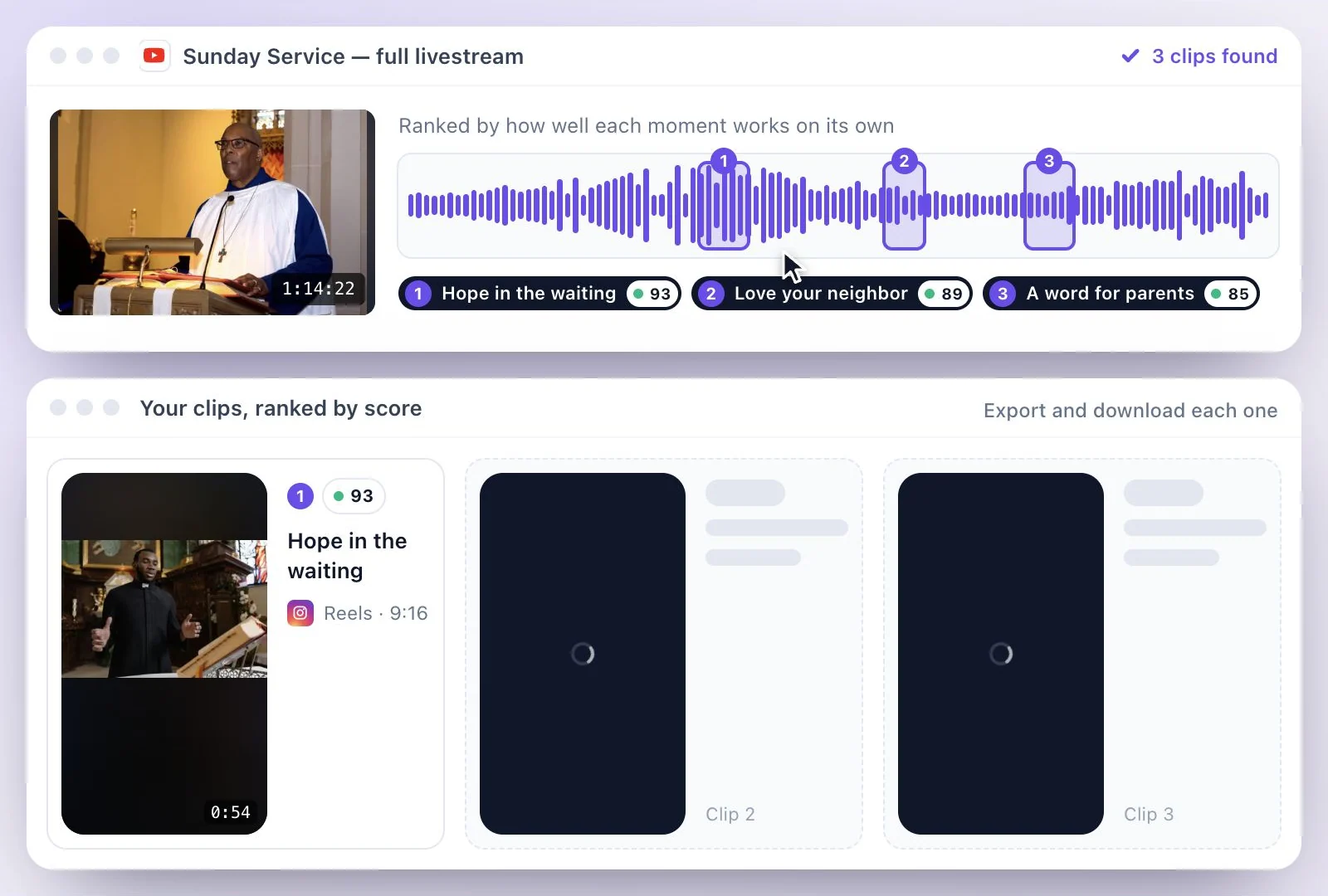
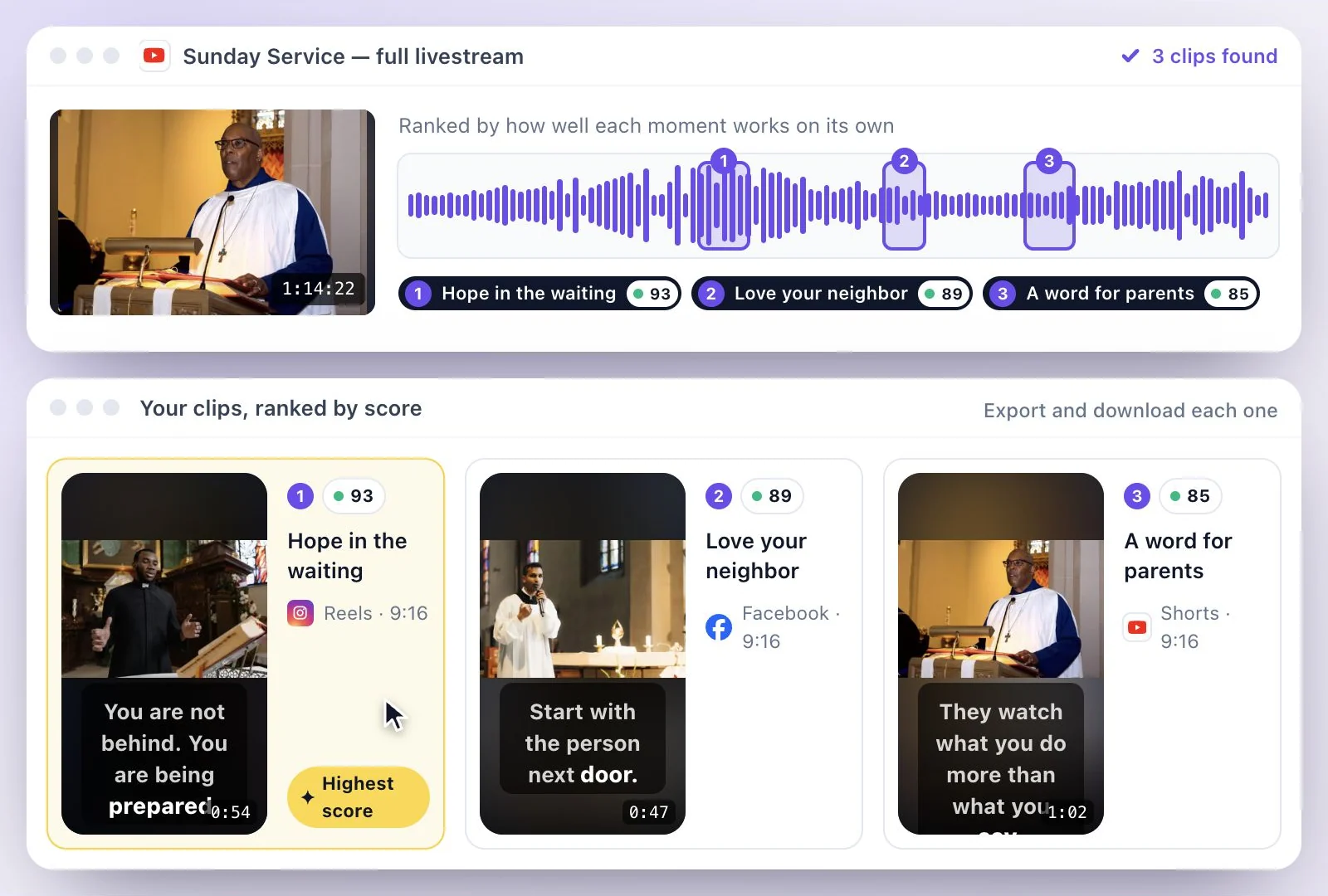
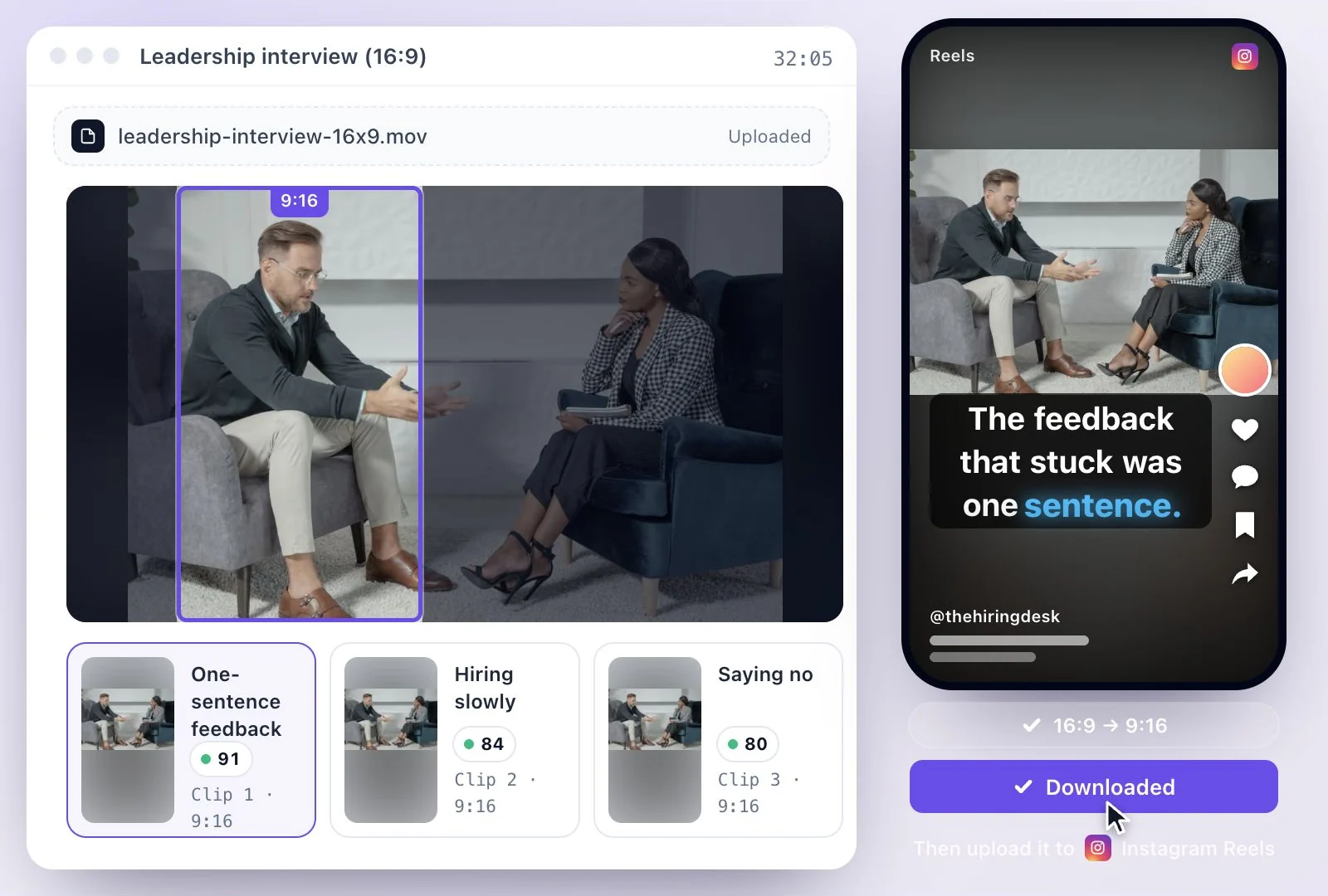
Upload the service, or paste the YouTube link to the livestream once it has ended, and AI Clips finds standalone moments, such as a main point, a scripture reading or a story, then reframes each to vertical 9:16 with captions. Your media volunteers or staff review them and post to Instagram Reels, YouTube Shorts, TikTok and Facebook. Free plan: 500 one-time credits; files up to 500 MB and 30 min long; 720p video exports with a watermark.
Sermon clips at a glance
Facts checked .
- Sources
- A service video, an audio recording, or a YouTube, TikTok, Instagram, Facebook, Vimeo or X link such as your YouTube livestream
- Audio-only sermons
- Clips become audiograms: a waveform in one of 6 styles (Bars, Simple, Radial, Circle, Hills and Strings), captions, and a background color
- Shape
- Vertical 9:16 for Reels, Shorts and TikTok; 4:5 or square 1:1 for a feed post
- Captions
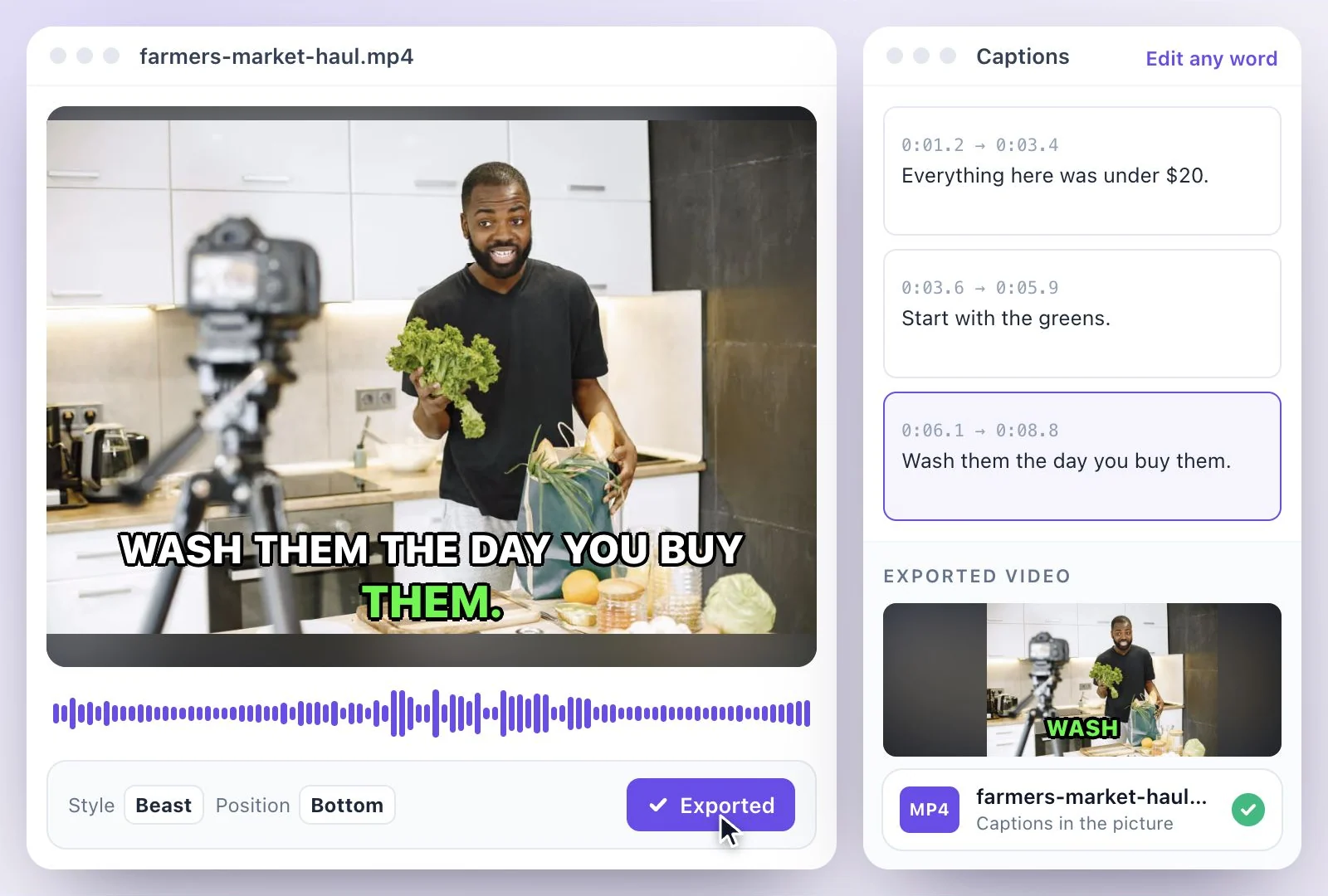
- From the transcript, in 99 languages, and editable before export
- Clip length
- Targets of 15, 30, 45, 60, 90 or 120 seconds; 30 seconds unless you pick another
- Free plan file limits
- 500 one-time credits; files up to 500 MB and 30 min long
How to turn a sermon into short videos
Beyond the clips: the rest of the week
The same upload gives you a transcript of the message, which can become a blog post, a newsletter or key takeaways for small groups. See transcription for the download formats, and AI Clips for more on how moments are picked and framed.
Post clips only of people who have agreed to appear on your channels, including guest speakers and members of the congregation who are on camera.
Made for Church Media Teams
Turn one recorded message into a week of short posts, with captions you can check before anything goes out.
Moments that make sense alone
AI looks for passages that hold together without the rest of the message, so someone who missed Sunday can follow.
Works from the livestream
Already streaming to YouTube? Paste the link after the service ends; there is no file to export from your streaming software.
Captions you can check
Captions come from the transcript, so you can fix the spelling of names, places and scripture references before export.
Audio-only recordings too
If you only record audio, clips become audiograms with a waveform, captions and a background color.
Common questions
How do I make sermon clips from our YouTube livestream?
What makes a good church sermon clip for social media?
Can we turn sermons into short videos if we only record audio?
How long should sermon shorts be?
Can volunteers make church video clips without editing experience?
Is the sermon clip maker free for churches?
Can we make clips from older sermons?
Discover more Clips & Shorts
- Video trimmer
- YouTube Shorts Maker
- AI podcast clips generator
- Instagram reel maker
- Resize videos
- Auto video editor
- Crop video
- Add image to video
- Add text to video
- Remove filler words
- Add emoji to subtitle
- Silence remover
- Add watermark to video
- Add b-rolls
- Word highlight in subtitle
- AI video editor
- Long video to short video
- Twitch clip maker
- YouTube to TikTok
- Horizontal to vertical video
- Screen and webcam recorder
- Online screen recorder
- Kick clip maker
- Viral clip finder
- YouTube Shorts size
- TikTok video size
- Instagram Reels size
- LinkedIn video specs
Make something worth watching
Start with a recording, choose the moments to keep, and finish your clip with captions.