Sermon Transcription
Turn a sermon recording or livestream into text you can edit, share with your congregation, translate, and reuse for notes, posts and clips.
Free to start — no credit card required.
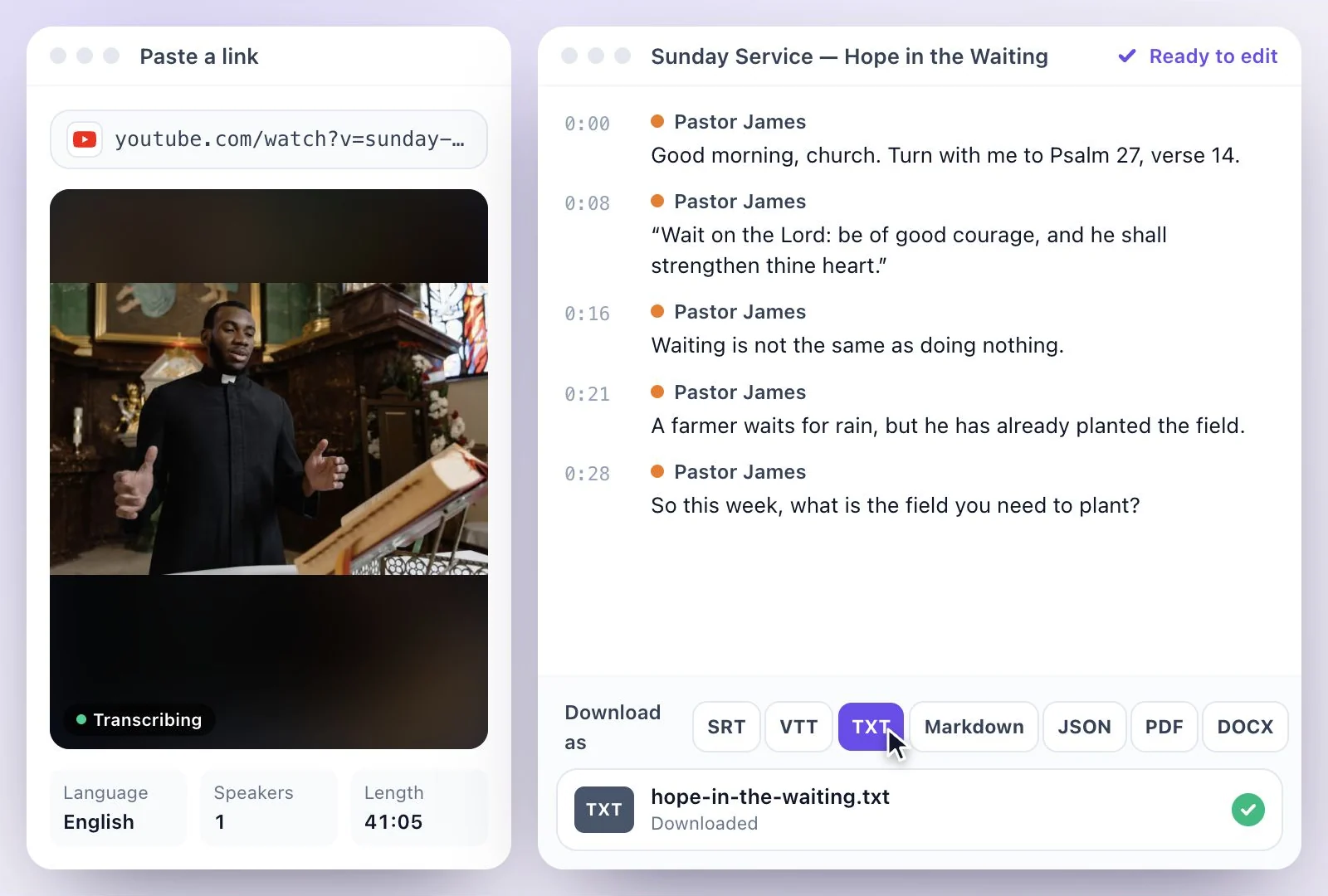
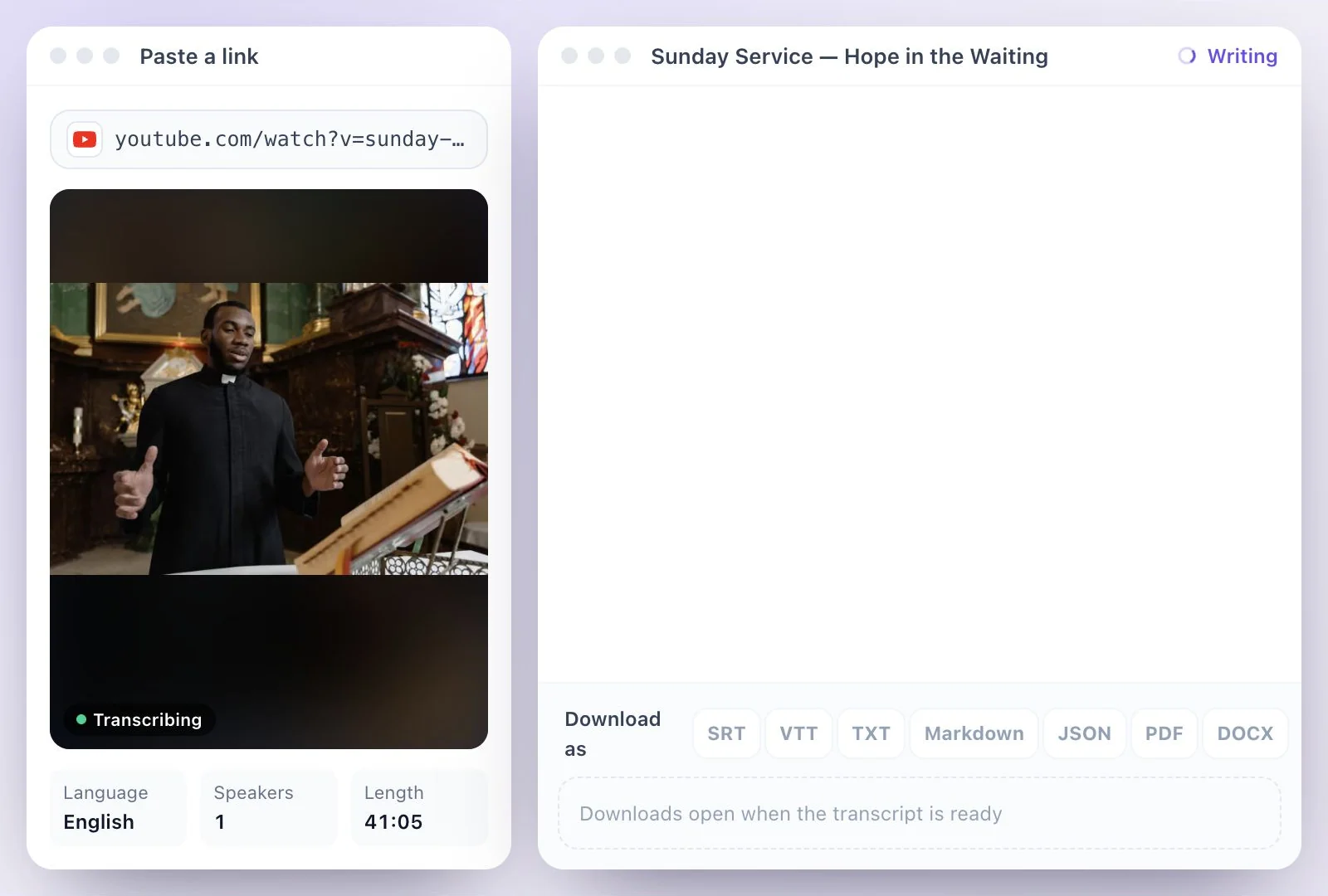
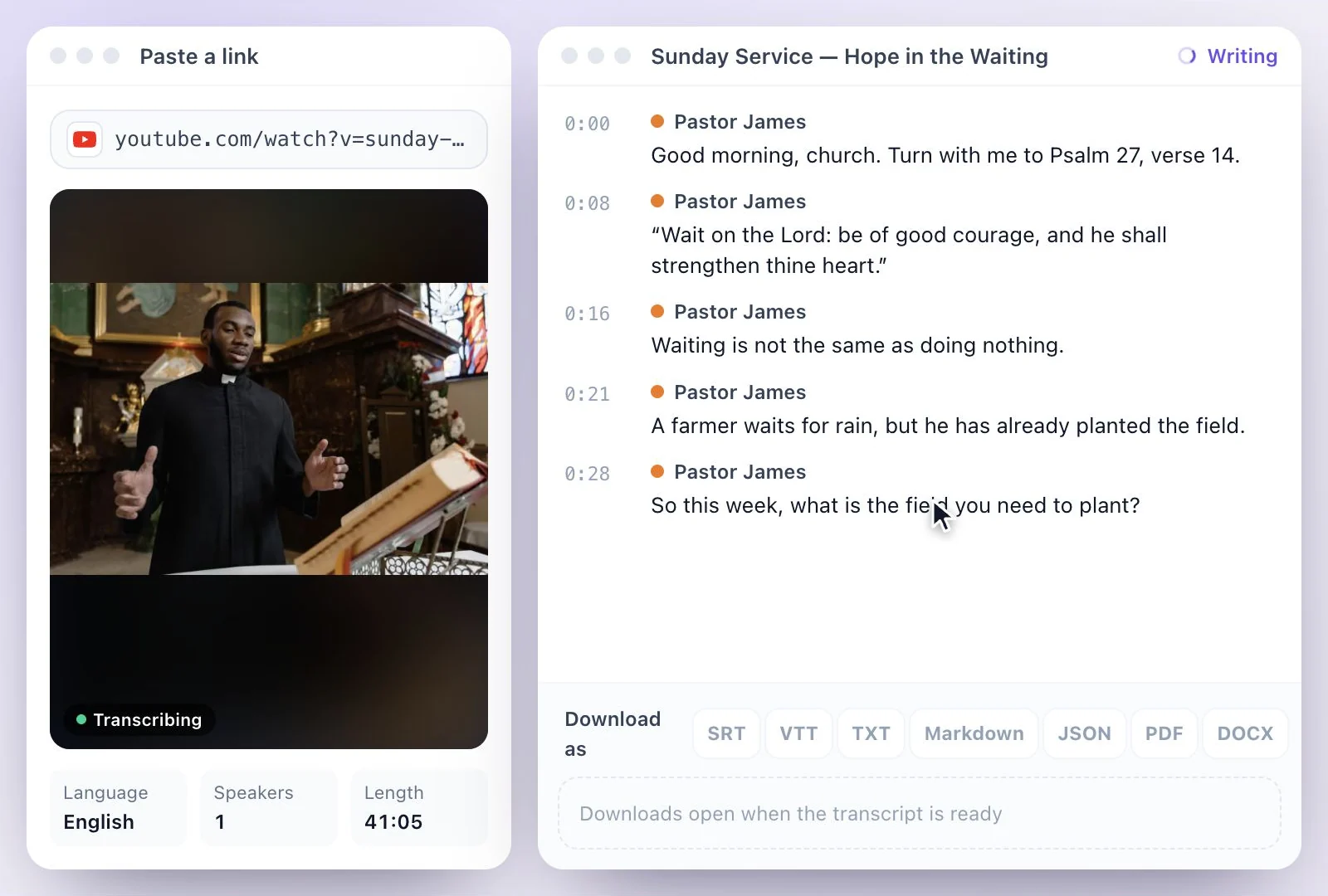
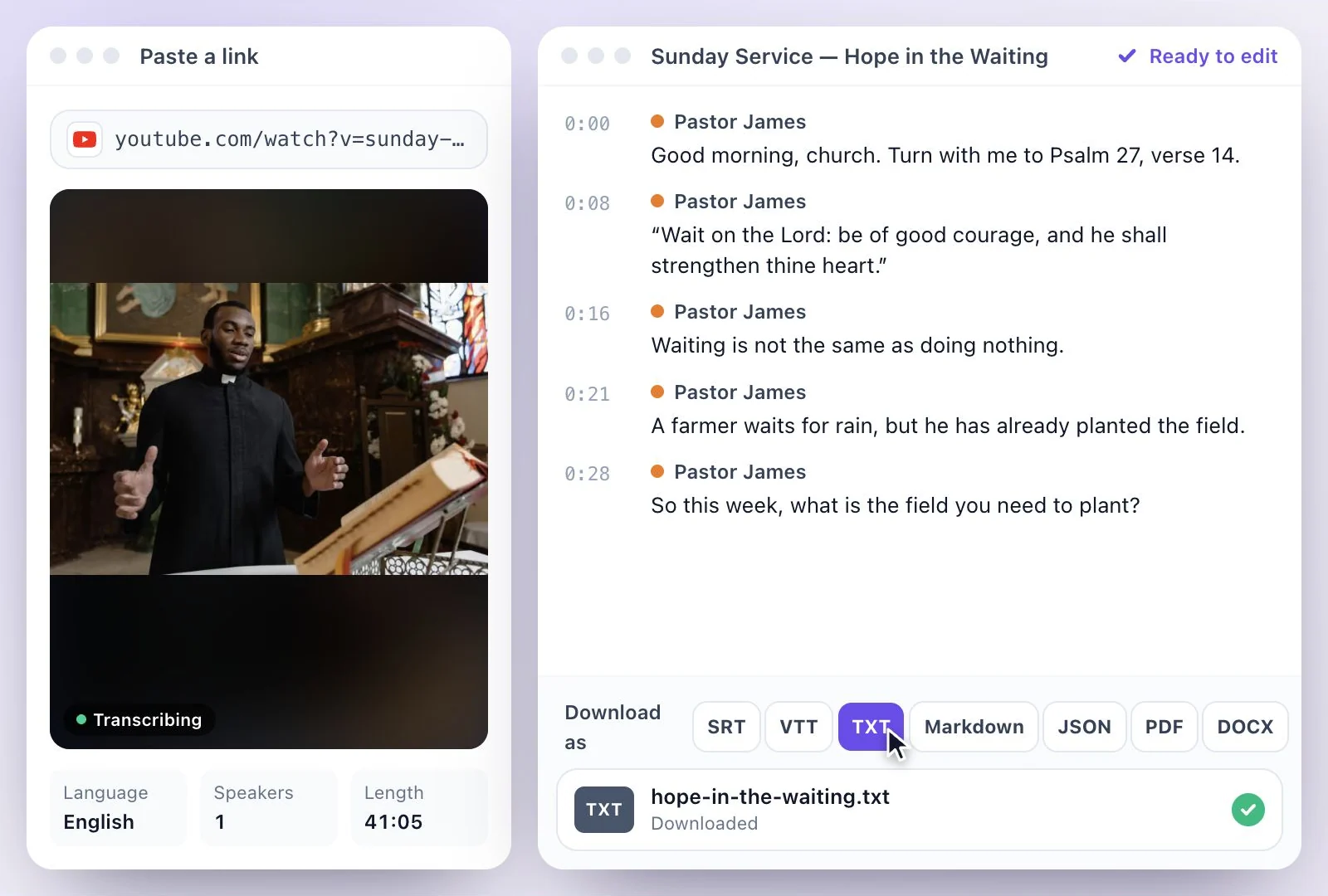
Exemplary AI turns a sermon into an editable transcript: paste the link to the service on YouTube or a public Facebook video, or upload the recording (MP3, WAV, M4A, AAC, FLAC or OGG audio or MP4, MOV or WEBM video).
From the transcript you can translate the sermon into any of 116 languages, write a Summary, Blog post or Email newsletter, and cut short clips for social media. Free plan: 500 one-time credits; files up to 500 MB and 30 min long; 720p video exports with a watermark.
Sermon transcripts at a glance
Facts checked .
- Sources
- YouTube links, public Facebook videos, or MP3, WAV, M4A, AAC, FLAC and OGG audio and MP4, MOV and WEBM video files
- Livestreams
- After the broadcast ends, from the saved video or a downloaded file
- Transcript downloads
- PDF, SRT, VTT, TXT, Markdown, JSON and DOCX
- Translation
- Into any of 116 languages, as subtitles on the player or downloads; a sermon over 30 minutes asks before translating
- Writing
- Summary, Blog post, Email newsletter, Social posts and Key quotes
- Free plan
- 500 one-time credits; files up to 500 MB and 30 min long; 720p video exports with a watermark
How to transcribe a sermon
From one sermon to the rest of the week
If the service streams to YouTube, YouTube's automatic captions and its Show transcript panel let viewers read along there. A transcript here is yours to keep and reuse: corrected names and verses, a file to post on your church website, translations for members who read another language, and a summary, newsletter or social posts written from the sermon itself.
For short vertical clips of the sermon's key moments, see sermon clips. Streaming on Facebook? The video has to be public for its link to import; Facebook video to text covers private and group videos. For YouTube, see YouTube video transcription.
One Sermon, Many Ways to Share It
Transcribe the message once, then share it in writing, in other languages and as clips.
From YouTube or Facebook
Paste the link to the service on YouTube or a public Facebook video, or upload the recording from your sound desk.
Translations for your congregation
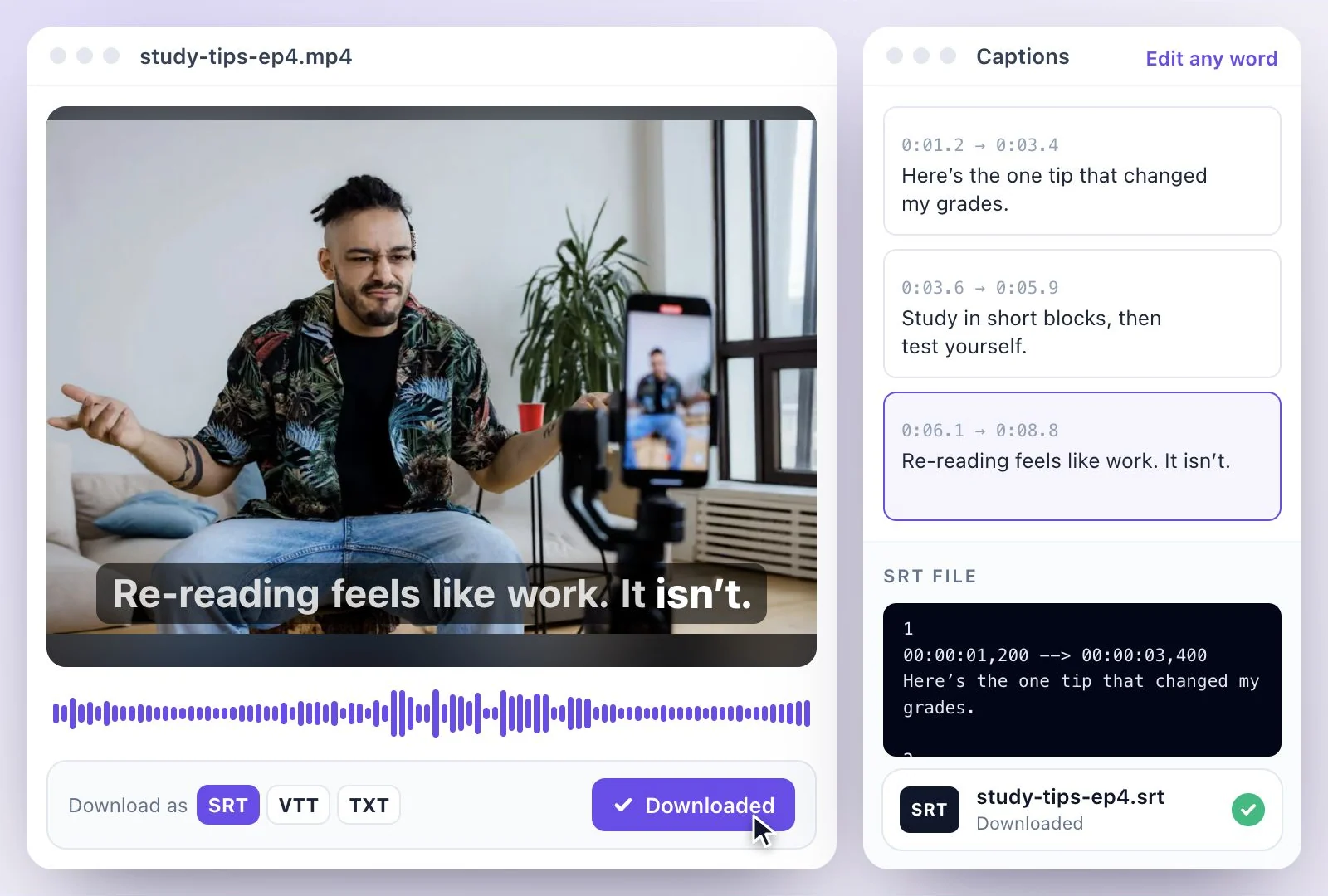
Translate the sermon into any of 116 languages, and show each translation as subtitles or download it as a file.
Summaries, posts and newsletters
AI Writer writes Summary, Blog post, Email newsletter and Social posts from the sermon.
Clips for social media
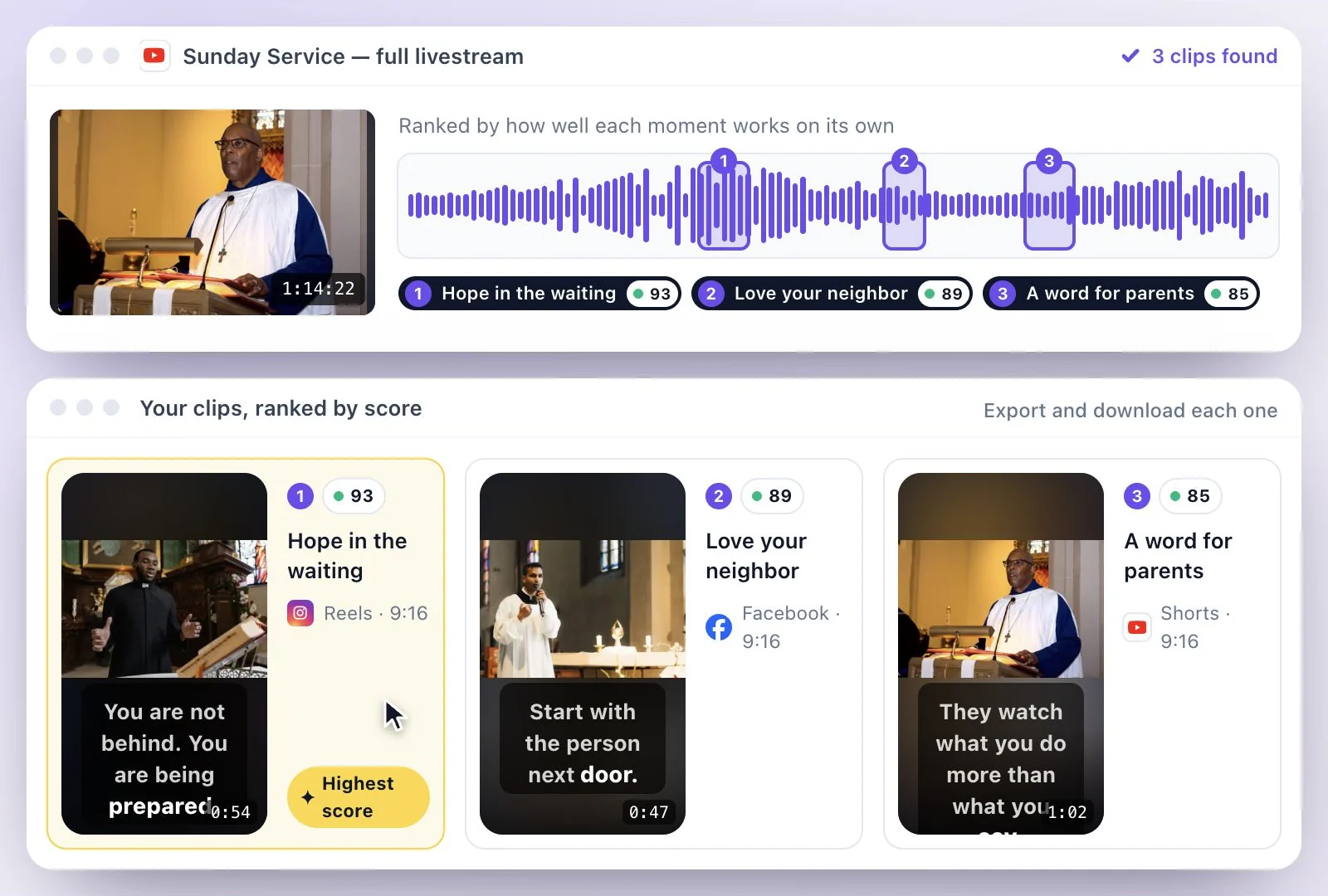
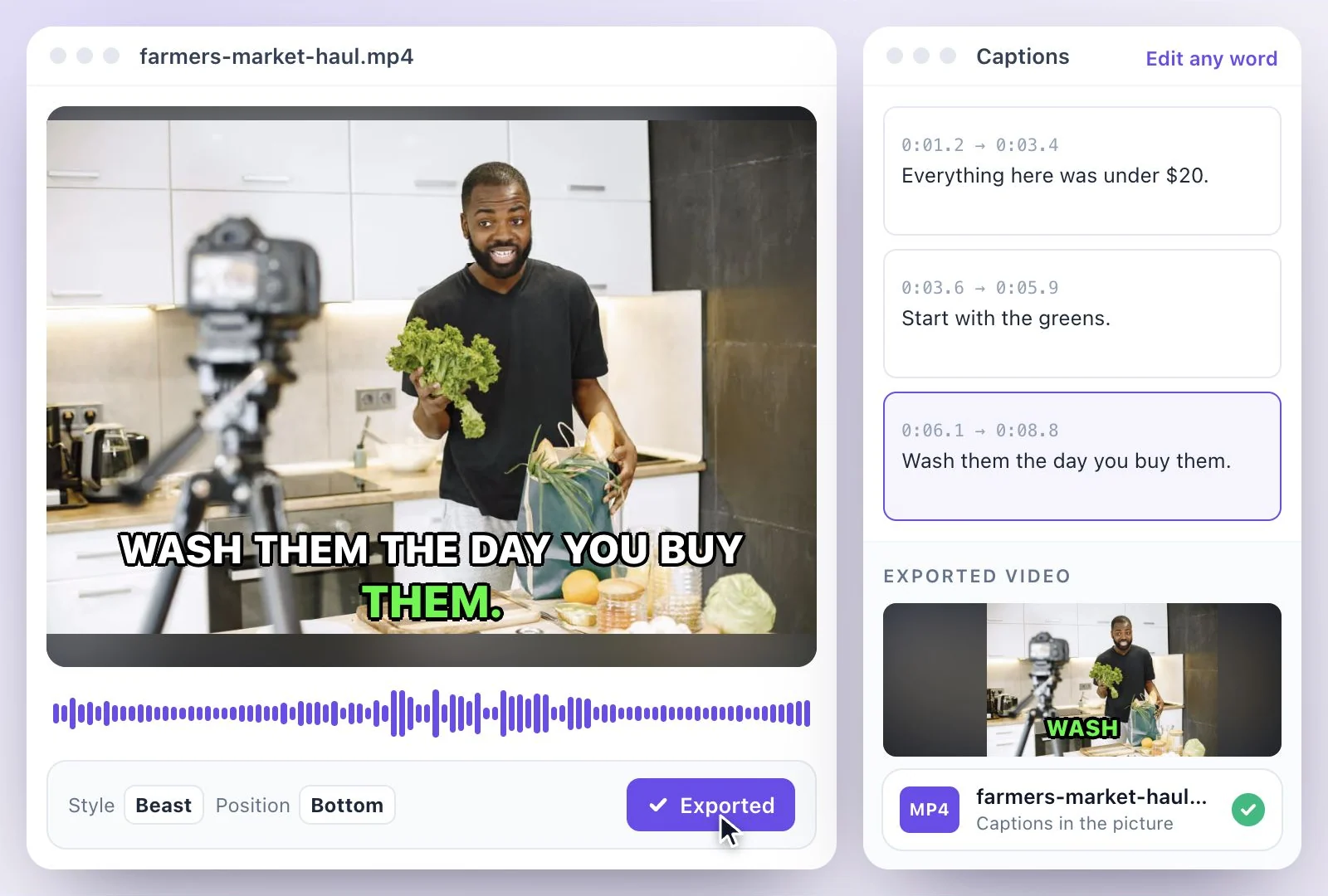
Cut the sermon's key moments into vertical clips with captions for Reels, Shorts and TikTok.
Common questions
How do I transcribe a sermon?
Can I transcribe a livestreamed service?
Can I translate a sermon into Spanish or another language?
Does it recognize Bible verses?
Can I turn the sermon into a blog post or newsletter?
Is sermon transcription free?
Discover more Transcription
- Video to Text
- Audio to Text
- Audio translator
- Video translator
- Youtube video
- Vimeo video
- Google meet
- Instagram video
- Zoom recording
- MP4 to Text
- MP3 to Text
- TikTok Transcript Generator
- Facebook Video to Text
- Podcast Transcript Generator
- Interview Transcription
- WhatsApp Audio to Text
- Transcribe Google Drive Video
- Online voice recorder
- Translate Spanish audio to English
- Translate Japanese audio to English
- Translate Korean audio to English
- Translate Chinese audio to English
- Translate French audio to English
- Translate German audio to English
- Translate Portuguese audio to English
- Translate Russian audio to English
- Translate Arabic audio to English
- Translate Hindi audio to English
- Tamil Transcription
- French Transcription
- Japanese Transcription
- Hindi Transcription
- Spanish Transcription
- Arabic Transcription
- Chinese Transcription
- Turkish Transcription
- Hebrew Transcription
- Greek Transcription
- Bengali Transcription
- Tagalog Transcription
- Urdu Transcription
- Swahili Transcription
- Afrikaans Transcription
- Albanian Transcription
- Georgian Transcription
- Armenian Transcription
- Uzbek Transcription
- Nepali Transcription
- Sinhala Transcription
- Pashto Transcription
- Amharic Transcription
- Somali Transcription
- Yoruba Transcription
- Hausa Transcription
Start with the words in your recording
Upload your audio or video, check the transcript, and choose the output you need.