SRT to TXT Converter
Drop a .srt or .vtt file and get the words alone: no cue numbers, no timestamps, no tags. Choose paragraphs or one line per caption, then download a .txt.
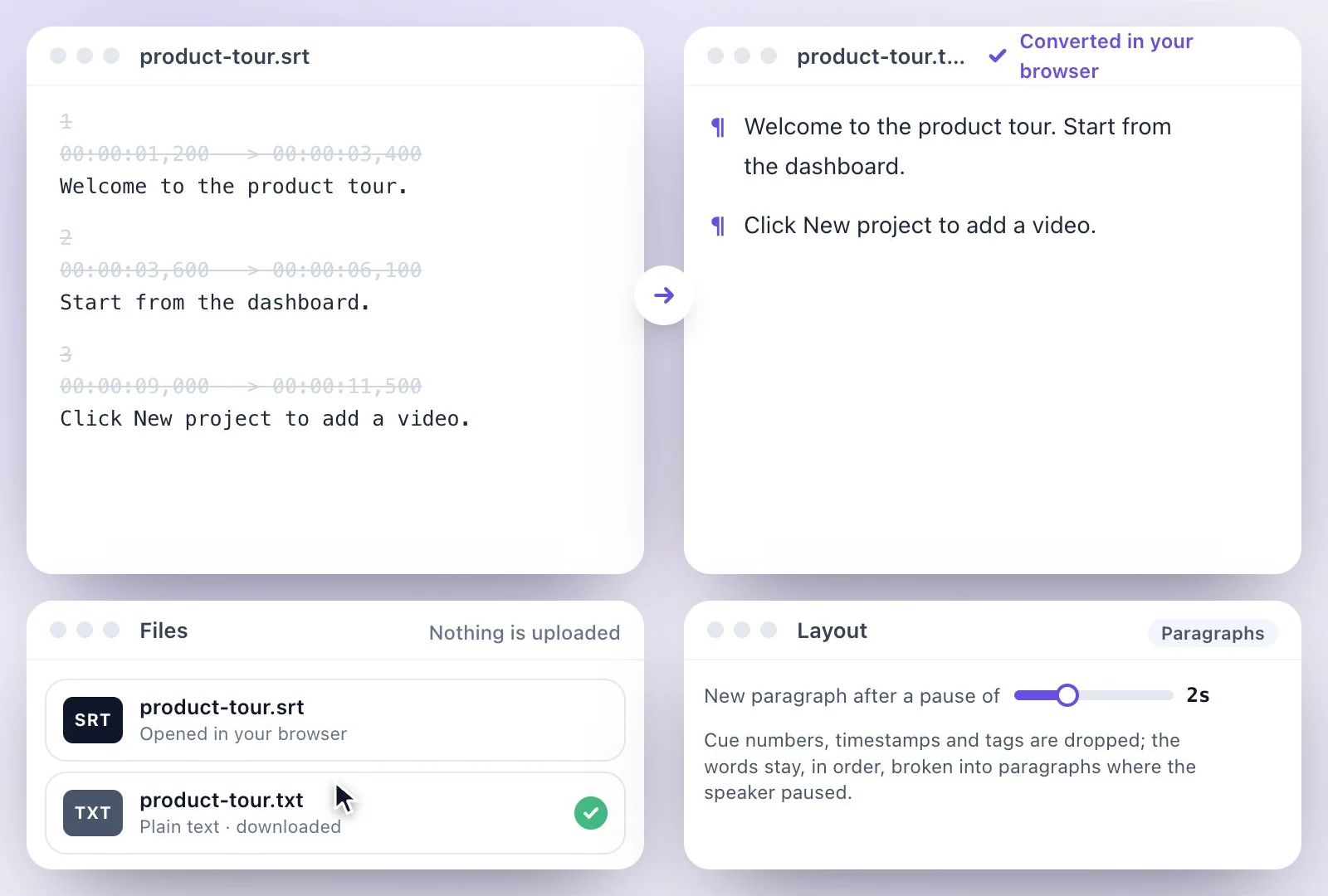
To convert SRT to TXT, paste the subtitles or drop a .srt or .vtt file into the converter on this page.
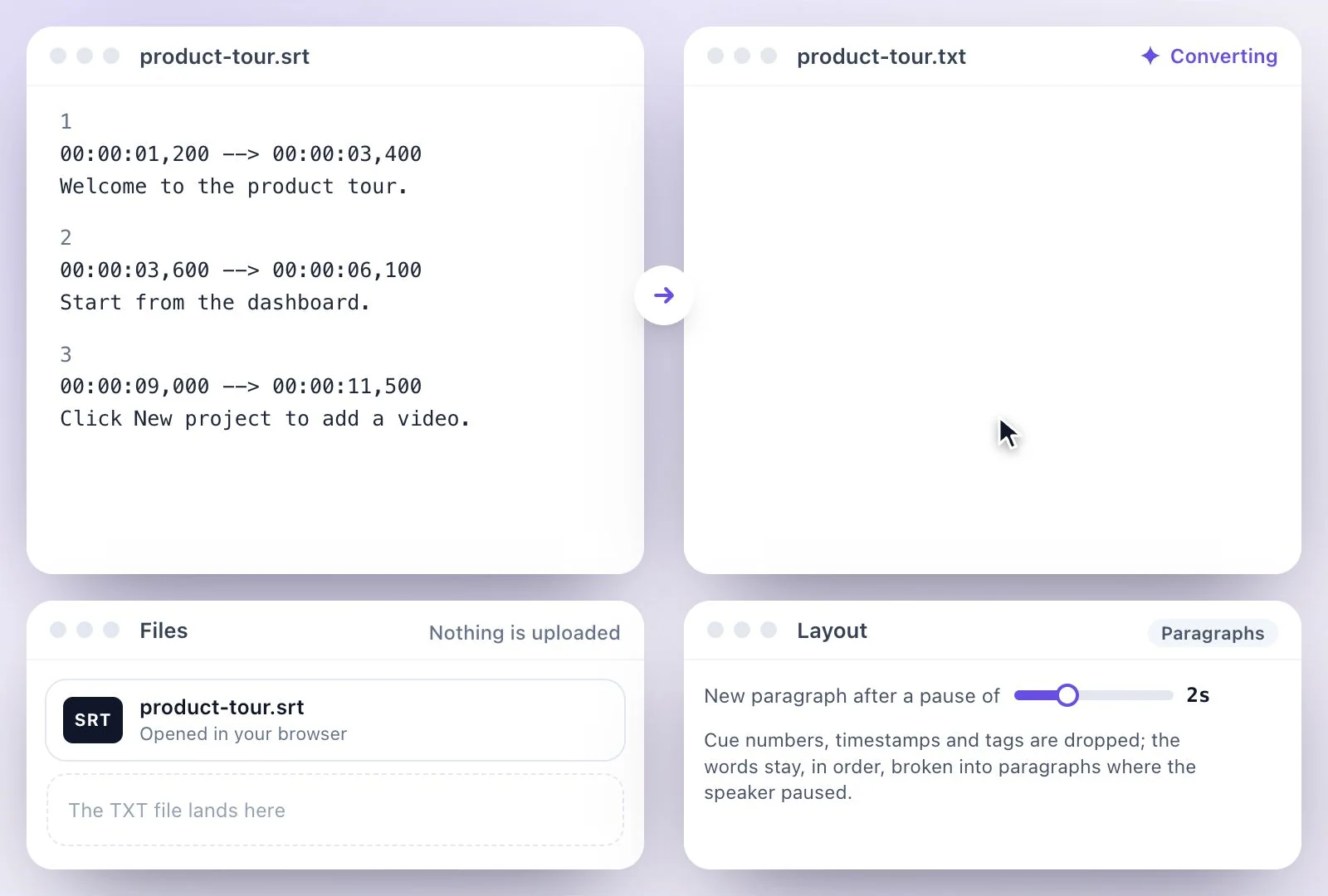
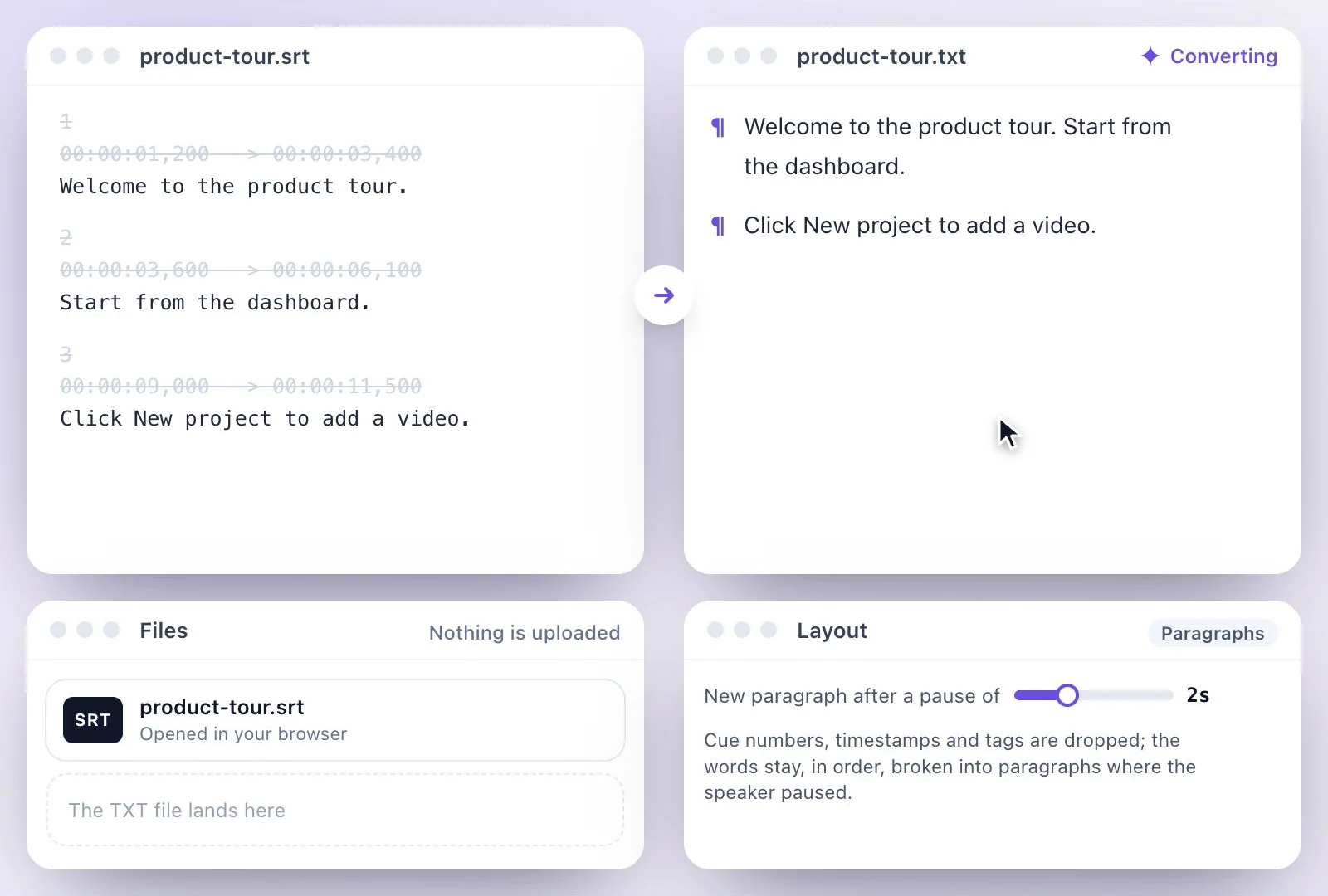
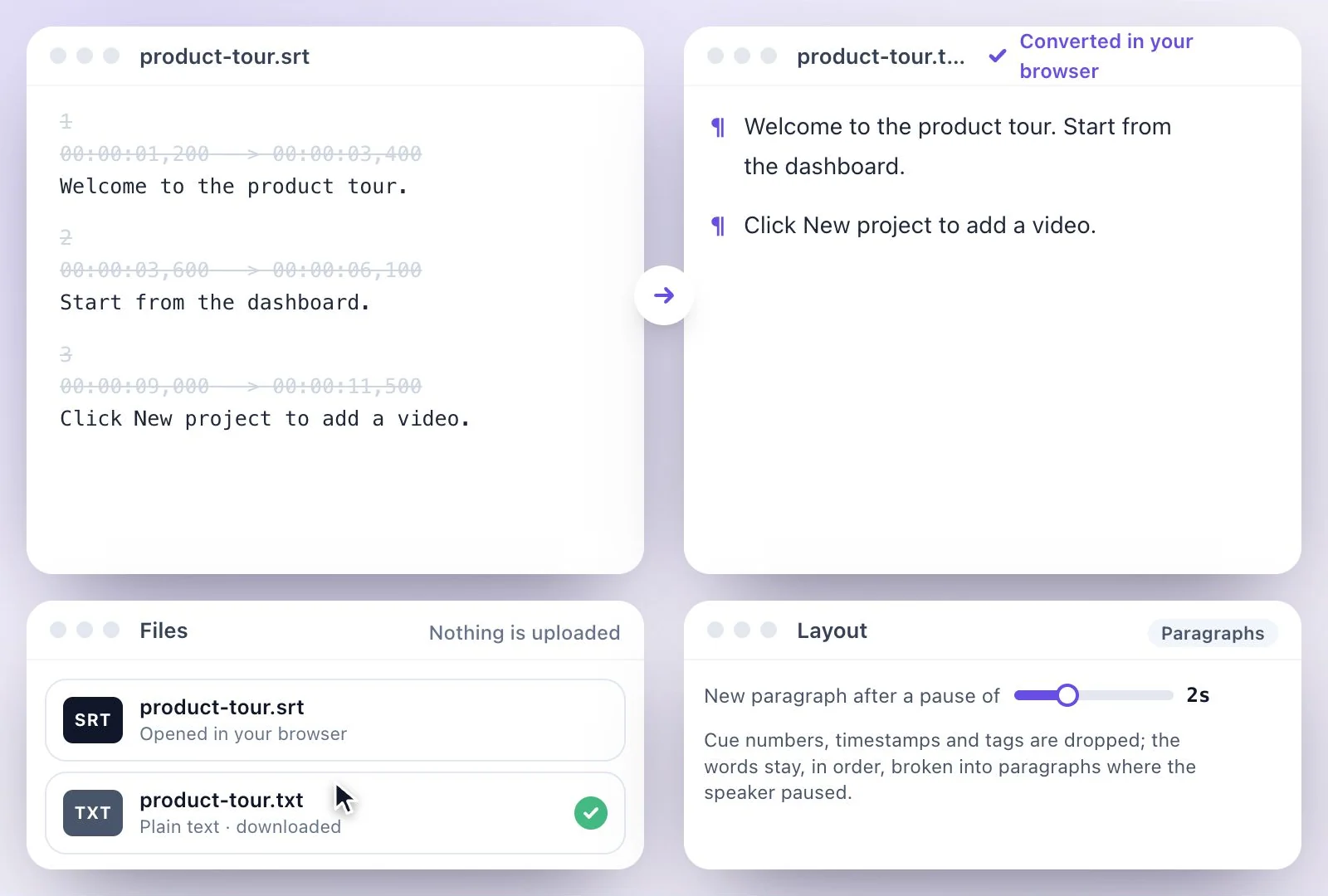
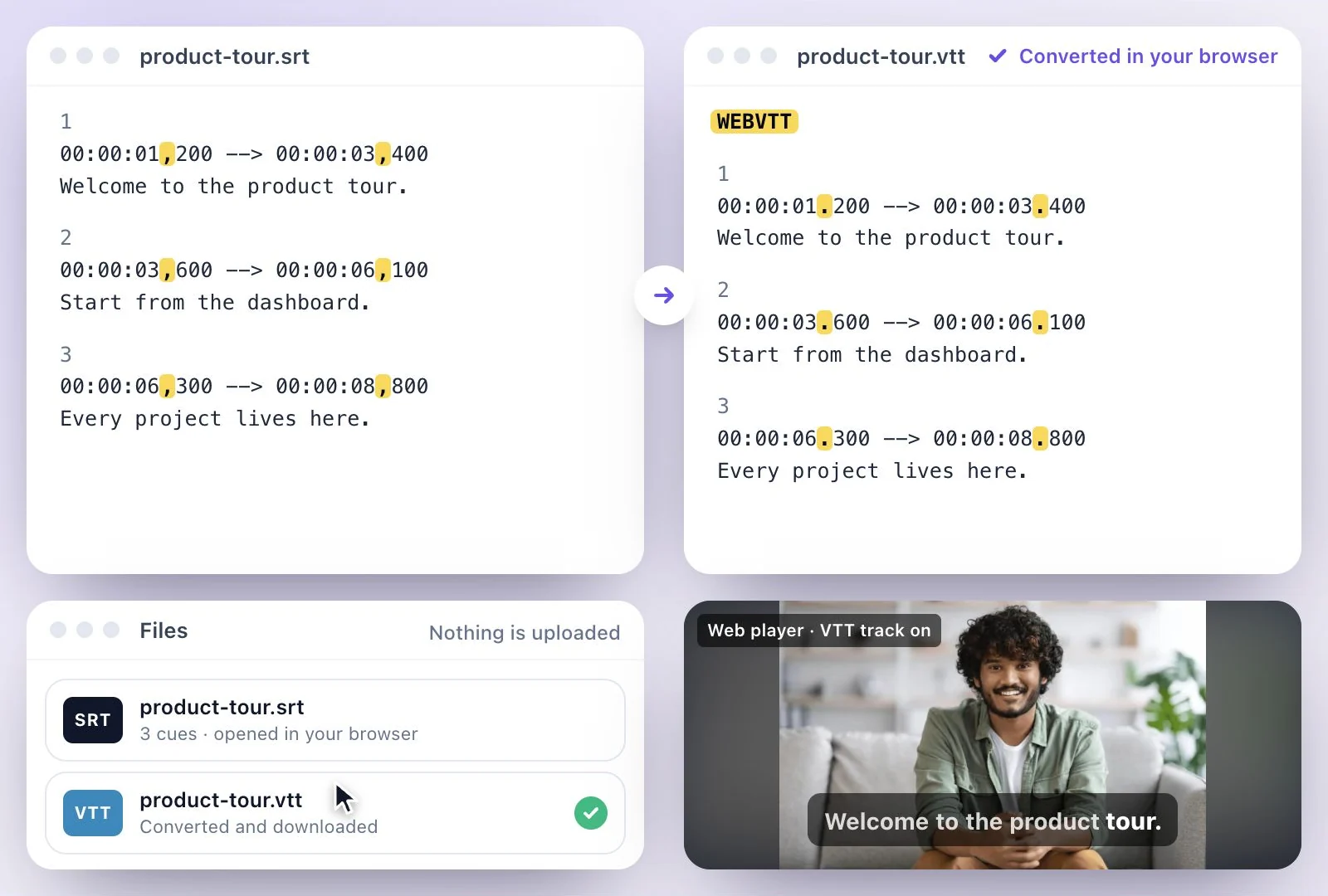
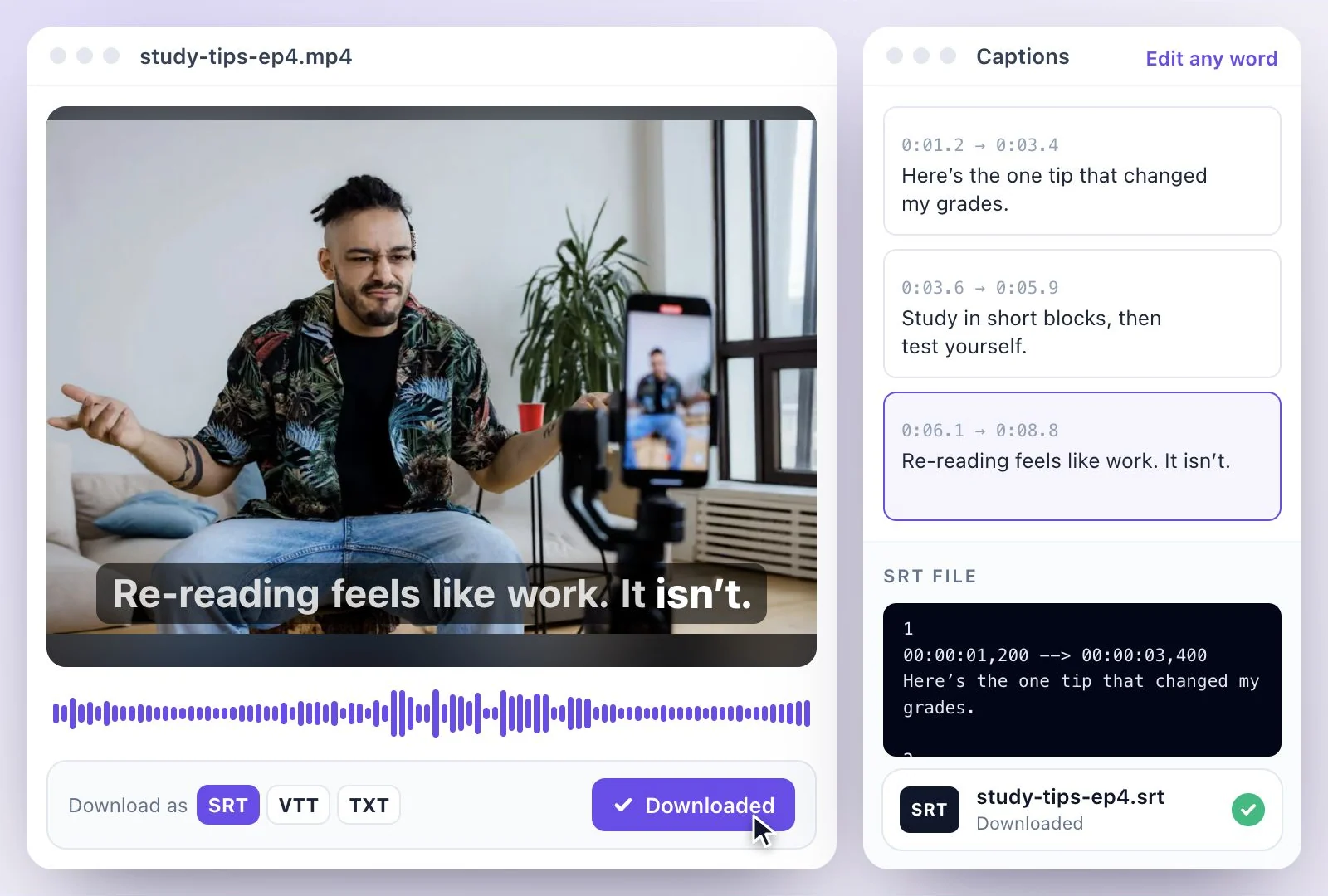
It removes the cue numbers, the timestamps, the WEBVTT header with its NOTE and STYLE blocks, and formatting tags, and keeps the words in order: as paragraphs that break where the speaker paused, or as one line per caption. It runs in your browser and nothing is uploaded. No subtitle file yet? Exemplary AI transcribes the video and downloads the transcript as PDF, SRT, VTT, TXT, Markdown, JSON and DOCX, TXT included. Free plan: 500 one-time credits; files up to 500 MB and 30 min long; 720p video exports with a watermark.
SRT to TXT at a glance
Facts checked .
- Removes
- Cue numbers, timestamps, the WEBVTT header, NOTE and STYLE blocks, and italic, voice and other tags
- Keeps
- The words, in order
- Layouts
- Paragraphs that break at pauses, or one line per caption
- Reads
- SRT and WebVTT files
- Privacy
- Runs in your browser; the file never leaves your device
- From a video
- Exemplary AI transcribes it and downloads PDF, SRT, VTT, TXT, Markdown, JSON and DOCX
How to convert SRT to TXT
Why turn subtitles into text
A subtitle file is the words of a video already typed out, just broken into timed pieces. As plain text it becomes something you can quote in a blog post, paste into show notes, search, translate, or read through without the timestamps in the way.
Paragraphs read like a transcript: captions run together, and a new paragraph starts wherever the speaker paused for longer than the gap you set, which usually falls where a thought ends. One line per caption keeps each caption on its own line, handy for checking the wording line by line or for re-timing later.
Need the timings back? The TXT to SRT converter turns text into timed captions. Switching between subtitle formats? Use the SRT to VTT converter. Starting from the video? MP4 to text gives you the transcript directly.
Subtitles to Text, Ready to Use
The words of the video without the numbers and timestamps, laid out the way you want.
Paragraphs at the pauses
Captions run together into paragraphs, with a new one wherever the speaker paused longer than the gap you set.
Or one line per caption
Keep every caption on its own line, for checking the wording against the video.
SRT and VTT both
Drop either format: the WEBVTT header, NOTE and STYLE blocks and any tags are removed along with the timings.
Nothing uploaded
The conversion runs in your browser, so the subtitles stay on your device.
Common questions
How do I convert an SRT file to text?
Can I convert VTT to TXT too?
How does it decide where paragraphs break?
Are formatting tags like italics kept?
Is my subtitle file uploaded?
Can I get a transcript from the video instead?
Discover more Subtitles & Captions
- Auto subtitle generator
- Video caption generator
- Subtitle translator
- Subtitle editor
- Animated subtitles
- Burn subtitles into video
- SRT generator
- SRT to VTT converter
- Caption styles
- Add subtitles in DaVinci Resolve
- Add subtitles in Premiere Pro
- Add subtitles in Final Cut Pro
- Add subtitles in Canva
- Captions vs subtitles
- TXT to SRT converter
- Add subtitles to Video
- Add subtitles to TikTok Video
- Add subtitles to Instagram Reels
- Tamil Subtitle Generator
- Hindi Subtitle Generator
- Arabic Subtitle Generator
- German Subtitle Generator
- Chinese Subtitle Generator
- Indonesian Subtitle Generator
- Persian Subtitle Generator
- Hebrew Subtitle Generator
- Thai Subtitle Generator
- Greek Subtitle Generator
- Malay Subtitle Generator
- Bengali Subtitle Generator
- Tagalog Subtitle Generator
- Urdu Subtitle Generator
- Zulu Subtitle Generator
- Albanian Subtitle Generator
- Uzbek Subtitle Generator
- Mongolian Subtitle Generator
- Nepali Subtitle Generator
- Sinhala Subtitle Generator
- Pashto Subtitle Generator
- Amharic Subtitle Generator
- Tigrinya Subtitle Generator
- Somali Subtitle Generator
- Yoruba Subtitle Generator
- Hausa Subtitle Generator
- Igbo Subtitle Generator
- Samoan Subtitle Generator
Need subtitles from a recording?
Upload audio or video to generate a transcript and create a timed subtitle track.