SRT to VTT Converter
Paste subtitles or drop a .srt or .vtt file. The converter works out which format it is and gives you the other one, right in your browser.
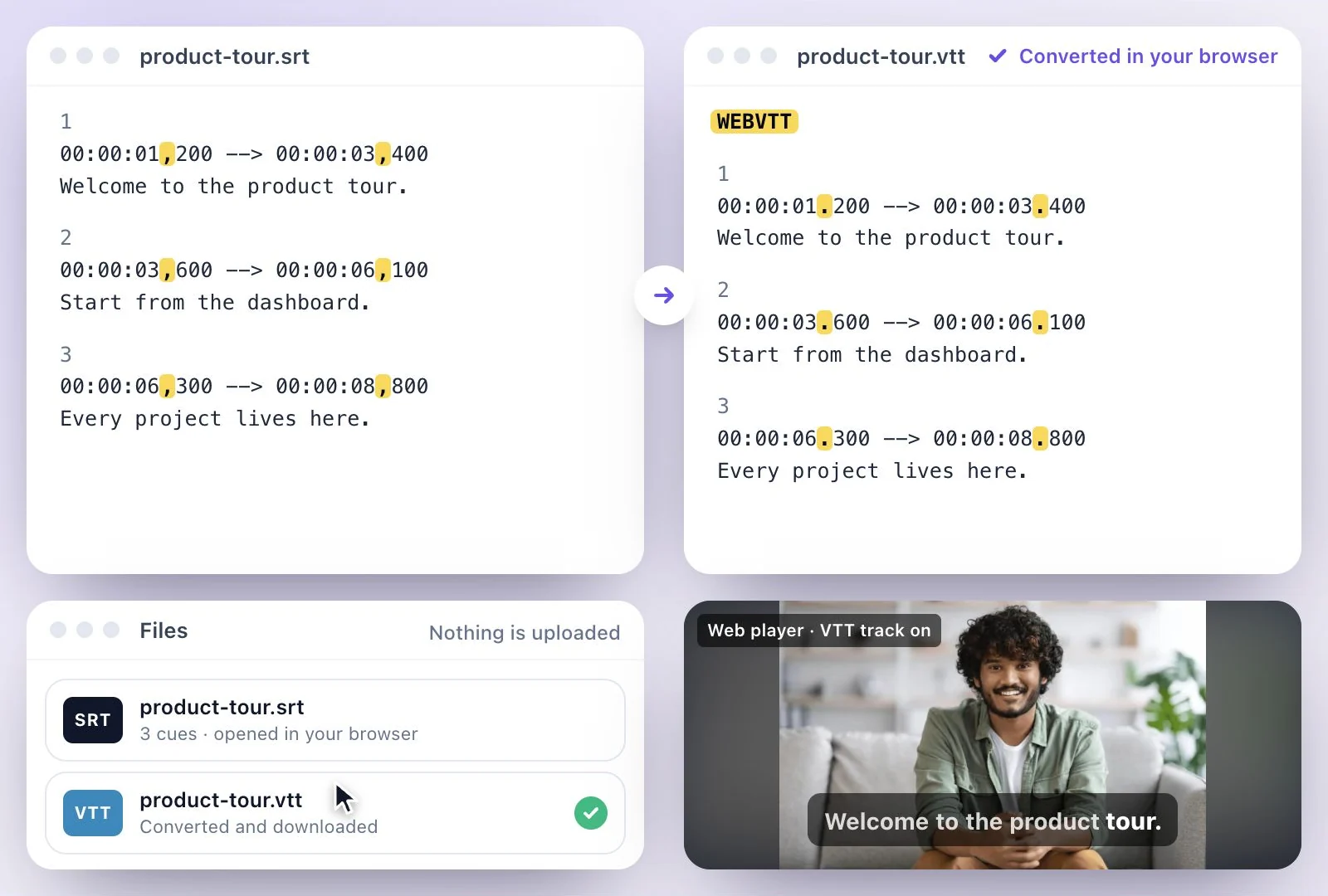
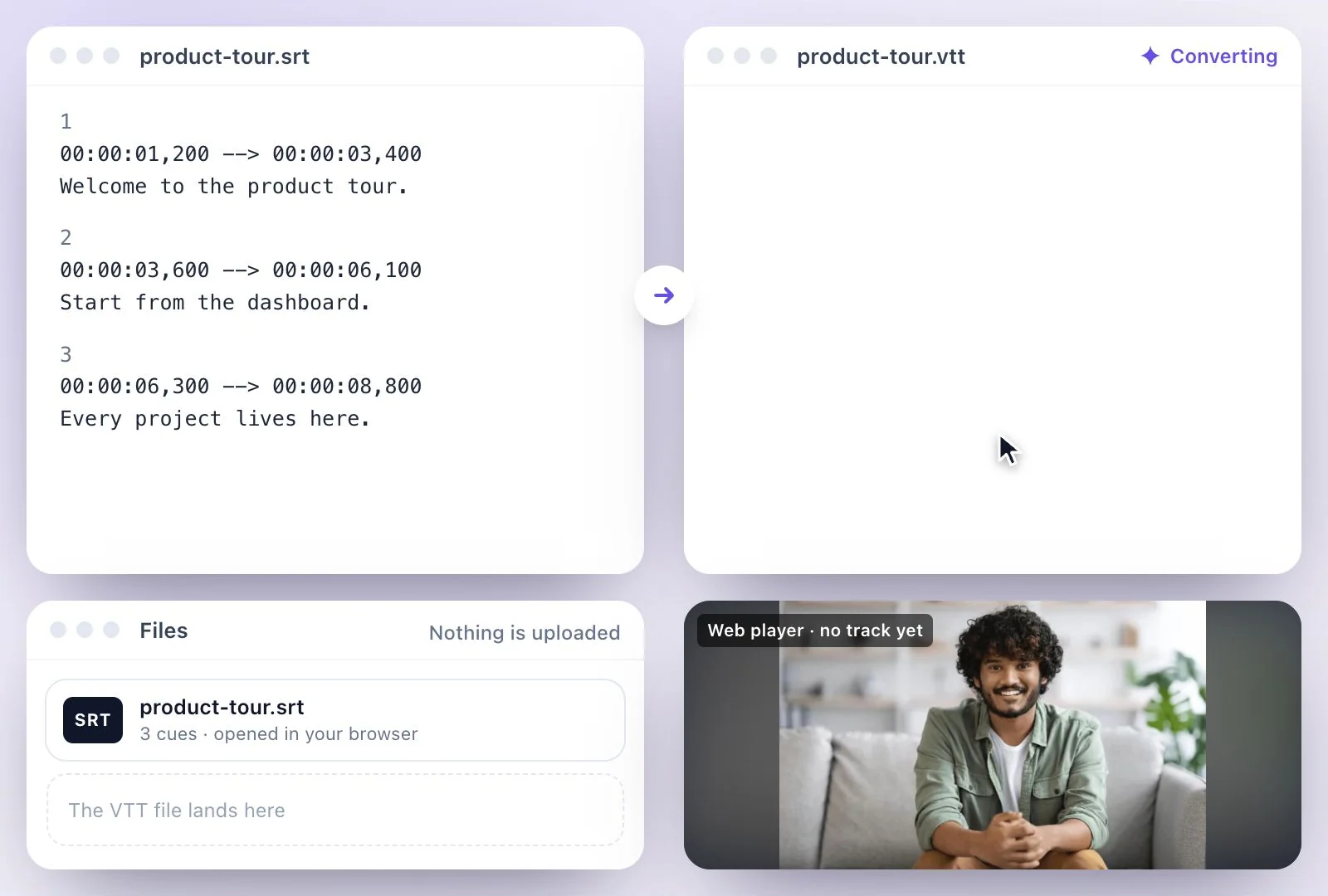
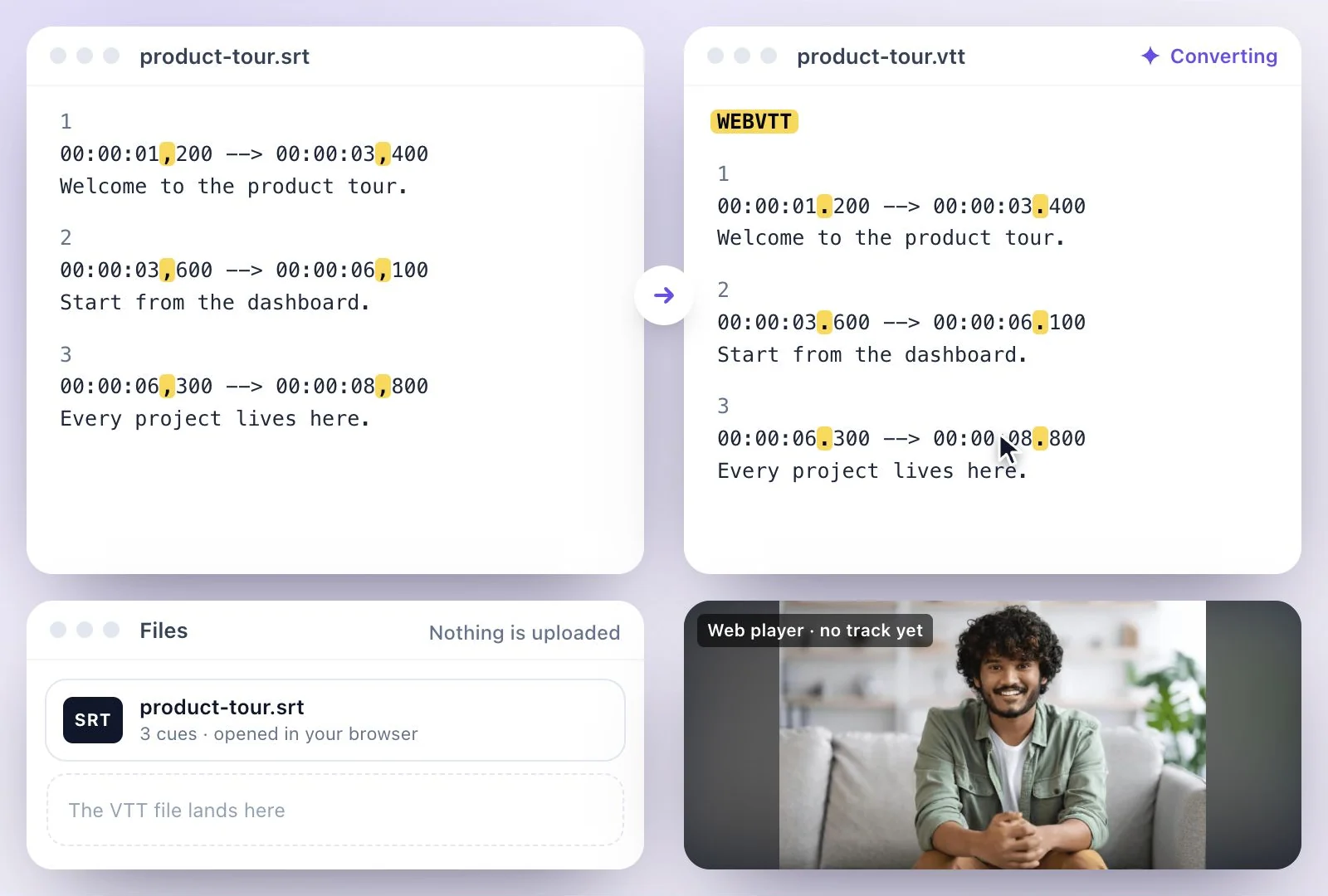
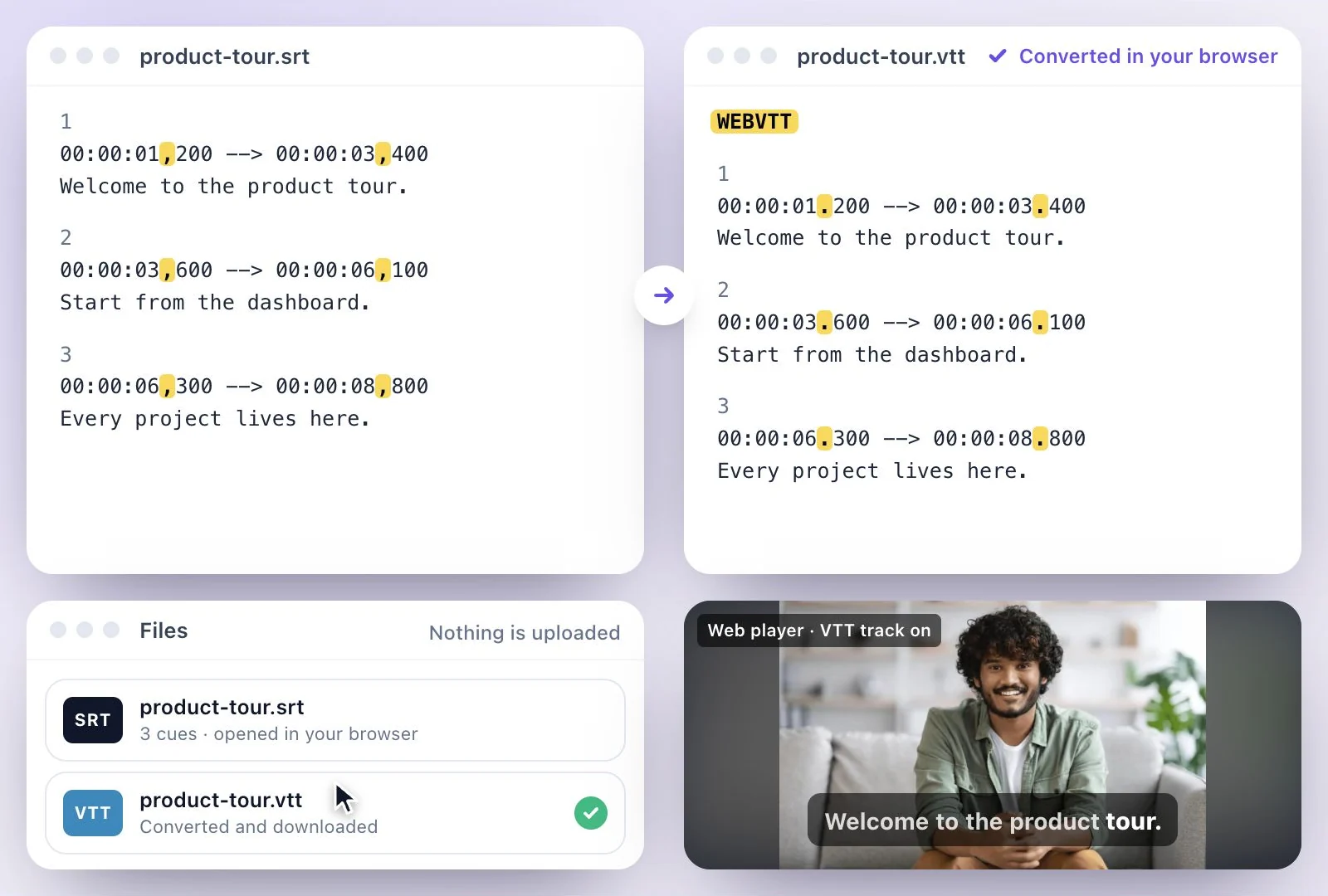
To convert SRT to VTT, paste the subtitles or drop the .srt file into the converter on this page: it adds the WEBVTT header, changes the comma in each timestamp to a dot, and gives you a .vtt file to download.
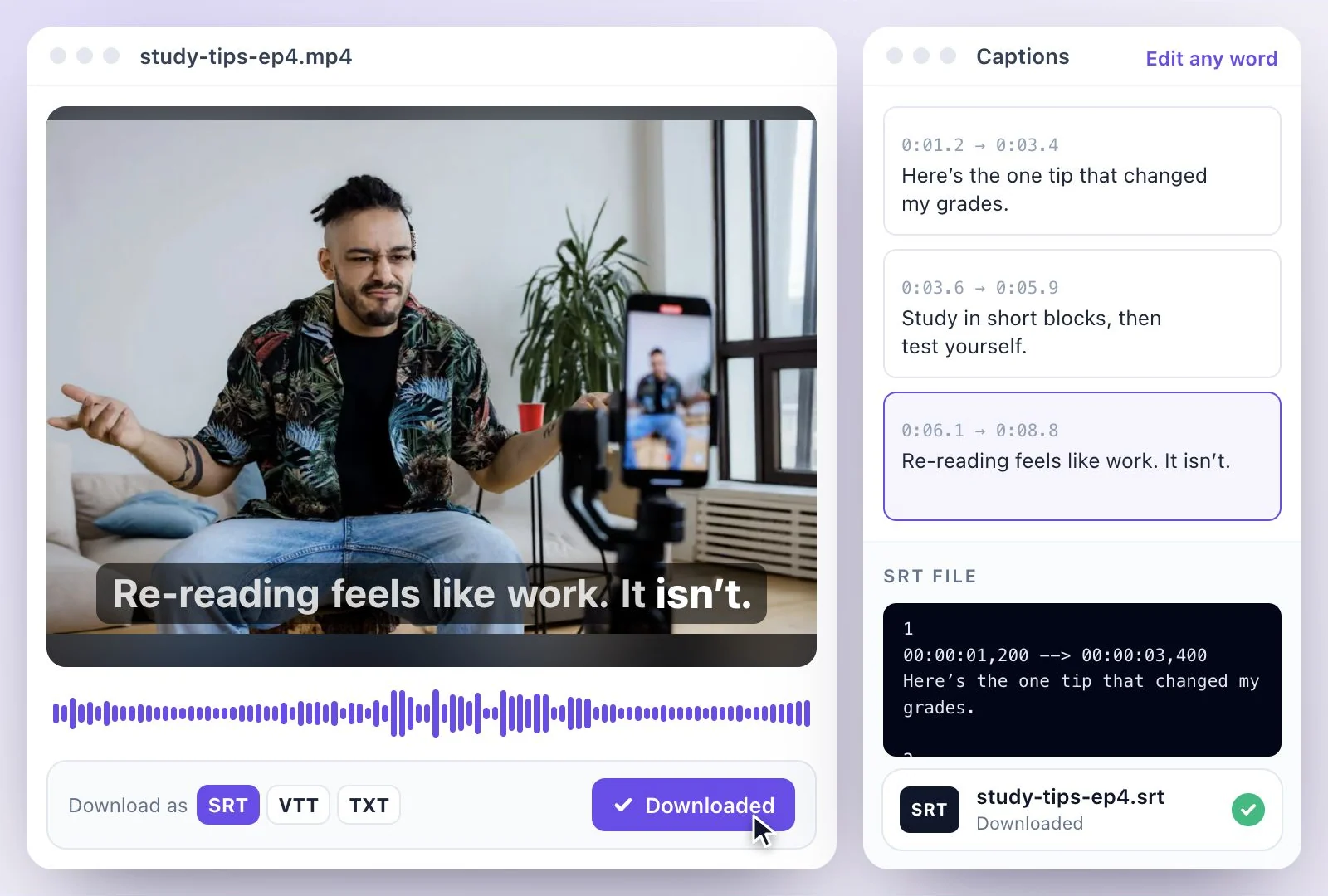
Drop a .vtt file and it converts the other way, to SRT. It all runs in your browser, so the file is never uploaded. No subtitle file yet? Exemplary AI makes one from your video. Free plan: 500 one-time credits; files up to 500 MB and 30 min long; 720p video exports with a watermark.
SRT vs VTT at a glance
Facts checked .
- SRT
- Numbered cues, a comma before the milliseconds (00:00:01,000), no header and no styling
- VTT (WebVTT)
- A WEBVTT header, a dot before the milliseconds (00:00:01.000), and optional cue settings for position and alignment, NOTE comments and STYLE blocks
- SRT to VTT
- Adds the WEBVTT header and changes the comma in each timestamp to a dot
- VTT to SRT
- Numbers the cues, changes dots to commas, and drops the header, NOTE and STYLE blocks and cue settings, which SRT has no place for
- Privacy
- The conversion runs in your browser; the file never leaves your device
- No subtitle file?
- Exemplary AI makes one from a video and downloads it as SRT, VTT or TXT
How to convert SRT to VTT (or VTT to SRT)
One subtitle in both formats
1
00:00:01,000 --> 00:00:04,000
Welcome back to the channel.

WEBVTT

1
00:00:01.000 --> 00:00:04.000
Welcome back to the channel.
Which format to use
YouTube accepts both SRT and VTT. A web player built on the HTML track element wants VTT. Most video editors (Premiere Pro, DaVinci Resolve, Final Cut Pro) want SRT, and so do Facebook, LinkedIn and X when you add a caption file to a post.
Converting SRT to VTT keeps the text and timings. Going from VTT to SRT keeps them too, but drops positioning, styling and comments, since SRT has no place for them. SRT vs VTT compares the two formats in detail.
No subtitle file yet?
The converter needs a subtitle file to start from. If you only have the video, the SRT generator makes one: Exemplary AI transcribes the speech in 99 languages, you correct it, and you download SRT or VTT directly, with no conversion step. To show the subtitles in the picture instead of as a track, burn them into the video.
What the SRT to VTT Converter Does
A WebVTT converter that works both ways, without uploading your file anywhere.
Detects the format
Paste text or drop a file and the converter tells SRT from VTT itself, so you never pick a direction.
SRT to VTT
Adds the WEBVTT header and switches the comma before the milliseconds to a dot, which is what a VTT player expects.
VTT to SRT
Numbers each cue, switches dots back to commas, and removes the header, NOTE and STYLE blocks and cue settings such as position and align.
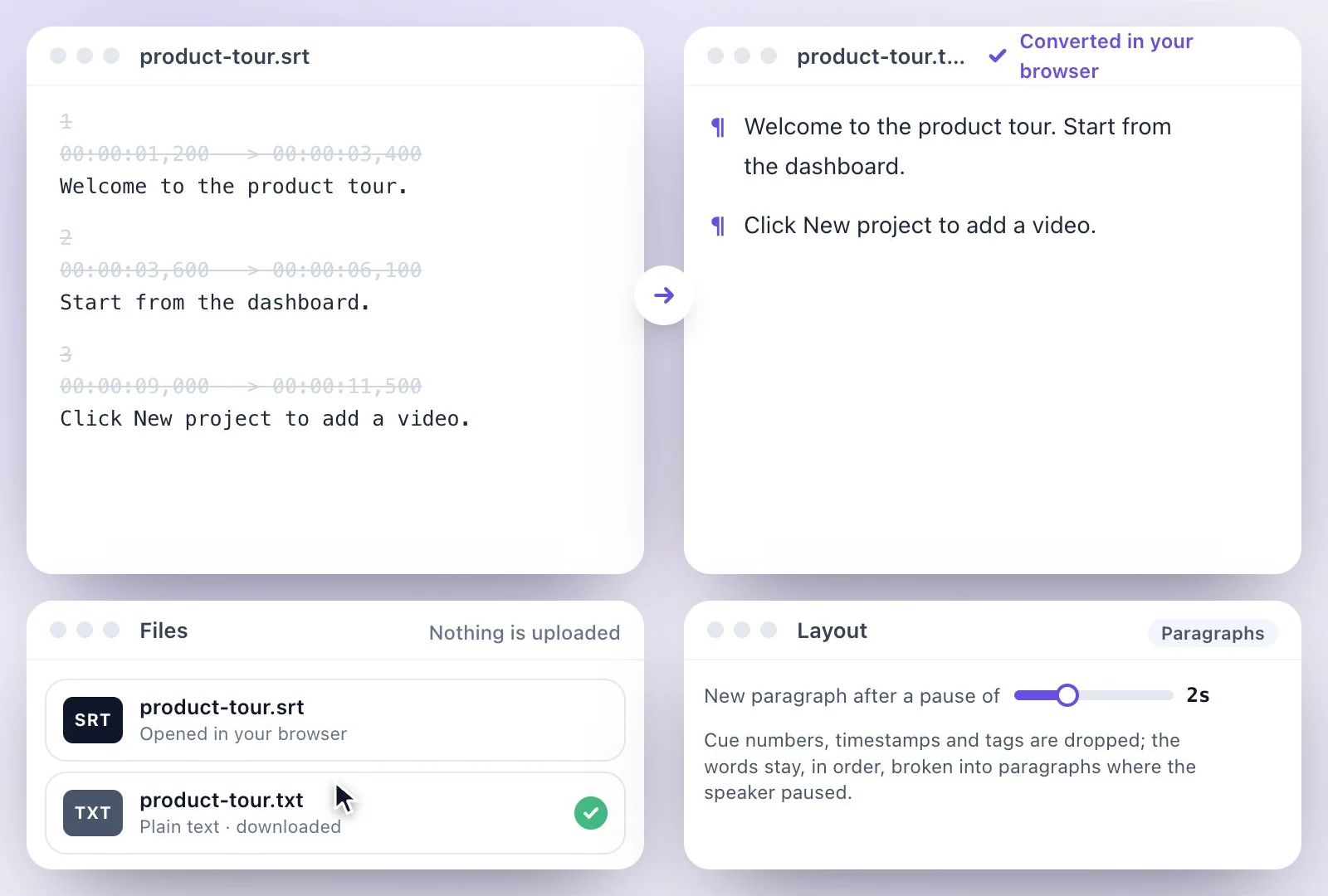
Stays on your device
The conversion runs in your browser. Your subtitle file is never uploaded, and you download the result straight away.

Common questions
How do I convert SRT to VTT?
Can I convert VTT to SRT too?
Is my subtitle file uploaded when I convert it?
What is the difference between SRT and VTT files?
Does renaming an .srt file to .vtt work?
Does YouTube want SRT or VTT?
How do I get an SRT or VTT file if I only have the video?
Is the SRT to VTT converter free?
Discover more Subtitles & Captions
- Auto subtitle generator
- Video caption generator
- Subtitle translator
- Subtitle editor
- Animated subtitles
- Burn subtitles into video
- SRT generator
- Caption styles
- Add subtitles in DaVinci Resolve
- Add subtitles in Premiere Pro
- Add subtitles in Final Cut Pro
- Add subtitles in Canva
- Captions vs subtitles
- TXT to SRT converter
- SRT to TXT converter
- Add subtitles to Video
- Add subtitles to TikTok Video
- Add subtitles to Instagram Reels
- Tamil Subtitle Generator
- Hindi Subtitle Generator
- Arabic Subtitle Generator
- German Subtitle Generator
- Chinese Subtitle Generator
- Indonesian Subtitle Generator
- Persian Subtitle Generator
- Hebrew Subtitle Generator
- Thai Subtitle Generator
- Greek Subtitle Generator
- Malay Subtitle Generator
- Bengali Subtitle Generator
- Tagalog Subtitle Generator
- Urdu Subtitle Generator
- Zulu Subtitle Generator
- Albanian Subtitle Generator
- Uzbek Subtitle Generator
- Mongolian Subtitle Generator
- Nepali Subtitle Generator
- Sinhala Subtitle Generator
- Pashto Subtitle Generator
- Amharic Subtitle Generator
- Tigrinya Subtitle Generator
- Somali Subtitle Generator
- Yoruba Subtitle Generator
- Hausa Subtitle Generator
- Igbo Subtitle Generator
- Samoan Subtitle Generator
Need subtitles from a recording?
Upload audio or video to generate a transcript and create a timed subtitle track.