Effortless Audio & Video Summarization
Summarizing audio and video content manually is time-consuming. Our AI-powered Summary Generator does it in seconds, simplifying content creation like never before.
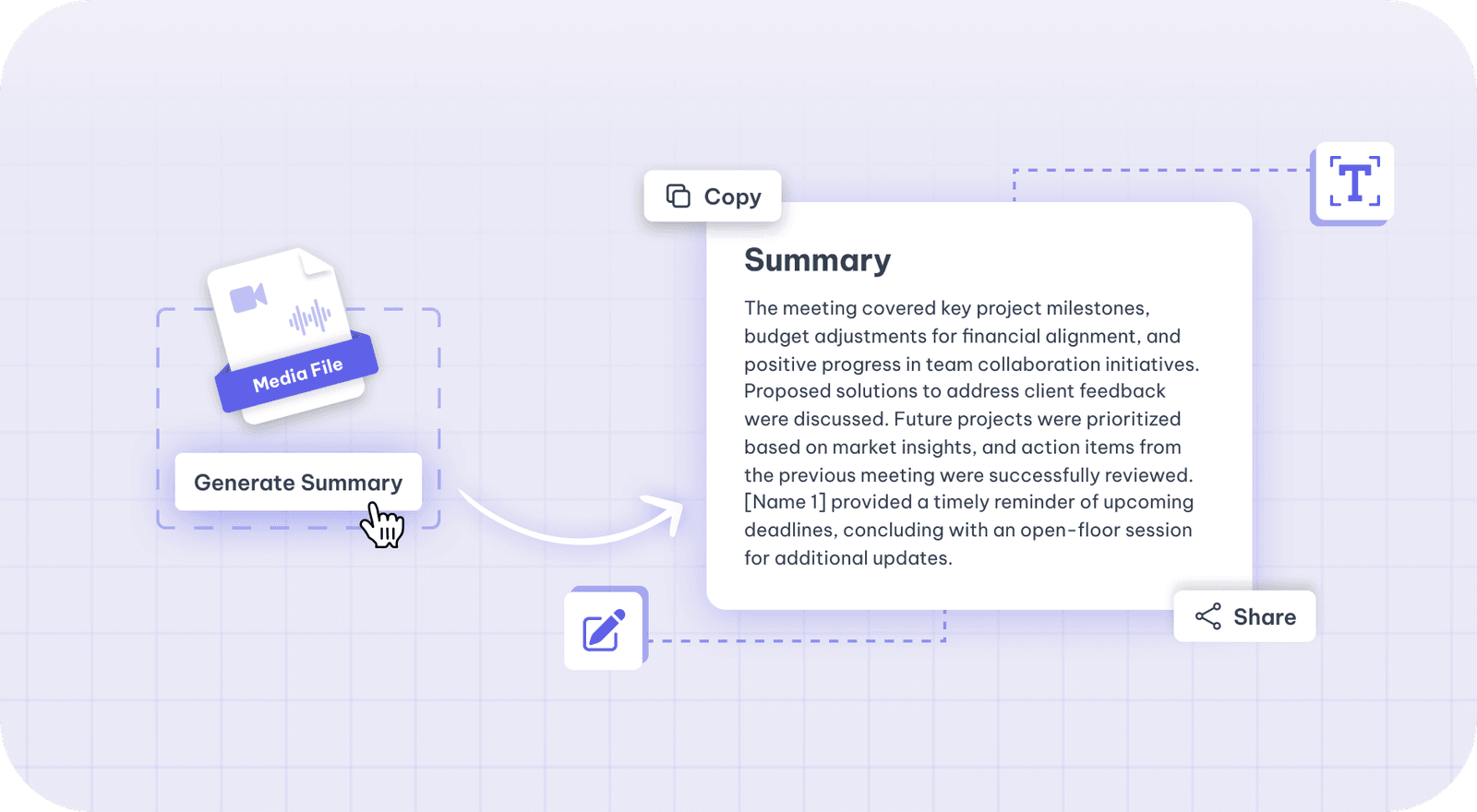
Podcast summaries and show notes
For a podcast episode, open the "Podcast" presets (Summary, Titles, Keywords, Chapters, Tweets, Q&A, Newsletter, LinkedIn Post and Podcast Blog). Summary writes a short summary of the episode from its transcript, and Chapters lists its sections with timestamps.
There is no dedicated show-notes preset. For show notes, put the Summary, Chapters and Keywords results together, or write your own show-notes prompt and save it to reuse on the next episode.
Simplify Your Summaries with AI
Our Summary Generator provides quick, accurate summaries from lengthy audio and video content. Ideal for generating engaging content summaries effortlessly.
Accurate to start with
Speech is transcribed before anything else happens, so every export downstream inherits the same source of truth.
Editable as text
Correct a name or a term once in the transcript and it is right everywhere. Cutting a sentence cuts the matching video with it.
Export in any format
Subtitle files, burned-in captions, clips, chapters or written copy — all from the one transcript.
How to generate Summary from audio and video
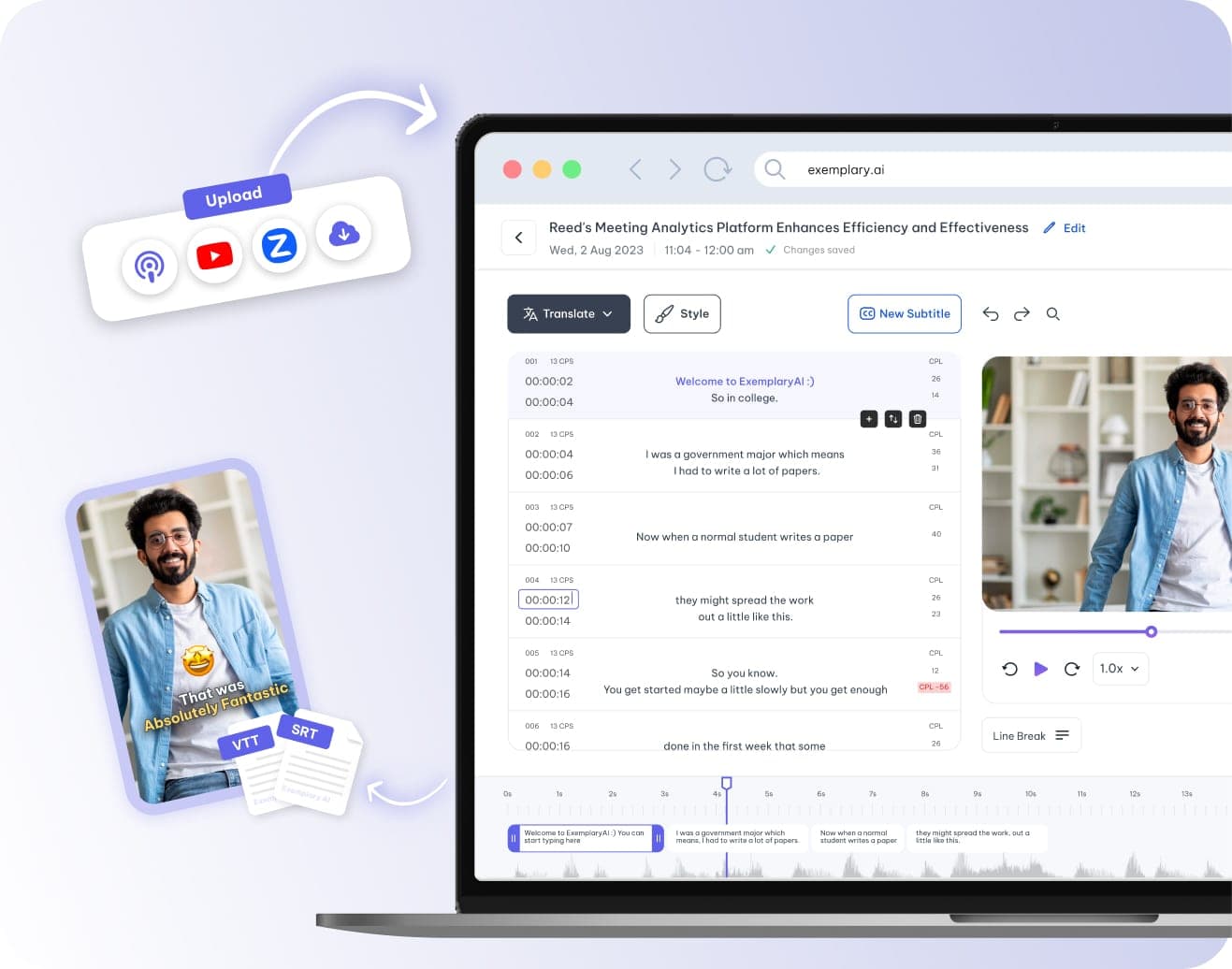
Upload your video or audio file
Begin by uploading your video or audio file, or input your URLs from platforms like YouTube, Podcast, TikTok, Vimeo, or Drive, for the content you wish to summary.
Select language, accent, and content category
Choose the language and specific accent of your video or audio file. Then, select the content category from the dropdown menu and proceed by clicking Process.
Generate Summary with AI Writer
After the initial transcription, use the AI Writer to generate a summary. Input the summary prompt to produce a concise report of your content.
Review and refine your Summary
Examine the AI-generated summary and make any necessary edits to perfect your content, ensuring accuracy and completeness.
Tools that work on the same file
You have already uploaded it. These run on the same transcript, so there is nothing to redo.
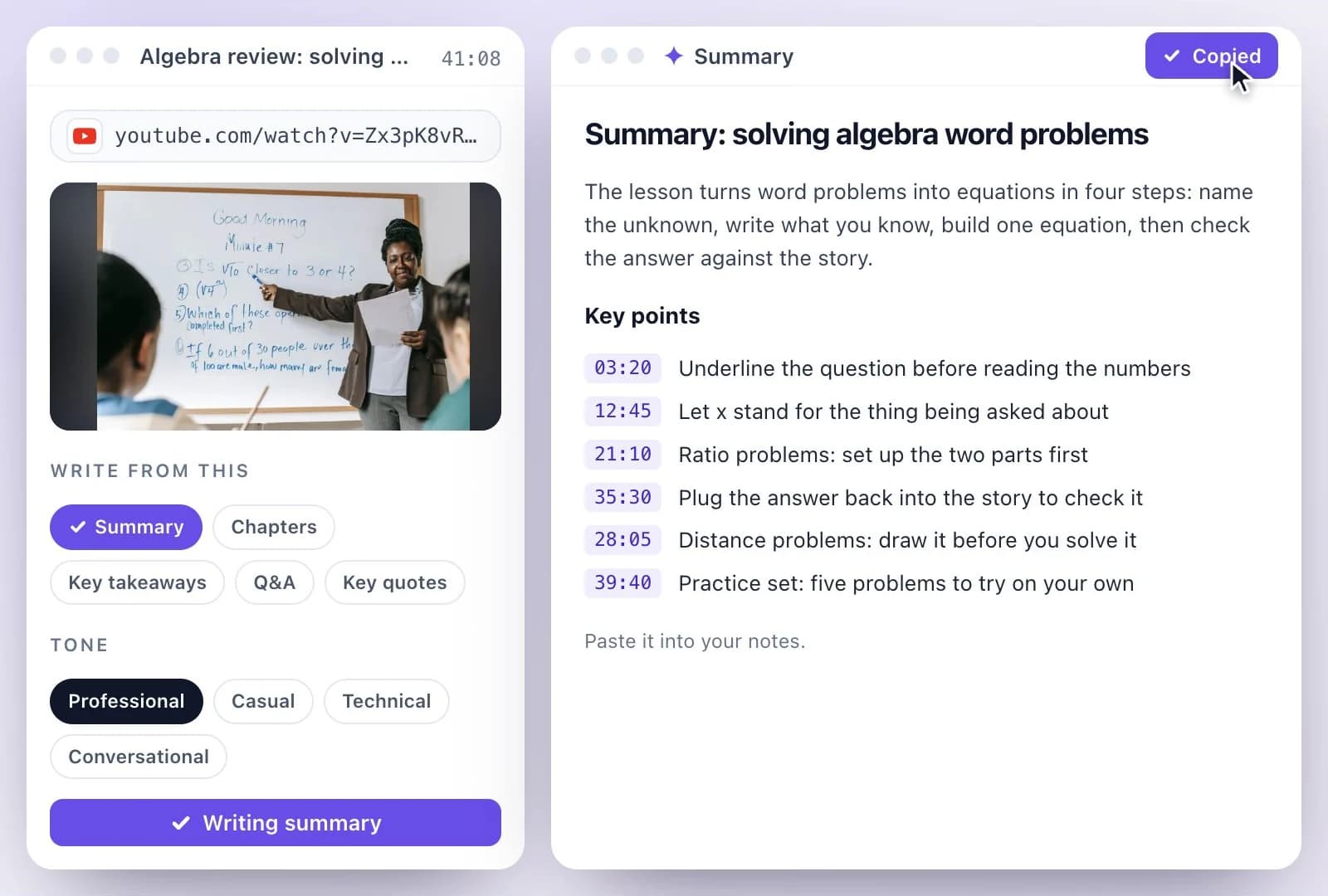
YouTube Video Summary Generator
Paste a YouTube link and get a written summary with key points, plus chapters with timestamps,…
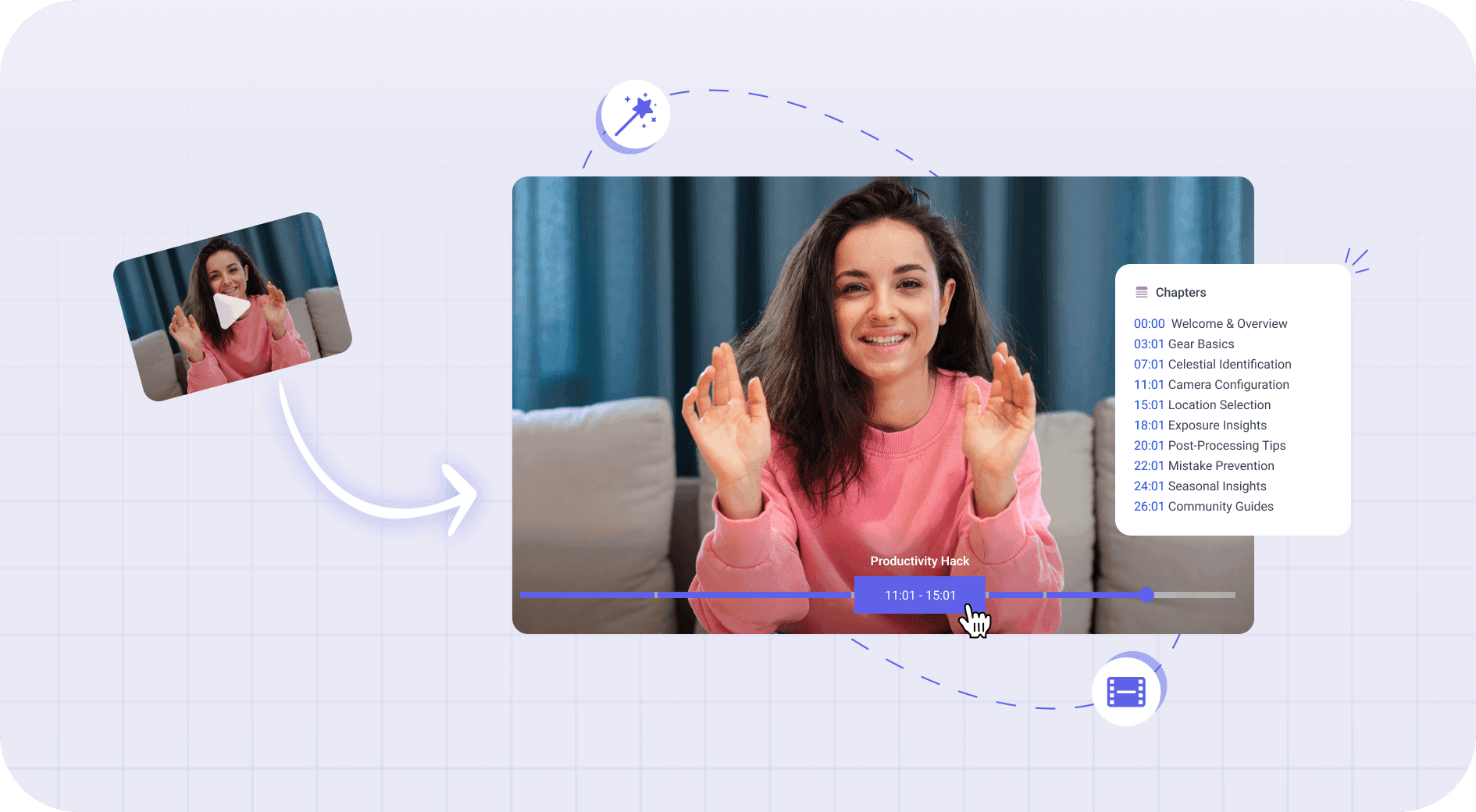
Video Chapter Generator
Video chapter generator: AI splits your video's transcript into up to 10 chapters, each with a…
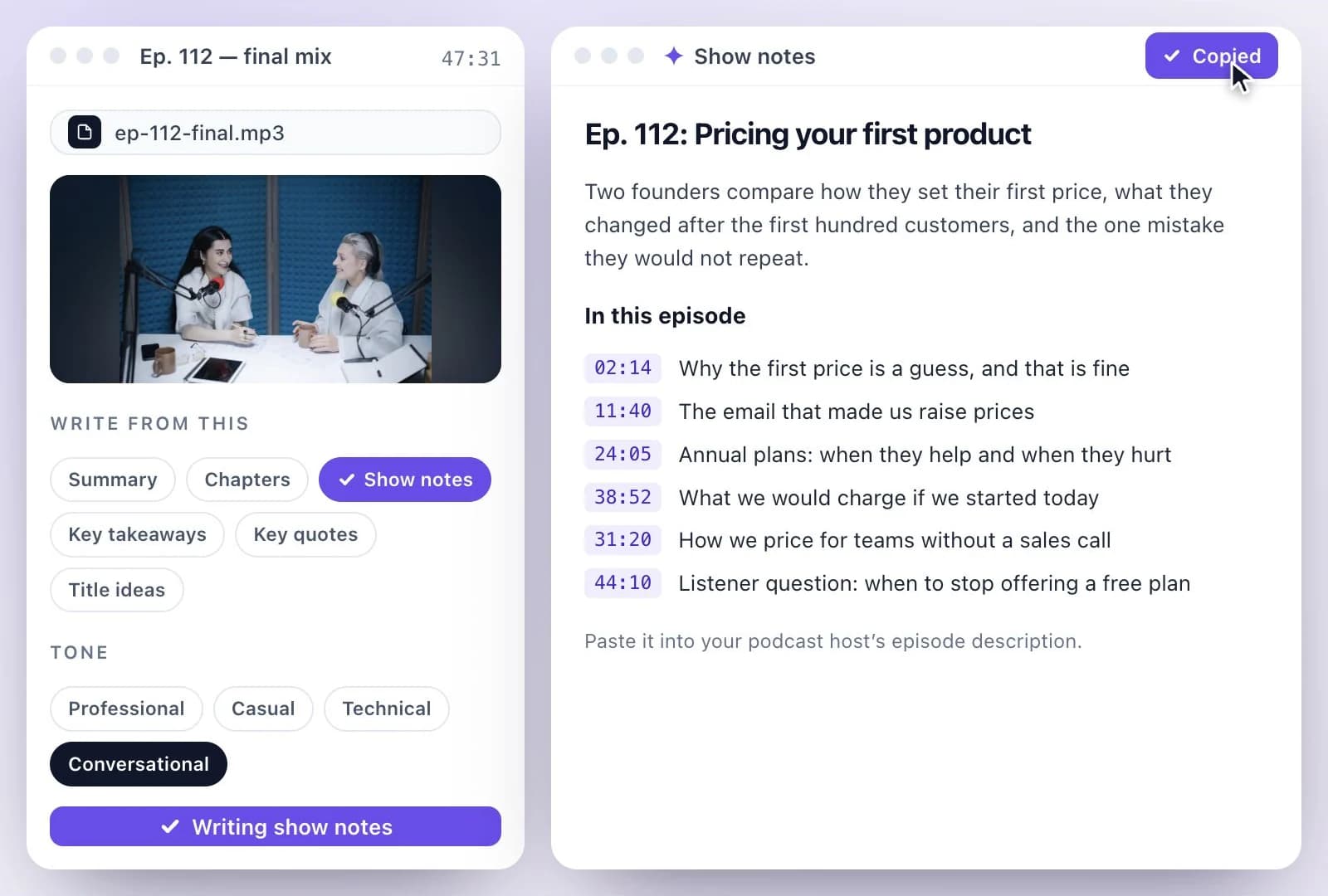
Podcast Show Notes Generator
Upload or link a podcast episode and get show notes: an episode description and highlights,…
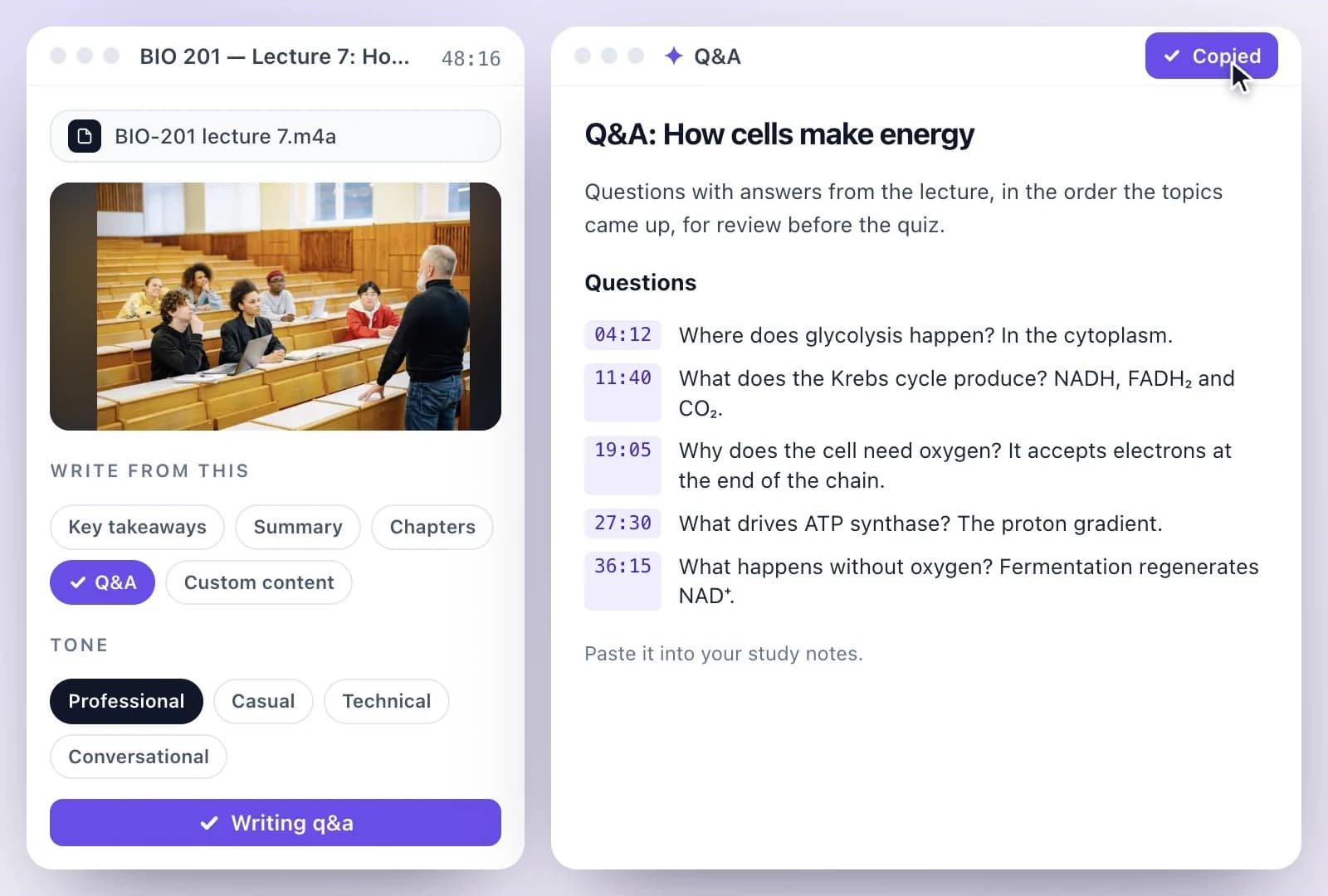
Lecture to Notes Generator
Upload or record a lecture and get notes from it: a summary, key takeaways, chapters with times…
Summary is one part of one workspace
Summary is one door into the same workspace. Whatever you came here to make, the rest is already available from the file you just uploaded.
Upload once
The same recording feeds every tool on the site. Nothing needs uploading twice to get a second format out of it.
Caption and translate
Burned-in captions or subtitle files, in the spoken language or translated with the timings kept intact.
Repurpose without re-editing
Clips, chapters, show notes, blog drafts and social posts all come off the one transcript.
Common questions
What types of content can the Summary Generator handle?
How accurate are the summaries generated by the tool?
Can I customize the length of the summaries?
Is the summary generation process fast?
Can I integrate the Summary Generator with other tools?
Discover more AI Content
- YouTube Video Summary Generator
- Video Chapter Generator
- Podcast Show Notes Generator
- Lecture to Notes Generator
- YouTube to Notes Generator
- YouTube Tags Generator
- YouTube to LinkedIn Post Generator
- TikTok Caption Generator
- Chat with YouTube Video Generator
- Video Hook Generator
- Emmy Generator
- YouTube Description Generator
- YouTube Timestamp Generator
- YouTube Video Title Generator
- Hashtag Generator
- Social Media Post Generator
- Blog Post Generator
- Meeting Minutes Generator
One upload. Every format you need.
Drop in a recording and work from the transcript — clips, captions, chapters, show notes and posts all come from the same file.