 Tagalog
Auto Tagalog Subtitle Generator
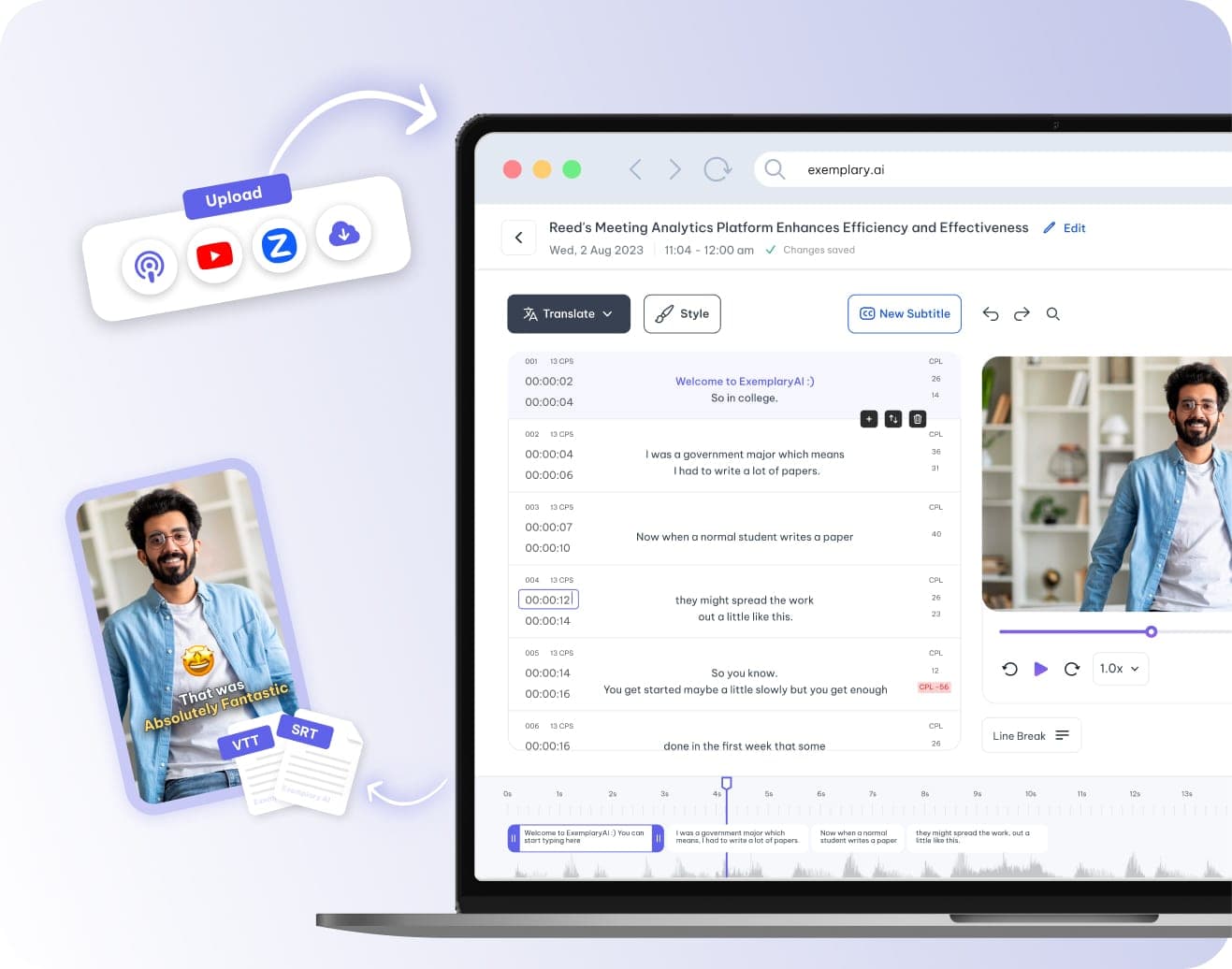
To add Tagalog subtitles to a video, upload it or paste a link and choose Tagalog as the spoken language. Edit the captions in the subtitle editor, then download SRT or VTT files or burn styled captions into the video.
Tagalog subtitles at a glance
| Spoken-language entry | Tagalog |
|---|---|
| Script | The Latin alphabet |
| Caption direction | Left to right |
| Font coverage | Noto Sans, in the bundled font set |
| Subtitle files | SRT, VTT, TXT |
| Burned-in captions | From the video editor |
| Translate subtitles into Tagalog | Yes, one of 116 languages |
Facts checked .
How to add Tagalog subtitles to a video
Add the video
Upload a Tagalog vlog, podcast or webinar as a video file, or paste a YouTube, TikTok, Vimeo or X link.
Choose Tagalog
Open the language list and choose Tagalog under All Languages. Unsure what language a file is in? Auto Detect (beta) also recognises Tagalog.
Edit the captions
Open the subtitle editor to correct words, drag each caption's start and end on the timeline, and set the maximum lines and characters per line.
Download or burn in
Download SRT, VTT or TXT files, or style the captions in the video editor and download the video with them burned in.
Common questions
How do I add Tagalog subtitles to a video?
Will Tagalog characters display correctly in my subtitles?
Can I turn subtitles in another language into Tagalog?
Should I choose Tagalog or Filipino?
Can I fix the timing of Tagalog subtitles?
One upload. Every format you need.
Drop in a recording and work from the transcript — clips, captions, chapters, show notes and posts all come from the same file.