TikTok Caption Generator
Two kinds of TikTok captions from one video: the text under your post, written from what you say, and captions on the video itself.
Free to start — no credit card required.
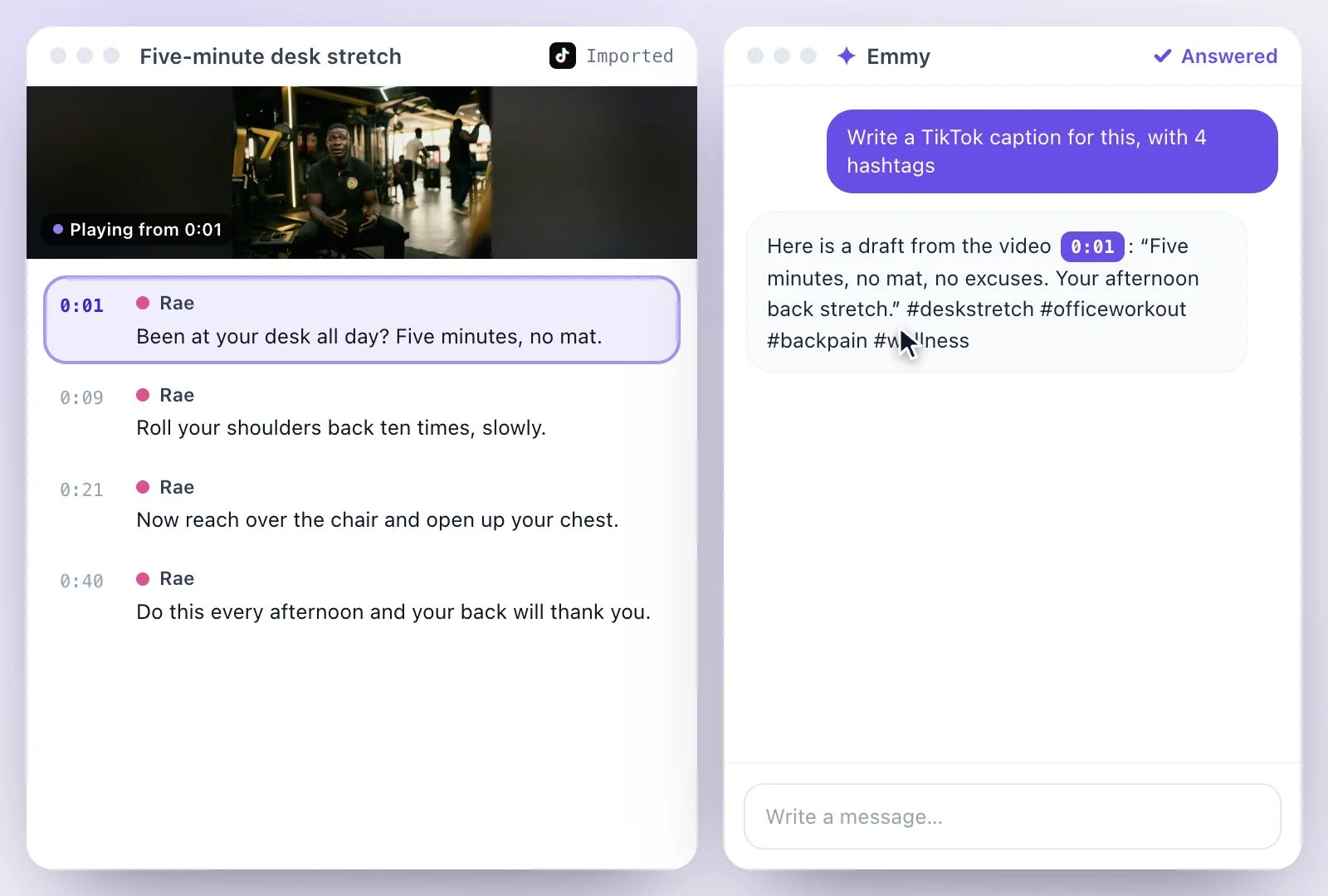
"TikTok caption" means two things, and Exemplary AI makes both.
For the post caption, paste the video's link (TikTok links import) and ask Emmy to write one from the transcript; the Keywords document adds hashtags. For captions on the video, start a captions project, pick the TikTok style and export the MP4 with them burned in. TikTok's developer documentation gives 2,200 characters as the limit for a video caption. The Free plan includes 500 one-time credits; files up to 500 MB and 30 min long; 720p video exports with a watermark. Credits are used by the tasks you run, rather than a fixed number of generations.
TikTok captions at a glance
Facts checked .
- Post caption
- Written by Emmy on request, from the transcript; Keywords adds hashtags
- On-video captions
- The TikTok style or any of the 26 caption styles, burned into an MP4
- Input
- A single YouTube, TikTok, Instagram, Facebook, Vimeo or X link, or an uploaded file
- Social posts
- Covers X, LinkedIn and Instagram, not TikTok
- TikTok's caption limit
- 2,200 characters for a video caption, per TikTok's developer documentation
- Posting
- You post it yourself
- Free plan
- The Free plan includes 500 one-time credits; files up to 500 MB and 30 min long; 720p video exports with a watermark. Credits are used by the tasks you run, rather than a fixed number of generations.
How to make TikTok captions
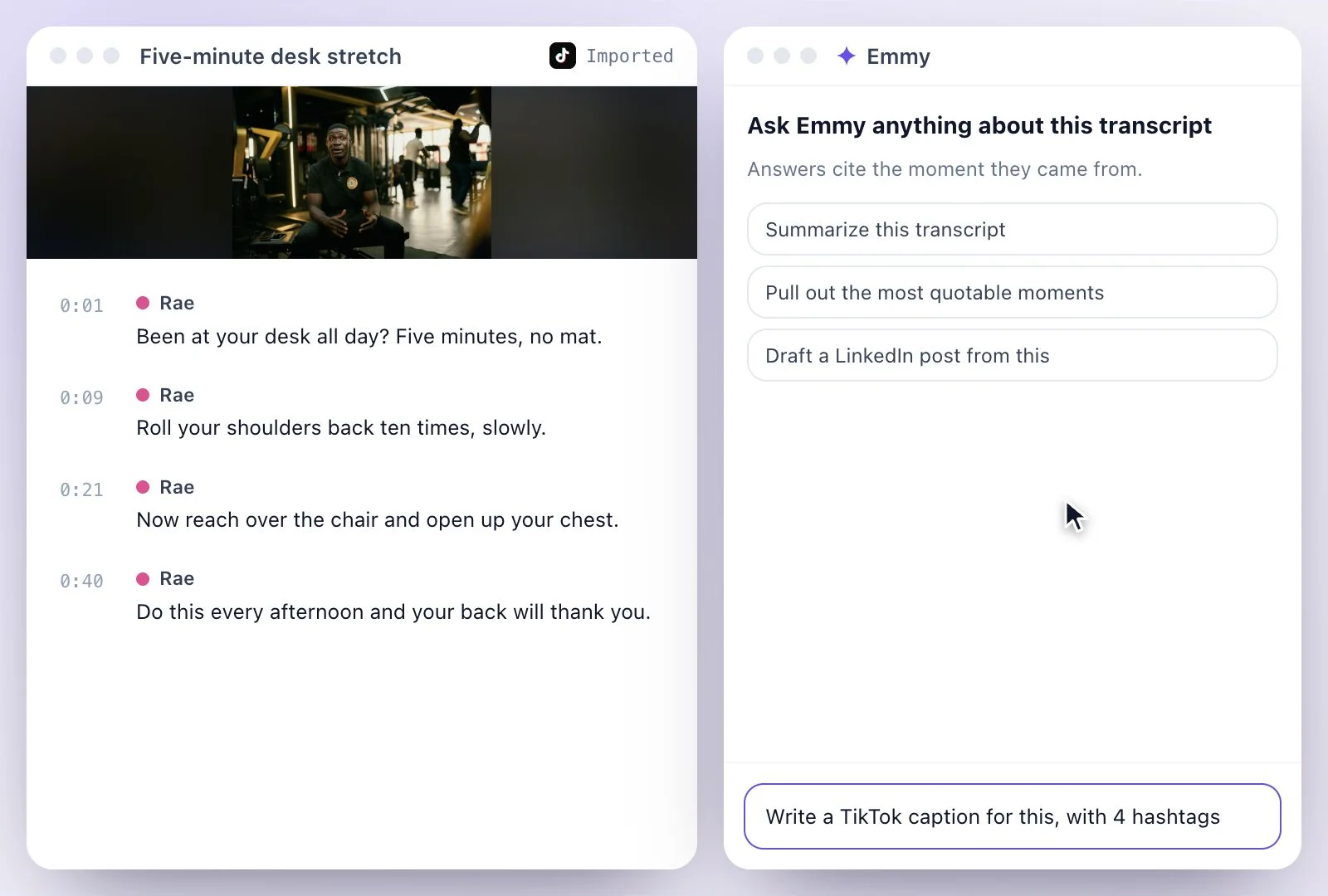
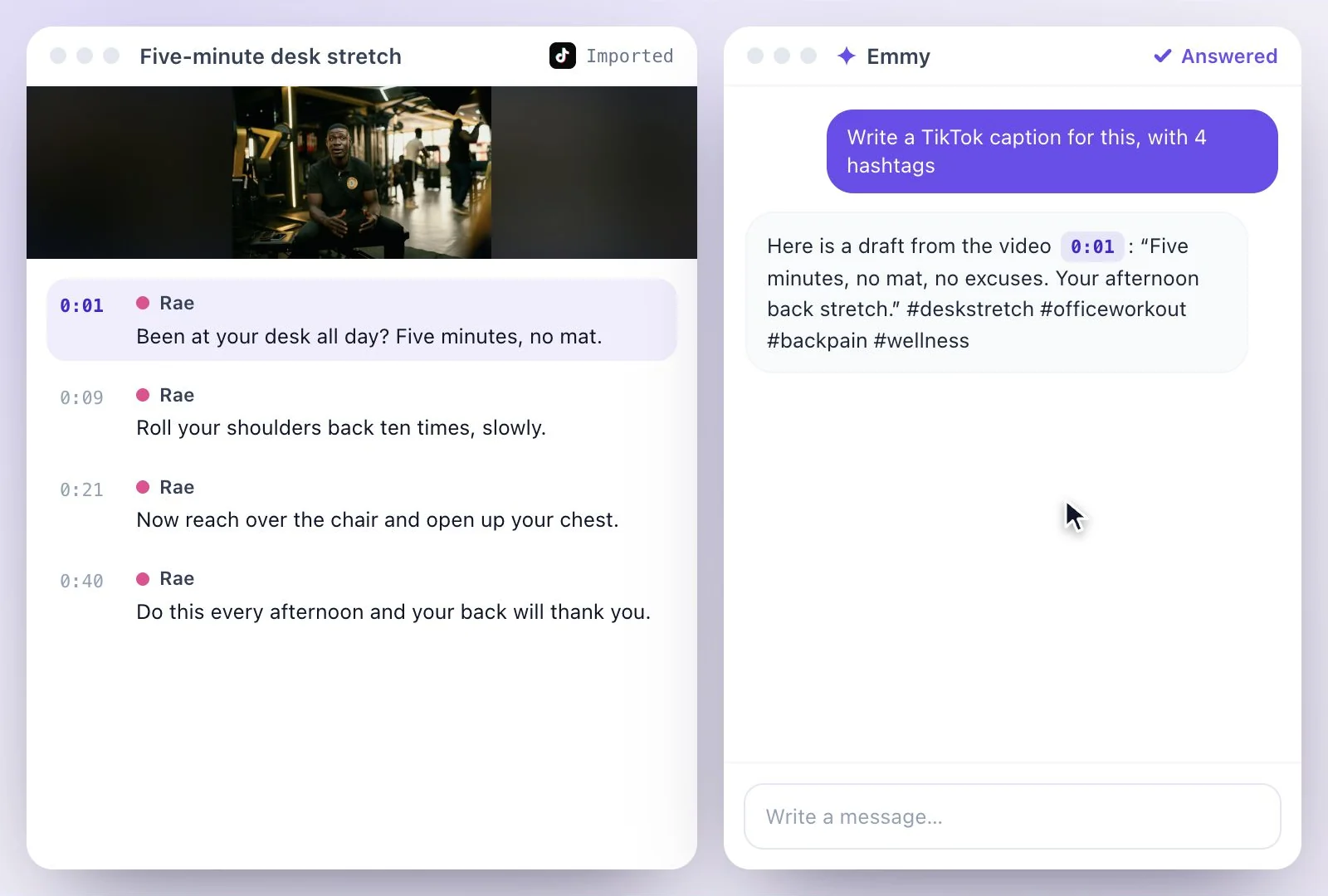
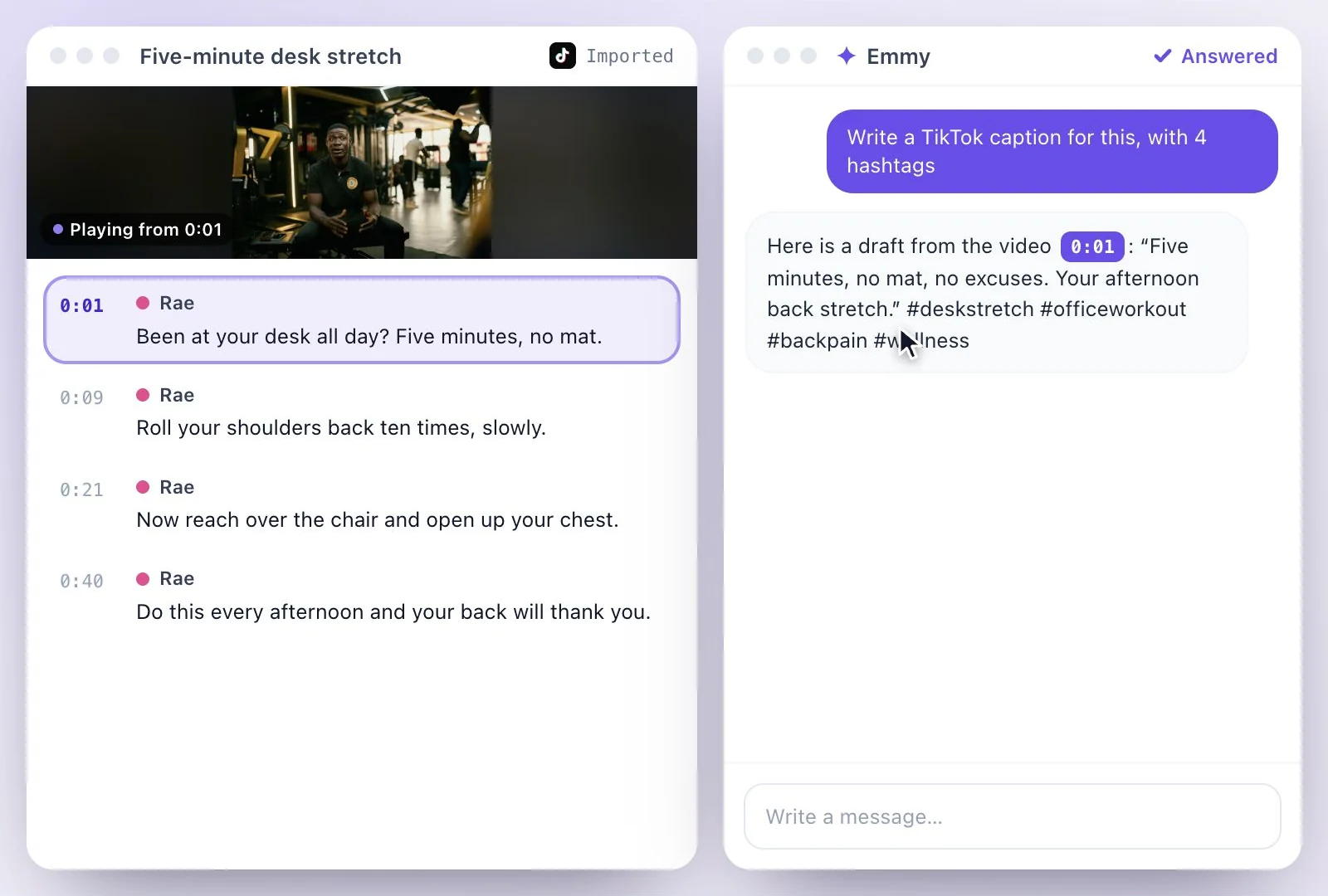
Post caption or on-video captions?
The post caption is the text under your video: what the video is about, a reason to watch to the end, and hashtags. On-video captions are the words on screen, for the many people who scroll with the sound off. Most creators want both, and both come from the same transcript, so they agree with each other.
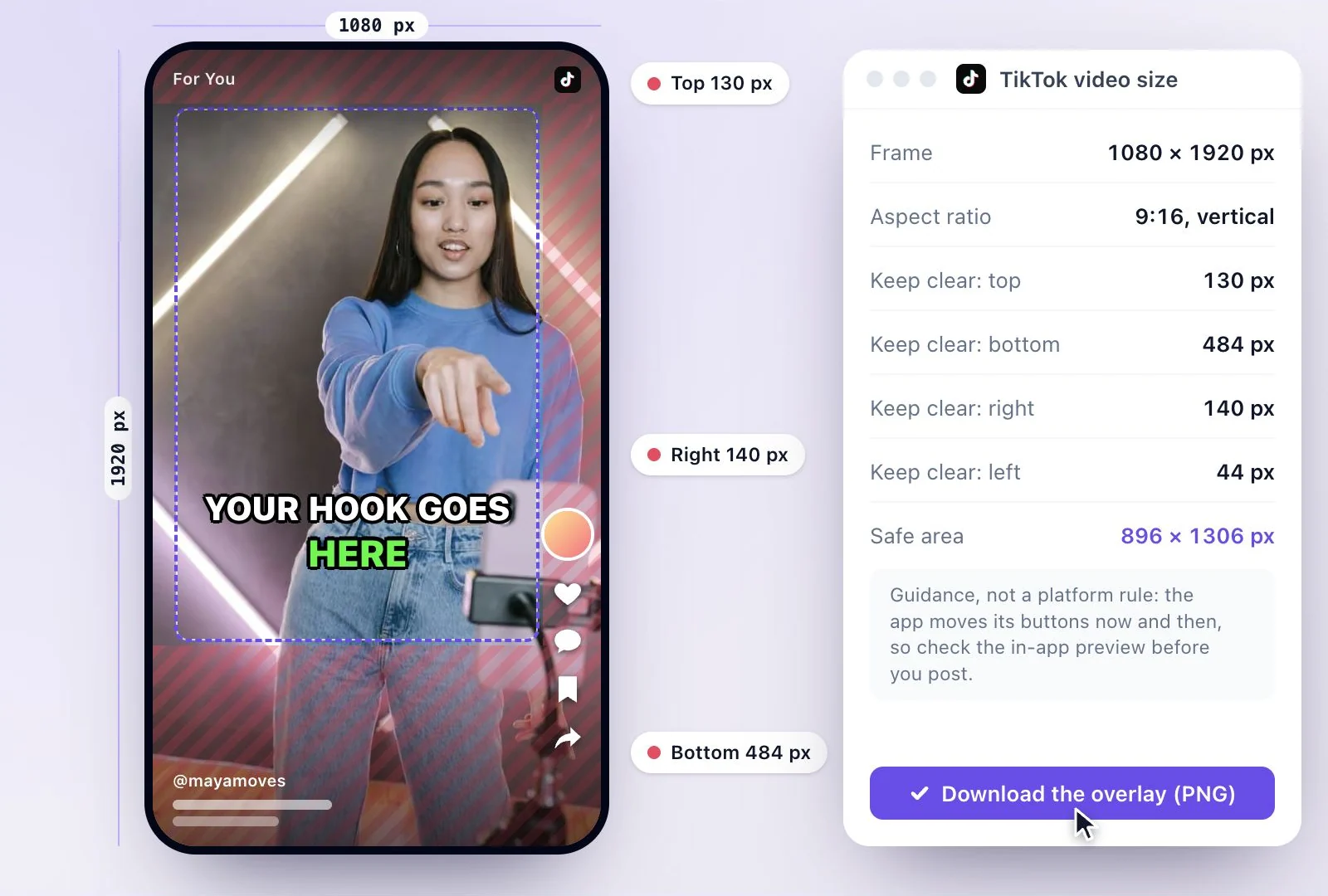
Browse the caption looks on the caption styles page, check the frame on TikTok video size, or get the words of any TikTok with the TikTok transcript generator. Starting from a YouTube video? See YouTube to TikTok.
Both TikTok Captions from One Video
One upload or link gives you the words for the post and the words on the video.
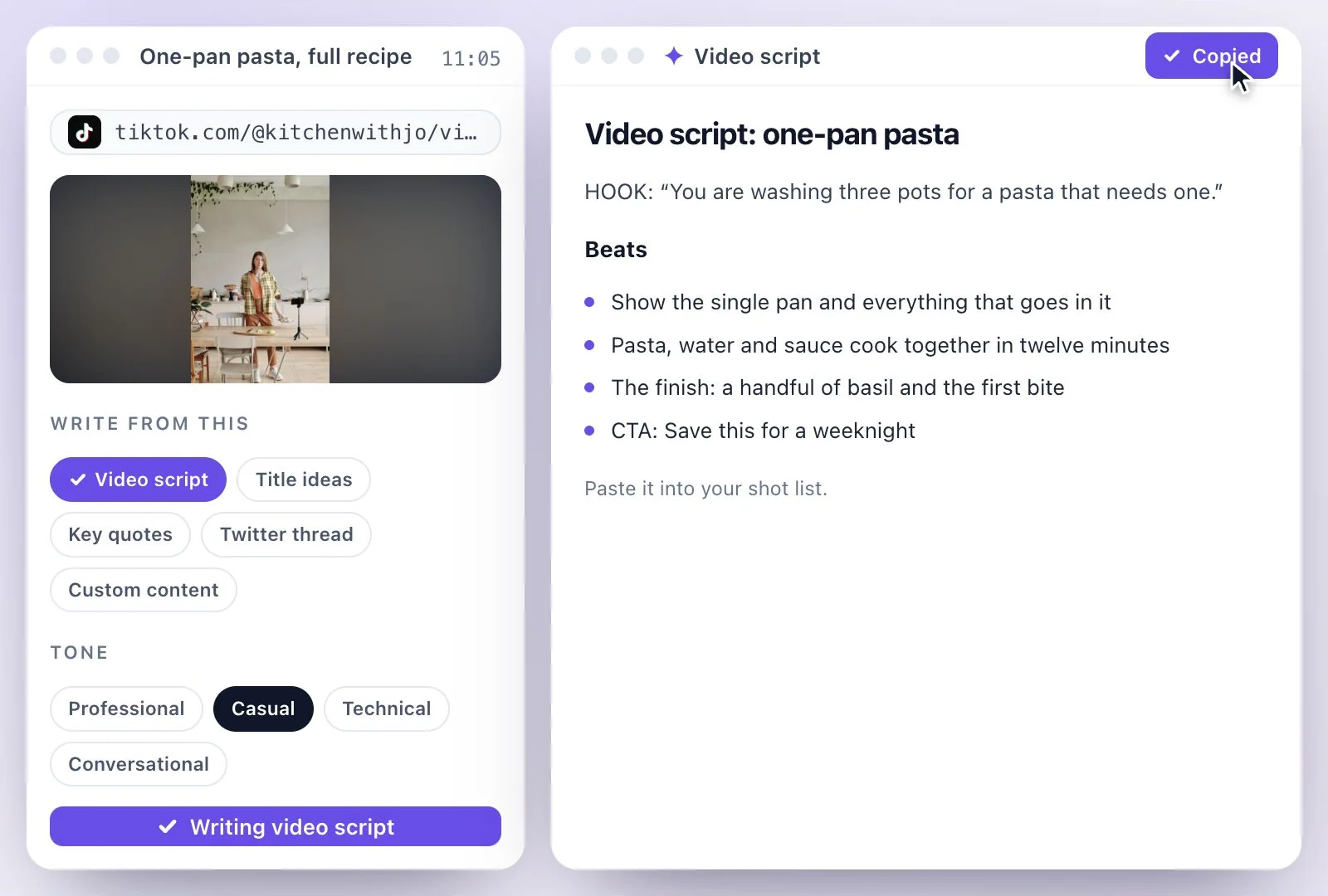
A post caption from what you say
Emmy writes the caption from the transcript, so it describes the video you actually made.
Hashtags from the video
The Keywords document's hashtags come from the same words.
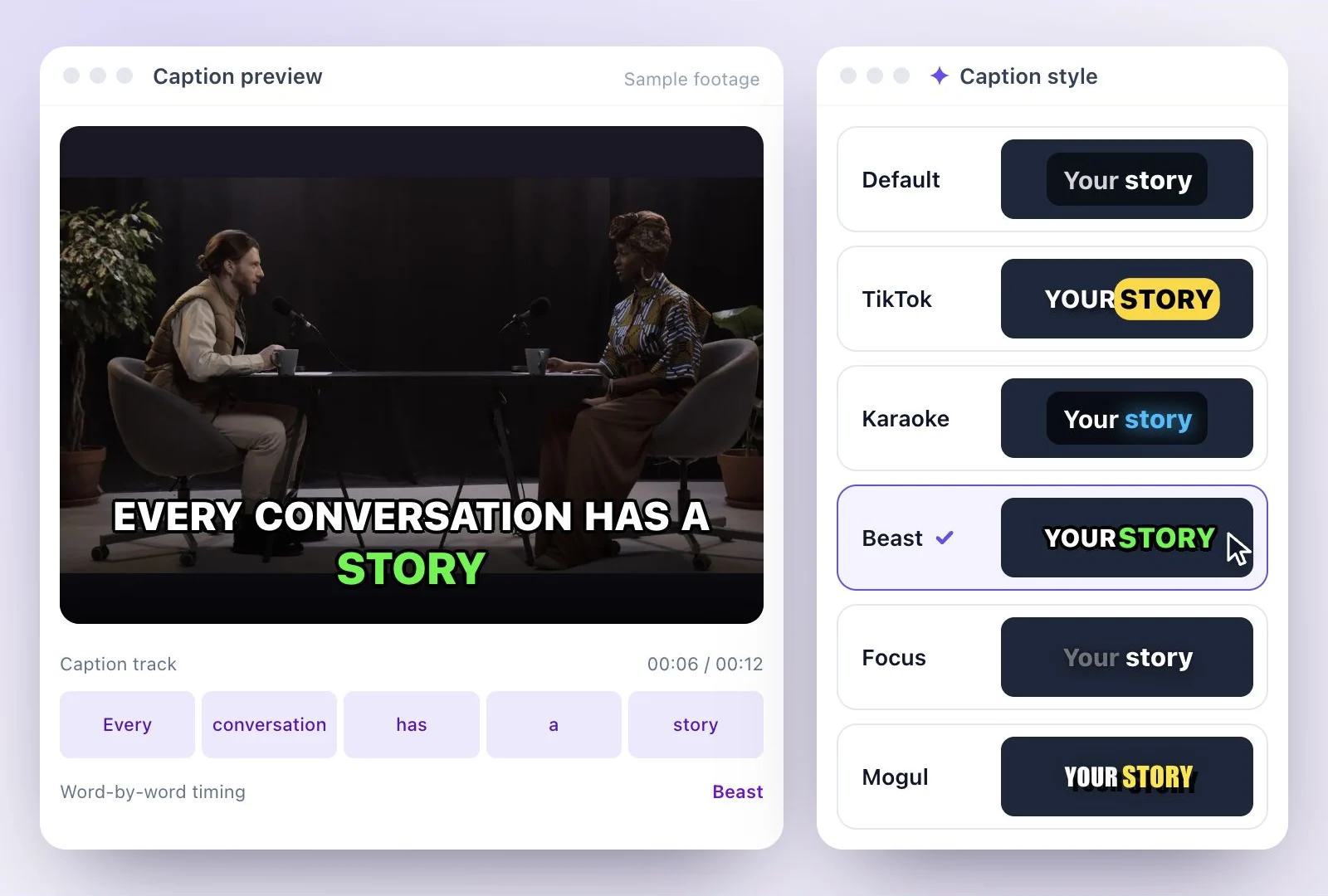
The TikTok caption style
On-video captions in the TikTok style, or any other style in the library, burned into the MP4.
Edit before you post
Change any word in the drafted caption or in the on-video captions before you download.
Common questions
How do I write a TikTok caption with AI?
Can it add captions on the TikTok video itself?
How long can a TikTok caption be?
Does the Social posts document include a TikTok caption?
Can it post the caption to TikTok for me?
Is the TikTok caption generator free?
Discover more AI Content
- Summary Generator
- YouTube Video Summary Generator
- Video Chapter Generator
- Podcast Show Notes Generator
- Lecture to Notes Generator
- YouTube to Notes Generator
- YouTube Tags Generator
- YouTube to LinkedIn Post Generator
- Chat with YouTube Video Generator
- Video Hook Generator
- Emmy Generator
- YouTube Description Generator
- YouTube Timestamp Generator
- YouTube Video Title Generator
- Hashtag Generator
- Social Media Post Generator
- Blog Post Generator
- Meeting Minutes Generator
Give your TikTok a clear introduction
Start with the video and draft a post caption that fits what you are sharing.