TikTok Transcript Generator
Paste a TikTok link and get every spoken word as text, with timestamps, to edit, quote or reuse.
Free to start — no credit card required.
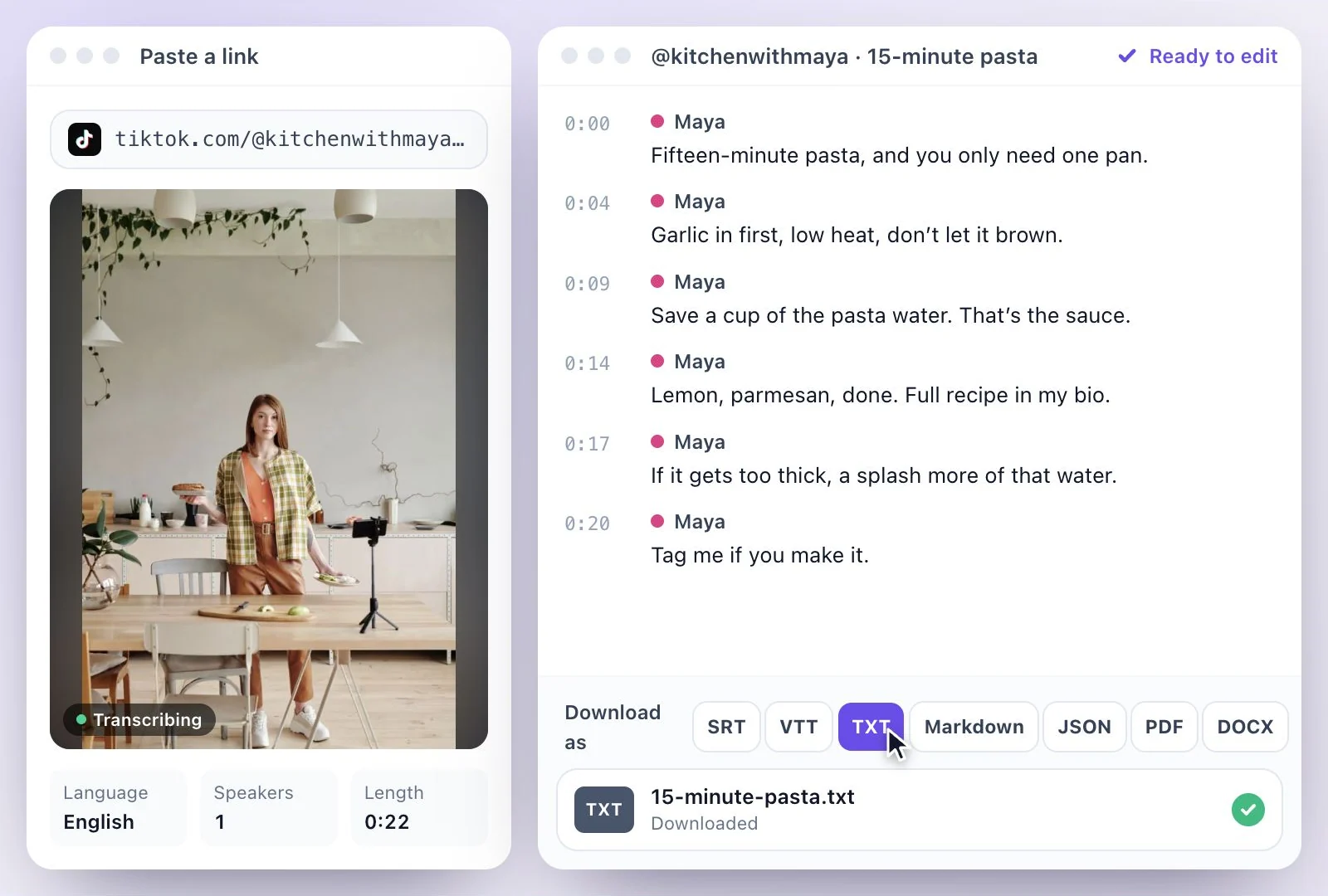
Exemplary AI's TikTok transcript generator turns a TikTok video into text: paste the link, and it fetches the video, transcribes the audio and gives you an editable transcript with timestamps, in any of 99 languages.
It transcribes what is said in the video, so you get the words even when the creator never turned captions on. Free plan: 500 one-time credits.
TikTok transcripts at a glance
Facts checked .
- Input
- A TikTok video link, or a saved video file (MP4, MOV and WEBM)
- Other links
- YouTube, TikTok, Instagram, Facebook, Vimeo or X
- What is transcribed
- The speech in the video's audio, not the post caption or text typed onto the video
- Timestamps
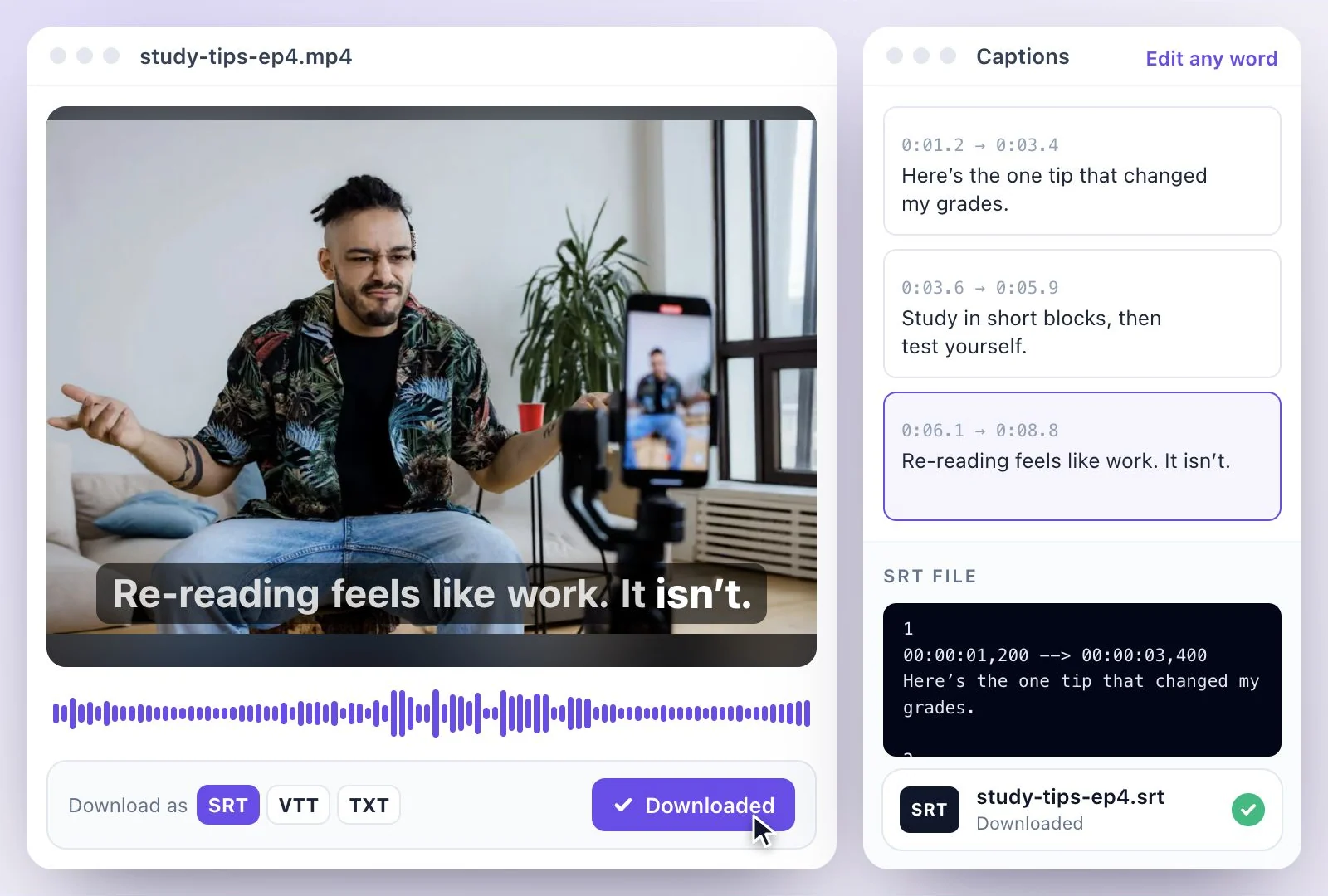
- Kept with the transcript; an PDF, SRT, VTT, TXT or DOCX download can include or leave out timestamps and speaker names
- Transcript downloads
- PDF, SRT, VTT, TXT, Markdown, JSON and DOCX
- Languages
- 99 languages
- Free plan
- 500 one-time credits; files up to 500 MB and 30 min long; 720p video exports with a watermark
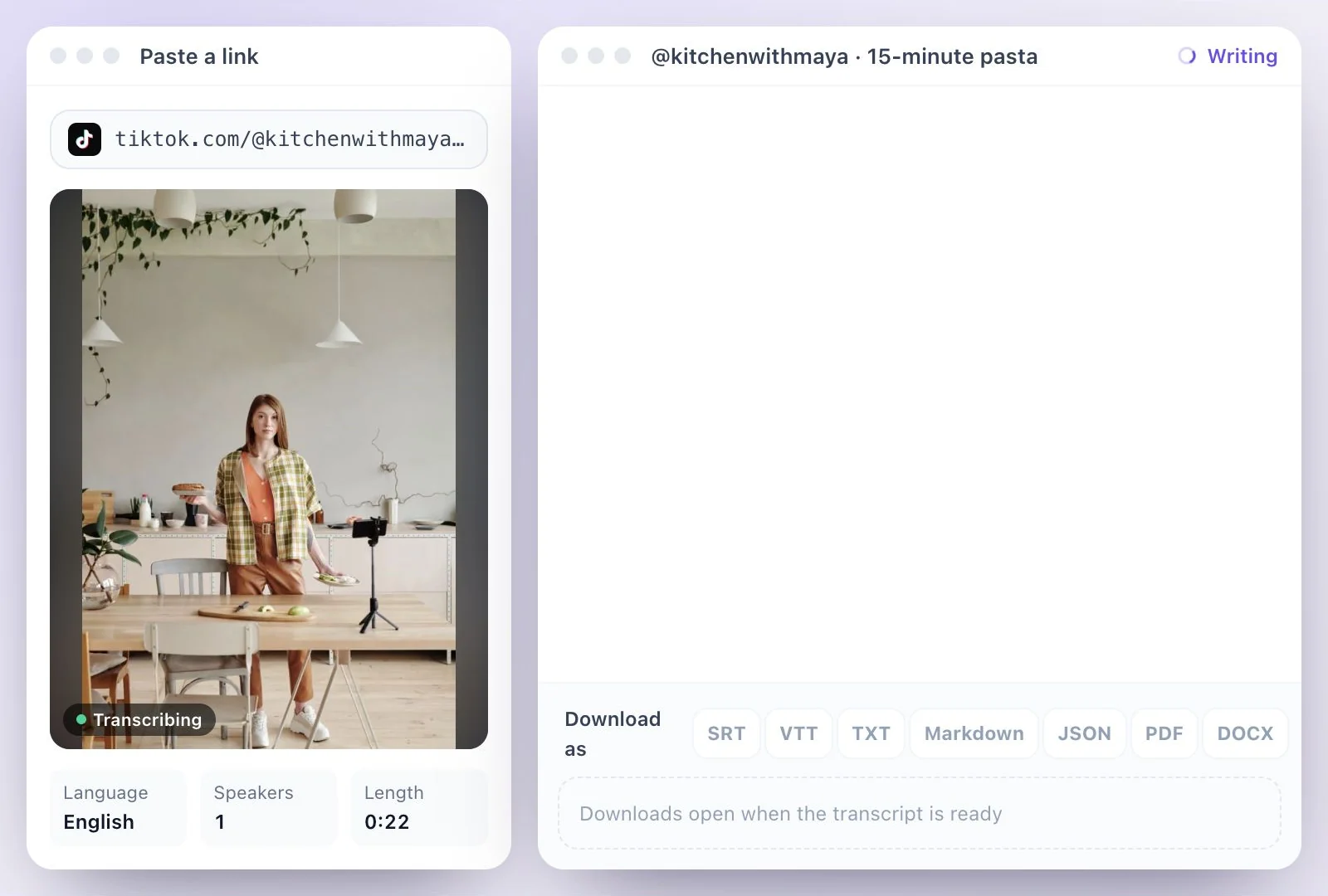
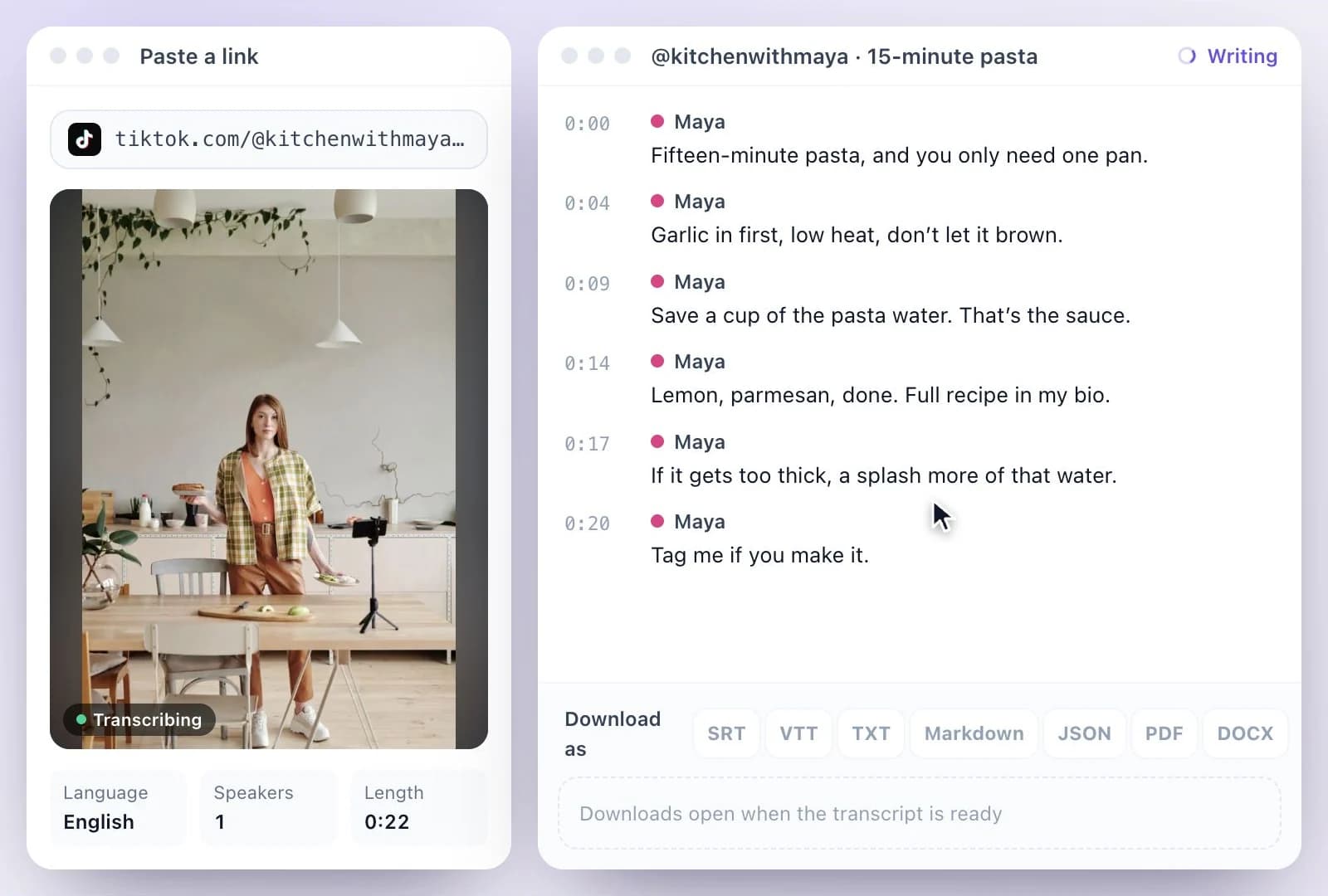
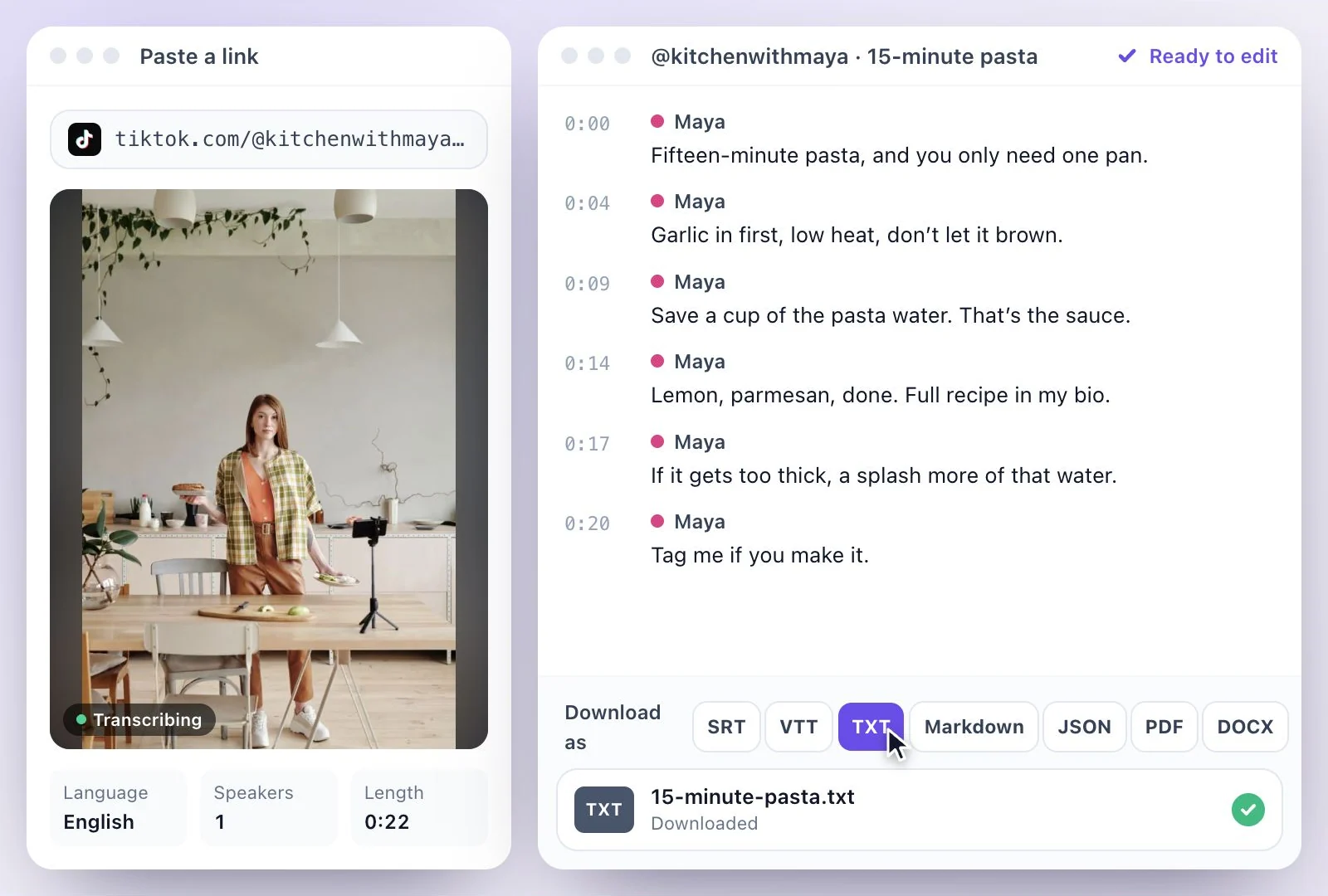
How to get the transcript of a TikTok video
What people use TikTok transcripts for
Repurposing. The transcript gives you the words to turn a TikTok into a blog post, a newsletter item or a longer caption. The blog post generator drafts one from the same transcript, and TikTok's caption character limit tells you how much text fits under a video.
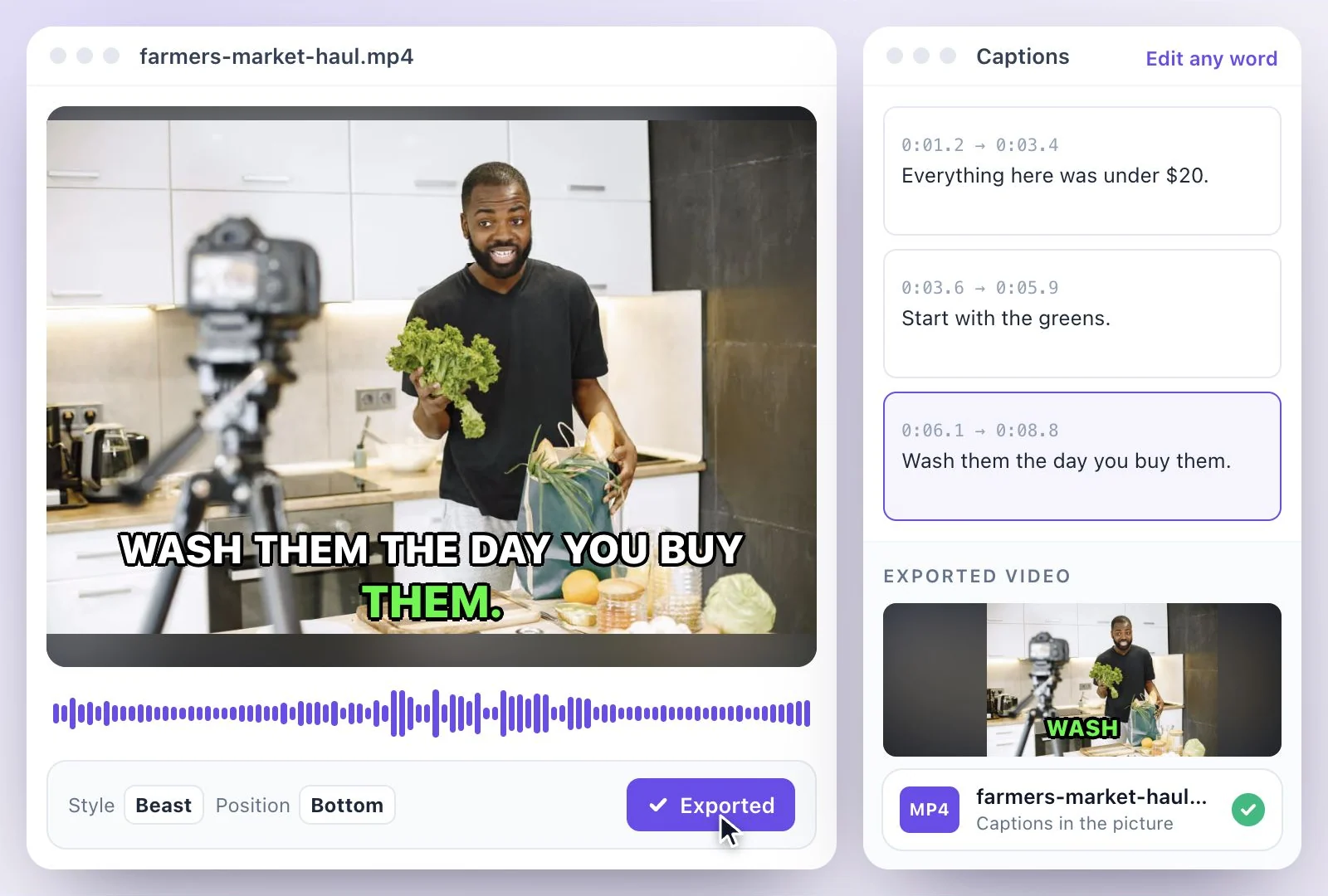
Accessibility. Download SRT and VTT to put captions on the video when you post it somewhere else, or see adding captions to TikTok for captions burned into the picture.
Research. Collect transcripts of the videos in a niche to quote them word for word, or to compare how different creators explain the same topic.
What the TikTok transcript generator does
It works from the link, so you go from a TikTok to its words without downloading or screen-recording anything.
Paste the link
Full tiktok.com links and the short links the app copies both work. If you saved the video instead, upload the file.
Timestamps you can keep or drop
The transcript keeps the timing of what is said. Leave the timestamps in for reference, or download clean text for a caption or a post.
Fix slang and names
Edit the transcript like a document: correct product names, slang and usernames, and rename speakers when more than one person talks.
Translate the words
Translate the transcript into 116 languages when you want the video's words in another language.
Common questions
How do I get the transcript of a TikTok video?
Is the TikTok transcript generator free to use?
Can I get a TikTok's captions as text?
Does a TikTok transcript include timestamps?
Can I turn a TikTok transcript into a blog post or a caption?
Can I upload a TikTok I saved to my phone instead of a link?
What languages can a TikTok be transcribed in?
Discover more Transcription
- Video to Text
- Audio to Text
- Audio translator
- Video translator
- Youtube video
- Vimeo video
- Google meet
- Instagram video
- Zoom recording
- MP4 to Text
- MP3 to Text
- Facebook Video to Text
- Podcast Transcript Generator
- Interview Transcription
- Sermon Transcription
- WhatsApp Audio to Text
- Transcribe Google Drive Video
- Online voice recorder
- Translate Spanish audio to English
- Translate Japanese audio to English
- Translate Korean audio to English
- Translate Chinese audio to English
- Translate French audio to English
- Translate German audio to English
- Translate Portuguese audio to English
- Translate Russian audio to English
- Translate Arabic audio to English
- Translate Hindi audio to English
- Tamil Transcription
- French Transcription
- Japanese Transcription
- Hindi Transcription
- Spanish Transcription
- Arabic Transcription
- Chinese Transcription
- Turkish Transcription
- Hebrew Transcription
- Greek Transcription
- Bengali Transcription
- Tagalog Transcription
- Urdu Transcription
- Swahili Transcription
- Afrikaans Transcription
- Albanian Transcription
- Georgian Transcription
- Armenian Transcription
- Uzbek Transcription
- Nepali Transcription
- Sinhala Transcription
- Pashto Transcription
- Amharic Transcription
- Somali Transcription
- Yoruba Transcription
- Hausa Transcription
Start with the words in your recording
Upload your audio or video, check the transcript, and choose the output you need.