TikTok Video Size and Safe Zone Template
Post TikToks at 1080 × 1920 px (9:16) and keep text inside the 896 × 1306 px safe area. Check a frame of your video against the overlay, then download it.
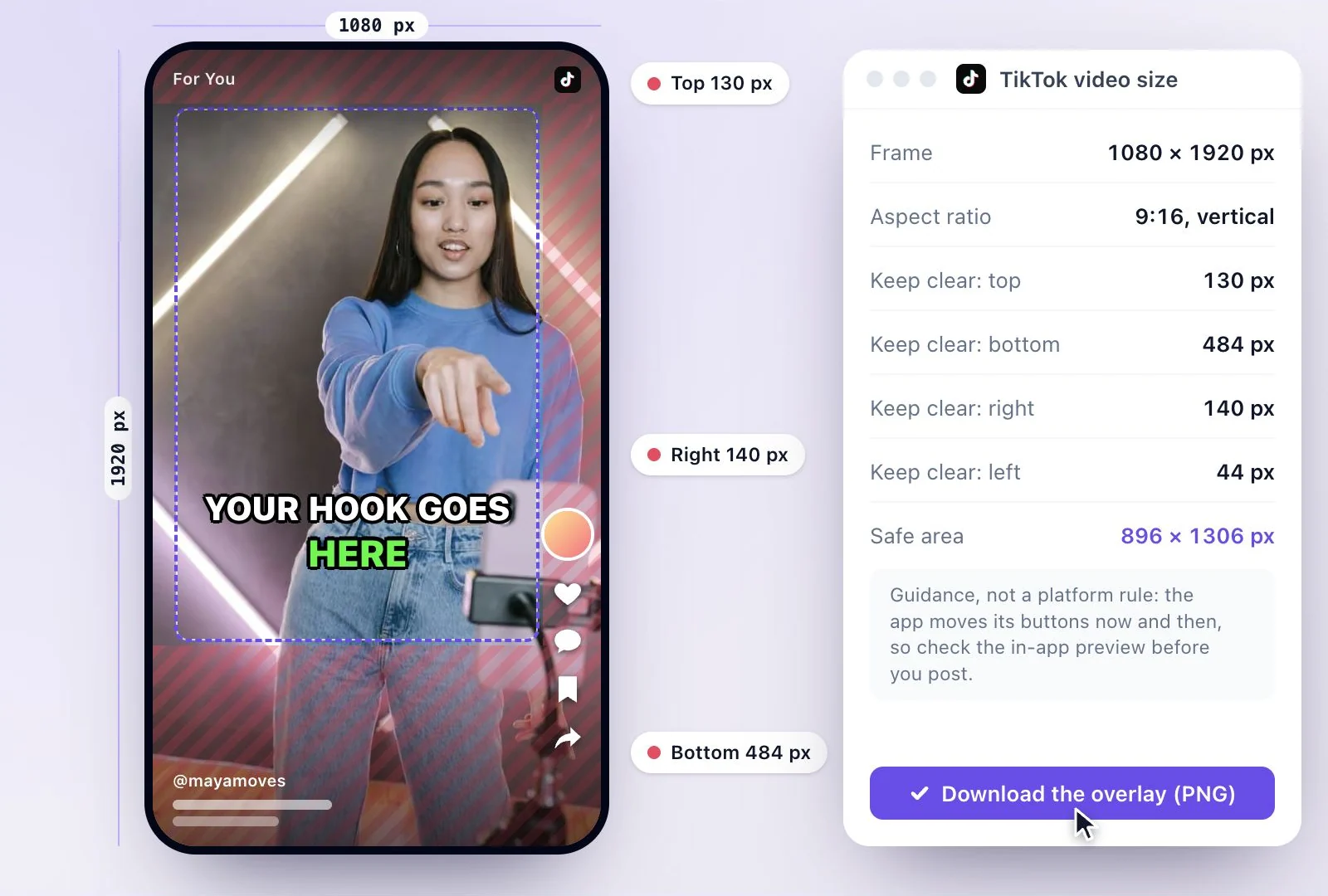
The standard TikTok video size is 1080 × 1920 px, a 9:16 vertical frame that fills the phone screen.
TikTok draws its own buttons and text over the video, so keep words and faces out of the top 130 px, the bottom 484 px and the right 140 px. To make TikToks from a long video, Exemplary AI's free plan includes 500 one-time credits.
TikTok dimensions at a glance
Facts checked .
- Resolution
- 1080 × 1920 px
- Aspect ratio
- 9:16 vertical
- Keep clear: top
- 130 px: the Following / For You tabs and the status bar
- Keep clear: bottom
- 484 px: the username, caption, sound and the navigation bar
- Keep clear: right
- 140 px: the profile, like, comment, save and share buttons
- Keep clear: left
- 44 px: a thin margin at the screen edge
- Safe area
- 896 × 1306 px
How to size a video for TikTok
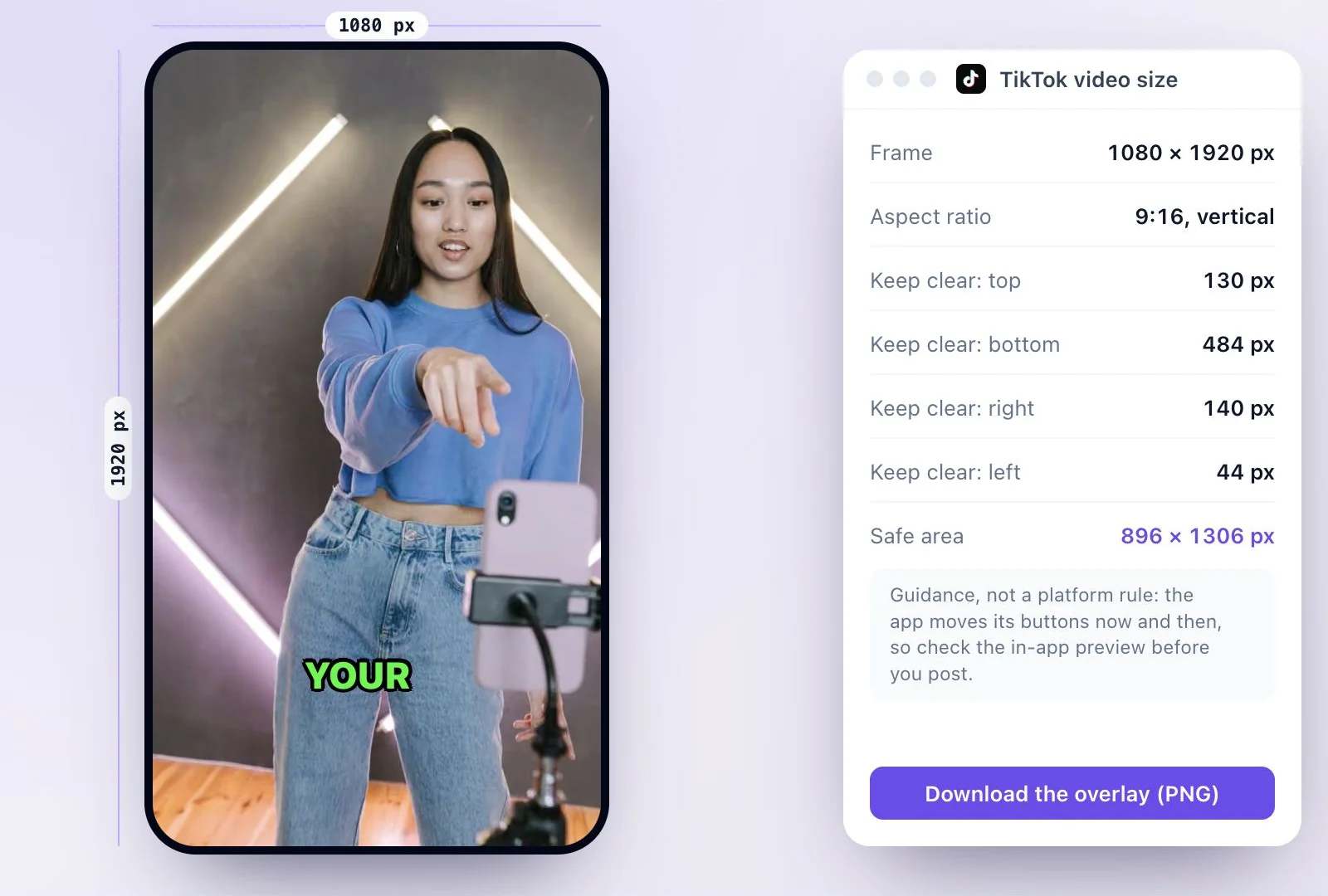
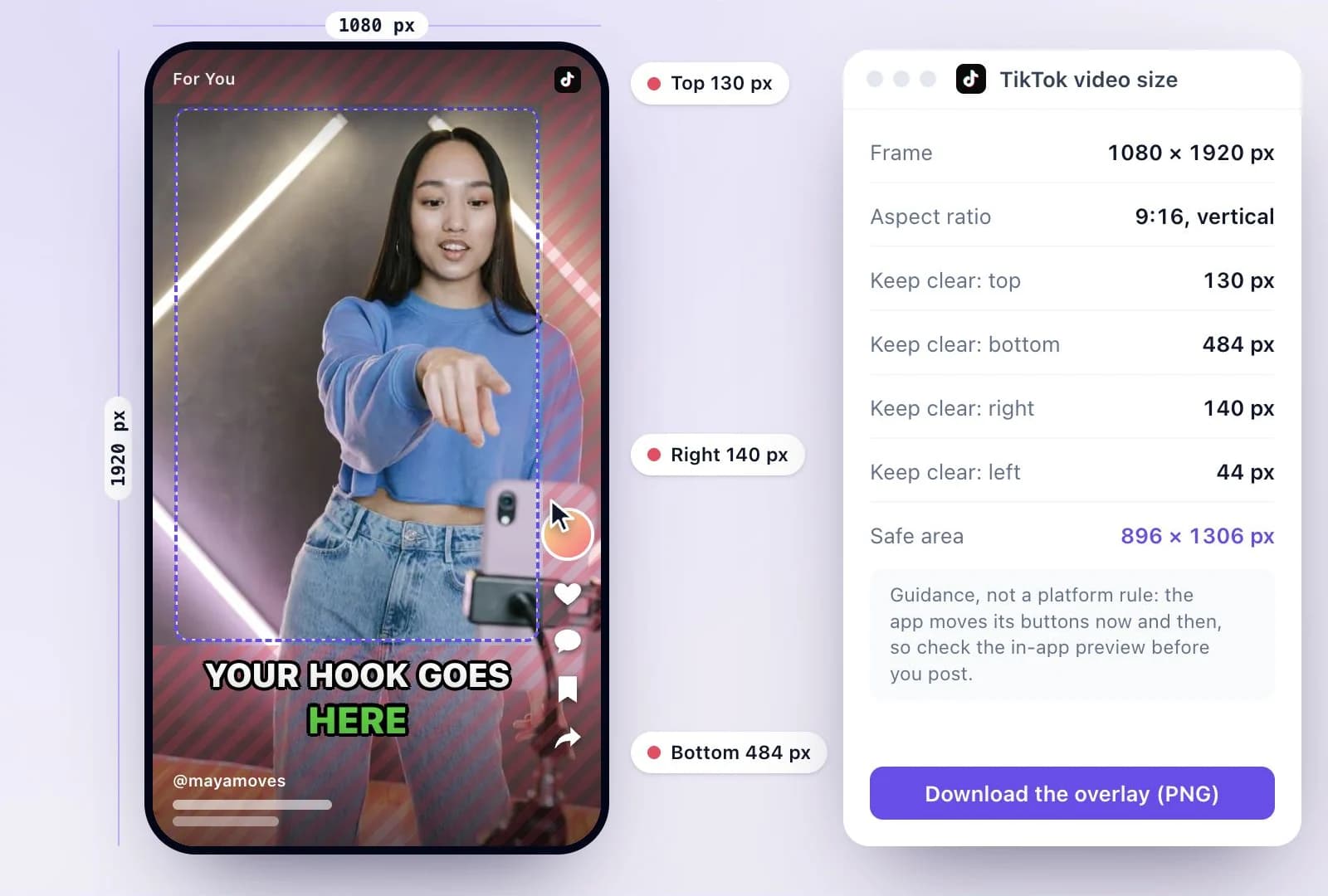
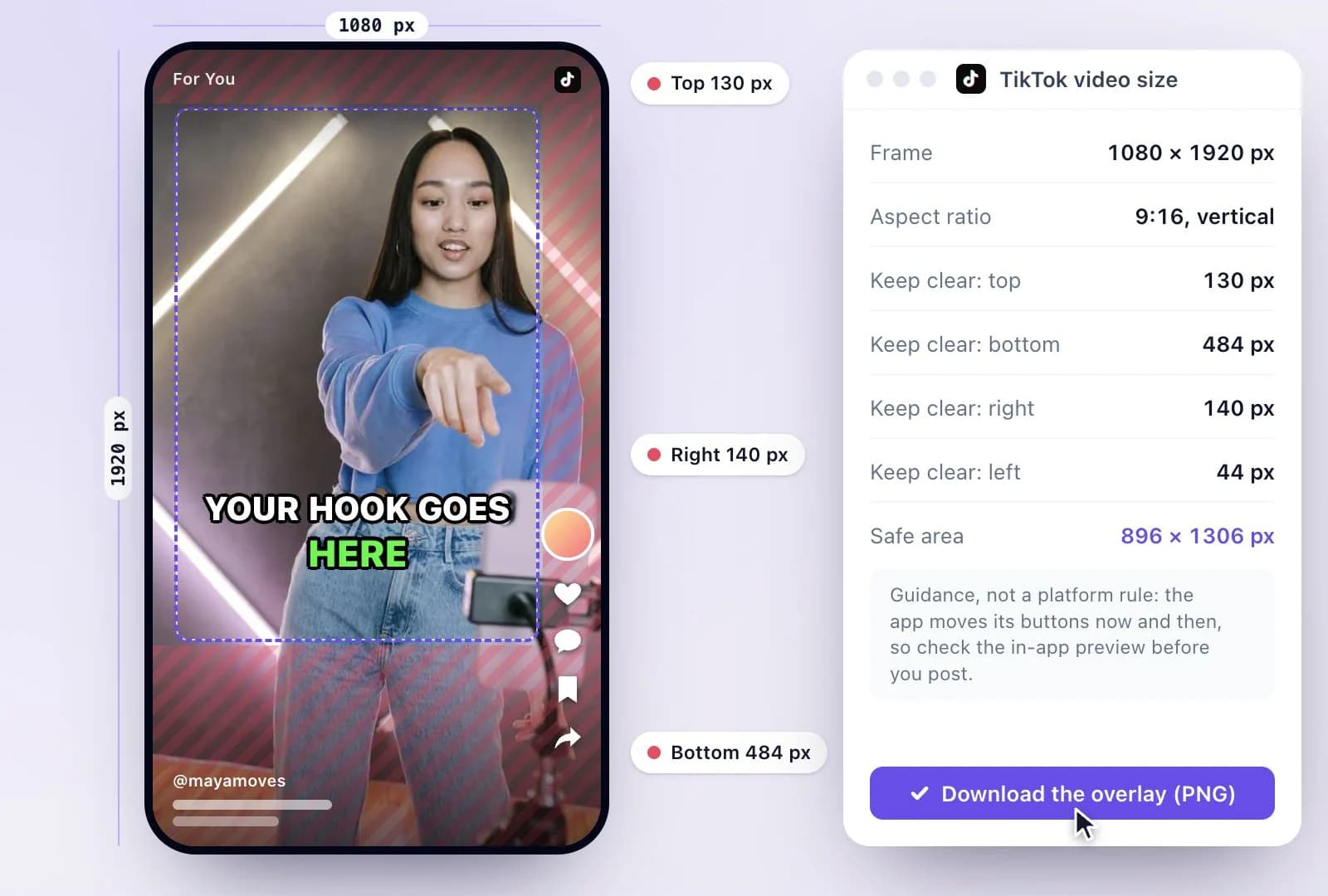
Where the safe-zone numbers come from
These margins are TikTok Ads Manager's safe zone for a 1080 × 1920 feed video, which creators use for regular posts too, since the same buttons and caption sit over both. A long caption or a sound label can reach higher, so if your caption runs past a couple of lines, keep your on-screen text higher still.
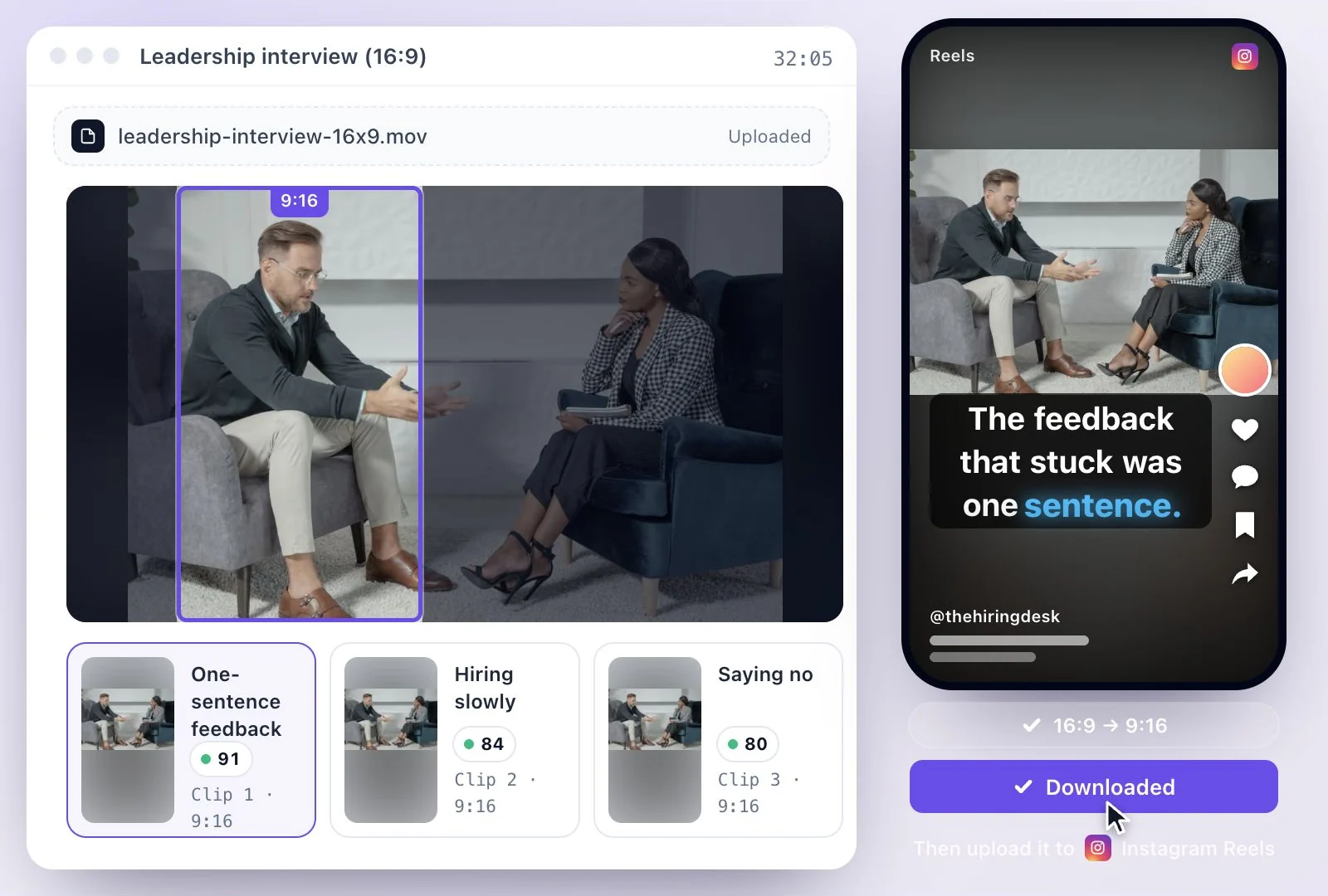
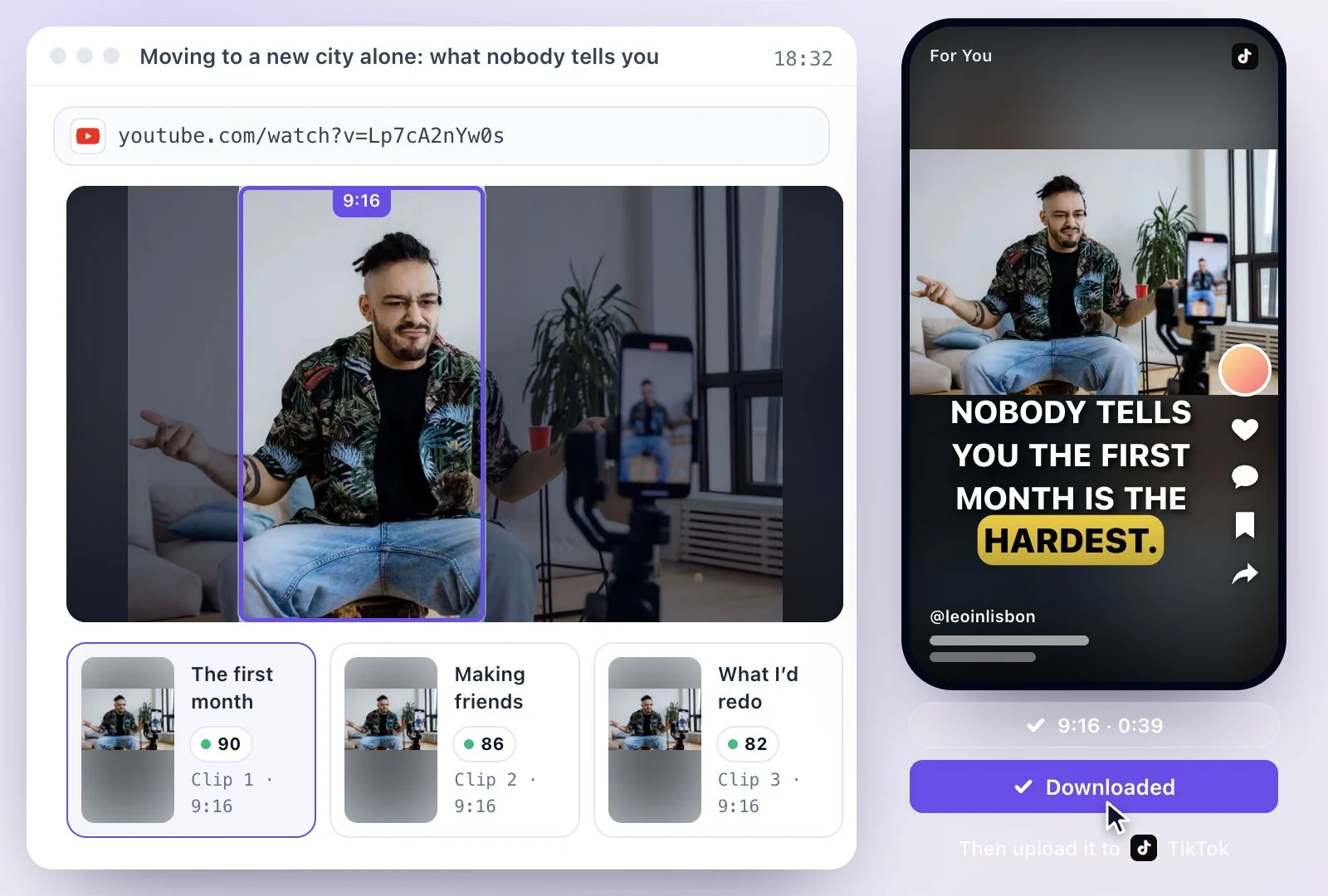
Turning a YouTube video or a podcast into TikToks? YouTube to TikTok makes vertical clips from a link, and horizontal to vertical video reframes a wide recording around the person speaking. For Shorts, see the YouTube Shorts size guide.
TikToks that fit the screen and keep the words readable
The frame TikTok fills the screen with, and the parts of it its interface covers.
A free safe-zone overlay
A 1080 × 1920 px transparent PNG with TikTok's covered margins hatched and the 896 × 1306 px safe area outlined.
Check your own frame first
Drop a still from your video into the checker to see which words would sit under the buttons or the caption. It stays on your device.
Vertical clips with captions
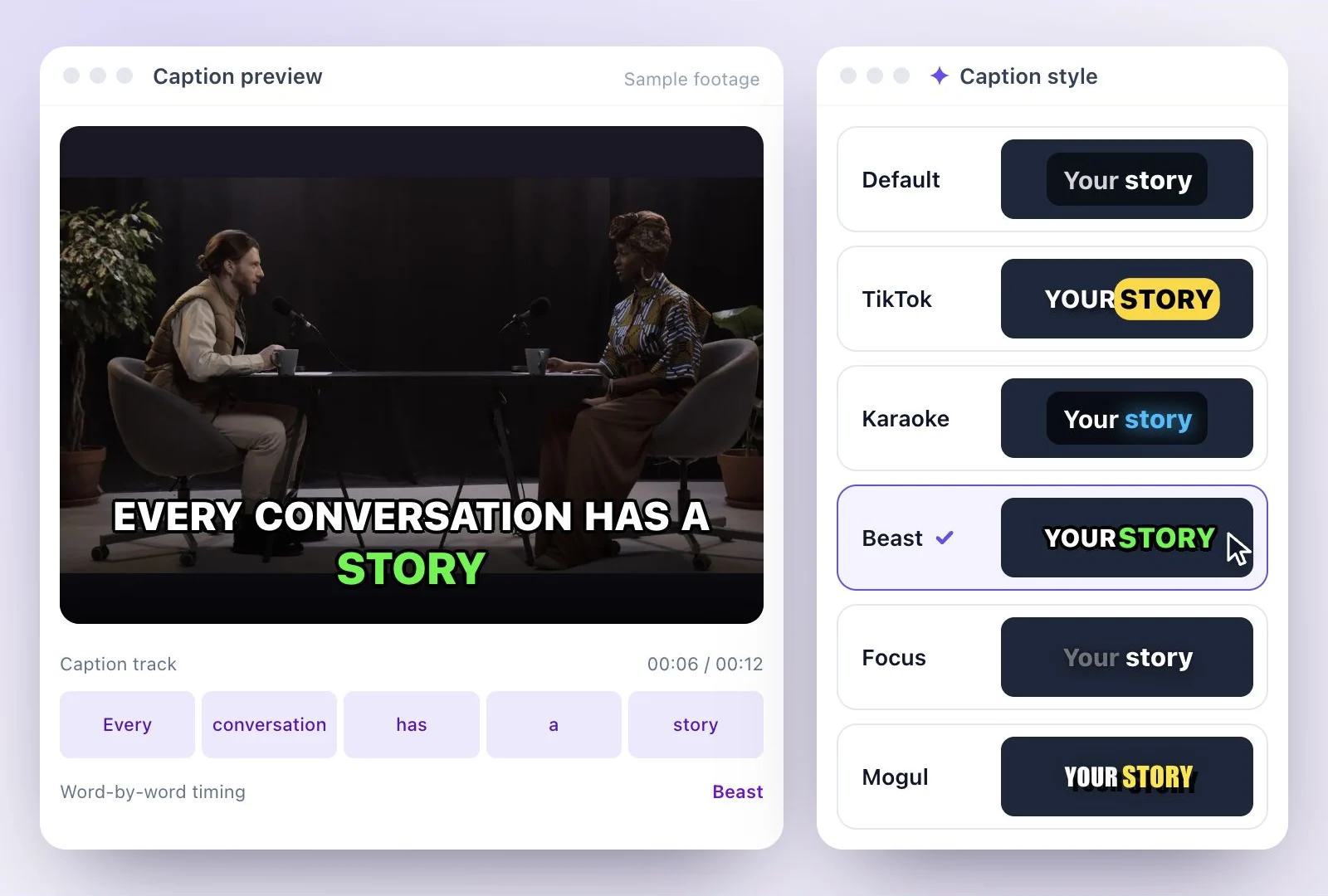
Exemplary AI makes clips in 9:16, 16:9, 1:1 and 4:5 from a long video, with captions you can move to the top, center or bottom.
Common questions
What size is a TikTok video?
What is the TikTok safe zone?
Where do captions go on a TikTok?
Can I post a horizontal video on TikTok?
Does the safe zone change with a long caption?
Is there a free way to make TikTok-sized clips from a long video?
Discover more Clips & Shorts
- Video trimmer
- YouTube Shorts Maker
- AI podcast clips generator
- Instagram reel maker
- Resize videos
- Auto video editor
- Crop video
- Add image to video
- Add text to video
- Remove filler words
- Add emoji to subtitle
- Silence remover
- Add watermark to video
- Add b-rolls
- Word highlight in subtitle
- AI video editor
- Long video to short video
- Twitch clip maker
- YouTube to TikTok
- Sermon clips
- Horizontal to vertical video
- Screen and webcam recorder
- Online screen recorder
- Kick clip maker
- Viral clip finder
- YouTube Shorts size
- Instagram Reels size
- LinkedIn video specs
Make your next TikTok fit
Create a vertical clip, check its framing, and keep the captions clear of the interface.