Transcribe a Google Drive Video
Download the video from Google Drive, upload it, and get a transcript you can edit, translate, download or turn into a summary.
Free to start — no credit card required.
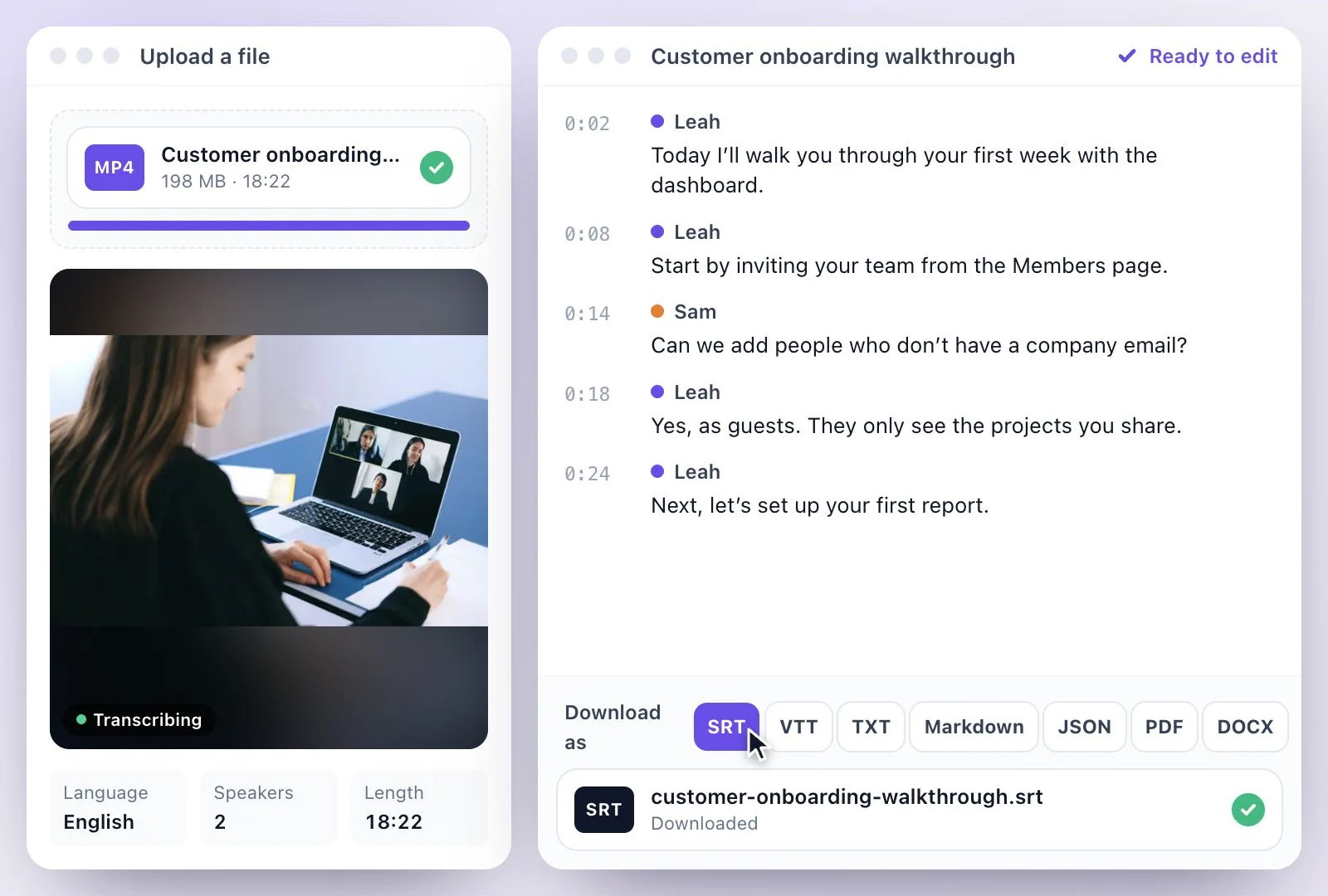
Google Drive can add automatic captions to a video and show them as a transcript in its player, in the languages Drive supports.
For a transcript you can edit and download, with speakers, translations and a summary, download the video from Drive and upload it here; Drive links can't be pasted. Download the transcript as PDF, SRT, VTT, TXT, Markdown, JSON or DOCX. Free plan: 500 one-time credits; files up to 500 MB and 30 min long; 720p video exports with a watermark.
Google Drive videos at a glance
Facts checked .
- Drive links
- Not supported: download the video and upload the file
- Drive's own captions
- Automatic captions and a Transcript panel in the Drive player, for the languages Drive supports
- If Download is missing
- The owner may have turned off downloading for viewers: ask them for the file
- Uploads
- MP4, MOV and WEBM video, MP3, WAV, M4A, AAC, FLAC and OGG audio
- Transcript downloads
- PDF, SRT, VTT, TXT, Markdown, JSON and DOCX
- Free plan
- 500 one-time credits; files up to 500 MB and 30 min long; 720p video exports with a watermark
How to transcribe a video from Google Drive
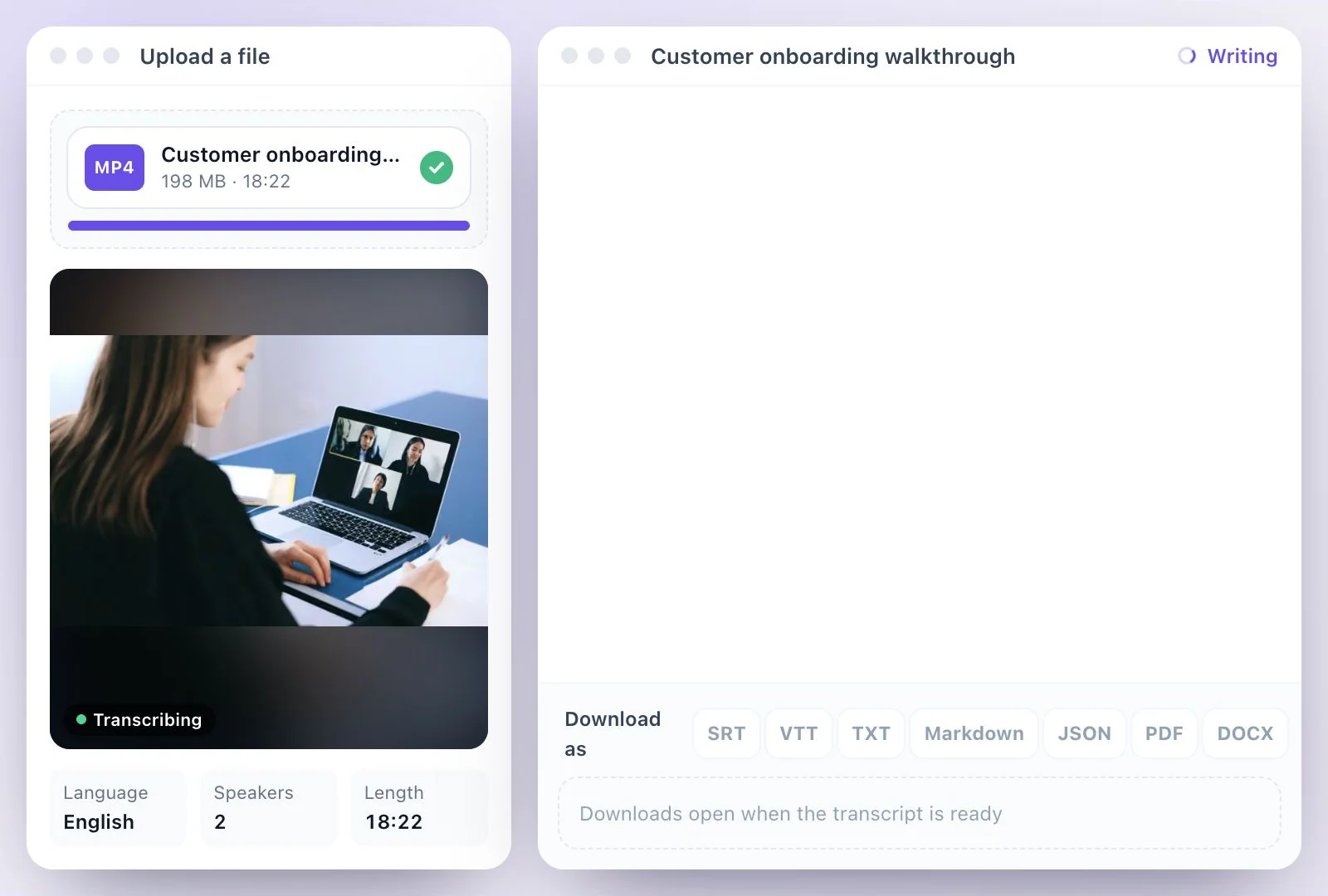
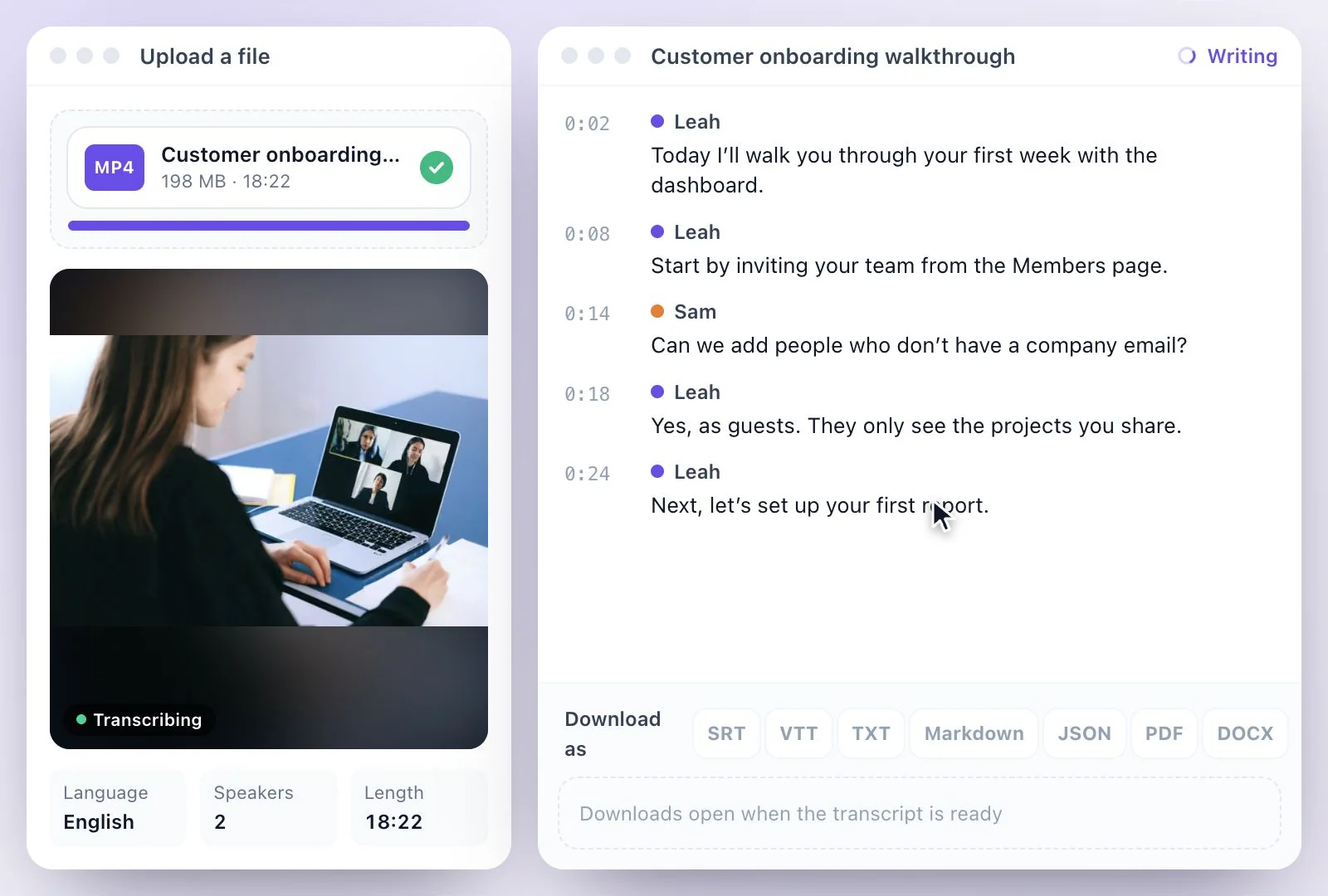
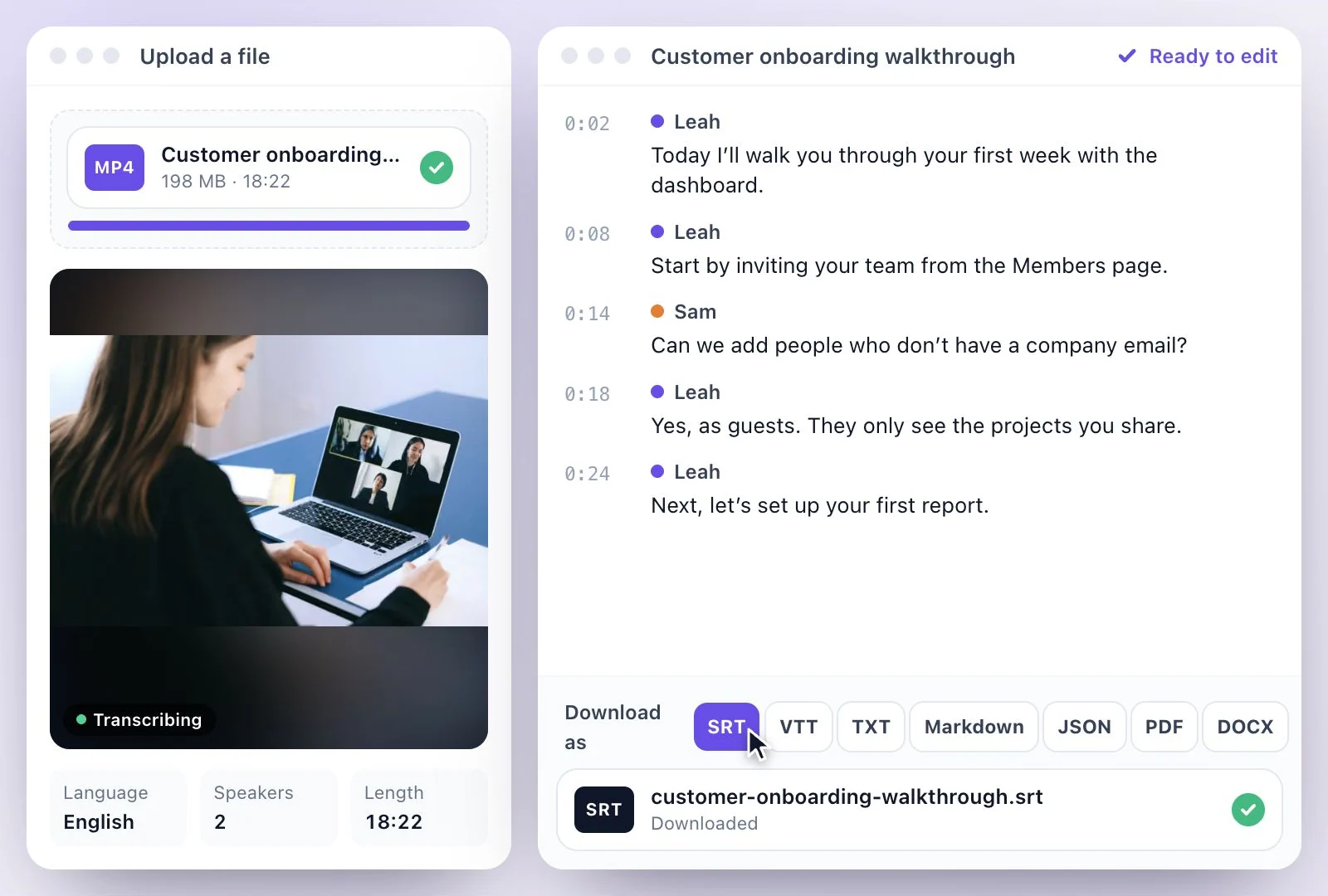
Videos shared with you in Drive
If you can play a video in Drive but there is no Download option, its owner has turned off downloading for viewers and commenters; ask them to share the file. If Drive says too many people have viewed or downloaded a file, the limit usually resets within about a day.
Google Meet recordings are saved to Drive, so the same steps work for them; see Google Meet transcription. For a video file on your computer, MP4 to text covers the rest.
From a File in Drive to Text You Can Use
Drive's captions are for watching; a transcript here is for editing, sharing and reusing.
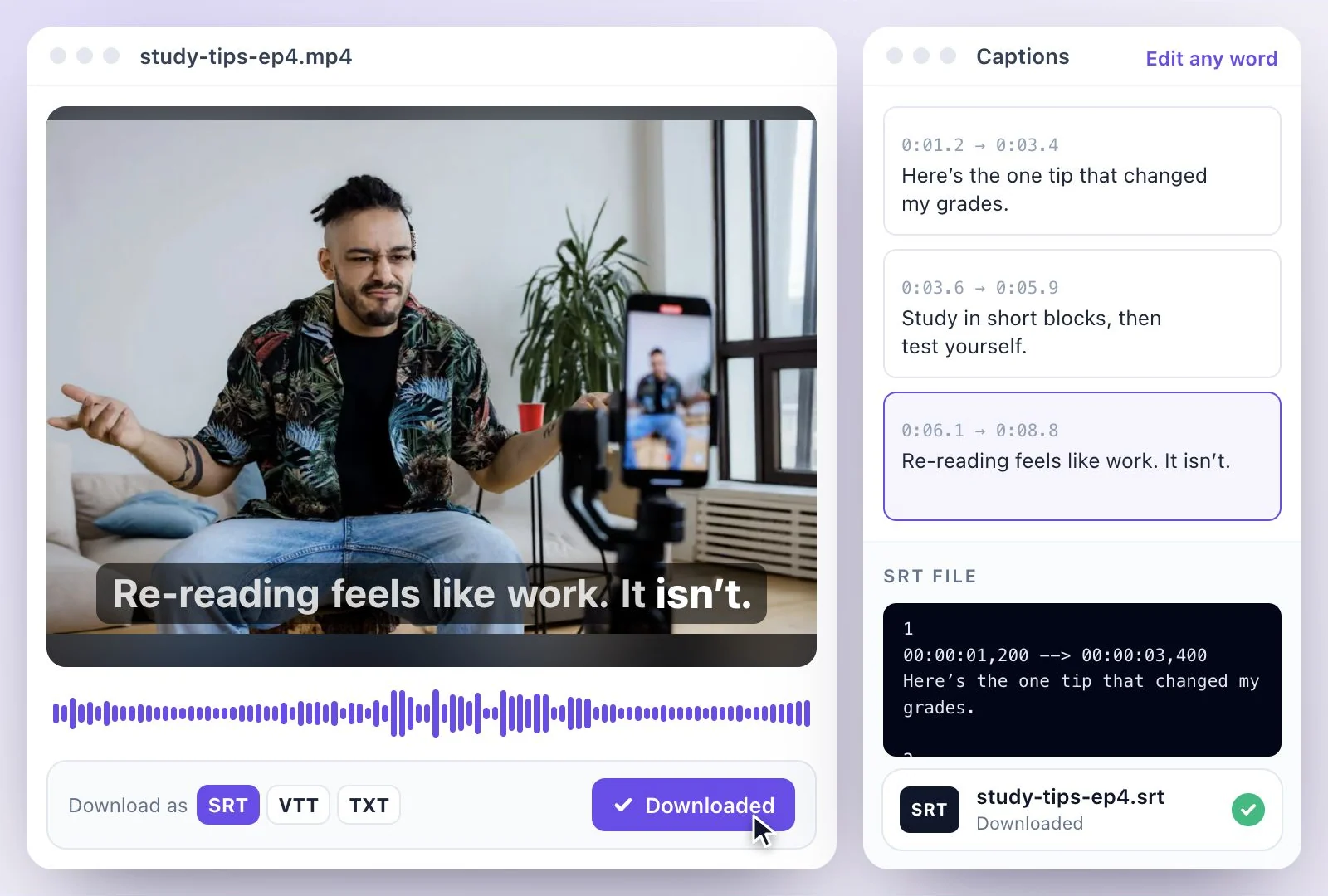
An editable transcript
Correct the text like a document, with every line timestamped.
Speakers separated
Each voice gets its own label; Detect speakers suggests names, and you can rename them.
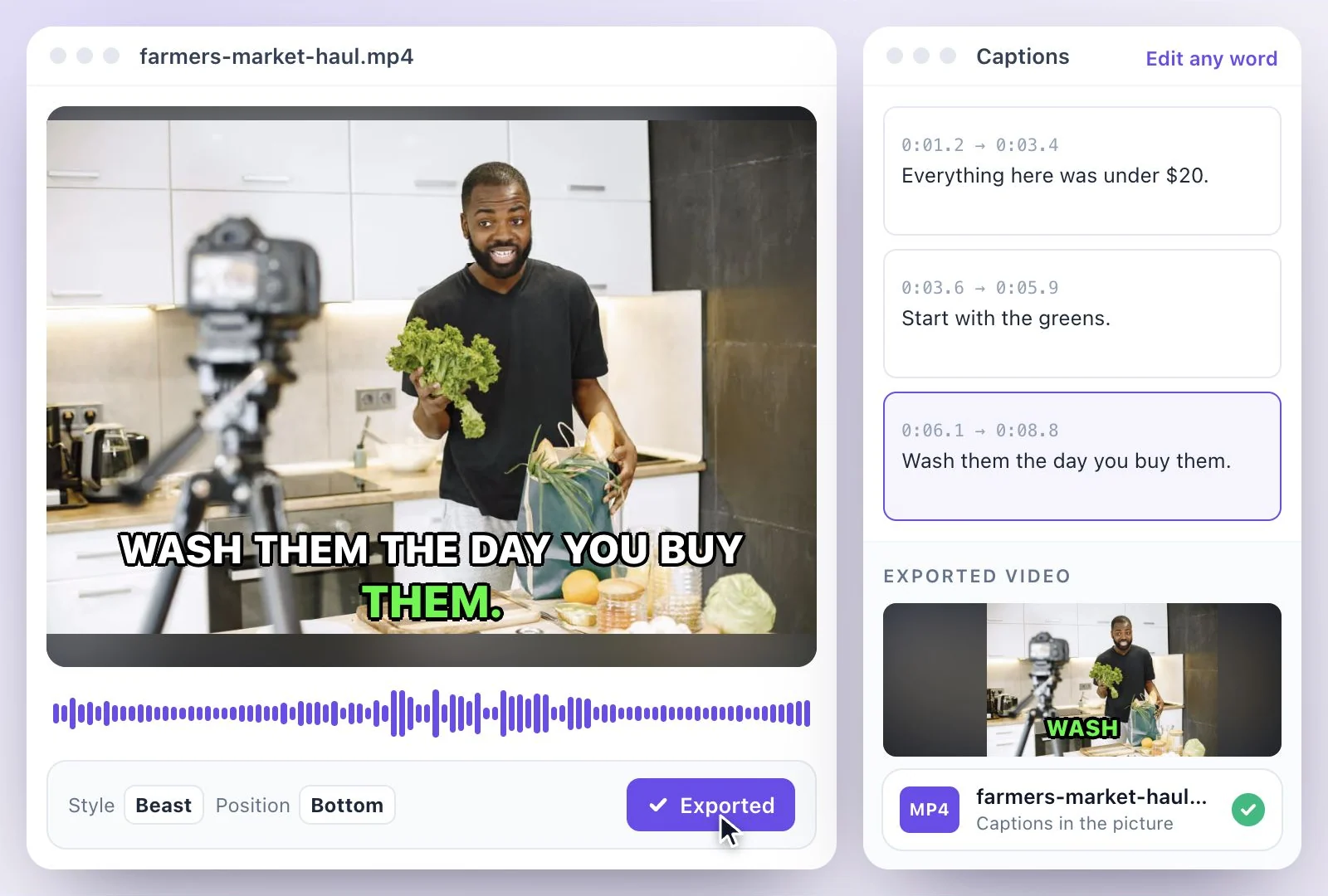
Translations
Translate the transcript into any of 116 languages and download each one.
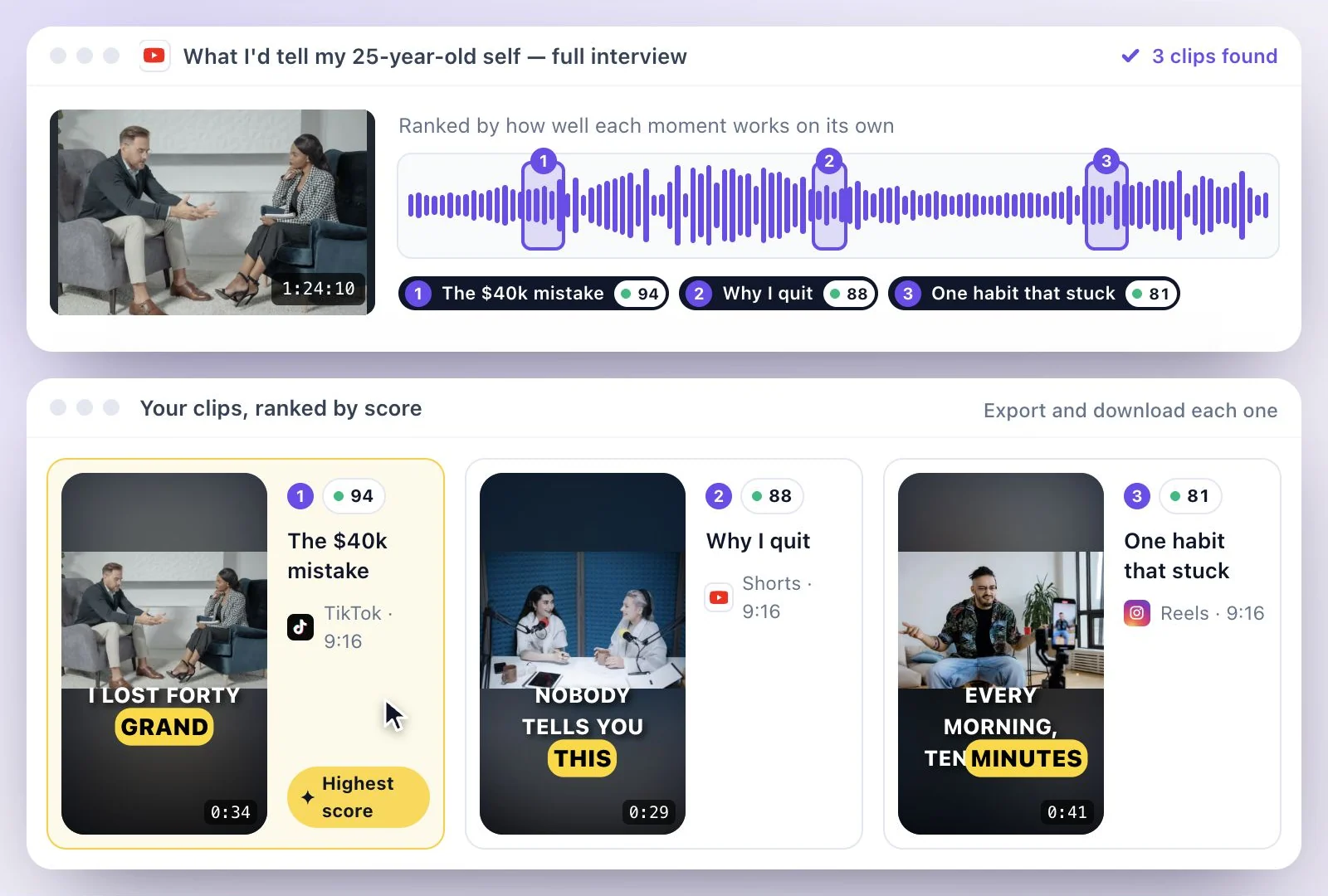
Summaries and clips
Write a summary or key takeaways from the video, or cut its key moments into short clips.
Common questions
How do I transcribe a video in Google Drive?
Can I paste a Google Drive link?
Why can't I download a video from Google Drive?
Does Google Drive make transcripts itself?
Can I transcribe a Google Meet recording saved in Drive?
Is transcribing a Google Drive video free?
Discover more Transcription
- Video to Text
- Audio to Text
- Audio translator
- Video translator
- Youtube video
- Vimeo video
- Google meet
- Instagram video
- Zoom recording
- MP4 to Text
- MP3 to Text
- TikTok Transcript Generator
- Facebook Video to Text
- Podcast Transcript Generator
- Interview Transcription
- Sermon Transcription
- WhatsApp Audio to Text
- Online voice recorder
- Translate Spanish audio to English
- Translate Japanese audio to English
- Translate Korean audio to English
- Translate Chinese audio to English
- Translate French audio to English
- Translate German audio to English
- Translate Portuguese audio to English
- Translate Russian audio to English
- Translate Arabic audio to English
- Translate Hindi audio to English
- Tamil Transcription
- French Transcription
- Japanese Transcription
- Hindi Transcription
- Spanish Transcription
- Arabic Transcription
- Chinese Transcription
- Turkish Transcription
- Hebrew Transcription
- Greek Transcription
- Bengali Transcription
- Tagalog Transcription
- Urdu Transcription
- Swahili Transcription
- Afrikaans Transcription
- Albanian Transcription
- Georgian Transcription
- Armenian Transcription
- Uzbek Transcription
- Nepali Transcription
- Sinhala Transcription
- Pashto Transcription
- Amharic Transcription
- Somali Transcription
- Yoruba Transcription
- Hausa Transcription
Start with the words in your recording
Upload your audio or video, check the transcript, and choose the output you need.