 Hindi
HindiHindi Transcription
To transcribe Hindi audio or video to text, upload the file or paste a link, choose Hindi as the language and start. You get a Hindi transcript with timestamps, which you can edit, translate or download as DOCX, TXT, SRT or VTT.
Hindi transcription at a glance
| Language list entry | Hindi, plus Hindi (Roman Script) in beta |
|---|---|
| Script | Devanagari |
| Text direction | Left to right |
| Speaker labels | Not from the default Hindi model; add them in the editor |
| Auto Detect (beta) | Recognises Hindi |
| Downloads | DOCX, TXT, SRT, VTT |
| Translation | Into 116 languages, Hindi among them |
| Free plan | 200 one-time credits; files up to 500 MB and 30 min long |
Facts checked .
How to transcribe Hindi audio and video to text
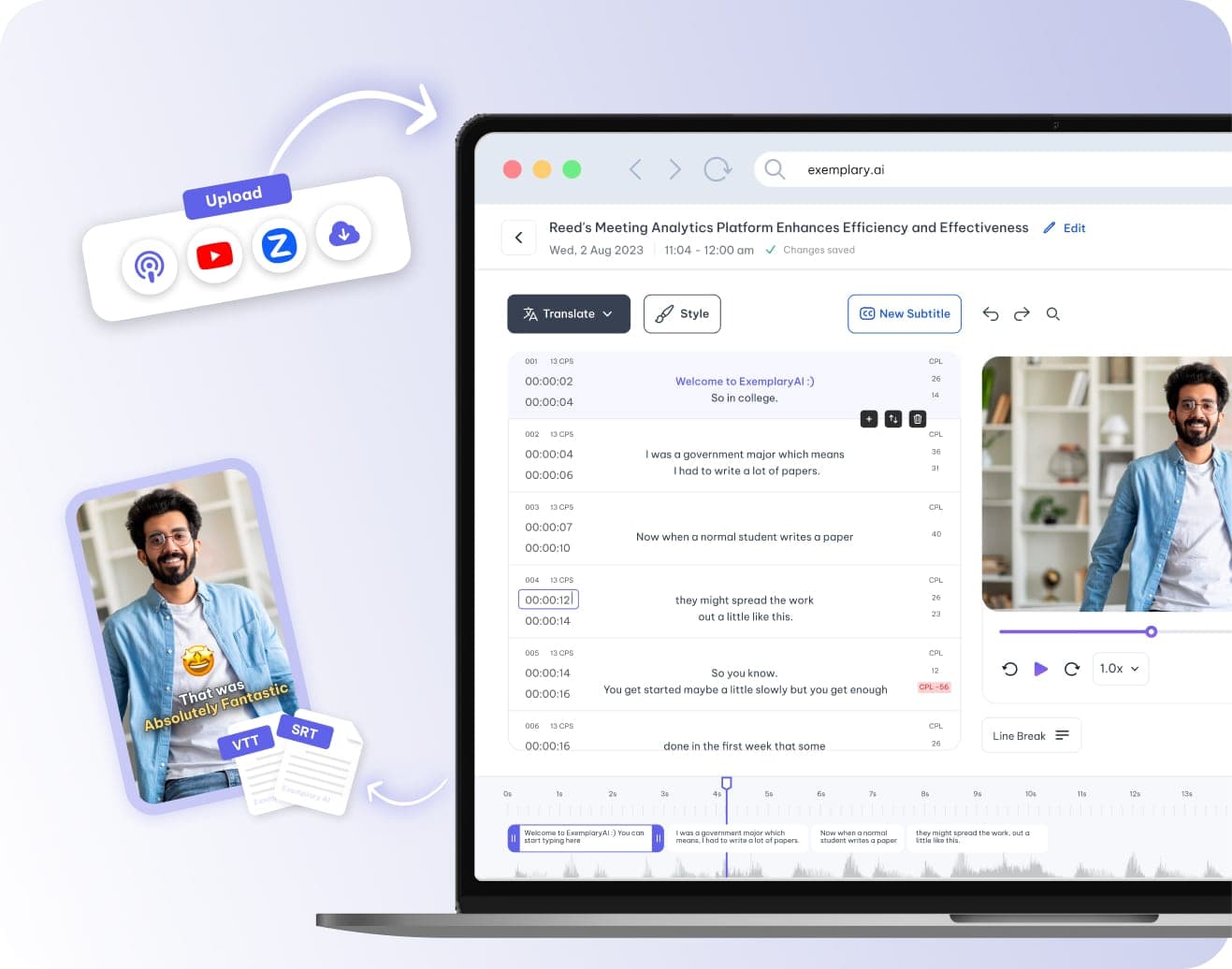
Add the Hindi recording
A Hindi lecture, interview or vlog works as an audio file (MP3, WAV or M4A), a video file (MP4, WEBM, MOV or MKV) or a YouTube, TikTok, Vimeo or X link. Upload the file or paste the link.
Choose Hindi
Open the language list and choose Hindi from the Popular group at the top. The Beta Languages group at the end of the list adds Hindi (Roman Script). Unsure what language a file is in? Auto Detect (beta) also recognises Hindi.
Check the transcript
The transcript opens in the editor with timestamps. The default Hindi model does not label speakers, so add and name them in the editor, or retranscribe the file with another speech model. Correct any misheard words before you export.
Download or translate
Download DOCX or TXT with optional timestamps and speaker names, or SRT and VTT subtitle files. The translate panel turns the transcript into any of 116 languages.
Common questions
Can Exemplary AI convert Hindi audio to text?
How do I get the Hindi transcript of a YouTube video?
What can I download from a Hindi transcript?
Does the Hindi transcript show who is speaking?
Can I get a Hindi transcript in Roman (Latin) letters?
Can I translate a Hindi transcript?
How much Hindi audio can I transcribe on the Free plan?
One upload. Every format you need.
Drop in a recording and work from the transcript — clips, captions, chapters, show notes and posts all come from the same file.