TXT to SRT Converter
Paste a script or transcript and get an SRT file with numbered, timed captions, made in your browser. For timings that follow the speech, make the SRT from the video instead.
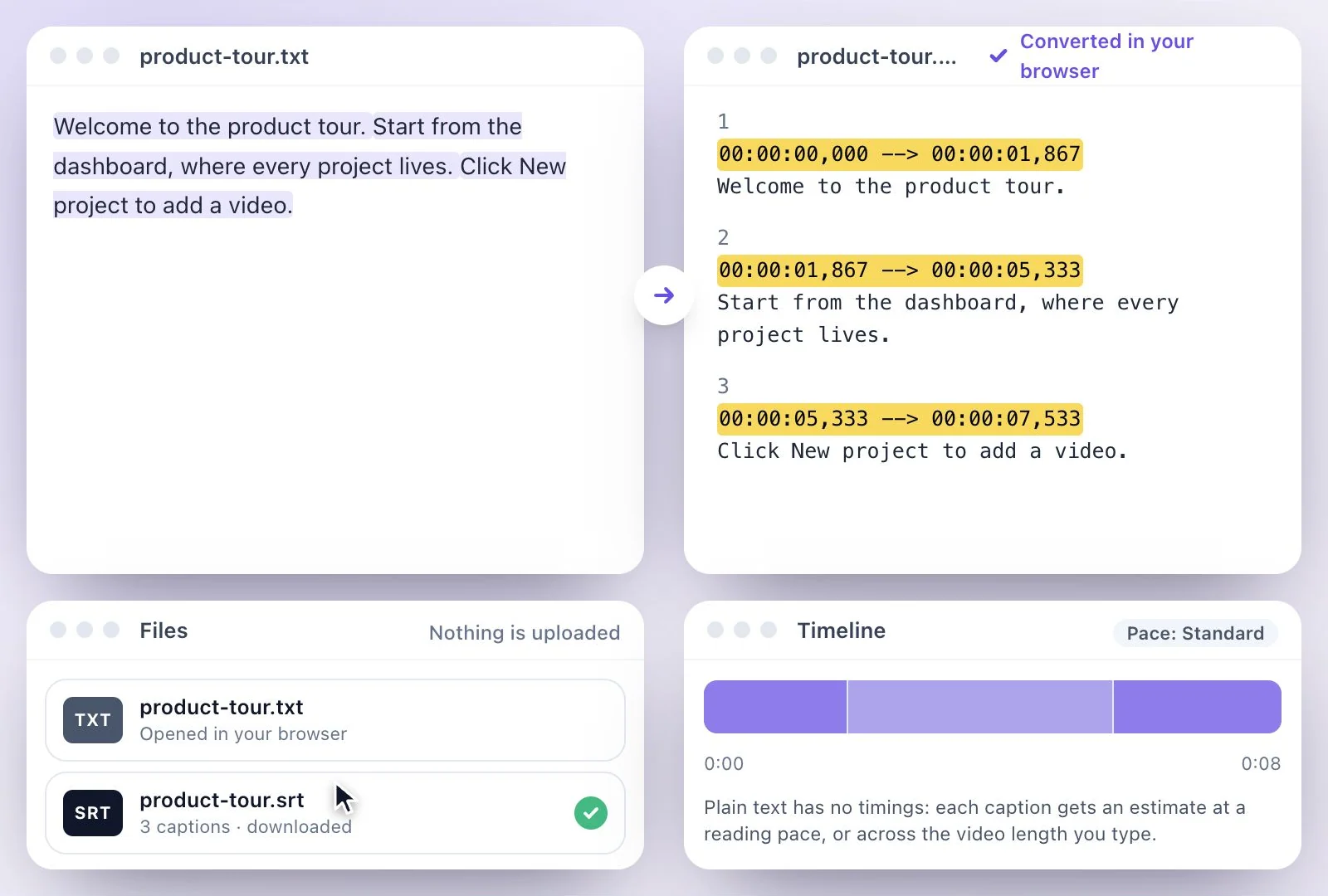
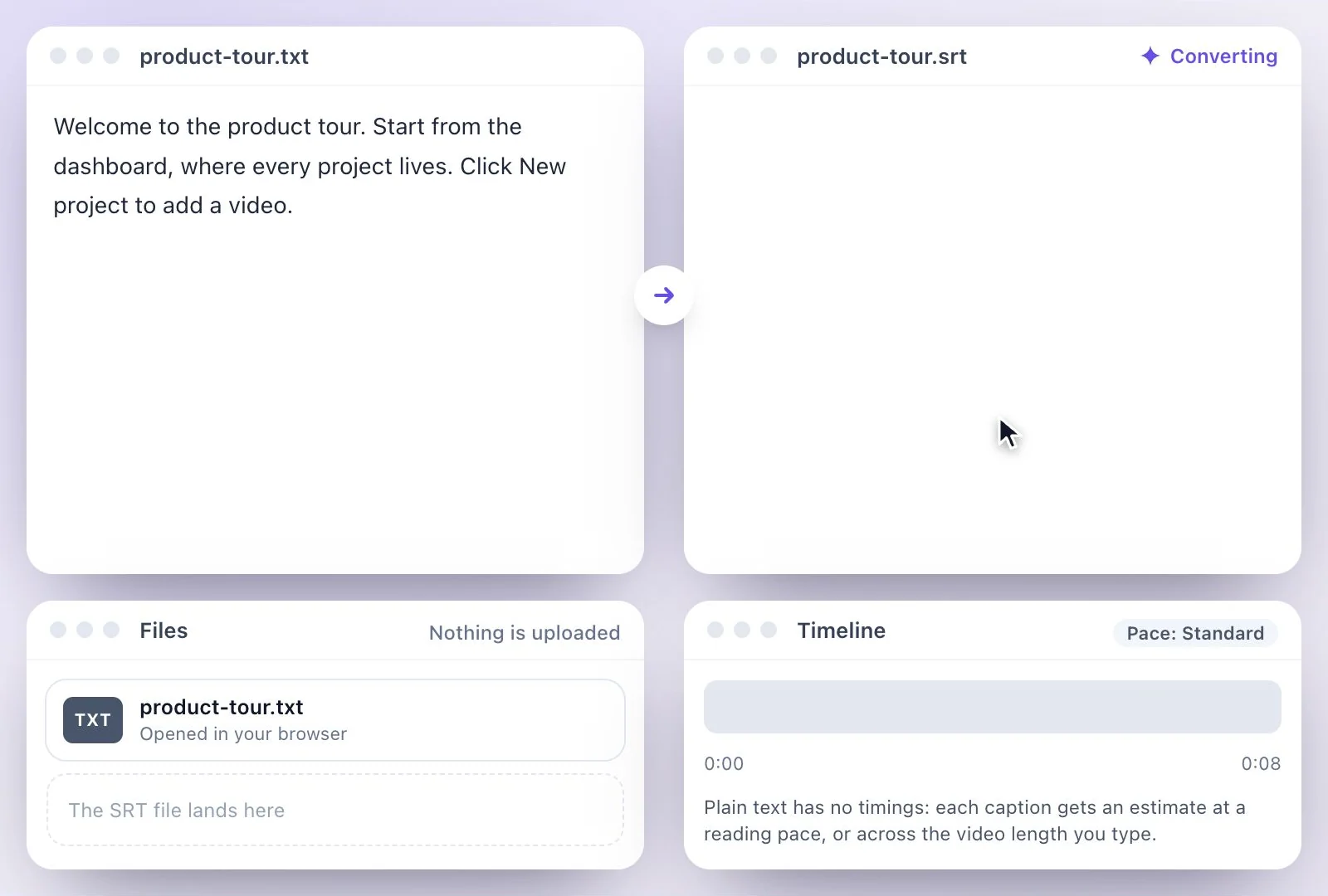
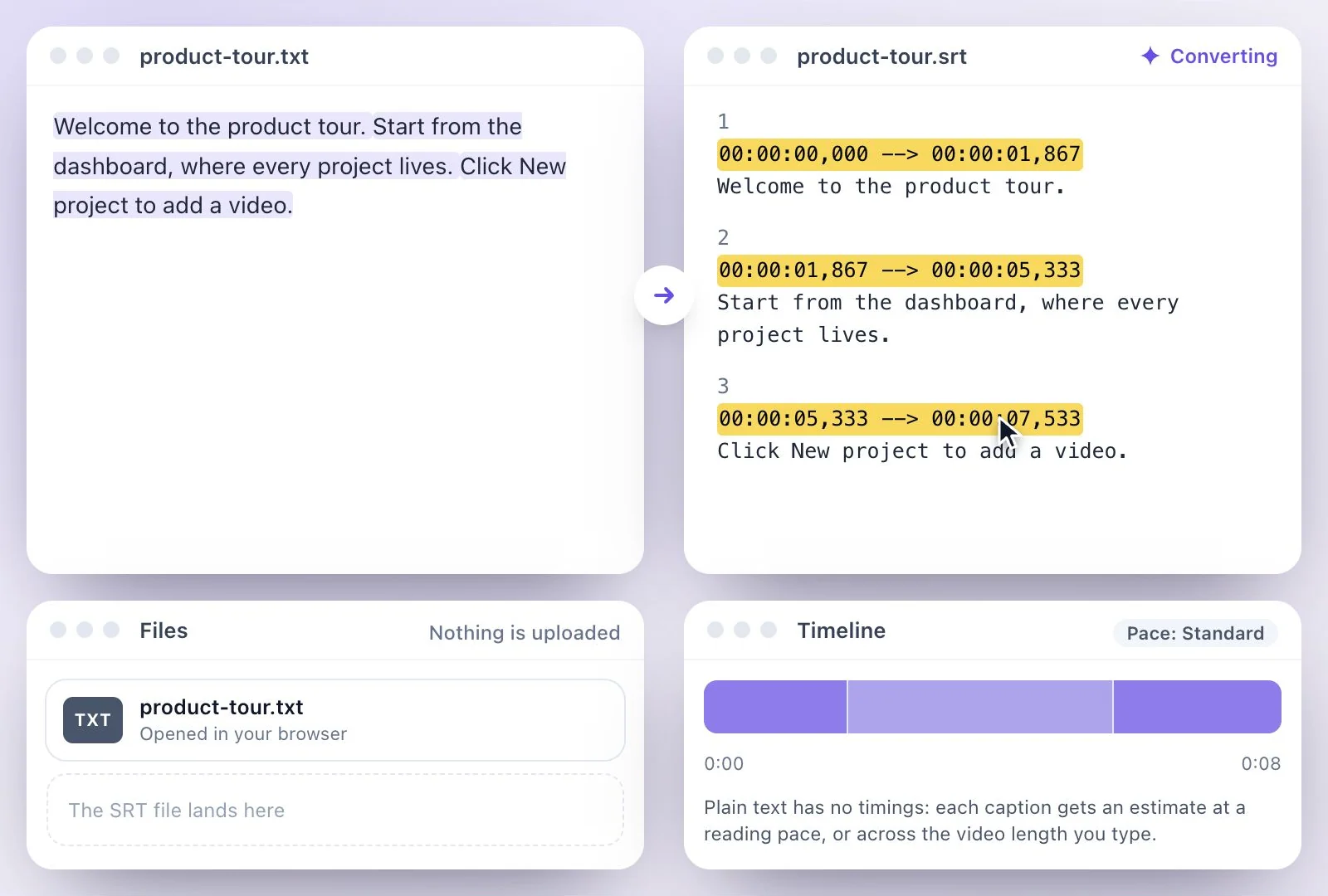
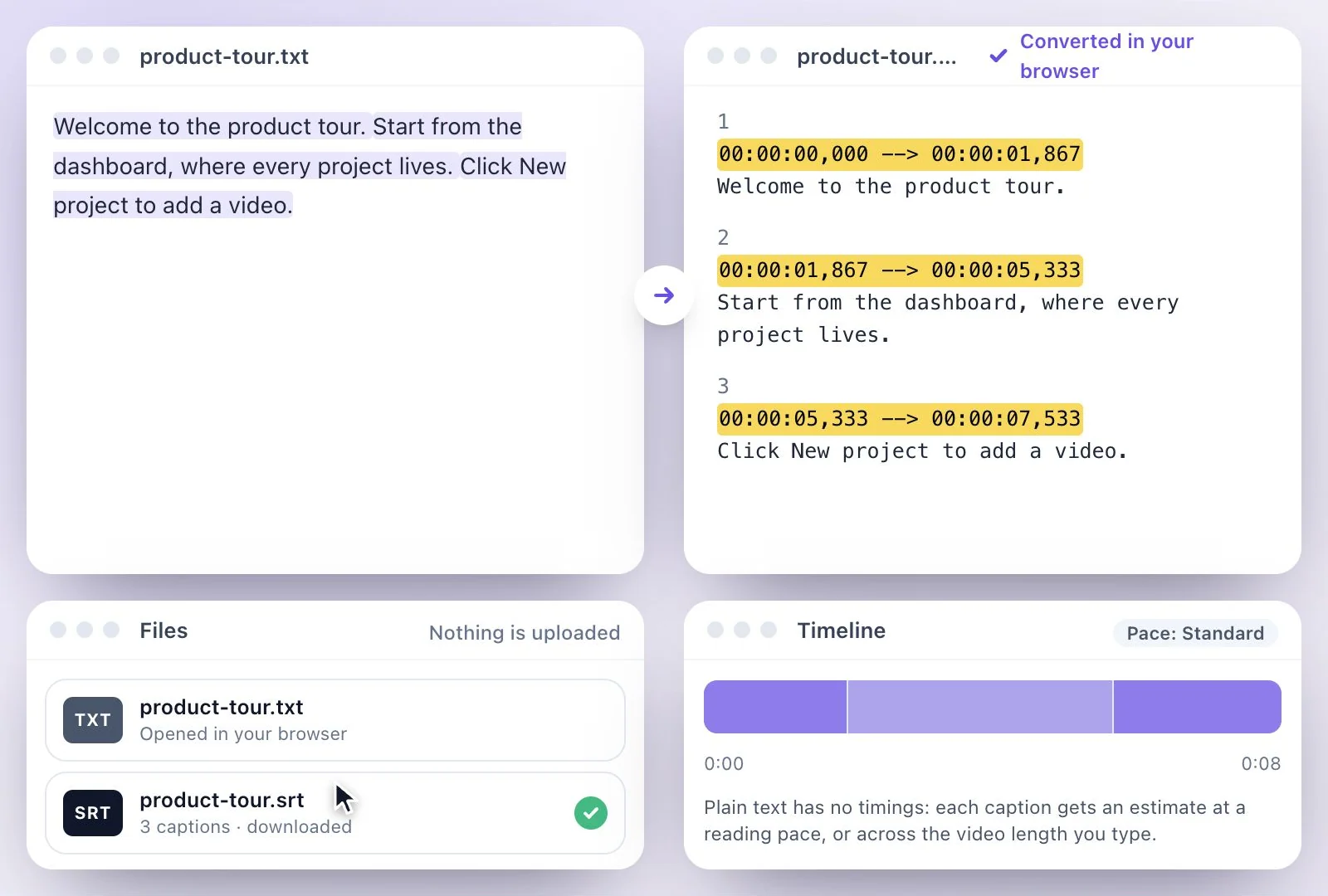
To convert TXT to SRT, paste the text or drop a .txt file into the converter on this page.
It cuts the text into captions of one or two lines, ending each at a sentence end where it can, and gives every caption a start and end time. Plain text has no timings, so those times are estimates: at a reading pace you choose, or spread across the video length you type in. It runs in your browser and nothing is uploaded. For captions timed to what is actually said, upload the video to Exemplary AI and download the SRT from its transcript. Free plan: 500 one-time credits; files up to 500 MB and 30 min long; 720p video exports with a watermark.
TXT to SRT at a glance
Facts checked .
- What it makes
- Numbered SRT captions of one or two lines, ending at sentence ends where they can
- Timing
- Estimated: a Relaxed, Standard or Fast reading pace, or the video length you enter
- Line length
- 32 to 50 characters per line; 42 to start with
- Privacy
- Runs in your browser; the text never leaves your device
- Timed to the speech
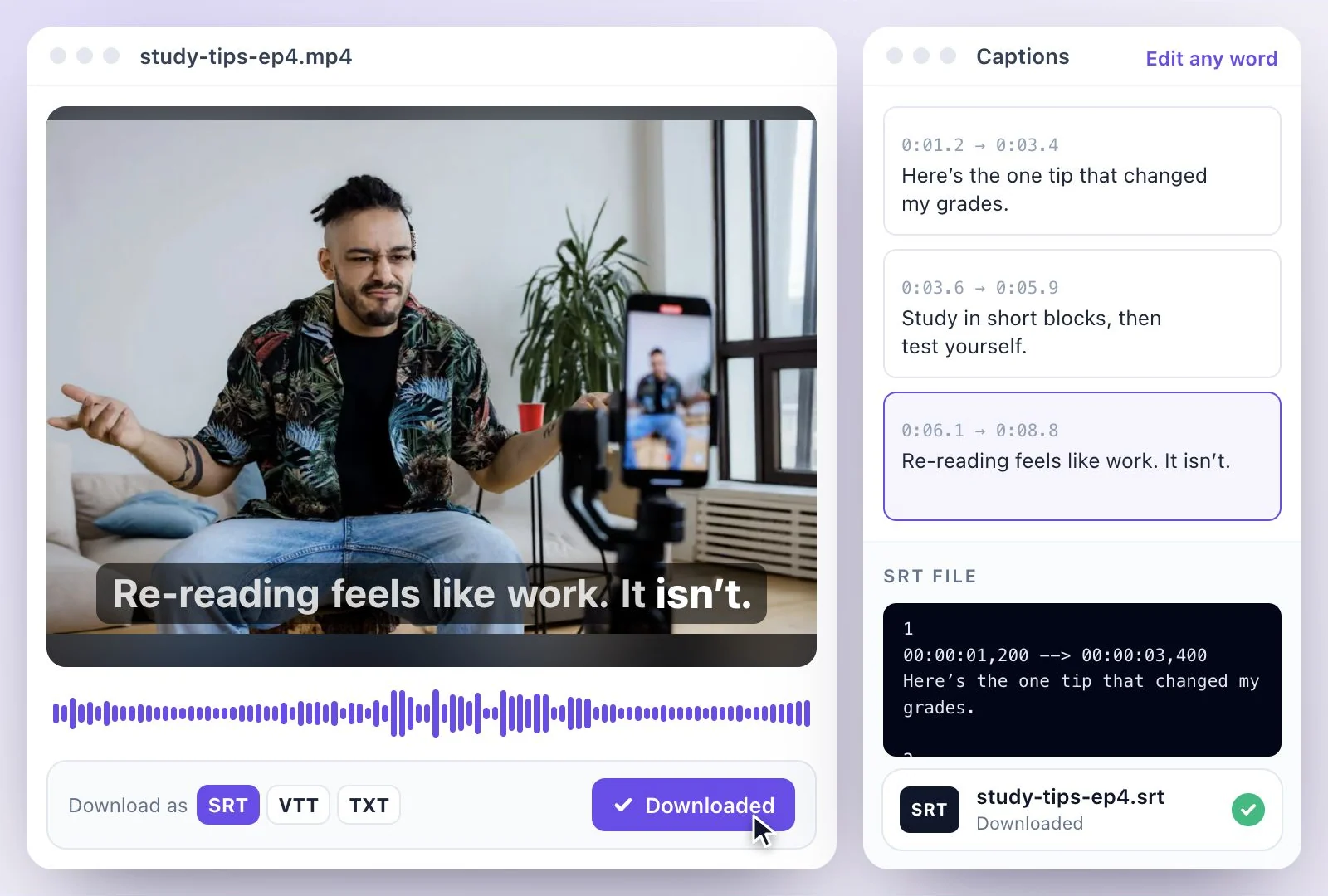
- Upload the video to Exemplary AI and download the SRT from its transcript
How to convert TXT to SRT
When TXT to SRT is the right tool
It suits text you already have: a script you're about to record, a translation someone sent you, lines for a slideshow or a silent video, or a transcript with no timings. The converter breaks it into readable captions and gives them times, so an editor or YouTube Studio will accept the file.
What it can't do is hear the video. The times come from how long each caption takes to read, so they drift from the speech wherever the speaker pauses or speeds up. Spread across the video's length they land closer, and a few nudges in your editor fix the rest. When the captions must follow every word, make the SRT from the video itself with the SRT generator.
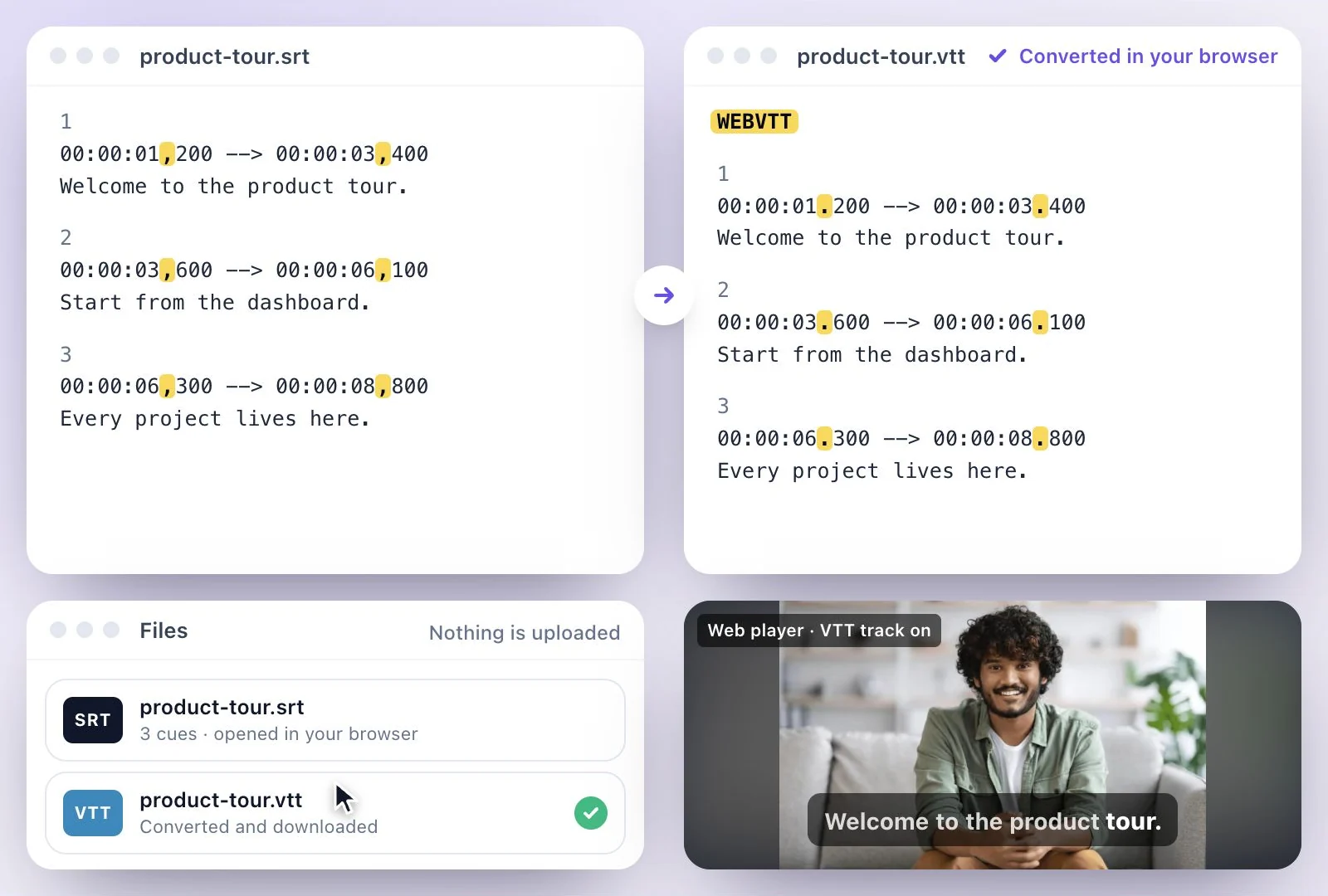
Going the other way? The SRT to TXT converter strips the timings back out. Need VTT for a web player? Use the SRT to VTT converter. Writing an SRT by hand is covered in how to make an SRT file.
A Text-to-SRT Converter That Shows Its Timing
Captions you can read at a glance, and a timeline that shows how long each one stays up.
Captions that end with sentences
A short sentence never shares a caption with the next one, and a long one is split across several, so captions don't stop mid-thought.
Pace or video length
Pick a reading pace, or type the video's length and the captions fill it in proportion to their text.
A timeline you can read
Each caption is a block as wide as its time on screen; hover a block to see its words.
Nothing uploaded
The conversion runs in your browser, so a private script stays on your device.

Common questions
How do I convert a TXT file to SRT?
Will the SRT line up with my video?
What is the difference between TXT and SRT?
How long does each caption stay on screen?
Is my text uploaded anywhere?
Can I make an SRT from a video instead?
Discover more Subtitles & Captions
- Auto subtitle generator
- Video caption generator
- Subtitle translator
- Subtitle editor
- Animated subtitles
- Burn subtitles into video
- SRT generator
- SRT to VTT converter
- Caption styles
- Add subtitles in DaVinci Resolve
- Add subtitles in Premiere Pro
- Add subtitles in Final Cut Pro
- Add subtitles in Canva
- Captions vs subtitles
- SRT to TXT converter
- Add subtitles to Video
- Add subtitles to TikTok Video
- Add subtitles to Instagram Reels
- Tamil Subtitle Generator
- Hindi Subtitle Generator
- Arabic Subtitle Generator
- German Subtitle Generator
- Chinese Subtitle Generator
- Indonesian Subtitle Generator
- Persian Subtitle Generator
- Hebrew Subtitle Generator
- Thai Subtitle Generator
- Greek Subtitle Generator
- Malay Subtitle Generator
- Bengali Subtitle Generator
- Tagalog Subtitle Generator
- Urdu Subtitle Generator
- Zulu Subtitle Generator
- Albanian Subtitle Generator
- Uzbek Subtitle Generator
- Mongolian Subtitle Generator
- Nepali Subtitle Generator
- Sinhala Subtitle Generator
- Pashto Subtitle Generator
- Amharic Subtitle Generator
- Tigrinya Subtitle Generator
- Somali Subtitle Generator
- Yoruba Subtitle Generator
- Hausa Subtitle Generator
- Igbo Subtitle Generator
- Samoan Subtitle Generator
Need subtitles from a recording?
Upload audio or video to generate a transcript and create a timed subtitle track.