What is B-roll?
B-roll is supplementary footage cut over your main shot (the A-roll) to show what the speaker is talking about, cover a cut, or set a scene, while the main audio keeps playing.
Sources1Facts checked .
Where the name comes from
In film editing, supplementary footage on a second reel, the B-roll, was cut into the main footage, the A-roll, to hide the joins between pieces of film. Digital editing removed that problem, but the name stuck for any footage that supports the main shot.
How editors use B-roll
Common uses are establishing a location, showing the thing being described, covering a jump cut in an interview, and changing the picture often enough to hold attention on short-form video. The audio from the A-roll usually keeps running underneath.
In Exemplary AI’s editor you add B-roll from your own uploads and place it over the talking shot on the timeline.
Do it with Exemplary AI
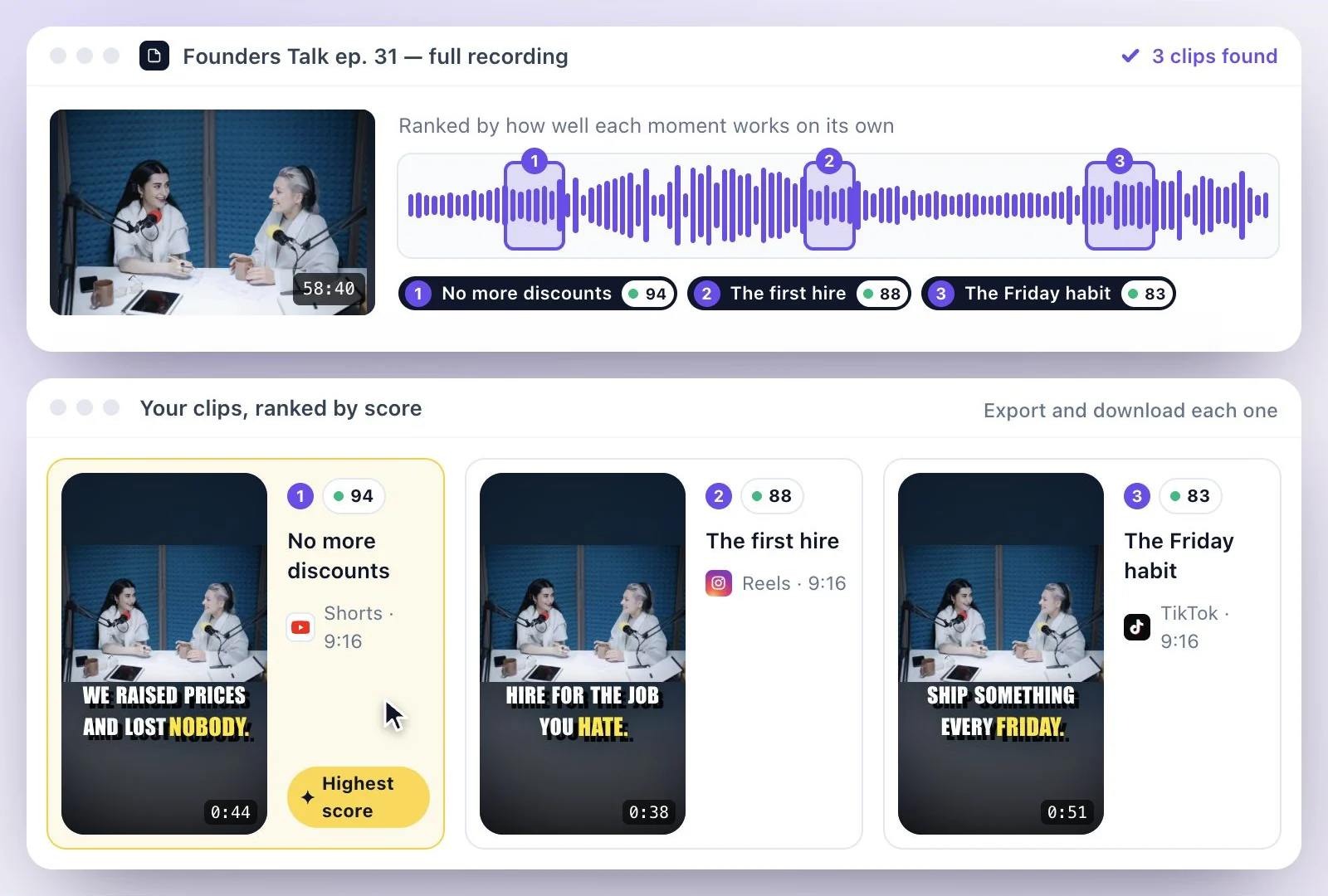
Long video to short video
Turn long videos into short clips: upload a webinar, podcast, livestream or class, and AI cuts…
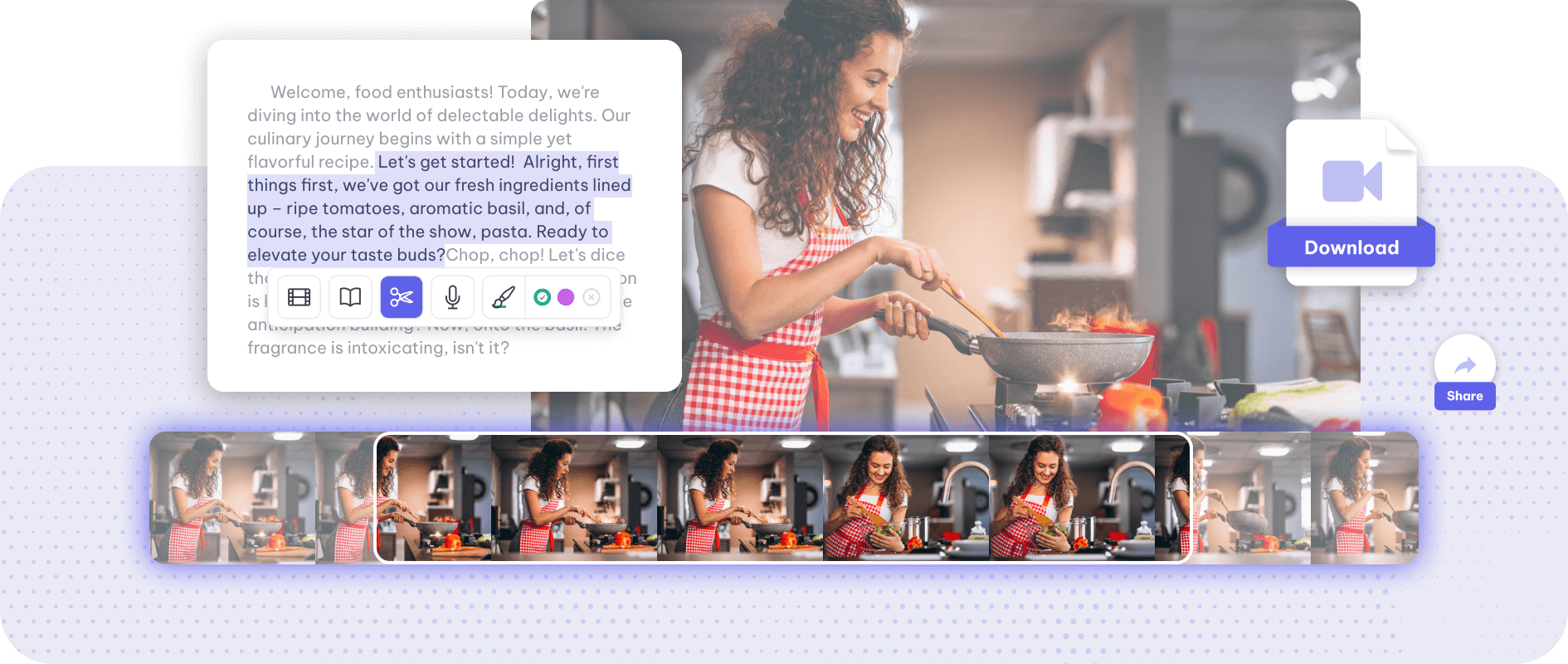
Video trimmer
Trim a video by its words: Exemplary AI transcribes it, you select the part of the transcript…
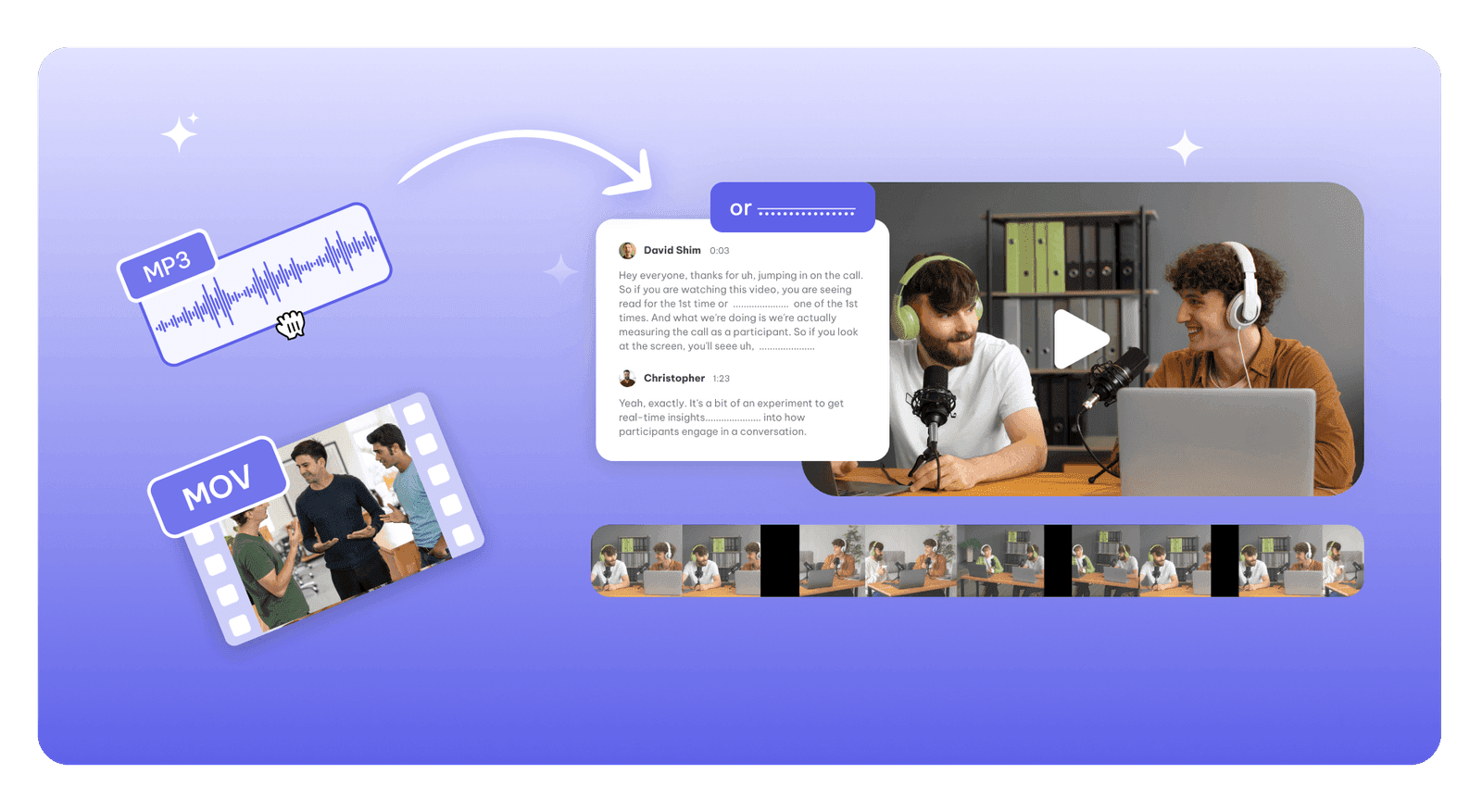
Silence remover
Remove silence from video and audio with Magic Cut: AI finds pauses and filler words in the…
One upload. Every format you need.
Drop in a recording and work from the transcript — clips, captions, chapters, show notes and posts all come from the same file.